HUD Darkmode
Java resource pack listed for Minecraft 26.x. Downloads from the MC Java Mods app on Android.
⬇ Download on Modrinth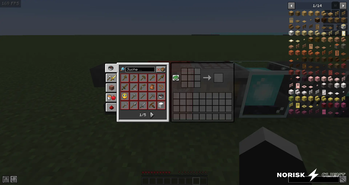
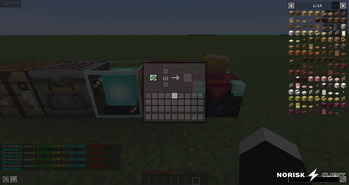
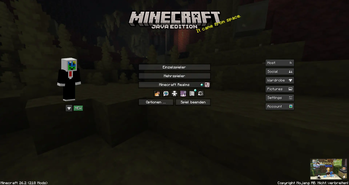
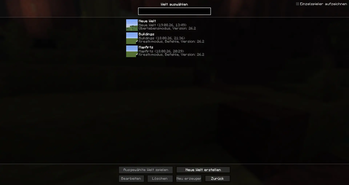
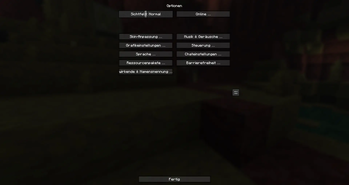
🌙 HUD Dark Mode
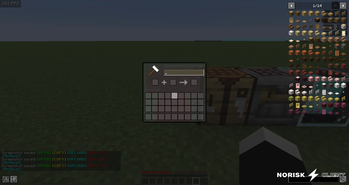
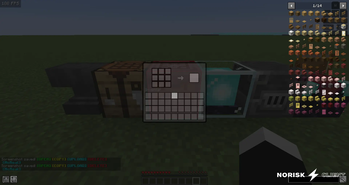
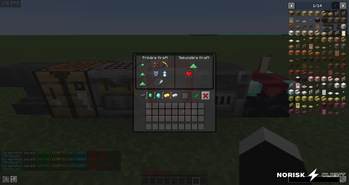
Give your Minecraft interface a sleek, modern look! This resource pack overhauls the default HUD and various menus into a clean, pleasant dark color scheme.
✨ Why HUD Dark Mode?
Easy on the Eyes: Say goodbye to blinding white menus, especially if you're gaming late at night in a dark room. Your eyes will thank you.
Core Stuff is Ready: Important menus like the inventory, crafting table, anvil, and beacon have already received their dark makeover.
🛠️ Project Status
Heads up: This project is still a work in progress and far from finished! Not all menus and UI elements are converted yet. I'm building it bit by bit in my free time.
- Edition: Minecraft Java
- File type: .zip (resource pack)
- Minecraft version listed: 26.2
- How to install: Download the .zip resource pack — do not unzip it. → Put it in .minecraft/resourcepacks. → Enable it in Options → Resource Packs.
- Where to get it: Opens on Modrinth — not every file is mirrored on our own servers.
Install steps are the general flow for this file type — How to install Minecraft Java resource packs walks through it step by step.
- Downloads as HUD_Darkmode_1.1.2.zip
- Download size: 95 KB
- Download link checked 6 Oct 2026 — working
These come from our own check of the pack file, not from the source page.