
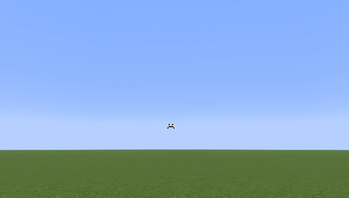
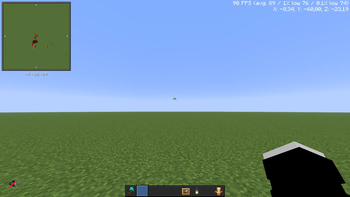

😔 Sad Crosshair
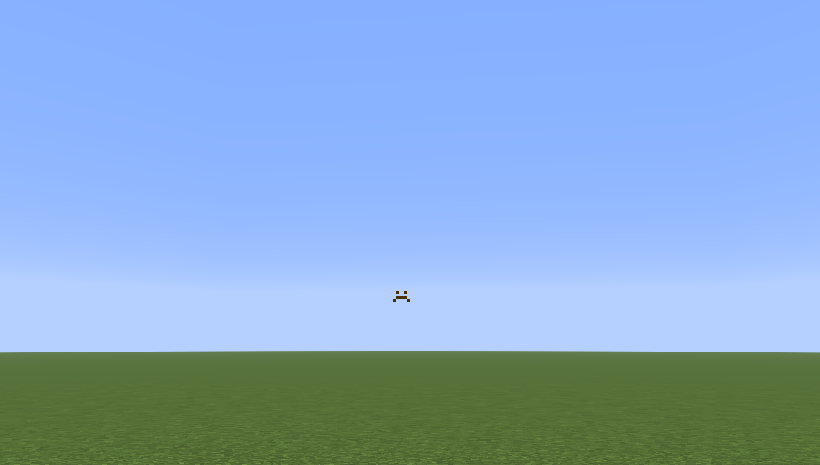
A simple and clean crosshair for a less distracting Minecraft experience.
✨ Features
- Simple crosshair design
- Minimal and unobtrusive
- Clean vanilla-friendly style
- Lightweight
- Easy to use
- Works with the Minecraft HUD
🎯 Why Sad Crosshair?
If you've ever wanted a crosshair that stays out of the way without completely changing Minecraft's familiar HUD, this pack is for you.
Sad Crosshair keeps the crosshair small, simple, and easy to see while keeping the rest of Minecraft untouched.
Enjoy a cleaner screen and a less distracting crosshair while keeping the game feeling like Minecraft.
Keywords: Sad Crosshair, Minecraft Crosshair, Simple Crosshair, Clean Crosshair, Minimal Crosshair, Minecraft Resource Pack, Vanilla Friendly, 16x.
⭐ If you enjoy this pack, consider following the project for future updates!
💙 Support
Your feedback helps improve the pack!
⭐ Leave a favorite if you enjoy it. ☕ Support future updates on kofe.al.
- Edition: Minecraft Java
- File type: .zip (resource pack)
- Minecraft versions listed: 1.20, 1.20.1, 1.20.2
- How to install: Download the .zip resource pack — do not unzip it. → Put it in .minecraft/resourcepacks. → Enable it in Options → Resource Packs.
- Where to get it: Opens on Modrinth — not every file is mirrored on our own servers.
Install steps are the general flow for this file type — How to install Minecraft Java resource packs walks through it step by step.
- Downloads as Sad Crosshair 1.20-26.2.zip
- Download size: 3 KB
- Download link checked 16 Sept 2026 — working
These come from our own check of the pack file, not from the source page.