
ModsJava
In-Game Weather Forecast
Java mod listed for Minecraft 1.21. Downloads from the MC Java Mods app on Android.
⬇ Download on Modrinth


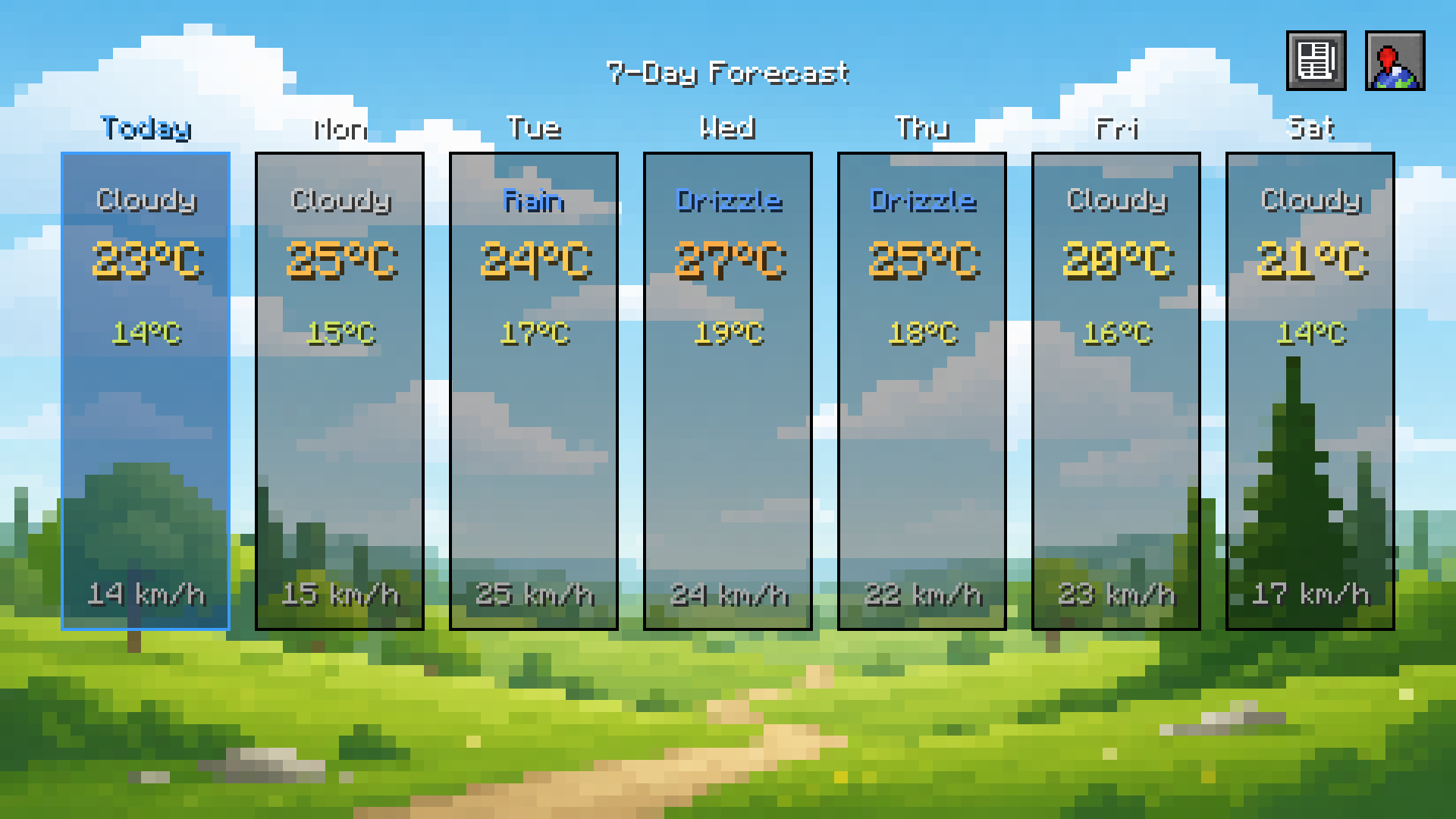
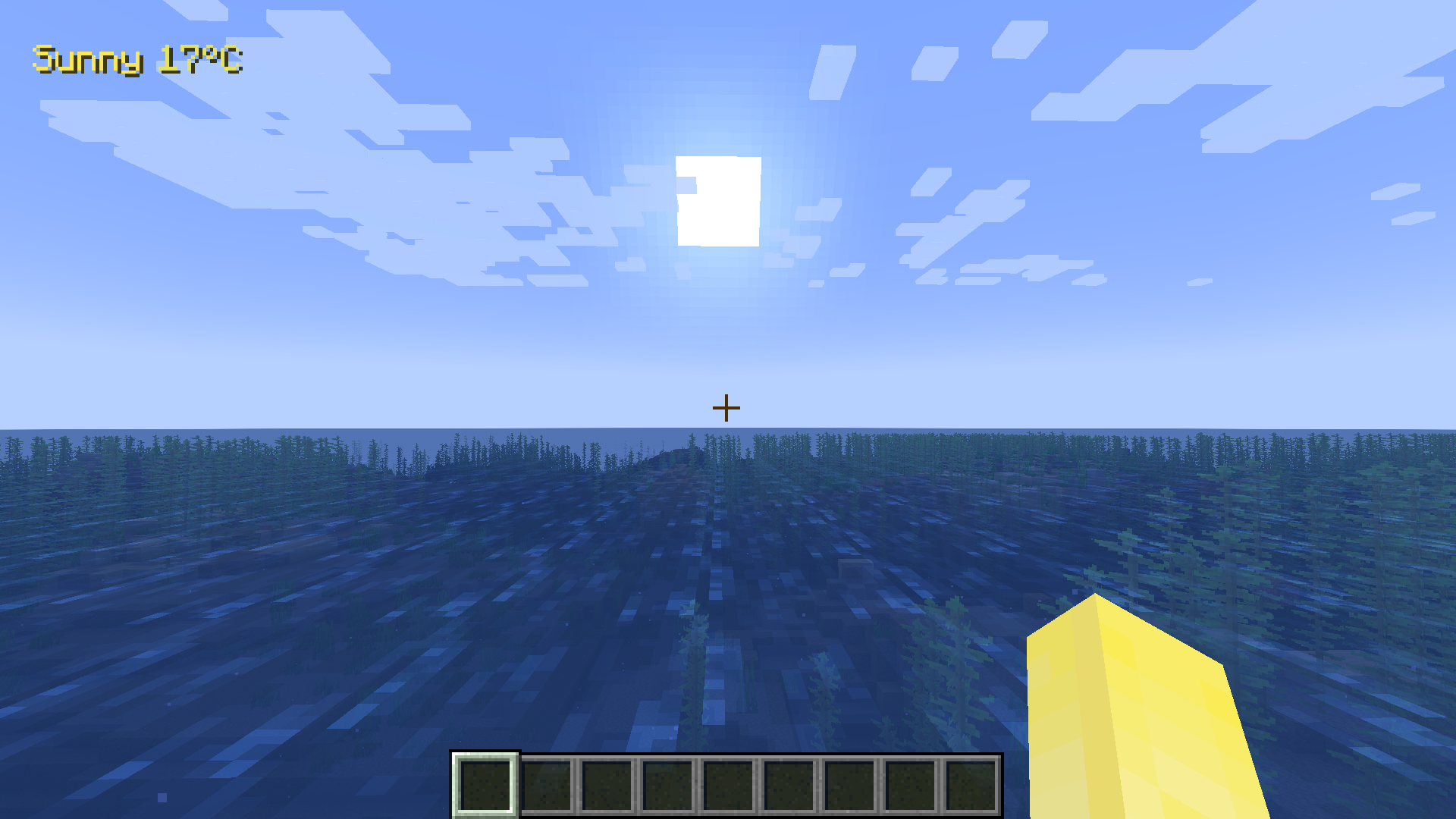 A live weather HUD and 7-day forecast menu for Minecraft, powered by real-world data from Open-Meteo.
What it does
- Shows the current weather icon, temperature, and wind speed in a small HUD overlay, fully draggable and resizable to anywhere on your screen
- Press a keybind to open a 7-day forecast menu, with each day showing its weather, high/low temperature, and wind speed
- Extreme weather warnings (thunderstorms, heavy snow/rain, high wind) shown directly in the HUD
- Fully customizable: HUD position and size, background color/opacity, Celsius/Fahrenheit, km/h/mph, and either automatic hot/cold color-coding or your own custom colors for temperature and weather type
- Add your own custom weather icons with a simple resource pack - no coding required (see the in-game guide under News > About)
- A built-in News page for update announcements and links to the author's other projects
Why you'd want it
If you like immersive survival, roleplay, or just want to know whether to bring a boat before a flood, this mod gives you real, live weather data without alt-tabbing to check a weather app. Everything is genuinely optional and placed exactly where you want it - it won't clutter your screen or conflict with other HUD mods/minimaps.
Before you download
- Requires an internet connection - weather data comes from the free Open-Meteo API, refreshed automatically every 15 minutes
- Client-side only, does not need to be installed on servers
- Currently supports NeoForge 1.21.1
Quick facts
- Edition: Minecraft Java
- File type: .jar
- Minecraft version listed: 1.21.1
- How to install: Install the matching mod loader (Forge, Fabric or NeoForge) for your Minecraft version. → Download the .jar. → Put it in the .minecraft/mods folder and launch that loader profile.
- Where to get it: Opens on Modrinth — not every file is mirrored on our own servers.
Install steps are the general flow for this file type — How to install Minecraft Java mods & modpacks walks through it step by step.
File checked by MCModsHub
- Ships as weatherforecast-1.0.0.jar — drop this file into the mods folder
- Download size: 119 KB
- Download link checked 6 Oct 2026 — working
These come from our own check of the pack file, not from the source page.