
PPR Mob Stacker & Drop Optimizer
Bedrock add-on listed for Minecraft 26.x. File opened and checked on 26 Sep 2026; installs from the MC Bedrock Mods app on Android.
Reduce world lag with automatic mob, item, and XP stacking, direct auto pickup collection, configurable holograms, and easy stack management.
⬇ Download on CurseForgeThe author built this one for Minecraft 26.40. On other versions it may install and then do nothing.

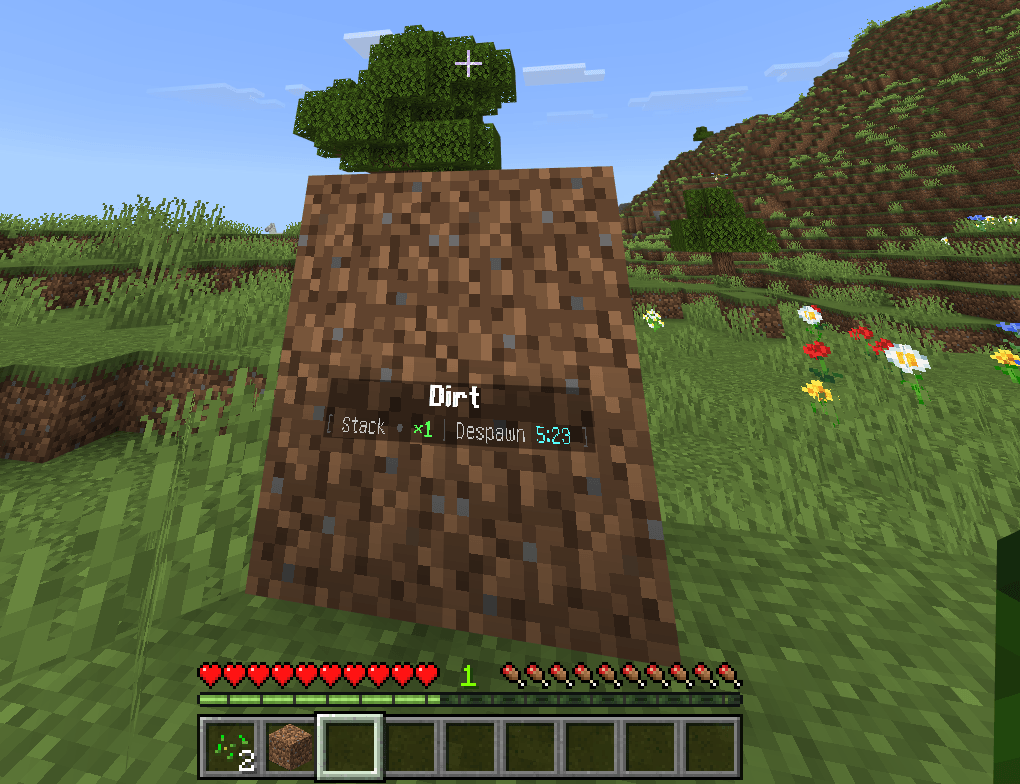
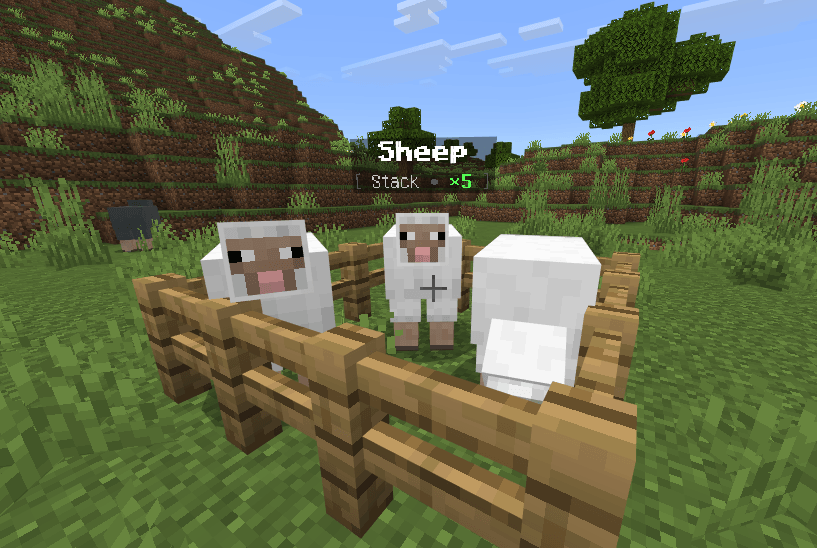
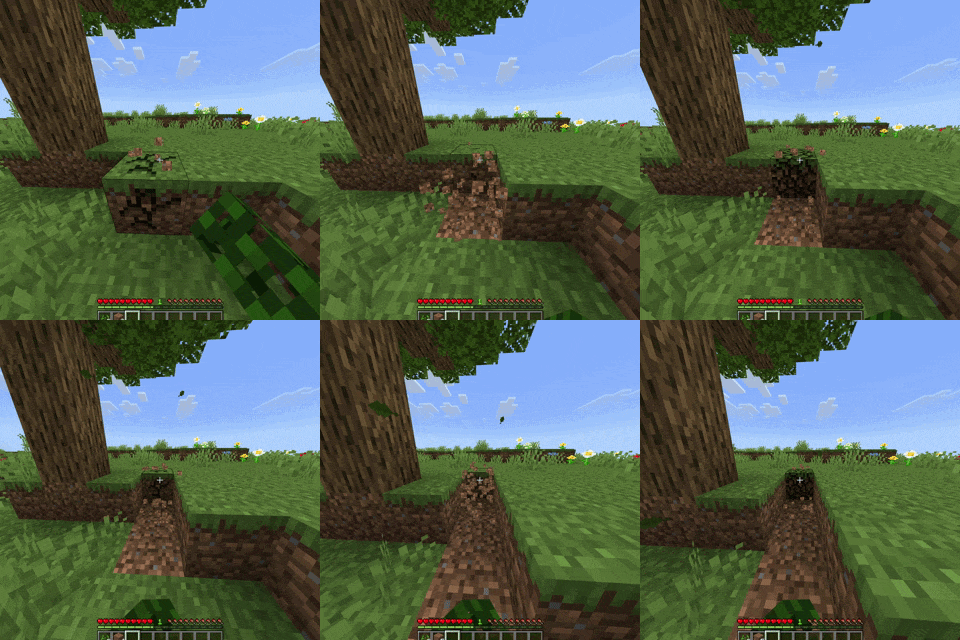
PPR Mob Stacker & Drop Optimizer reduces entity clutter and improves world performance while preserving normal gameplay. Auto Collection Of Broken Blocks And Mob Stacking To Reduce Lag.
FEATURES
• Automatically combines compatible nearby mobs into stacks
• Supports base-game mobs
• Keeps babies and adults in separate stacks
• Excludes tamed and leashed mobs from automatic stacking
• Displays clean holograms showing the mob type and stack amount
• Configurable mob-stacking radius
• Configurable mob hologram text
• Configurable stacked-mob death behavior
• Custom merge animation with a bubble-pop sound
• Crouch and interact with a stacked mob to open the Stack Manager
• Split a chosen amount into a new separate stack to allow breeding
• Splitting 1 releases an individual mob
• Split stacks remain separated for 30 seconds to prevent immediate remerging
• Merge Nearby option instantly recombines compatible mobs
• Breeding support by splitting individual animals from a stack
ITEM AND DROP OPTIMIZATION
• Automatically combines matching dropped items
• Reduces loose item entities and world clutter
• Automatically collects supported mined drops when inventory space is available
• Configurable item combination and display ranges
• Customizable item holograms
• Add, remove, and view items excluded from stacking
• Fast stacking mode for improved performance
XP OPTIMIZATION
• Merges and batches XP orbs
• Preserves earned XP while reducing the number of active orb entities
• Optimizes XP produced by stacked mobs
SETTINGS AND INTERFACE
• Custom Ace of Spades settings card
• Settings card is given only on a player’s first join
• Separate controls for the Item Stacker and Mob Stacker systems
• Enable or disable individual systems
• Built-in add-on guide with controls, feature explanations, and breeding instructions
• Custom behavior-pack and resource-pack icons
QUICK CONTROLS
• Use the Ace settings card to open the control center
• Crouch and interact with a stacked mob to open its Stack Manager
• Select Split Stack and enter an amount to create a separate stack
• Split 1 twice when you need two individual animals for breeding
• Select Merge Nearby to recombine compatible mobs immediately
- Edition: Minecraft Bedrock
- File type: .mcpack or .mcaddon
- Minecraft version listed: 26.40
- How to install: Download the .mcpack or .mcaddon file. → Open it — Minecraft imports it. → In your world: Behavior Packs → Available → Activate, then the same under Resource Packs.
- Where to get it: Opens on CurseForge — not every file is mirrored on our own servers.
Install steps are the general flow for this file type — How to install Minecraft Bedrock addons & mods walks through it step by step.
- Pack type: .mcaddon — behaviour and resource pack in one file
- Download size: 253 KB
- Download link checked 6 Oct 2026 — working
These come from our own check of the pack file, not from the source page.