AddonsBedrock
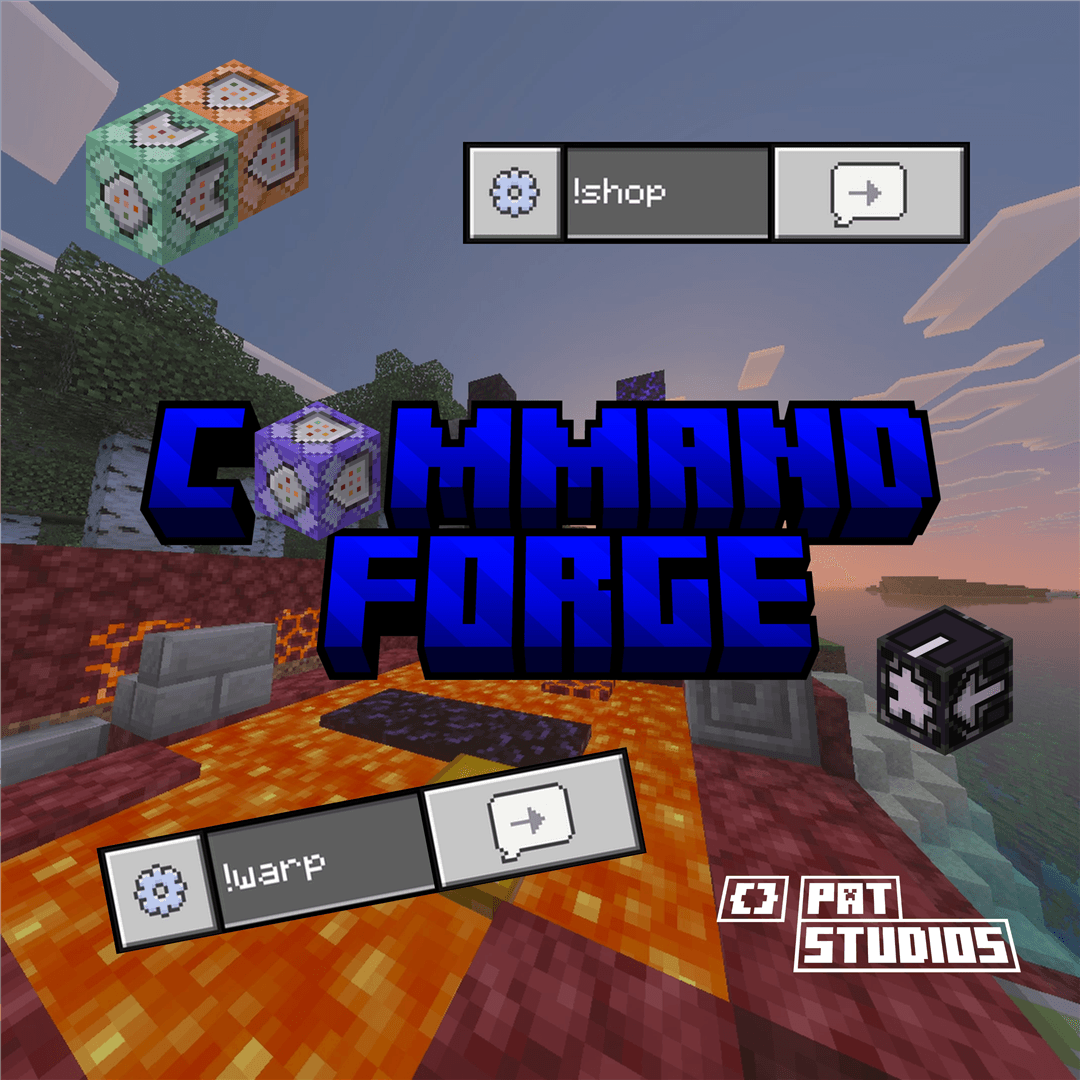
Command Forge - Custom Command v26.40
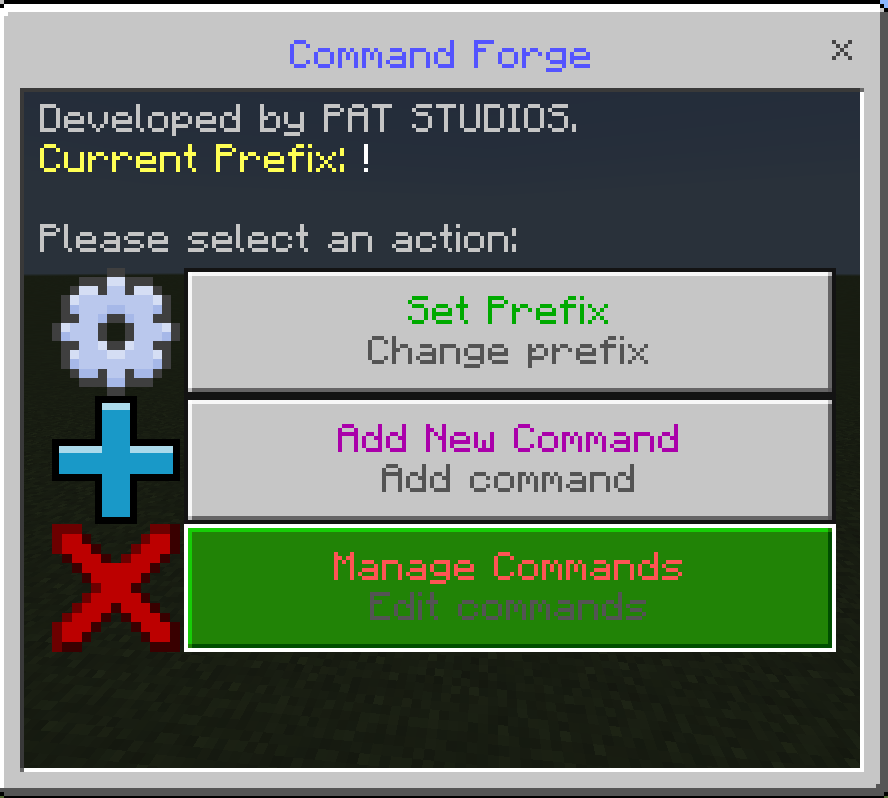
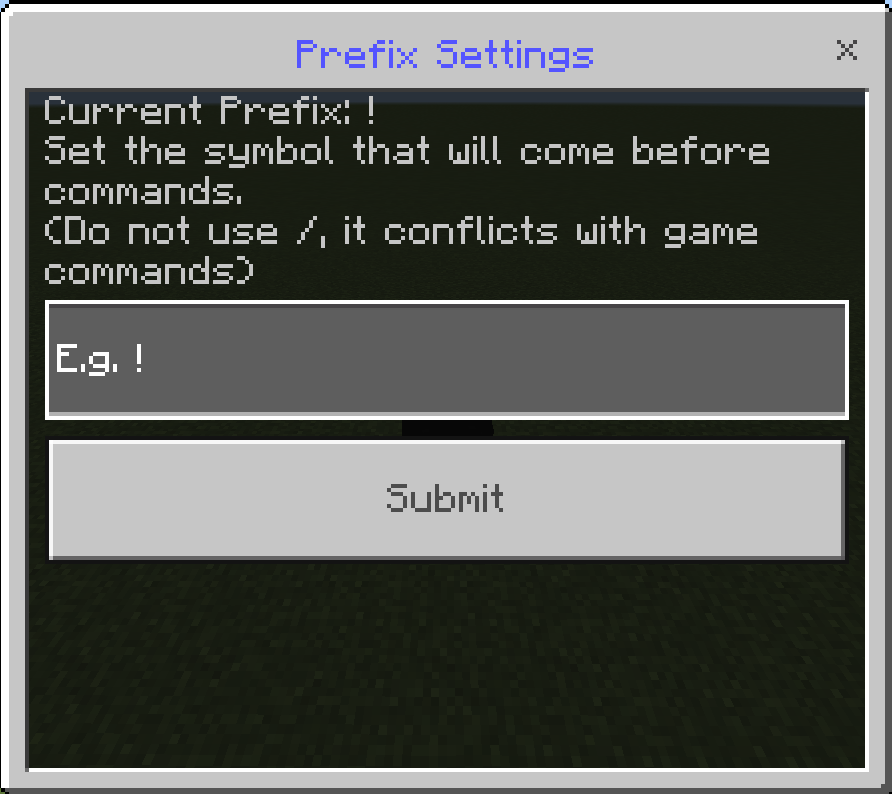
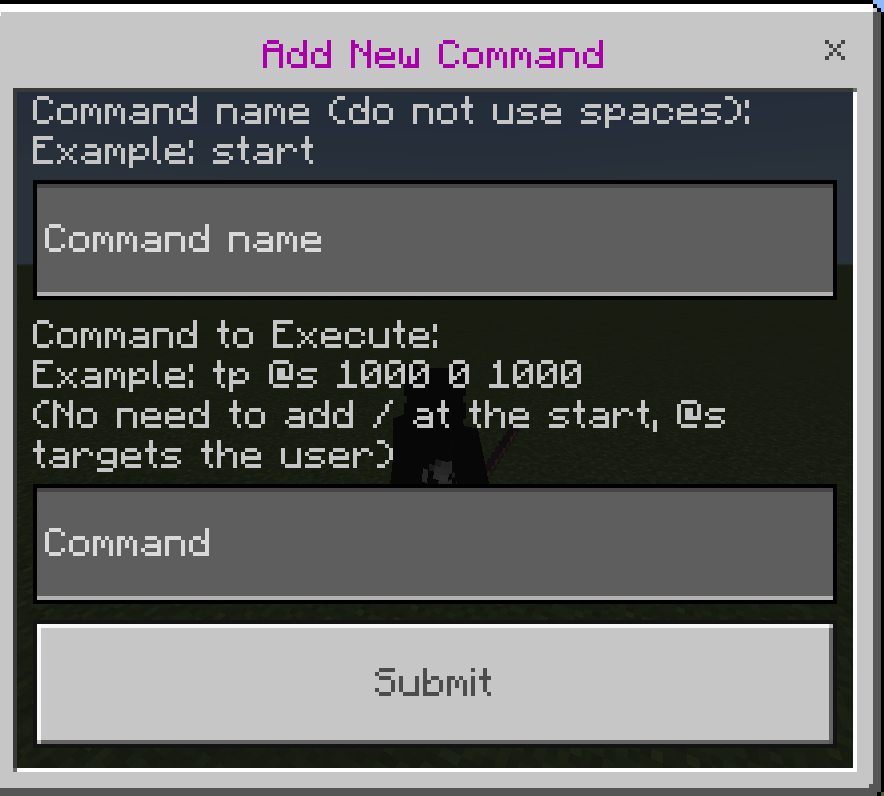
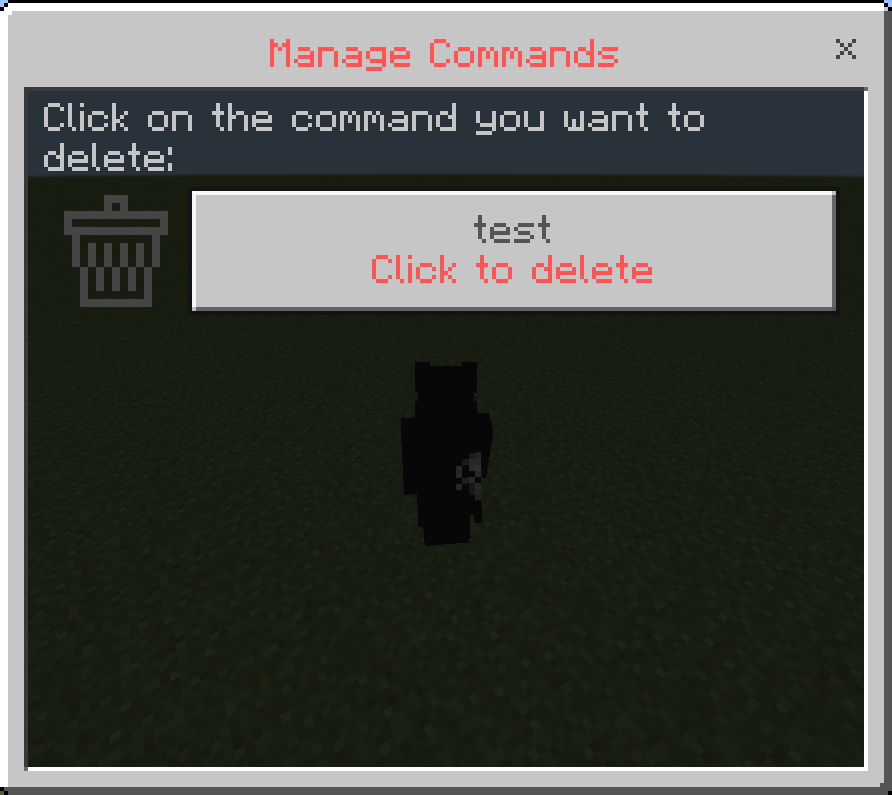
Create and manage your own custom commands with an easy in-game UI menu! Perfect for realms and servers. #PAT STUDIOS #PAT Studıos #CustomCommand
⬇ Download on CurseForgeThe author built this one for Minecraft 26.40. On other versions it may install and then do nothing.
Quick facts
- Edition: Minecraft Bedrock
- File type: .mcpack or .mcaddon
- Minecraft version listed: 26.40
- How to install: Download the .mcpack or .mcaddon file. → Open it — Minecraft imports it. → In your world: Behavior Packs → Available → Activate, then the same under Resource Packs.
- Where to get it: Opens on CurseForge — not every file is mirrored on our own servers.
Install steps are the general flow for this file type — How to install Minecraft Bedrock addons & mods walks through it step by step.
Verified by MCModsHub
- Save it as Command_Forge_BP.mcaddon before opening — it downloads as .mcpack, but it is a .mcaddon pack
- Manifest requires Minecraft 1.20.60 or newer
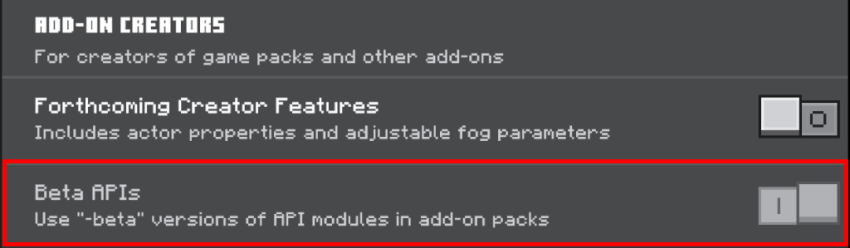
- Needs Beta APIs switched on in the world settings
- Download size: 22 KB
- Download link checked 16 Sept 2026 — working
These come from our own check of the pack file, not from the source page.