
BOUNTY (WORKING)
Bedrock add-on listed for Minecraft 26.x. File opened and checked on 27 Aug 2026; installs from the MC Bedrock Mods app on Android.
⬇ Download on CurseForge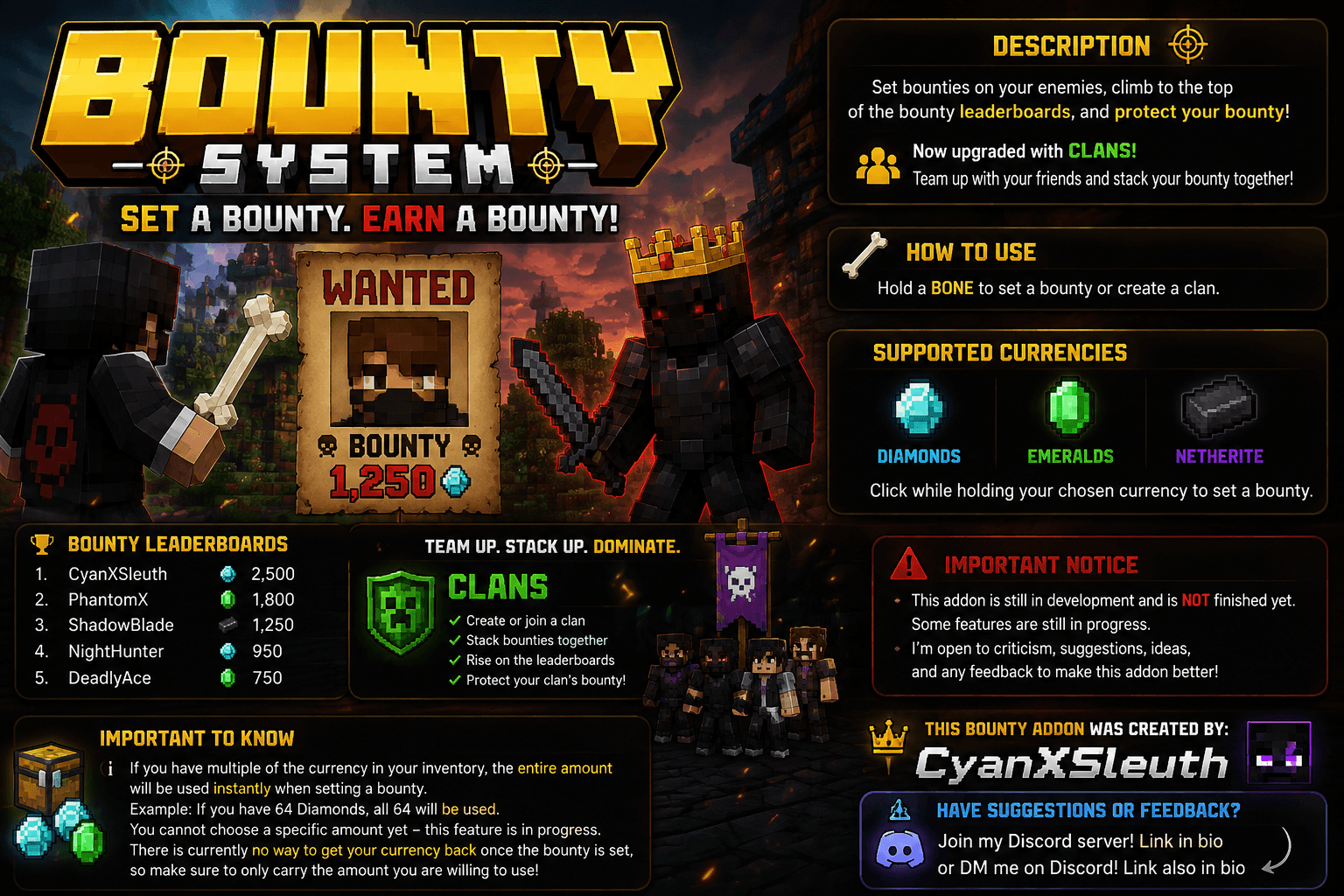
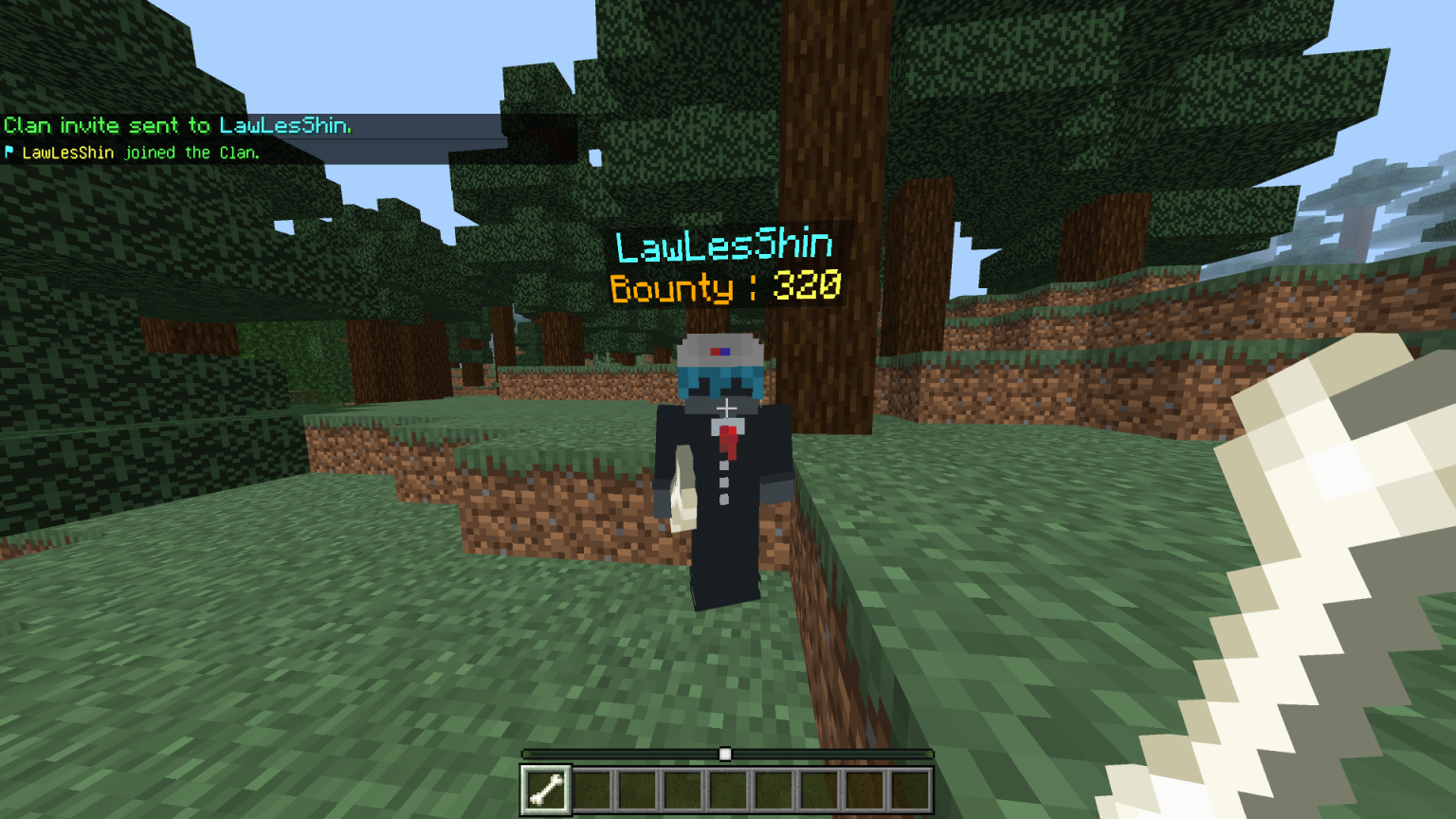
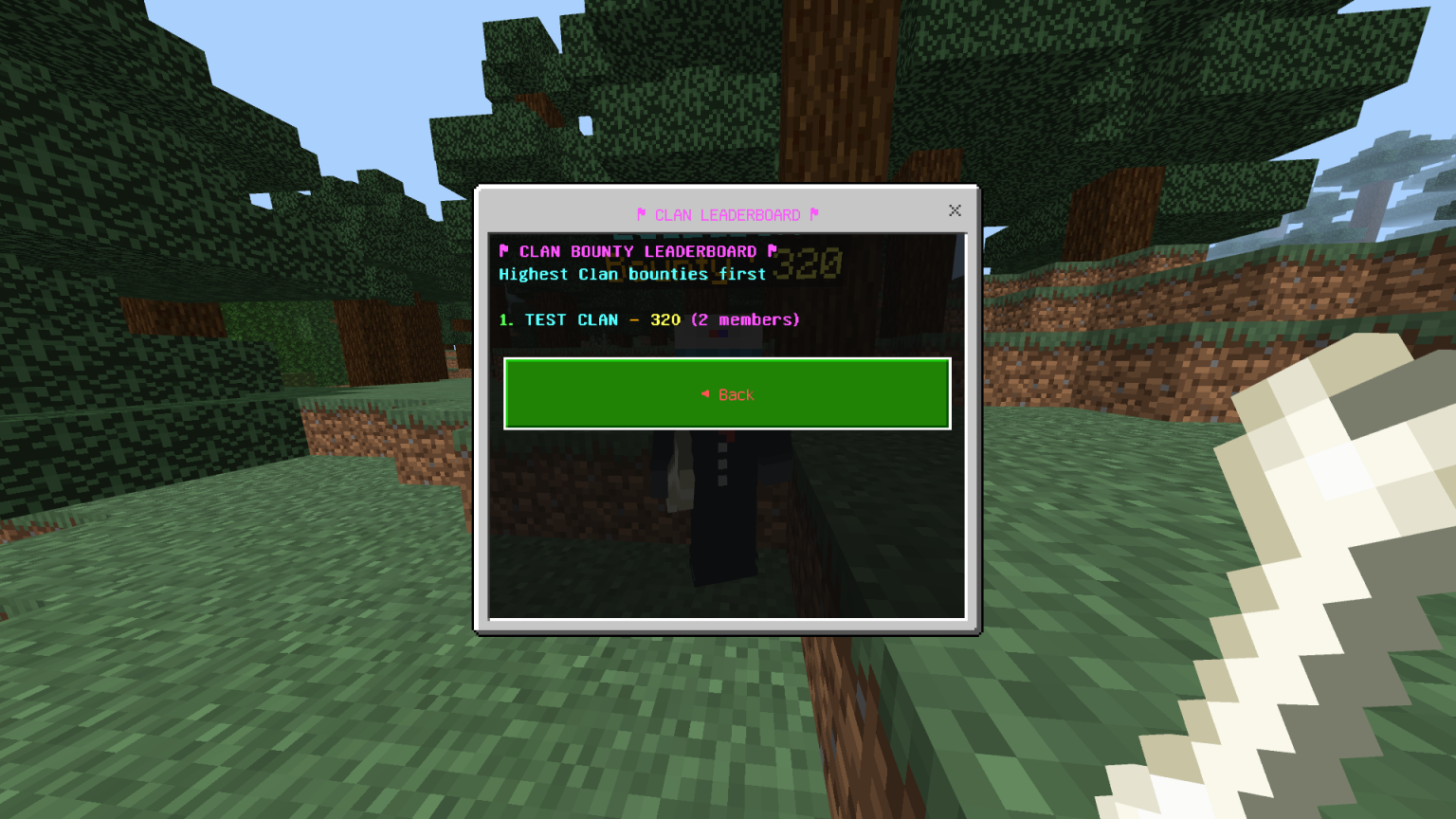
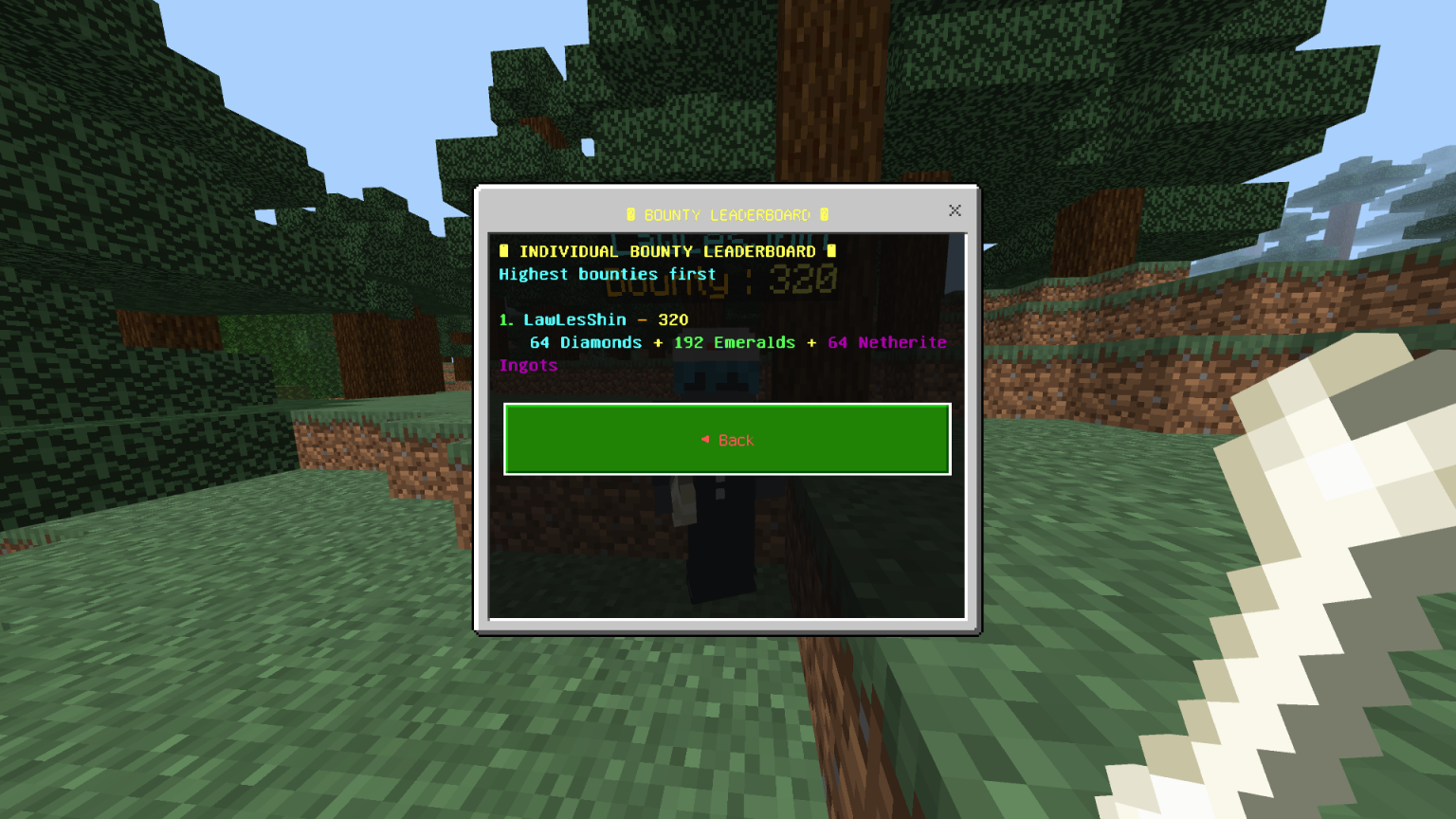
Set bounties on your enemies, climb to the top of the bounty leaderboard, and protect your bounty
Now upgraded with **Clans**, meaning you can team up with your friends and stack your bounty together!
## ⚠️ Important Notice
This addon is **still in development** and isn't fully finished yet.
I'm open to criticism, suggestions, ideas, and feedback to help improve the addon. Some features are still being worked on, so please bear with me!
🦴 How to Use
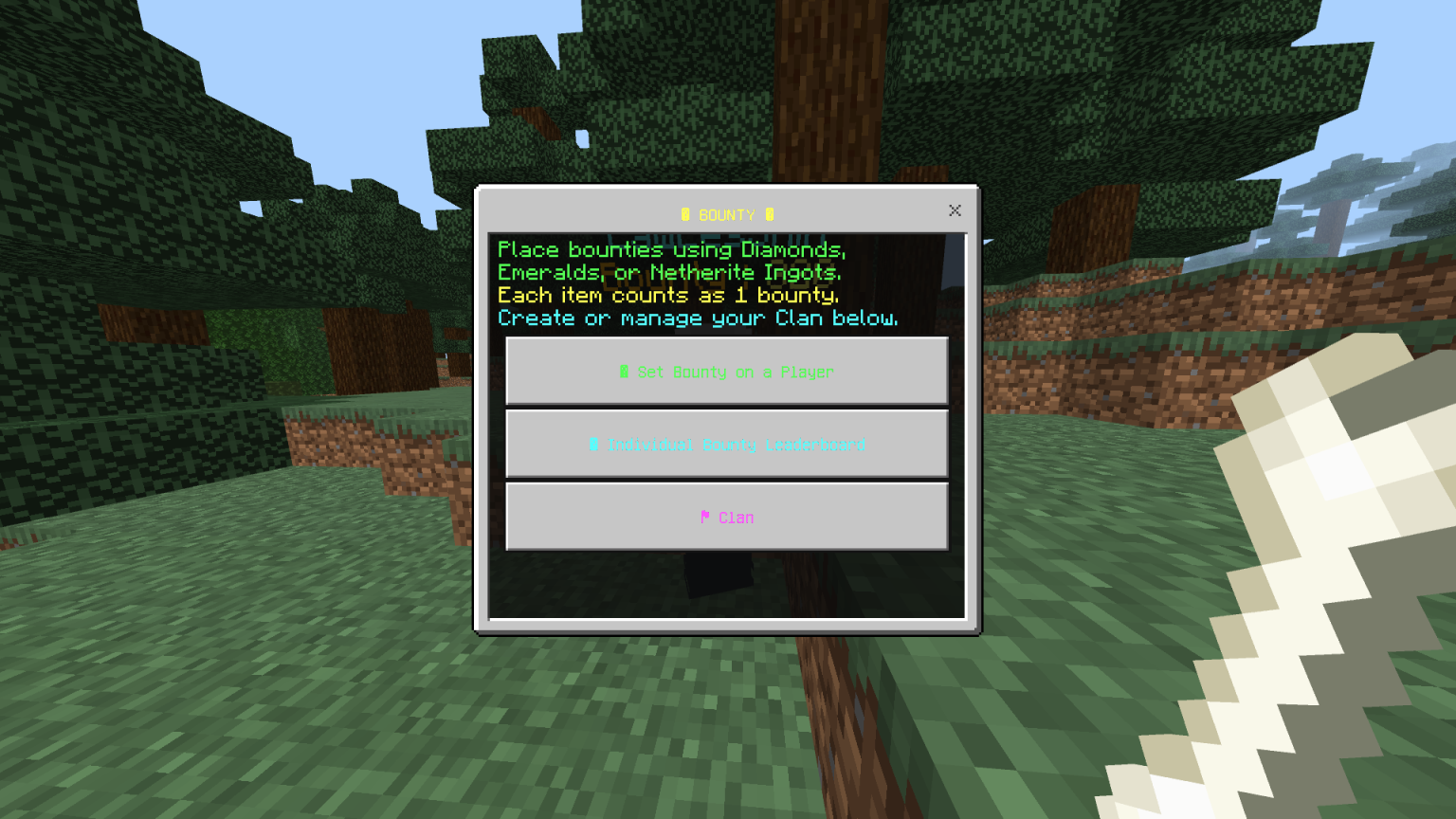
Hold a Bone to set a bounty or create a clan.
Currently, you can only use:
* 💎 Diamonds
* 🟢 Emeralds
* ⚫ Netherite
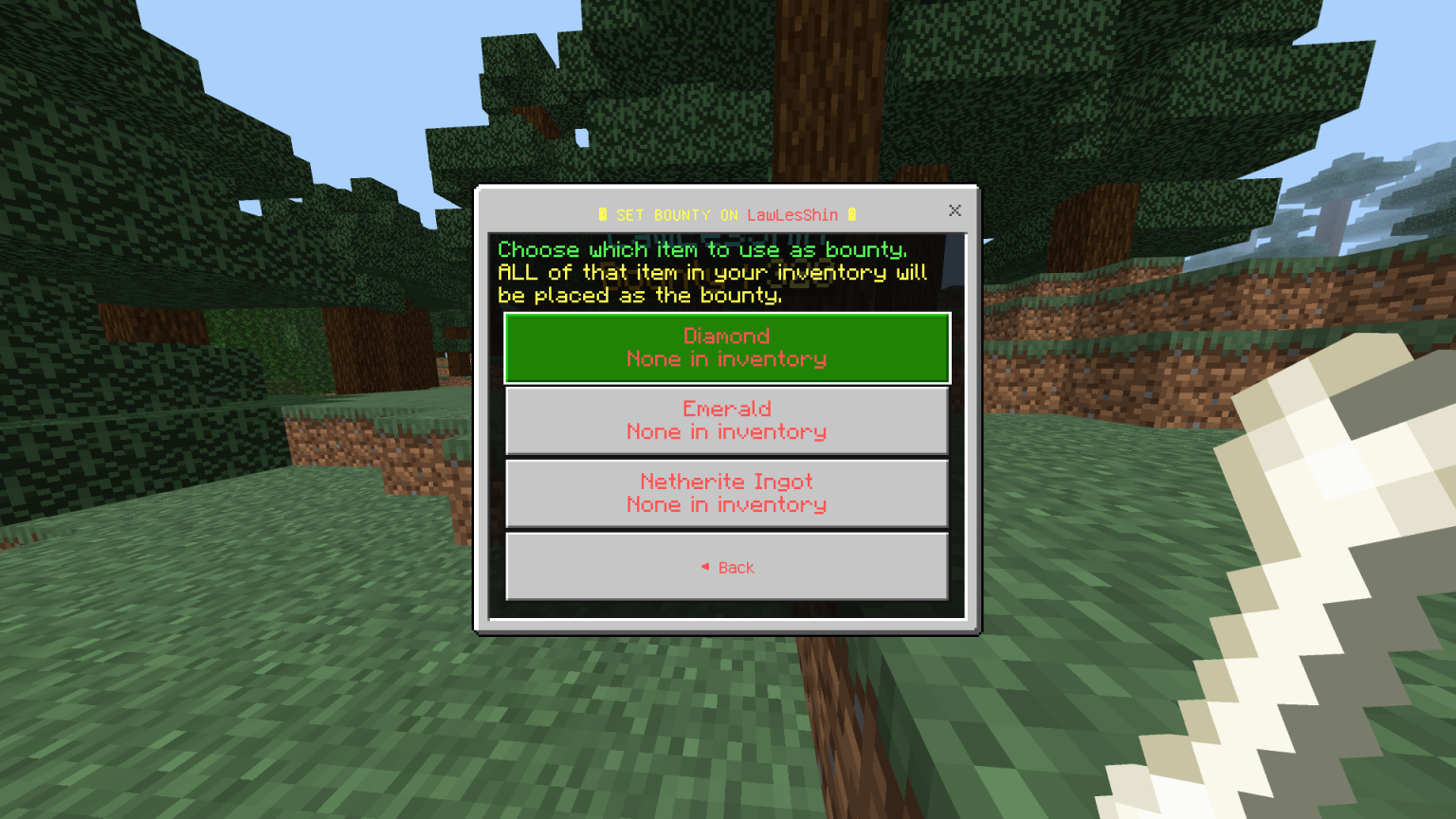
When setting a bounty, simply click while holding the currency you want to use.
⚠️ IMPORTANT: If you have multiple of the selected item in your inventory, the entire amount will be used instantly.
For example, if you have **64 Diamonds** and choose Diamonds to set a bounty, all 64 Diamonds will be taken.
You currently **cannot choose a specific amount** to use. This feature is still in progress.
💡 Recommendation
Before setting a bounty, make sure you only have the amount you actually want to spend in your inventory.
There is currently **no way to get the bounty currency back once it has been placed**, so choose your amount carefully! This feature is still being worked on. Forgive me for the inconvenience! 🙏
🏆 Bounty + Clans
With the new **Clan System**, you can team up with your friends and build your bounty together!
Work together, compete against other players, and climb the **Bounty Leaderboards**!
📢 Feedback & Suggestions
Any suggestions, criticism, or ideas are welcome!
You can send your suggestions through **Discord**. Join my Discord server using the **link in my bio**, or directly message me on Discord, which is also linked in my bio.
Without further ado, enjoy the Bounty Addon!
This bounty addon was created by CyanXSleuth.
Set a bounty. Earn a bounty. Become the most wanted. 💰
- Edition: Minecraft Bedrock
- File type: .mcpack or .mcaddon
- Minecraft versions listed: 26.20, 26.30, 26.40
- How to install: Download the .mcpack or .mcaddon file. → Open it — Minecraft imports it. → In your world: Behavior Packs → Available → Activate, then the same under Resource Packs.
- Where to get it: Opens on CurseForge — not every file is mirrored on our own servers.
Install steps are the general flow for this file type — How to install Minecraft Bedrock addons & mods walks through it step by step.
- Pack type: .mcaddon — behaviour and resource pack in one file
- Download size: 47 KB
- Download link checked 7 Oct 2026 — working
These come from our own check of the pack file, not from the source page.