Home›Java›Mods›Disable Custom Worlds Advice 9minecraft Mod (26.3) – Load Custom Saves Without Prompts

ModsJava
Disable Custom Worlds Advice 9minecraft Mod (26.3) – Load Custom Saves Without Prompts


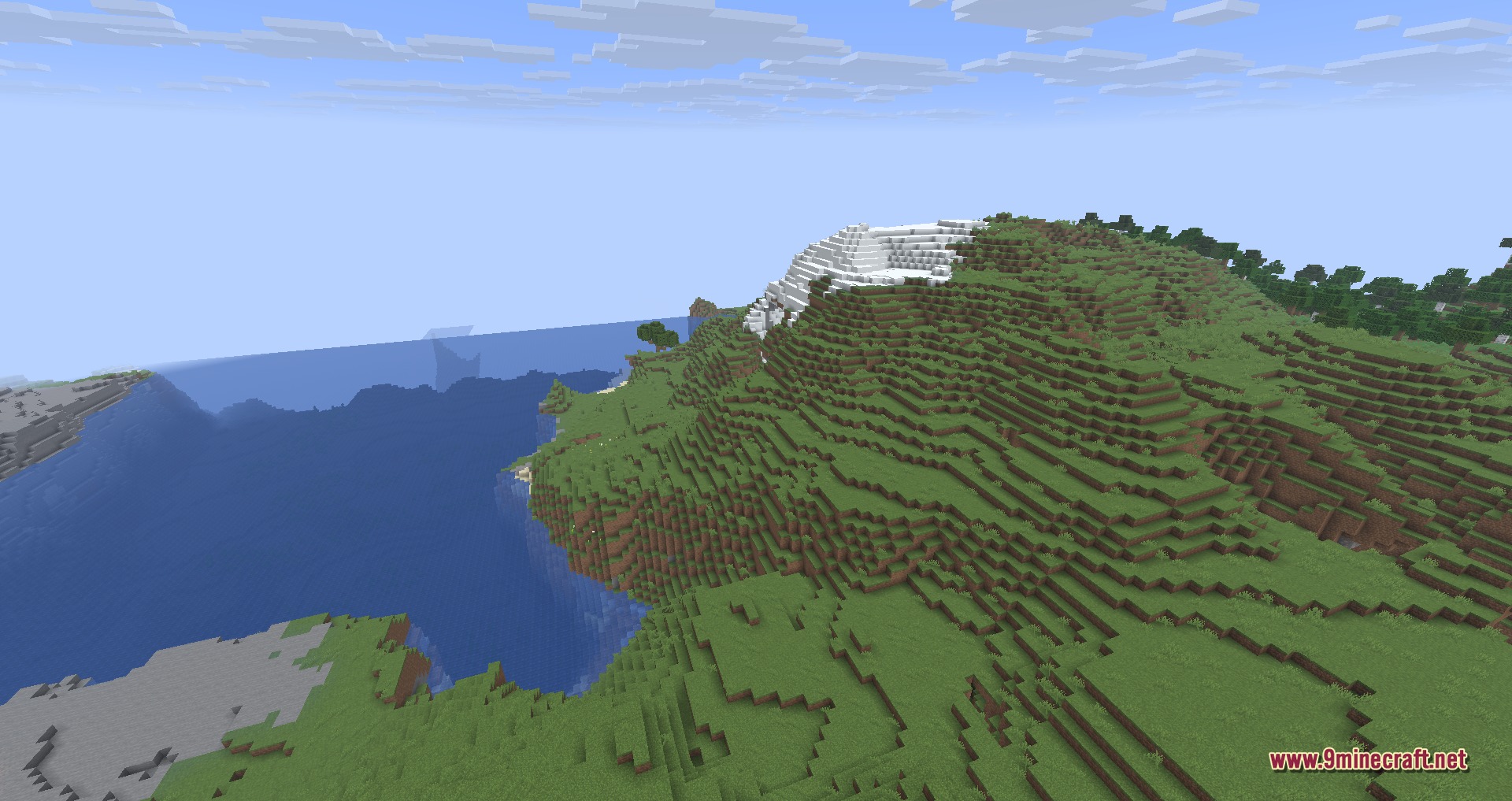
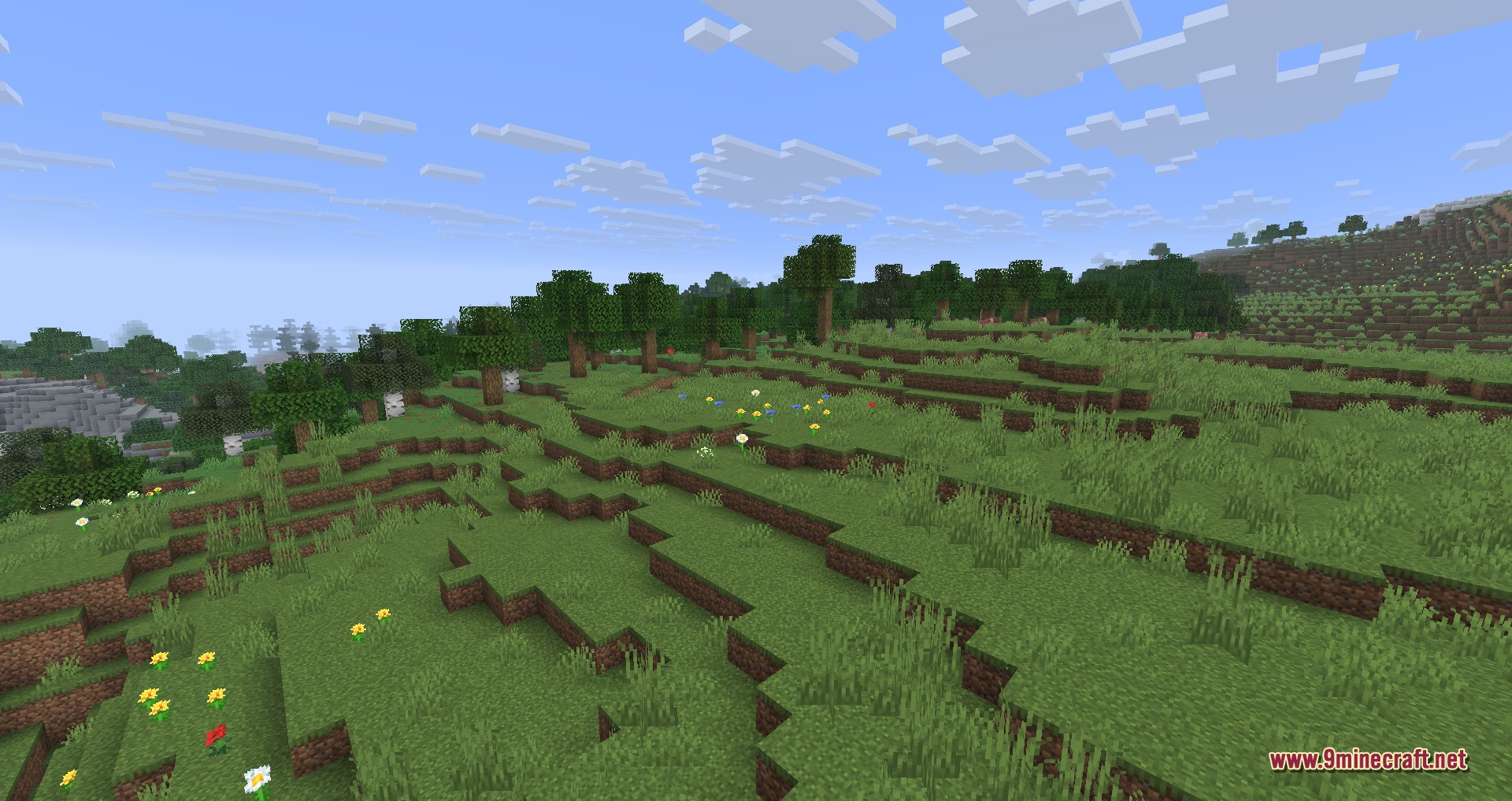

Disable Custom Worlds Advice 9minecraft Mod removes the experimental world warning screen whenever you load custom saves. It stops the game from interrupting your launch with confirmation boxes for data packs and custom world settings. You get straight into your world without having to click through extra prompt screens every single time.
Features:
- Bypasses Warning Screens: Skips the experimental confirmation prompt directly upon opening a world.
- Loads saves faster by cutting out extra confirmation clicks.
- Works with custom world generation, data packs, and experimental game toggles.
- Operates purely as a client-side tweak without altering world save data.
- Lets you add or remove the mod at any time without risking your worlds.
How to Use:
- Open your Minecraft world selection screen.
- Select and launch any save with custom data packs or experimental settings.
- Enter the game directly without seeing the advice popup window.
Screenshots:
Disable Custom Worlds Advice 9minecraft Mod Download Links
Quick facts
- Edition: Minecraft Java
- File type: .jar
- How to install: Install the matching mod loader (Forge, Fabric or NeoForge) for your Minecraft version. → Download the .jar. → Put it in the .minecraft/mods folder and launch that loader profile.
- Where to get it: In MC Java Mods, or directly above on this page.
Install steps are the general flow for this file type — How to install Minecraft Java mods & modpacks walks through it step by step.
Verified by MCModsHub
- Downloads as 500623.mcaddon
- Download size: 37 KB
- Download link checked 22 Sept 2026 — working
- Mirrored on our own servers — the download does not depend on the original host
These come from our own check of the pack file, not from the source page.