
Chakra Bound Warfare Mod (1.20.1) – Master Clan Jutsu and Command Shinobi Squads
Java mod listed for Minecraft 1.20. Download on the author's site.
⬇ Download
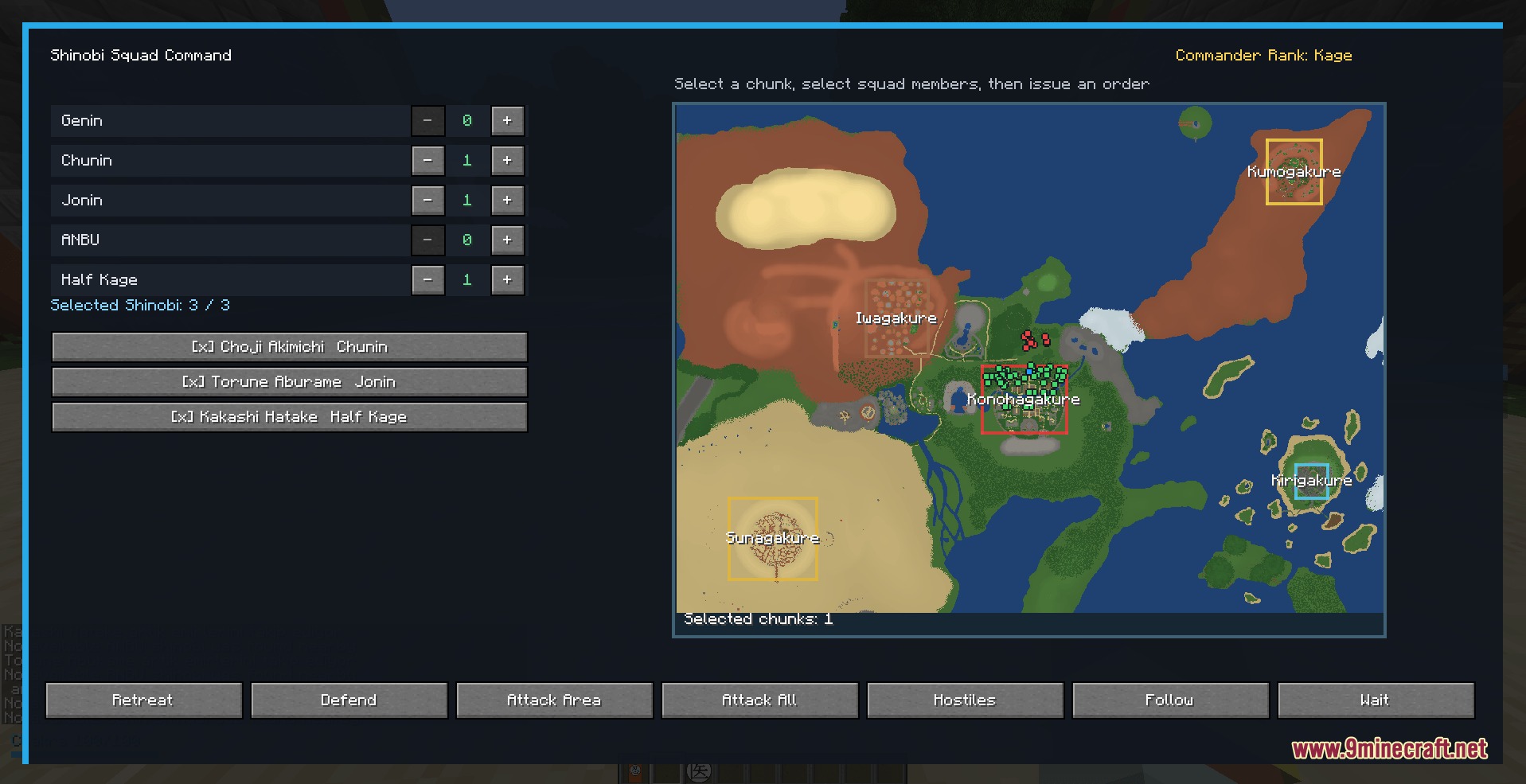
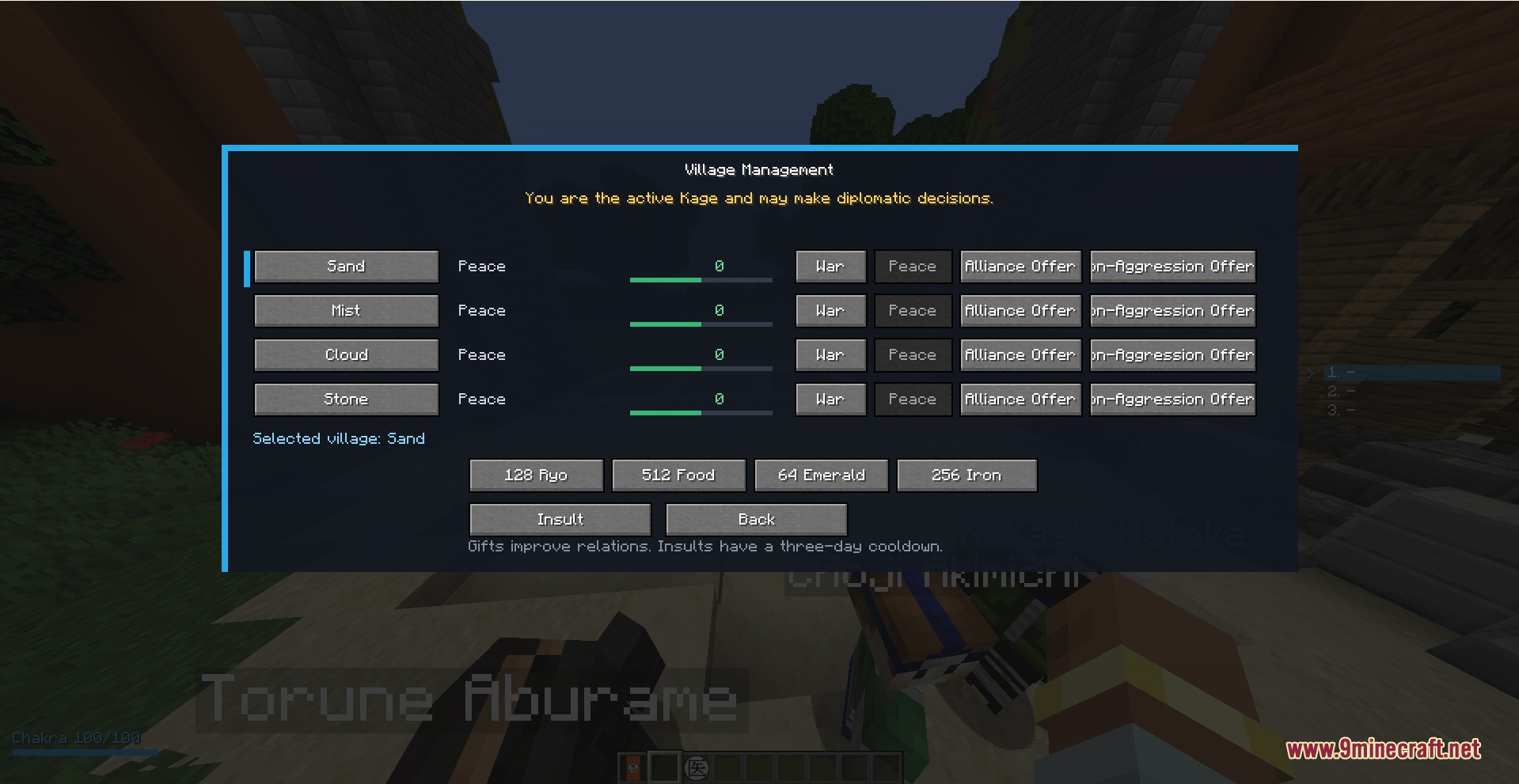
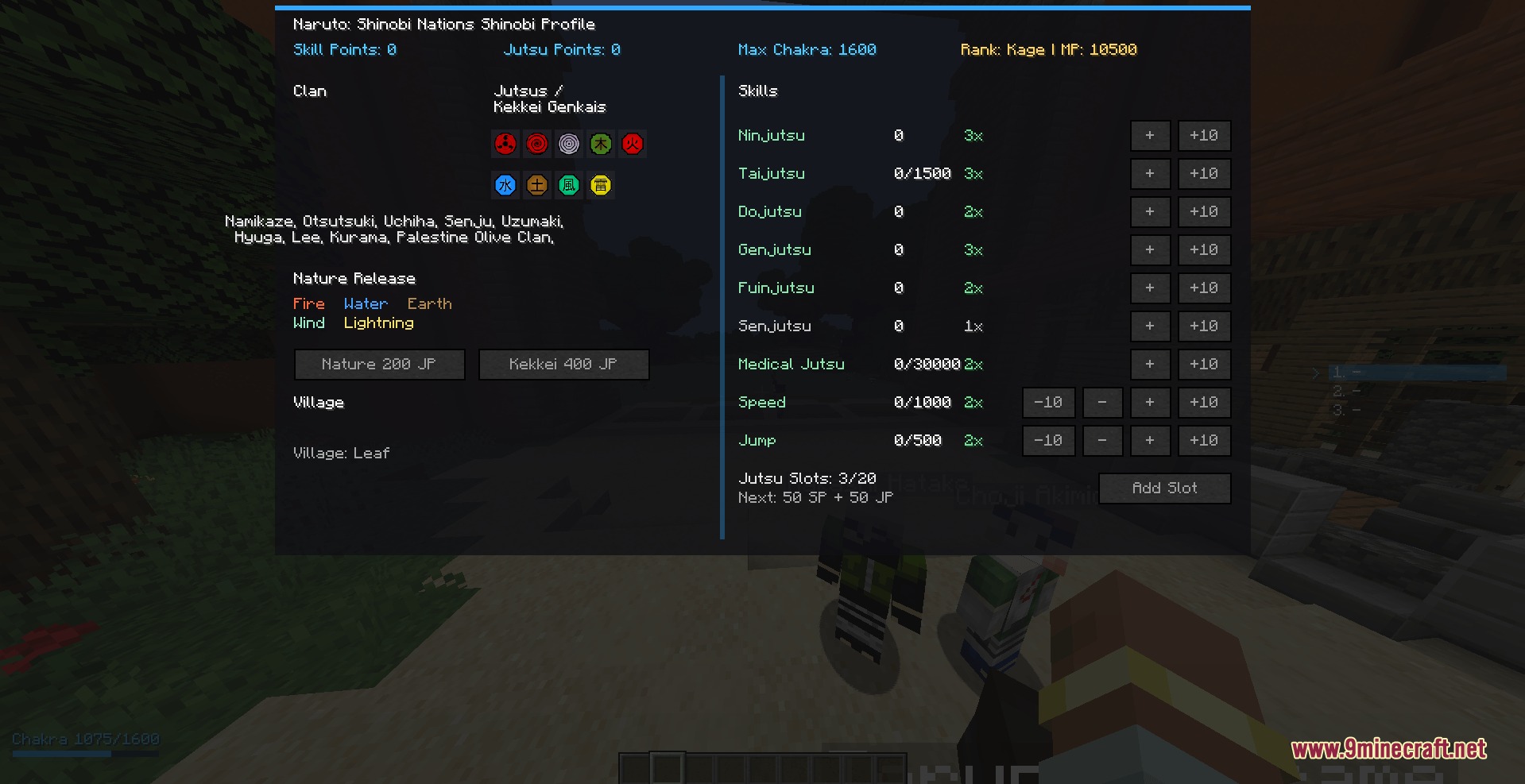
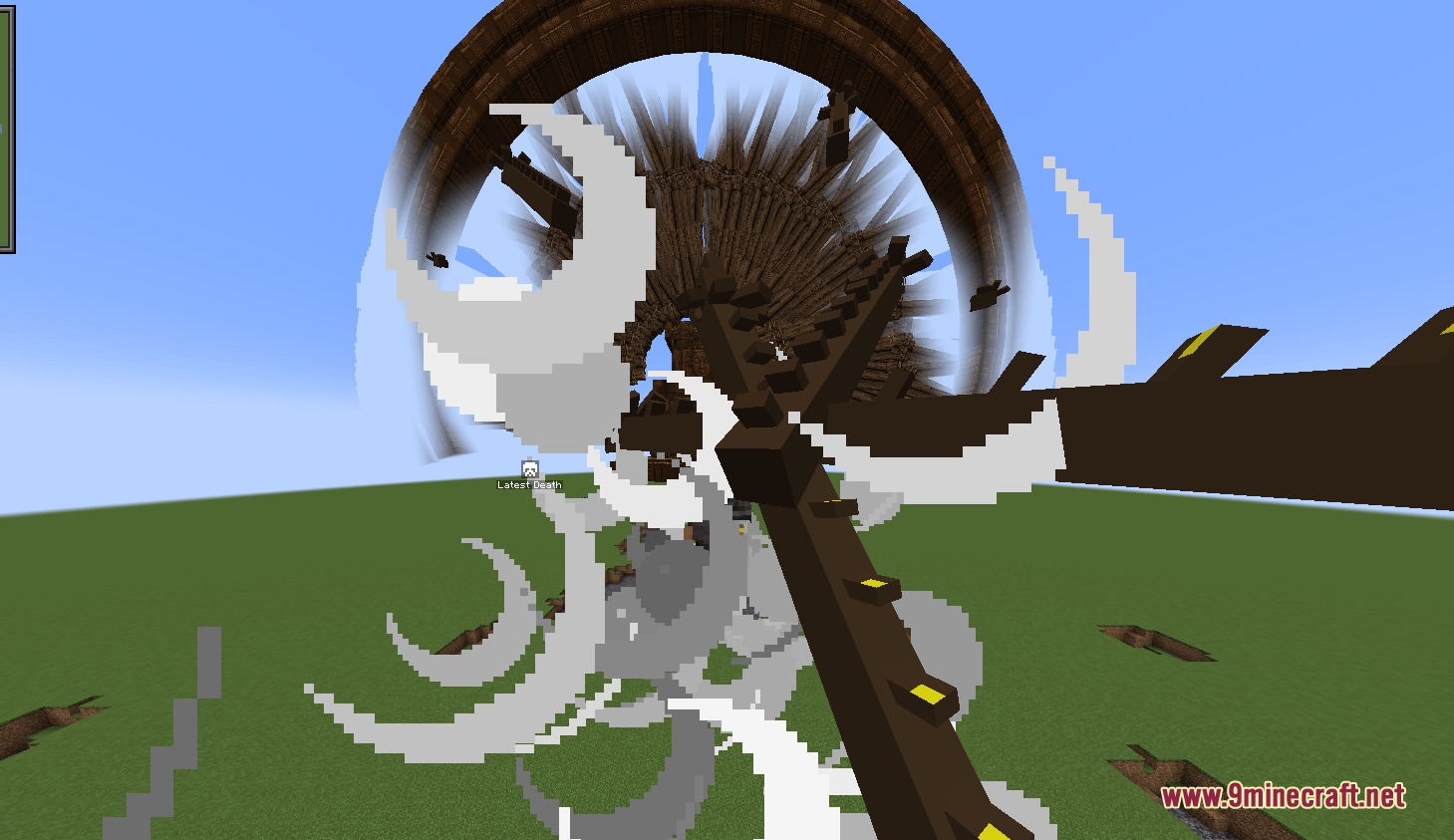
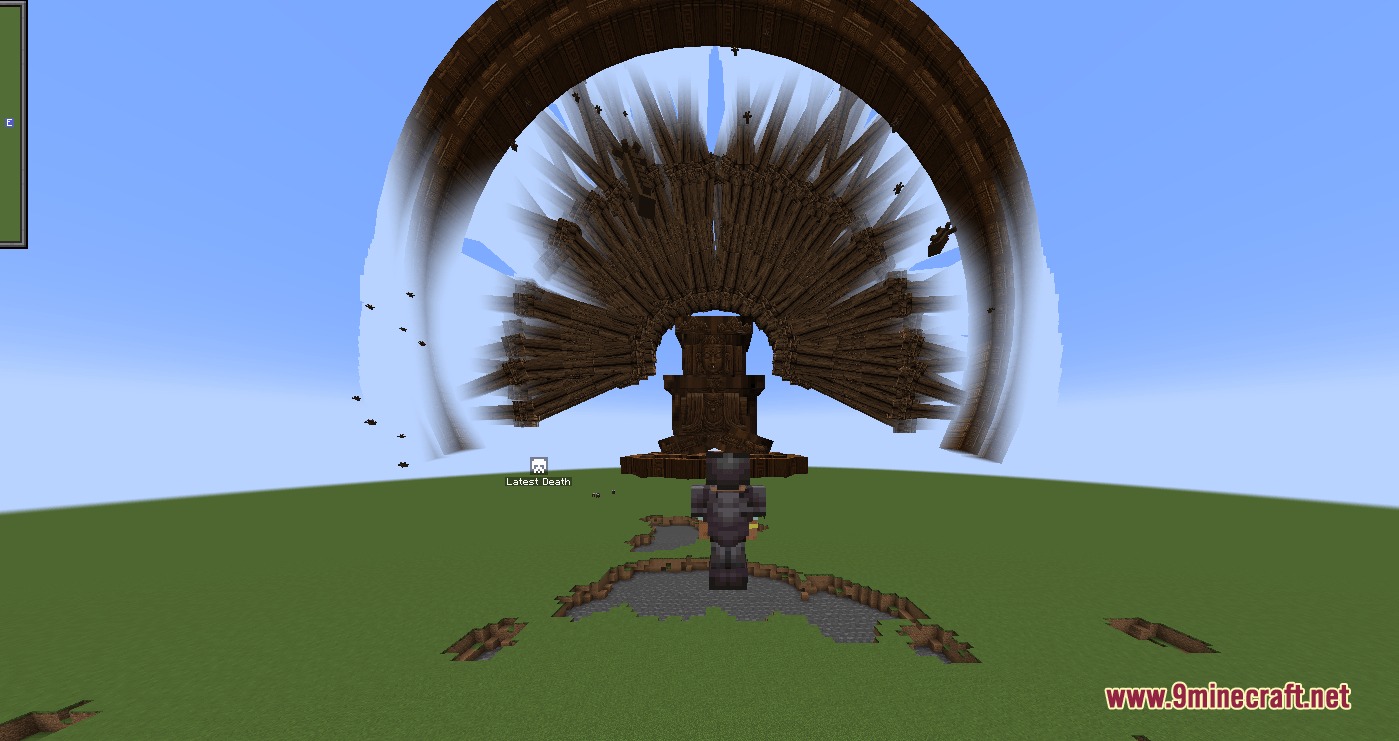
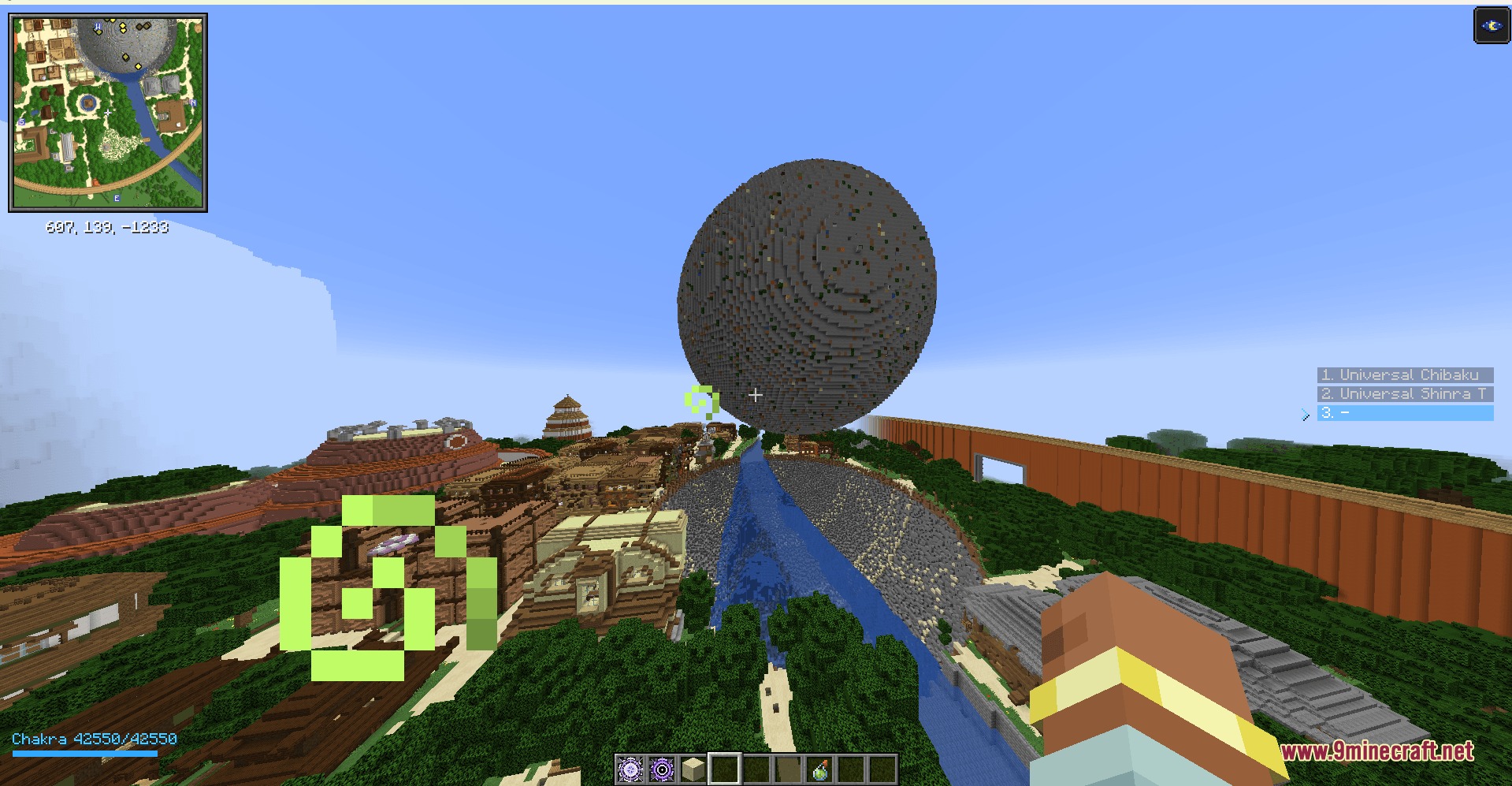
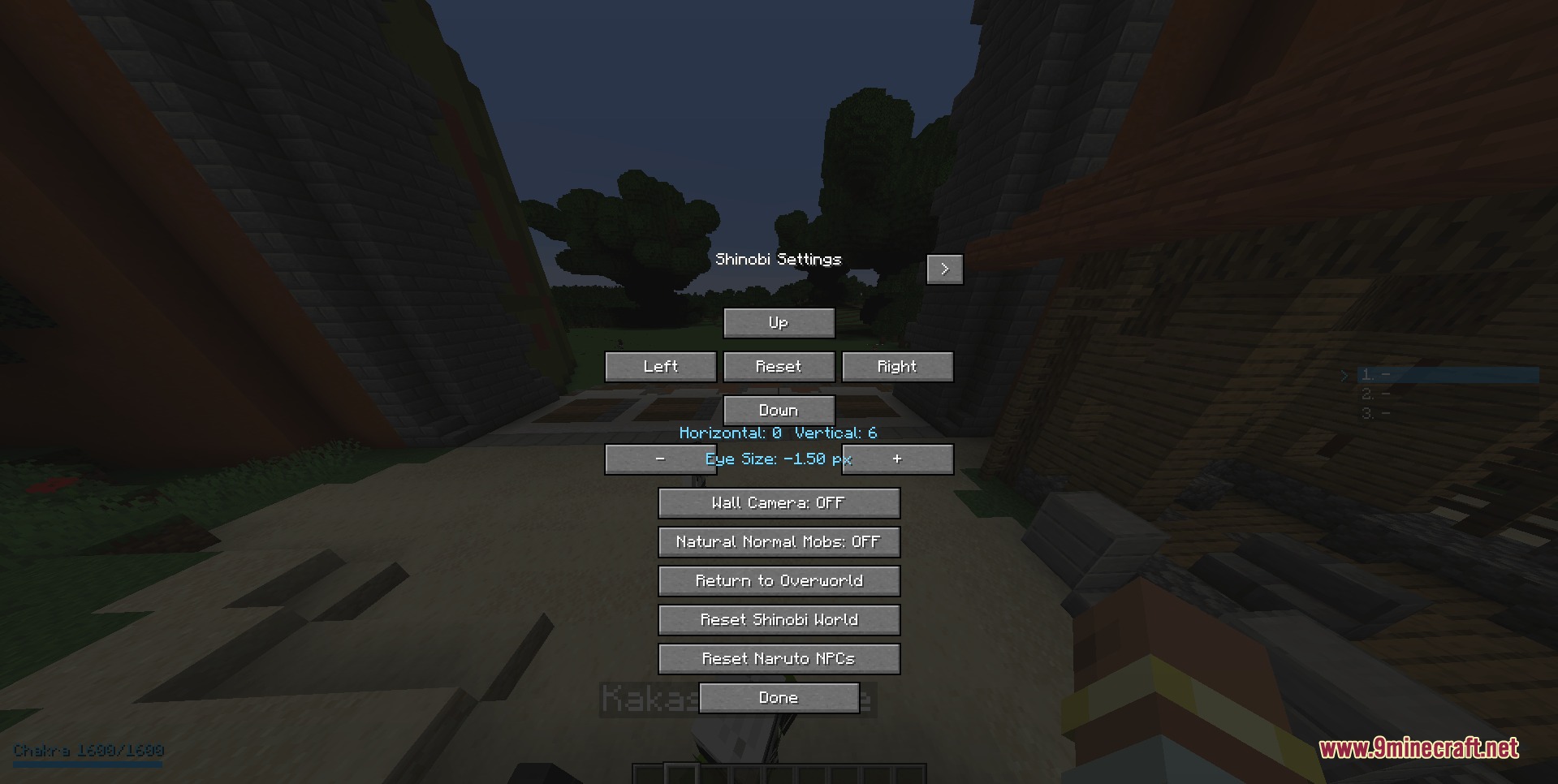
Chakra Bound Warfare Mod brings ninja techniques, clan paths, and special combat skills to Minecraft. You can choose a clan, train your chakra, and unlock over 140 different jutsu attacks. The mod also lets you activate special eye abilities, summon shadow clones, command NPC squads in battle, and travel across surfaces with chakra control. It works smoothly in both singleplayer worlds and multiplayer servers.
Features:
- Lets you create a shinobi profile to track your clan, chakra, skills, and unlocked moves.
- Includes over 140 unlockable jutsu across multiple elemental releases and physical fighting styles.
- Adds a Jutsu Point system that rewards training so you can unlock stronger techniques.
- Gives you access to powerful dojutsu eye stages and special battle forms like Susanoo.
- Lets you toggle Chakra Walk to run across water and scale difficult terrain without falling.
- Includes a Flying Raijin teleportation system using marked kunai thrown into surfaces.
- Provides a squad order menu to command allied shinobi during battles.
- Shadow clones copy your movement speed, jump height, and the item held in your main hand.
- Chakra naturally drains when casting spells or keeping transformations active.
Playable Clans:
- Otsutsuki: Wields godly chakra paths and ancient powers.
- Uchiha: Unlocks advanced ocular dojutsu and powerful fire attacks.
- Senju: Focuses on massive vitality and balanced physical strength.
- Uzumaki: Features deep chakra reserves and strong sealing traits.
- Hyuga: Boosts taijutsu limits and offers precise chakra vision.
- Lee: Reaches the highest physical taijutsu caps without relying on chakra.
- Namikaze: Focuses on rapid movement and space-time teleportation techniques.
- Kurama: Specializes in unique clan traits and fierce energy manipulation.
- Palestine, China, and Turk: Offer distinct progression lines and special fighting traits.
Elemental and Universal Jutsu:
- Wind Release Rasengan: Forms a spinning ball of chakra for massive melee impact.
- Lightning Release Chidori: Channels electric energy into a piercing forward rush.
- Kage Bunshin: Summons multiple shadow clones to confuse and overwhelm opponents.
- Fire Release: Unleashes burning fields, heat-tracking embers, flame bullets, and blazes.
- Water Release: Builds defensive water walls to block incoming strikes and projectiles.
How to Use:
- Press H to open your Shinobi Profile and select your starting clan.
- Train your character to earn Jutsu Points and spend them on new abilities in your skill tree.
- Assign unlocked abilities to your jutsu bar slots.
- Cycle through your jutsu slots with Mouse Button 4 and Mouse Button 5.
- Right-click with your hand or weapon to cast the selected technique.
- Press V to turn on Chakra Walk for easy movement over rough terrain and liquids.
- Press O to activate your dojutsu, and press Shift + O to switch eye forms.
- Press K to awaken Susanoo, or press Shift + K to dismiss it.
- Press B to open the squad command interface and issue tactical combat orders.
Screenshots:
Chakra Bound Warfare Mod Download Links
- Edition: Minecraft Java
- File type: .jar
- Minecraft version listed: 1.20.1
- How to install: Install the matching mod loader (Forge, Fabric or NeoForge) for your Minecraft version. → Download the .jar. → Put it in the .minecraft/mods folder and launch that loader profile.
- Where to get it: Opens on the file's original source — not every file is mirrored on our own servers.
Install steps are the general flow for this file type — How to install Minecraft Java mods & modpacks walks through it step by step.
Chakra Bound Warfare Mod (1.20.1) – Master Clan Jutsu and Command Shinobi Squads is a free Minecraft Java mod. Compatible with Minecraft 1.20.1. Download it and open it directly in the game.