
ModsJava
Jackpot Terminal Core Mod (1.21.1) – Play Casino Minigames and Bet with Friends
Java mod listed for Minecraft 1.21. Downloads from the MC Java Mods app on Android.
⬇ Download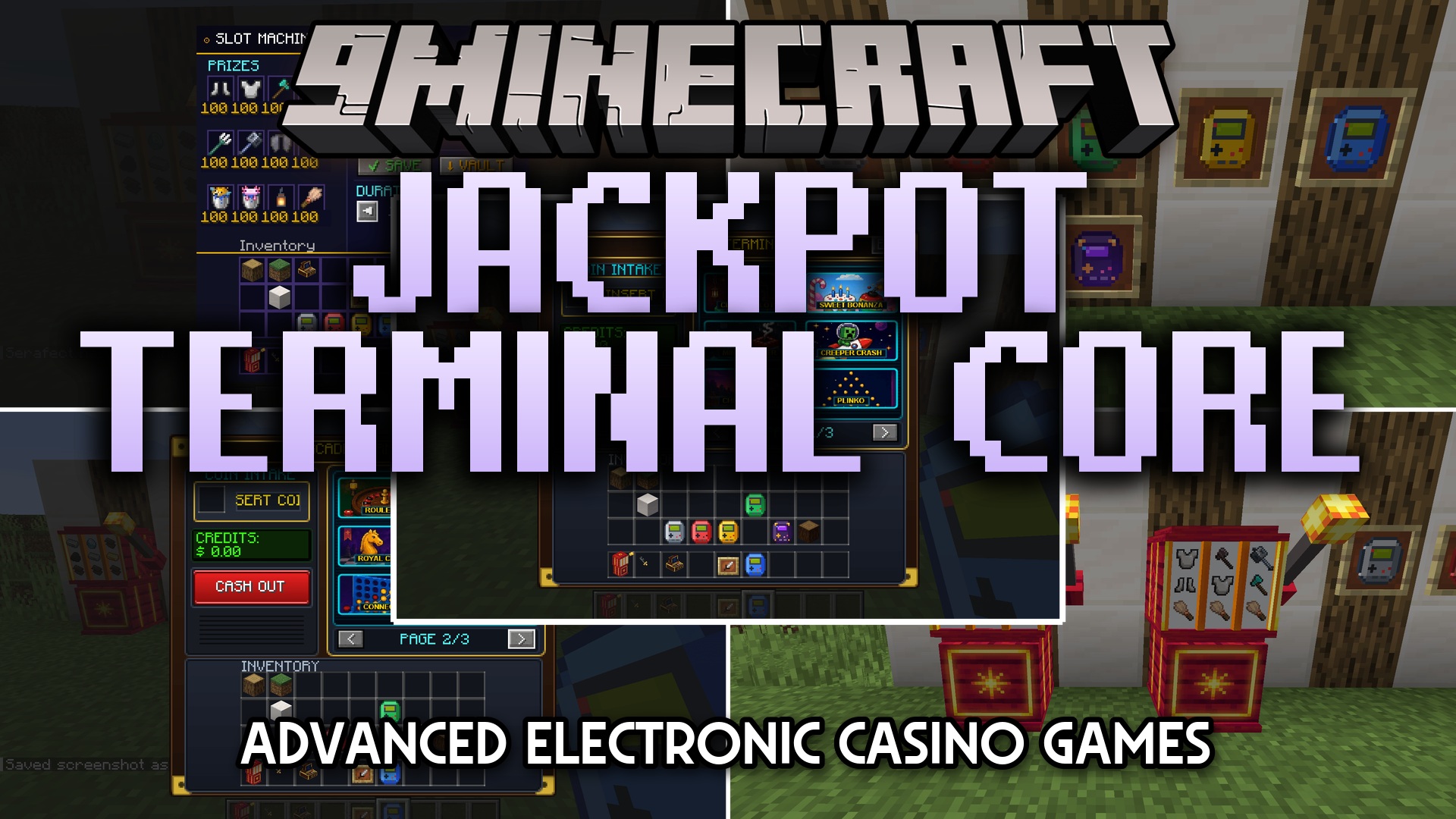
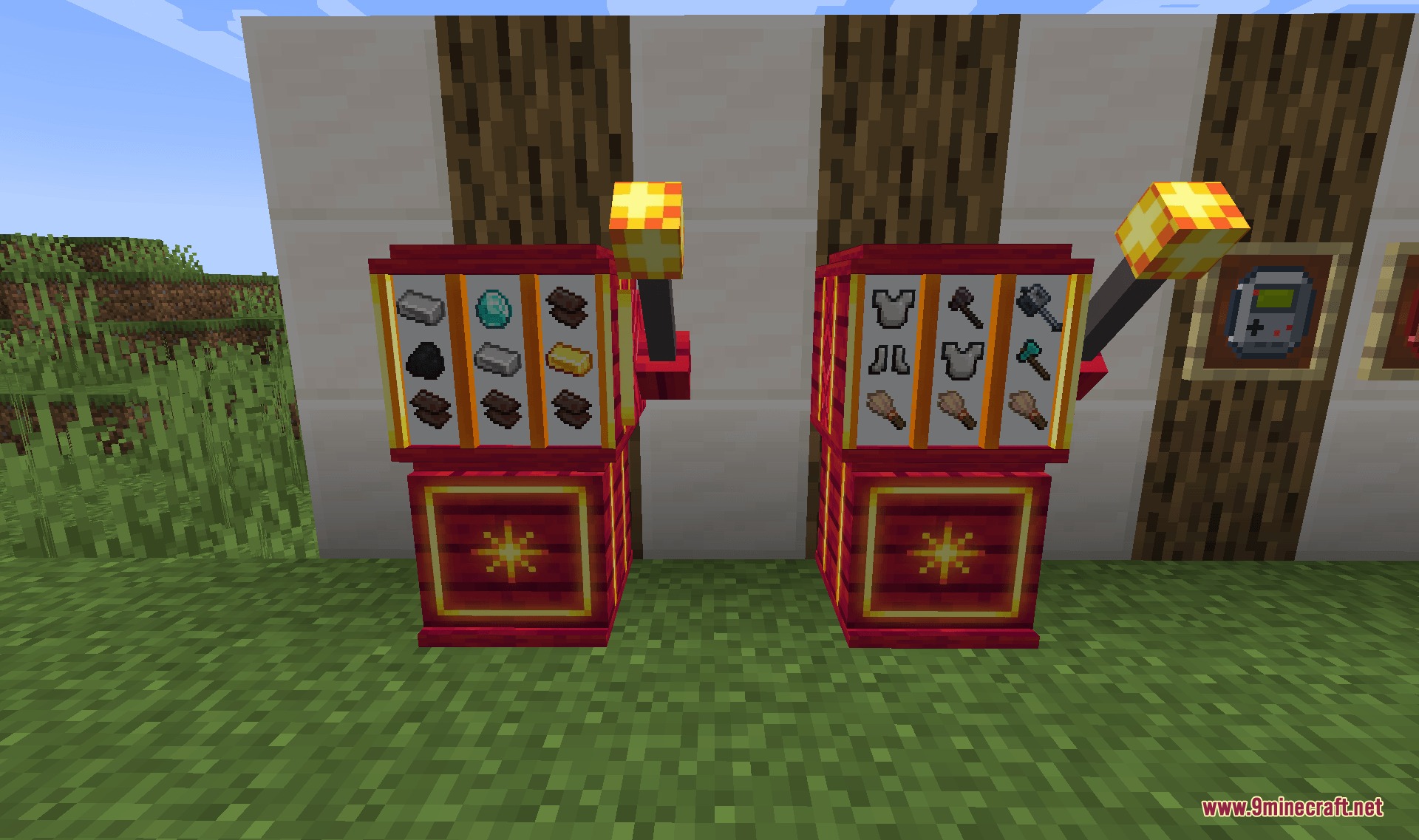
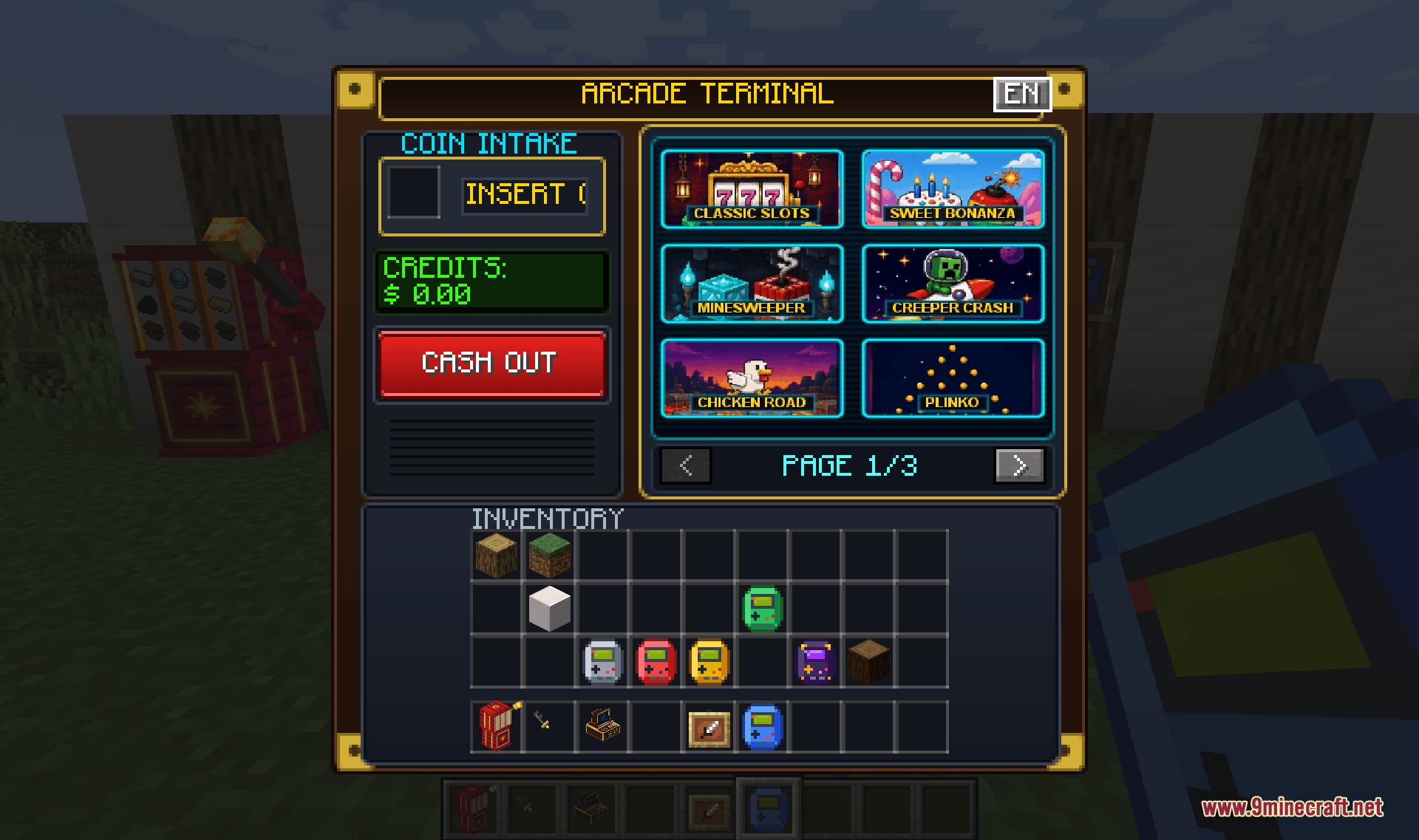
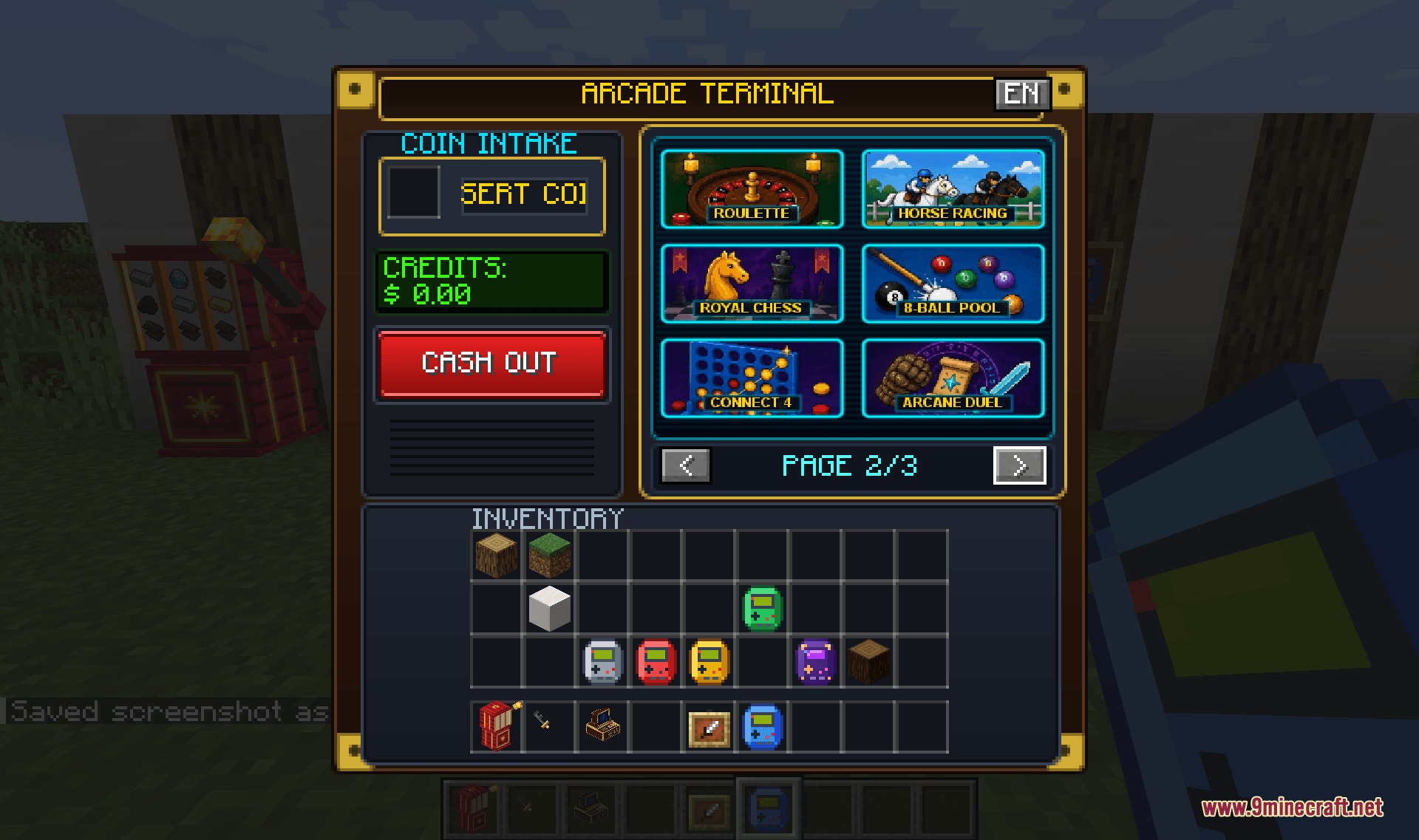
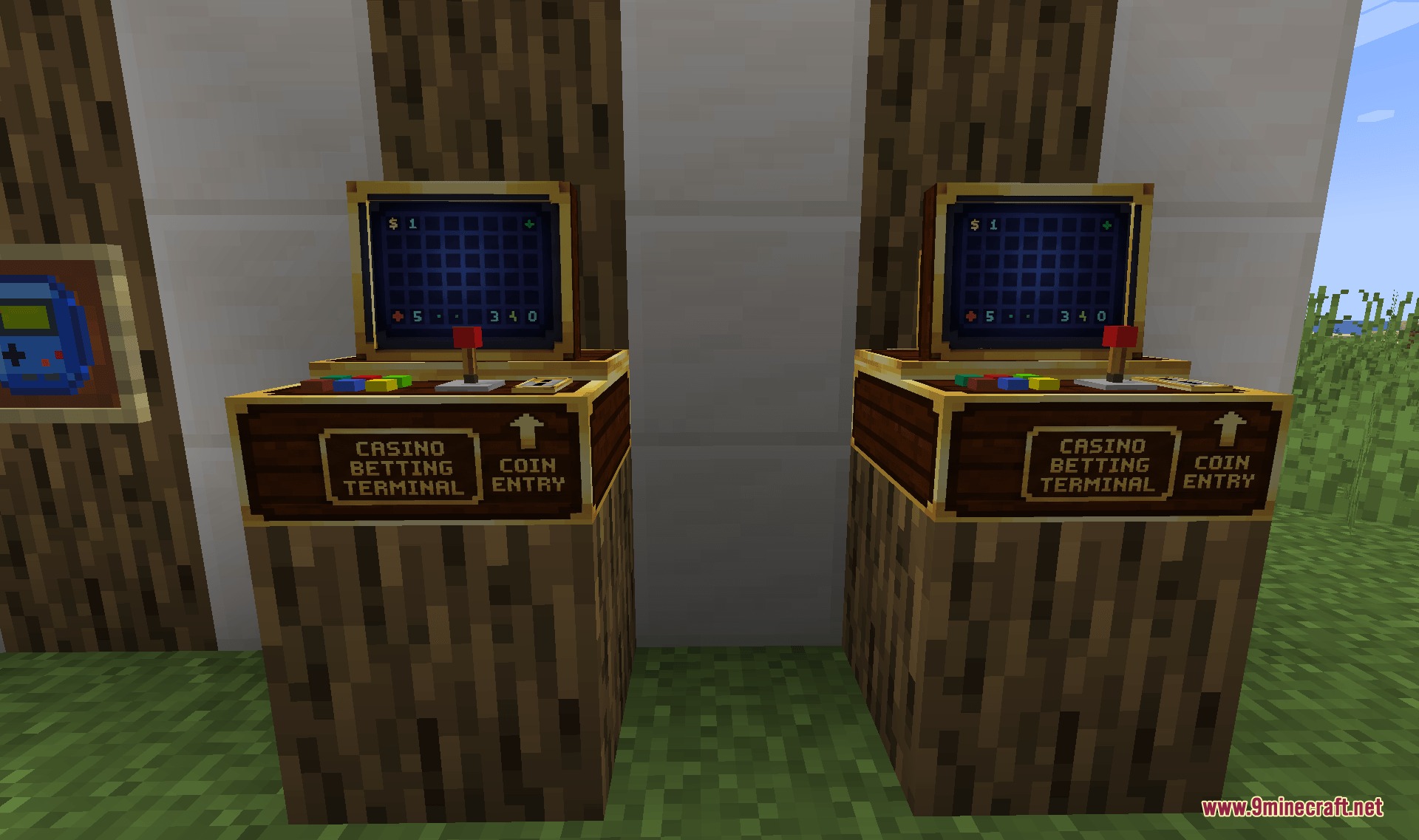
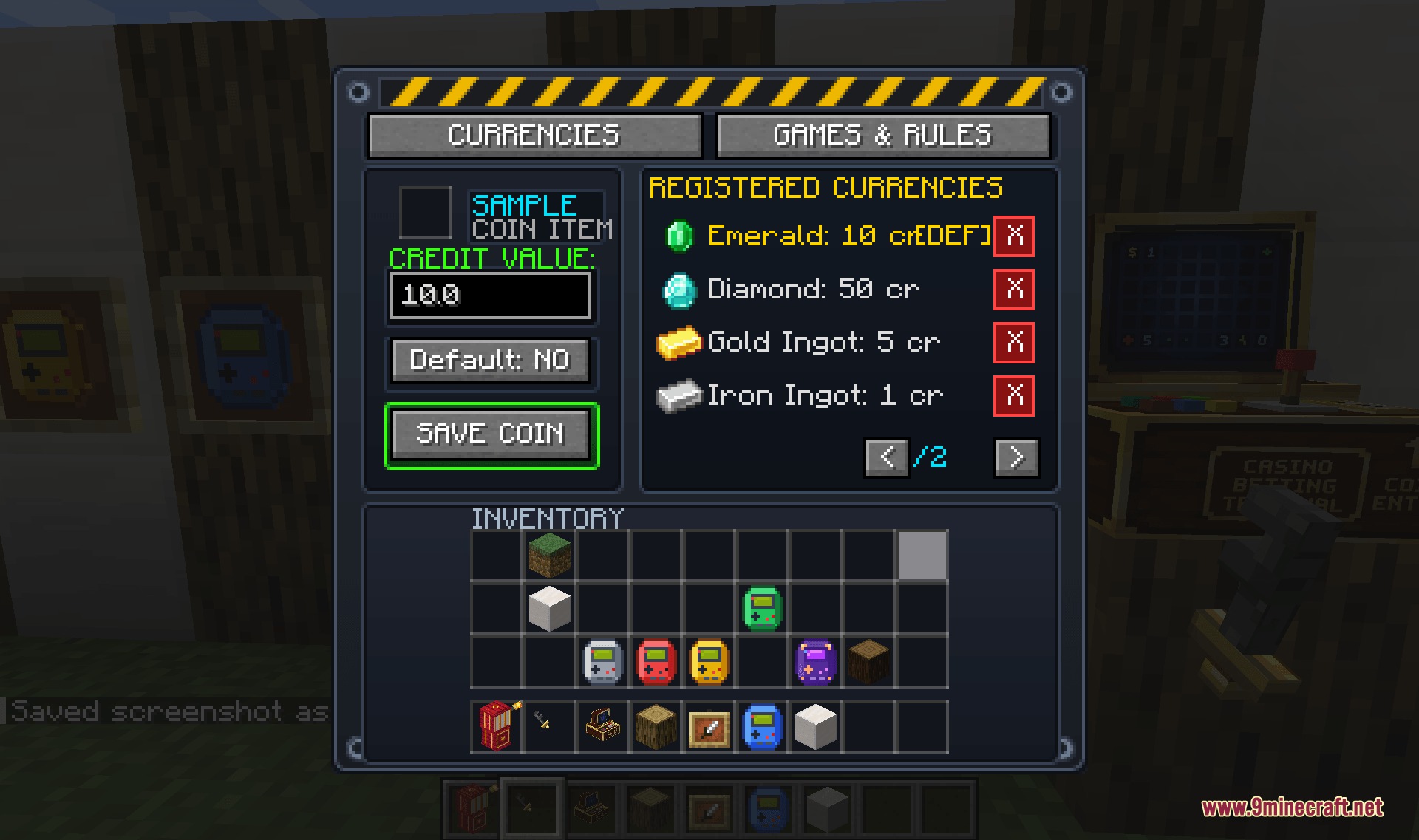
Jackpot Terminal Core Mod brings full casino arcades and interactive minigames into your Minecraft world. It introduces 3D voxel machines, handheld gaming devices, and redstone-linked vaults to set up multiplayer gaming spaces or solo betting spots.
Features:
- 16 Minigames: Play classic luck games, table cards, arcade runners, and multiplayer duel matches.
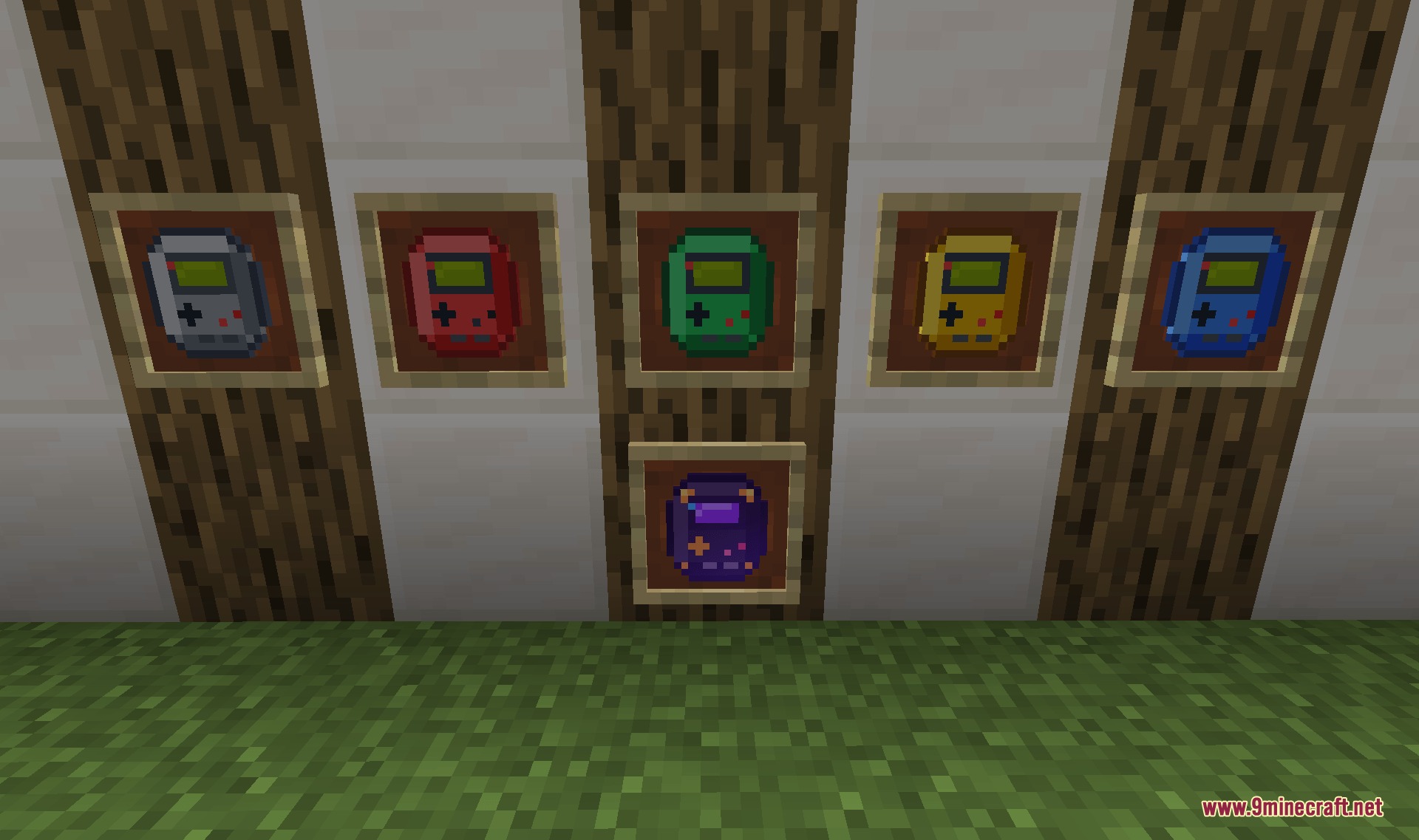
- Handheld BlockBoy Consoles: Carry mini gaming systems everywhere with custom color variants, game cartridges, and stickers.
- Master Vault Block: Connects multiple game stations to one central coin storage using redstone networks.
- Supports both solo house matches and multiplayer competitive rooms for up to four players.
- Includes internal coin tracking while working alongside redstone items and economy setups.
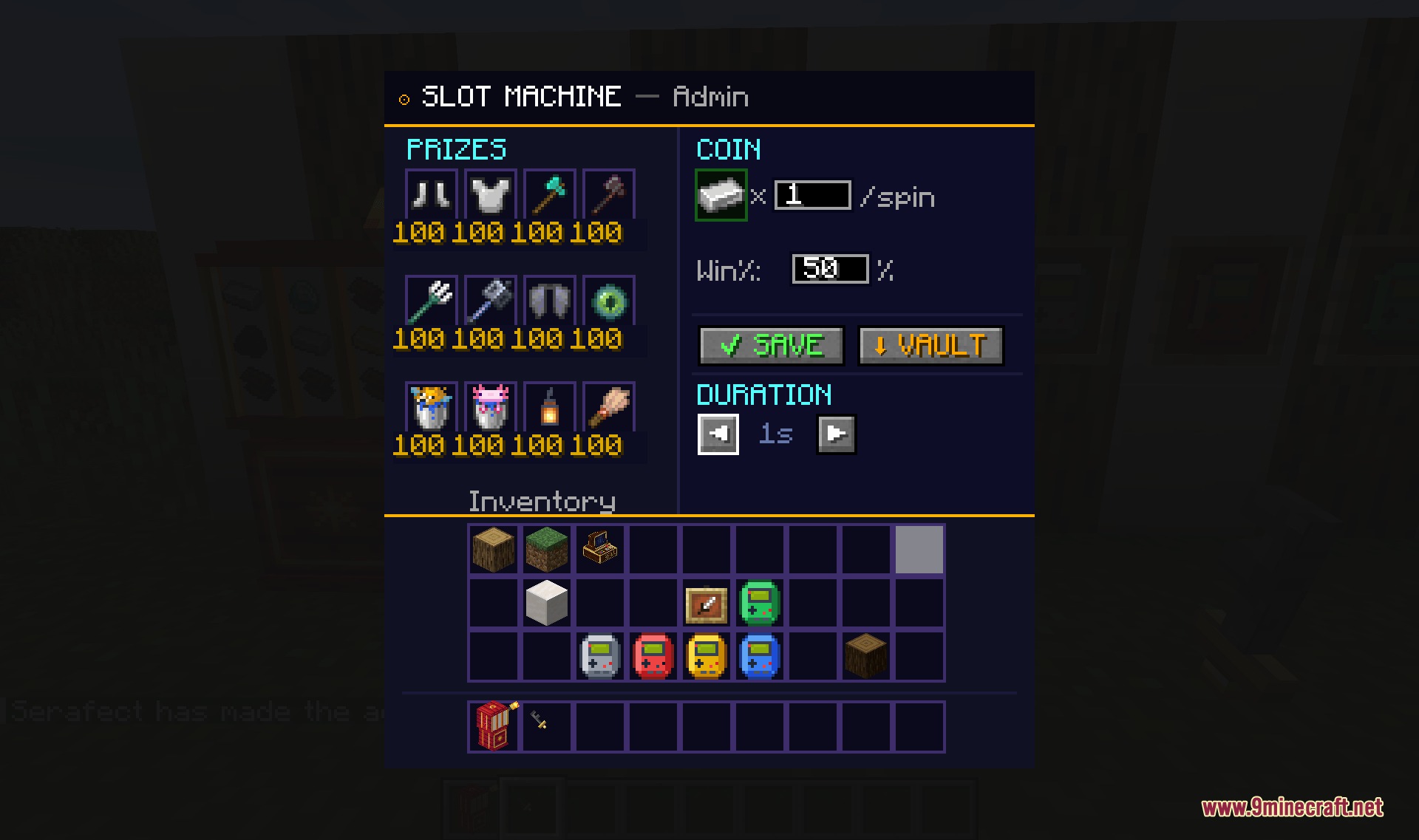
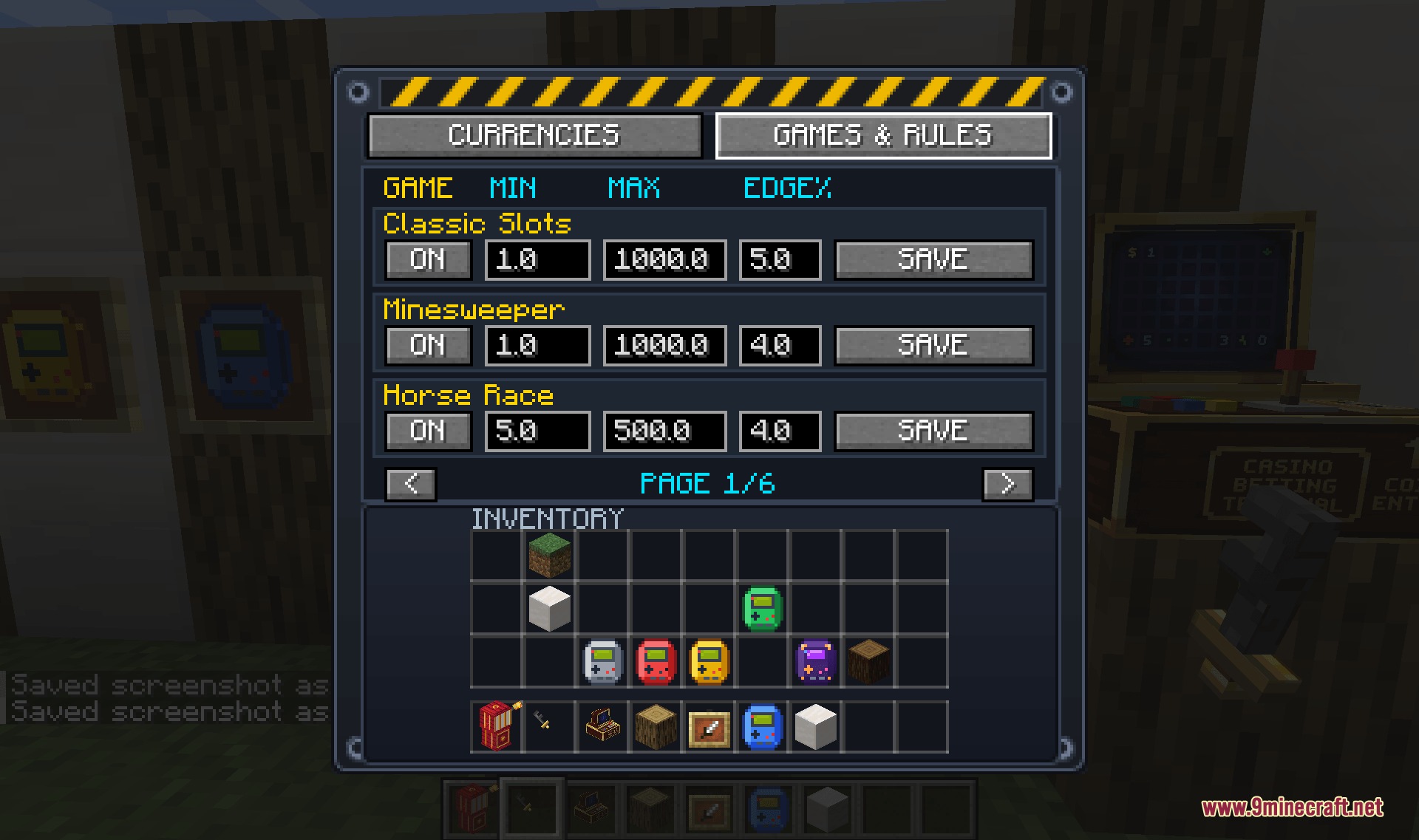
- Gives admins a Master Key tool to set minimum bets, payout rates, and house cuts.
- Provides collectible VIP progression cards that unlock passive rewards through gameplay challenges.
Available Minigames:
- Classic Slots and Sweet Bonanza machines.
- Table games including Blackjack, Texas Hold’em, and 3 Card Poker.
- Grid and chance titles like 5×5 Mines, Plinko, Roulette, and Hi-Lo.
- Arcade challenges such as Creeper Crash and Chicken Road.
- Competitive PvP games like 8-Ball Pool, Arcane Duel, Connect 4, and Horse Racing.
How to Use:
- Place down a gaming terminal or grab a handheld BlockBoy console.
- Connect the machine to a Master Vault block if using a shared coin storage.
- Hold the Master Key in Creative mode to open machine settings and set bet limits.
- Insert coins or credits to start playing games solo or against friends.
Screenshots:
Jackpot Terminal Core Mod Download Links
Quick facts
- Edition: Minecraft Java
- File type: .jar
- Minecraft version listed: 1.21.1
- How to install: Install the matching mod loader (Forge, Fabric or NeoForge) for your Minecraft version. → Download the .jar. → Put it in the .minecraft/mods folder and launch that loader profile.
- Where to get it: In MC Java Mods, or directly above on this page.
Install steps are the general flow for this file type — How to install Minecraft Java mods & modpacks walks through it step by step.
File checked by MCModsHub
- Downloads as 500745.mcaddon
- Download size: 33.3 MB
- Download link checked 23 Sept 2026 — working
- Mirrored on our own servers — the download does not depend on the original host
These come from our own check of the pack file, not from the source page.