
ModsJava
Vault Vision Peek Mod (26.2, 1.20.1) – Peek Inside Any Storage Container
Java mod listed for Minecraft 1.20. Downloads from the MC Java Mods app on Android.
⬇ Download
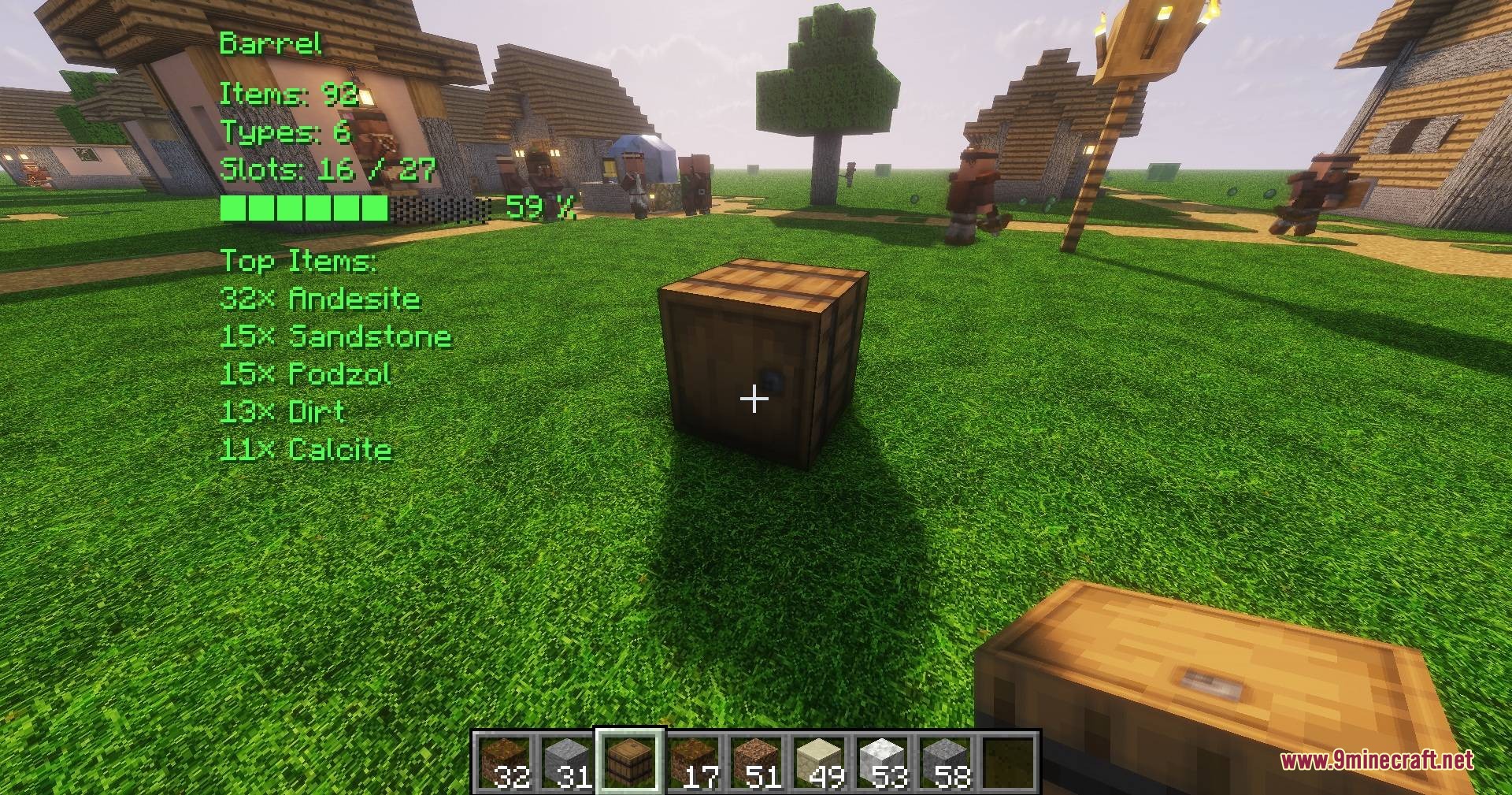
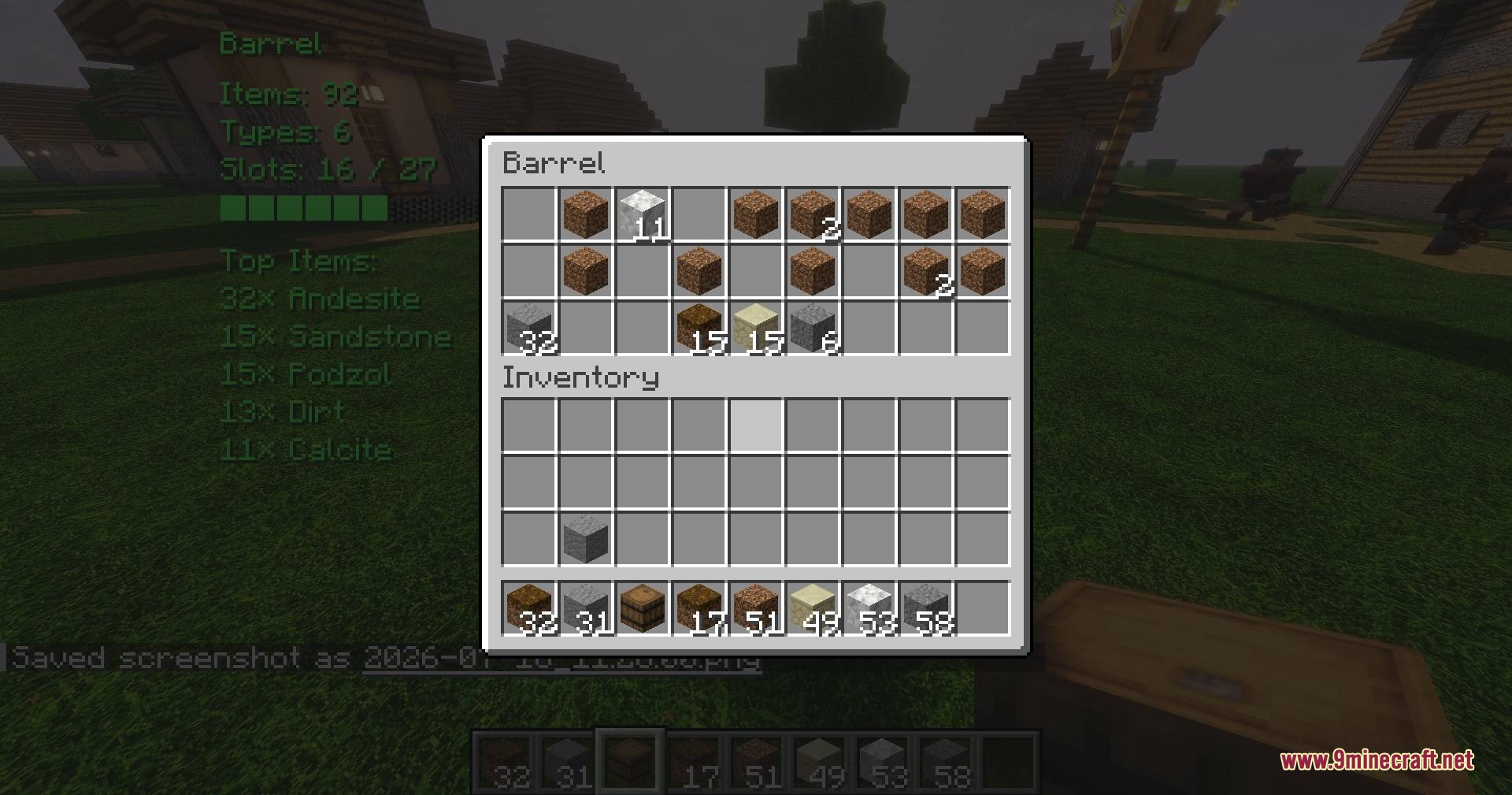
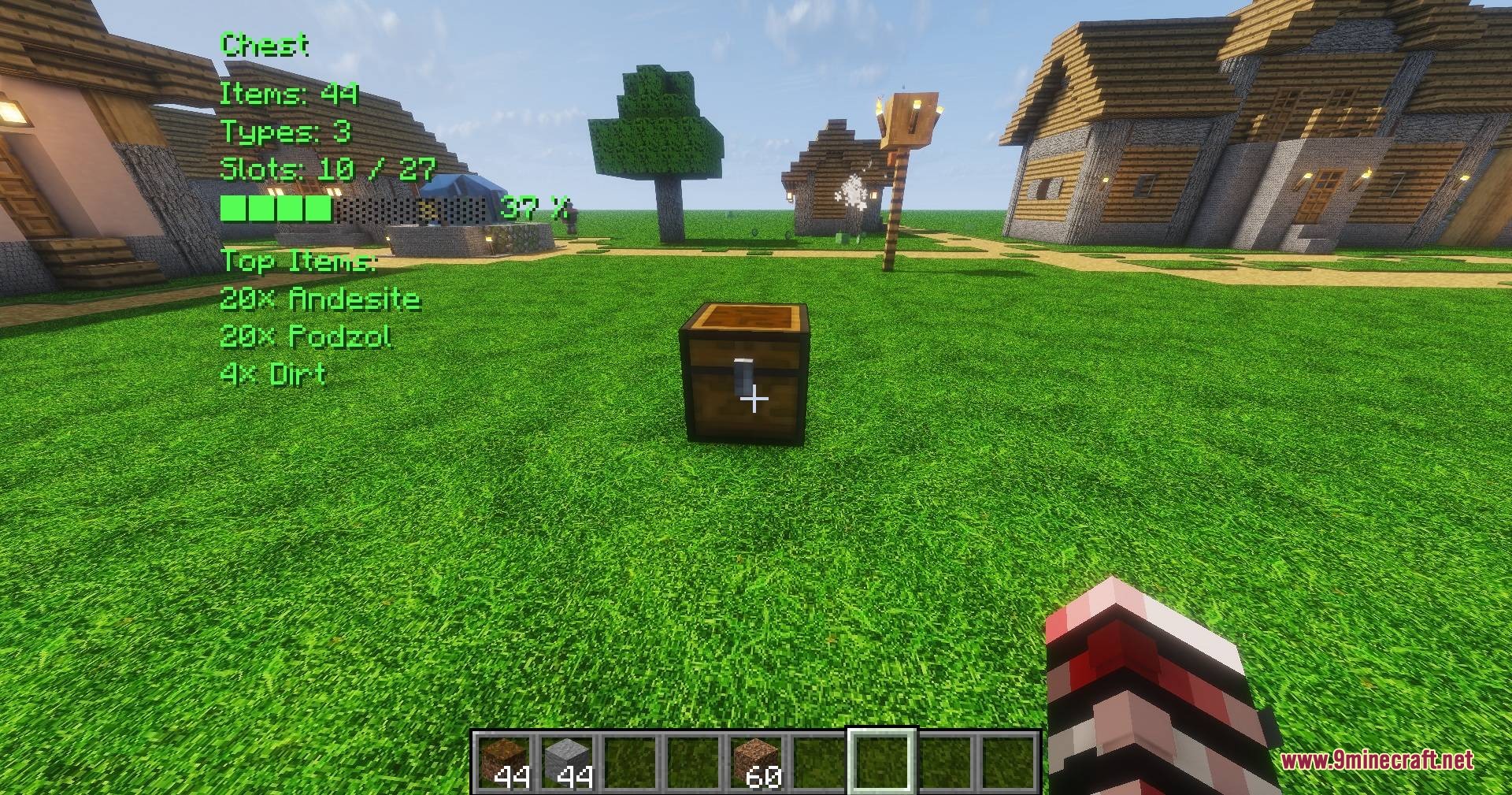
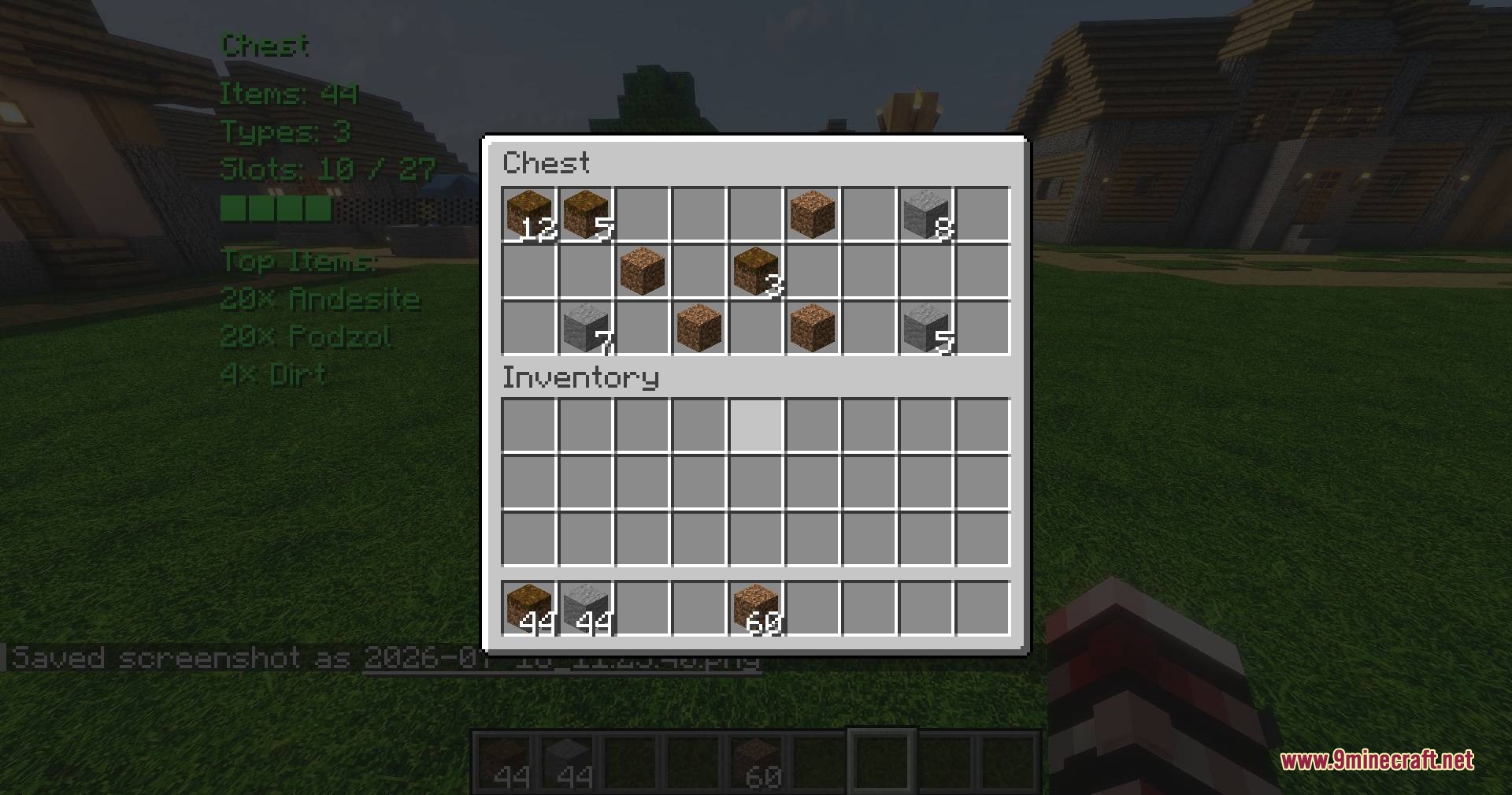
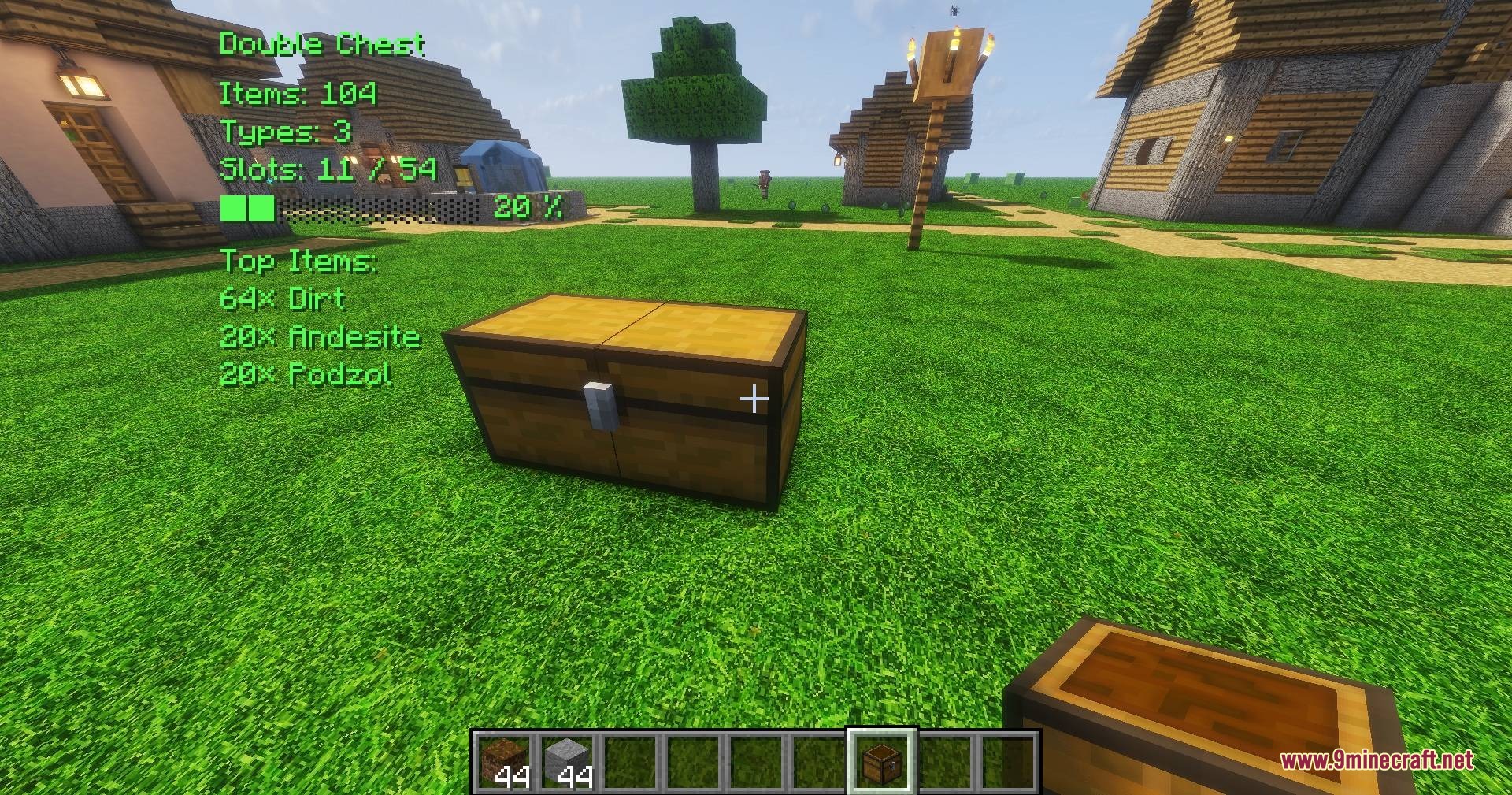
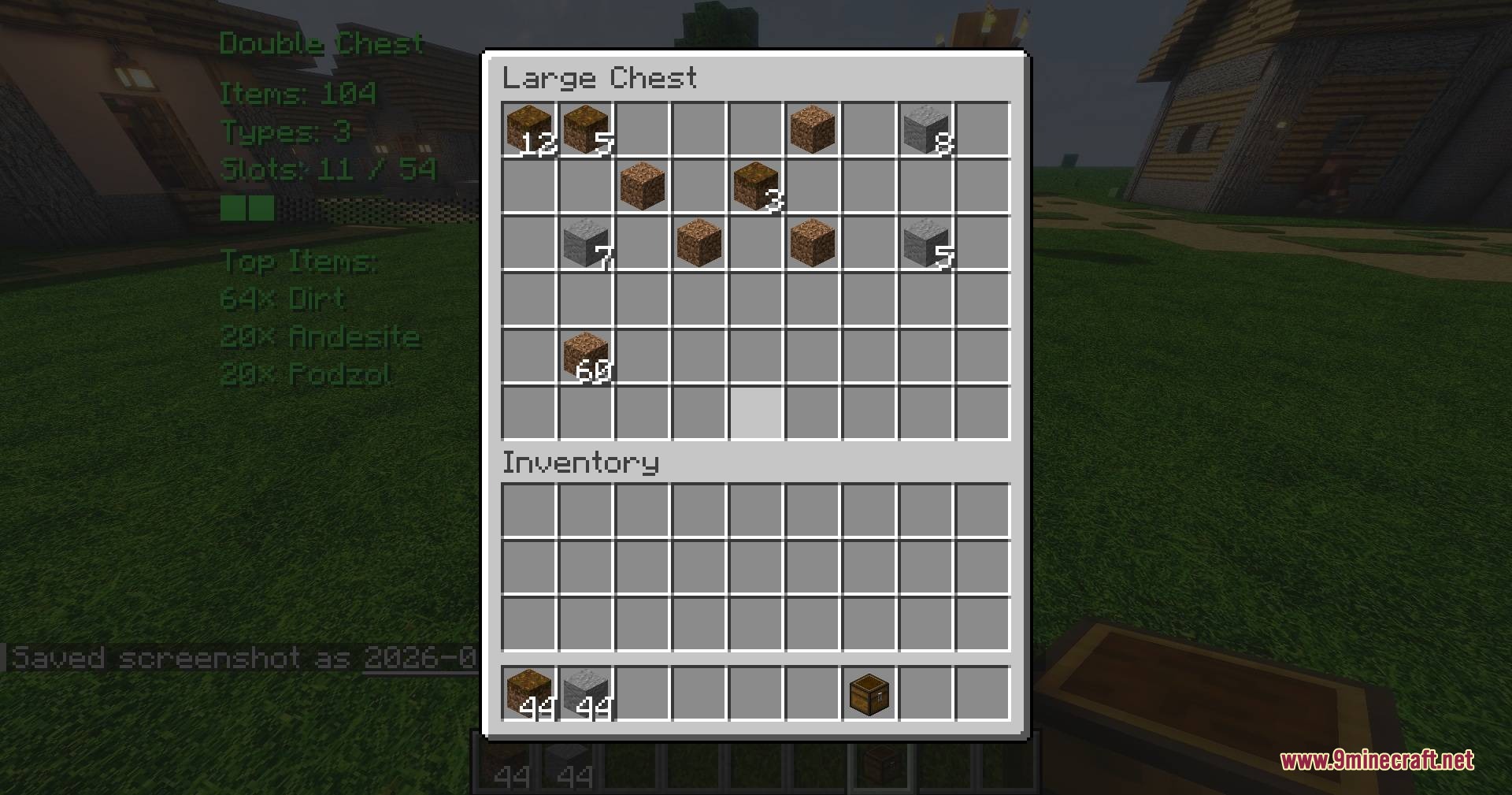
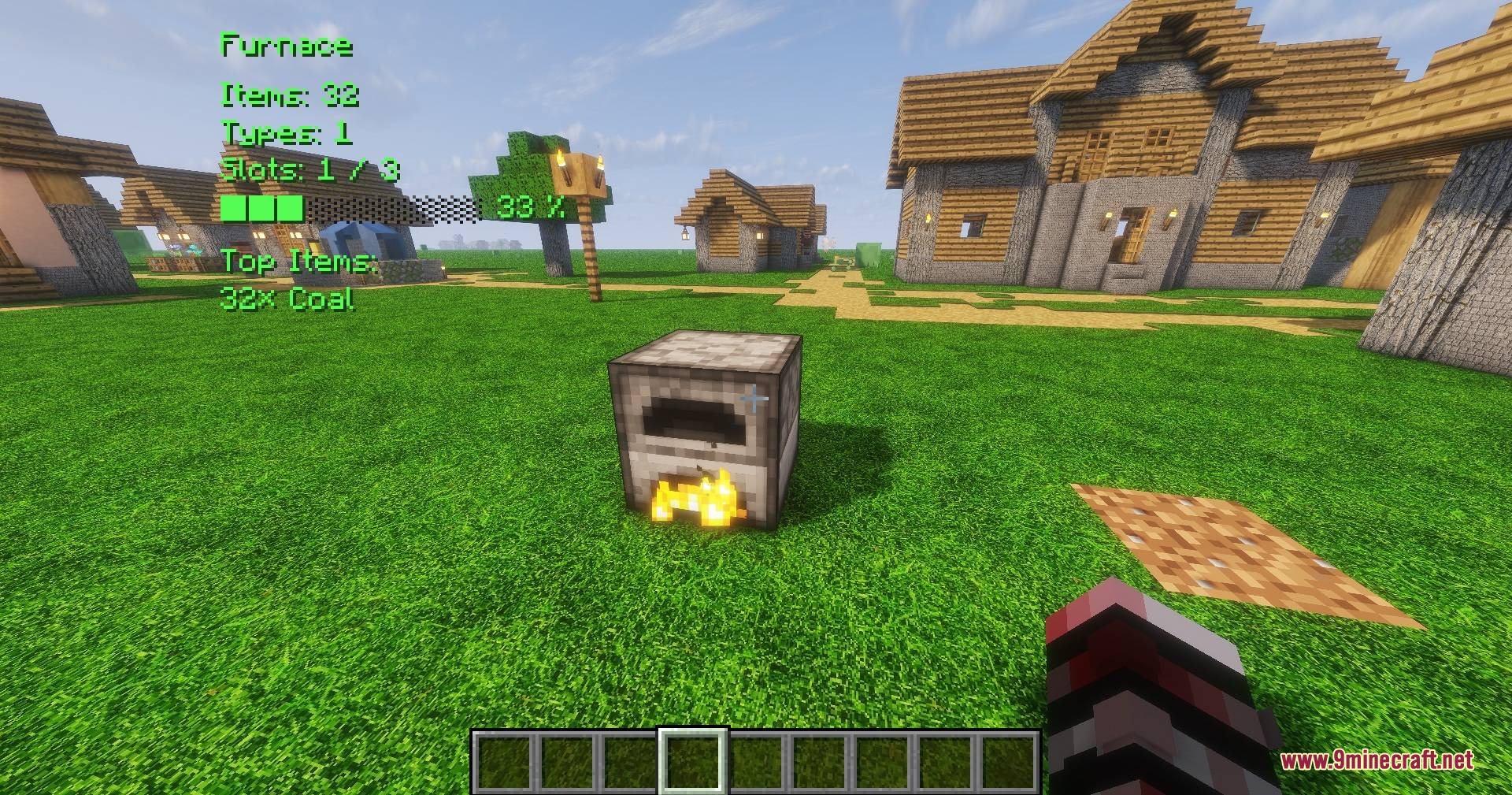
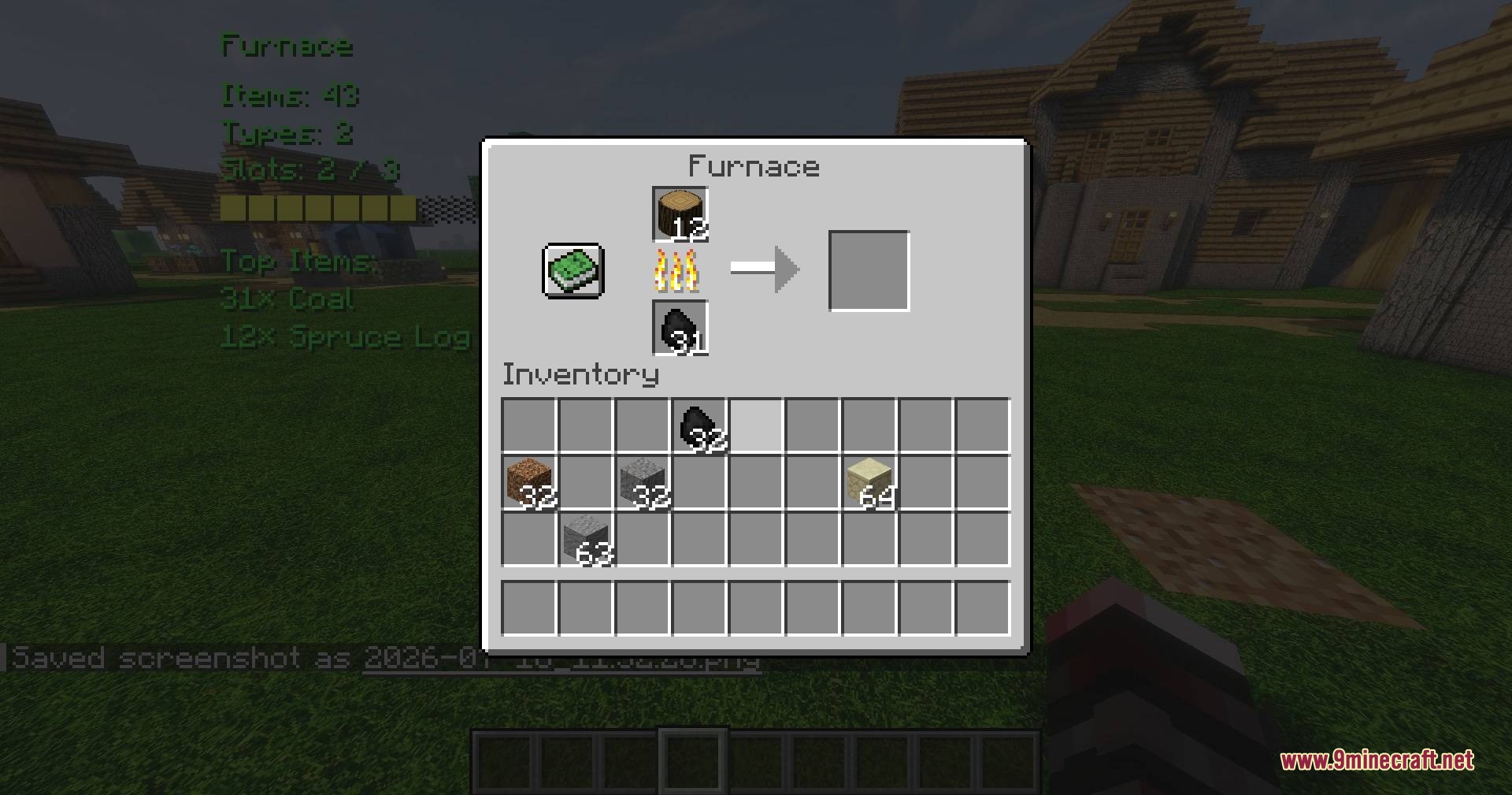
Vault Vision Peek Mod displays detailed information on screen about any container in front of you. It reveals total item counts, unique items, and fill levels without opening storage blocks. The mod reads vanilla and modded containers alike across singleplayer and multiplayer worlds.
Features:
- Shows the total number of items stored inside a target container.
- Counts unique item types and displays available inventory slots.
- Includes a fill level indicator to track storage capacity at a glance.
- Lists the top stored items found inside any container.
- Provides an on-screen HUD with adjustable positions and text colors.
- Lets players adjust scan radius and scan interval settings.
- Scans containers server-side in multiplayer to keep network traffic minimal.
- Includes translations for multiple languages.
Supported Containers:
- Chests and double chests.
- Barrels, shulker boxes, droppers, and dispensers.
- Furnaces, blast furnaces, smokers, and brewing stands.
- Chest minecarts and hopper minecarts.
- Modded storage furniture and custom inventory blocks.
How to Use:
- Look directly at any chest, barrel, or storage container.
- Press Delete on your keyboard to toggle the HUD display.
- Press Insert to open the mod settings menu and adjust preferences.
- Change default keybinds anytime inside the standard Minecraft Controls menu.
Configuration:
config/chestcounter.json: stores HUD display options, text colors, and scan settings for manual editing.
Screenshots:
Vault Vision Peek Mod Download Links
Quick facts
- Edition: Minecraft Java
- File type: .jar
- Minecraft version listed: 1.20.1
- How to install: Install the matching mod loader (Forge, Fabric or NeoForge) for your Minecraft version. → Download the .jar. → Put it in the .minecraft/mods folder and launch that loader profile.
- Where to get it: In MC Java Mods, or directly above on this page.
Install steps are the general flow for this file type — How to install Minecraft Java mods & modpacks walks through it step by step.
File checked by MCModsHub
- Downloads as 500756.mcaddon
- Download size: 1.6 MB
- Download link checked 24 Sept 2026 — working
- Mirrored on our own servers — the download does not depend on the original host
These come from our own check of the pack file, not from the source page.