
ModsJava
Zenith Blade Protocol Mod (1.20.1) – Unleash Anime Sword Skills
Java mod listed for Minecraft 1.20. Downloads from the MC Java Mods app on Android.
⬇ Download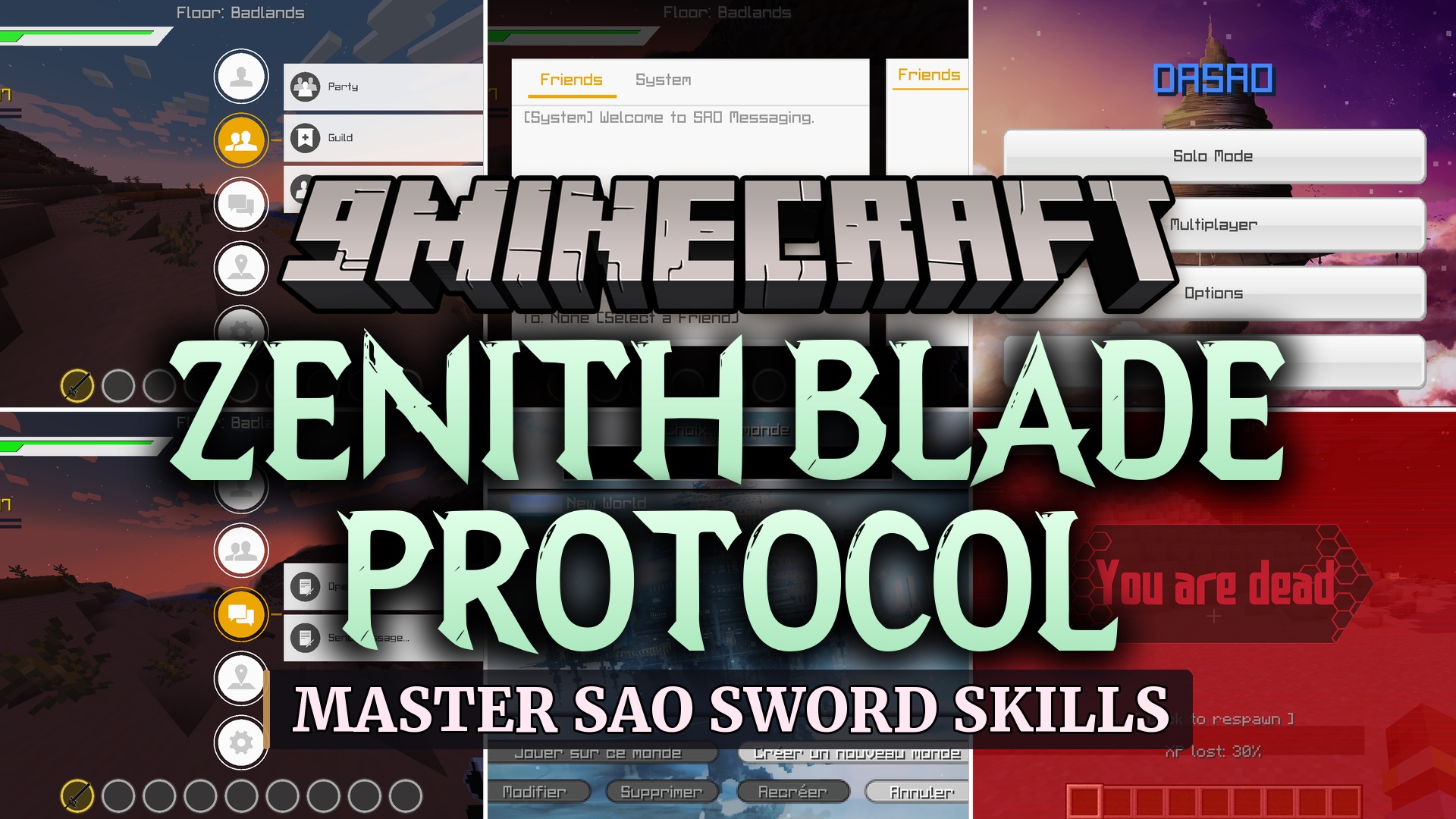
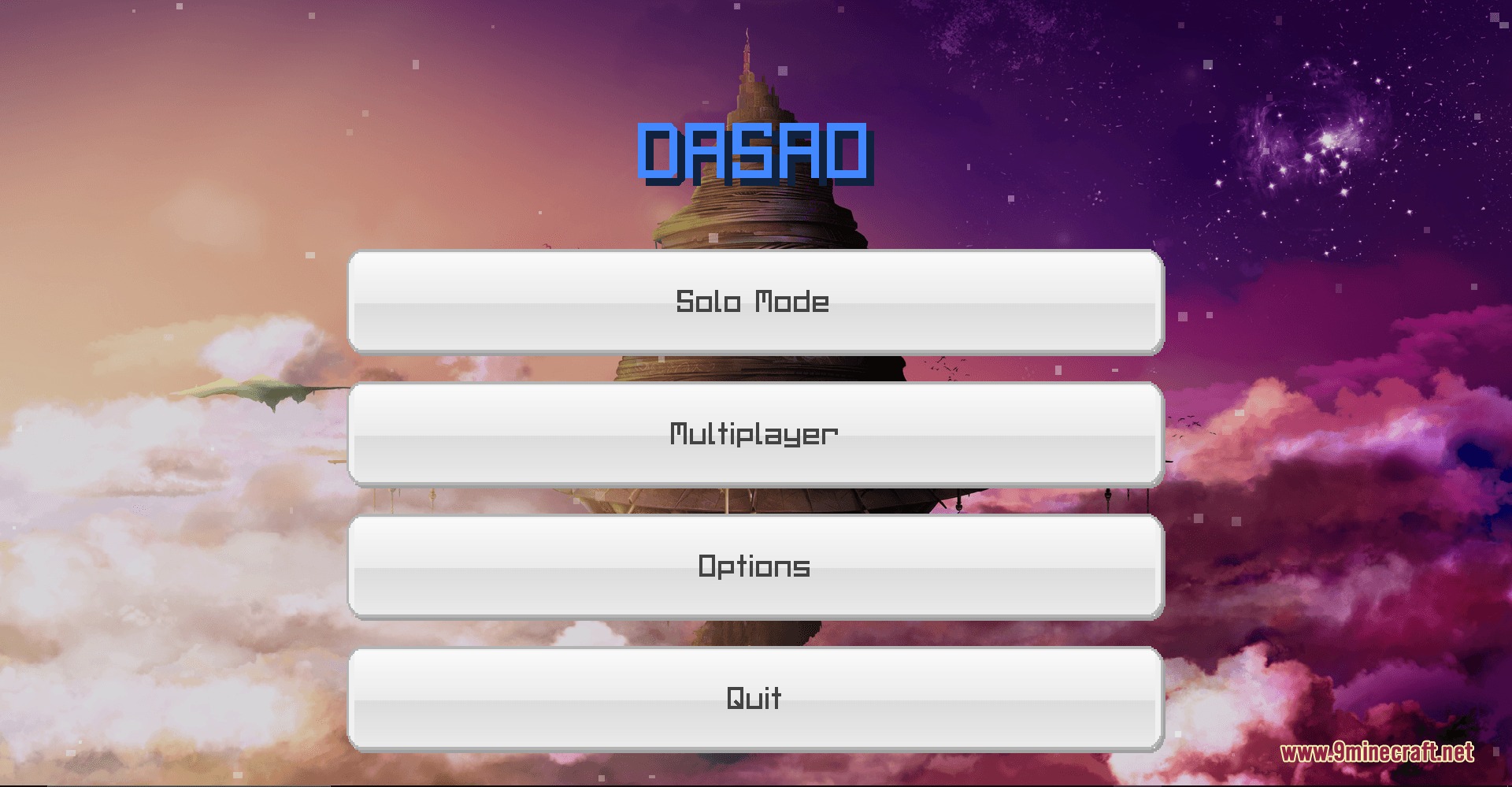
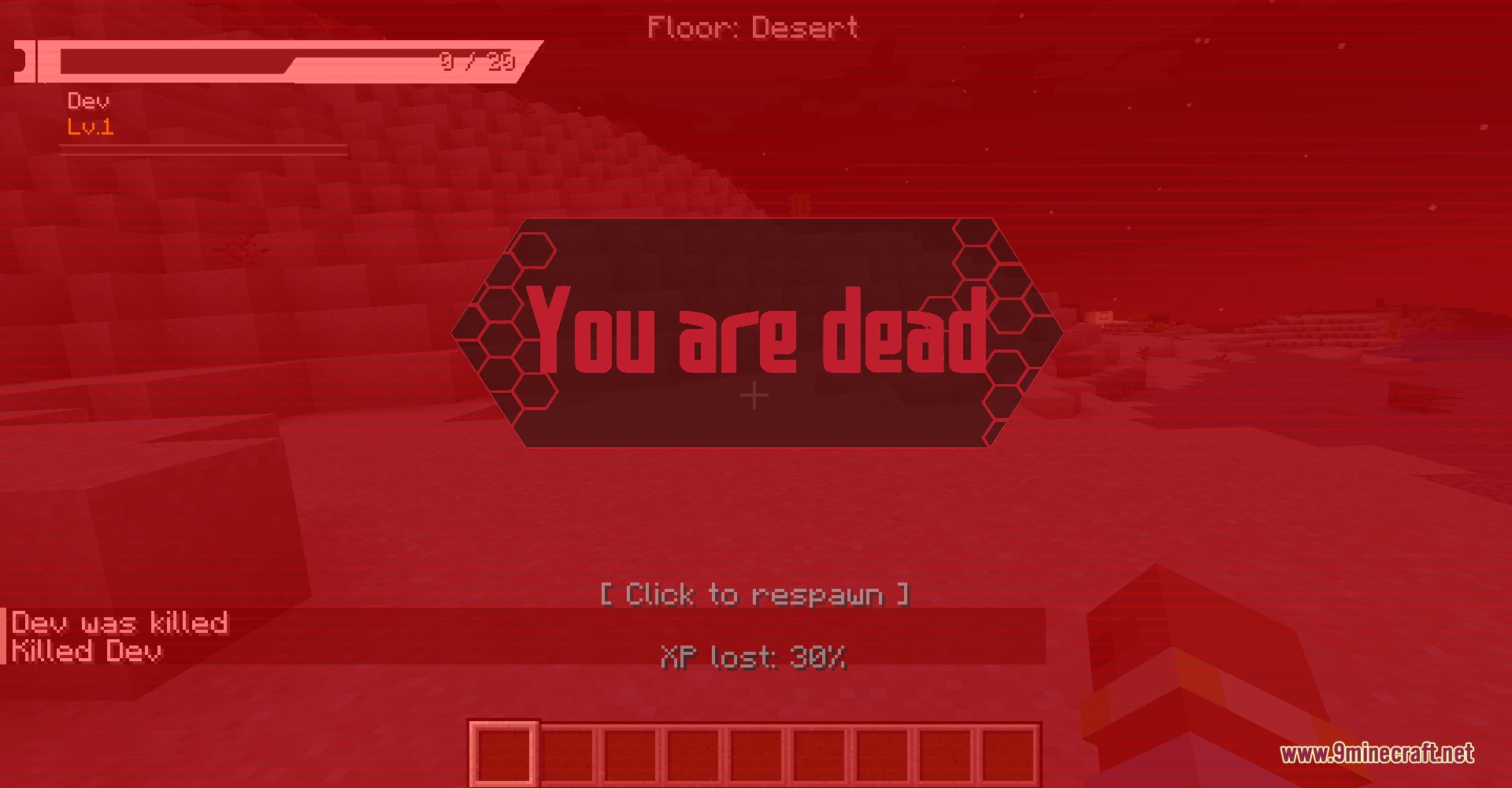
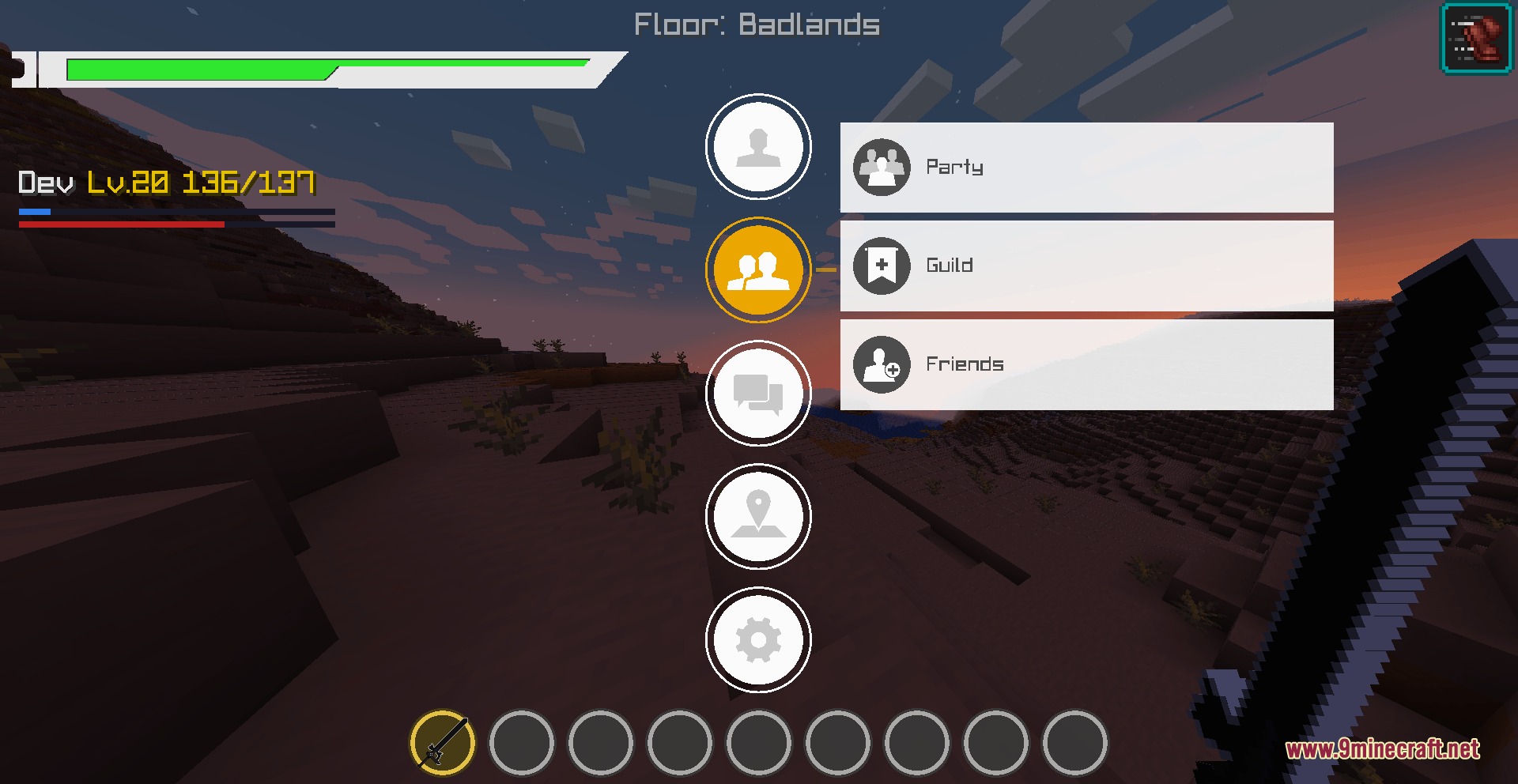
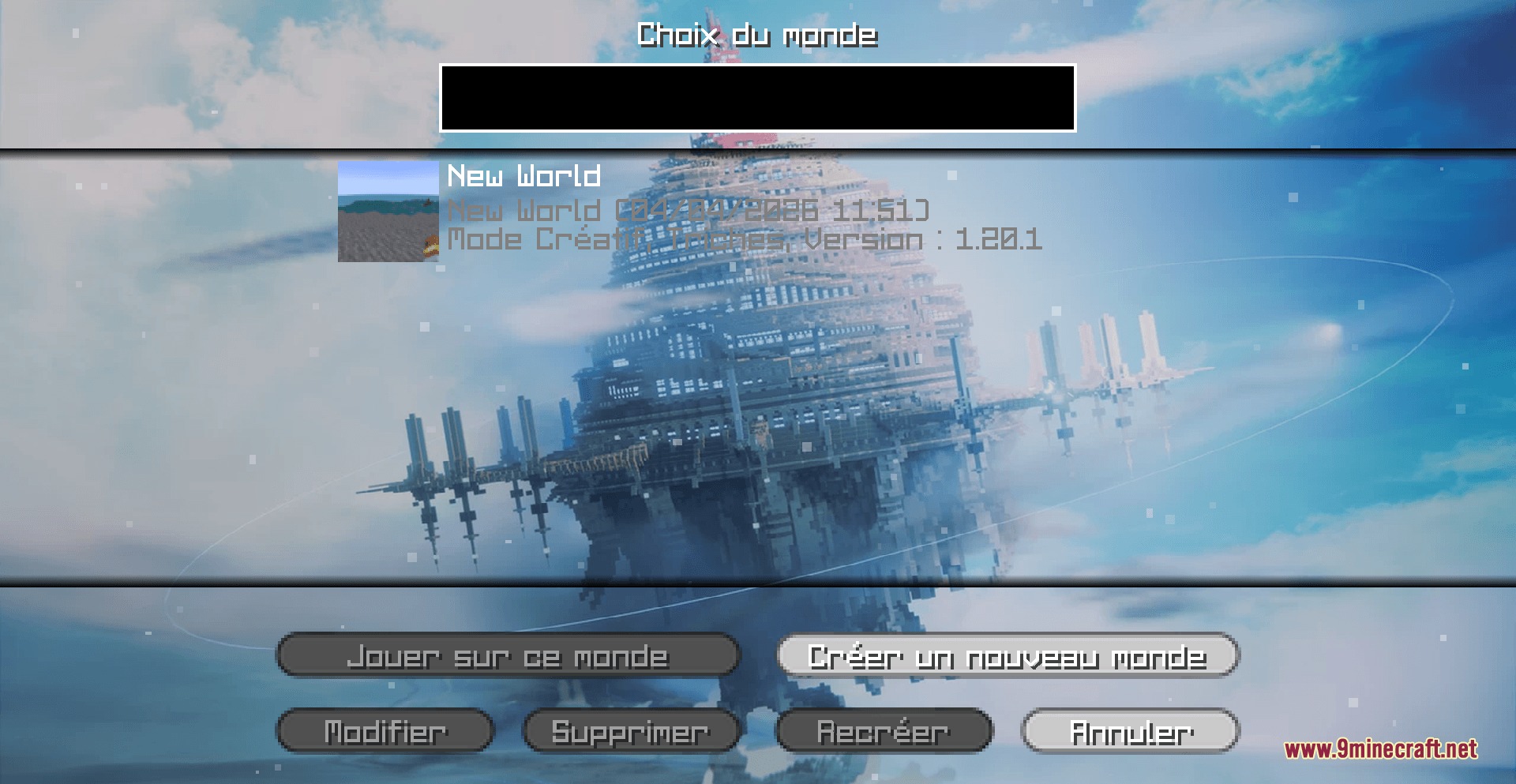
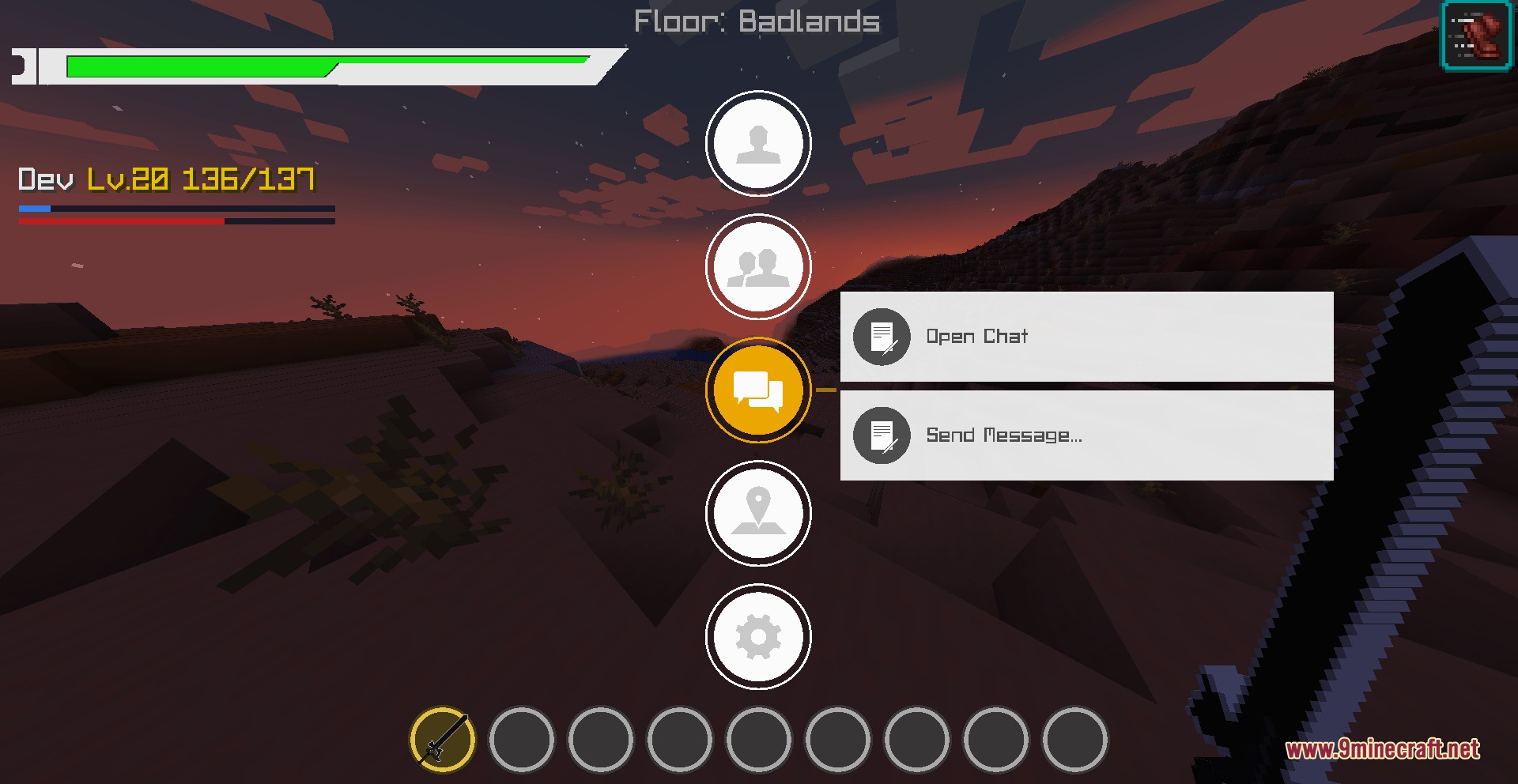
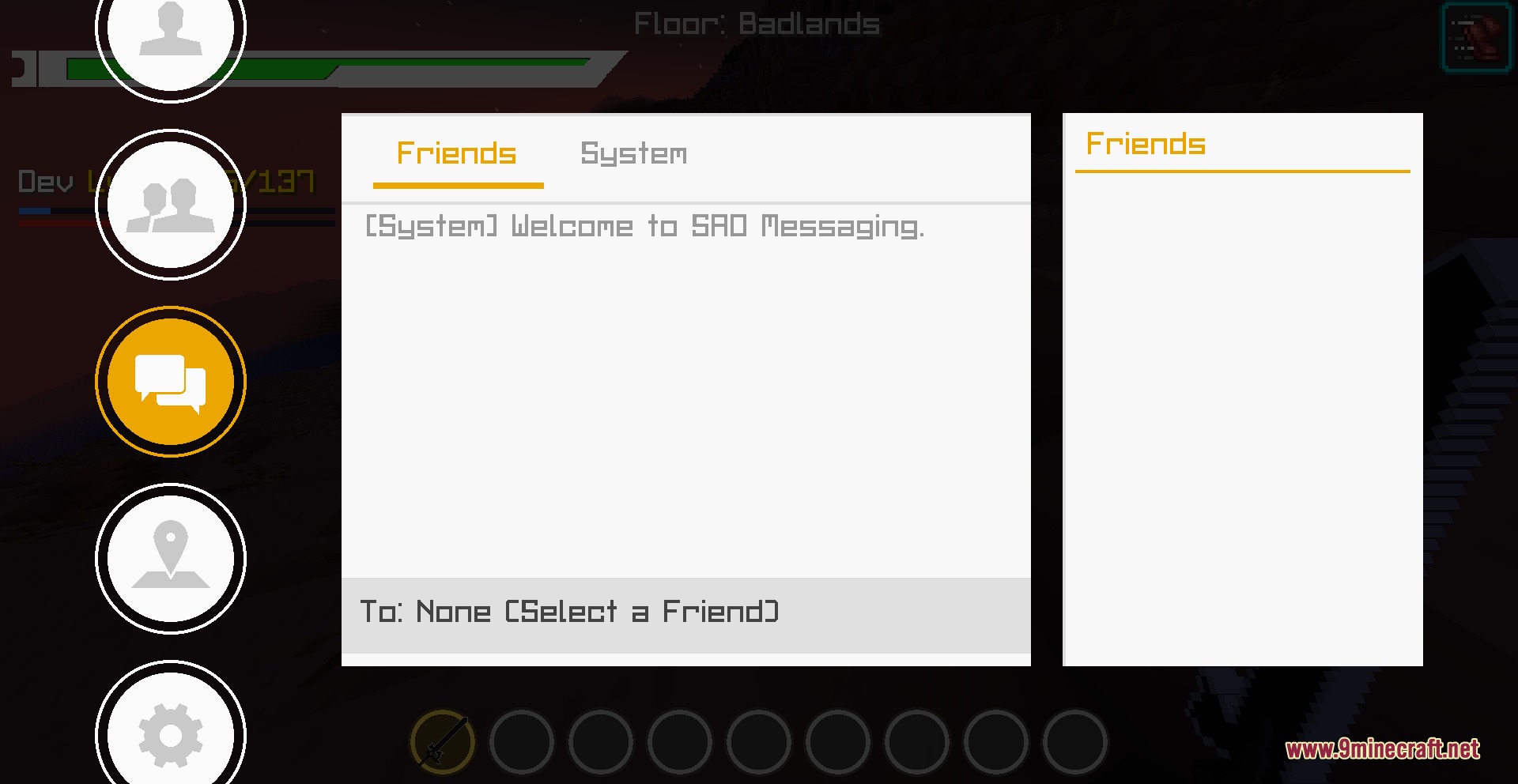
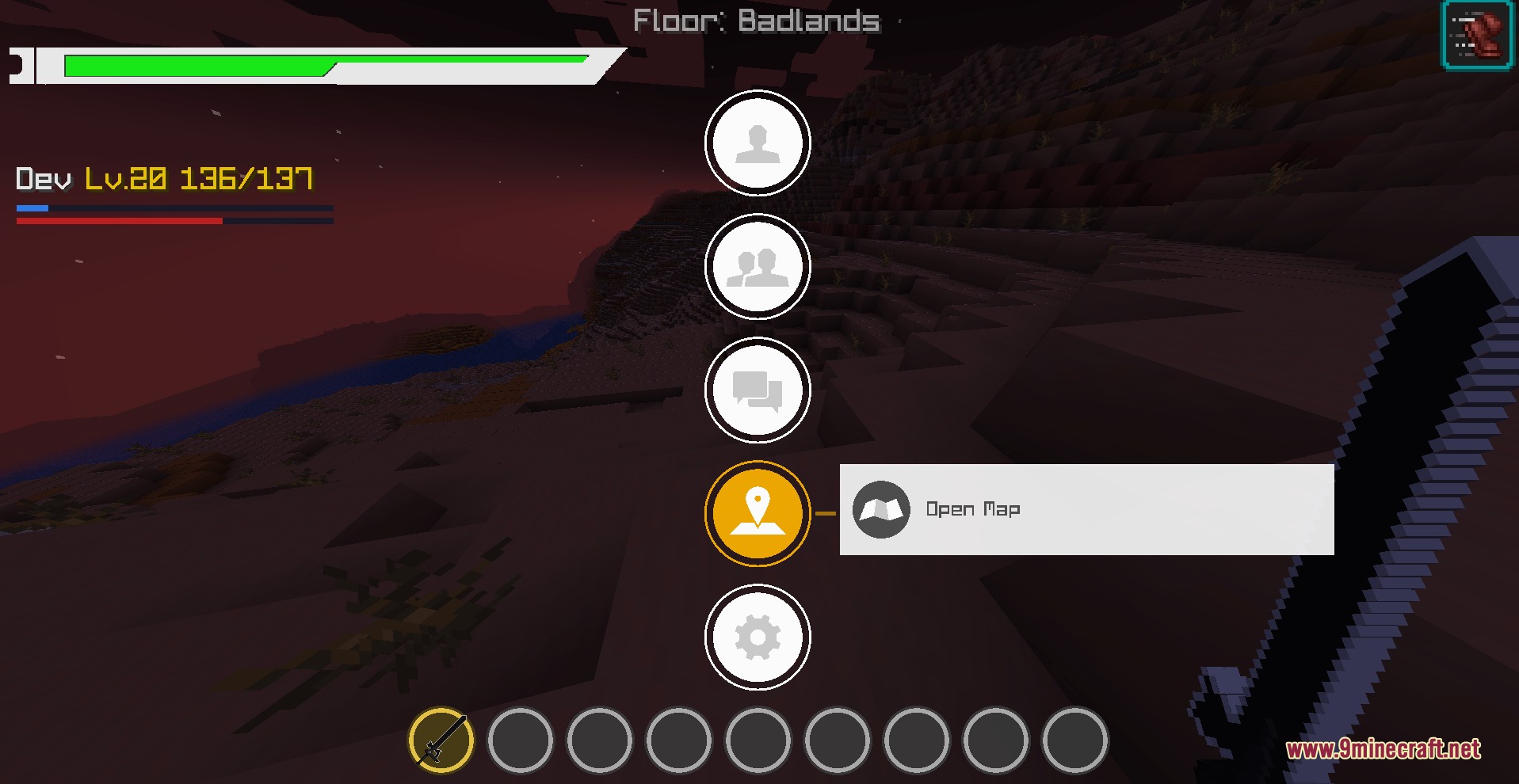
Zenith Blade Protocol Mod transforms your game with anime-style combat interfaces and special sword skills inspired by Sword Art Online. It brings custom player health bars, party frames, and 3D nameplates for nearby mobs. Players can form guilds, trade using a custom currency system, and unlock powerful melee abilities to fight tough monsters.
Features:
- Replaces vanilla status bars with a custom anime health, hunger, and level bar.
- Displays 3D health bars over your character in third-person view and above nearby mobs.
- Adds party and guild menus to track team member health and coordinates in multiplayer.
- Includes active sword skills like Slant and Horizontal with custom visual slash effects.
- Features a clean skill tree interface to unlock and bind combat abilities.
- Adds a COL currency economy for trading and multiplayer systems.
- Lets players combine gemstones with equipment in crafting tables to upgrade weapon damage and armor stats.
- Shows current floor and biome names directly above the action bar.
Commands:
/DAsettings: Opens the main settings menu for server operators.
How to Use:
- Press R on your keyboard to trigger the Slant sword attack.
- Open the skill menu to choose and equip active combat skills like Horizontal.
- Place compatible weapons and armor alongside gemstones inside a standard crafting table to apply stat upgrades.
- Form parties with other players to see their exact health totals on your screen.
Screenshots:
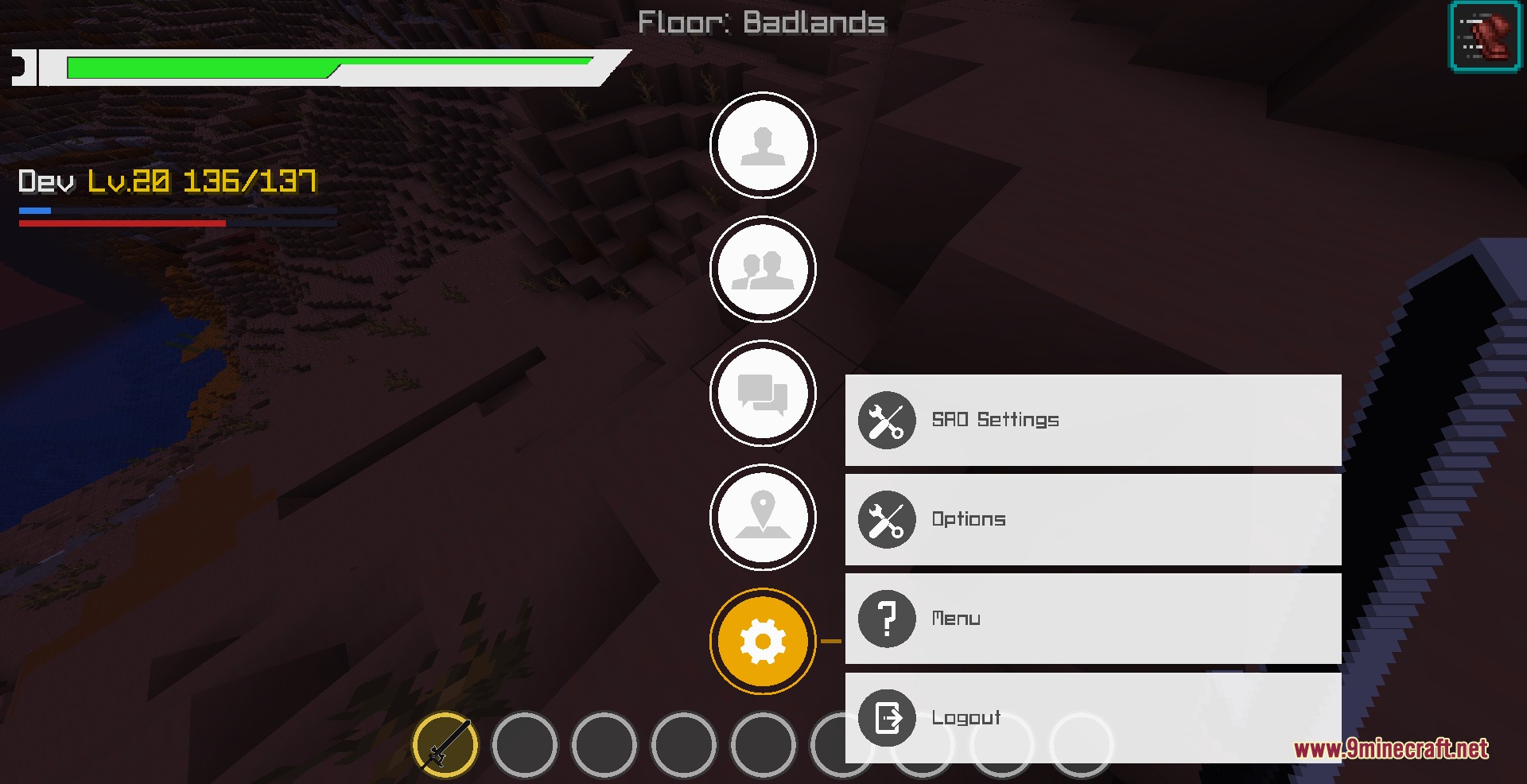
Zenith Blade Protocol Mod Download Links
Quick facts
- Edition: Minecraft Java
- File type: .jar
- Minecraft version listed: 1.20.1
- How to install: Install the matching mod loader (Forge, Fabric or NeoForge) for your Minecraft version. → Download the .jar. → Put it in the .minecraft/mods folder and launch that loader profile.
- Where to get it: In MC Java Mods, or directly above on this page.
Install steps are the general flow for this file type — How to install Minecraft Java mods & modpacks walks through it step by step.
File checked by MCModsHub
- Downloads as 500764.mcaddon
- Download size: 31.6 MB
- Download link checked 25 Sept 2026 — working
- Mirrored on our own servers — the download does not depend on the original host
These come from our own check of the pack file, not from the source page.