
ModsJava
Sinuous Flow Lines Mod (26.1.2, 1.20.1) – Route Curved Pipes and Cables
Java mod listed for Minecraft 1.20. Downloads from the MC Java Mods app on Android.
⬇ Download
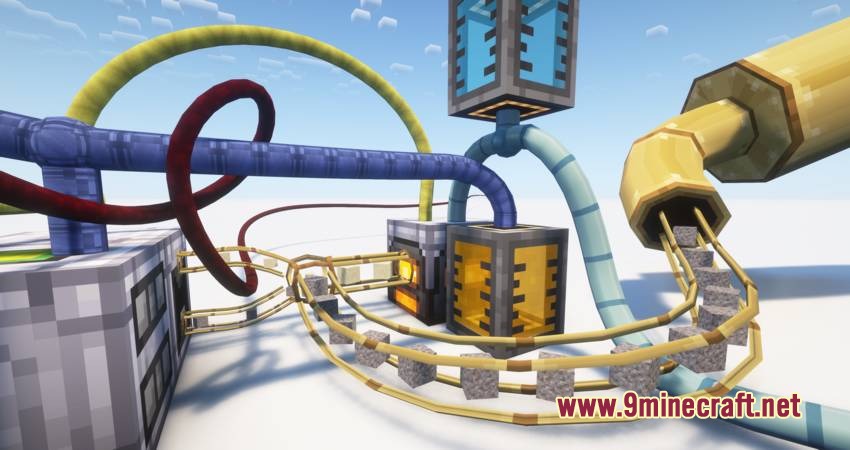
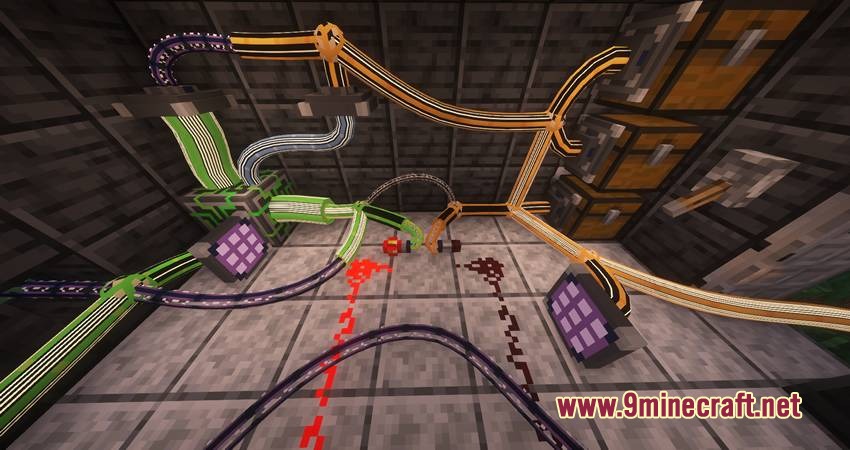
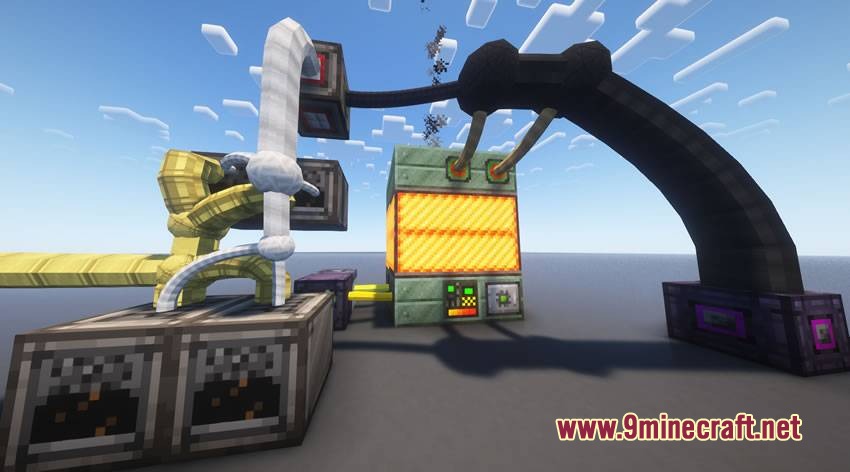
Sinuous Flow Lines Mod adds bendable, smooth pipes that fit anywhere without sticking to full block grids. It lets you run multiple item, fluid, and power lines through a single block space to keep machine setups neat and compact.
Features:
- Lets you bend and route pipes in smooth curved shapes instead of stiff grid lines.
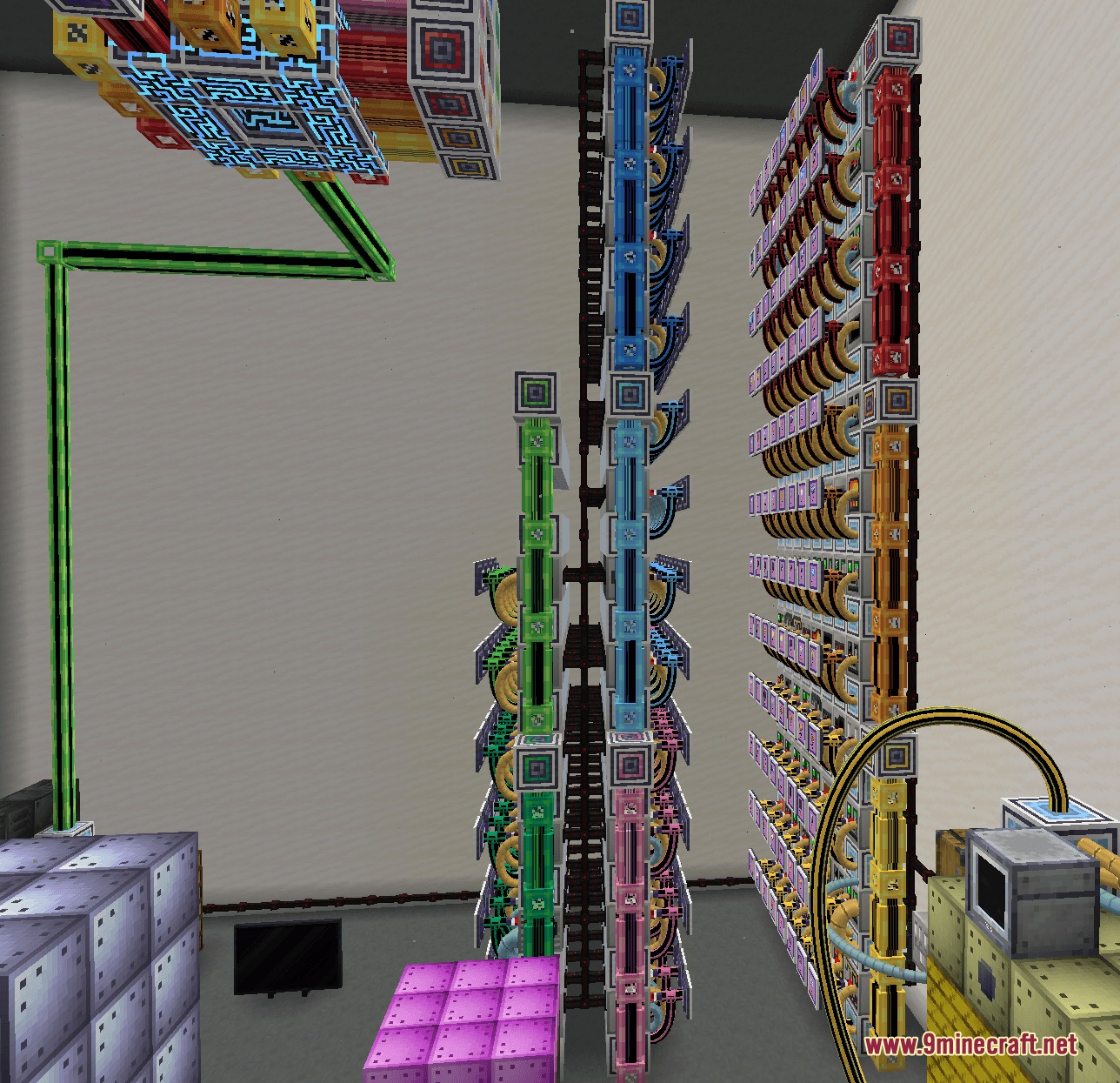
- Allows multiple pipes to share the exact same block space or fit into tiny gaps around other blocks.
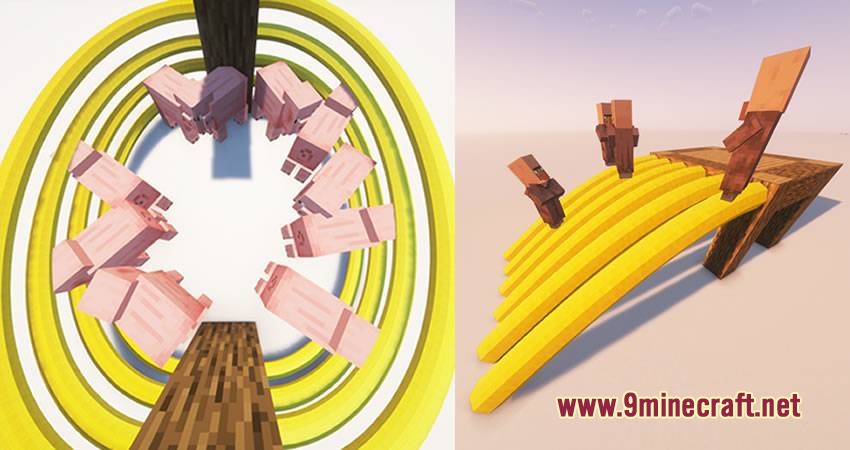
- Adds solid physical collision so players and mobs can walk on pipes or use them as ramps.
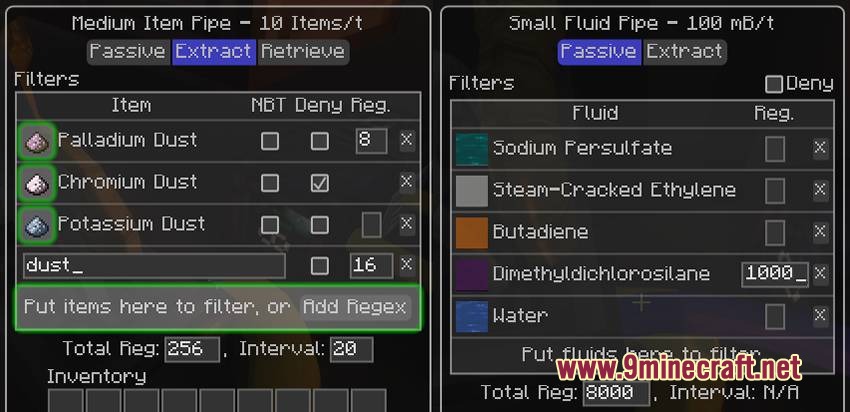
- Transports items and fluids with built-in filtering and storage limits.
- Includes Extract and Retrieve modes for item pipes to push or pull items between containers.
- Calculates realistic flow speeds where narrow pipe sections create natural bottlenecks.
- Works across unloaded chunks as long as the connected machines remain loaded.
- Turns item pipes transparent when you click them with a glass block.
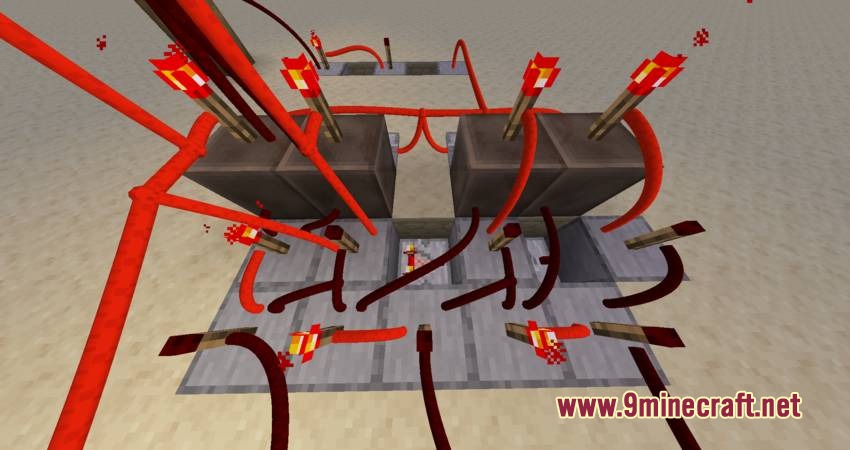
- Adds freeform redstone cables that transmit standard redstone power along custom curves.
- Connects with Applied Energistics 2, GregTech, and CC: Tweaked cables when holding them in your off-hand.
How to Use:
- Hold compatible cables or pipes in your off-hand to place them in curved shapes.
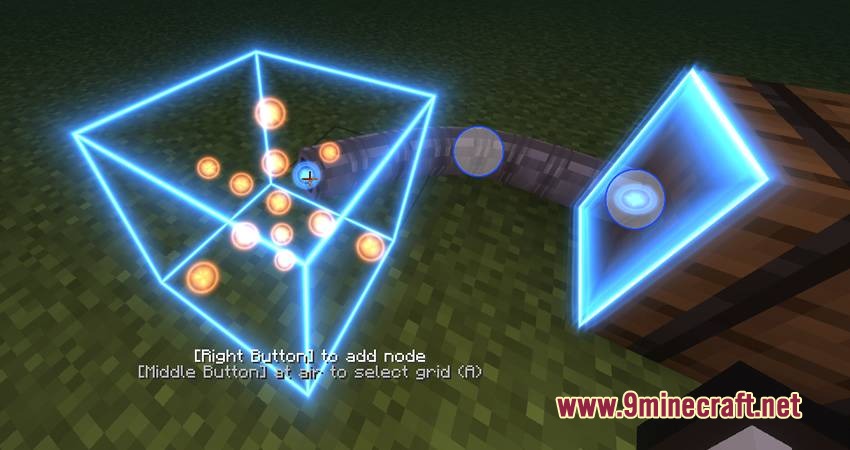
- Middle-click empty space while placing pipes to turn on the alignment grid.
- Open the radial menu on pipe nodes to insert, move, or delete bend points without breaking the line.
- Right-click an item pipe with a glass block to make its casing see-through.
Configuration:
config/curvy_pipes_default.yaml: customize pipe types and crafting recipes.
Screenshots:
Sinuous Flow Lines Mod Download Links
Quick facts
- Edition: Minecraft Java
- File type: .jar
- Minecraft version listed: 1.20.1
- How to install: Install the matching mod loader (Forge, Fabric or NeoForge) for your Minecraft version. → Download the .jar. → Put it in the .minecraft/mods folder and launch that loader profile.
- Where to get it: In MC Java Mods, or directly above on this page.
Install steps are the general flow for this file type — How to install Minecraft Java mods & modpacks walks through it step by step.
File checked by MCModsHub
- Downloads as 500767.mcaddon
- Download size: 2.5 MB
- Download link checked 22 Sept 2026 — working
- Mirrored on our own servers — the download does not depend on the original host
These come from our own check of the pack file, not from the source page.