Home›Java›Mods›Puddles and Floods Mod (26.2, 1.20.1) – Watch Rainstorms Leave Puddles and Flood Valleys
ModsJava
Puddles and Floods Mod (26.2, 1.20.1) – Watch Rainstorms Leave Puddles and Flood Valleys
Java mod listed for Minecraft 1.20. Downloads from the MC Java Mods app on Android.
⬇ Download
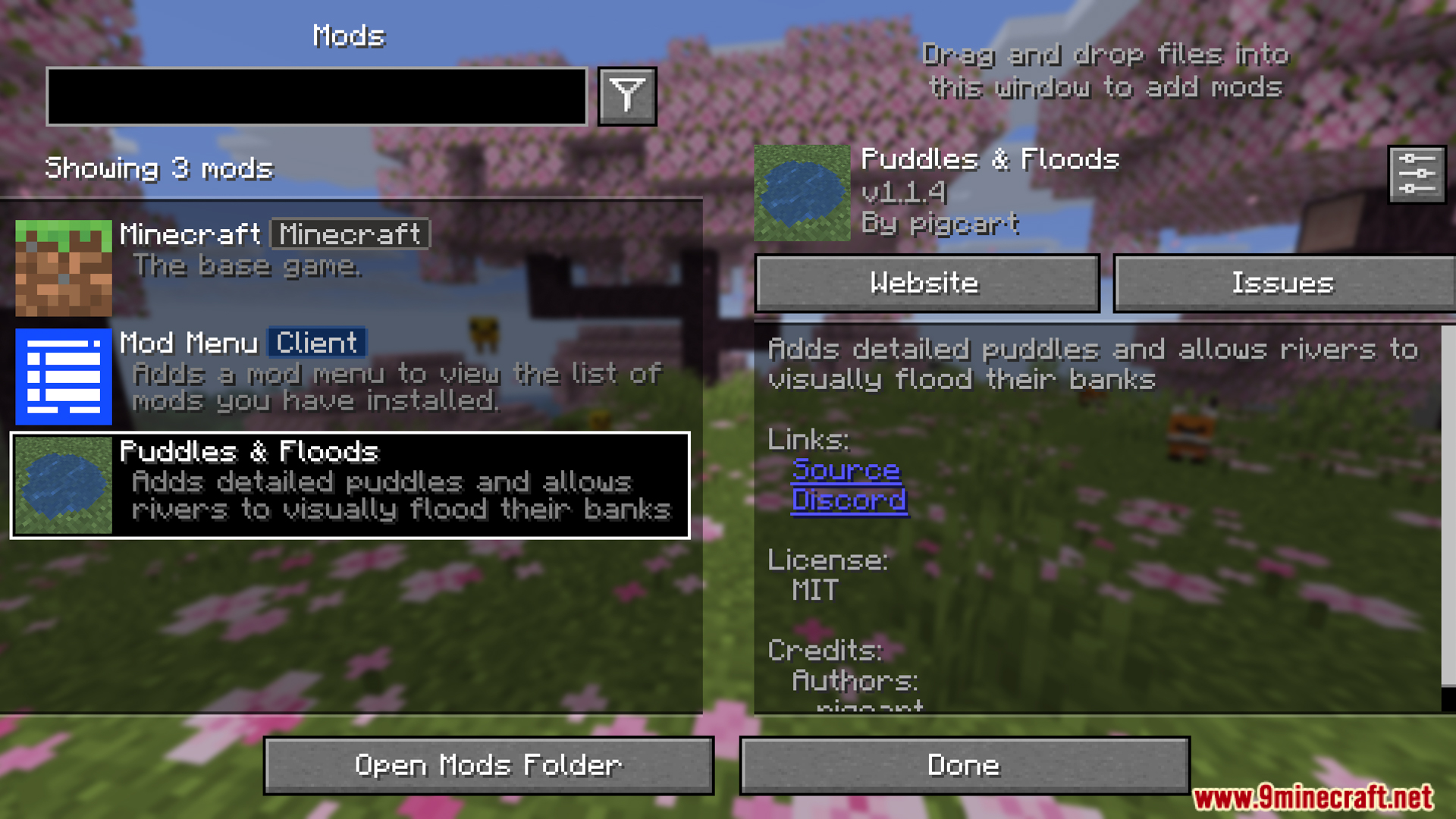
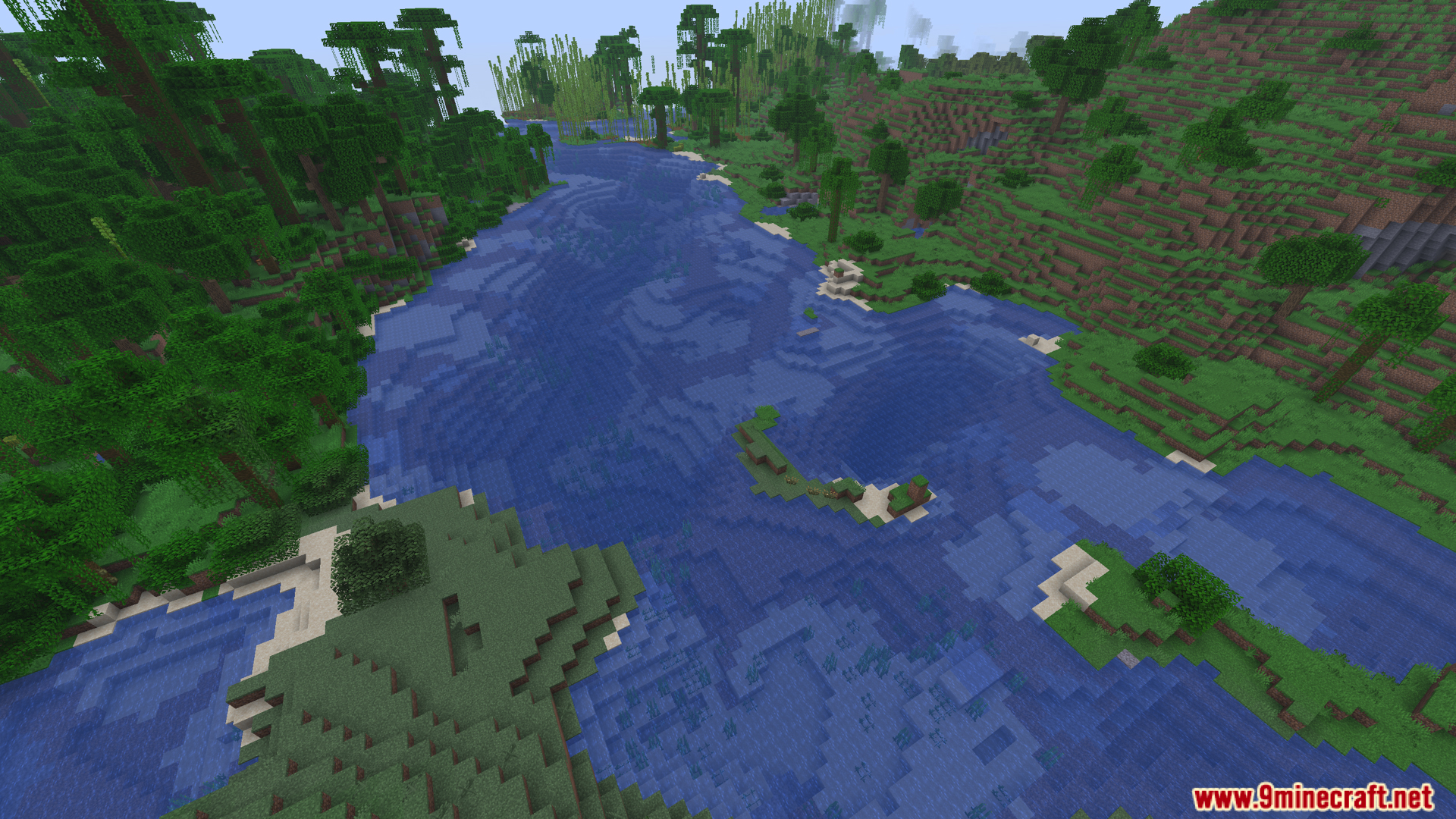
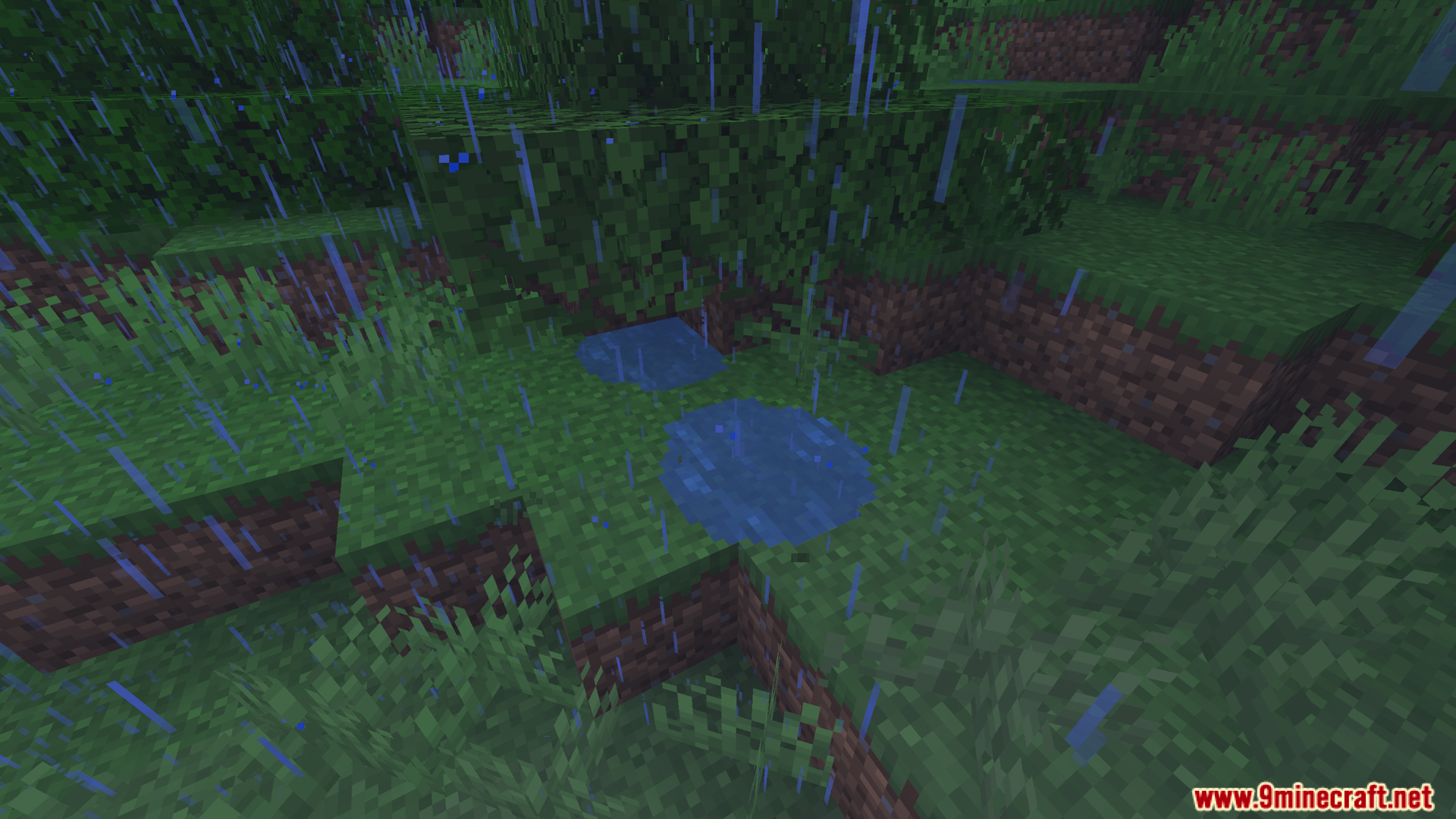
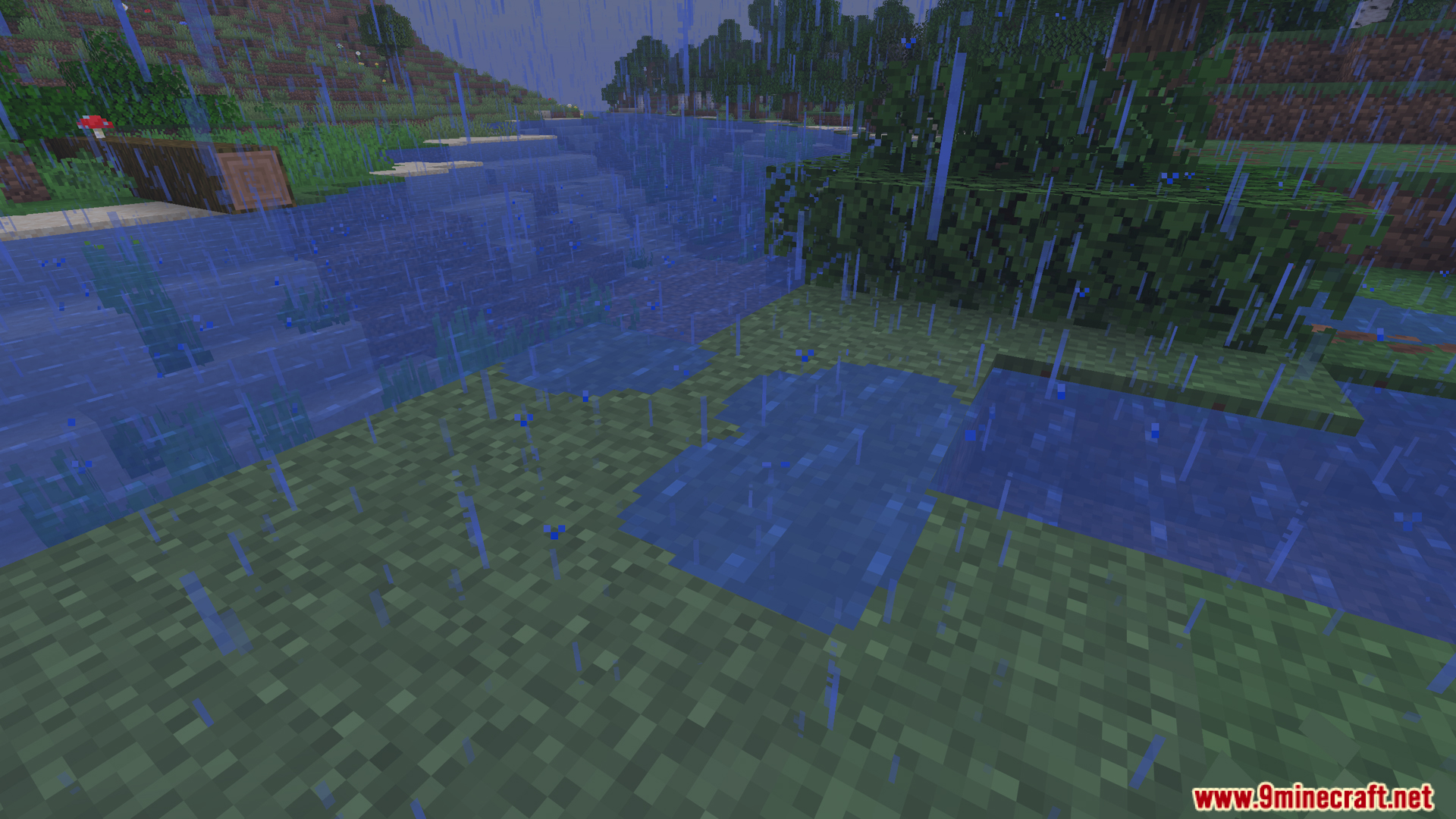
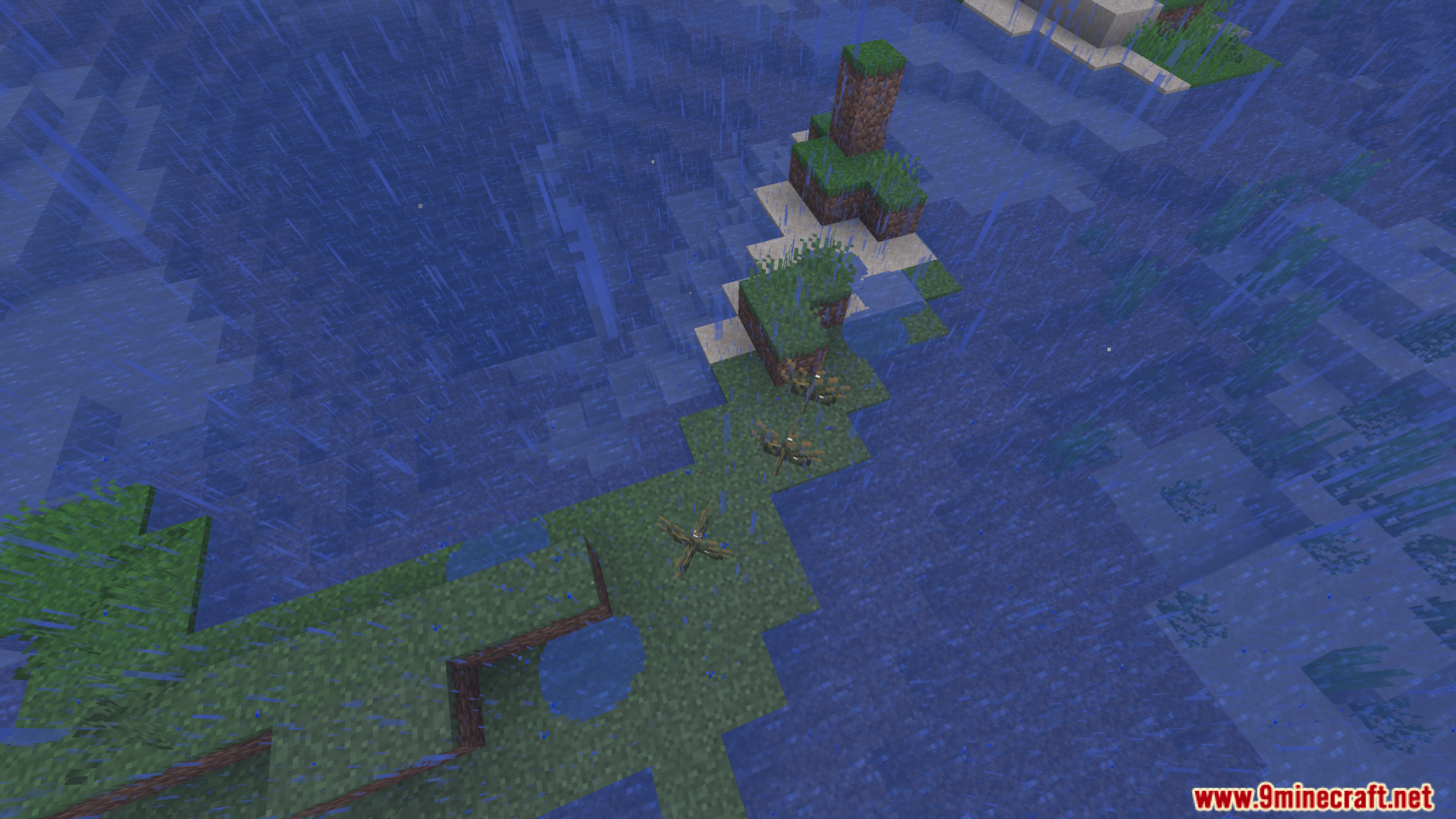
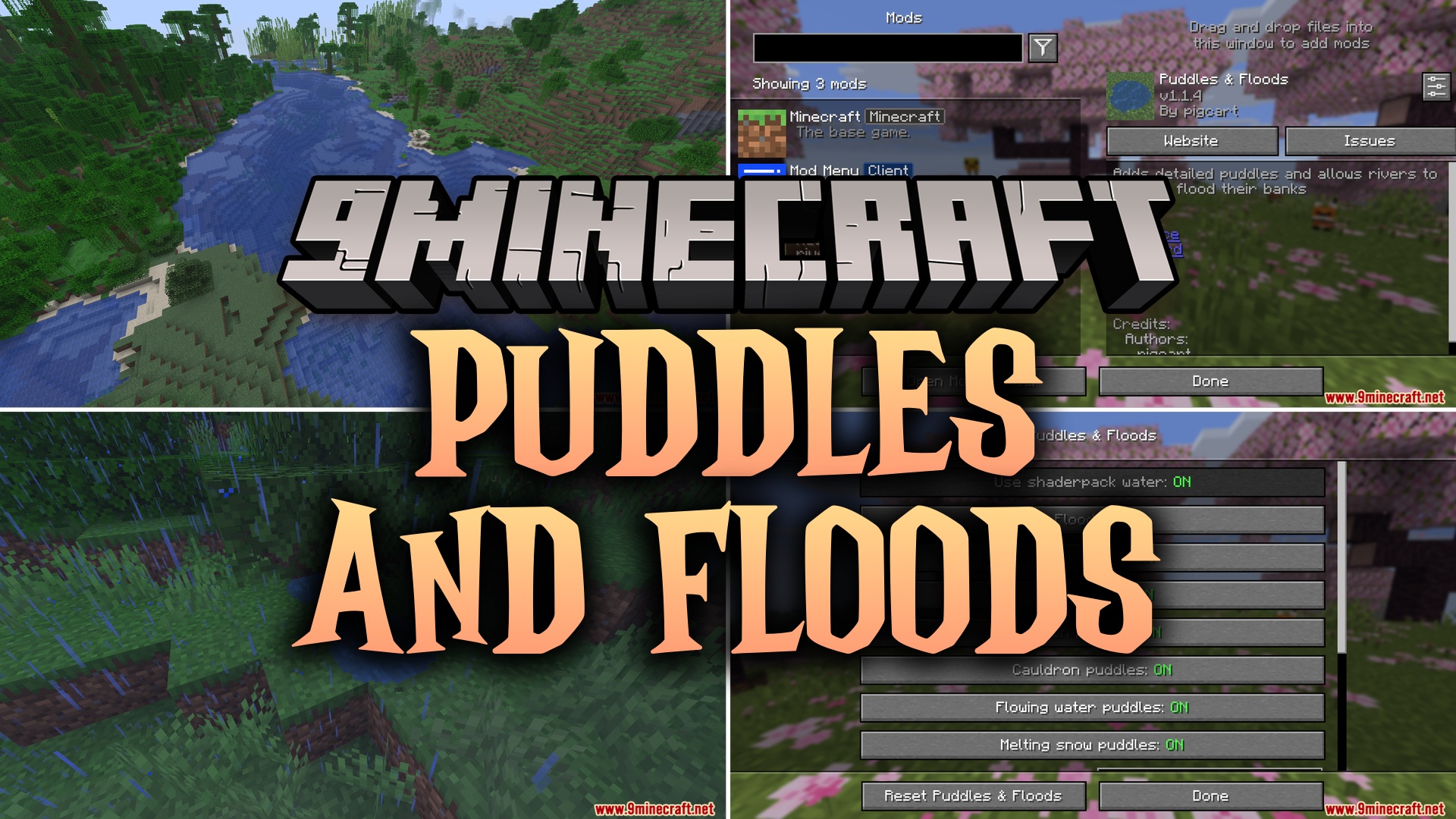
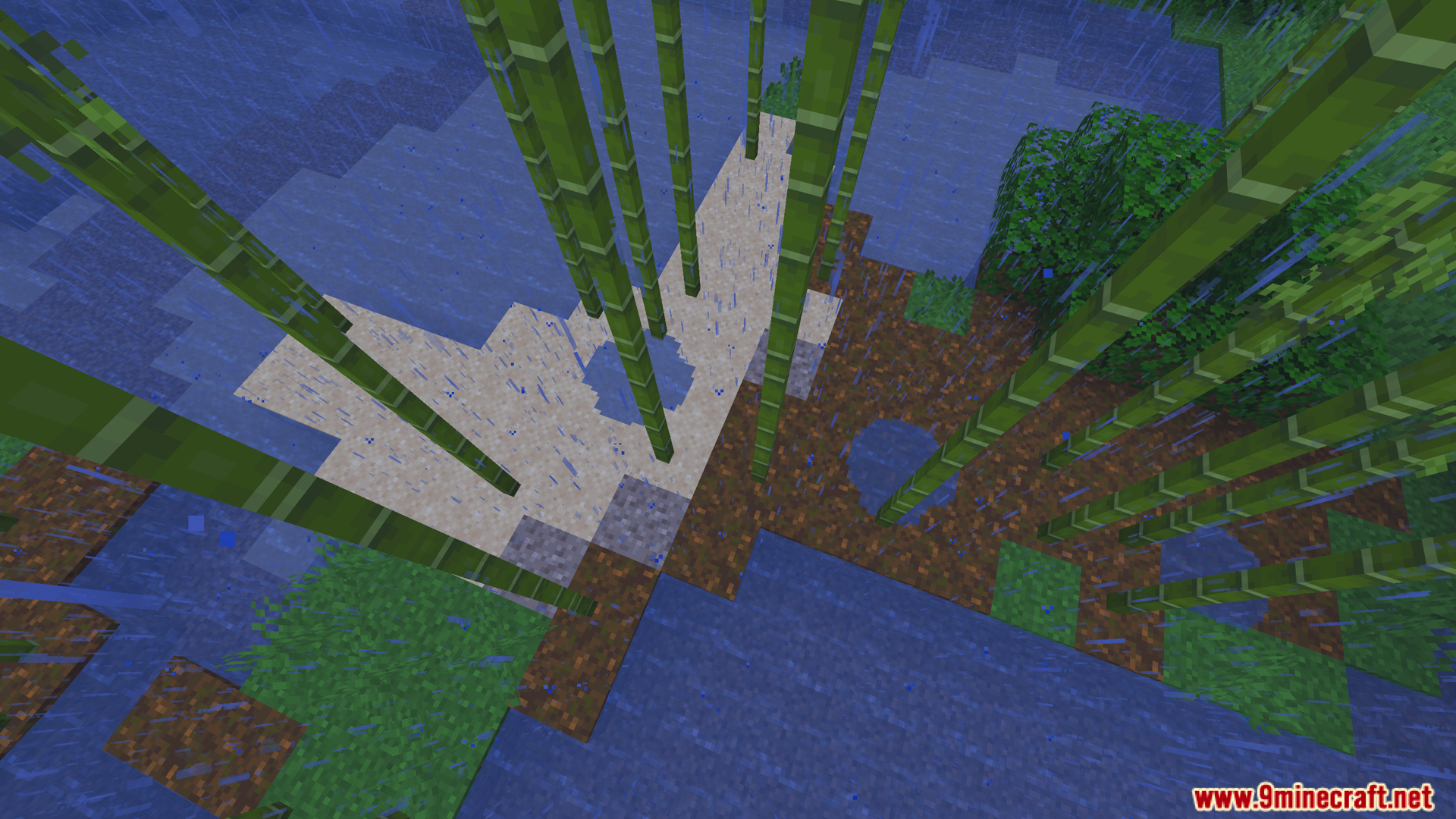
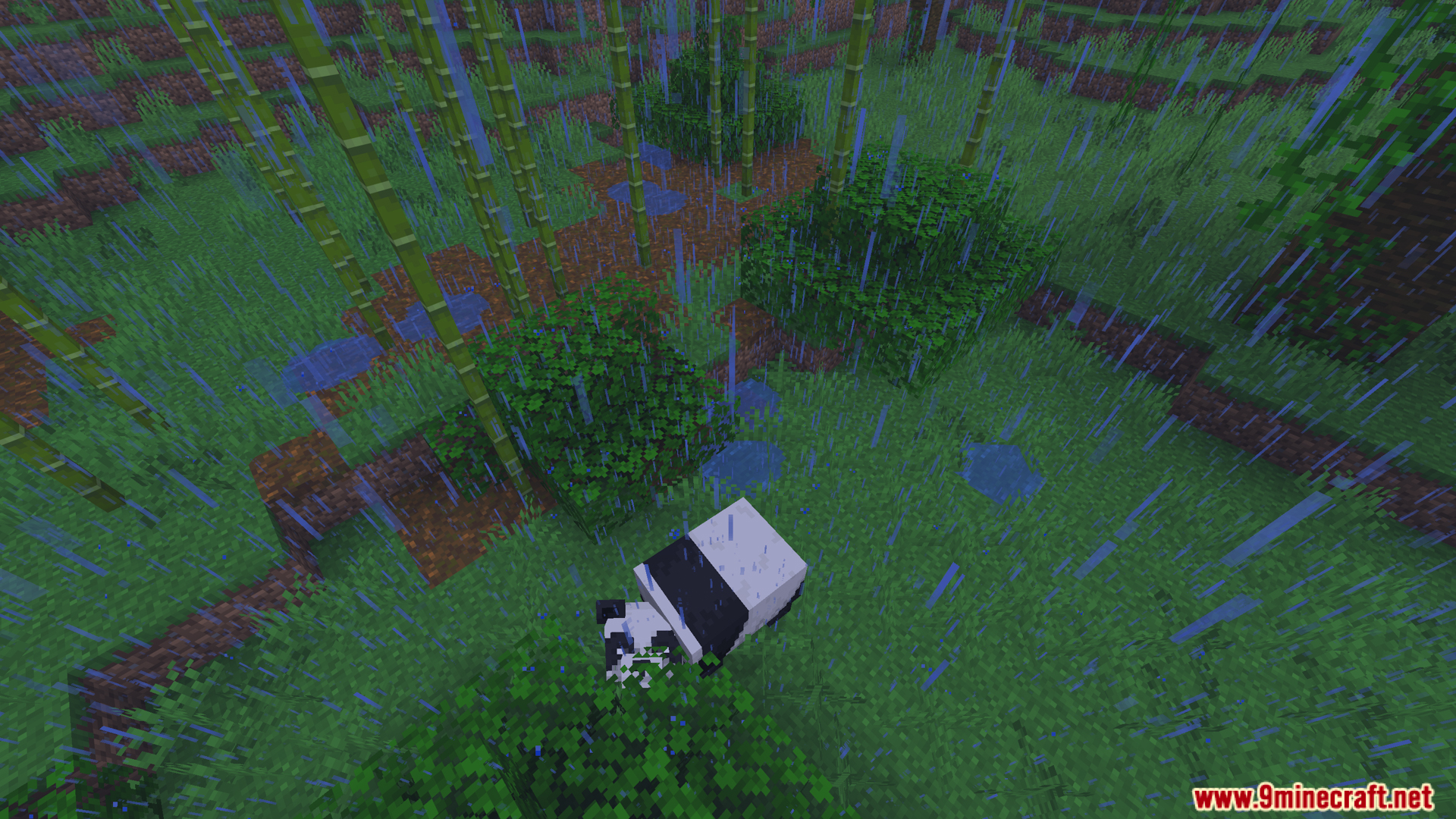
Puddles and Floods Mod adds real pools of water to the ground when it rains. This mod changes how weather looks by placing small wet spots around the world. These pools form under dripping ceilings or when snow melts away. You can watch them gather in low areas like valleys to make large flooded spaces. The water is safe and will not wash away your redstone or break your builds. You even hear a small splash sound when you walk through them.
Features:
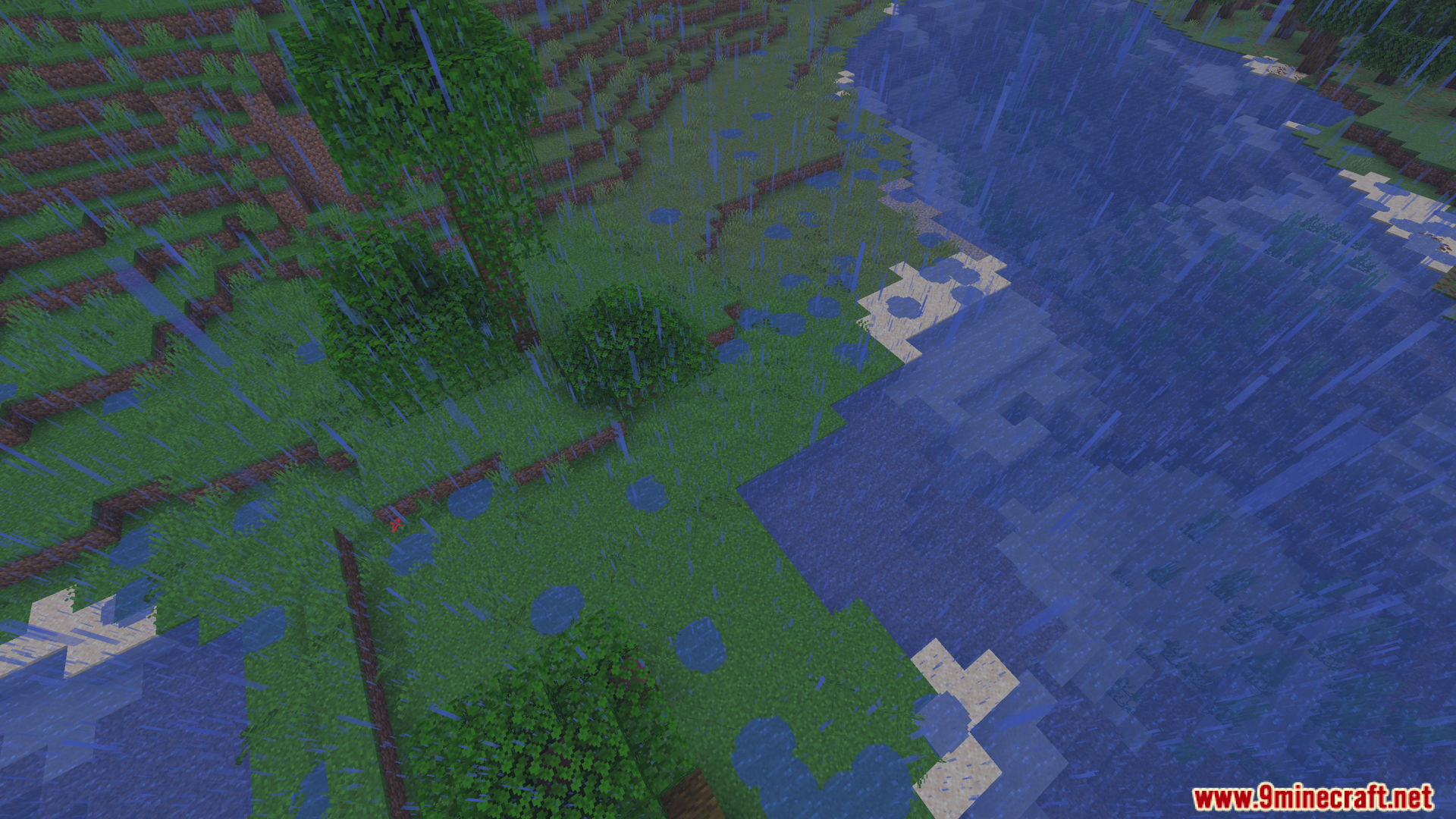
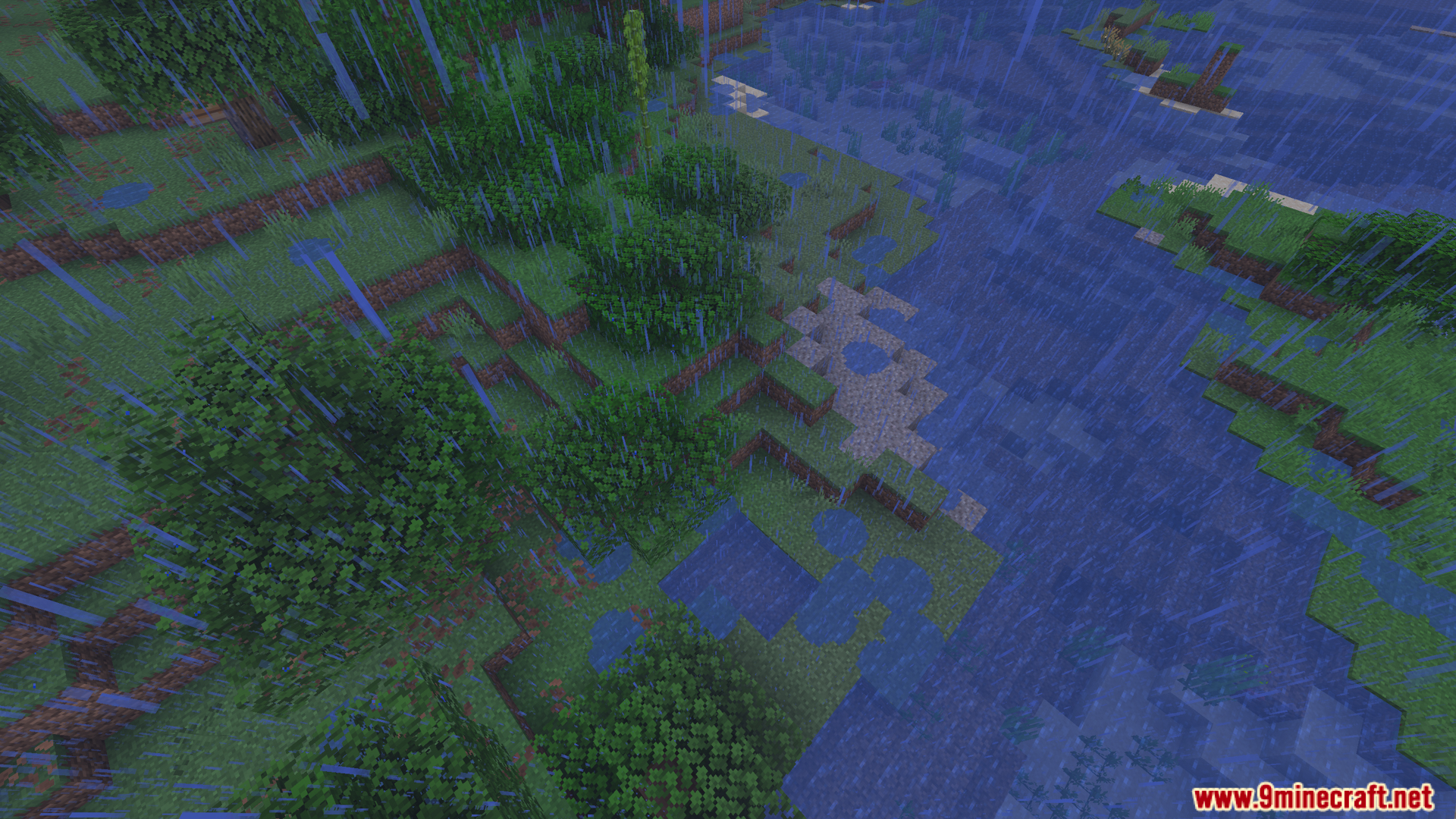
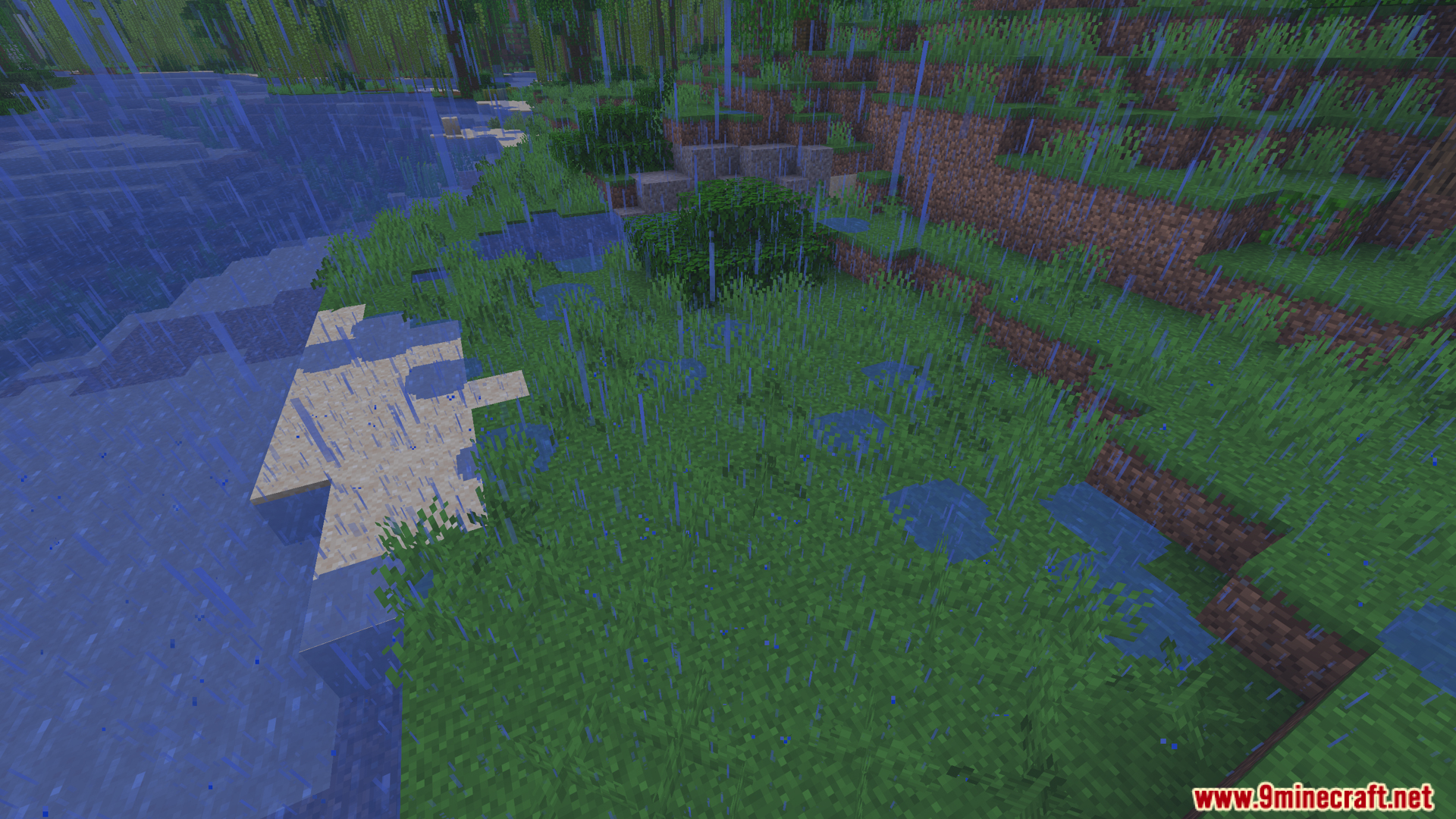
- Rain Pools: Small spots of water appear on the ground during storms.
- Flooding Rivers: Water gathers in valleys and coasts to form large flooded spaces.
- Drip Catching: Wet spots form below blocks that drip water.
- Flowing Water Marks: Water leaves wet spots behind after flowing over blocks.
- Splash Potions: Throwing a potion leaves a small puddle where it hits.
- Broken Cauldrons: Breaking a full cauldron spills water onto the floor.
- Melting Snow: Snow turns into small pools as it warms up.
- Safe for Builds: The water spots do not break blocks or wash away redstone dust.
- Splash Sounds: Walking through the wet spots plays a splashing noise.
- Client Side Support: Rain pools work even if the server does not have the mod installed.
Commands:
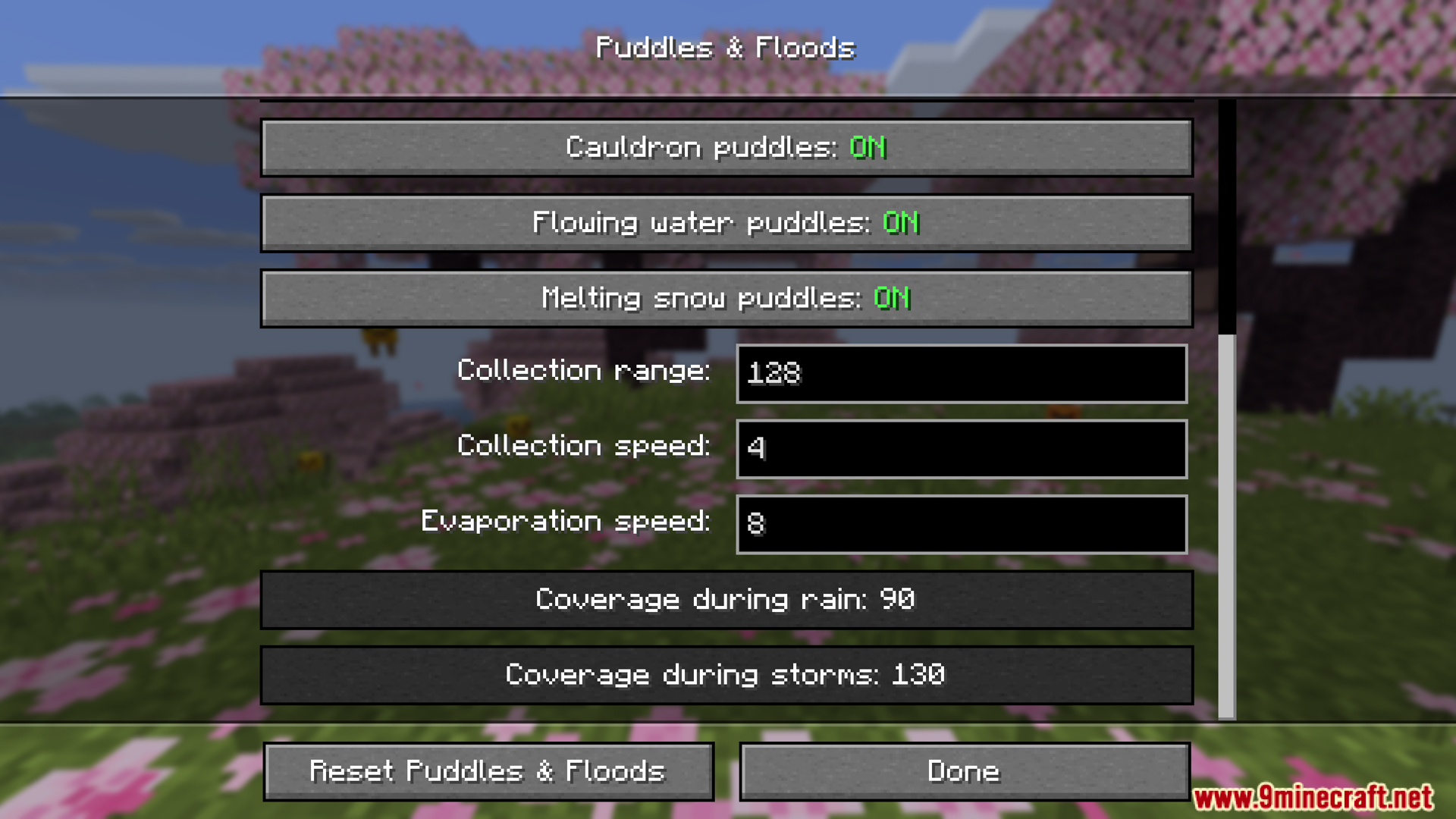
/puddleflood: Opens the menu to change settings.
Configuration:
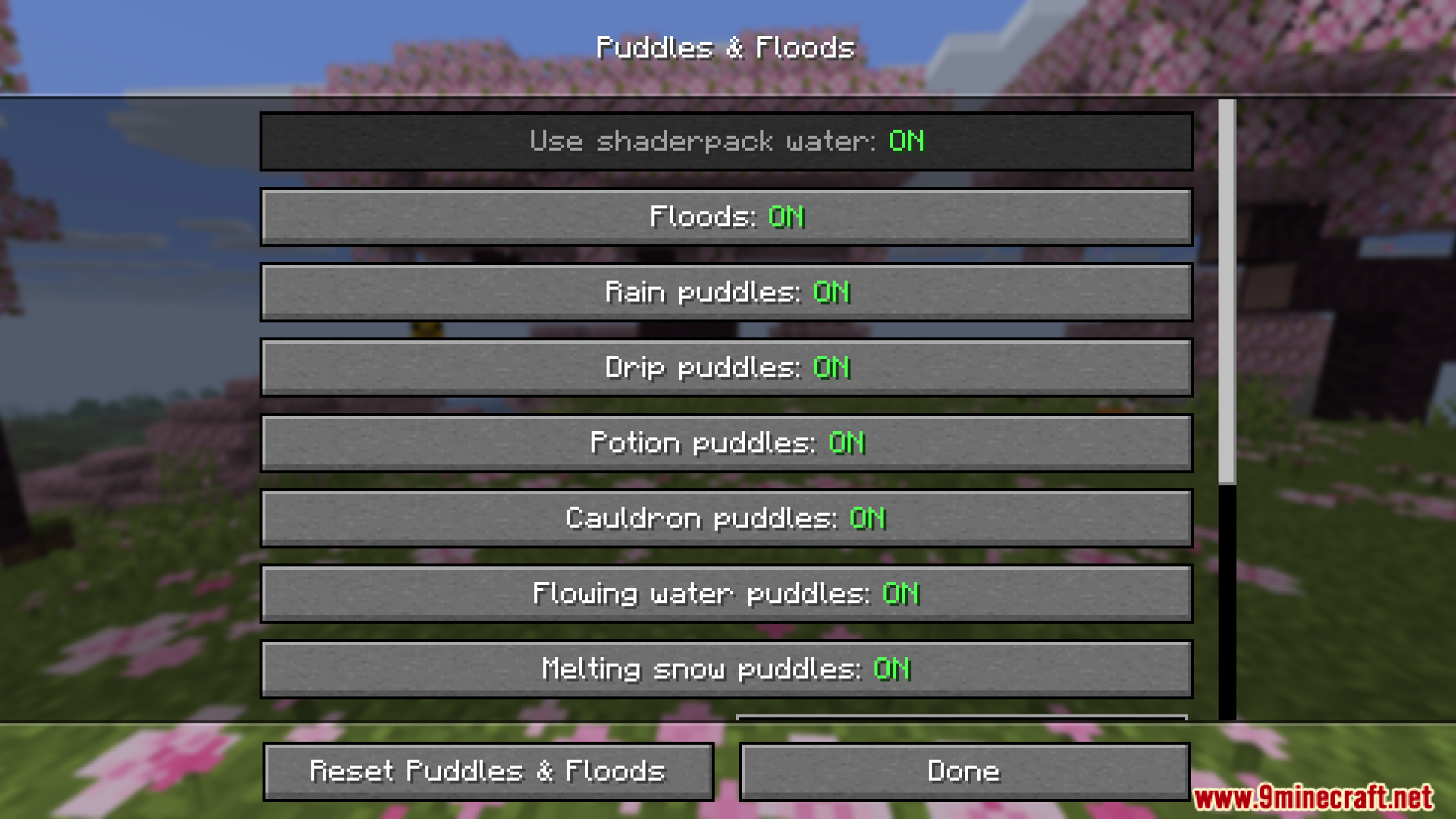
- Turn specific features on or off.
- Change how much water covers the ground during rain.
- Set the spawn distance around the player.
- Change how fast water gathers and dries up.
- Turn shader pack water effects on or off.
Screenshots:
Puddles and Floods Mod Download Links
Quick facts
- Edition: Minecraft Java
- File type: .jar
- Minecraft version listed: 1.20.1
- How to install: Install the matching mod loader (Forge, Fabric or NeoForge) for your Minecraft version. → Download the .jar. → Put it in the .minecraft/mods folder and launch that loader profile.
- Where to get it: In MC Java Mods, or directly above on this page.
Install steps are the general flow for this file type — How to install Minecraft Java mods & modpacks walks through it step by step.
File checked by MCModsHub
- Downloads as 500770.mcaddon
- Download size: 203 KB
- Download link checked 24 Sept 2026 — working
- Mirrored on our own servers — the download does not depend on the original host
These come from our own check of the pack file, not from the source page.