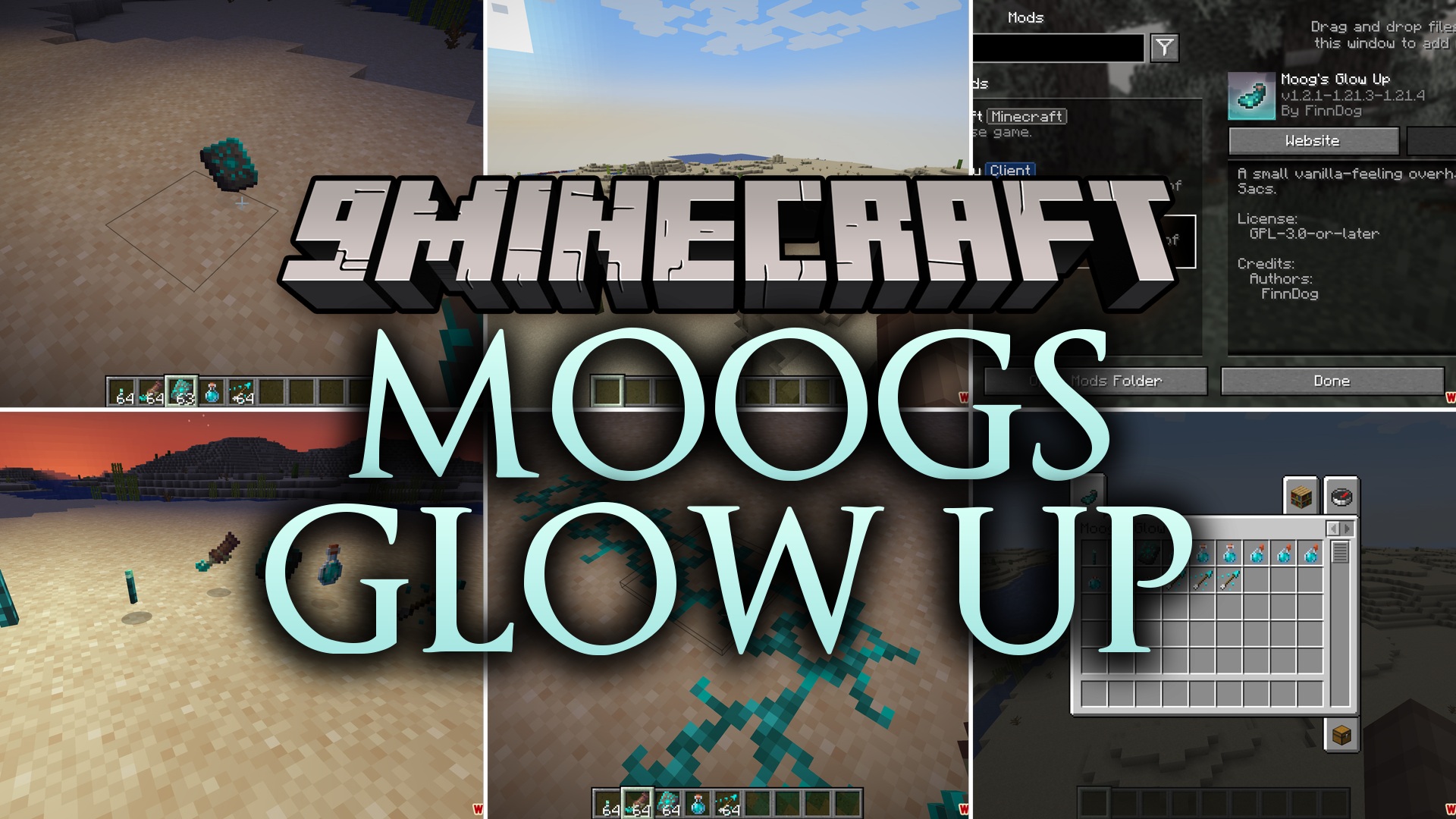
Moogs Glow Up Mod (26.2, 1.20.1) – Make Your Armor and Underwater Bases Glow
Java mod listed for Minecraft 1.20. Downloads from the MC Java Mods app on Android.
⬇ Download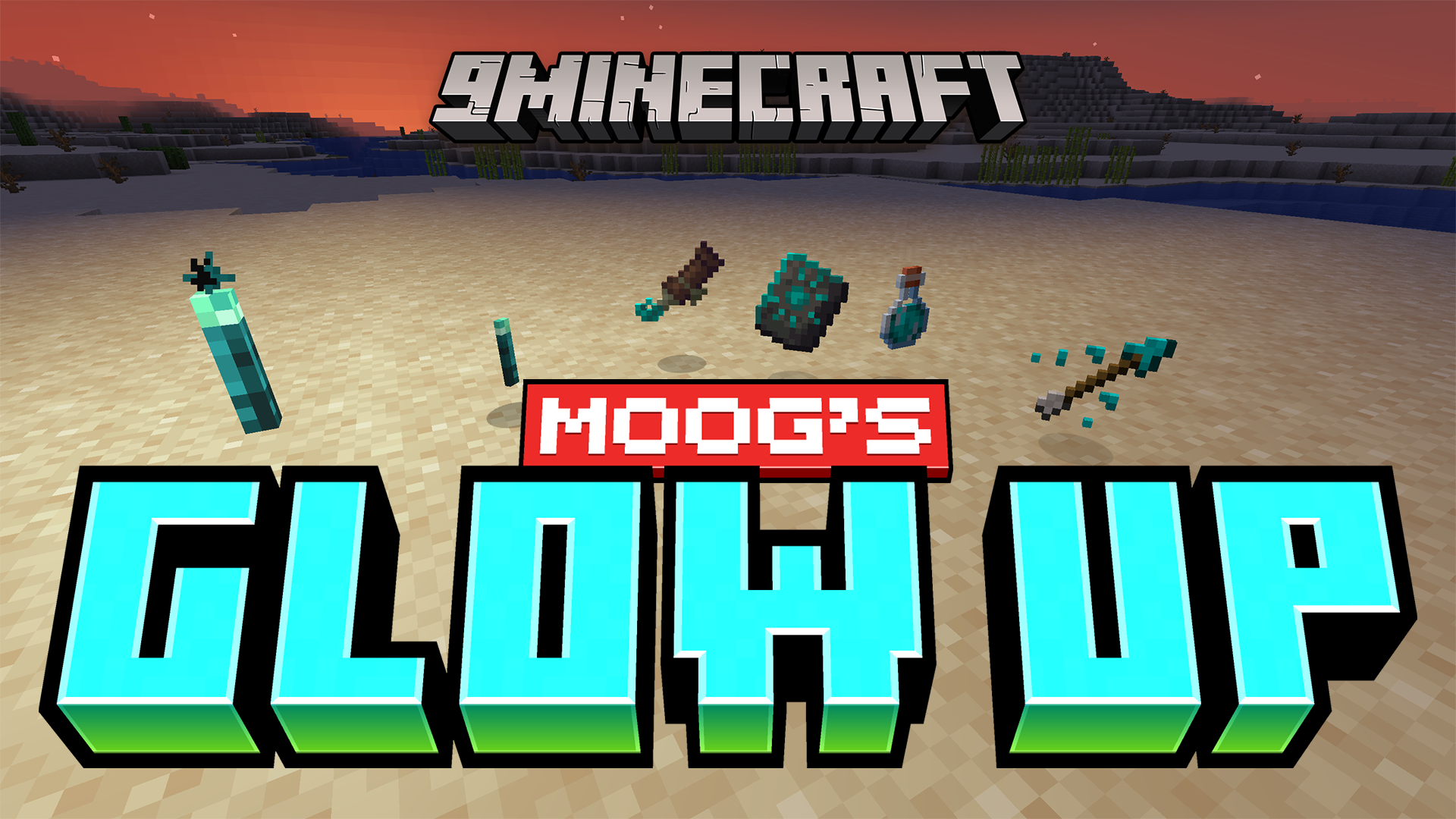
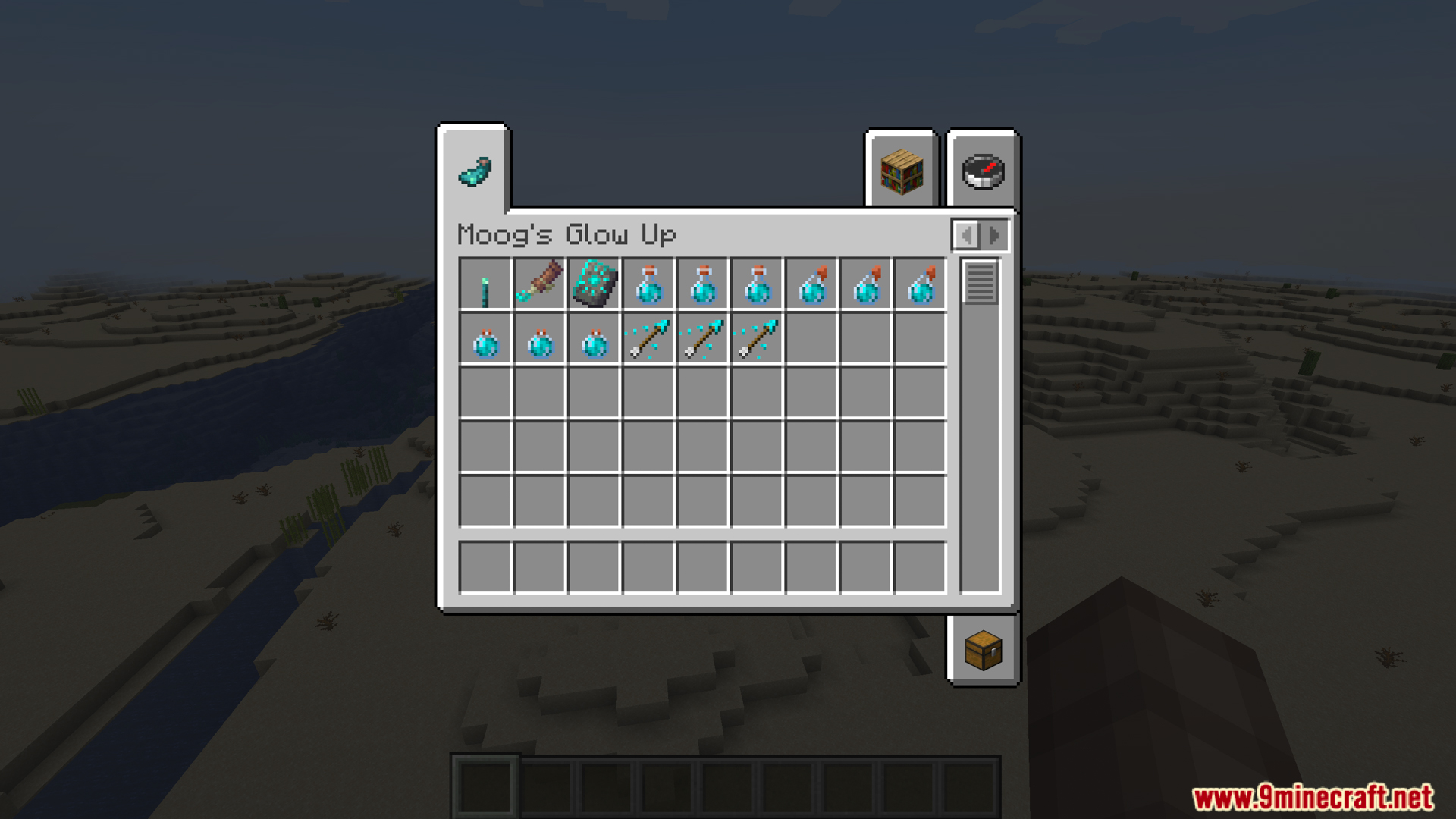
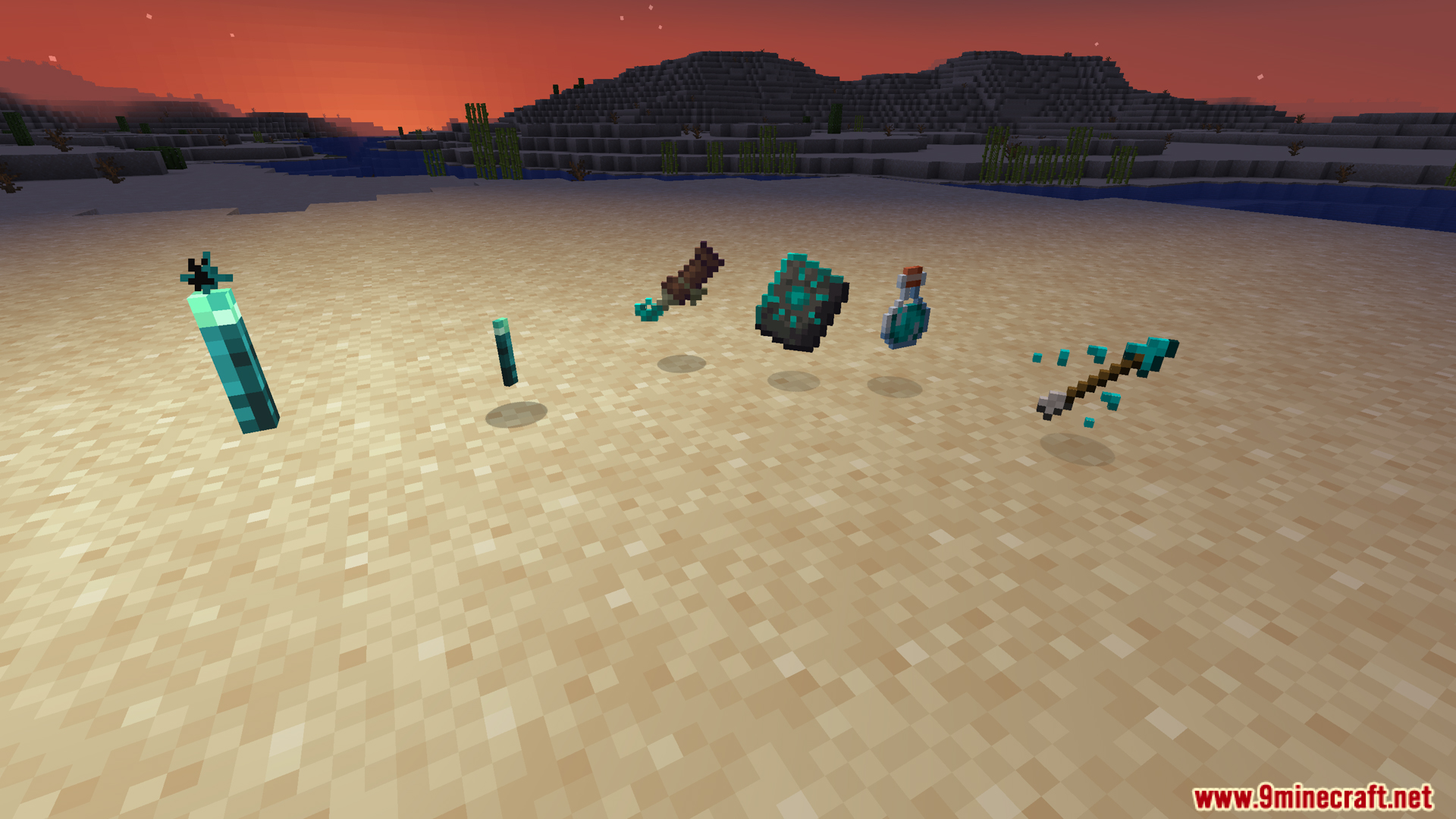
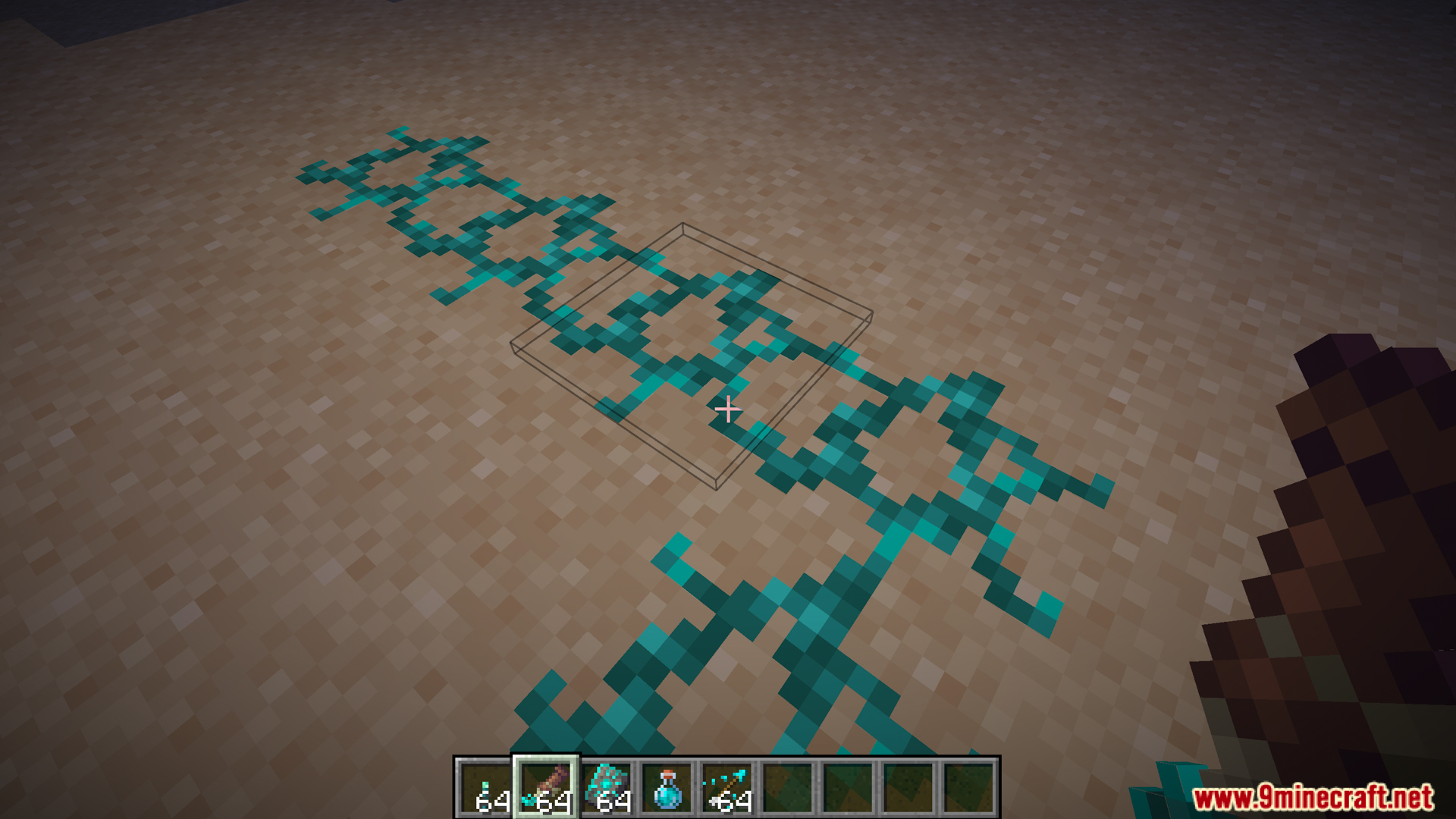
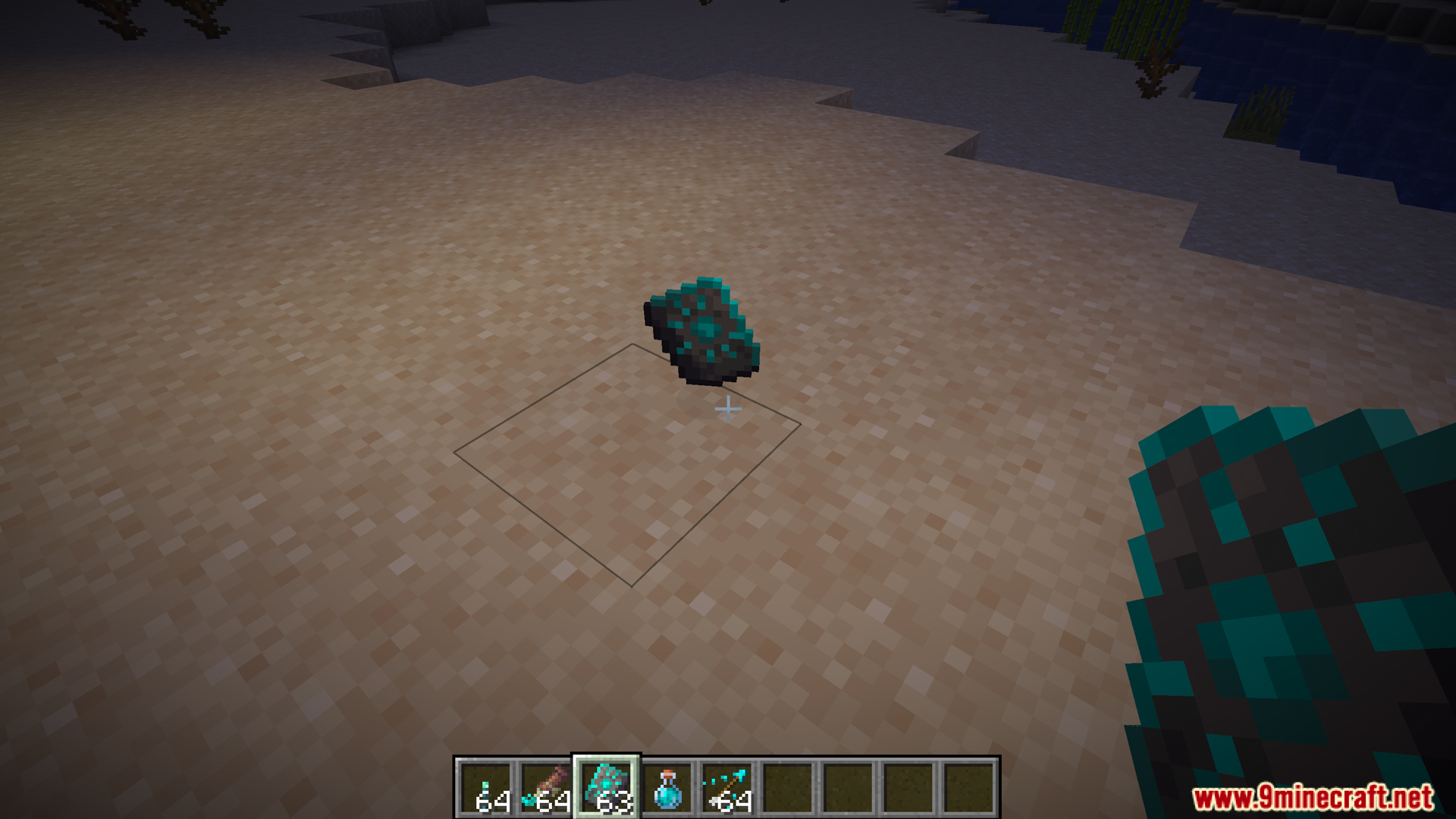
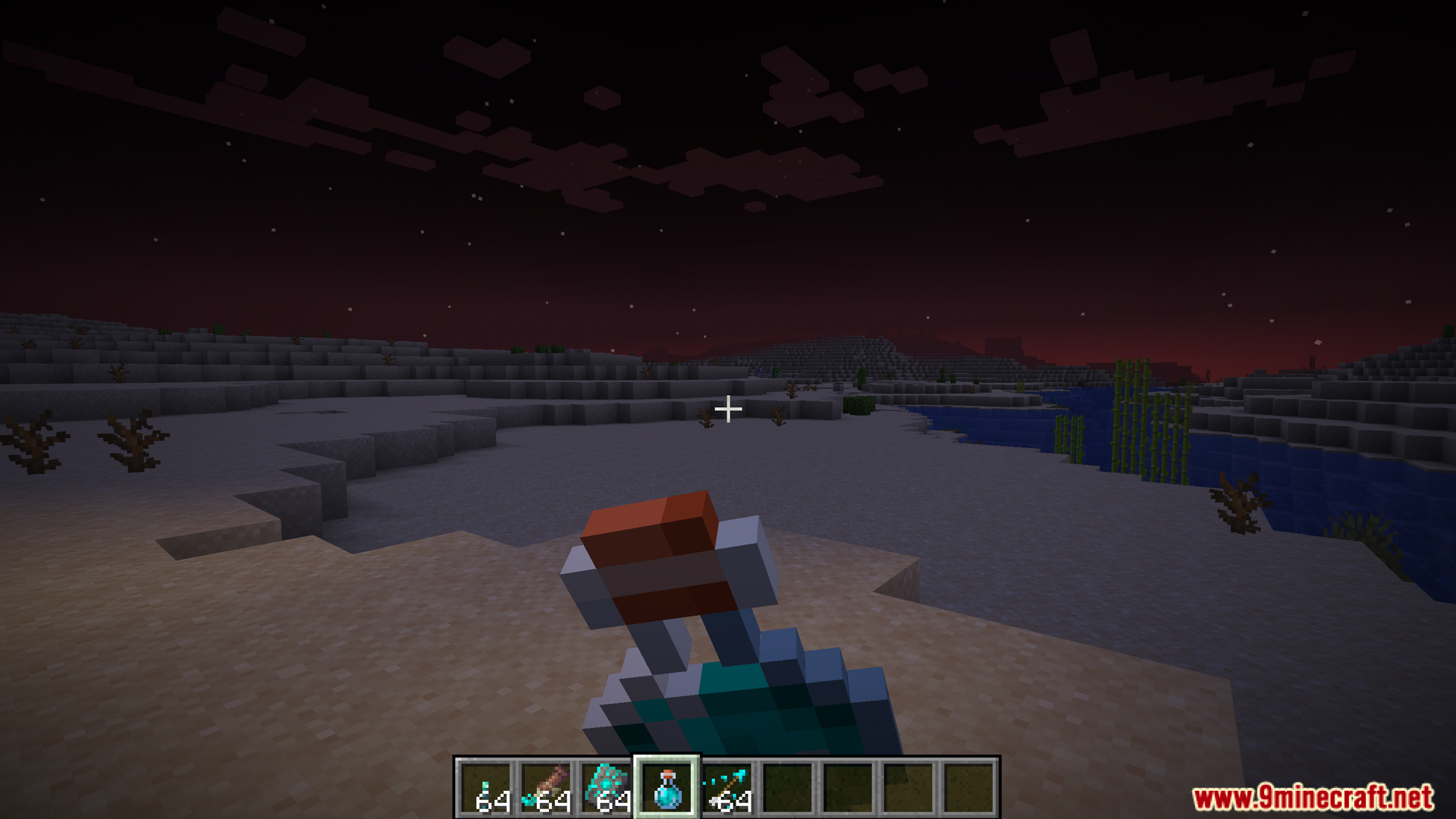
Moogs Glow Up Mod expands the uses for glow ink sacs in your game. This mod gives you fun new ways to light up your items and blocks. You can apply a bright look to your armor, banners, and decorated pots. It also adds new tools like underwater torches and hidden light sources to help you see in dark places. These additions make ocean exploration and base building much more interesting.
Features:
- Glowing Armor Trims: Find a special template in ocean chests and combine it with glow ink to make your armor patterns shine.
- Glowing Banners: Put a banner and a glow ink sac into a loom to light up the top pattern layer or the base color.
- Glowing Decorated Pots: Right-click the patterned sides of a pot with glow ink to make the pictures glow in the dark.
- Glow Torch: Place this special torch underwater to light up rivers and oceans.
- Glow Paste: Stick this hidden light on blocks. It only appears when you hold the paste item in your hand.
- Revealing Potion: Throw this potion to create temporary light blocks in dark caves.
- Glowing Sheep: Use glow ink on a sheep to make its wool light up as a fun secret.
Configuration:
You can turn features on or off and change light levels using the config file:
{
  "enableGlowingArmorTrims": true,
  "glowTrimLootChance": 0.1,
  "glowTrimLootTables": [
    "minecraft:chests/shipwreck_treasure",
    "minecraft:chests/underwater_ruin_big",
    "minecraft:chests/underwater_ruin_small"
  ],
  "enableGlowingBanners": true,
  "enableGlowingDecoratedPots": true,
  "enableGlowPaste": true,
  "glowPasteLightLevel": 8,
  "glowPasteRevealRadius": 10,
  "enableGlowTorch": true,
  "glowTorchLightLevel": 15,
  "enableRevealingPotion": true,
  "enableGlowingSheep": true
}
Screenshots:
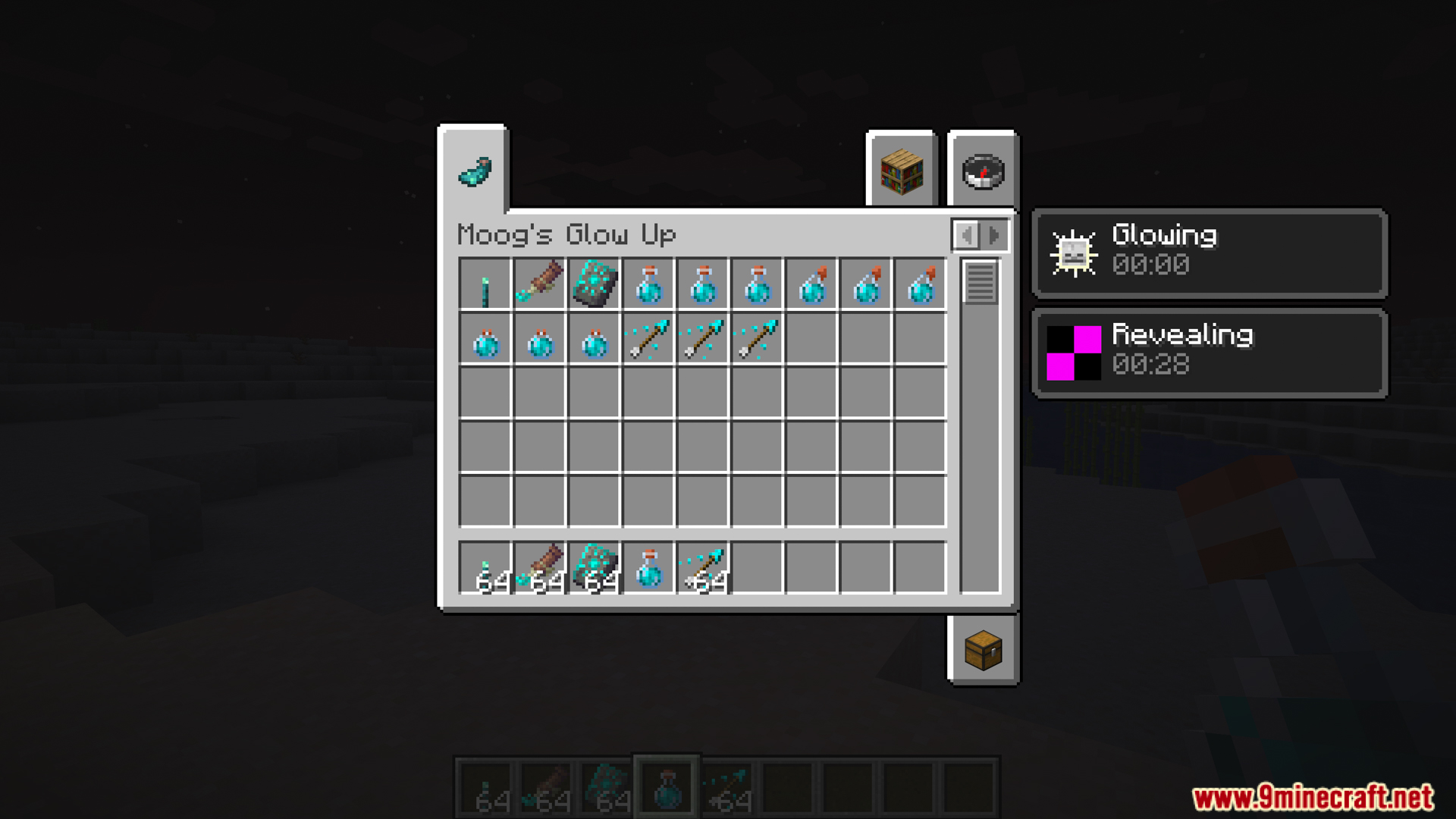
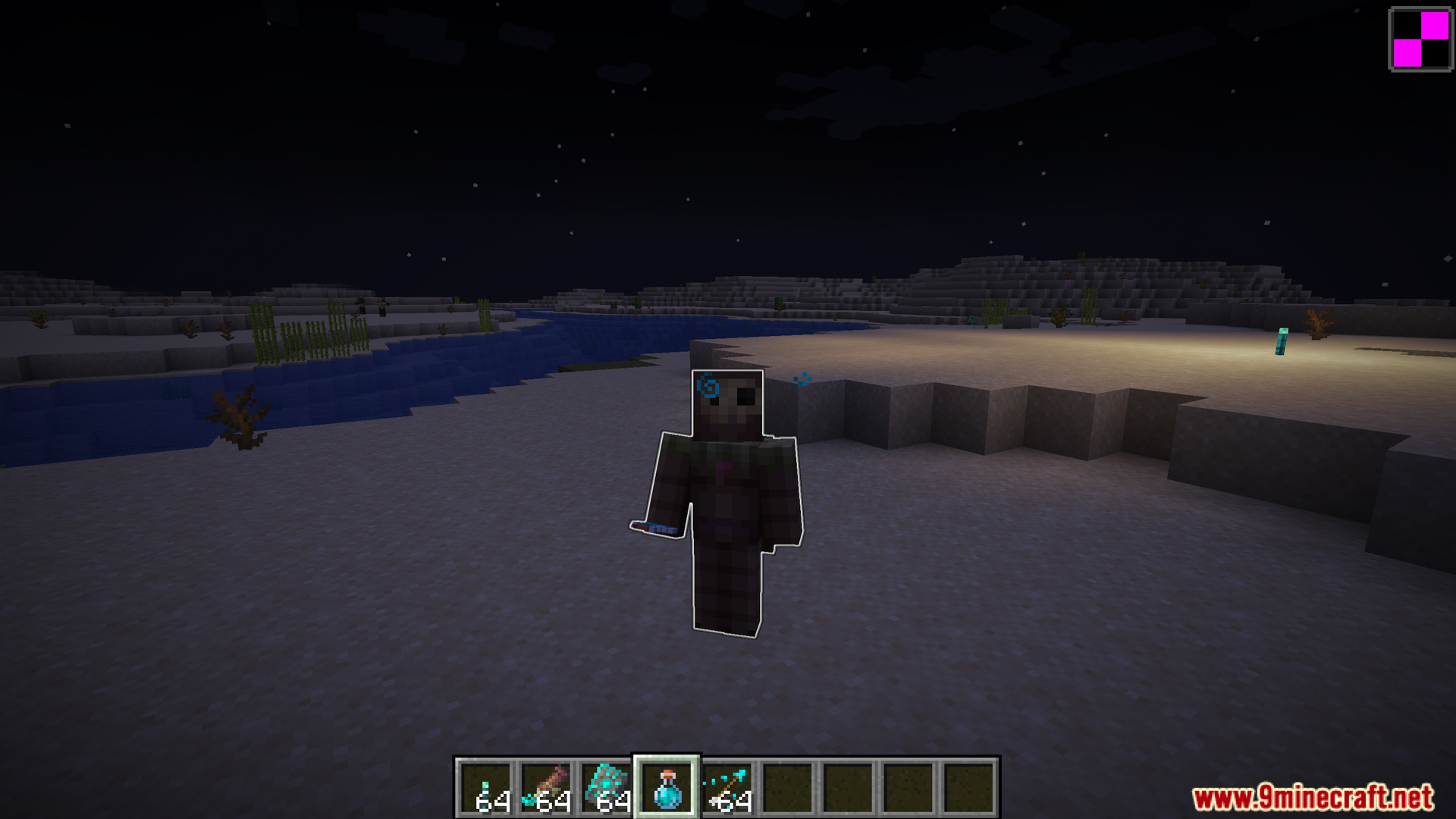
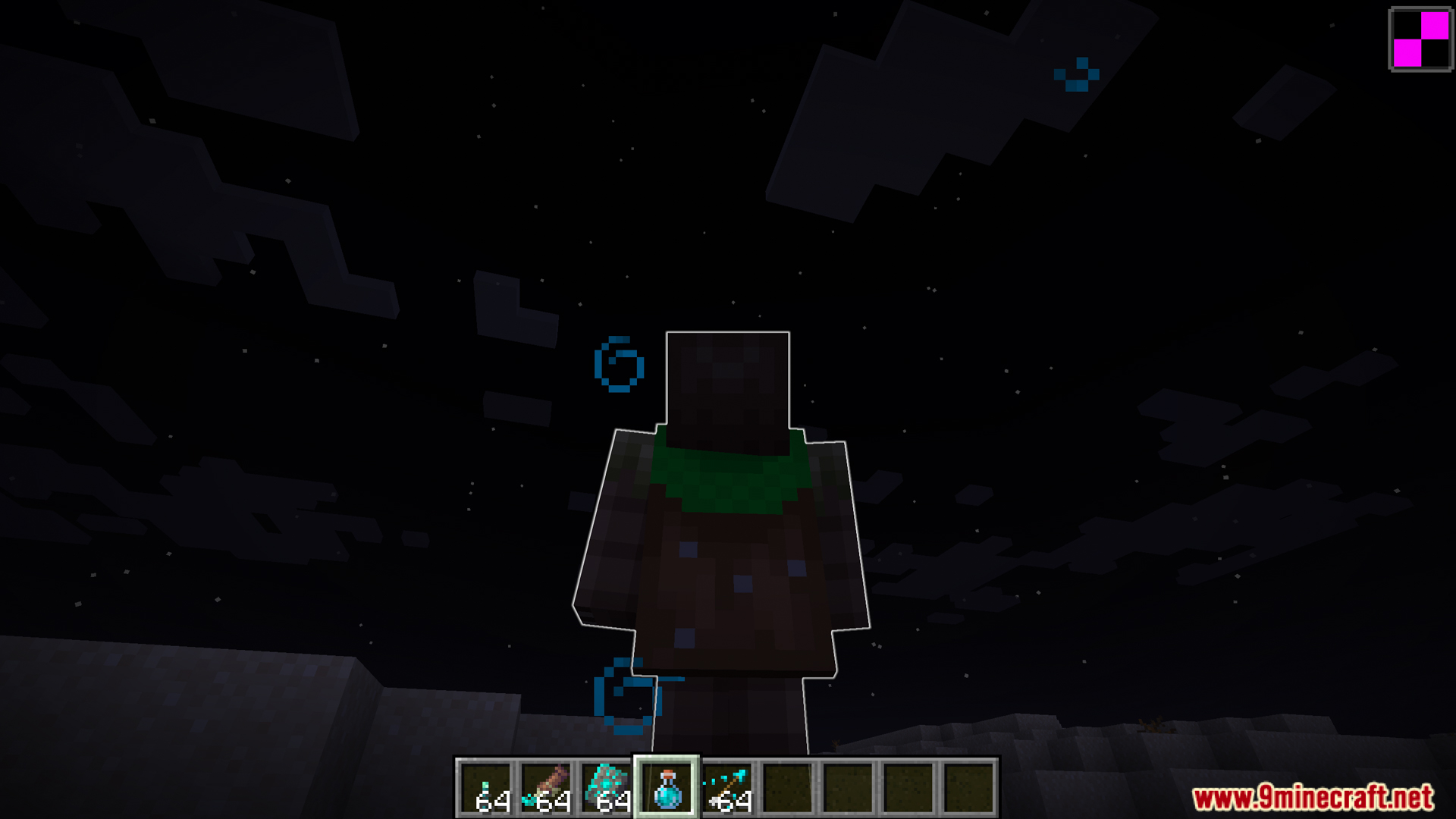
Moogs Glow Up Mod Download Links
- Edition: Minecraft Java
- File type: .jar
- Minecraft version listed: 1.20.1
- How to install: Install the matching mod loader (Forge, Fabric or NeoForge) for your Minecraft version. → Download the .jar. → Put it in the .minecraft/mods folder and launch that loader profile.
- Where to get it: In MC Java Mods, or directly above on this page.
Install steps are the general flow for this file type — How to install Minecraft Java mods & modpacks walks through it step by step.
- Downloads as 500773.mcaddon
- Download size: 283 KB
- Download link checked 24 Sept 2026 — working
- Mirrored on our own servers — the download does not depend on the original host
These come from our own check of the pack file, not from the source page.