
ModsJava
Ultra Effects Mod (1.21.11, 1.20.1)
Java mod listed for Minecraft 1.20–1.21. Downloads from the MC Java Mods app on Android.
⬇ Download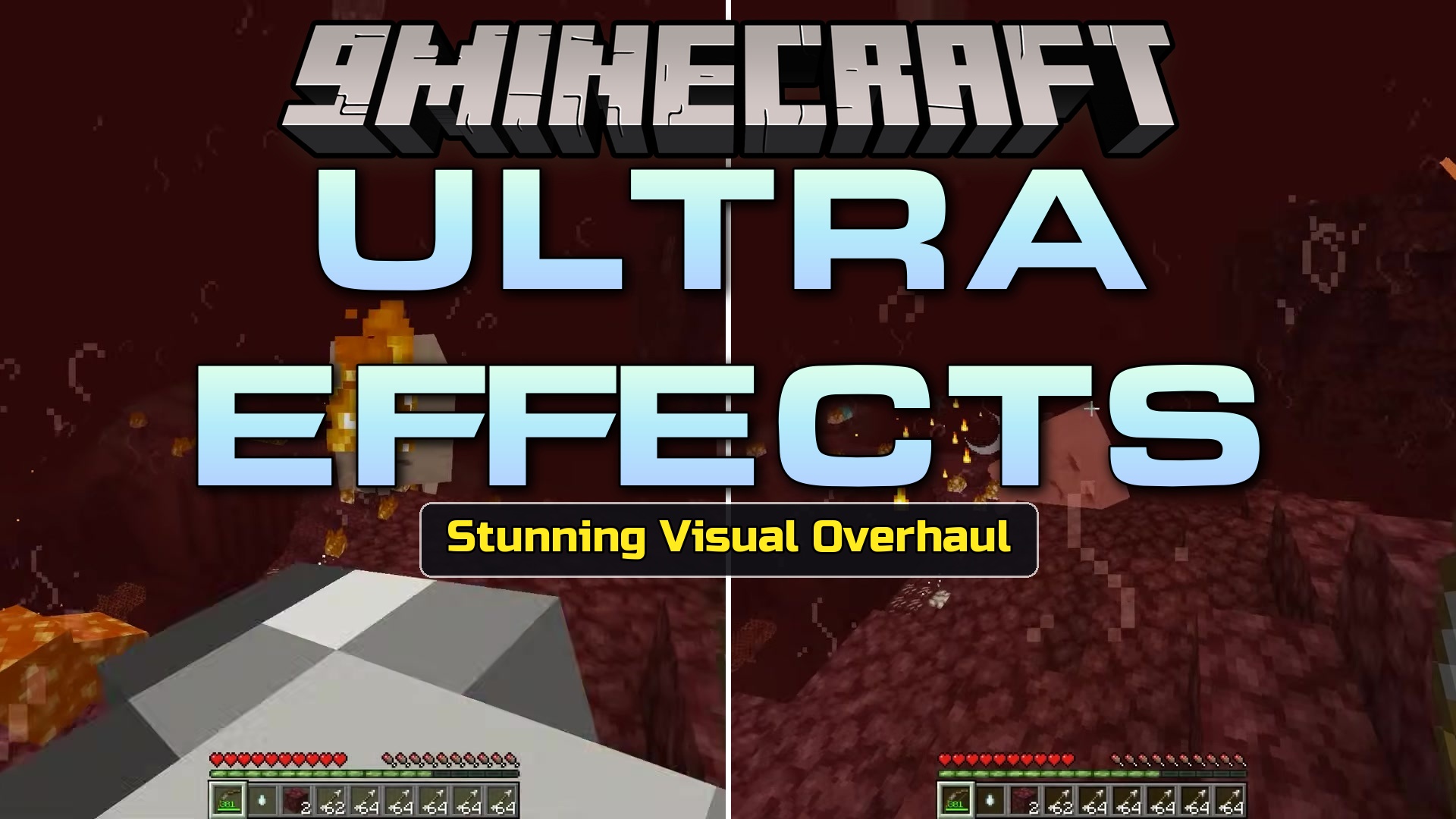
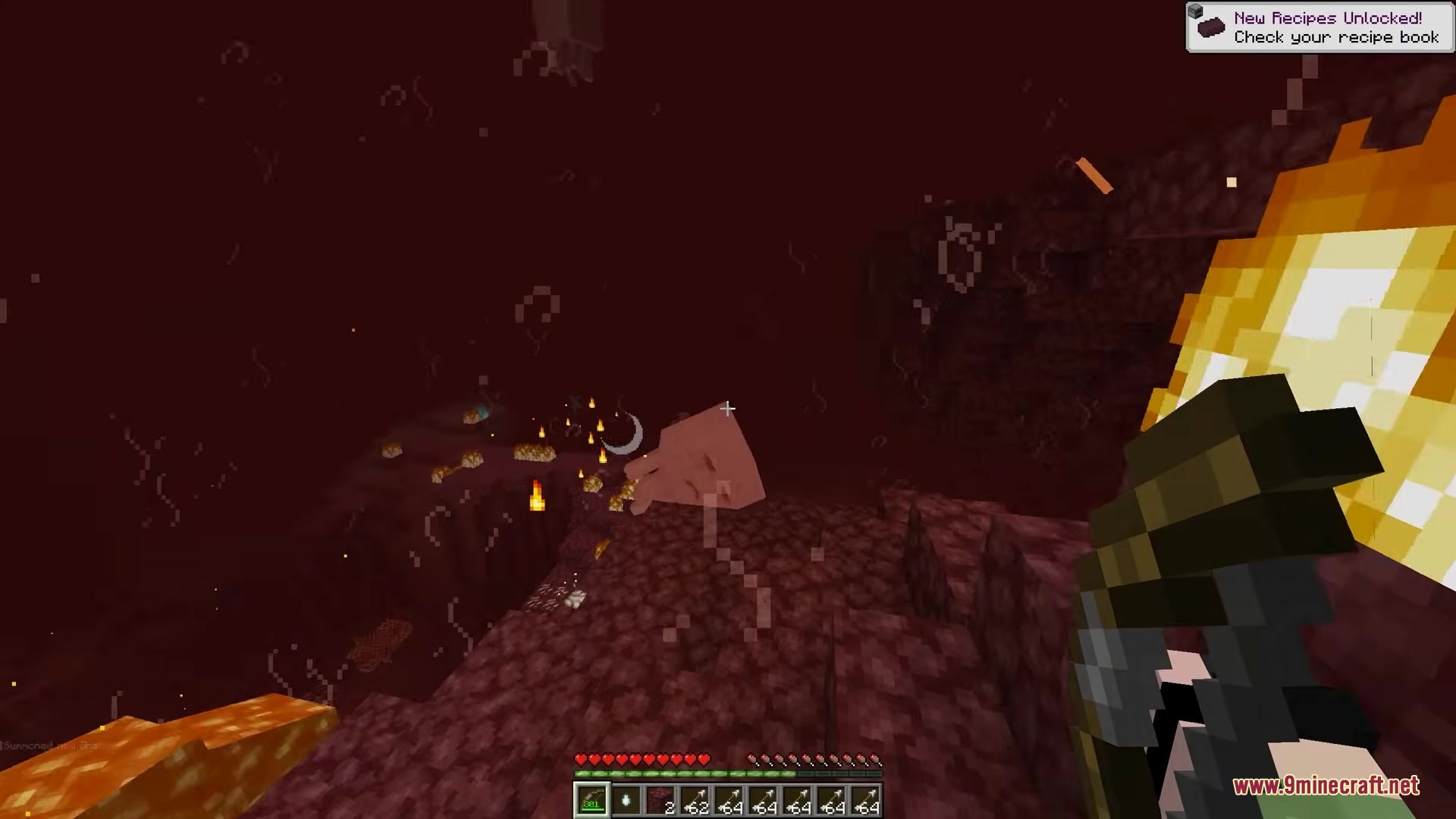
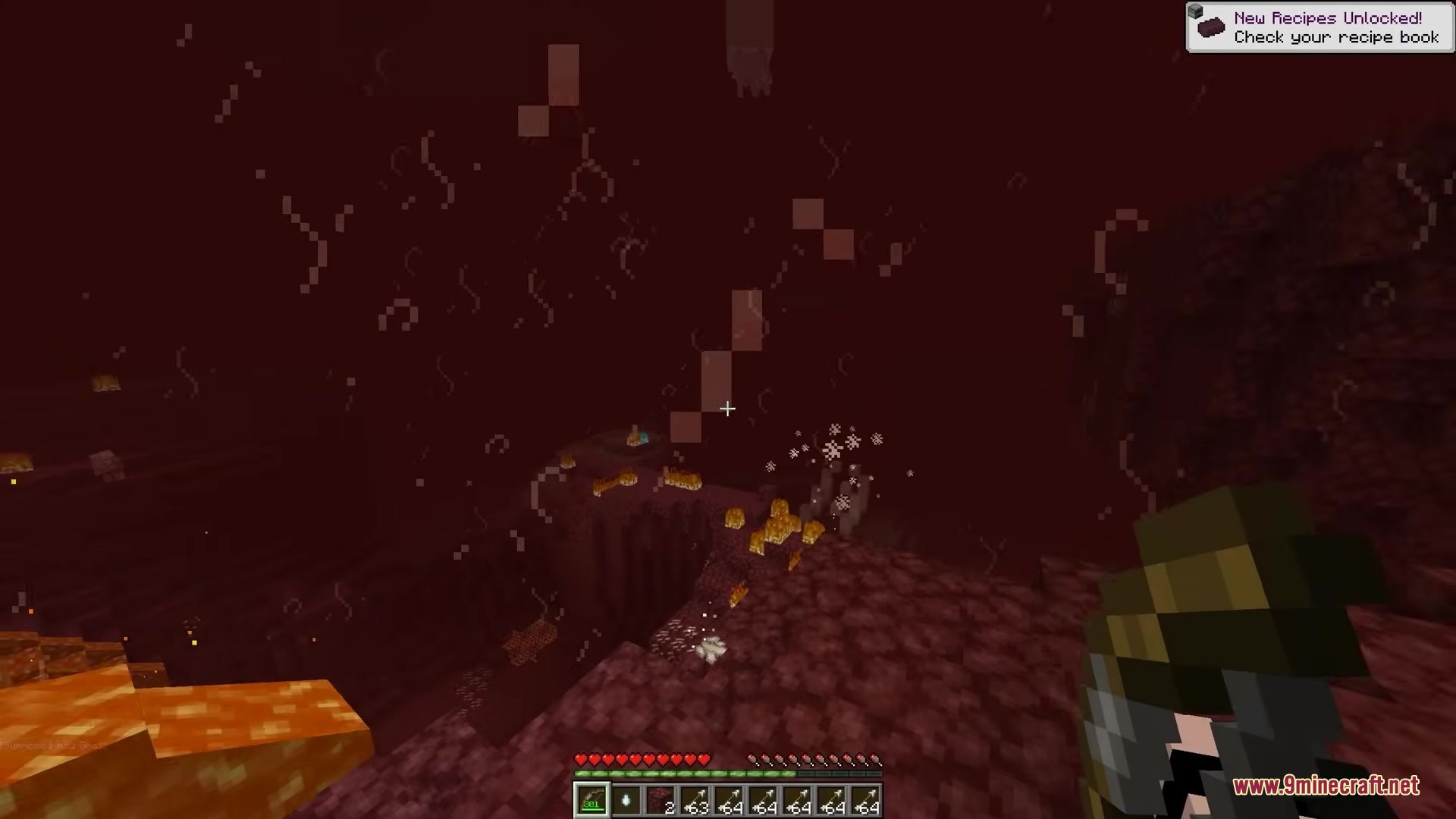
Ultra Effects Mod brings flashy combat visuals from the game Ultrakill right into Minecraft. It changes how your screen looks when you fight, block attacks, or take damage. You get a new hotbar design and cool flashes that make battles feel much faster and punchier. This mod works perfectly on multiplayer servers, and your new effects only show up on your screen without bothering other players.
Features:
- Parry Flash: Adds a bright flash to your screen when you deflect a projectile or block an attack.
- Style Meter: Tracks your combat moves and gives you style points as you fight mobs.
- Custom Hotbar: Changes your bottom inventory bar to look just like the one from Ultrakill.
- Shows a quick flash of Gabriel on your screen when your health drops too low.
- Keeps the low-health warning turned off by default, but you can turn it on in the settings.
- Runs safely on multiplayer servers so you can use these effects while your friends keep their normal game look.
- Lets you change the settings for every visual effect to match how you like to play.
Screenshots:
Ultra Effects Mod Download Links
Quick facts
- Edition: Minecraft Java
- File type: .jar
- Minecraft versions listed: 1.21.11, 1.20.1
- How to install: Install the matching mod loader (Forge, Fabric or NeoForge) for your Minecraft version. → Download the .jar. → Put it in the .minecraft/mods folder and launch that loader profile.
- Where to get it: In MC Java Mods, or directly above on this page.
Install steps are the general flow for this file type — How to install Minecraft Java mods & modpacks walks through it step by step.
File checked by MCModsHub
- Downloads as 500777.mcaddon
- Download size: 2.0 MB
- Download link checked 22 Sept 2026 — working
- Mirrored on our own servers — the download does not depend on the original host
These come from our own check of the pack file, not from the source page.