
ModsJava
Moonstone Mod (26.2, 1.20.1)
Java mod listed for Minecraft 1.20. Downloads from the MC Java Mods app on Android.
⬇ Download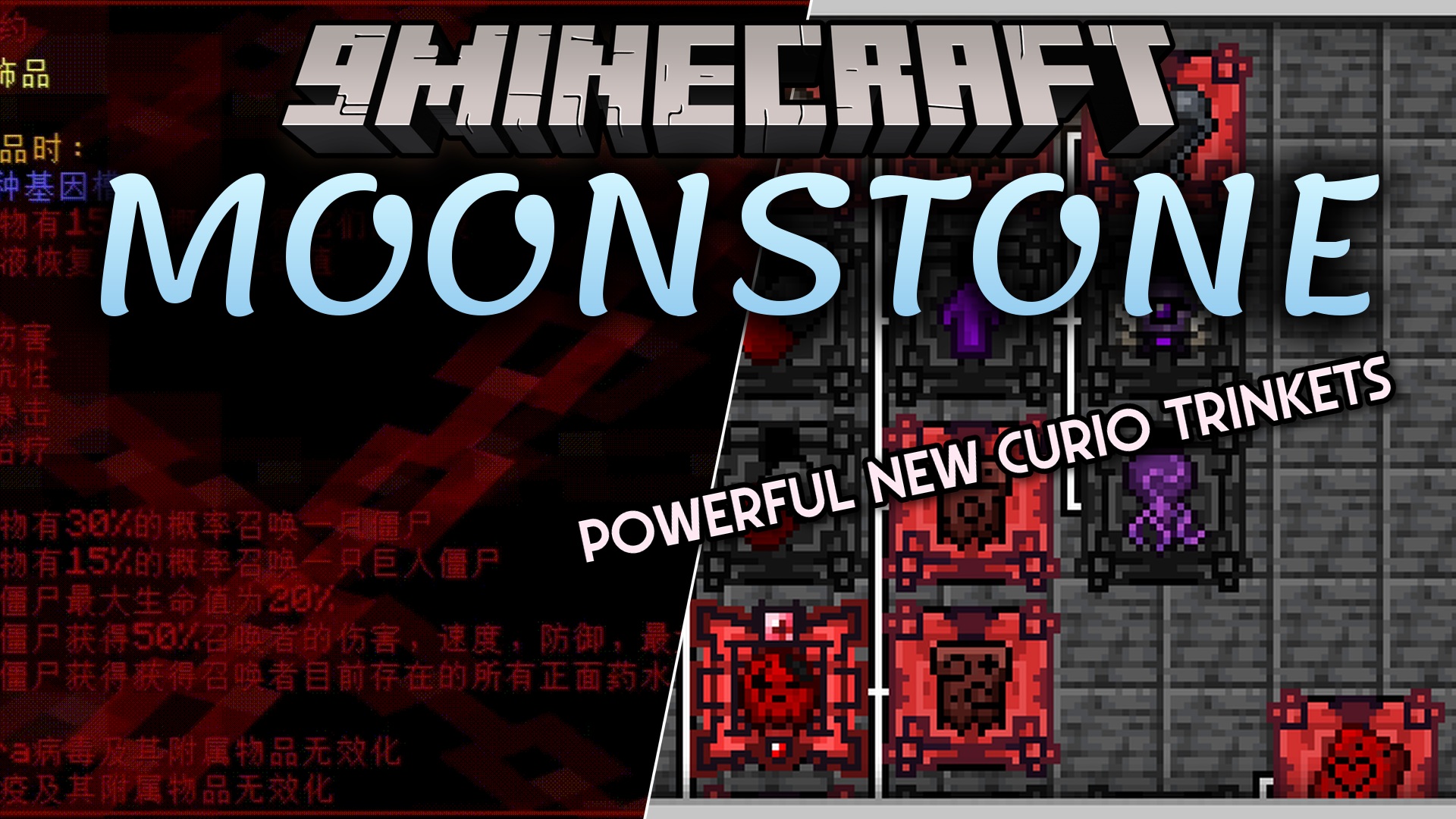
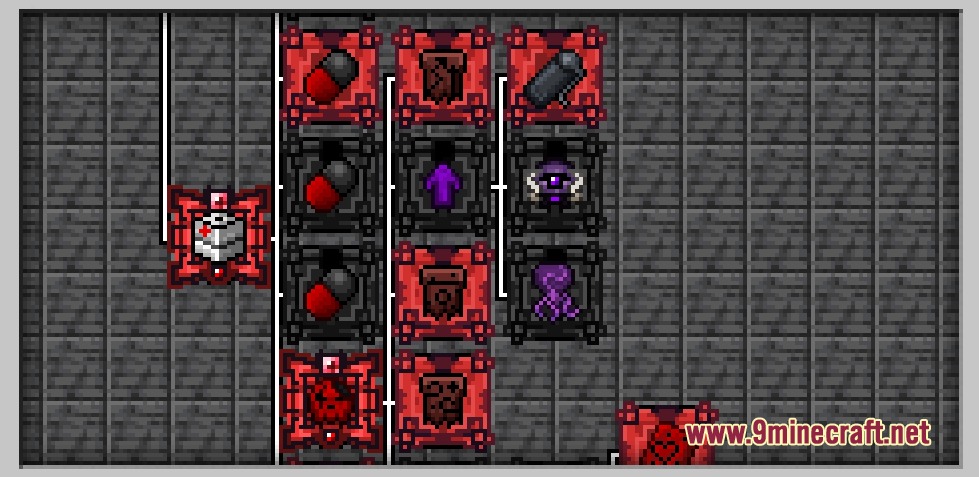
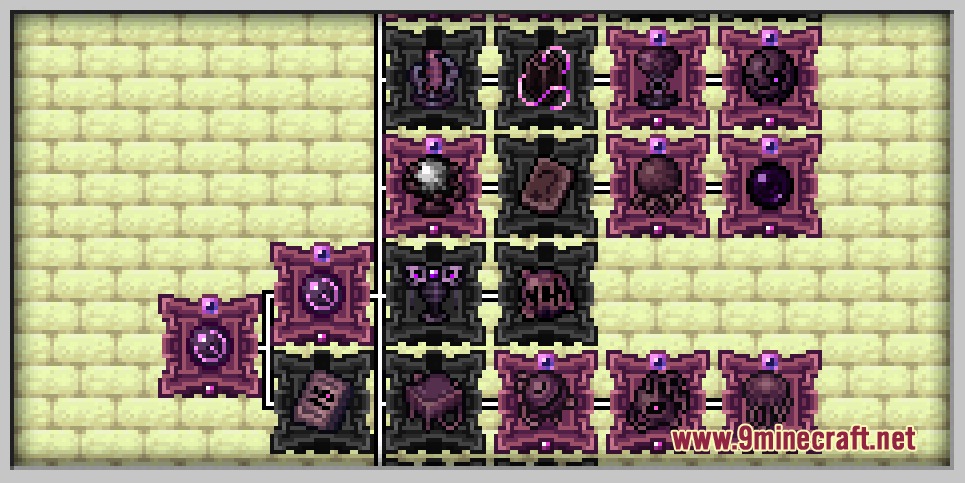
Moonstone Mod brings powerful accessories into your game to change how you fight and survive. It adds mysterious trinkets powered by dark magic, old technology, and dangerous viruses. You can shoot sonic booms, command a zombie army, or summon flying swords to attack enemies. The mod also drops a new item from undead mobs so you can craft these magical pieces yourself.
Features:
- Spirit Resource: Drops from undead mobs and dungeon chests to help you craft powerful jewelry.
- In-game Guide Book: Explains how to get different items and gives you challenges to complete.
- Lets you press the Shift key while holding items to read helpful tips.
- Adds custom item panels so you can easily see what category your accessory belongs to.
- Tracks your growth with a brand new advancement system.
Ancient Technology
- Summons flying sword formations to fight for you.
- Lets you fire sonic boom attacks at long range.
- Makes the Warden peaceful so it stops attacking you.
The Abyss Accessories
- Gives you super strong abilities but makes you take more damage in return.
- Forces you to play carefully while using these risky items.
Viral Powers
- Turns normal mobs into a loyal zombie army using the Necora virus.
- Summons bats to help you fight when you use the Vampire virus.
- Lets you change your genetic modules to make your attacks even stronger.
How to Use:
- Install the Just Enough Items (JEI) mod to see all the crafting recipes.
- Hold the Shift key while looking at an accessory to read its special effects.
- Read the in-game book to find challenges that unlock the virus items.
- Defeat undead mobs or loot dungeon chests to collect Spirit for crafting.
Screenshots:
Moonstone Mod Download Links
Quick facts
- Edition: Minecraft Java
- File type: .jar
- Minecraft version listed: 1.20.1
- How to install: Install the matching mod loader (Forge, Fabric or NeoForge) for your Minecraft version. → Download the .jar. → Put it in the .minecraft/mods folder and launch that loader profile.
- Where to get it: In MC Java Mods, or directly above on this page.
Install steps are the general flow for this file type — How to install Minecraft Java mods & modpacks walks through it step by step.
File checked by MCModsHub
- Downloads as 500780.mcaddon
- Download size: 1.7 MB
- Download link checked 25 Sept 2026 — working
- Mirrored on our own servers — the download does not depend on the original host
These come from our own check of the pack file, not from the source page.