
ModsJava
IU Industrial Upgrade Mod (1.21.1, 1.20.1) – Build Massive Factories
Java mod listed for Minecraft 1.20–1.21. Downloads from the MC Java Mods app on Android.
⬇ Download
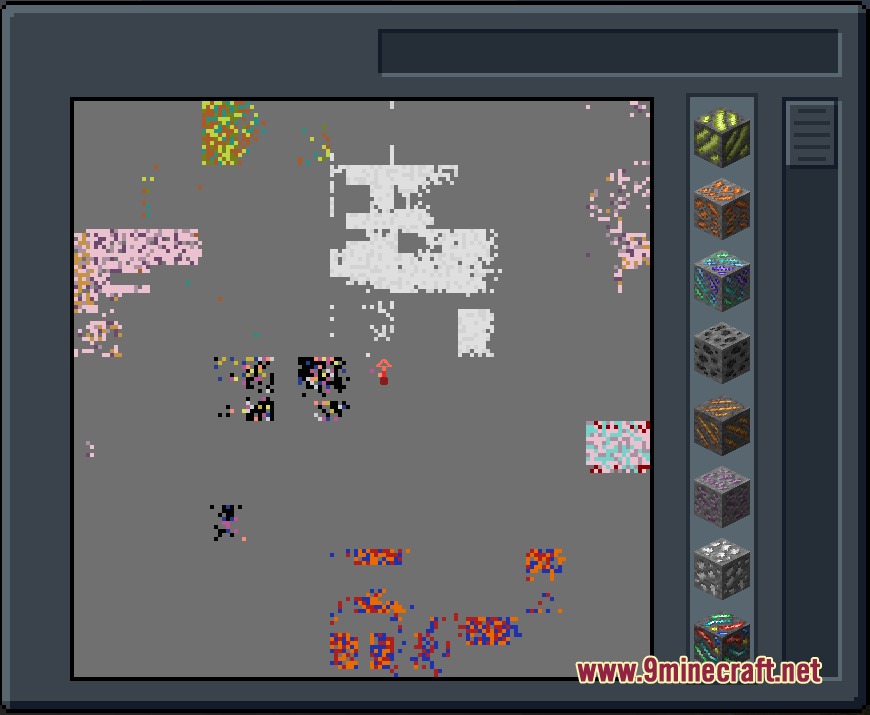
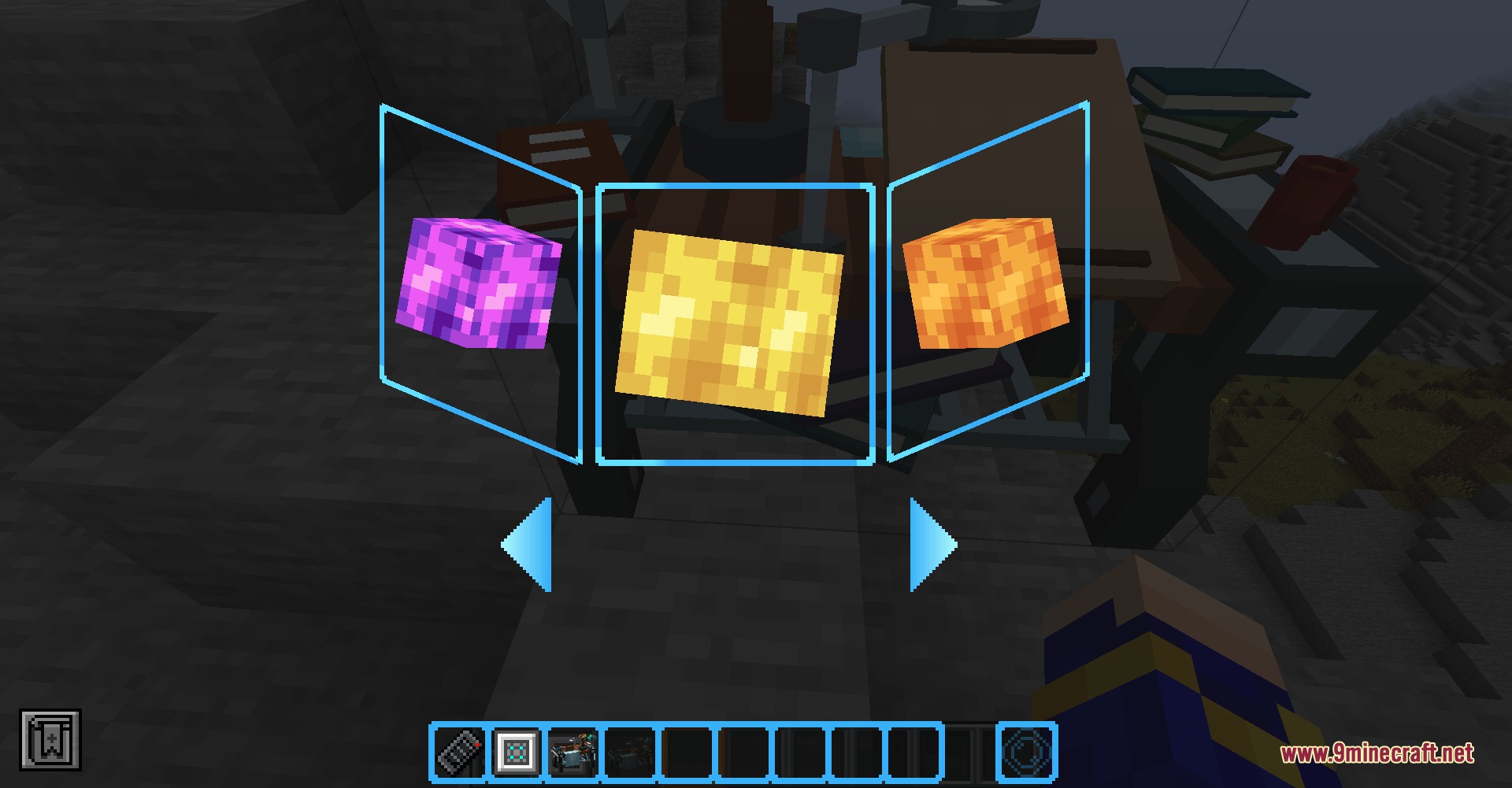
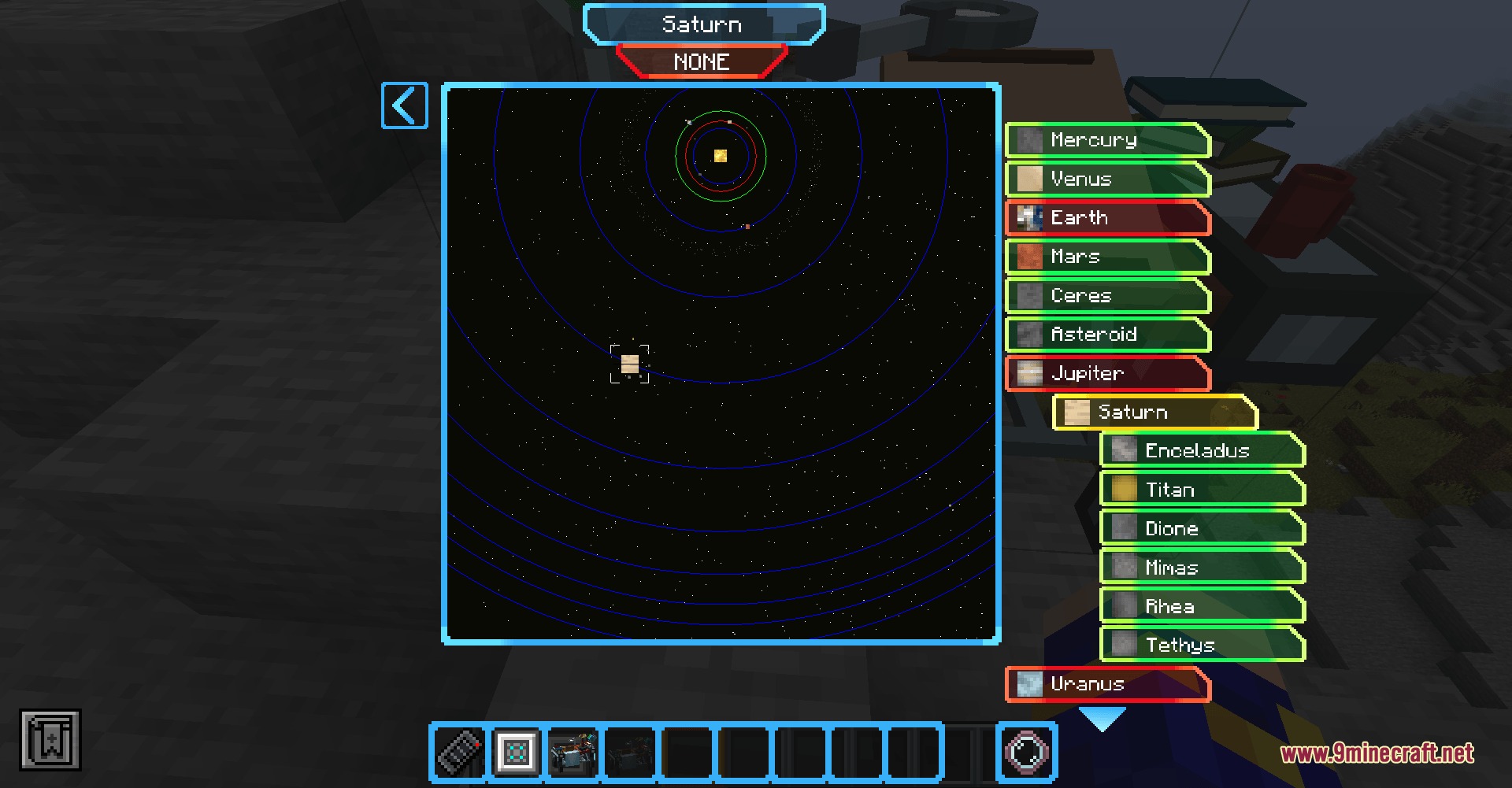
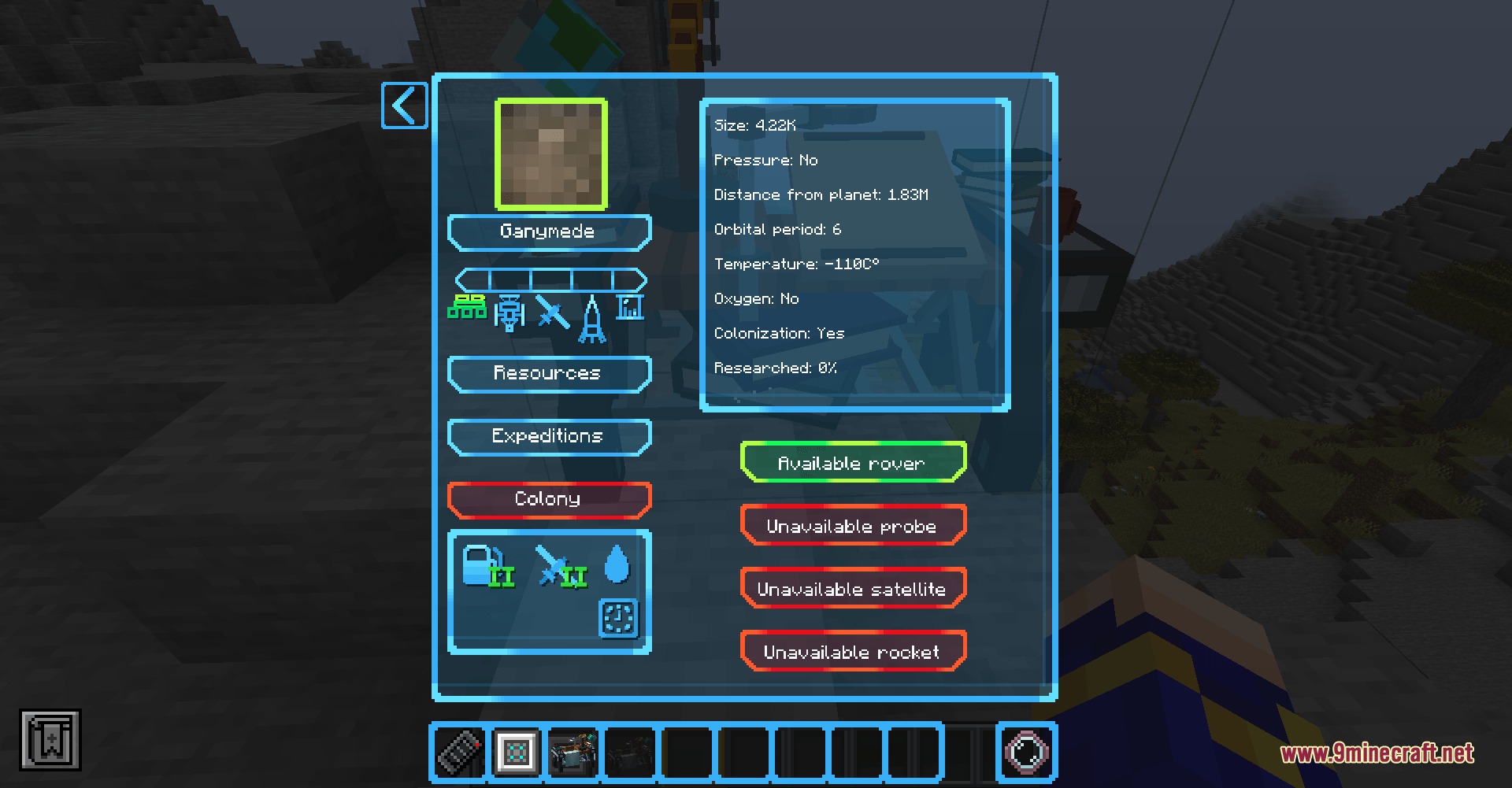
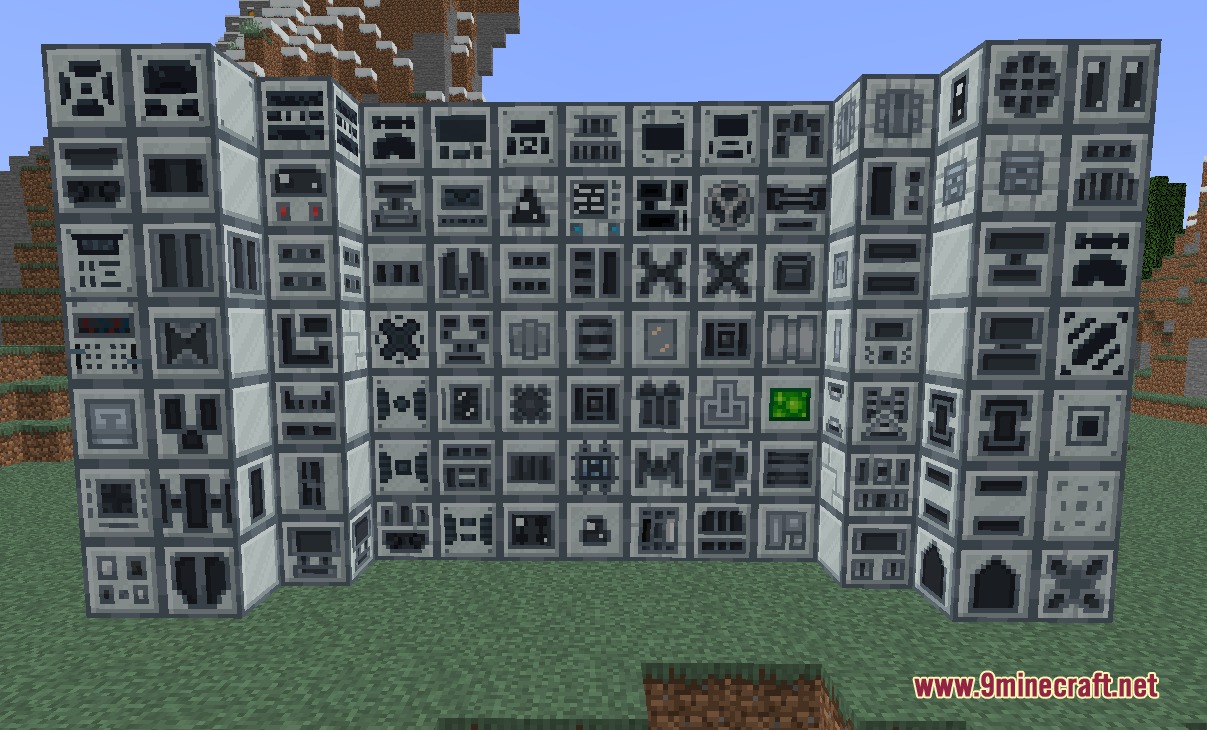
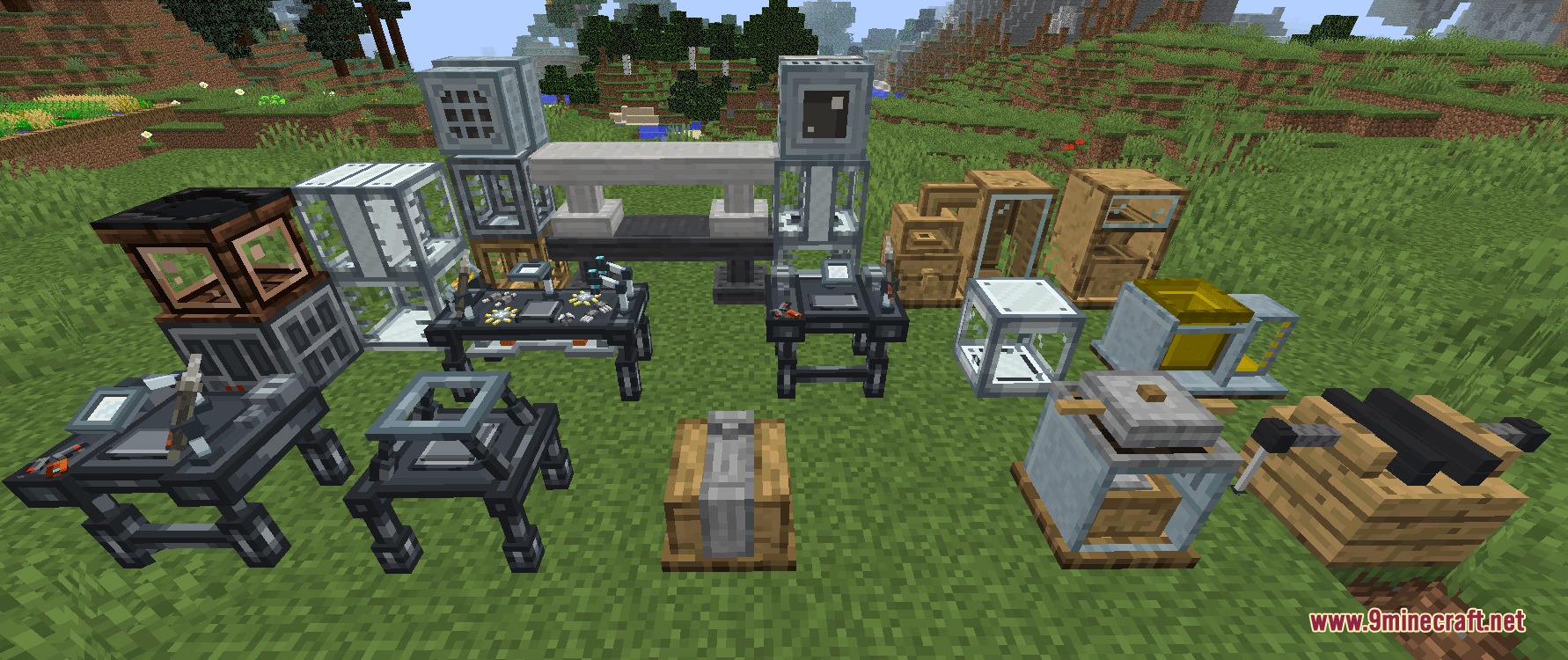
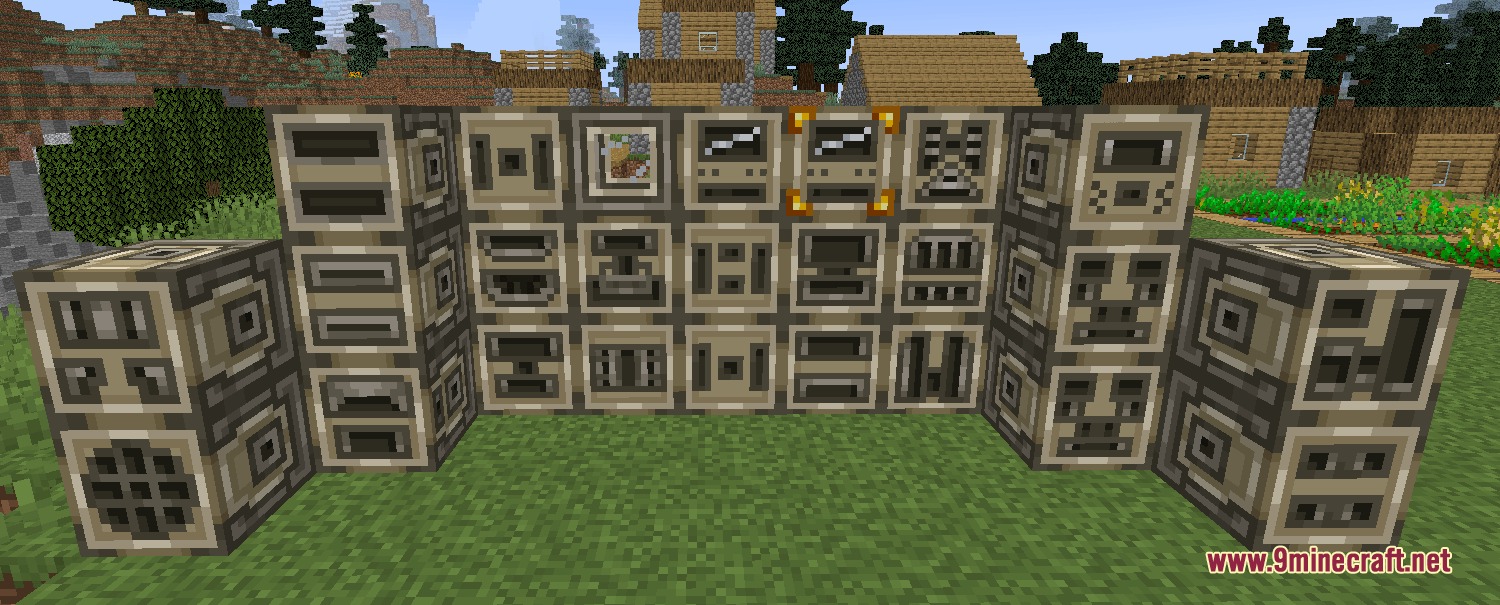
IU Industrial Upgrade Mod brings huge machines and power plants to your game. It acts as a massive tech tree where you start with simple tools and slowly build giant factories. The mod changes how you find ores, make energy, and grow food. You can even set up colonies in space to mine extra materials. It gives you a long path to follow, moving from basic steam power all the way to advanced laser machines.
Features:
- Tech Eras: Moves you through different stages of technology, starting from primitive tools and steam power up to advanced photonic machines.
- Space Colonies: Lets you set up outposts on other planets to gather rare liquids and ores through a colony management system.
- Power Systems: Gives you dozens of ways to make electricity, including solar panels, wind turbines, and massive nuclear reactors.
- Spawns ores in large veins instead of random blocks, making mining trips much more rewarding.
- Gives you an Ore Scanner tablet as soon as you join the world so you can find hidden materials easily.
- Includes a helpful guide book that shows you exactly how to build machines and progress through the eras.
- Adds over 80 new crops that you can crossbreed to grow better resources.
- Introduces special bees that help your plants grow faster and drop extra loot like honey and royal jelly.
- Equips you with powerful armor, energy backpacks, and jetpacks to fly around your base safely.
- Protects you from dangerous volcanic gases and radiation when you wear the right high-tech gear.
How to Use:
- Check your inventory when you first join to find the Ore Scanner tablet.
- Hold the scanner to search for large ore veins hidden underground.
- Open the custom guide book to see your first steps in the Primitive era.
- Build simple steam machines before trying to make electricity.
Screenshots:
IU Industrial Upgrade Mod Download Links
Quick facts
- Edition: Minecraft Java
- File type: .jar
- Minecraft versions listed: 1.21.1, 1.20.1
- How to install: Install the matching mod loader (Forge, Fabric or NeoForge) for your Minecraft version. → Download the .jar. → Put it in the .minecraft/mods folder and launch that loader profile.
- Where to get it: In MC Java Mods, or directly above on this page.
Install steps are the general flow for this file type — How to install Minecraft Java mods & modpacks walks through it step by step.
File checked by MCModsHub
- Downloads as 500782.mcaddon
- Download size: 35.0 MB
- Download link checked 24 Sept 2026 — working
- Mirrored on our own servers — the download does not depend on the original host
These come from our own check of the pack file, not from the source page.