
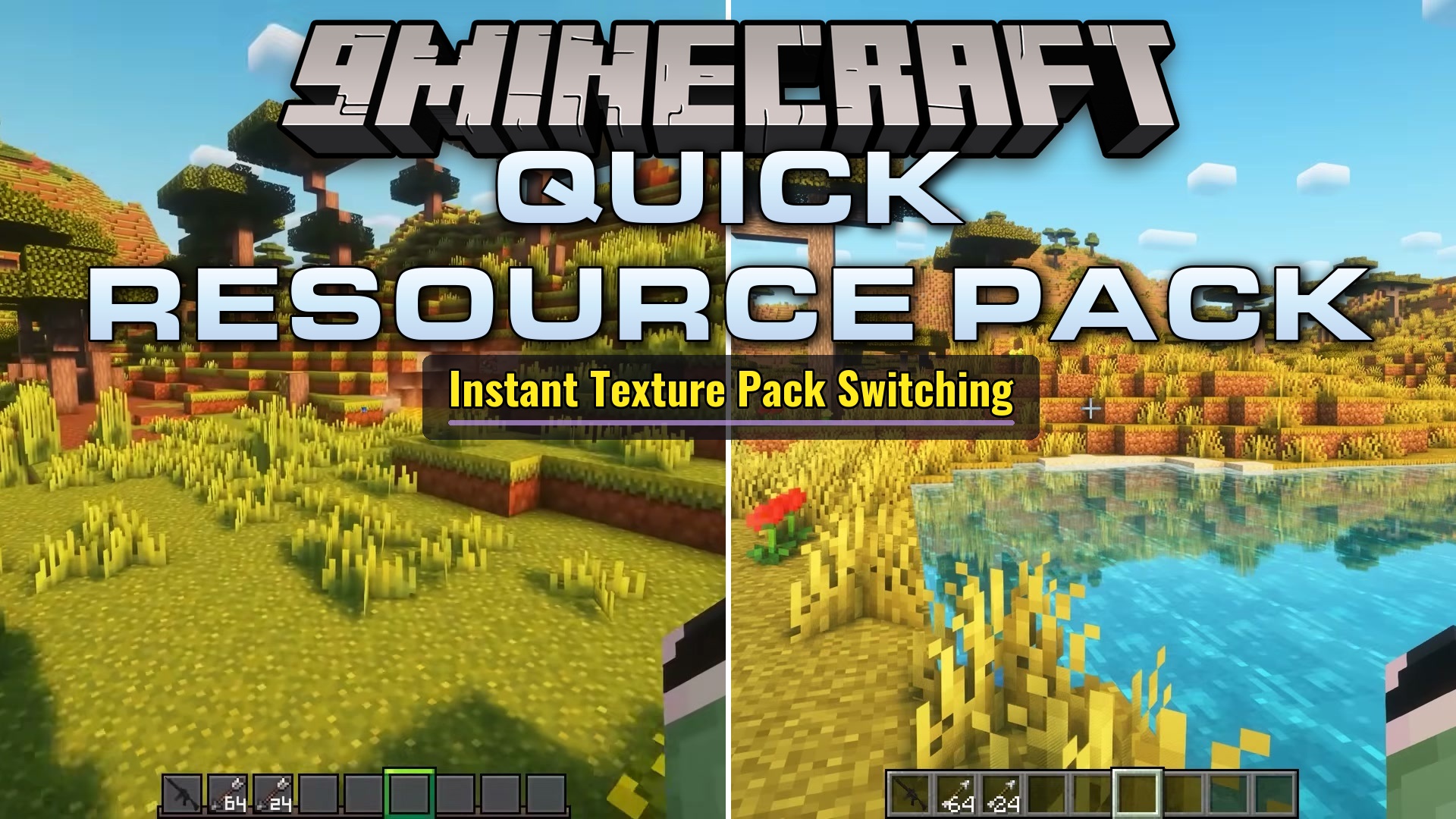
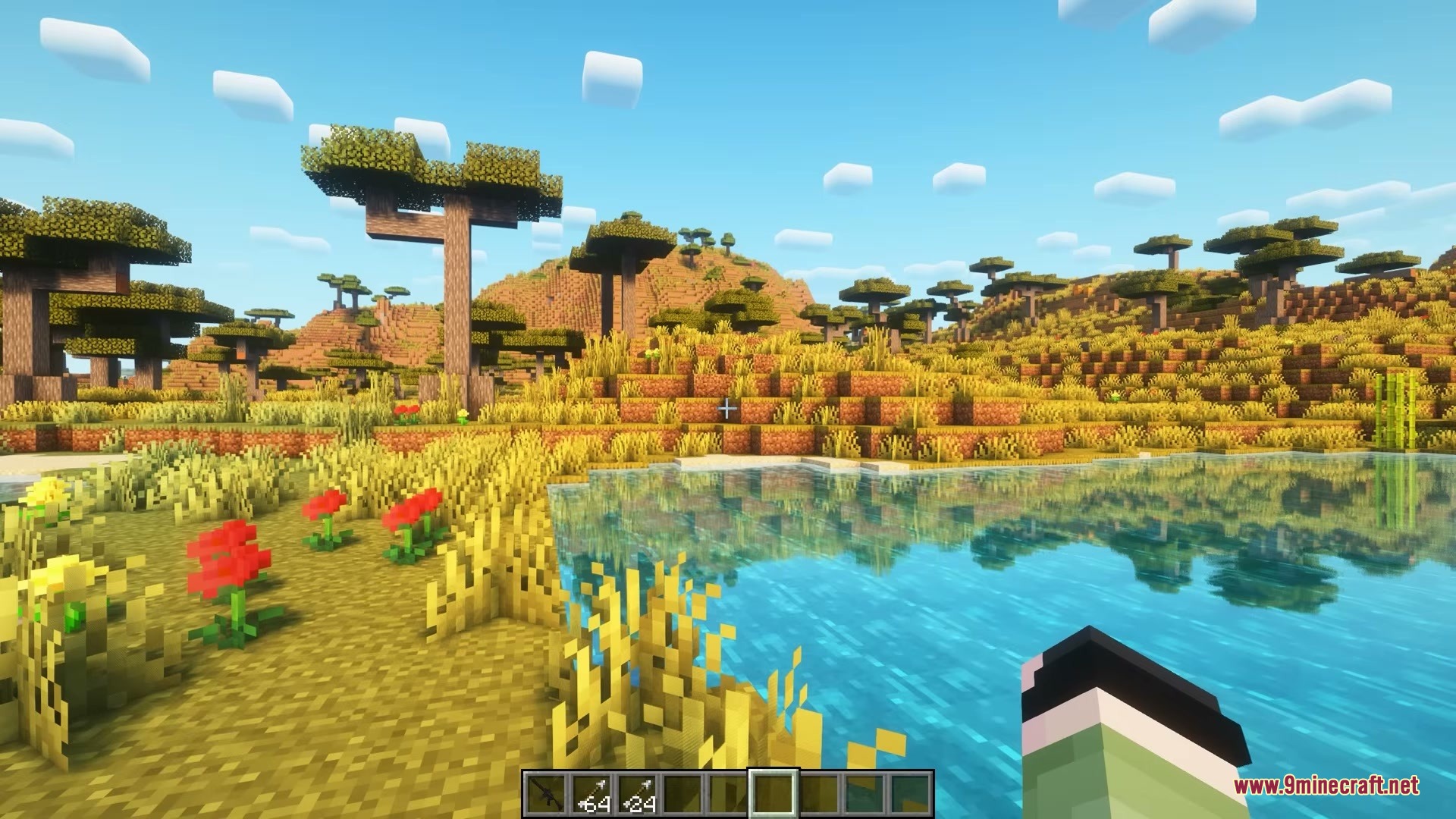
Quick Resource Pack Mod lets you switch your favorite resource pack on and off with a single button press. You never have to pause the game or open the settings menu just to reload textures. The mod applies changes in the background to prevent game freezes and keeps your gameplay smooth. Helpful toast popups appear on your screen so you always know when your pack is active or turned off.
Features:
Quick Toggle:
- Switches your chosen pack on or off with a customizable keybind (default: R).
- Loads texture files in the background to prevent in-game lag spikes.
- Displays toast alerts on screen to show when a pack is loading, active, or disabled.
Menu and Setup:
- Adds a dedicated quick menu to pick your target pack in seconds.
- Includes a Set for Quick Toggle button right inside the standard Resource Packs menu.
- Provides options to toggle alerts or turn on the pack automatically on game startup.
- Runs entirely on the client side without needing any server installation.
How to Use:
- Open the mod menu or settings screen.
- Choose the resource pack you want to bind.
- Alternatively, open the standard Resource Packs screen, highlight a pack, and click Set for Quick Toggle.
- Press R while playing to turn your pack on or off at any moment.
Screenshots:
Quick Resource Pack Mod Download Links
Quick facts
- Edition: Minecraft Java
- File type: .jar
- Minecraft version listed: 1.21.1
- How to install: Install the matching mod loader (Forge, Fabric or NeoForge) for your Minecraft version. → Download the .jar. → Put it in the .minecraft/mods folder and launch that loader profile.
- Where to get it: In MC Java Mods, or directly above on this page.
Install steps are the general flow for this file type — How to install Minecraft Java mods & modpacks walks through it step by step.
Verified by MCModsHub
- Downloads as 500791.mcaddon
- Download size: 8.9 MB
- Download link checked 24 Sept 2026 — working
- Mirrored on our own servers — the download does not depend on the original host
These come from our own check of the pack file, not from the source page.