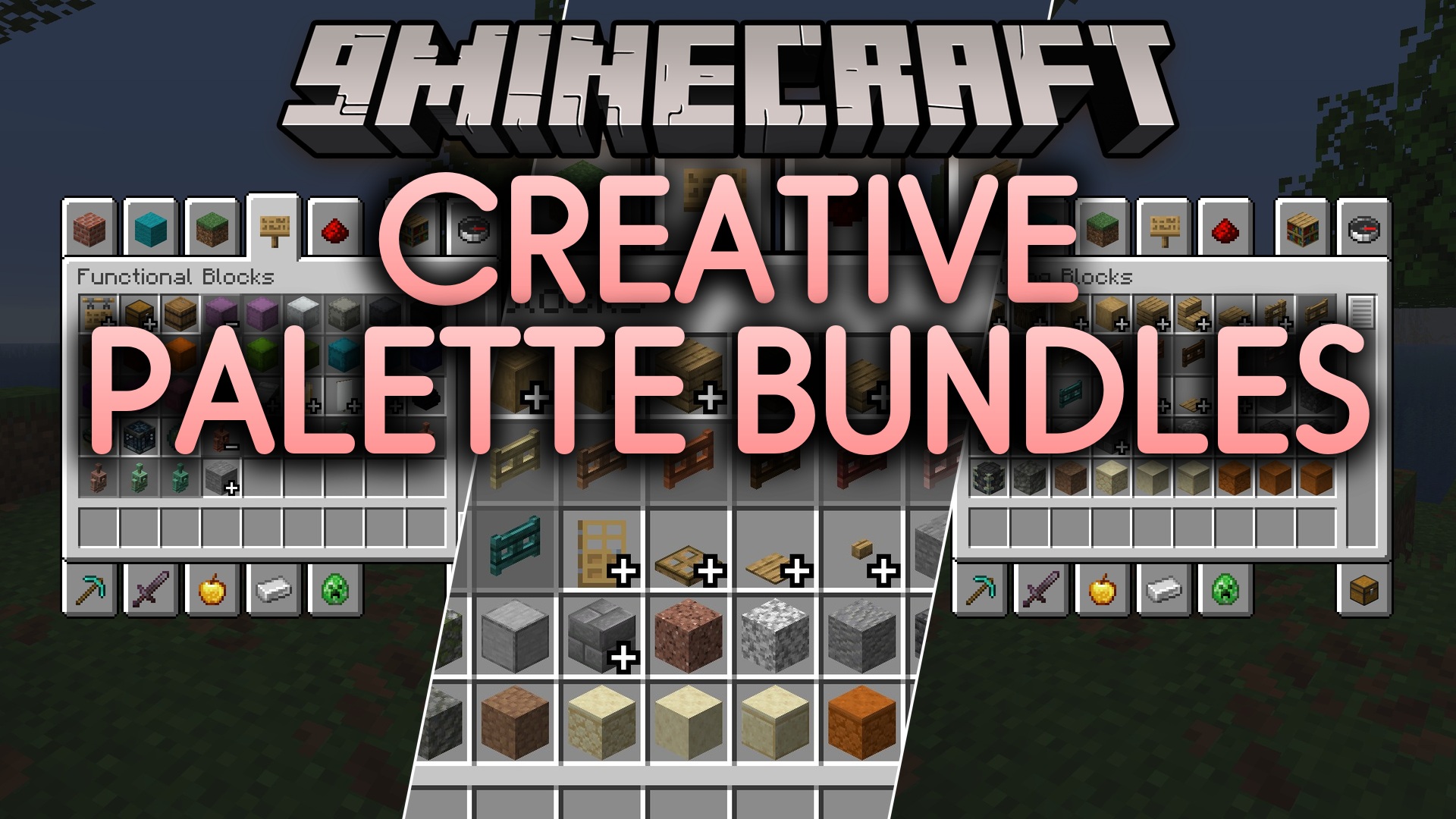
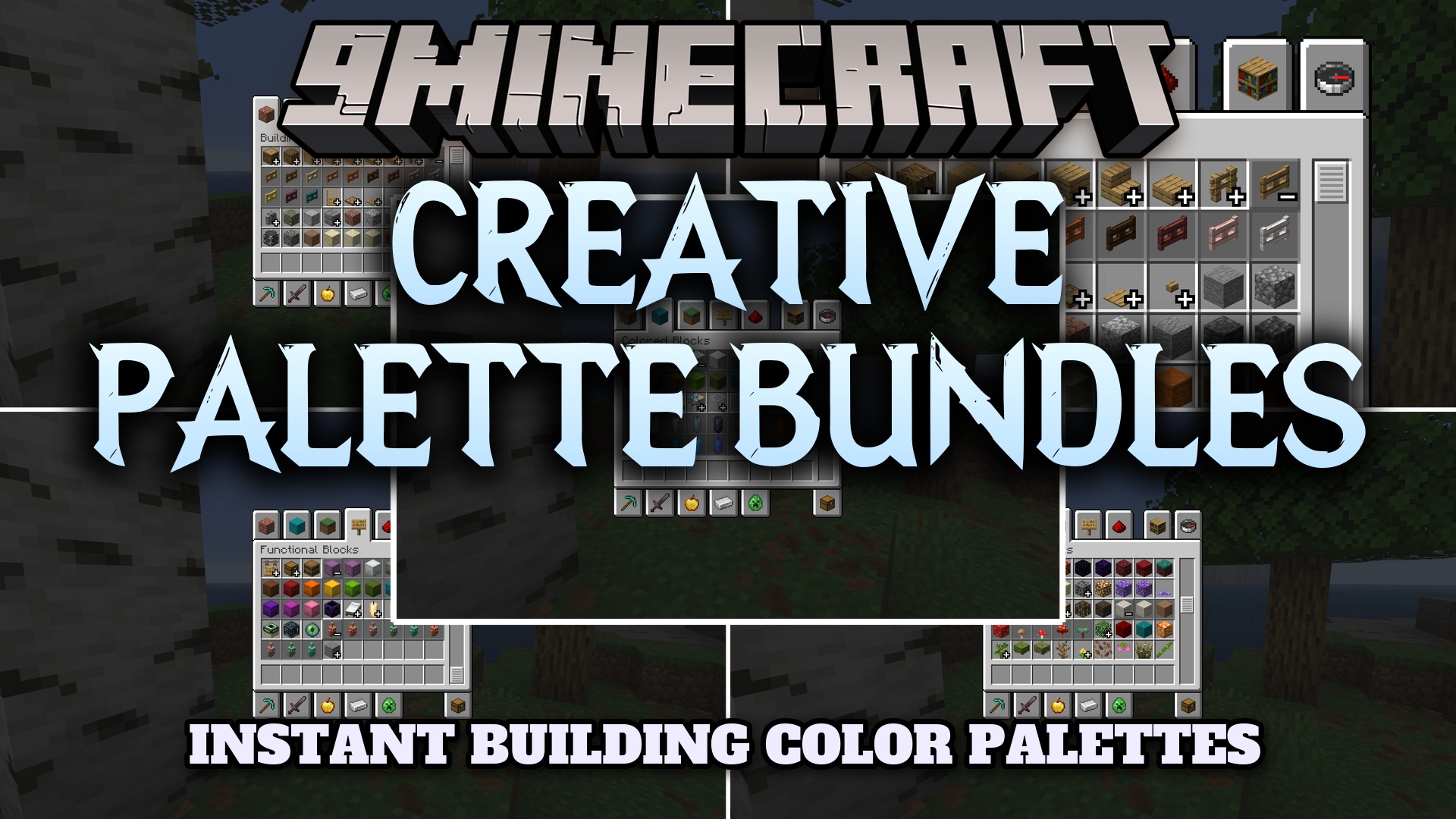
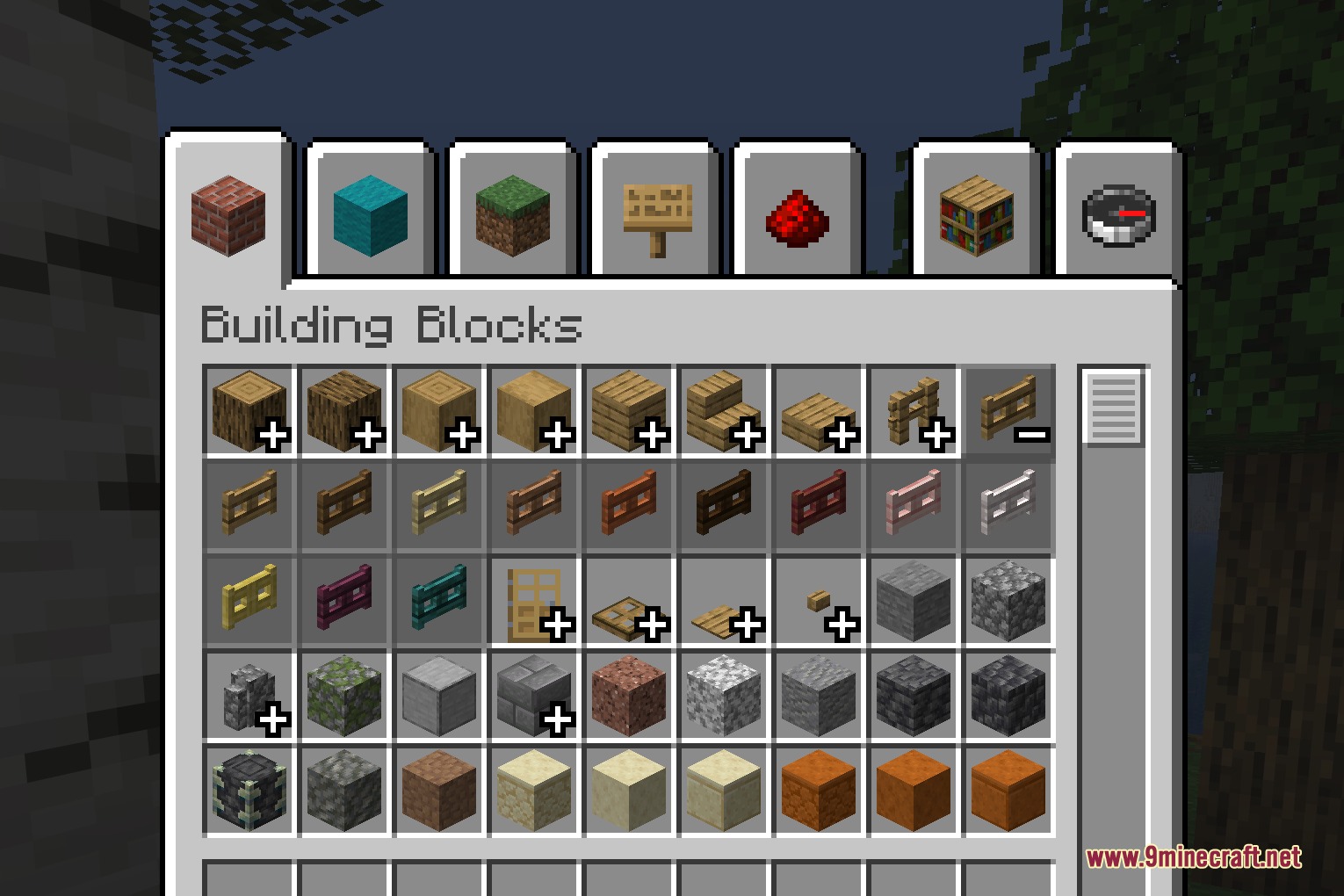
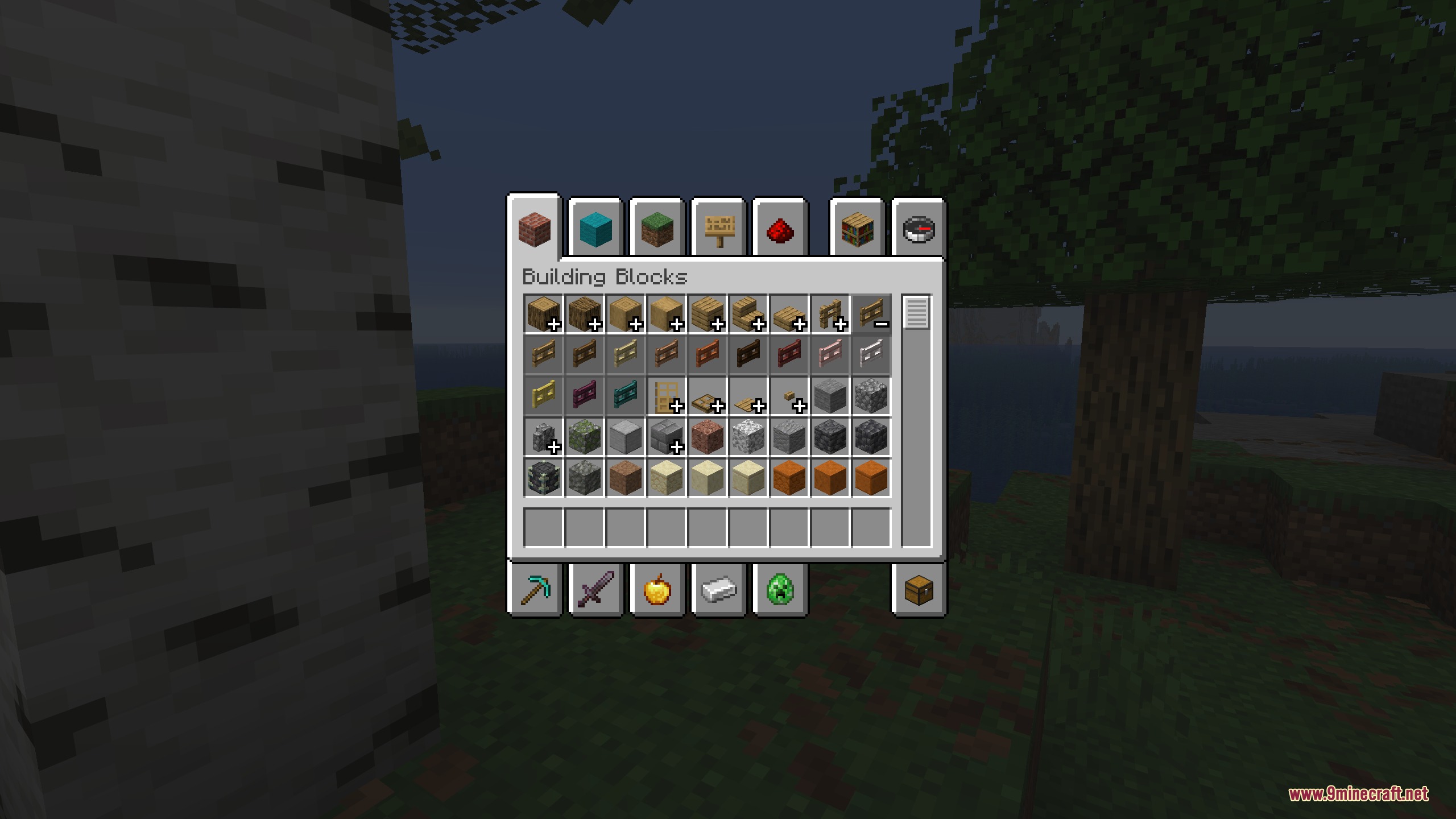
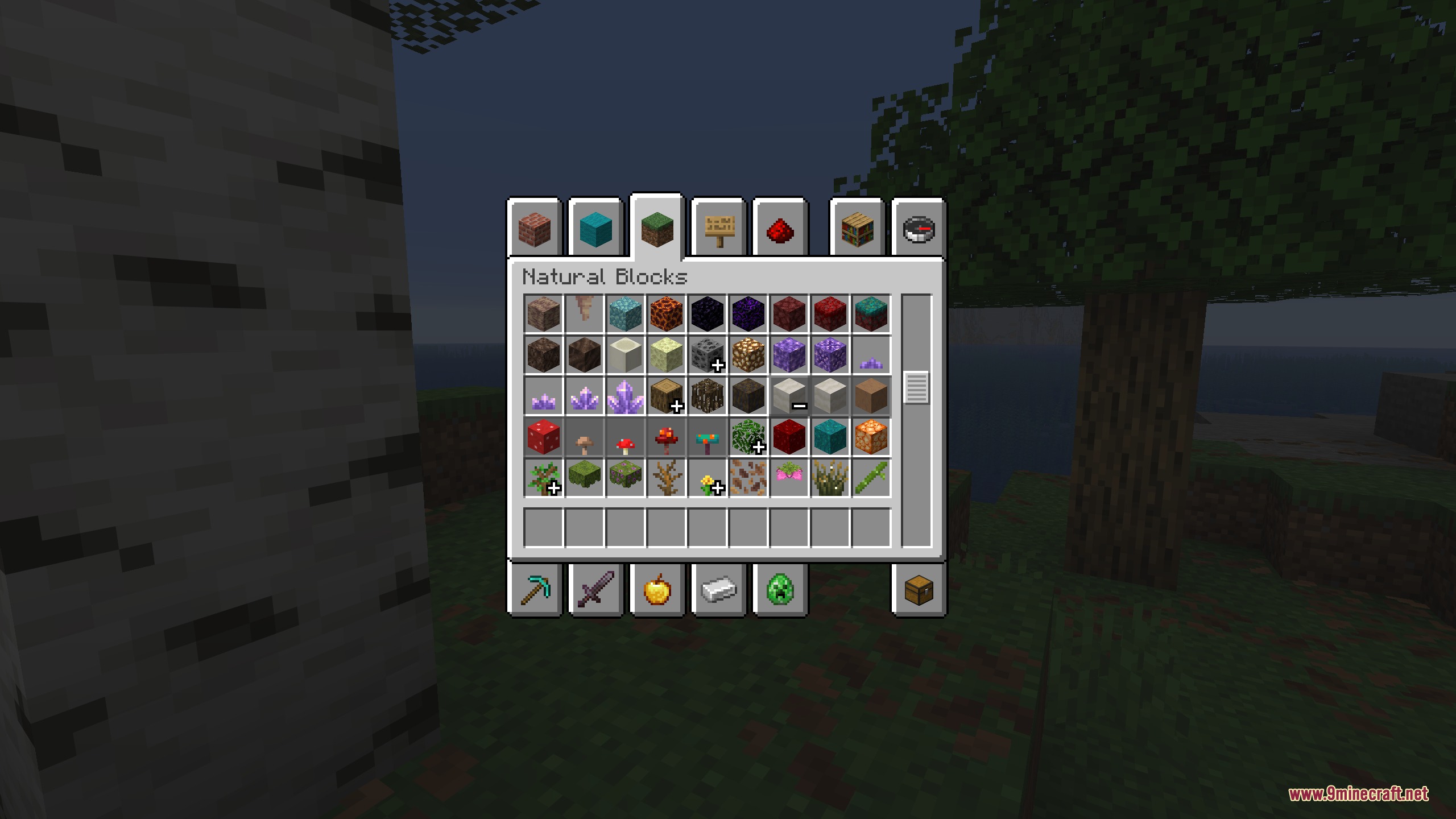
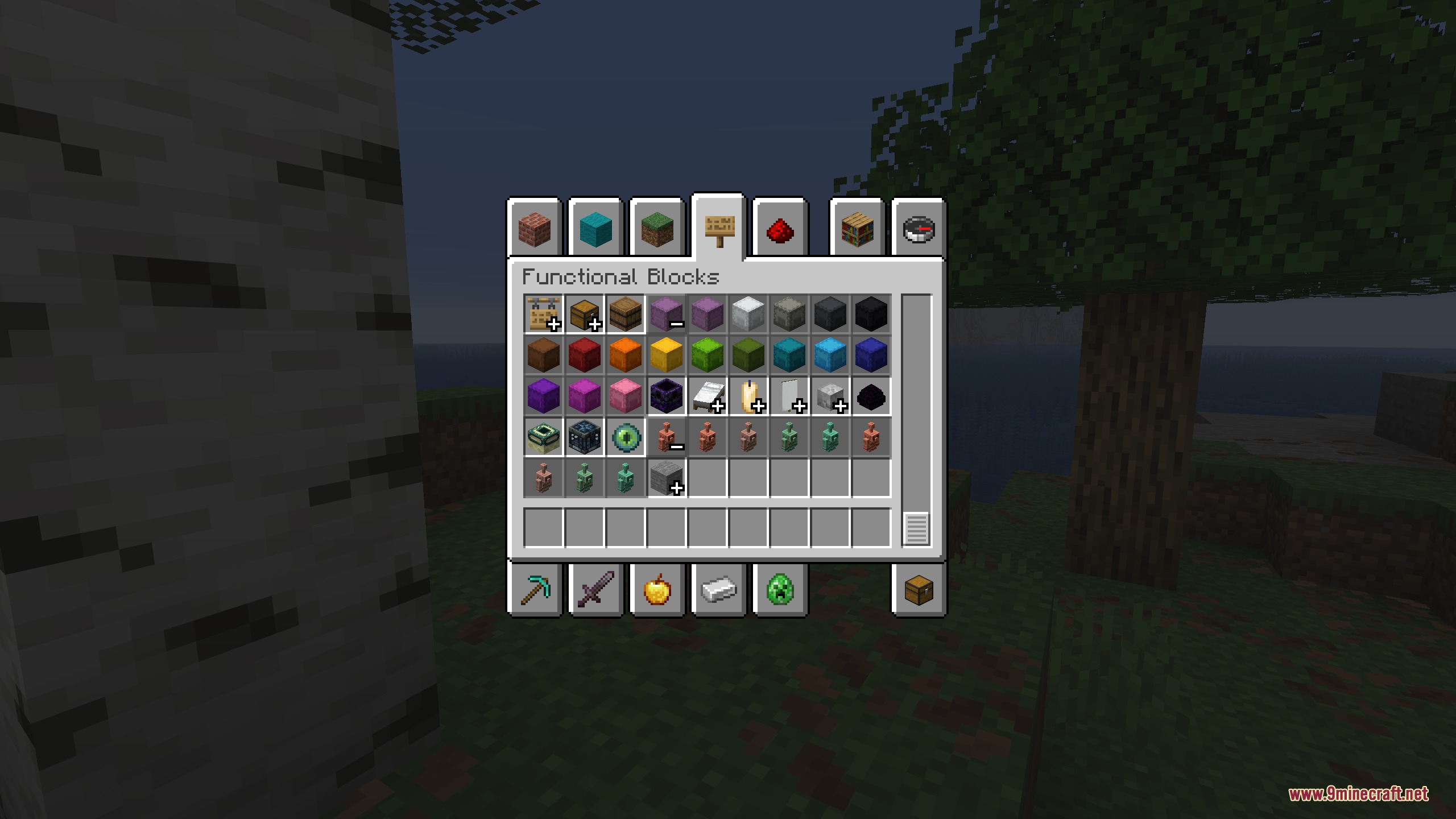
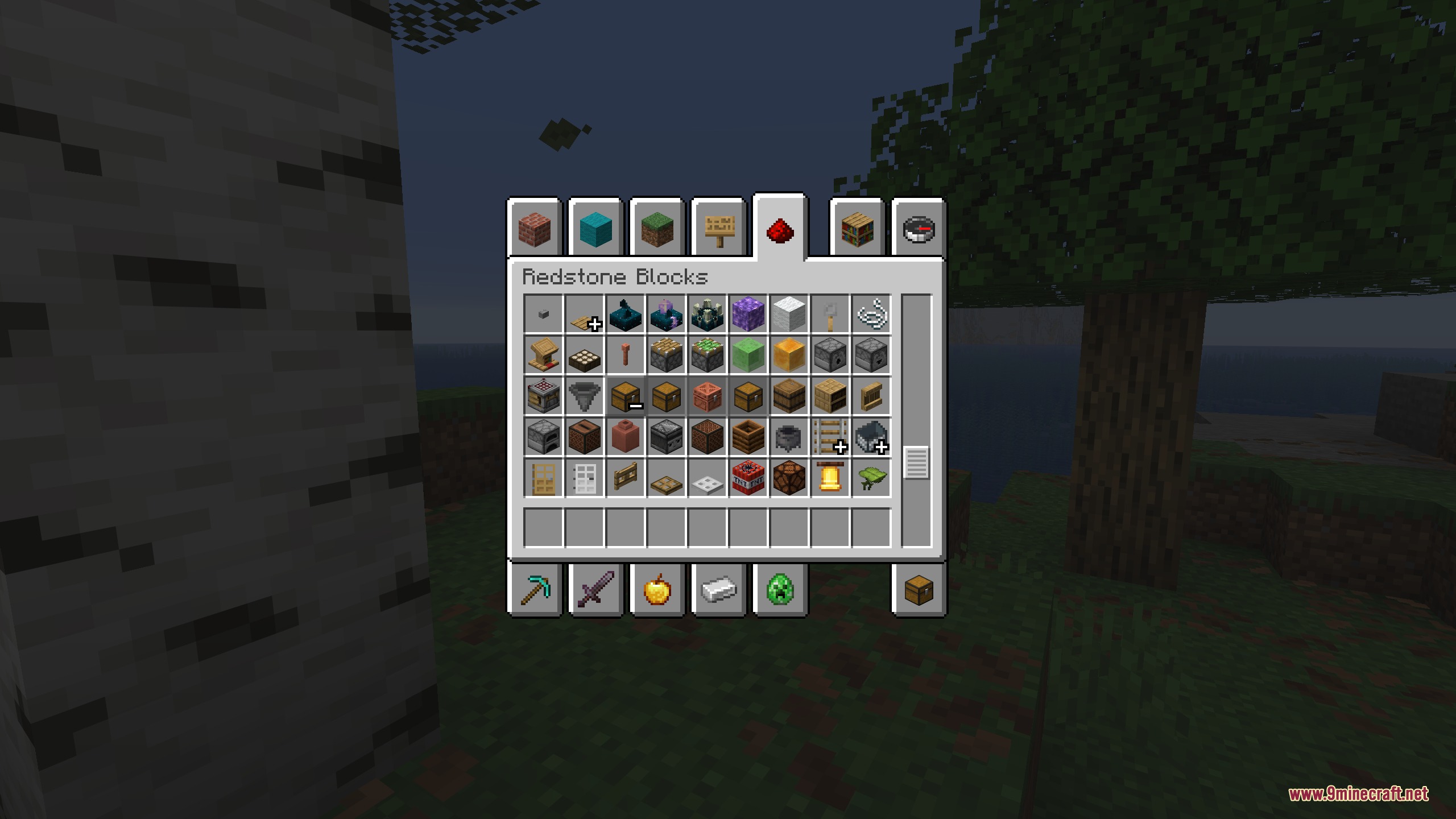
Creative Palette Bundles Mod organizes your Creative inventory by grouping similar items into collapsible categories inspired by Bedrock Edition. It bundles matching blocks and tools together so you spend less time scrolling through crowded tabs. You can expand any bundle to pick specific items and collapse it when you want a clean view. The mod also includes settings to build custom item groups for vanilla or modded items.
Features:
- Brings Bedrock-style item groups directly into the Java Creative menu.
- Groups related blocks and items under a single clean icon to save inventory space.
- Lets you open and close bundles using simple plus and minus icons.
- Supports custom item groups assigned to specific Creative menu tabs.
- Allows you to switch item sorting inside groups between default and alphabetical order.
- Includes an option to disable default groups and use only custom setups.
- Supports group name translations through custom resource packs.
Configuration:
Add all groups: turn default item groups on or off.Item sorting: switch between default sorting and alphabetical sorting inside groups.Tab ID: assign a custom item group to a specific Creative inventory tab.Translate Groups: enable language file support to display custom group names.
How to Use:
- Open your inventory while in Creative mode.
- Click the + (plus) icon on any grouped item bundle to expand the full list of items.
- Pick the block or tool you need for your build.
- Click the – (minus) icon to close the group and keep your screen clean.
- Press F3 + H to view item IDs in tooltips if you want to set up custom groups in the config menu.
Screenshots:
Creative Palette Bundles Mod Download Links
Quick facts
- Edition: Minecraft Java
- File type: .jar
- Minecraft version listed: 1.20.1
- How to install: Install the matching mod loader (Forge, Fabric or NeoForge) for your Minecraft version. → Download the .jar. → Put it in the .minecraft/mods folder and launch that loader profile.
- Where to get it: In MC Java Mods, or directly above on this page.
Install steps are the general flow for this file type — How to install Minecraft Java mods & modpacks walks through it step by step.
Verified by MCModsHub
- Downloads as 500805.mcaddon
- Download size: 56 KB
- Download link checked 23 Sept 2026 — working
- Mirrored on our own servers — the download does not depend on the original host
These come from our own check of the pack file, not from the source page.