
ModsJava
Kinetic Logic Canvas Mod (26.1.2, 1.21.1) – Automate Factory Systems
Java mod listed for Minecraft 1.21. Downloads from the MC Java Mods app on Android.
⬇ Download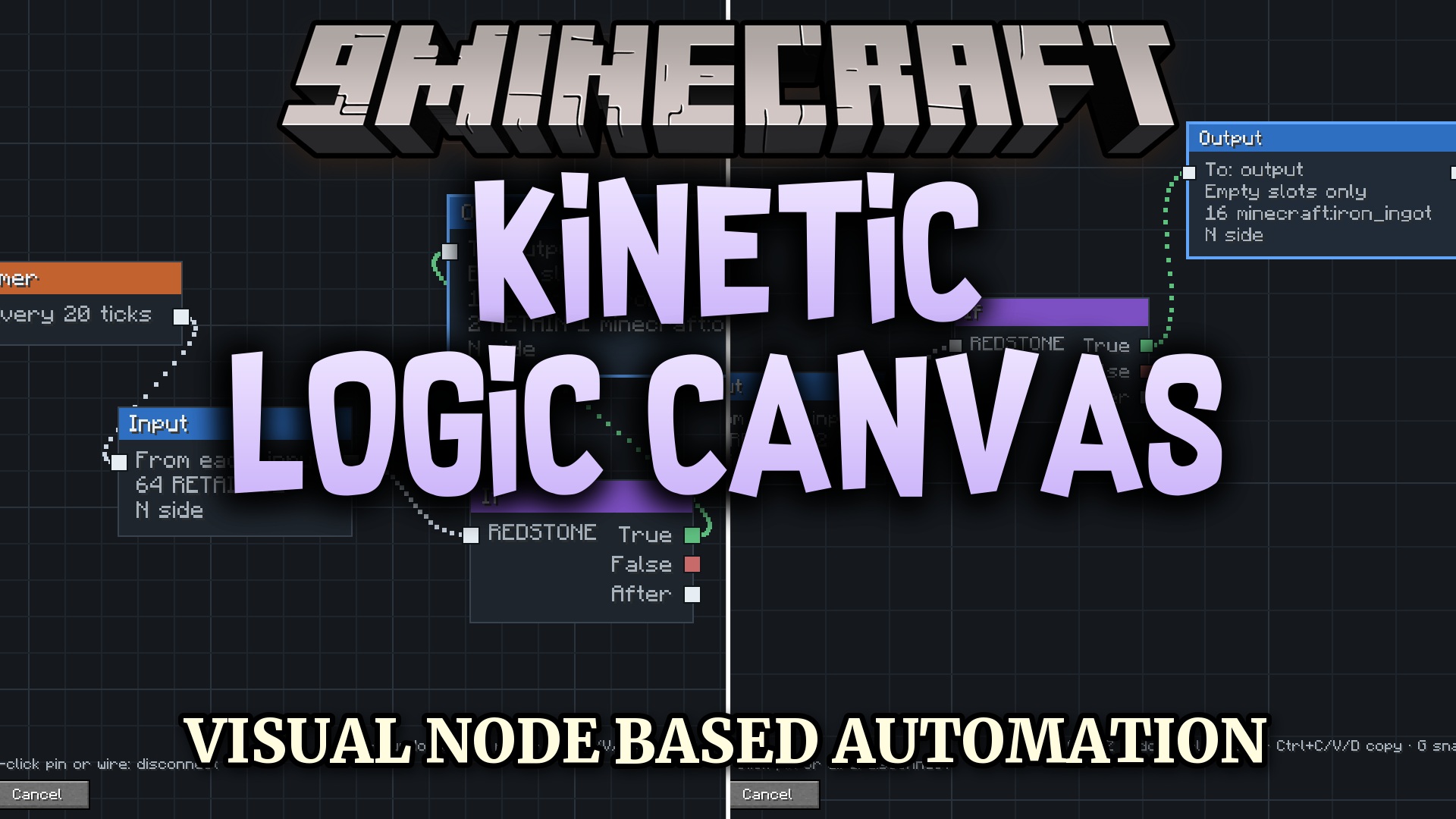
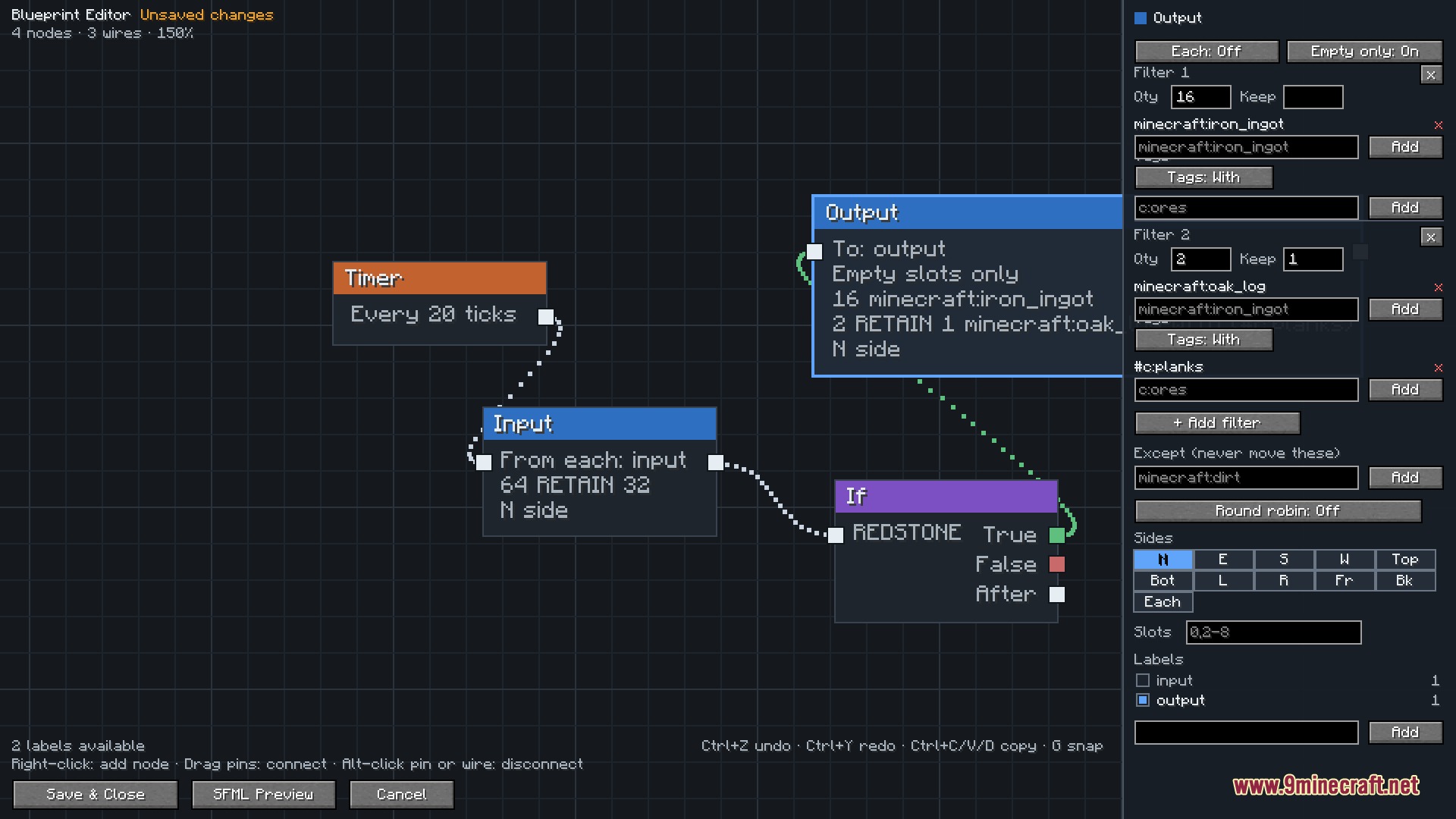
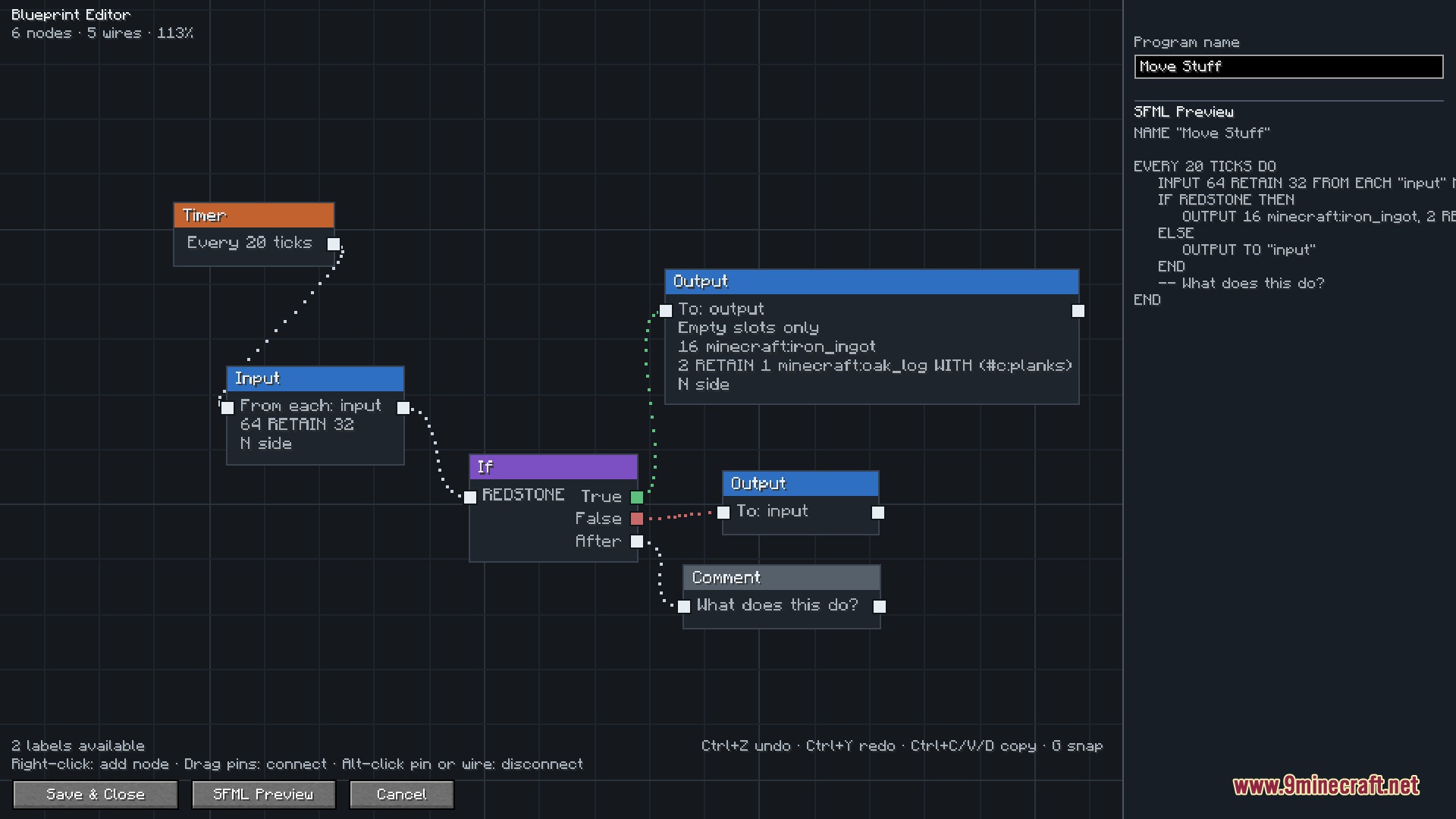
Kinetic Logic Canvas Mod adds a visual node canvas for Super Factory Manager programs. It lets you drag and connect blueprint nodes instead of typing text code into manager blocks. The mod writes the matching program text automatically as you place blocks, triggers, and branches. You can also import existing setups back into visual graphs at any time.
Features:
- Replaces the standard code text box with an interactive blueprint screen when opening Disks or Factory Managers.
- Builds working script code automatically as you connect triggers, inputs, outputs, and condition branches.
- Shows a live program preview window next to your node canvas so you know what gets saved.
- Lets you search items, fluids, gases, and energy by name with visual icons instead of ID numbers.
- Displays block counts from your label gun to help spot missing assignments.
- Imports existing text programs and rebuilds them into visual node charts on the canvas.
- Saves node positions directly inside the program data so your graph layout stays intact.
- Supports intervals, redstone triggers, item tag filters, slot ranges, forget nodes, and round-robin sorting.
Configuration:
Open config/sfm-client-program-editor.toml to set your default editor interface:
preferredEditor = "retrofactorymanager:blueprint"How to Use:
- Right-click a Disk or press Edit inside a Factory Manager to open the blueprint canvas.
- Right-click empty space on the canvas to place a trigger node.
- Drag a wire from an output pin to spawn and connect Input, Output, or If nodes.
- Click a filter slot, type an item name into the search bar, and pick the matching icon.
- Press G to snap nodes to the grid or press Home to fit all nodes on screen.
Screenshots:
Kinetic Logic Canvas Mod Download Links
Quick facts
- Edition: Minecraft Java
- File type: .jar
- Minecraft version listed: 1.21.1
- How to install: Install the matching mod loader (Forge, Fabric or NeoForge) for your Minecraft version. → Download the .jar. → Put it in the .minecraft/mods folder and launch that loader profile.
- Where to get it: In MC Java Mods, or directly above on this page.
Install steps are the general flow for this file type — How to install Minecraft Java mods & modpacks walks through it step by step.
File checked by MCModsHub
- Downloads as 500807.mcaddon
- Download size: 319 KB
- Download link checked 25 Sept 2026 — working
- Mirrored on our own servers — the download does not depend on the original host
These come from our own check of the pack file, not from the source page.