
Sovereign Conquest Mod (1.21.1, 1.20.1) – Claim Land and Wage Multiplayer
Java mod listed for Minecraft 1.20–1.21. Downloads from the MC Java Mods app on Android.
⬇ Download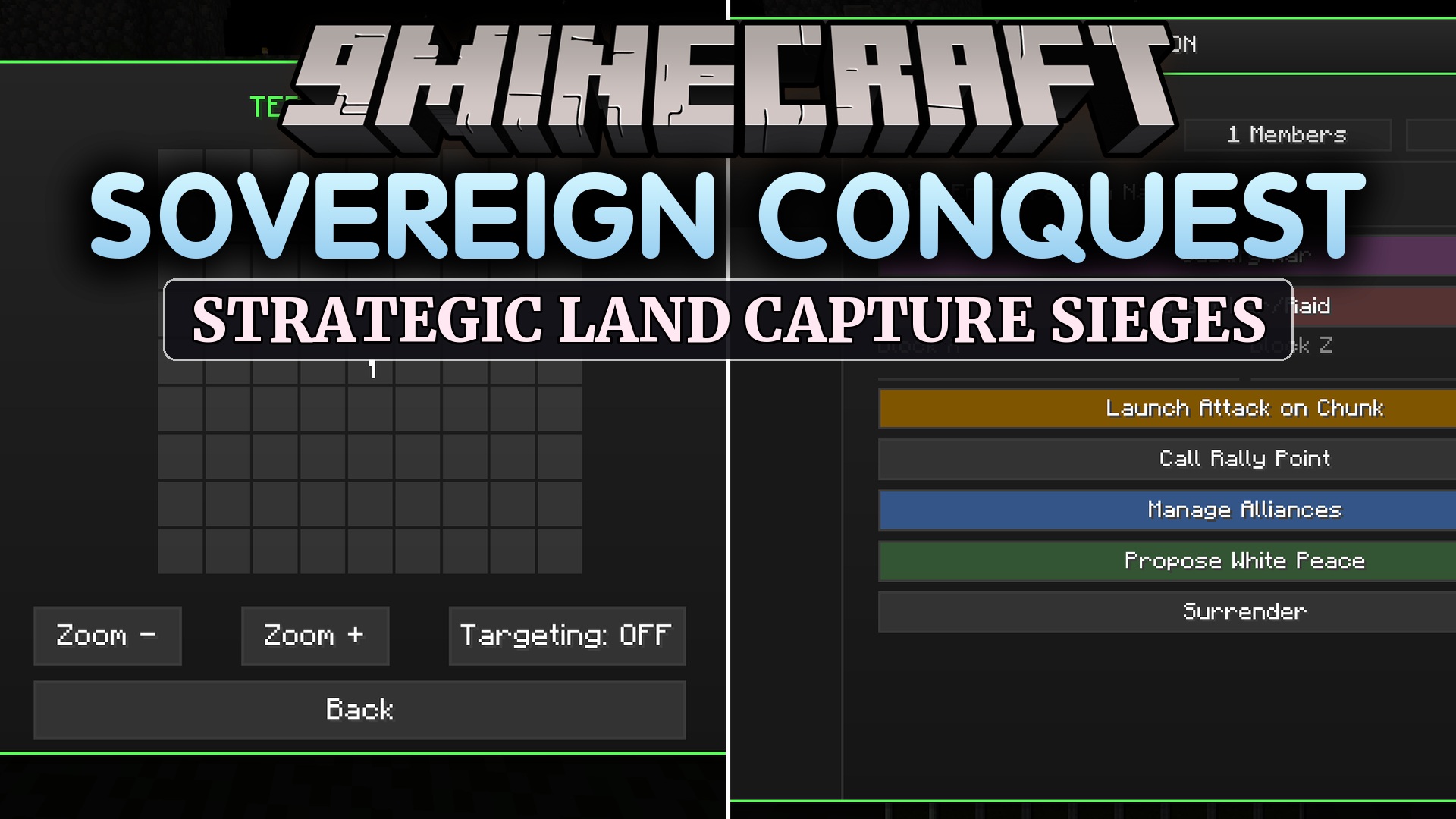
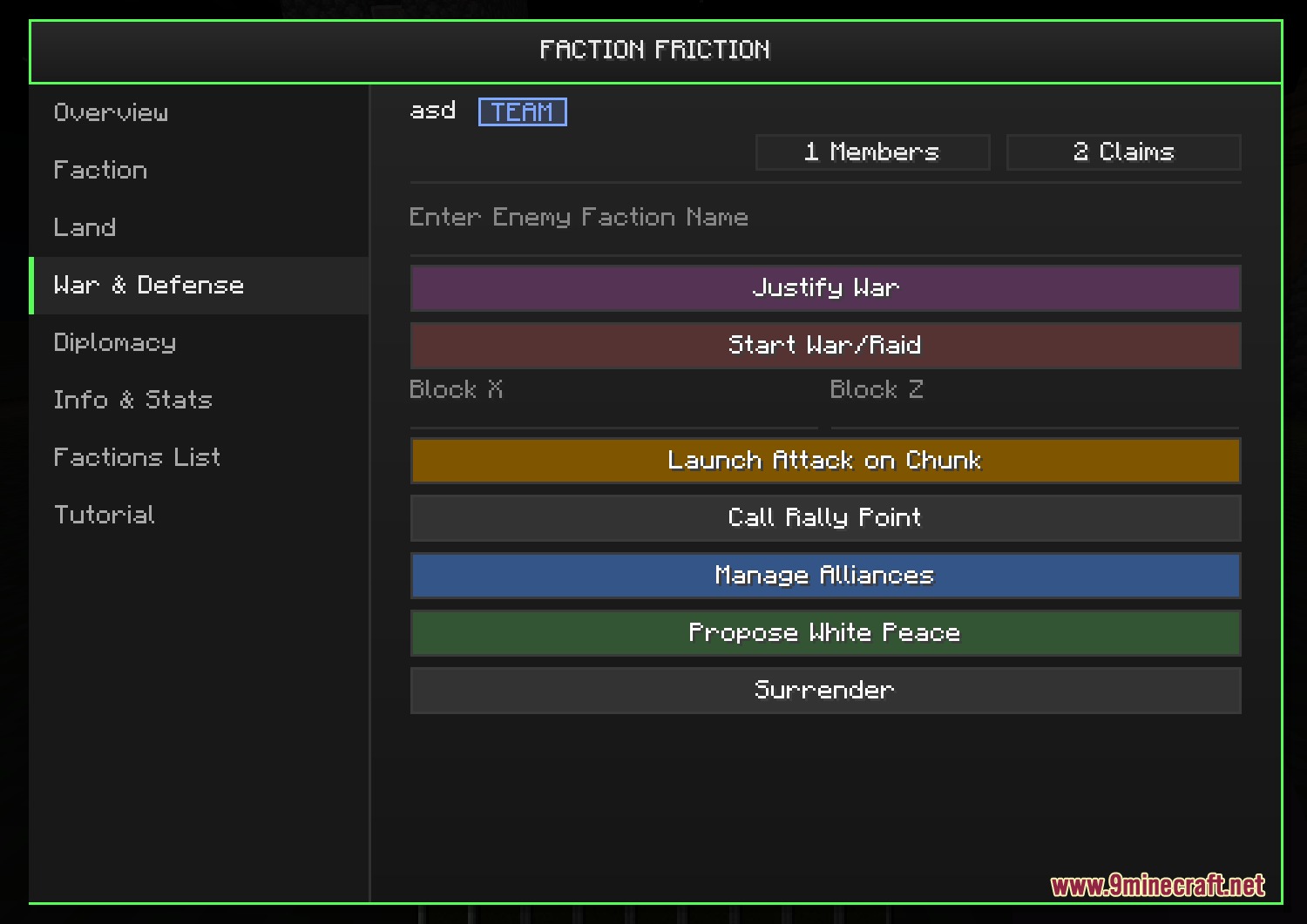
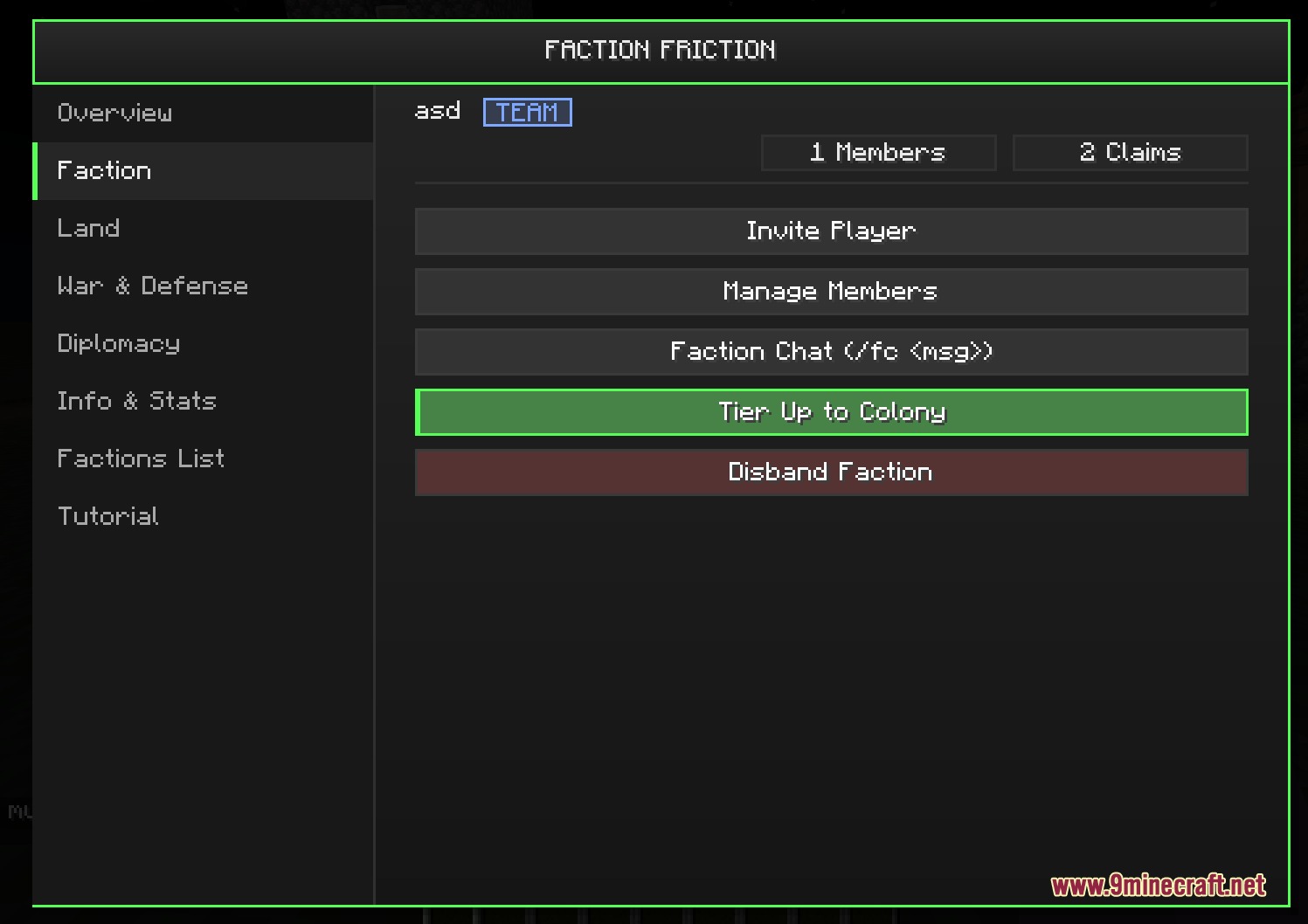
Sovereign Conquest Mod brings territory control and multiplayer warfare directly into your world. You can create a faction, recruit friends, and claim chunks of land to keep your chests and bases safe from enemy raids. Growing your group unlocks higher ranks, extra land, and the ability to declare wars against rival borders. Everything works through an easy in-game menu, so server teams can manage diplomacy, allies, and battles without needing extra claim tools.
Features:
- Lets you form a custom faction with a unique name, acronym, and team color.
- Includes a built-in land protection system that stops griefing, chest looting, and explosions.
- Unlocks higher group tiers from basic Teams up to Colonies and full Countries.
- Colonies and Countries can assign personal plots with custom permissions for members.
- Allows small teams to launch targeted raids and larger nations to declare border wars.
- Defenders fight to hold territory while attackers breach borders to capture enemy capitals.
- Provides private faction chat, alliance options, White Peace pacts, and war sirens.
- Displays faction borders on map mods like Xaero’s Maps, JourneyMap, and BlueMap.
- Features ship management for renaming and sharing faction vehicles on supported versions.
How to Use:
- Press K to open the main faction menu in-game.
- Name your group, pick an acronym and color, and invite other players.
- Claim nearby chunks to protect your blocks, containers, and vehicles.
- Upgrade your faction tier to unlock personal plots and larger territory limits.
- Form alliances with friendly groups or declare wars on rival border chunks.
Screenshots:
Sovereign Conquest Mod Download Links
- Edition: Minecraft Java
- File type: .jar
- Minecraft versions listed: 1.21.1, 1.20.1
- How to install: Install the matching mod loader (Forge, Fabric or NeoForge) for your Minecraft version. → Download the .jar. → Put it in the .minecraft/mods folder and launch that loader profile.
- Where to get it: In MC Java Mods, or directly above on this page.
Install steps are the general flow for this file type — How to install Minecraft Java mods & modpacks walks through it step by step.
- Downloads as 500808.mcaddon
- Download size: 981 KB
- Download link checked 22 Sept 2026 — working
- Mirrored on our own servers — the download does not depend on the original host
These come from our own check of the pack file, not from the source page.