
ModsJava
Aetheric Flight Strands Mod (26.2, 1.20.1) – Brew Custom Wings to Soar
Aetheric Flight Strands Mod equips you with magical wings through custom potion brewing. Drinking these potions grants your character functional wings…
⬇ Download
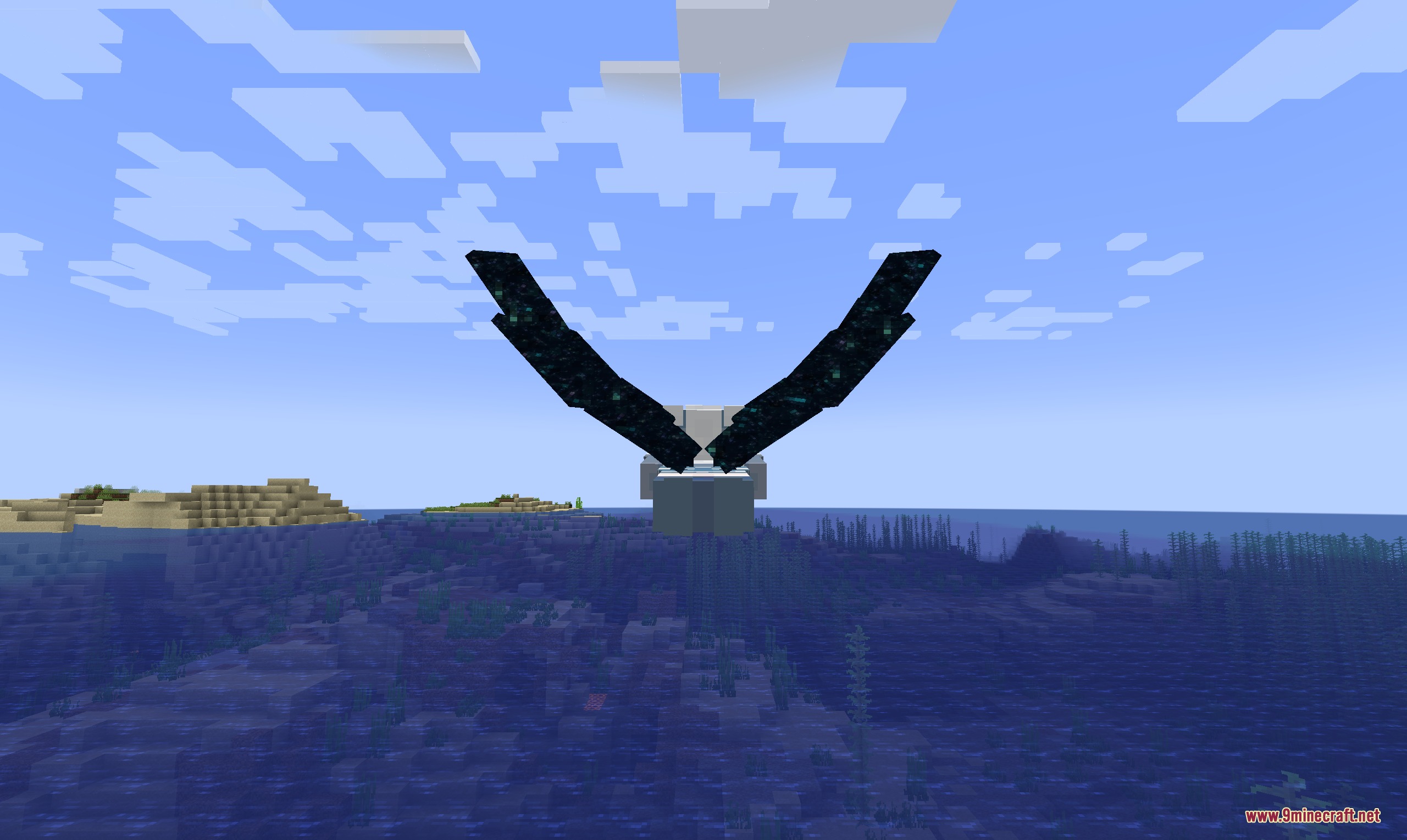

Aetheric Flight Strands Mod equips you with magical wings through custom potion brewing. Drinking these potions grants your character functional wings that allow free flight across your world. Flying, taking off, and landing will slowly consume your hunger bar. The mod also provides a defensive aura that pushes hostile mobs away from you.
Features:
- Wing Potions: Brew special potions in a brewing stand to unlock unique wings.
- Flight Control: Take off into the air with the press of a key and travel freely.
- Mob Repellent Aura: Repels hostile monsters within a 14-block radius while active.
- Flight mechanics consume hunger points during takeoff, gliding, and landing.
- Gather bat blood by using an empty glass bottle on live bats.
- Includes creative-only super wings with enhanced abilities.
Wing Types and Ingredients:
- Angel Wings: Brewed with a Feather.
- Bat Wings: Brewed with a Bat Blood Bottle.
- Blue Butterfly Wings: Brewed with Blue Dye.
- Dragon Wings: Brewed with Leather.
- Evil Wings: Brewed with a Bone.
- Fairy Wings: Brewed with an Oxeye Daisy.
- Fire Wings: Brewed with Blaze Powder.
- Monarch Butterfly Wings: Brewed with Orange Dye.
- Parrot Wings: Brewed with Red Dye.
- Slime Wings: Brewed with a Slimeball.
How to Use:
- Brew a standard Slow Falling or Long Slow Falling potion to use as your base.
- Place the base potion into a Brewing Stand and put your chosen ingredient in the top slot.
- Drink the finished wing potion to receive your wings.
- Press R to activate flight and take to the skies.
Screenshots:
Aetheric Flight Strands Mod Download Links
Aetheric Flight Strands Mod (26.2, 1.20.1) – Brew Custom Wings to Soar is a free Minecraft Java mod. Compatible with Minecraft 1.20.1. Download it and open it directly in the game.