ModsJava
Luminous Flux Patch Mod (26.2, 1.20.1) – Blend Glowing Water Effects
Java mod listed for Minecraft 1.20. Downloads from the MC Java Mods app on Android.
⬇ Download
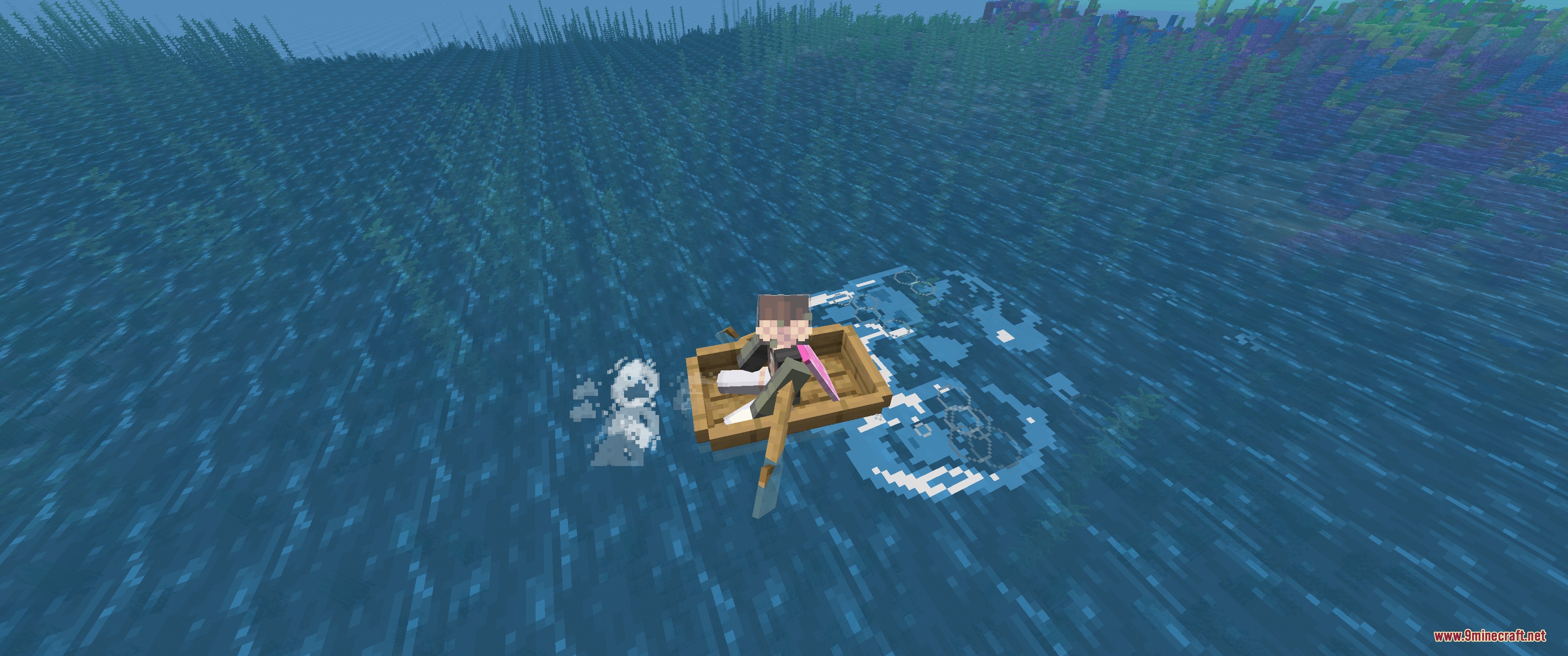
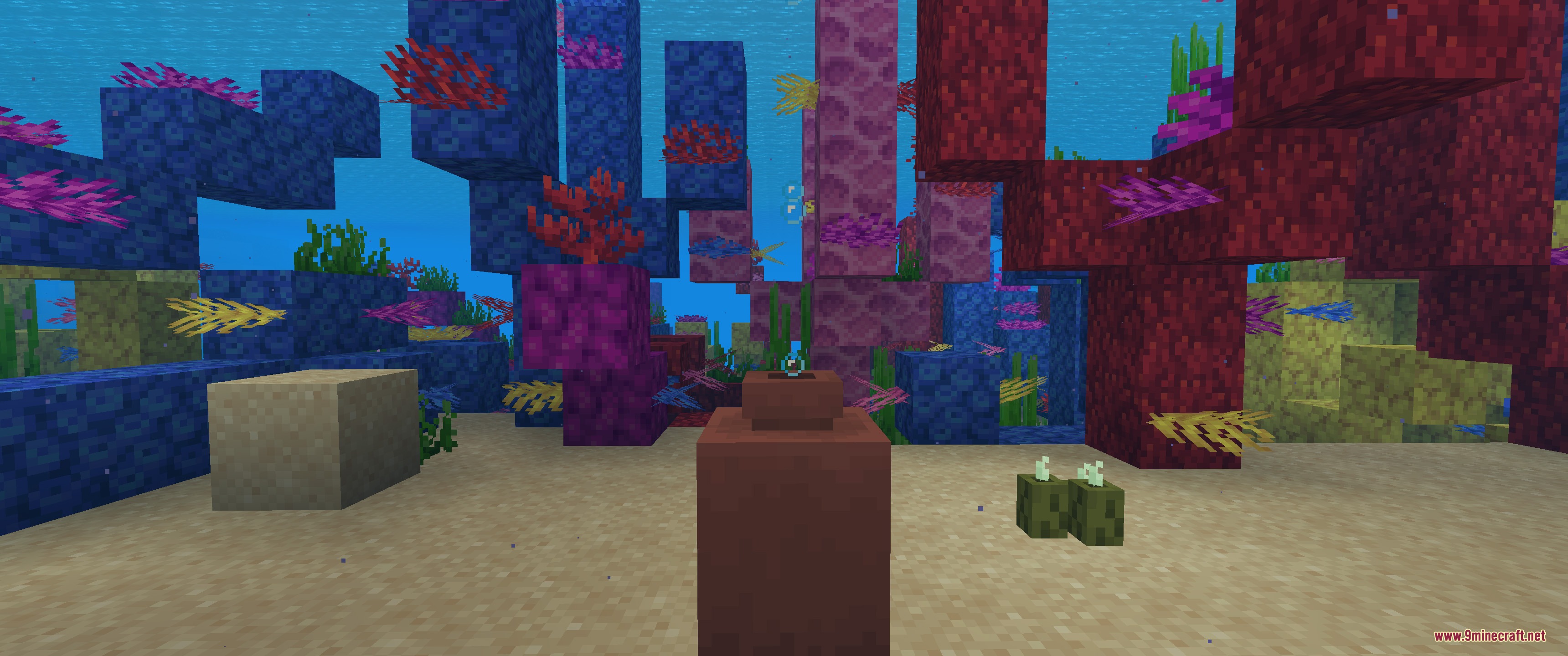
Luminous Flux Patch Mod connects visual particle mods together and fixes memory leaks across several popular mods. It blends water ripples, splash droplets, and ocean glow effects when you run visual mods side by side. The mod also clears out leftover data caches on world reloads and respawns so your game runs cleaner over long play sessions. Every cosmetic change is optional, letting you choose how your visual effects look.
Features:
Mod Visual Integrations:
- Adds glowing plankton and splash droplet particles to boat wakes when running Effective and Wakes together.
- Connects Effectual with Effective so underwater pots, chest bubbles, and player breath produce custom bubble particles.
- Lets player water drips use glowing water droplets under the right ocean conditions.
- Replaces water ripples with Particle Rain ripples when both particle mods run at the same time.
- Uses mouth steam and cascade particle effects smoothly between installed visual mods.
Memory Leak Fixes:
- Clears item search history on player respawn for EMI.
- Wipes player texture maps on respawn to stop Entity Texture Features from hoarding memory.
- Clears renderers, wrapped levels maps, and entity caches on world unload for Iceberg.
- Clears hidden mod name caches during world unload for Jade.
- Resets the Grindstone menu cache on player respawn for Just Enough Items.
- Cleans up item maps and internal cache methods on server close for Supplementaries.
- Clears the passive tick list map for vanilla Minecraft.
Screenshots:
Luminous Flux Patch Mod Download Links
Quick facts
- Edition: Minecraft Java
- File type: .jar
- Minecraft version listed: 1.20.1
- How to install: Install the matching mod loader (Forge, Fabric or NeoForge) for your Minecraft version. → Download the .jar. → Put it in the .minecraft/mods folder and launch that loader profile.
- Where to get it: In MC Java Mods, or directly above on this page.
Install steps are the general flow for this file type — How to install Minecraft Java mods & modpacks walks through it step by step.
File checked by MCModsHub
- Downloads as 500821.mcaddon
- Download size: 78 KB
- Download link checked 22 Sept 2026 — working
- Mirrored on our own servers — the download does not depend on the original host
These come from our own check of the pack file, not from the source page.