ModsJava
Cartographer Zone Painter Mod (26.1.2, 1.20.1) – Draw Custom Territories
Java mod listed for Minecraft 1.20. Downloads from the MC Java Mods app on Android.
⬇ Download
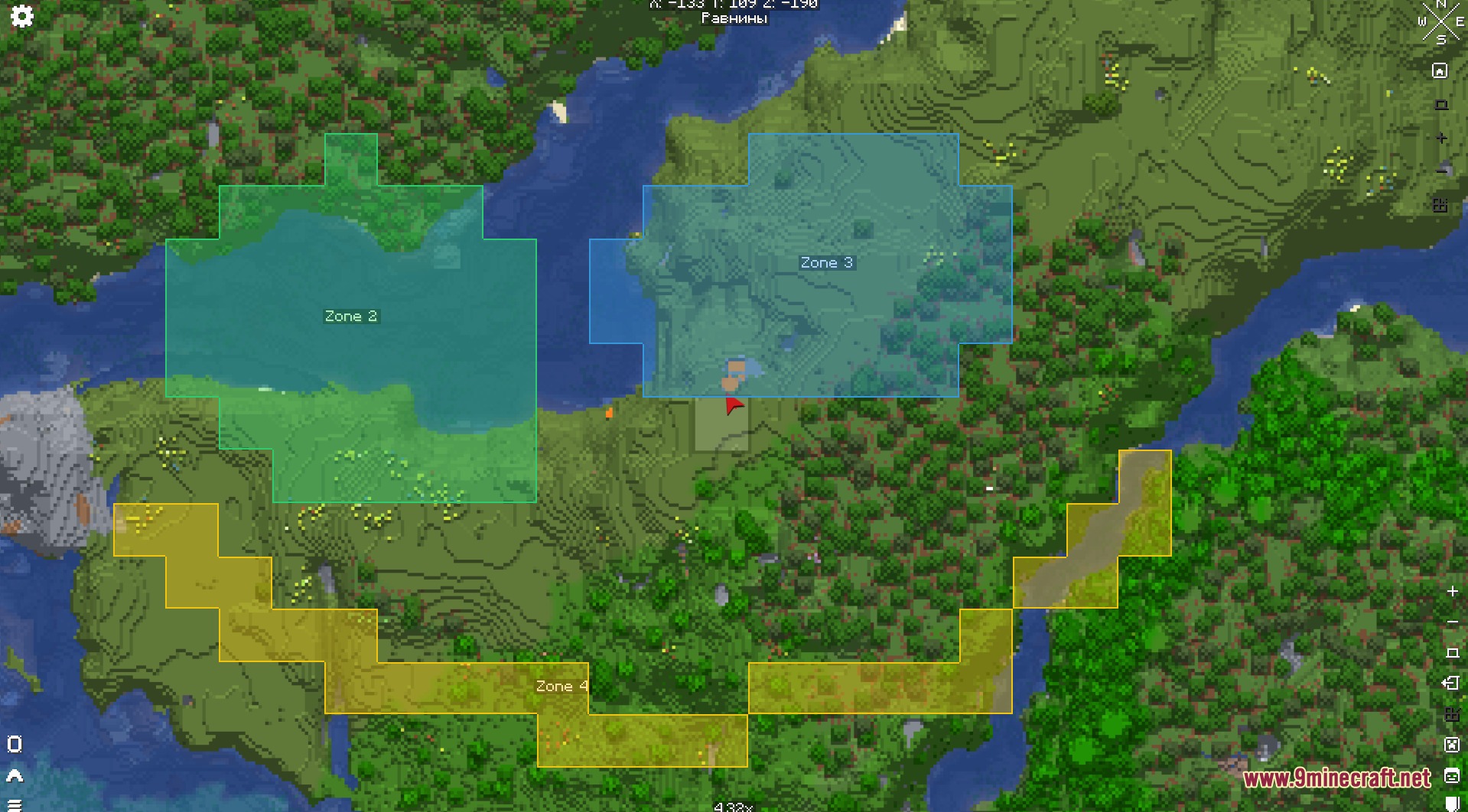
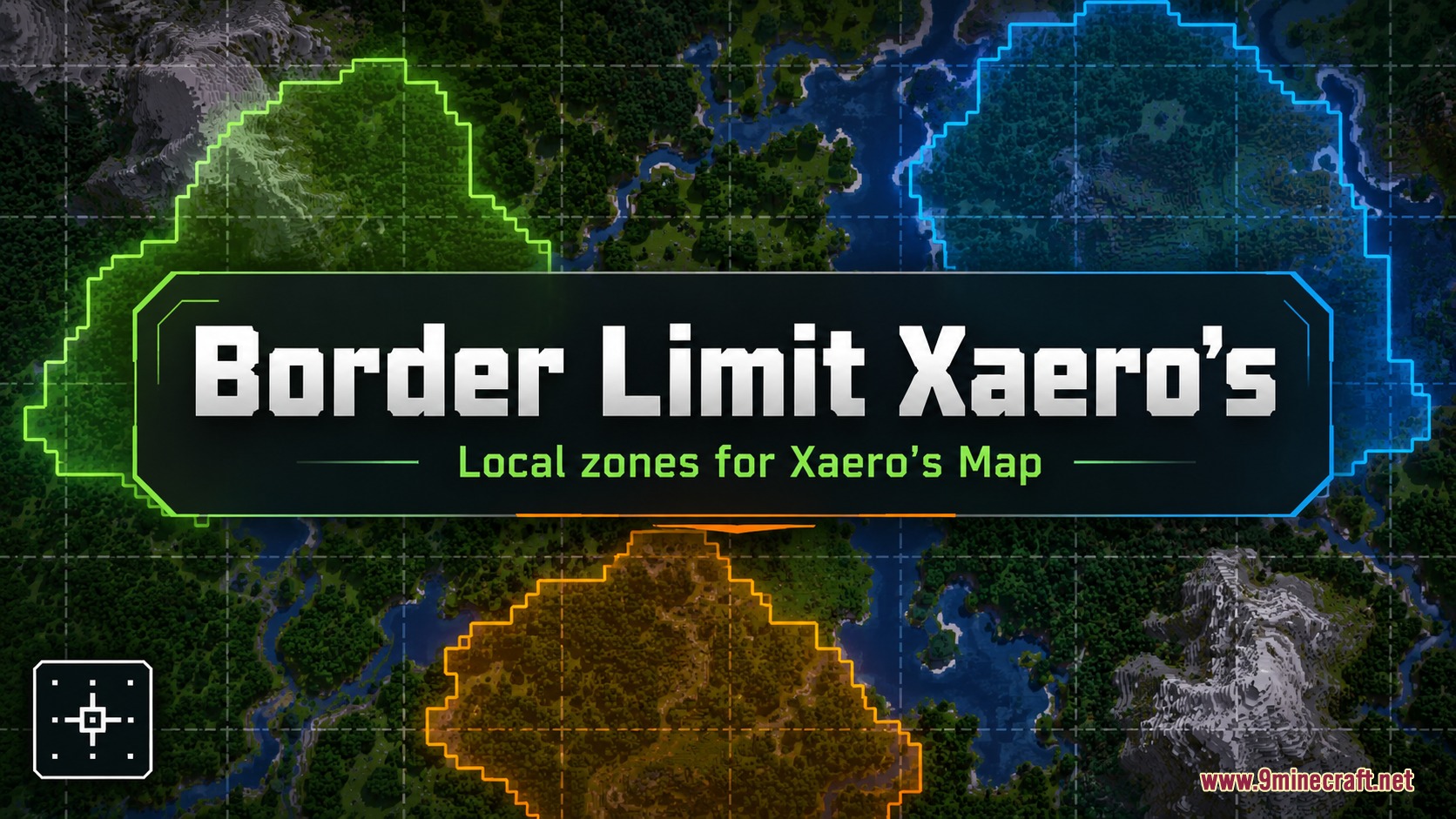
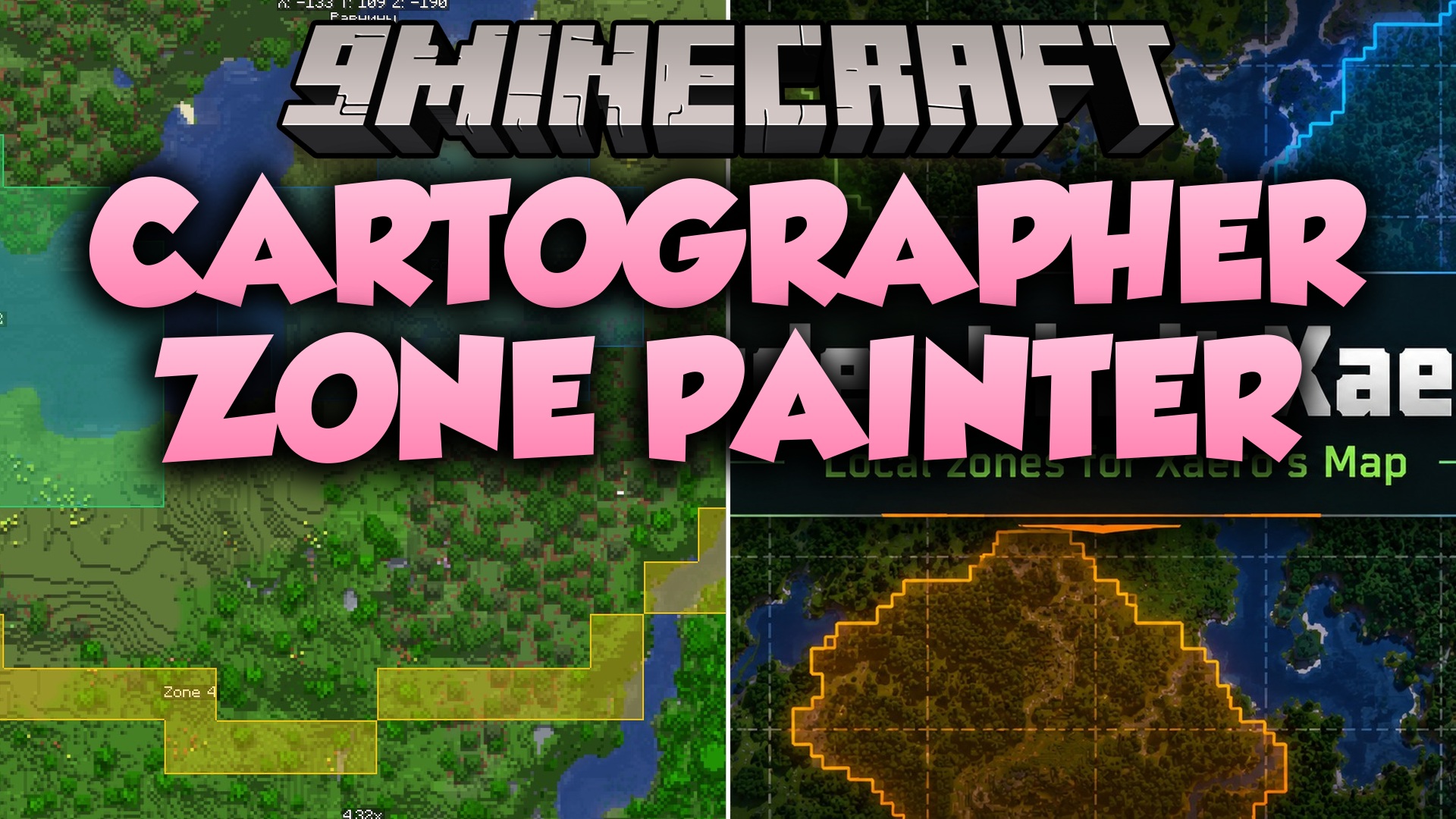
Cartographer Zone Painter Mod adds custom territory drawing tools for Xaero’s Minimap and Xaero’s World Map. It lets you mark bases, roads, farms, claims, and danger areas directly on your maps. The mod runs entirely on your client, so you can highlight zones on any multiplayer server without server-side setup. Every zone gets saved per world and per dimension to keep your travels organized.
Features:
- Create custom zones straight from your map screen.
- Paint colored borders and fills to mark bases, towns, and roads.
- Add or remove individual chunks from saved zones at any time.
- Rename zones and switch their colors whenever you want.
- View all marked areas directly on both the minimap and world map.
- Saves zone layouts separately for each world and dimension.
- Works completely on the client side without needing server plugins.
Drawing Modes:
- Chunk mode: Select and paint entire chunks in a single click.
- Brush mode: Freehand paint custom borders across terrain.
- Lasso mode: Outline large shapes and fill entire areas quickly.
Screenshots:
Cartographer Zone Painter Mod Download Links
Quick facts
- Edition: Minecraft Java
- File type: .jar
- Minecraft version listed: 1.20.1
- How to install: Install the matching mod loader (Forge, Fabric or NeoForge) for your Minecraft version. → Download the .jar. → Put it in the .minecraft/mods folder and launch that loader profile.
- Where to get it: In MC Java Mods, or directly above on this page.
Install steps are the general flow for this file type — How to install Minecraft Java mods & modpacks walks through it step by step.
File checked by MCModsHub
- Downloads as 500823.mcaddon
- Download size: 102 KB
- Download link checked 22 Sept 2026 — working
- Mirrored on our own servers — the download does not depend on the original host
These come from our own check of the pack file, not from the source page.