
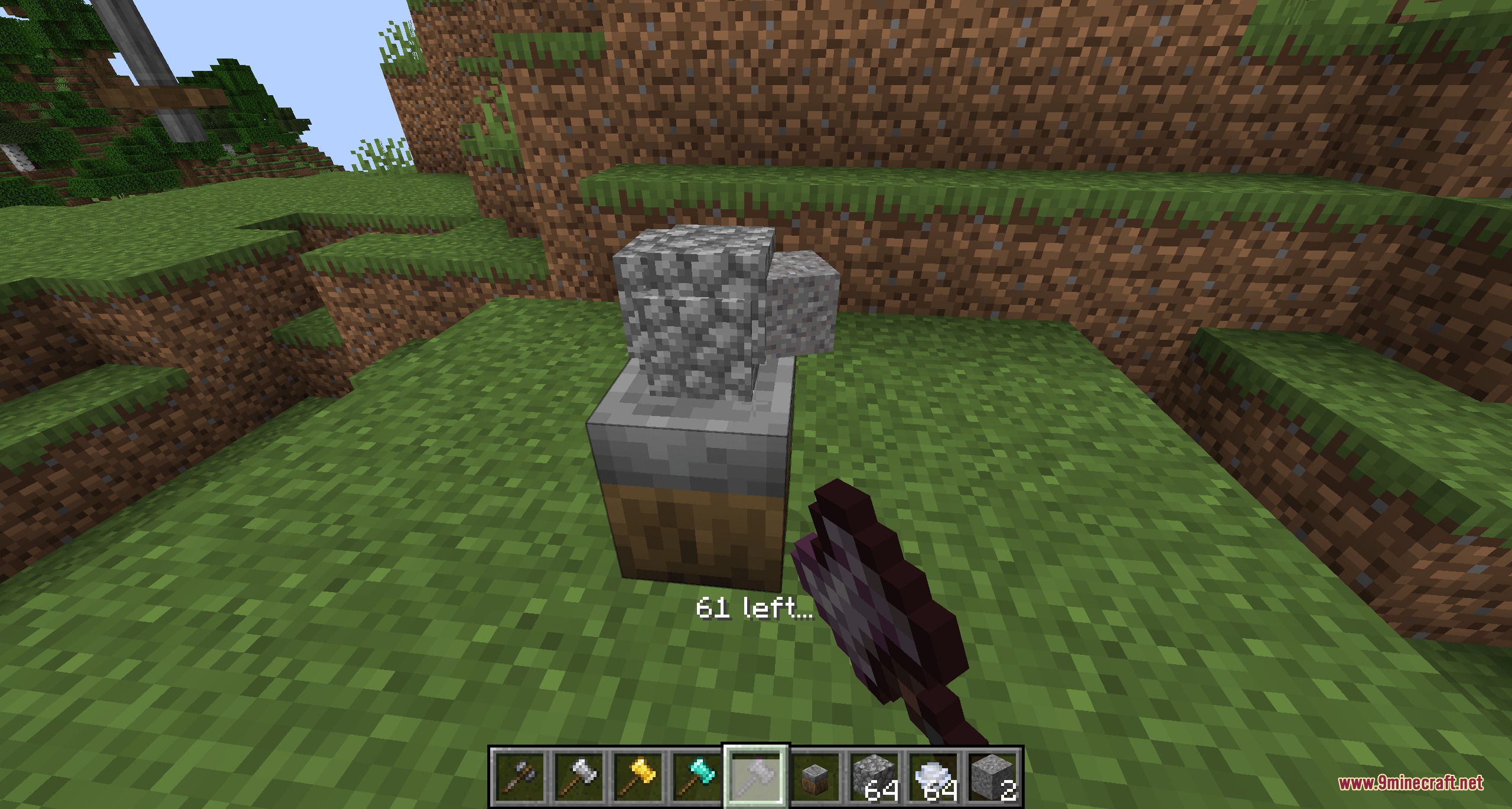
Grit and Gristle Mod introduces manual crafting workstations that let you hammer, grind, and mix materials by hand. Instead of crafting items instantly in a simple grid, you crush herbs with a pestle, flatten metal ingots with heavy hammers, and stir hot recipes with a ladle. This mod works well as an early game crafting step or as a manual companion for larger machine setups.
Features:
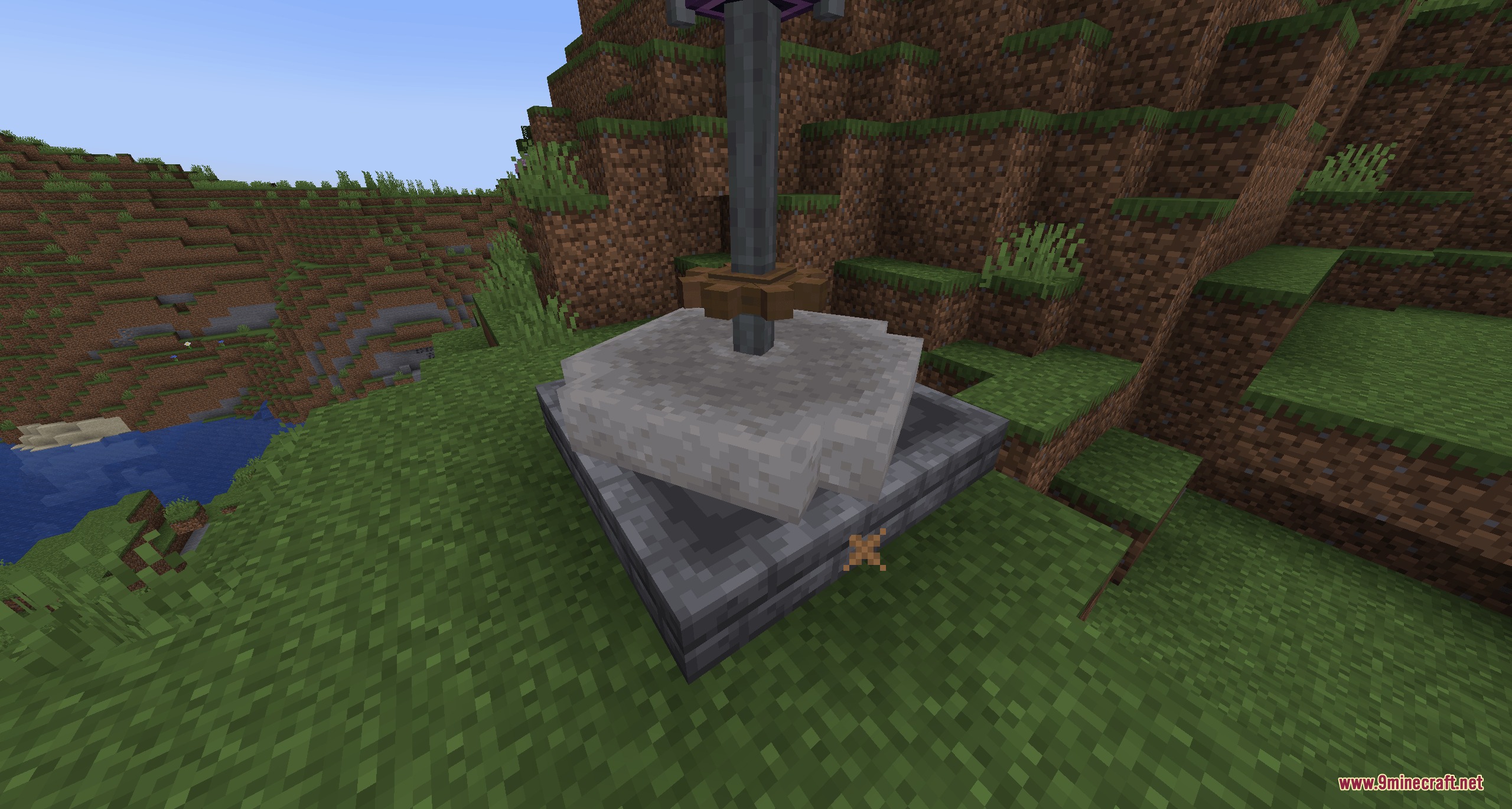
- The Workstone: Serves as your primary station to hammer raw items into plates and crush rough ores.
- Tiered Hammers: Craft hammers out of flint, iron, gold, diamond, and netherite with scaling durability.
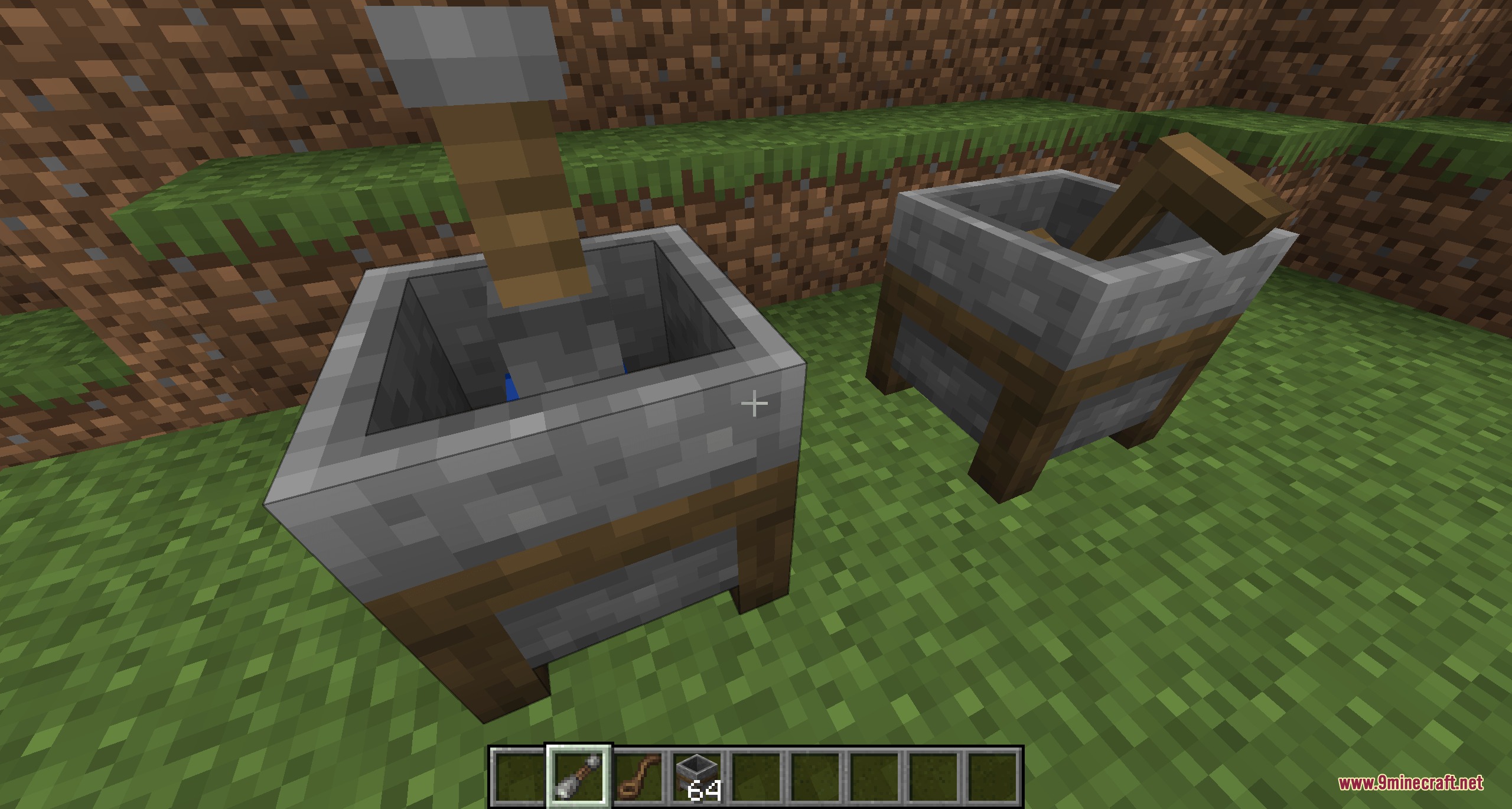
- The Mortar: Holds herbs, minerals, and liquids for grinding and manual mixing recipes.
- Crush plants, crops, and minerals into fine powders and colorful dyes using the pestle.
- Stir multi-ingredient mixtures and liquids inside the mortar by using the ladle.
- Place the mortar on top of campfires, blaze burners, or other heat sources to process heated recipes.
- Includes the Millstone as an early-game processing block when played alongside tech setups.
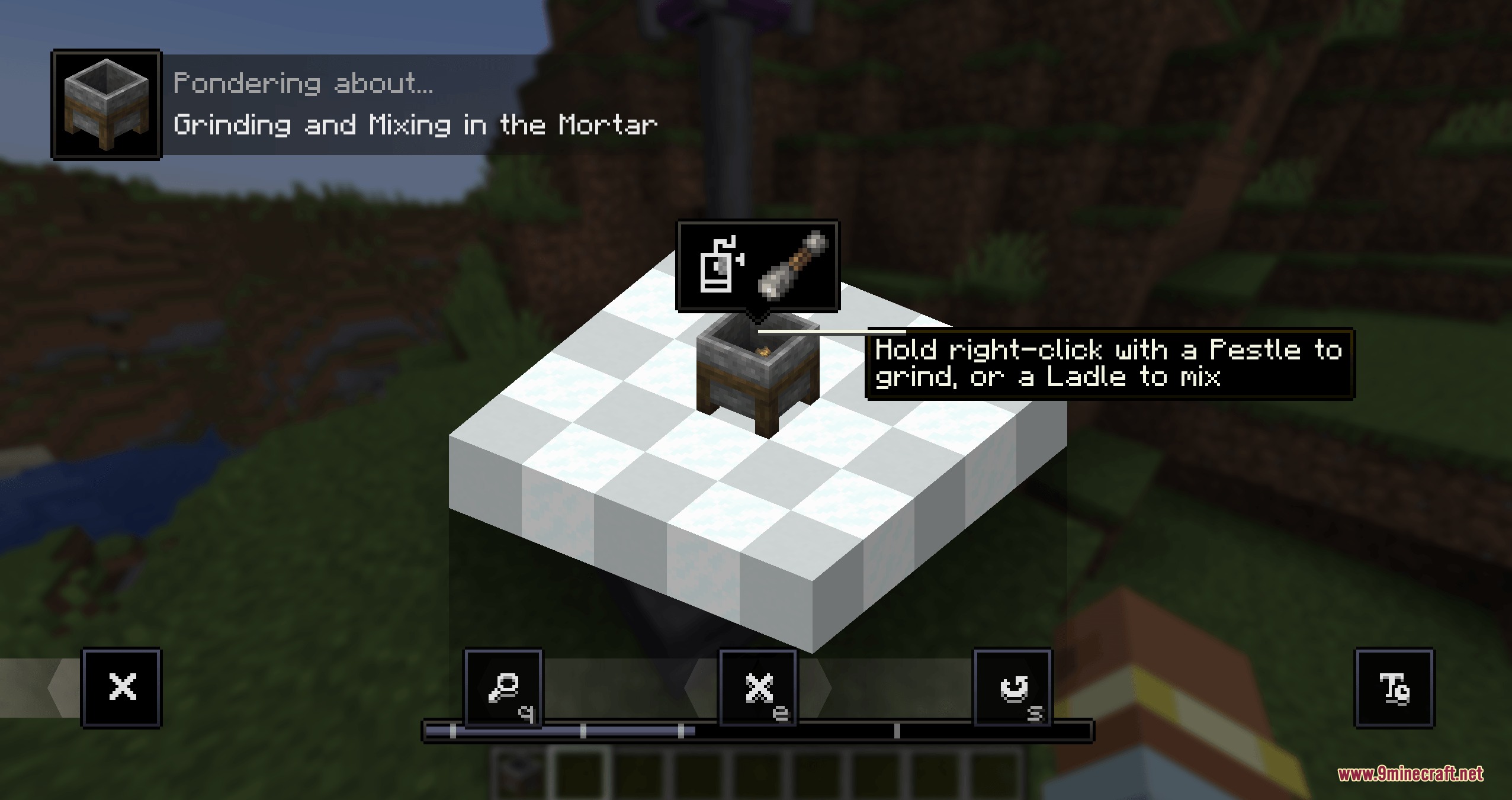
- Ponder integration provides animated 3D visual guides for every workstation in-game.
- Full recipe display support for JEI and EMI to view every grinding and crushing combination.
- Adds extra hammer tool materials when playing with Caverns and Chasms or Oreganized.
How to Use:
- Place down a Workstone or Mortar block in your base.
- Place your raw ingredients directly onto the workstation block.
- Hit the Workstone with a crafted hammer to flatten ingots or crush raw ores.
- Use a pestle or ladle on the Mortar to grind ingredients or stir mixtures.
- Set the Mortar on top of a campfire or hot block if your recipe requires heat.
Screenshots:
Grit and Gristle Mod Download Links
Quick facts
- Edition: Minecraft Java
- File type: .jar
- Minecraft version listed: 1.21.1
- How to install: Install the matching mod loader (Forge, Fabric or NeoForge) for your Minecraft version. → Download the .jar. → Put it in the .minecraft/mods folder and launch that loader profile.
- Where to get it: In MC Java Mods, or directly above on this page.
Install steps are the general flow for this file type — How to install Minecraft Java mods & modpacks walks through it step by step.
Verified by MCModsHub
- Downloads as 500835.mcaddon
- Download size: 2.3 MB
- Download link checked 24 Sept 2026 — working
- Mirrored on our own servers — the download does not depend on the original host
These come from our own check of the pack file, not from the source page.