
ModsJava
Loyal Legion Reforged Mod (26.1.2, 1.20.1) – Command Armored Monster Armies
Java mod listed for Minecraft 1.20. Downloads from the MC Java Mods app on Android.
⬇ Download
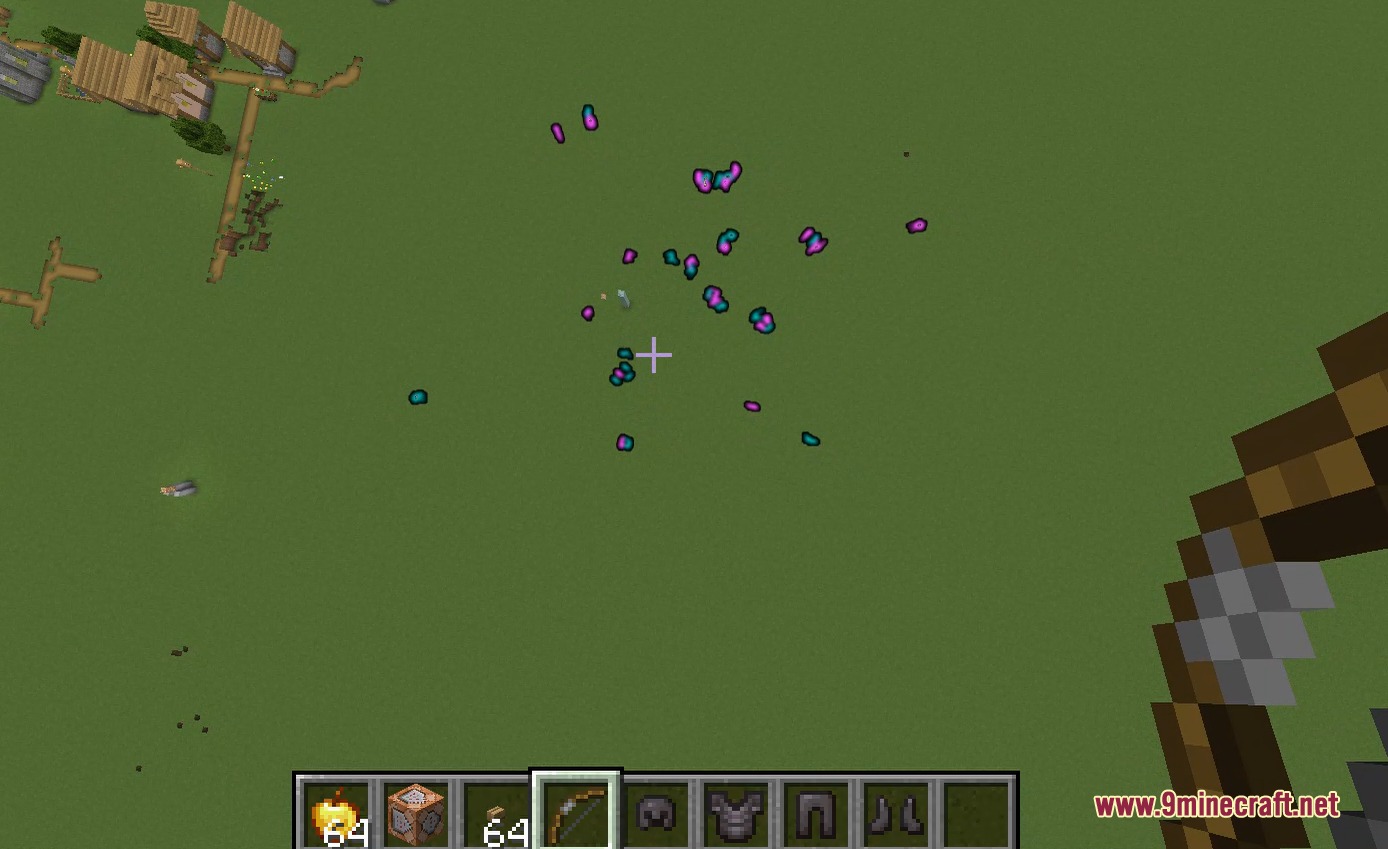
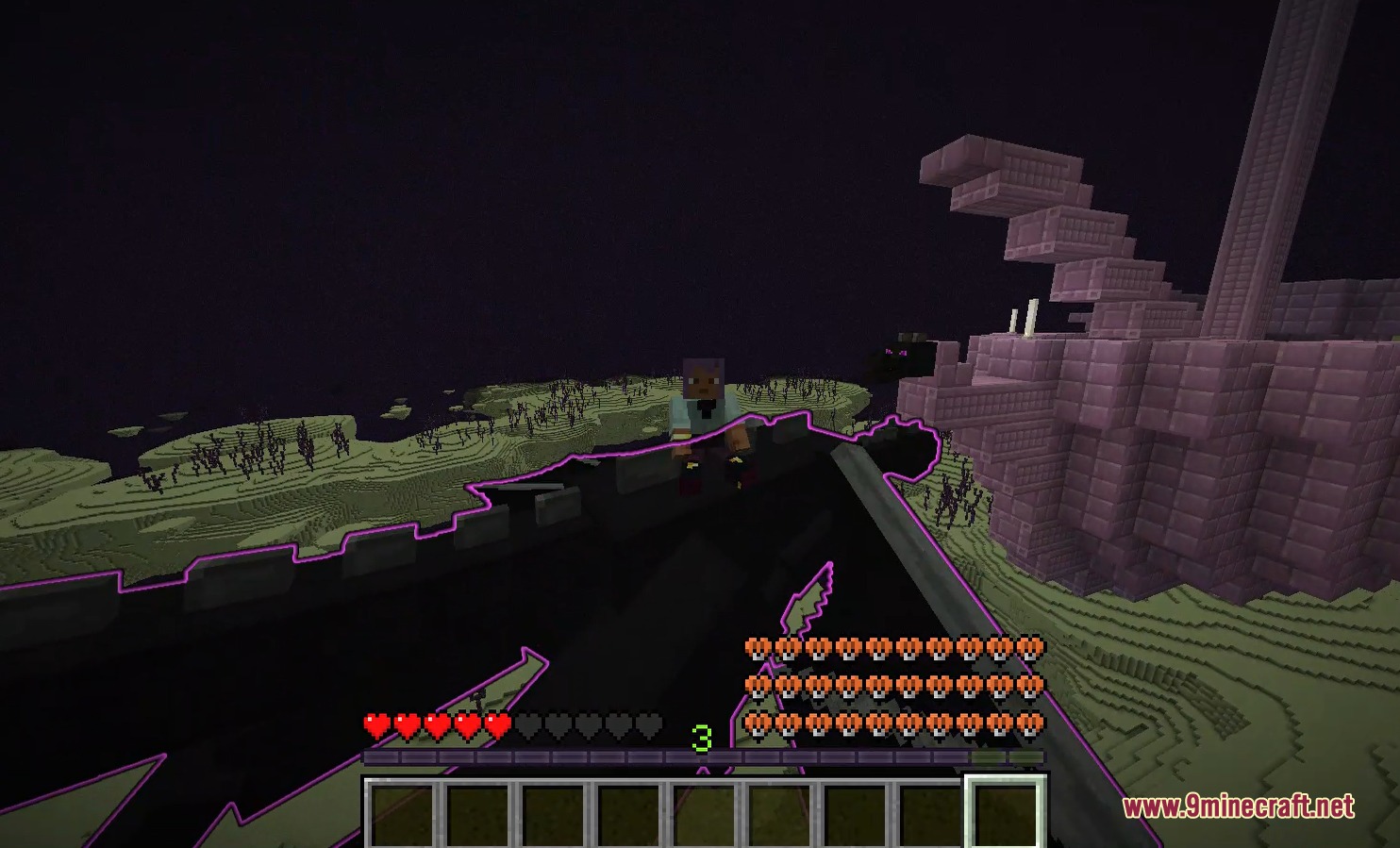
Loyal Legion Reforged Mod transforms wild monsters into loyal team members that fight alongside you. It reworks companion mechanics with custom gear slots, direct taming items, and a tactical top-down camera. You can assemble squads from different mob types, manage their gear, and command their movements across the battlefield.
Features:
- Tame wild monsters directly by feeding them a Golden Apple without waiting on random timers.
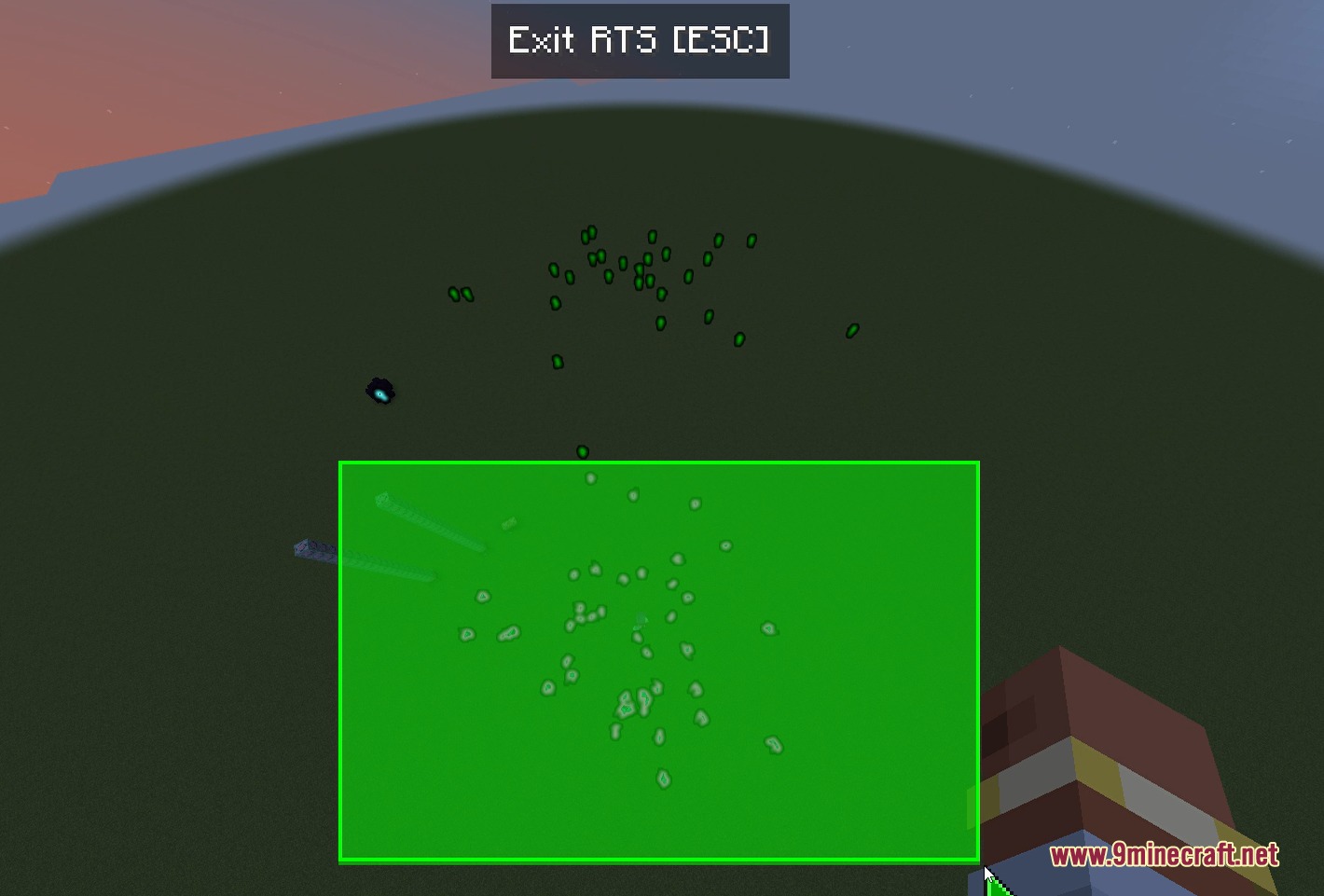
- Command your troops using a top-down real-time strategy camera view.
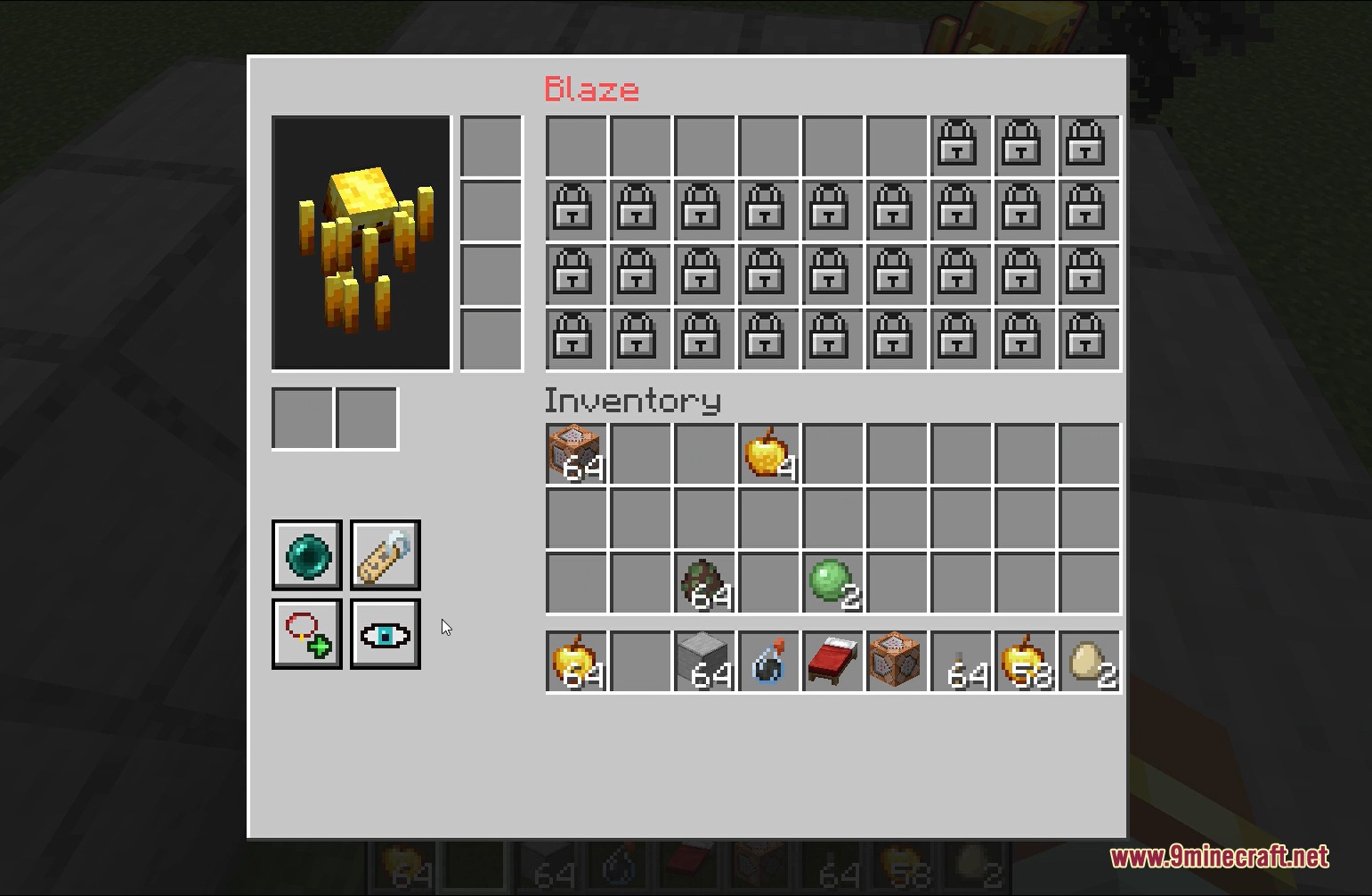
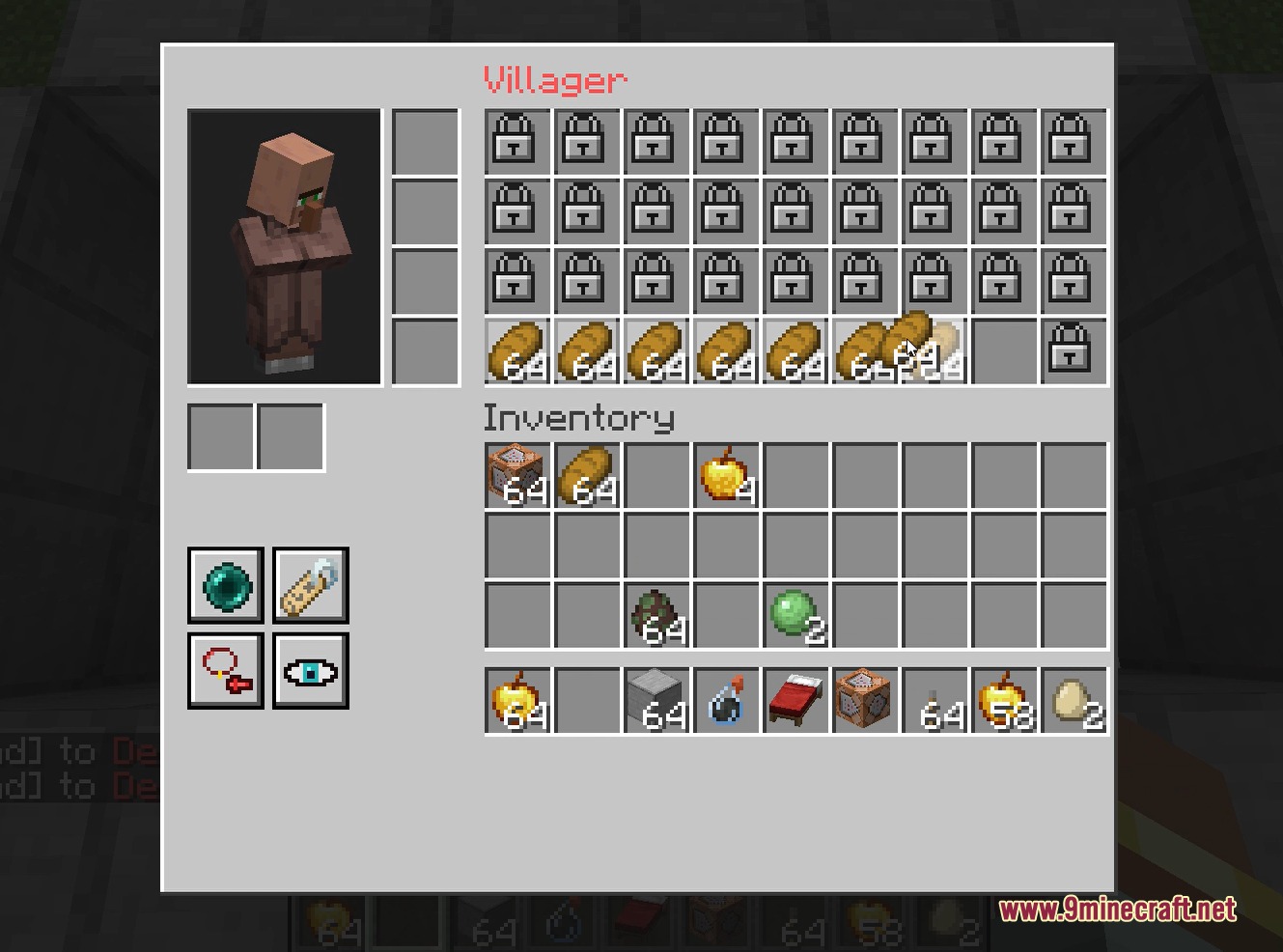
- Equip weapons, shields, and full sets of armor onto your allied mobs.
- Assign mobs to 16 different teams to set up large faction battles.
- Issue tactical move, follow, stay, and attack orders to selected units.
- Ride and fly the Ender Dragon with simple keyboard controls after taming it.
- Open a dedicated team management screen to inspect rosters and teleport allies.
- Recruit wild mobs in seconds using box-selection controls.
- Adjust unit speeds, pathfinding limits, and taming items through the config file.
Commands:
/mngteam get: Checks the team status and member roster of a player./mngteam set: Assigns team captains or sets admin permissions./mngteam menu: Opens the main team management panel.
How to Use:
- Right-click a mob with a Golden Apple to recruit it to your team.
- Press K to open the team management dashboard.
- Click the RTS Mode button to switch to the top-down tactical view.
- Use WASD to move the camera and hold Ctrl while dragging the mouse to rotate the angle.
- Left-click or drag a box to select units, then right-click a target to attack or move.
- Press Esc to return to standard first-person gameplay.
Screenshots:
Loyal Legion Reforged Mod Download Links
Quick facts
- Edition: Minecraft Java
- File type: .jar
- Minecraft version listed: 1.20.1
- How to install: Install the matching mod loader (Forge, Fabric or NeoForge) for your Minecraft version. → Download the .jar. → Put it in the .minecraft/mods folder and launch that loader profile.
- Where to get it: In MC Java Mods, or directly above on this page.
Install steps are the general flow for this file type — How to install Minecraft Java mods & modpacks walks through it step by step.
File checked by MCModsHub
- Downloads as 500837.mcaddon
- Download size: 326 KB
- Download link checked 22 Sept 2026 — working
- Mirrored on our own servers — the download does not depend on the original host
These come from our own check of the pack file, not from the source page.