ModsJava
Sunken Topography Mod (26.2, 1.20.1) – Spot Deep Ocean Trenches Right
Java mod listed for Minecraft 1.20. Downloads from the MC Java Mods app on Android.
⬇ Download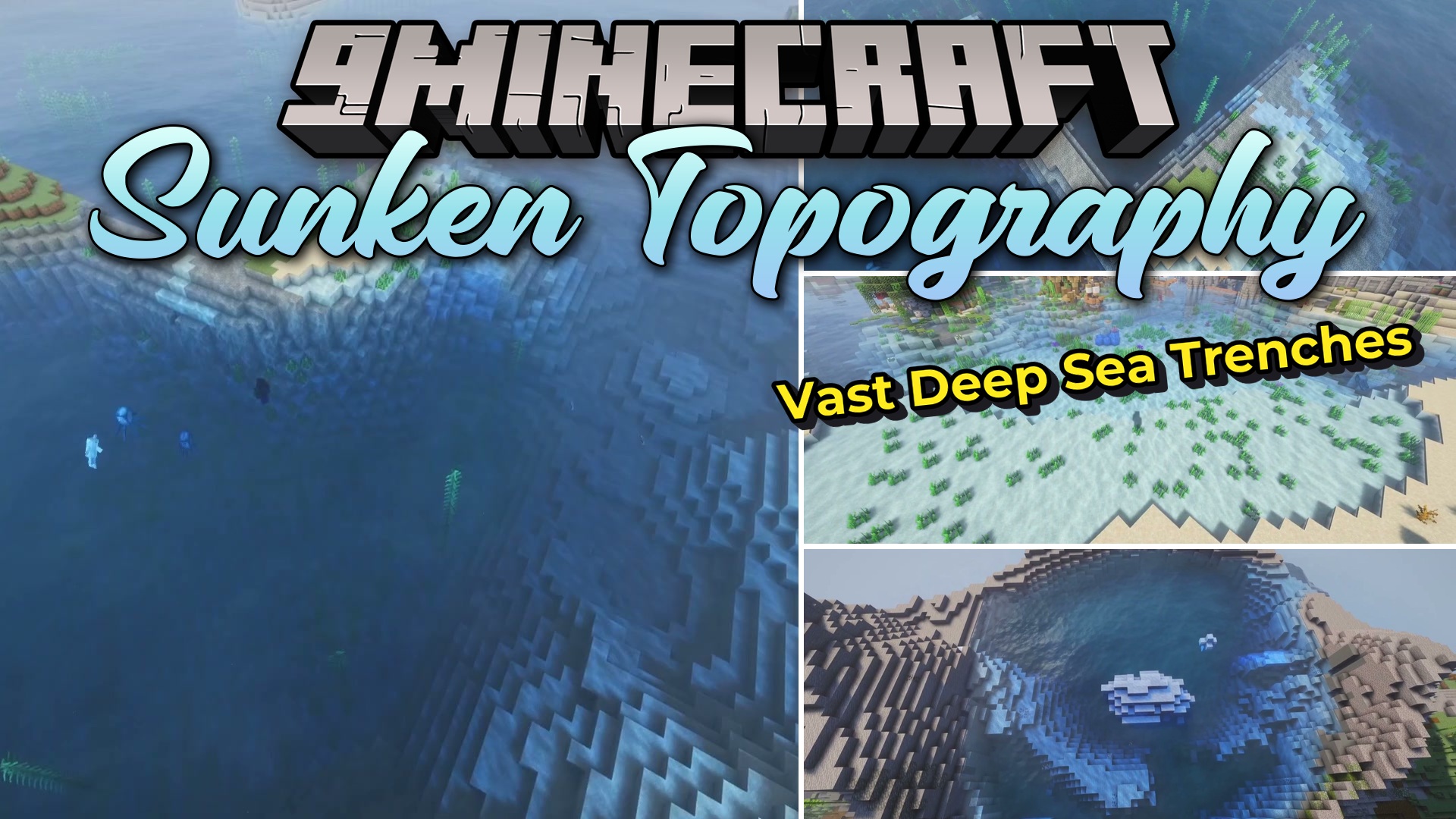
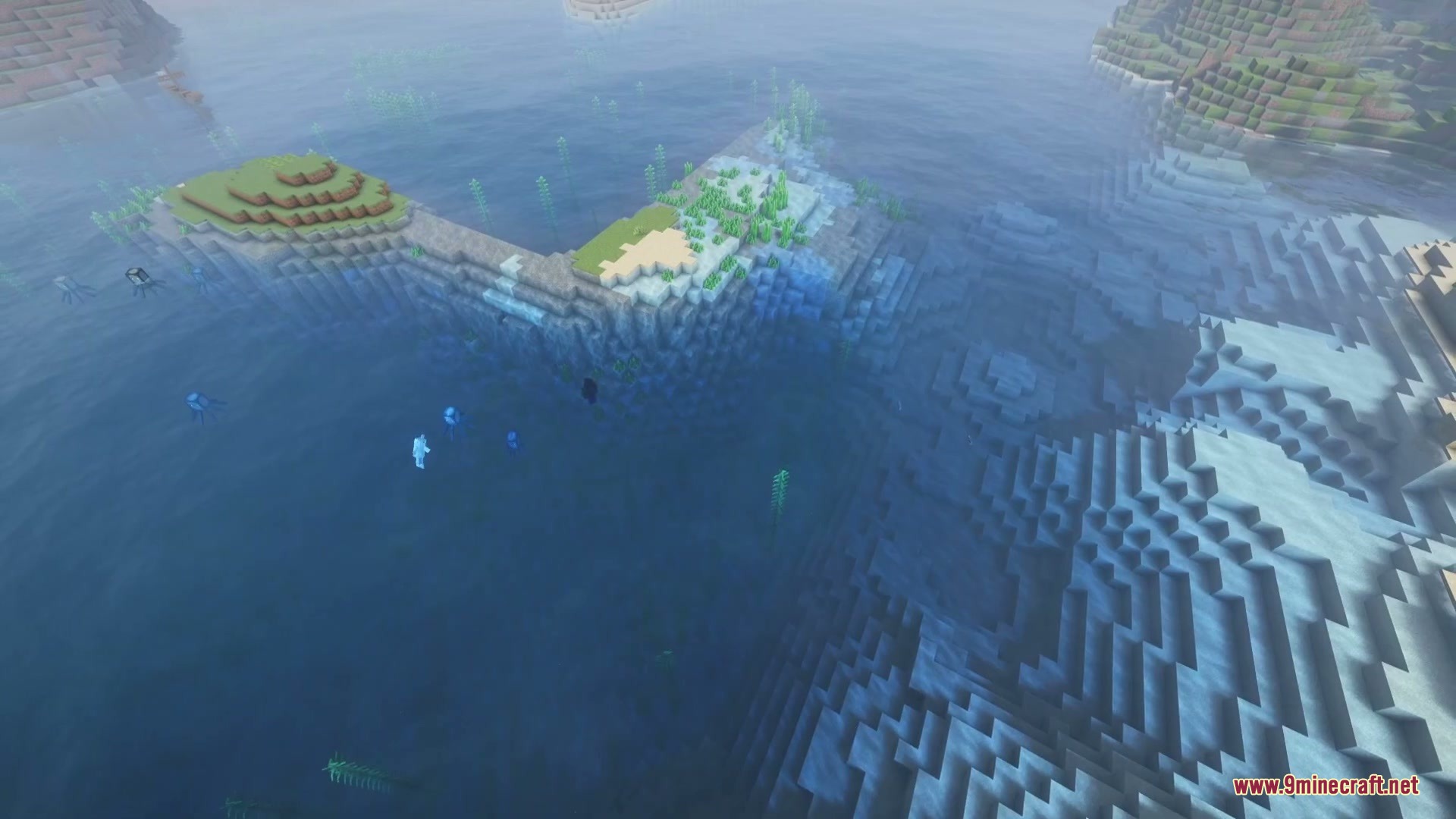
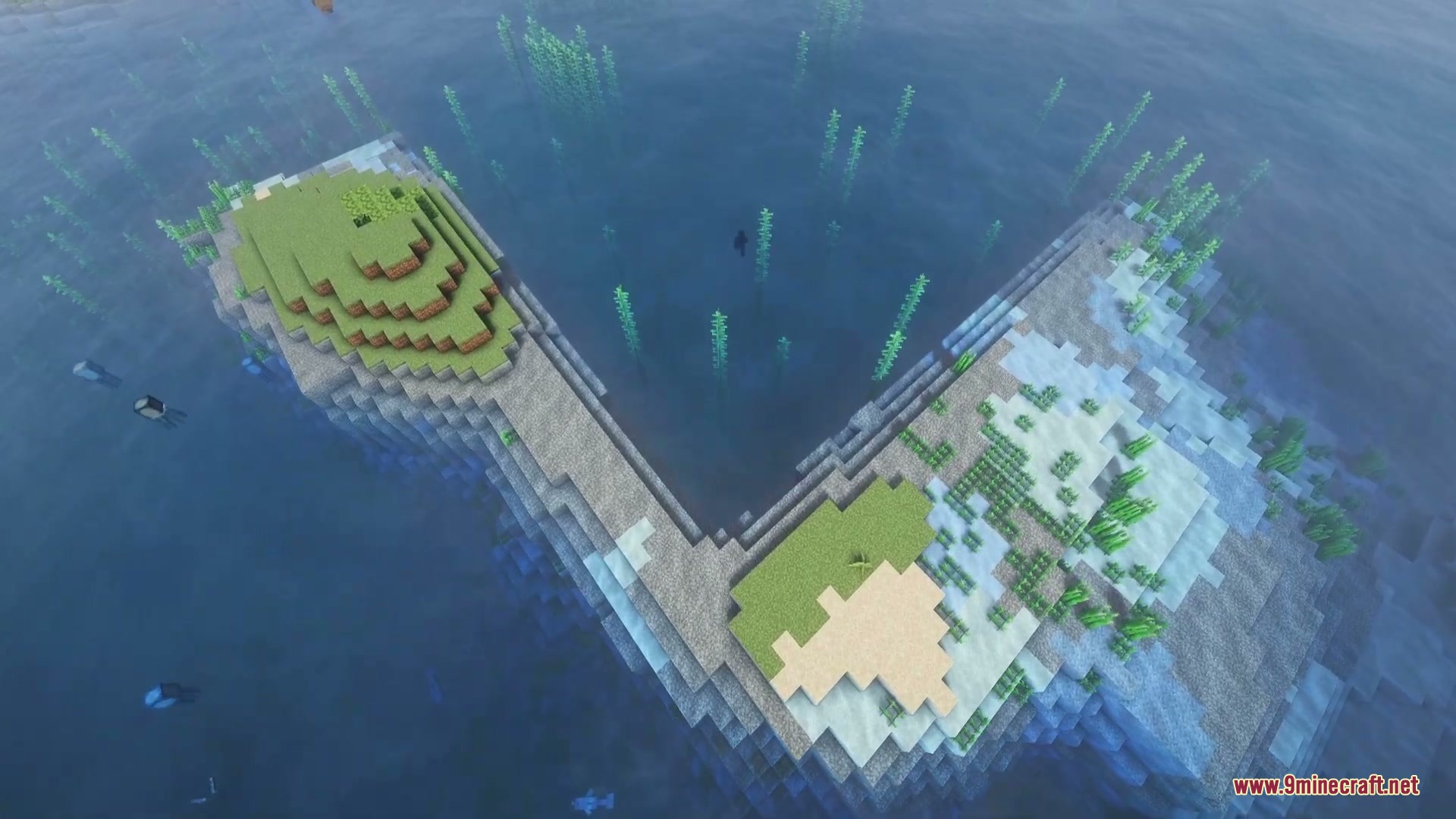
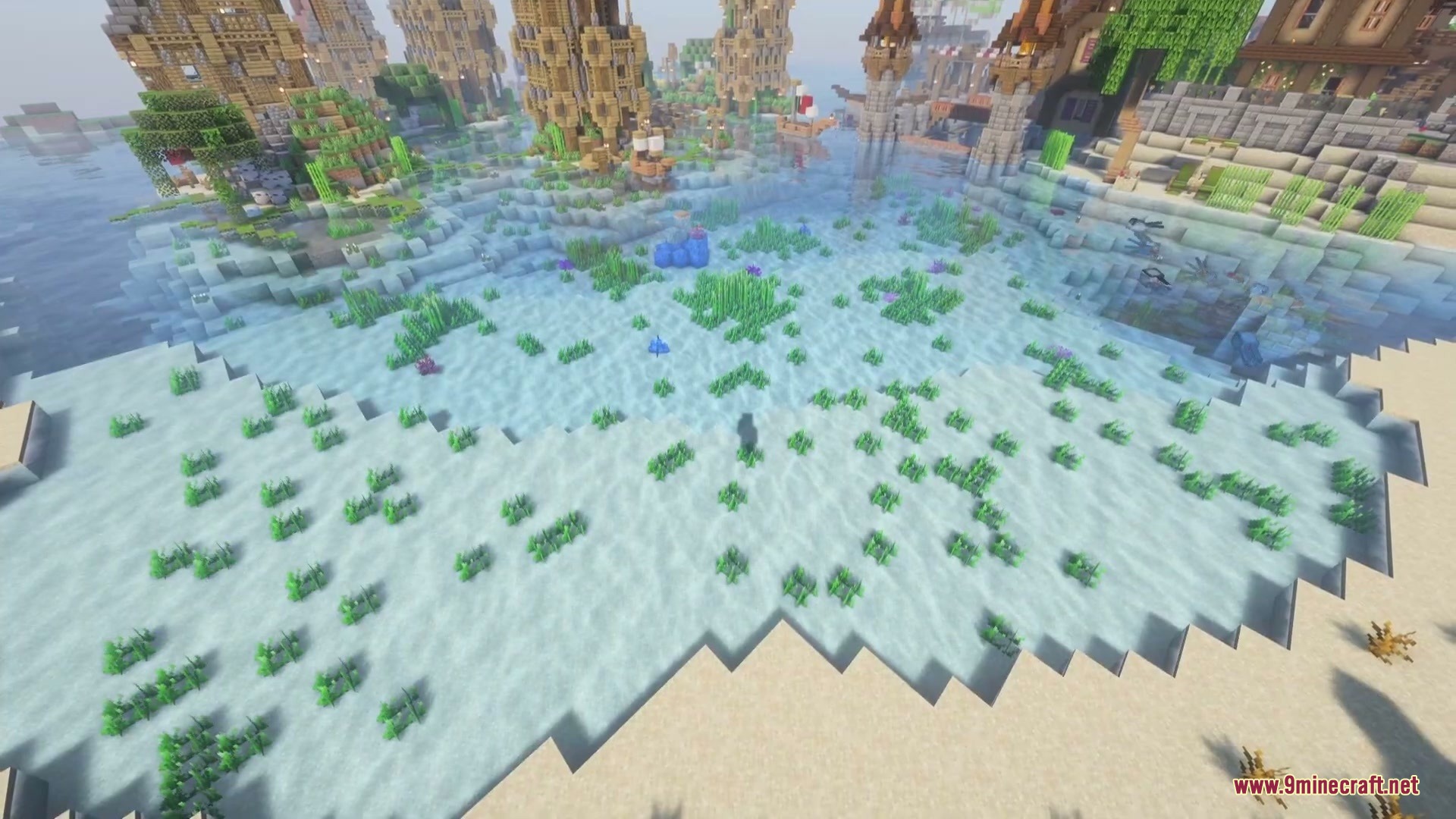
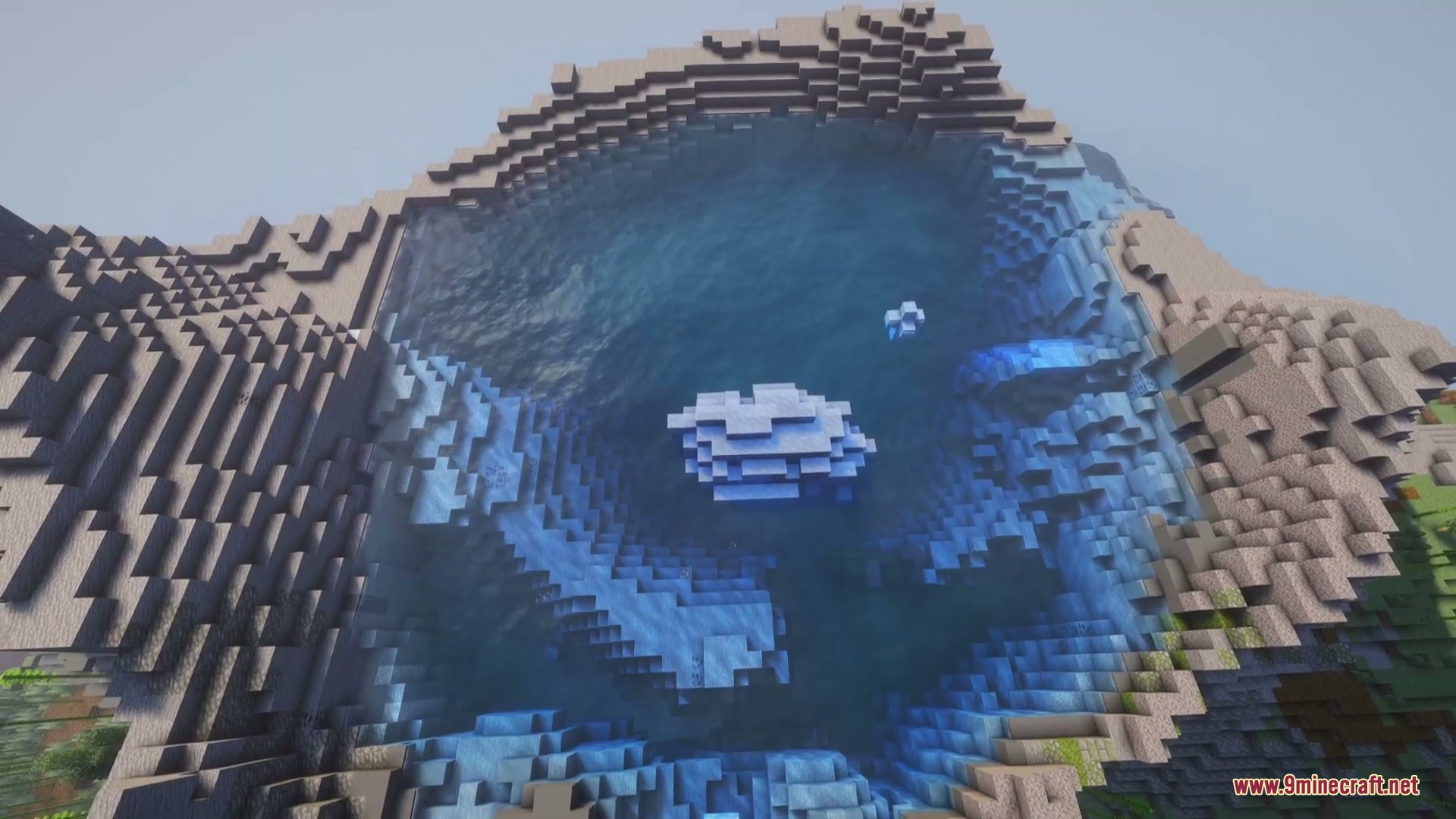
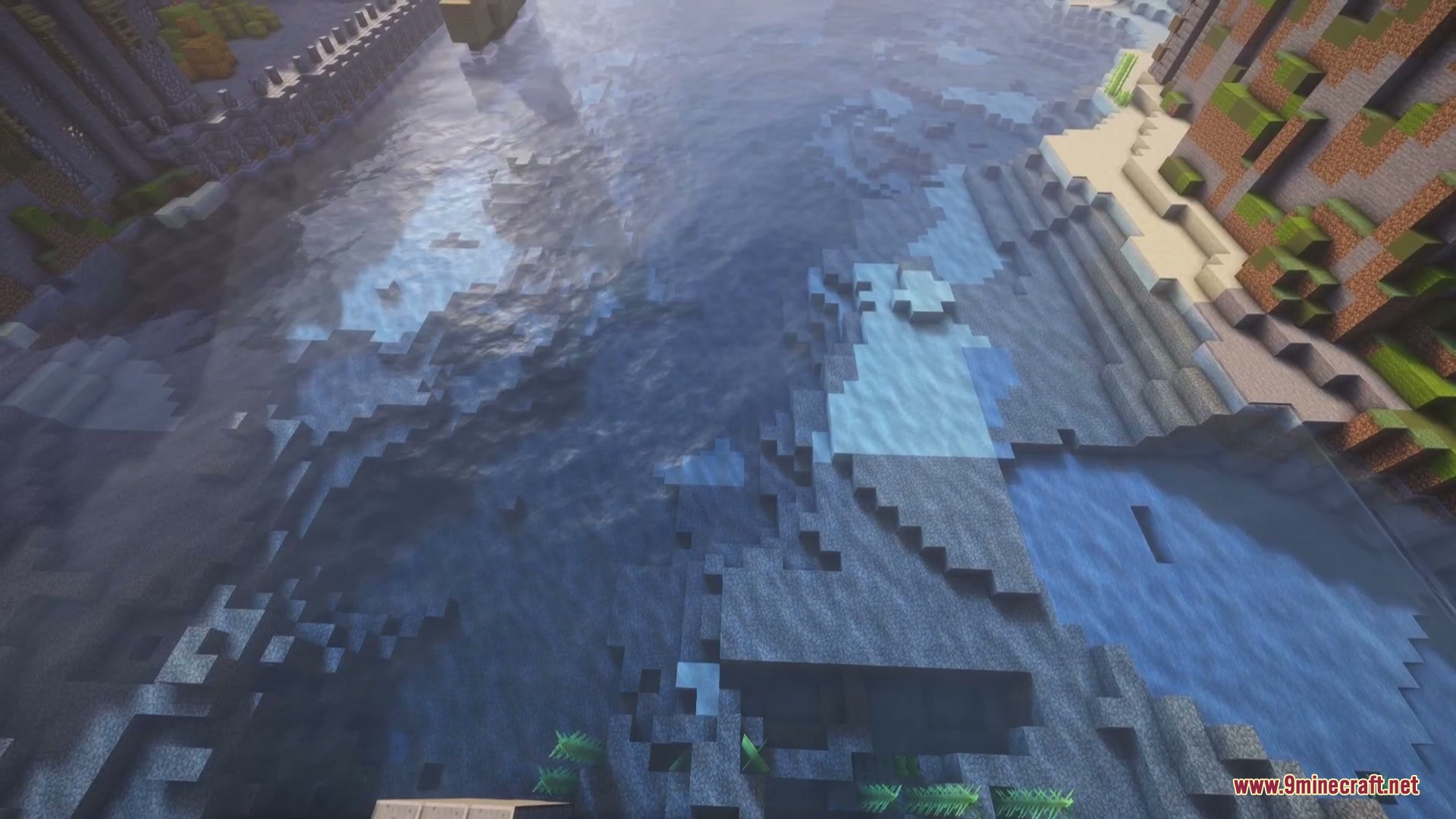
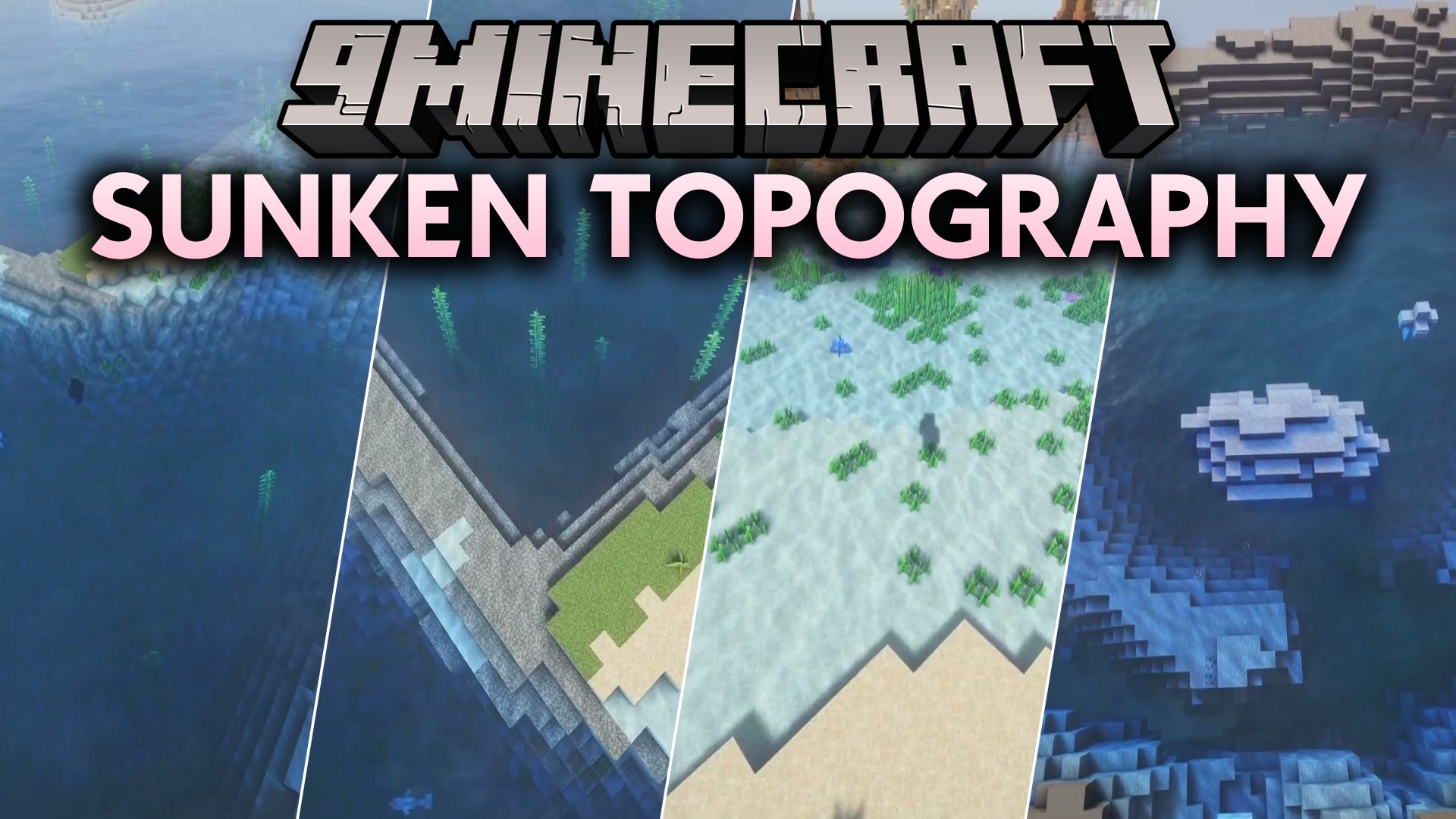
Sunken Topography Mod changes water color based on ocean depth to reveal underwater terrain. In regular gameplay, shallow puddles look identical to the deepest oceans. This mod darkens the water as it gets deeper while keeping natural biome colors. It runs completely on the client side, so you can spot deep trenches, hidden drop-offs, and shallow shores right from the surface.
Features:
- Water gets darker the deeper the water floor goes from the surface.
- Keeps vanilla biome colors intact by multiplying shades instead of overwriting them.
- Blends color lines smoothly across steep underwater cliffs and trenches.
- Works completely on the client side without needing server installation.
- Works alongside custom resource packs and biome data packs.
- Includes optional depth-based fog settings for swimming underwater.
Configuration:
Intensity: Adjusts the overall strength of the depth effect without changing color hue.Shallow Tint: Sets the color tint applied to shallow water areas.Deep Tint: Sets the color tint applied to the deepest water areas.Shallow Depth: Sets the depth level where the color gradient begins.Deep Depth: Sets the depth level where water reaches its darkest shade.Smooth Edges: Blends harsh color lines across sudden underwater drops and cliffs.Smoothing Radius: Controls how far color transitions blend across steep terrain.Underwater Fog: Thickens fog based on depth when you dive underwater.Deep Fog Distance: Sets how far you can see when swimming at maximum ocean depth.
Screenshots:
Sunken Topography Mod Download Links
Quick facts
- Edition: Minecraft Java
- File type: .jar
- Minecraft version listed: 1.20.1
- How to install: Install the matching mod loader (Forge, Fabric or NeoForge) for your Minecraft version. → Download the .jar. → Put it in the .minecraft/mods folder and launch that loader profile.
- Where to get it: In MC Java Mods, or directly above on this page.
Install steps are the general flow for this file type — How to install Minecraft Java mods & modpacks walks through it step by step.
File checked by MCModsHub
- Downloads as 500838.mcaddon
- Download size: 35 KB
- Download link checked 22 Sept 2026 — working
- Mirrored on our own servers — the download does not depend on the original host
These come from our own check of the pack file, not from the source page.