
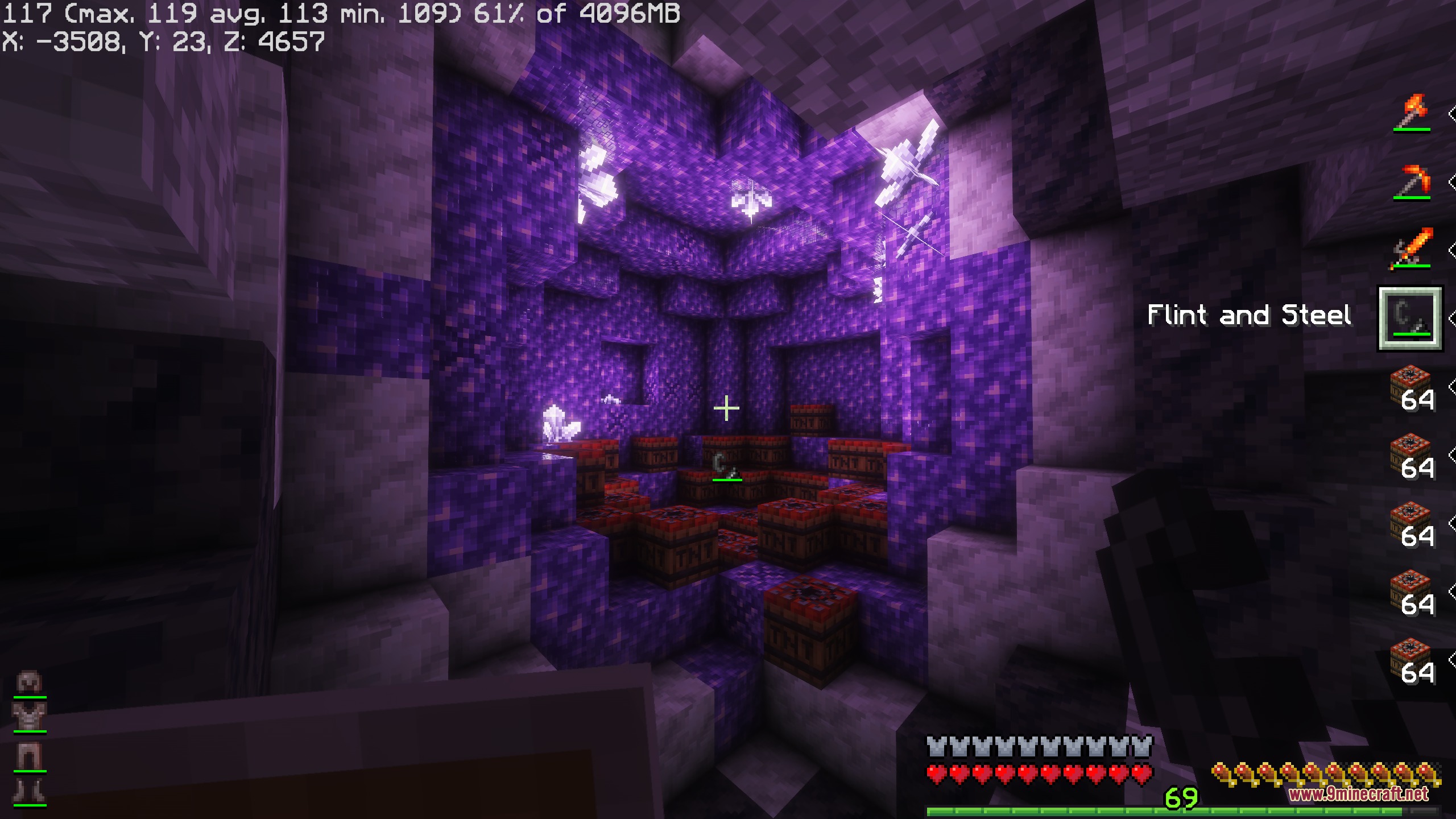
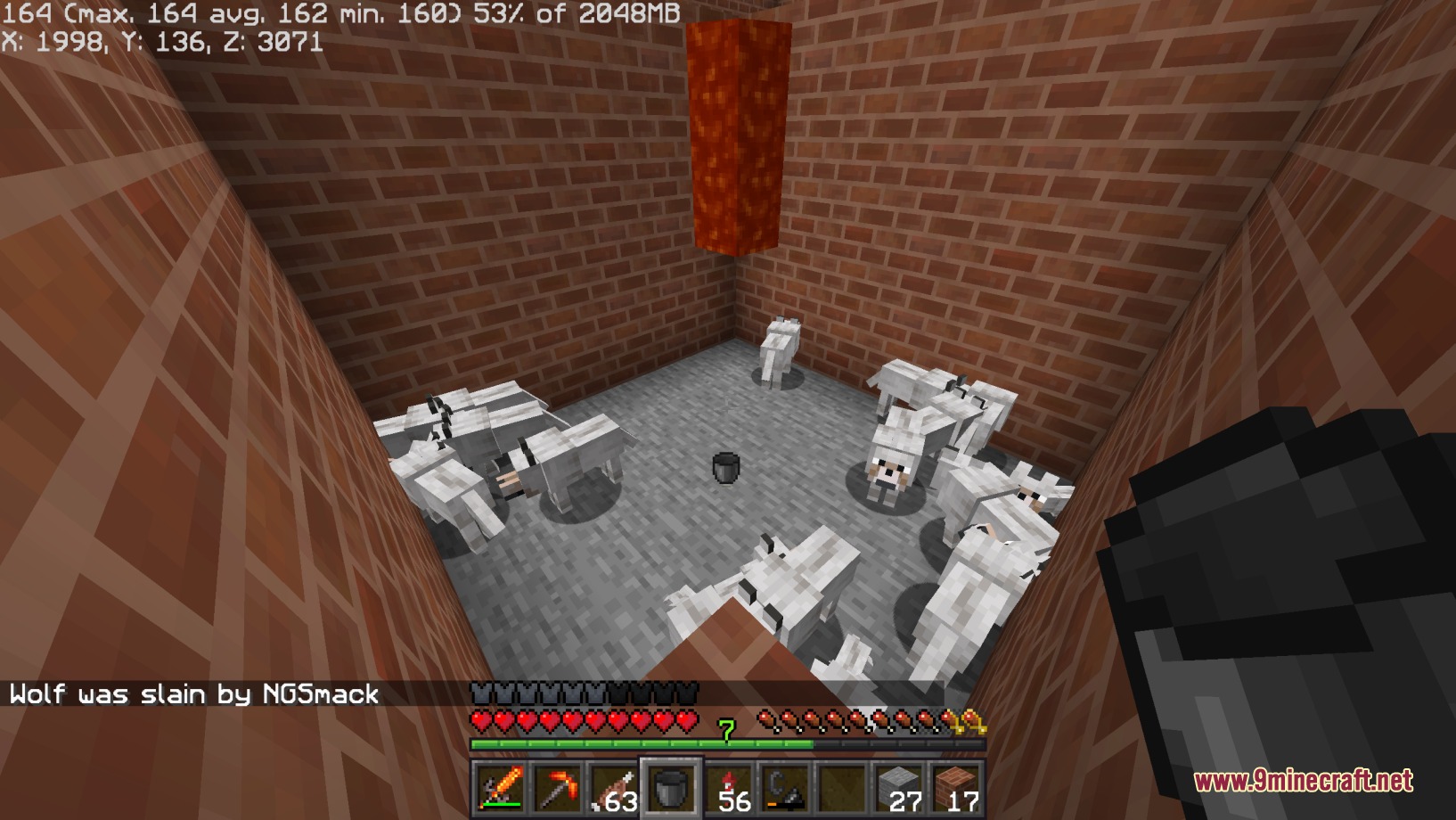
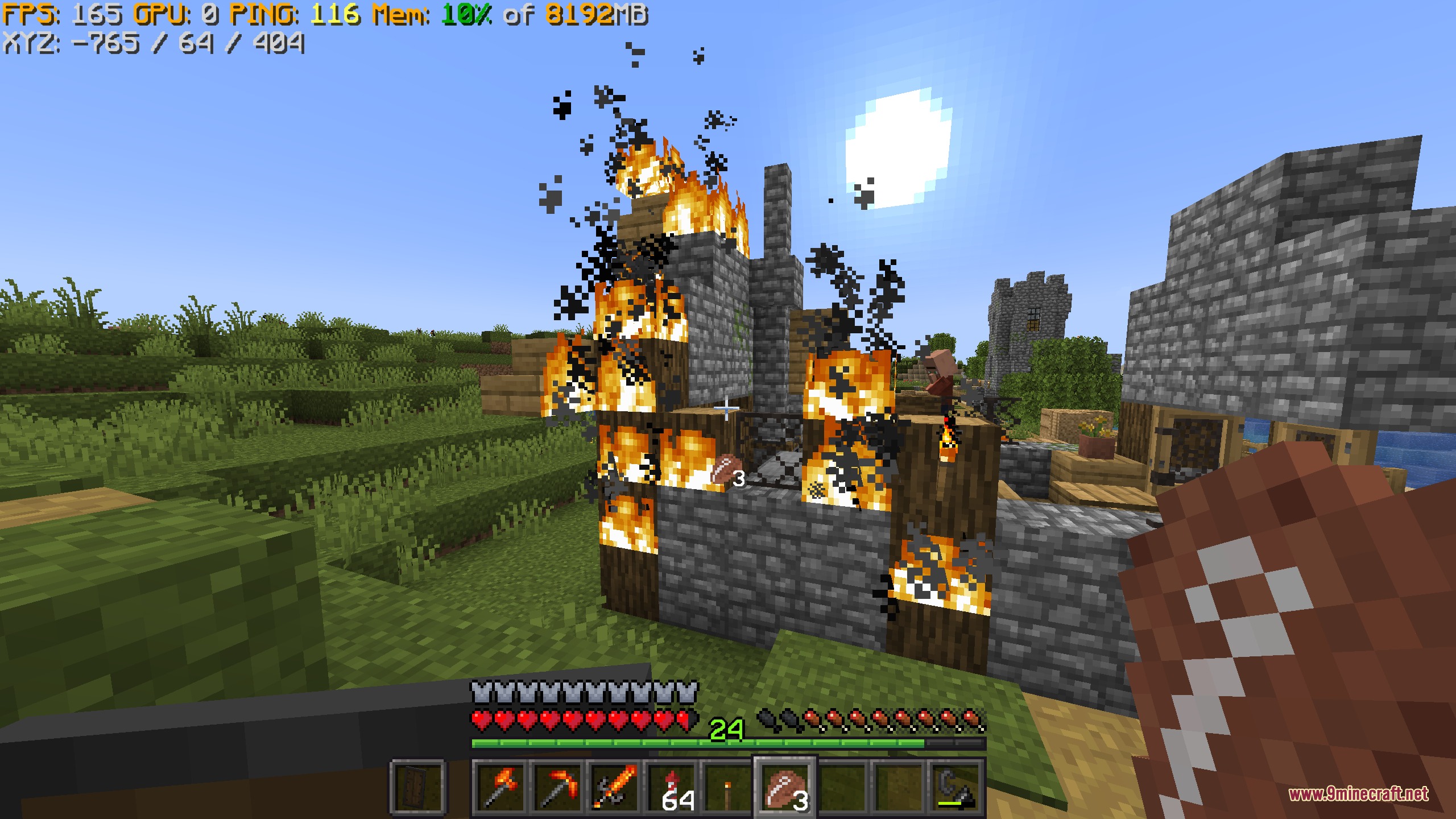
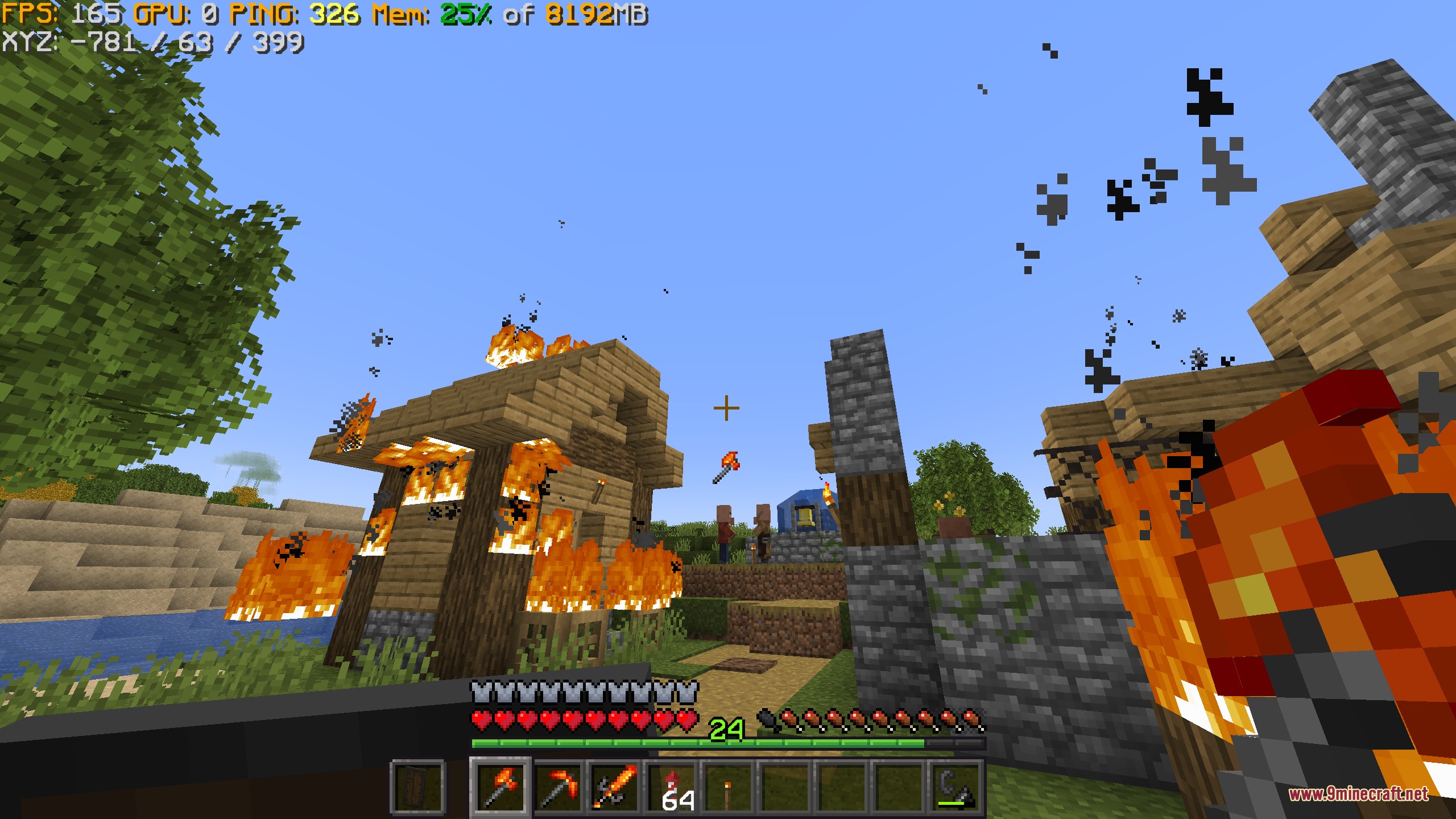
Vivid Interface Designer Mod lets you build custom heads-up displays directly on your game screen. You can display helpful text, icons, and live statistics like frame rates while you play. The mod works with a simple built-in scripting language as well as JavaScript for players who want to write math formulas or custom logic.
Features:
- Lets you create custom screen overlays and stats anywhere on your view.
- Shows real-time game information like your current frame rate using simple text tags.
- Supports JavaScript for math, custom methods, and complex screen elements.
- Works with a beginner-friendly built-in scripting language for quick setups.
- Displays custom icons, item textures, and hotbar status bars.
How to Use:
- Write your HUD tags or scripts in the mod configuration files.
- Add simple tags like
{fps}to show live frame rate numbers on screen. - Apply custom math formulas or JavaScript methods to position icons and bars where you want them.
Screenshots:
Vivid Interface Designer Mod Download Links
Quick facts
- Edition: Minecraft Java
- File type: .jar
- Minecraft version listed: 1.20.1
- How to install: Install the matching mod loader (Forge, Fabric or NeoForge) for your Minecraft version. → Download the .jar. → Put it in the .minecraft/mods folder and launch that loader profile.
- Where to get it: In MC Java Mods, or directly above on this page.
Install steps are the general flow for this file type — How to install Minecraft Java mods & modpacks walks through it step by step.
Verified by MCModsHub
- Downloads as 500847.mcaddon
- Download size: 2.6 MB
- Download link checked 24 Sept 2026 — working
- Mirrored on our own servers — the download does not depend on the original host
These come from our own check of the pack file, not from the source page.