
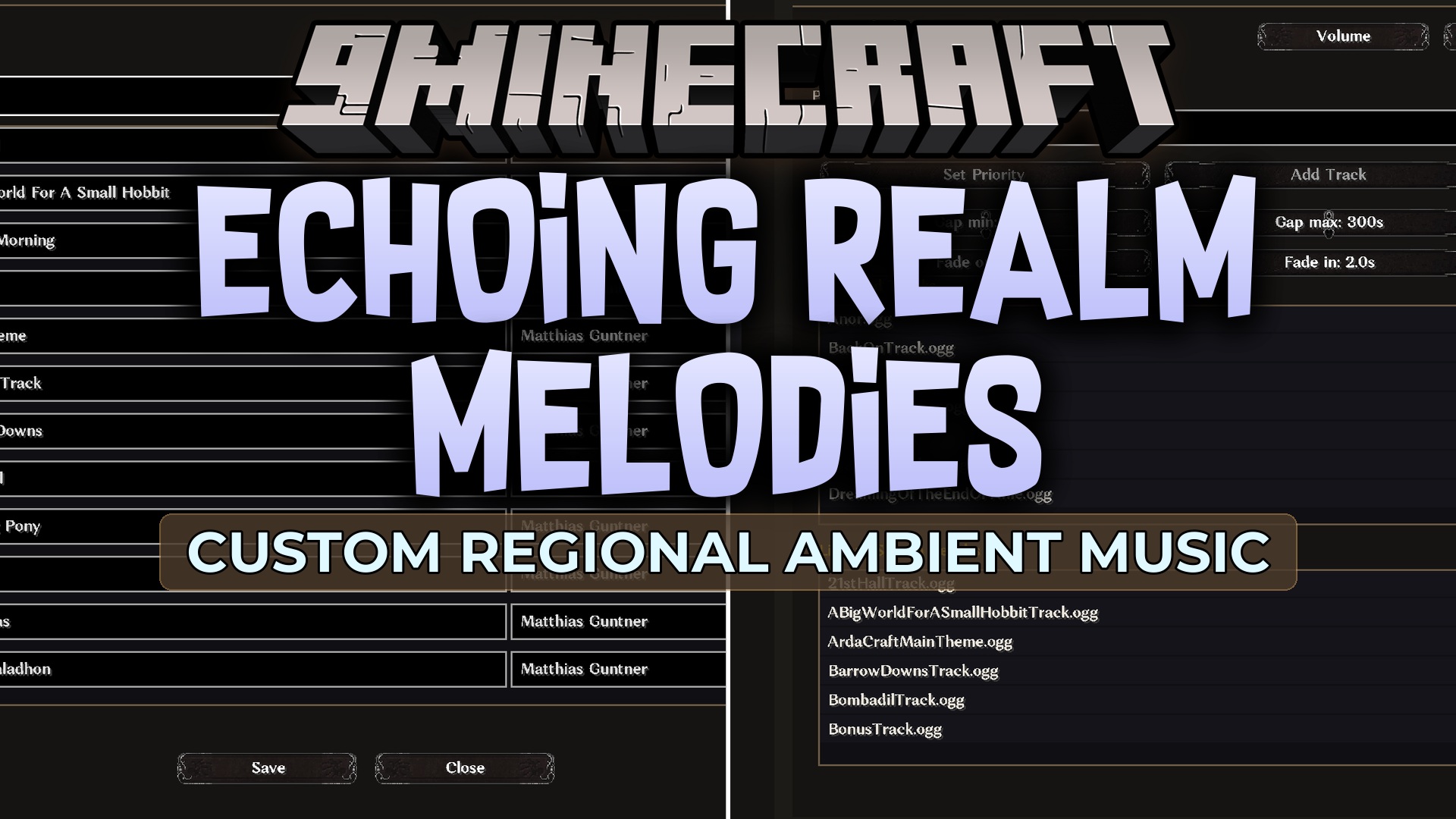
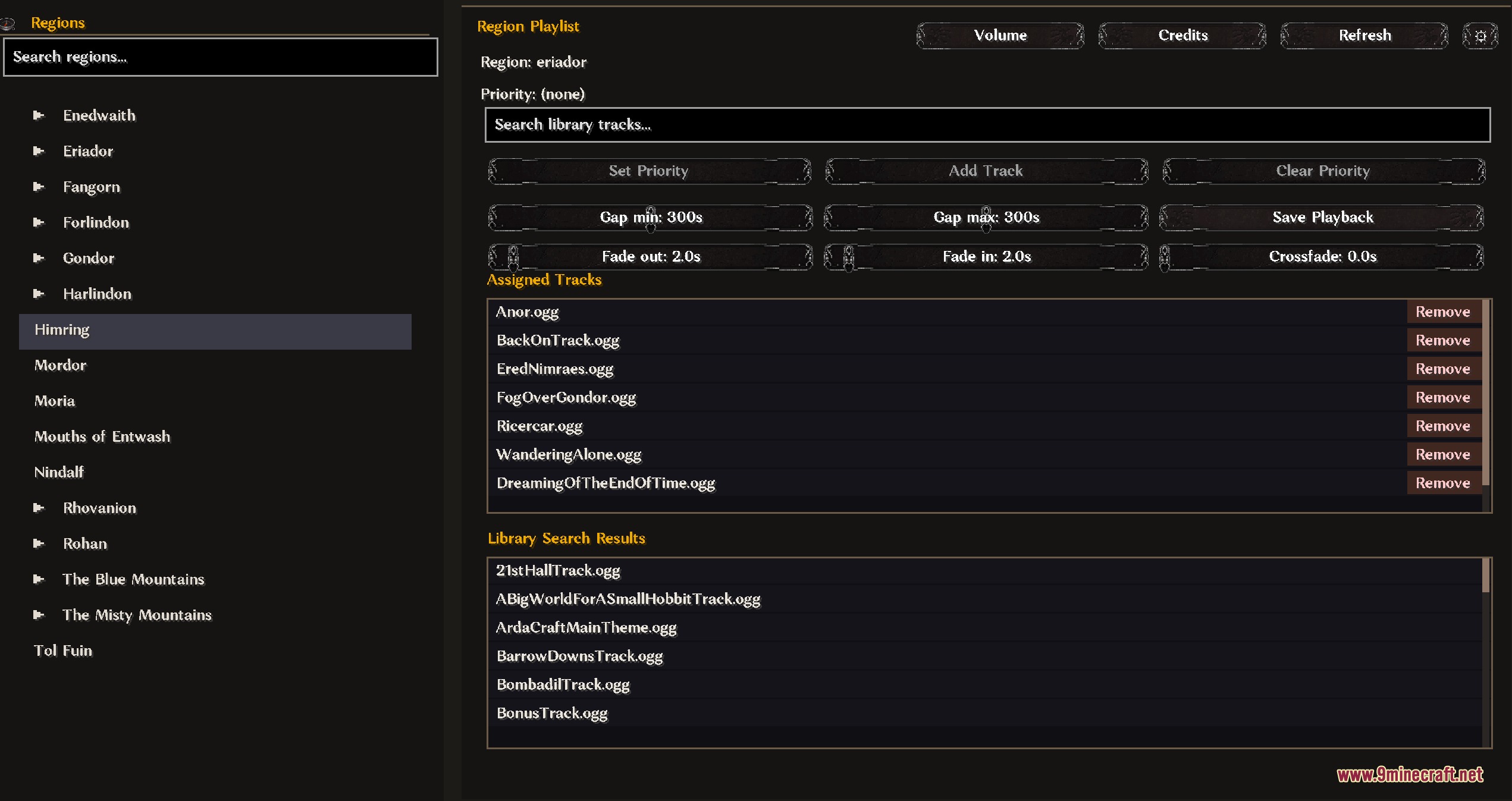
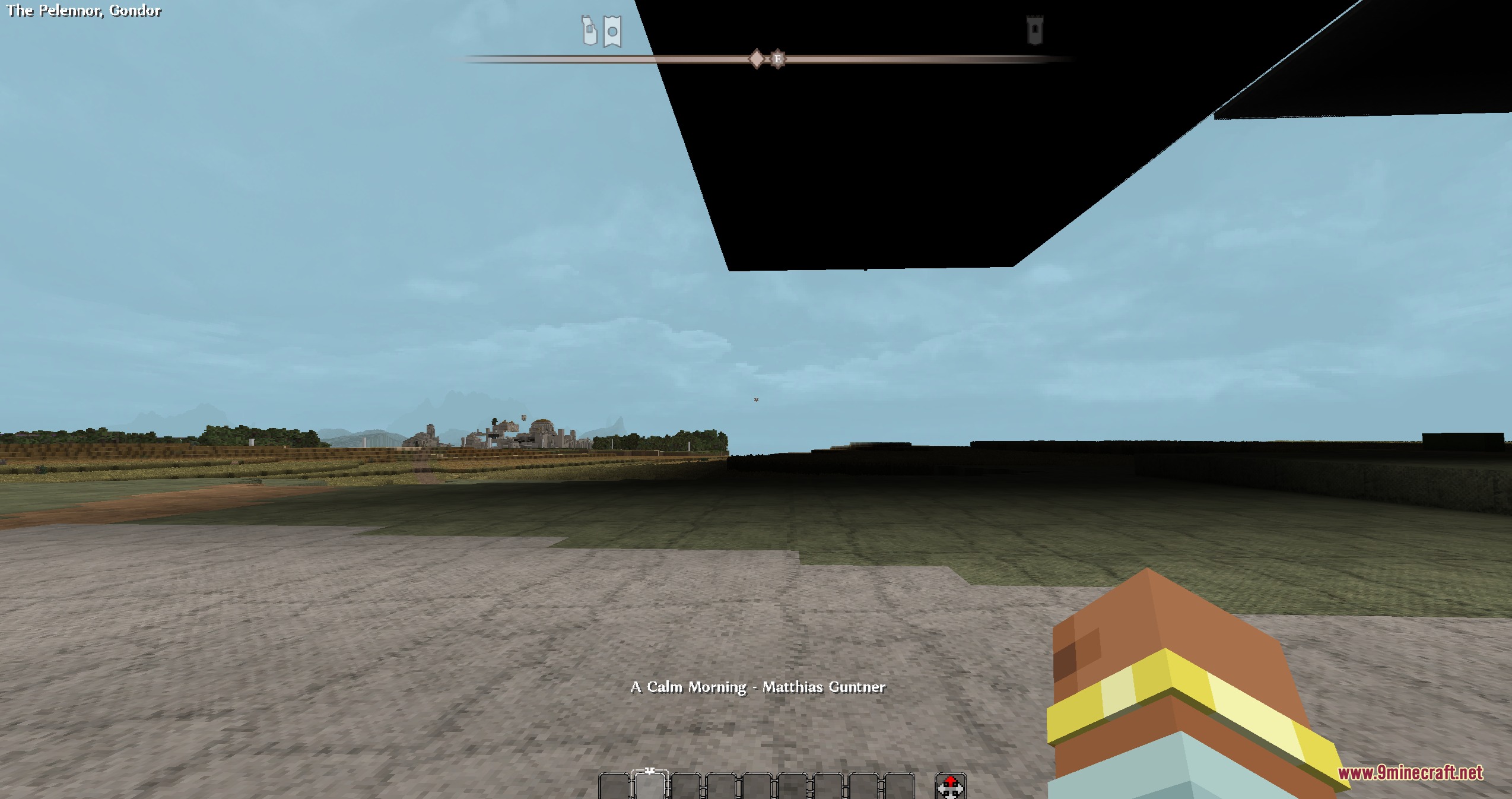
Echoing Realm Melodies Mod extends ArdaRegions with ambient background music for multiplayer servers. It changes soundtracks automatically as players walk through defined world areas. Server hosts can link custom songs to specific zones to give each location its own distinct audio style.
Features:
- Plays custom background music tracks based on player location.
- Swaps songs right away when players cross into different regions.
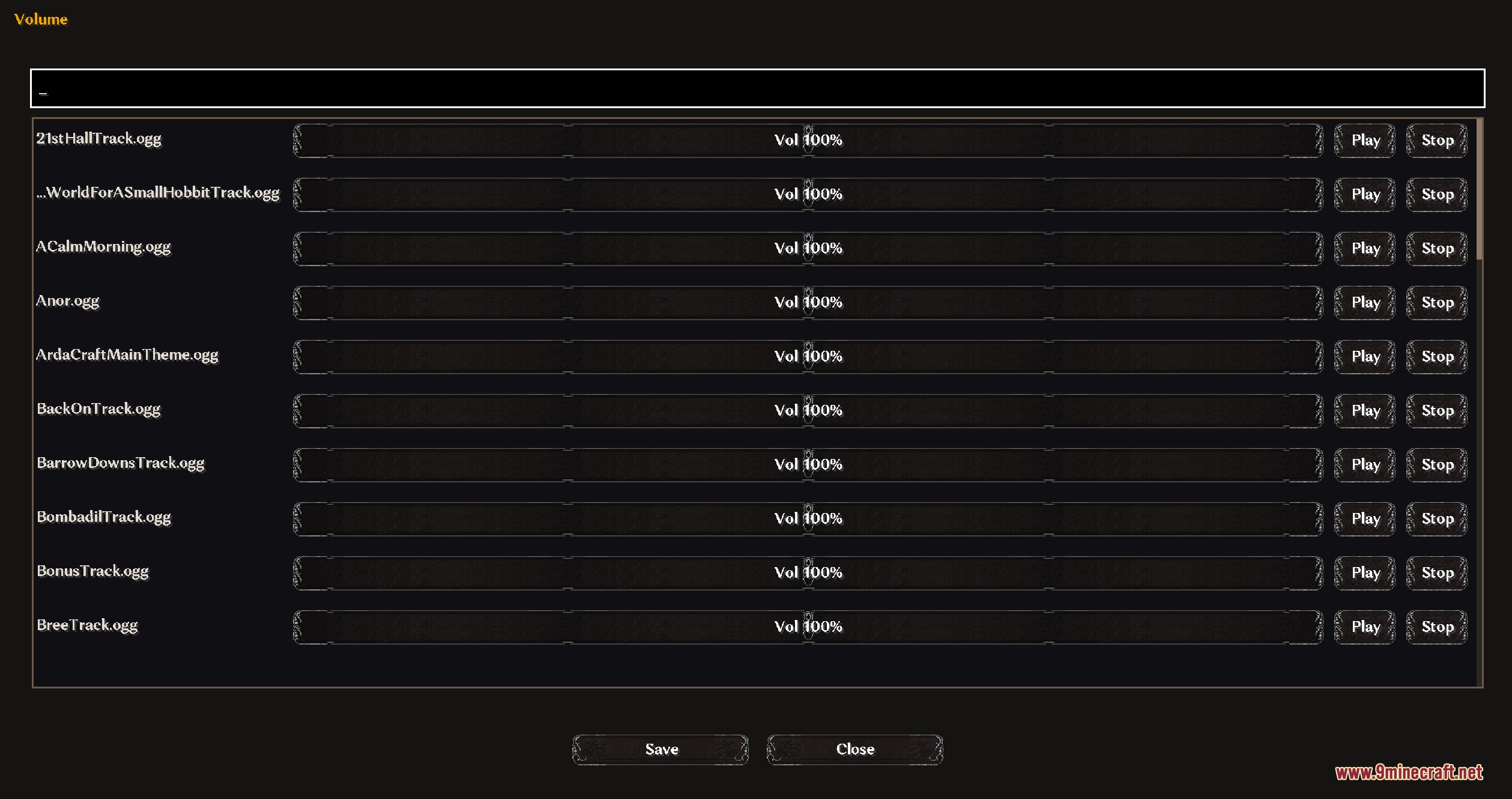
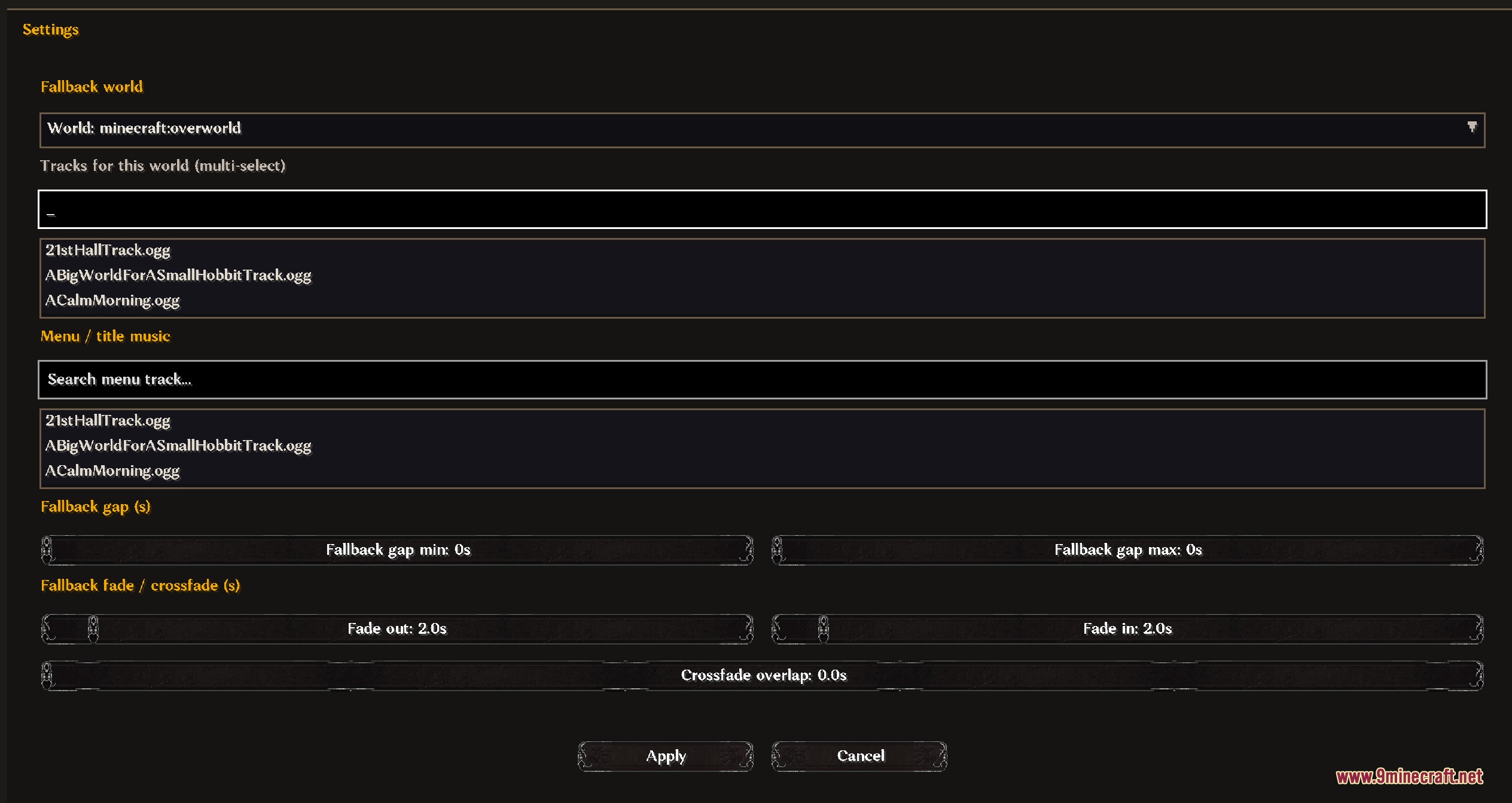
- Provides an in-game panel to set and adjust volume levels.
- Offers menu settings to manage regional sound playback.
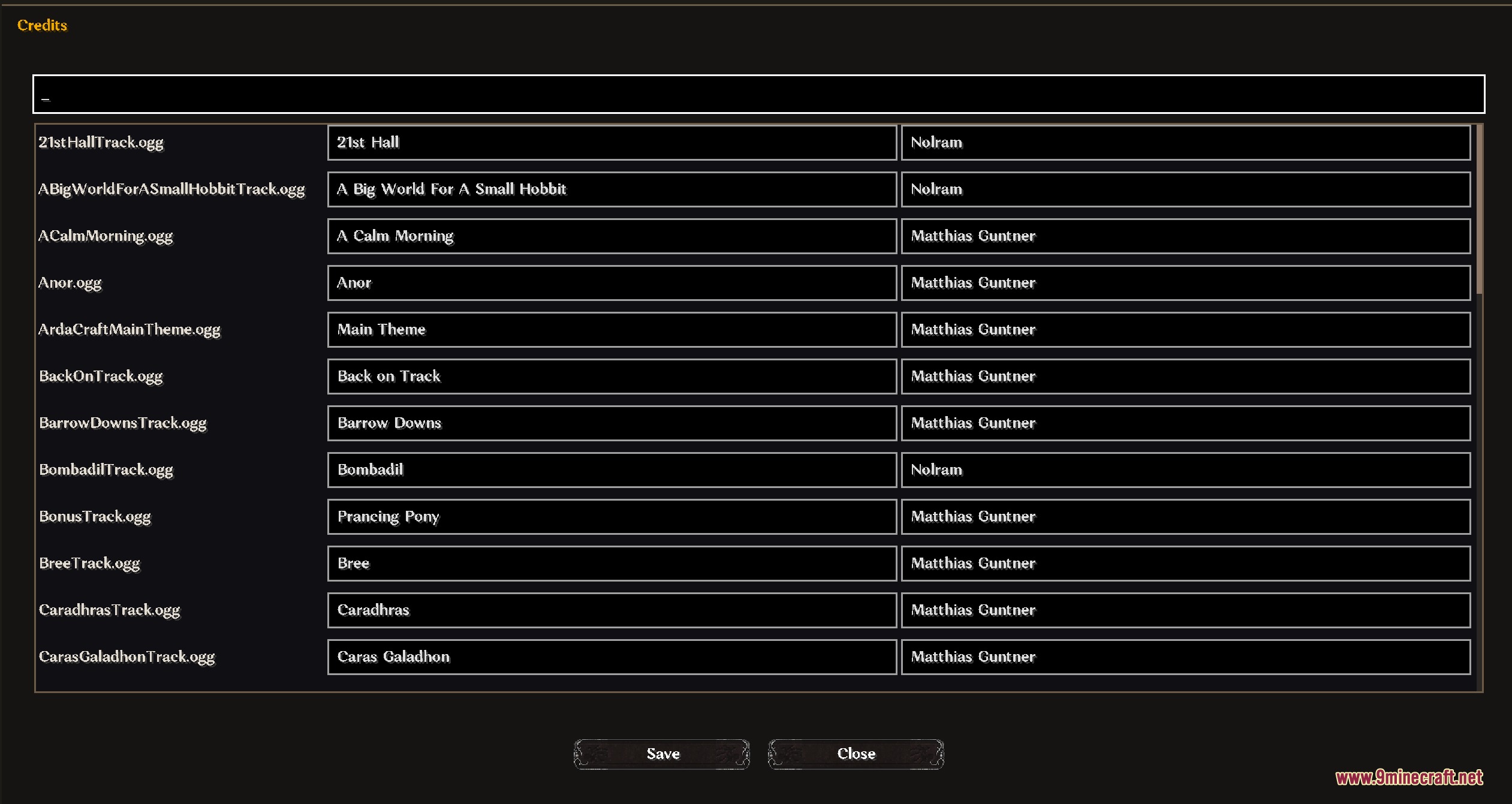
- Displays track info directly in chat through check commands.
How to Use:
- Create custom regions in your world using the ArdaRegions mod.
- Open the music control panel to assign tracks to each created region.
- Set volume levels and sound options inside the panel menus.
- Walk between regions to hear the background music switch to the assigned song.
Screenshots:
Echoing Realm Melodies Mod Download Links
Quick facts
- Edition: Minecraft Java
- File type: .jar
- Minecraft version listed: 1.20.1
- How to install: Install the matching mod loader (Forge, Fabric or NeoForge) for your Minecraft version. → Download the .jar. → Put it in the .minecraft/mods folder and launch that loader profile.
- Where to get it: In MC Java Mods, or directly above on this page.
Install steps are the general flow for this file type — How to install Minecraft Java mods & modpacks walks through it step by step.
Verified by MCModsHub
- Downloads as 500852.mcaddon
- Download size: 194 KB
- Download link checked 25 Sept 2026 — working
- Mirrored on our own servers — the download does not depend on the original host
These come from our own check of the pack file, not from the source page.