ModsJava
Infinite Yellow Descent Mod (26.1.2, 1.21.11) – Noclip Into Endless Liminal
Java mod listed for Minecraft 1.21. Downloads from the MC Java Mods app on Android.
⬇ Download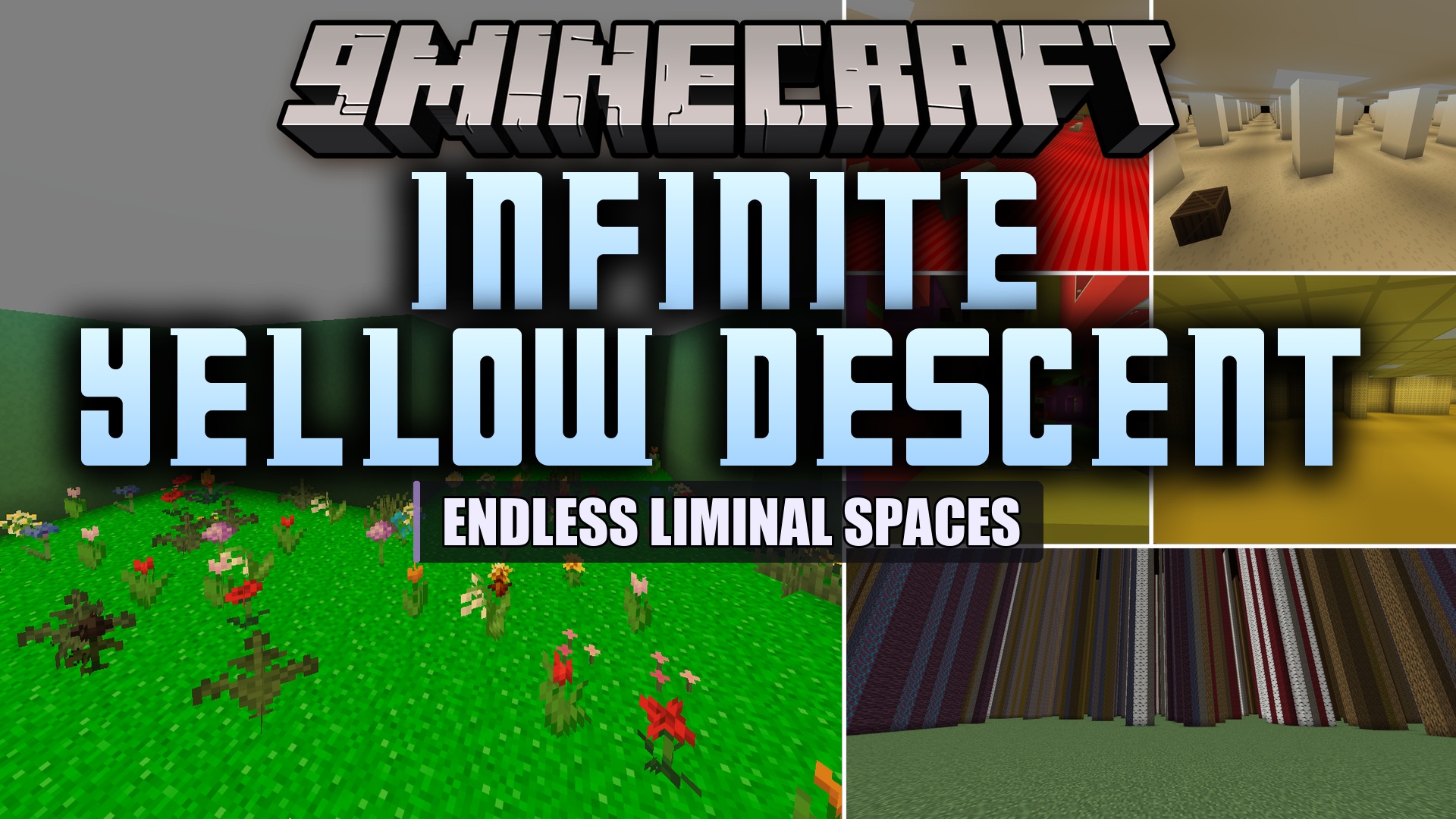
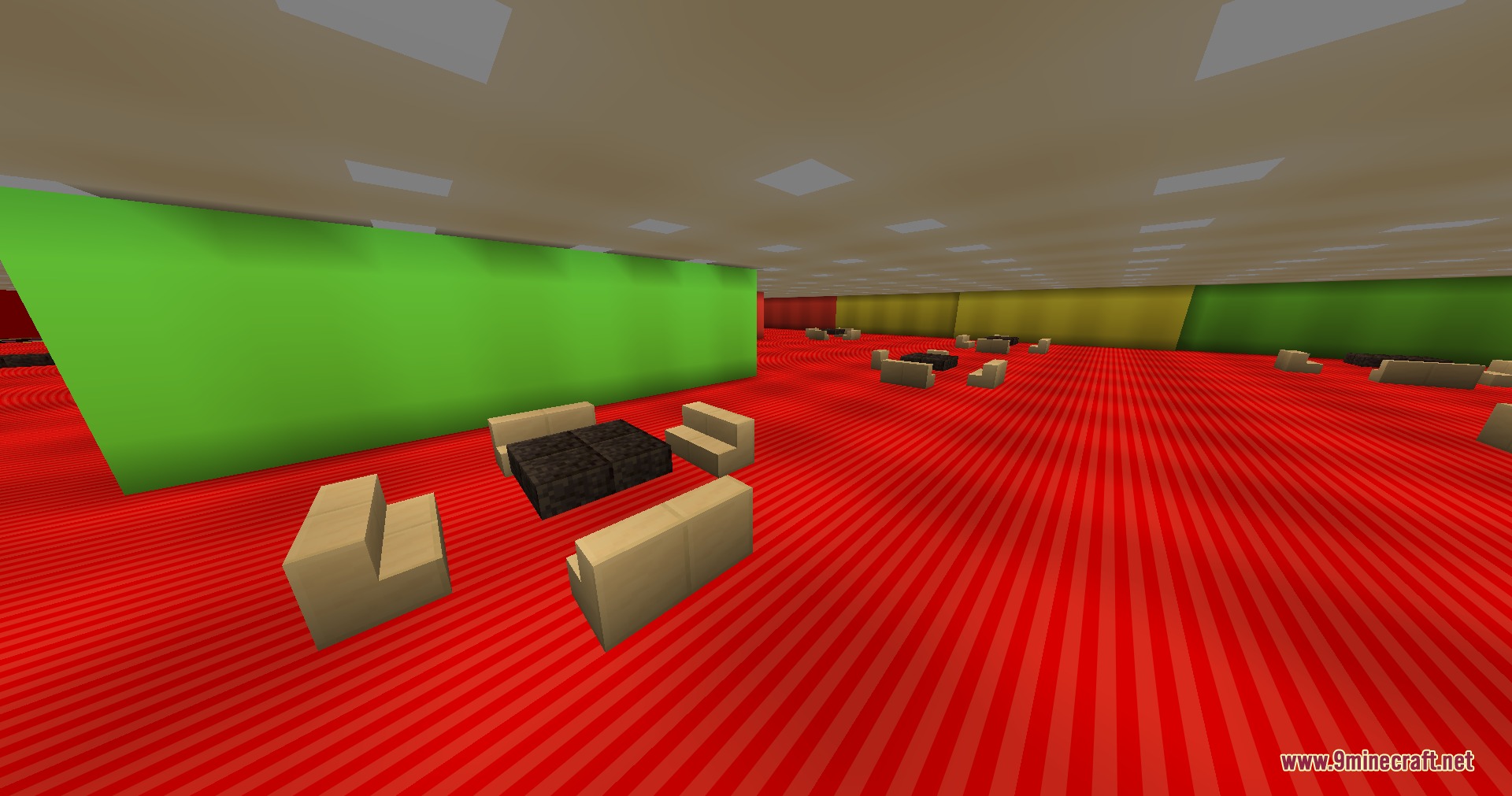
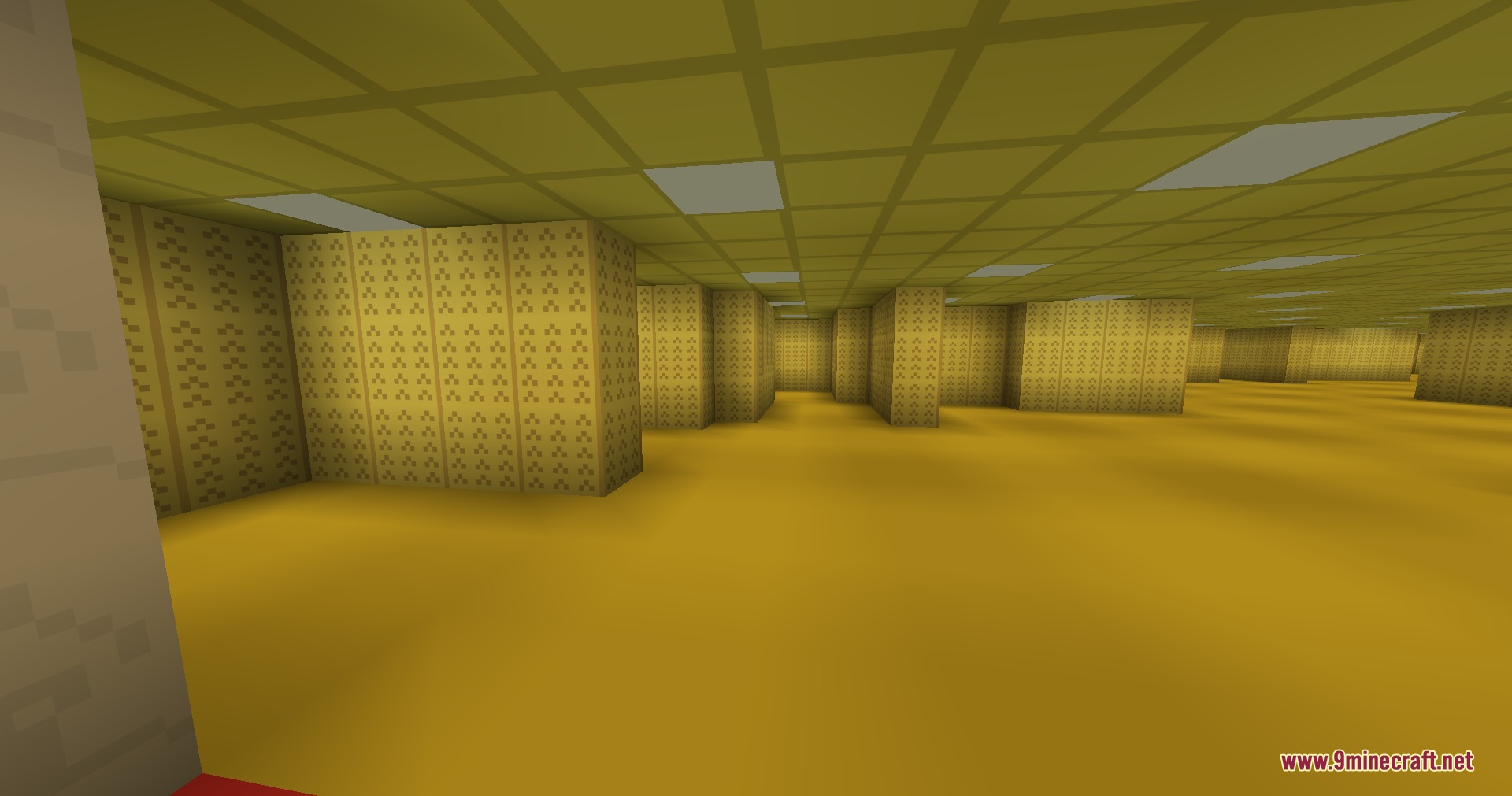
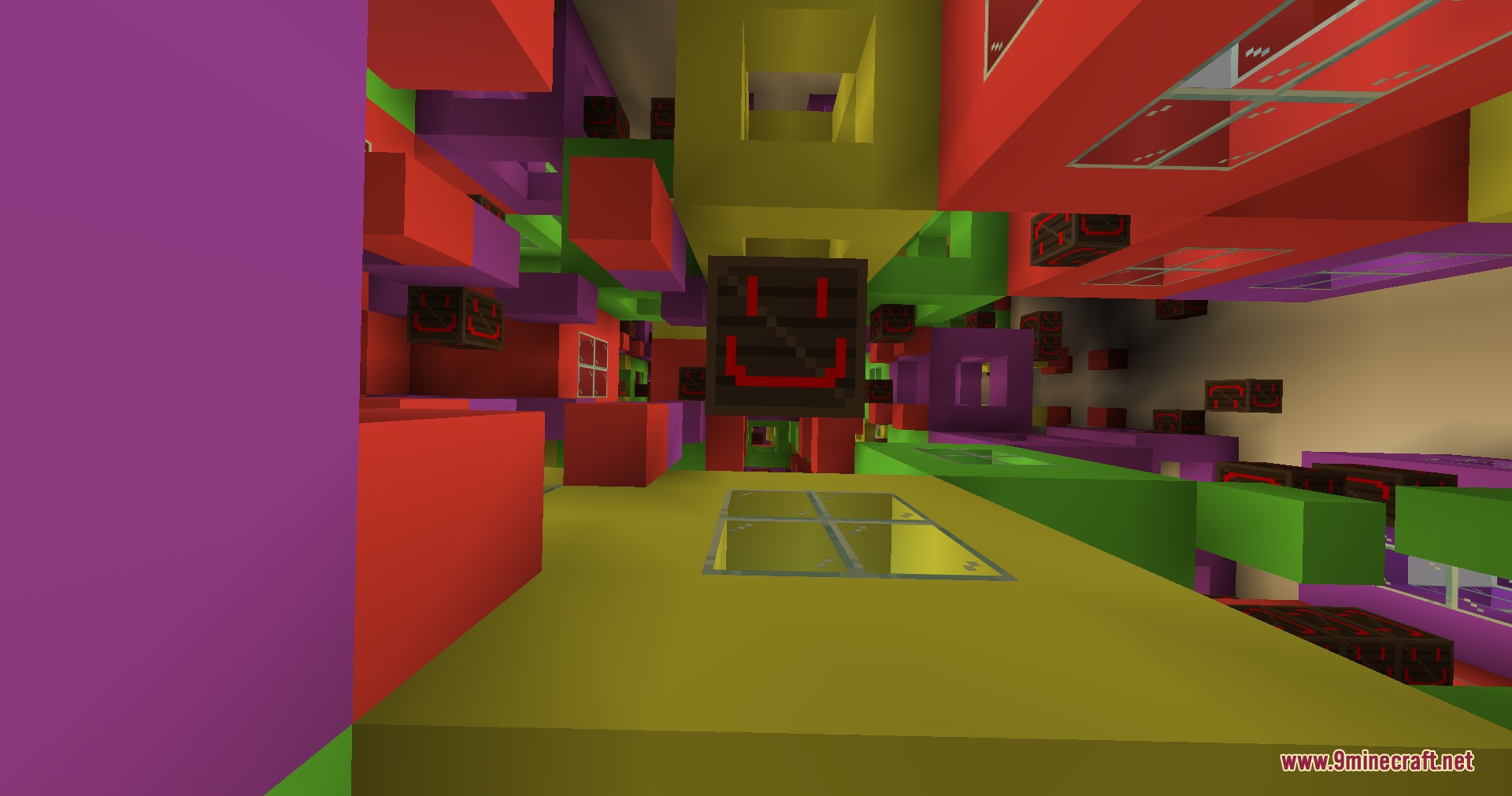
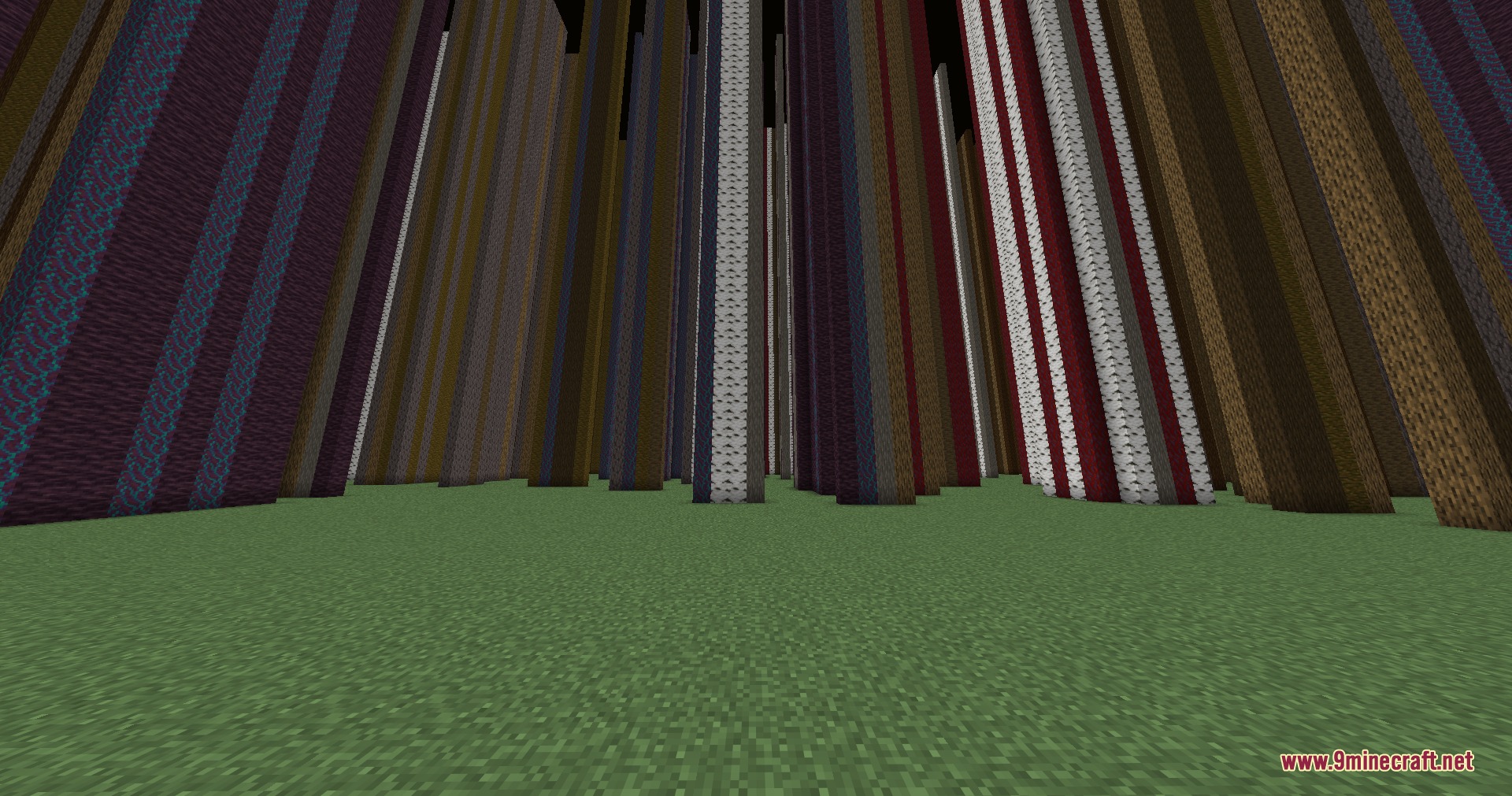
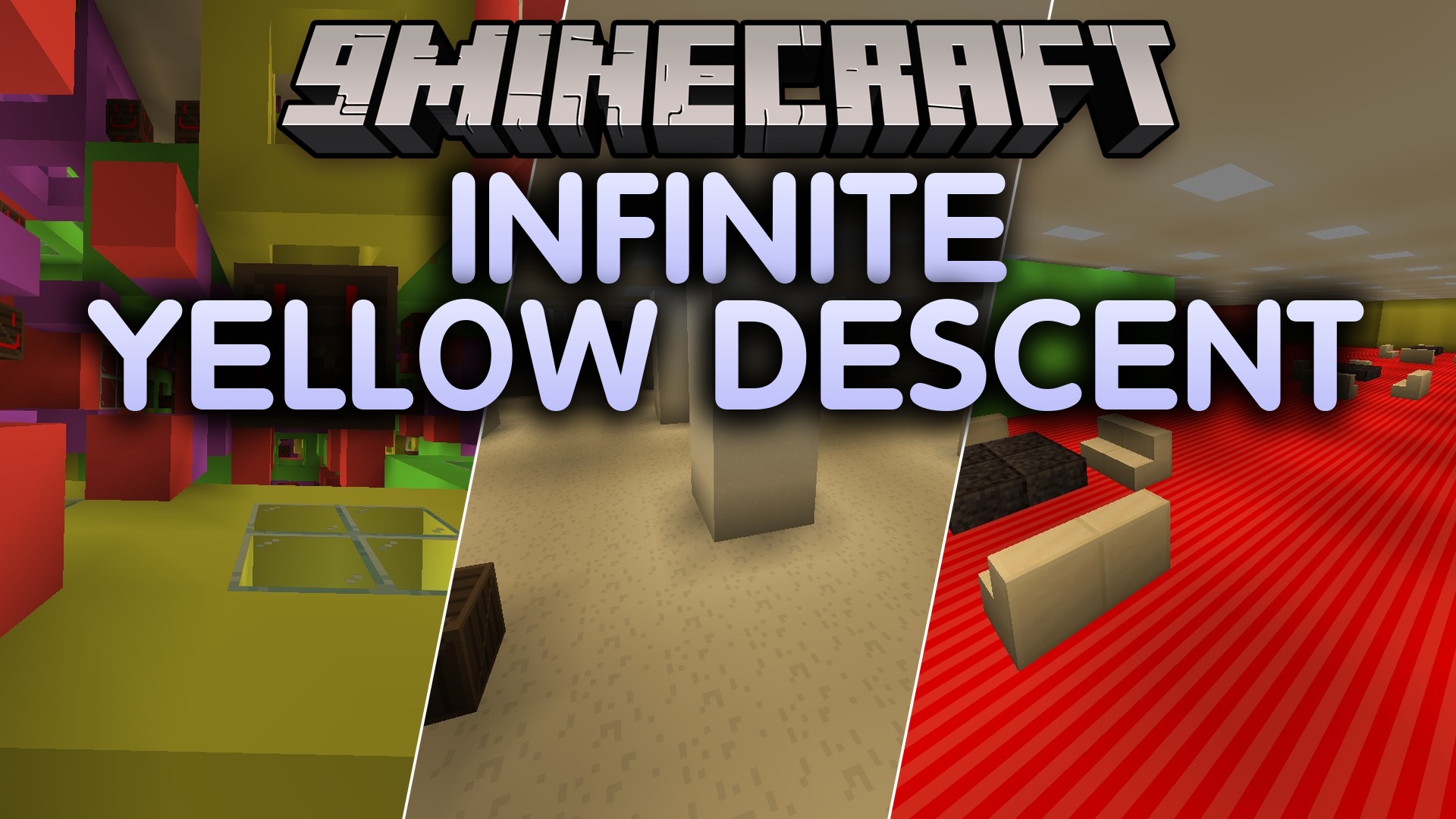
Infinite Yellow Descent Mod brings the eerie liminal spaces of the Backrooms into Minecraft. You can leave the standard world behind by clipping through reality into yellow halls and mysterious structures. Each level offers a different environment, ranging from empty office rooms to dark tunnel mazes. Players must find ways to noclip between zones while wandering through strange and unsettling areas.
Features:
- Adds a special wallpaper block crafted with yellow concrete, amethyst shards, and an ender pearl.
- Lets you noclip out of the standard game world by crouching on specific blocks.
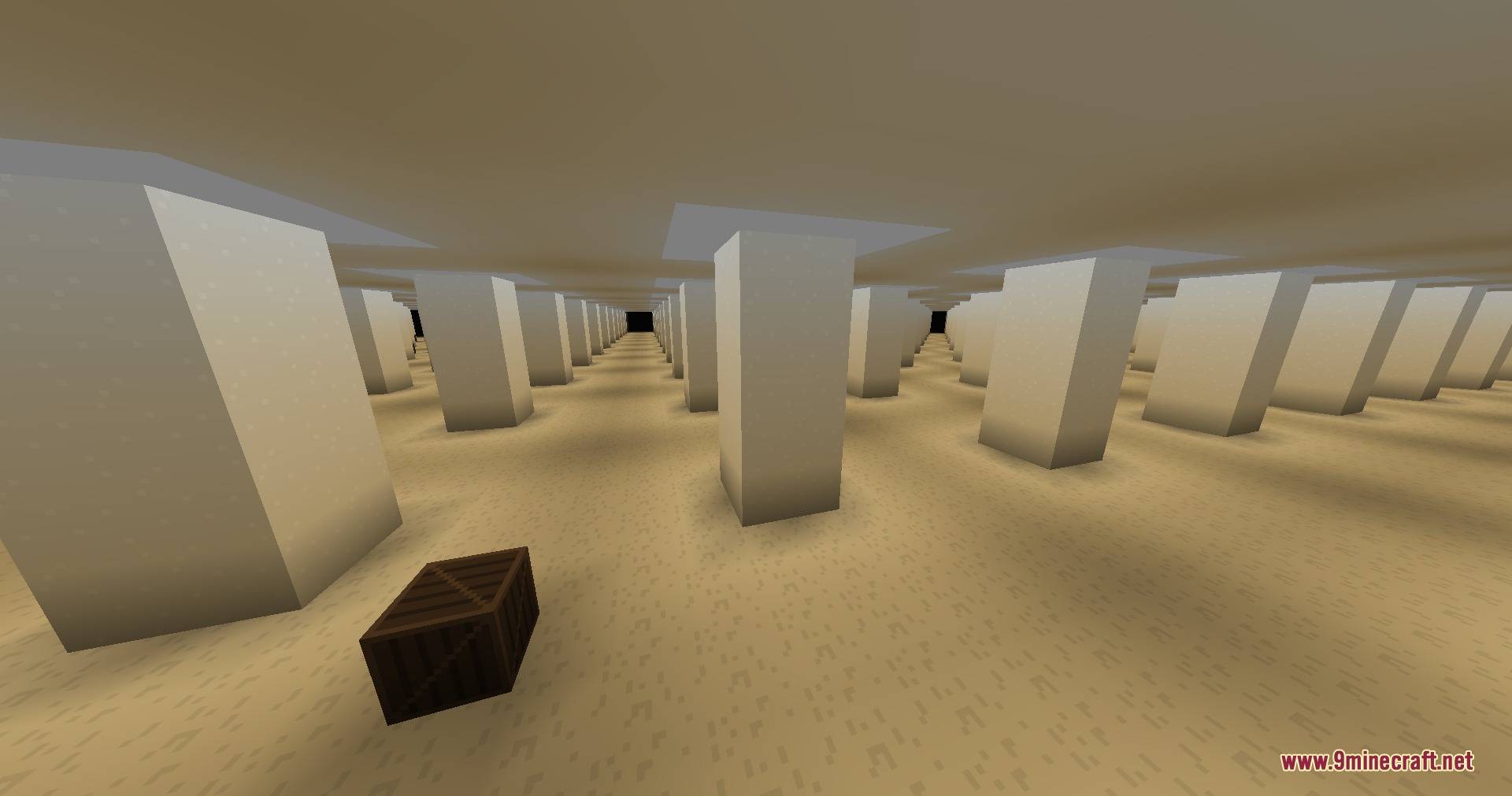
- Includes classic backroom zones with endless yellow carpeted halls and buzzing lights.
- Features distinct themed locations such as abandoned offices, dark cave systems, and pipe rooms.
- Adds unique custom rooms including Pitfalls, Remodelled Mess, and The Broken.
Included Levels:
- Level 0: The classic yellow Backrooms.
- Level 0.2: Remodelled Mess.
- Level -0.2: Custom zone.
- Pitfalls: Custom hazard area.
- Level 1: Habitable Zone.
- Level 2: Pipe Dreams.
- Level 3: Electrical Station.
- Level 4: Abandoned Offices.
- Level 5: Hotel.
- Level 6: Pitch Black.
- Level 7: Endless Ocean.
- Level 8: Cave Systems.
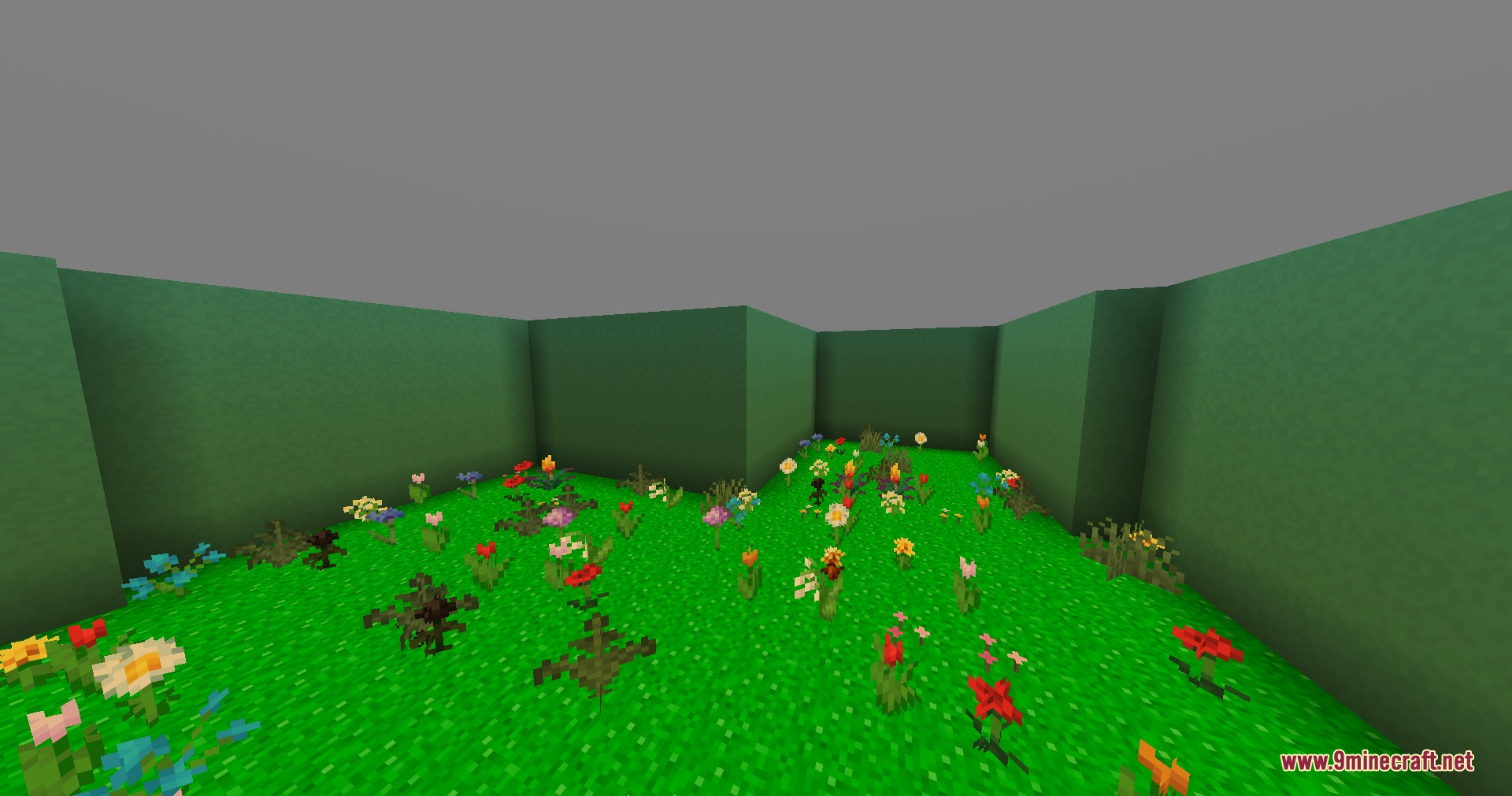
- Level 94: Rolling Hills.
- The Broken: Custom zone.
How to Use:
- Craft a wallpaper block using one yellow concrete, four amethyst shards, and one ender pearl.
- Place the wallpaper block down in your world.
- Crouch on top of the wallpaper block to noclip into Level 0.
Screenshots:
Infinite Yellow Descent Mod Download Links
Quick facts
- Edition: Minecraft Java
- File type: .jar
- Minecraft version listed: 1.21.11
- How to install: Install the matching mod loader (Forge, Fabric or NeoForge) for your Minecraft version. → Download the .jar. → Put it in the .minecraft/mods folder and launch that loader profile.
- Where to get it: In MC Java Mods, or directly above on this page.
Install steps are the general flow for this file type — How to install Minecraft Java mods & modpacks walks through it step by step.
File checked by MCModsHub
- Downloads as 500856.mcaddon
- Download size: 536 KB
- Download link checked 24 Sept 2026 — working
- Mirrored on our own servers — the download does not depend on the original host
These come from our own check of the pack file, not from the source page.