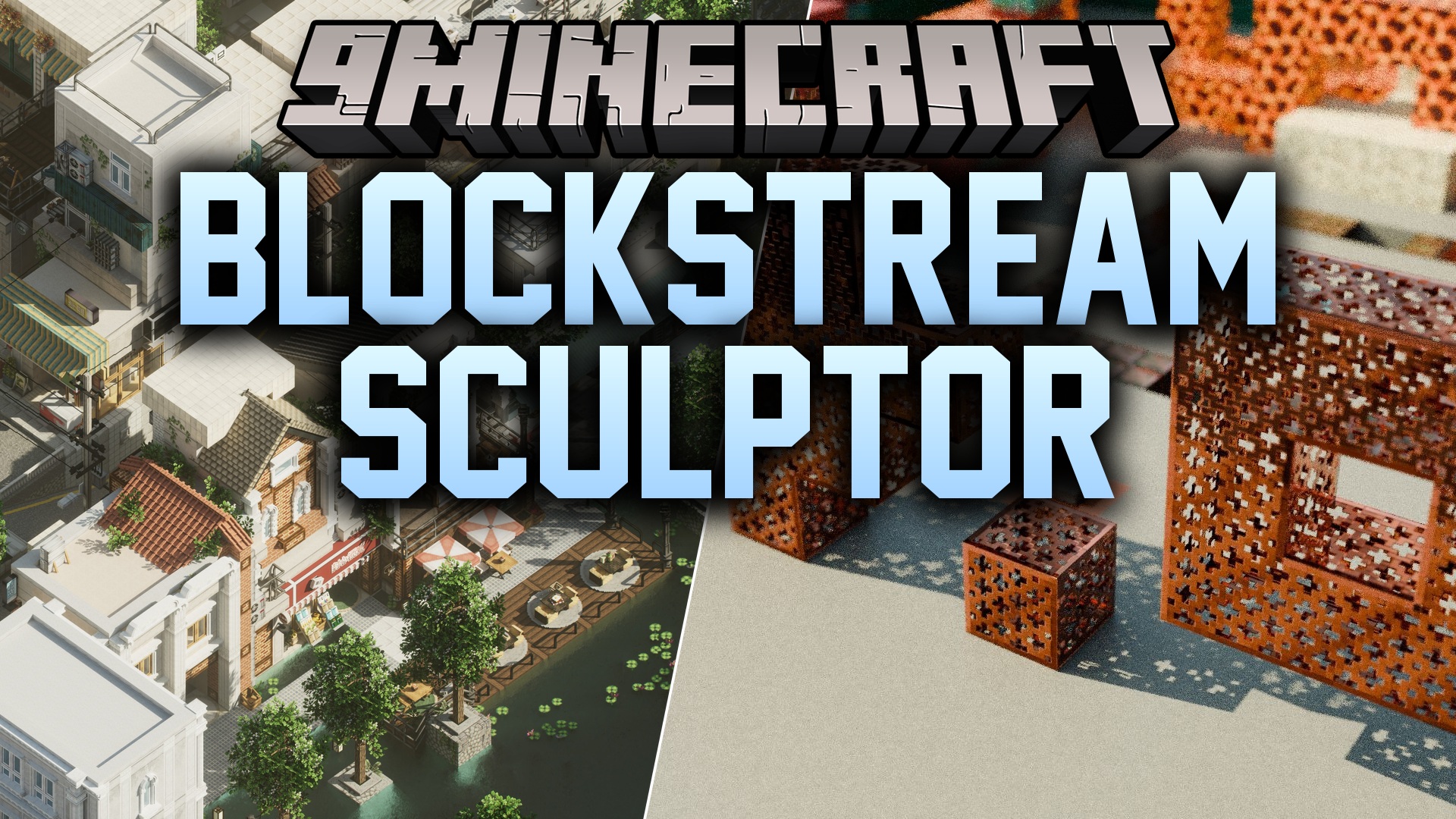
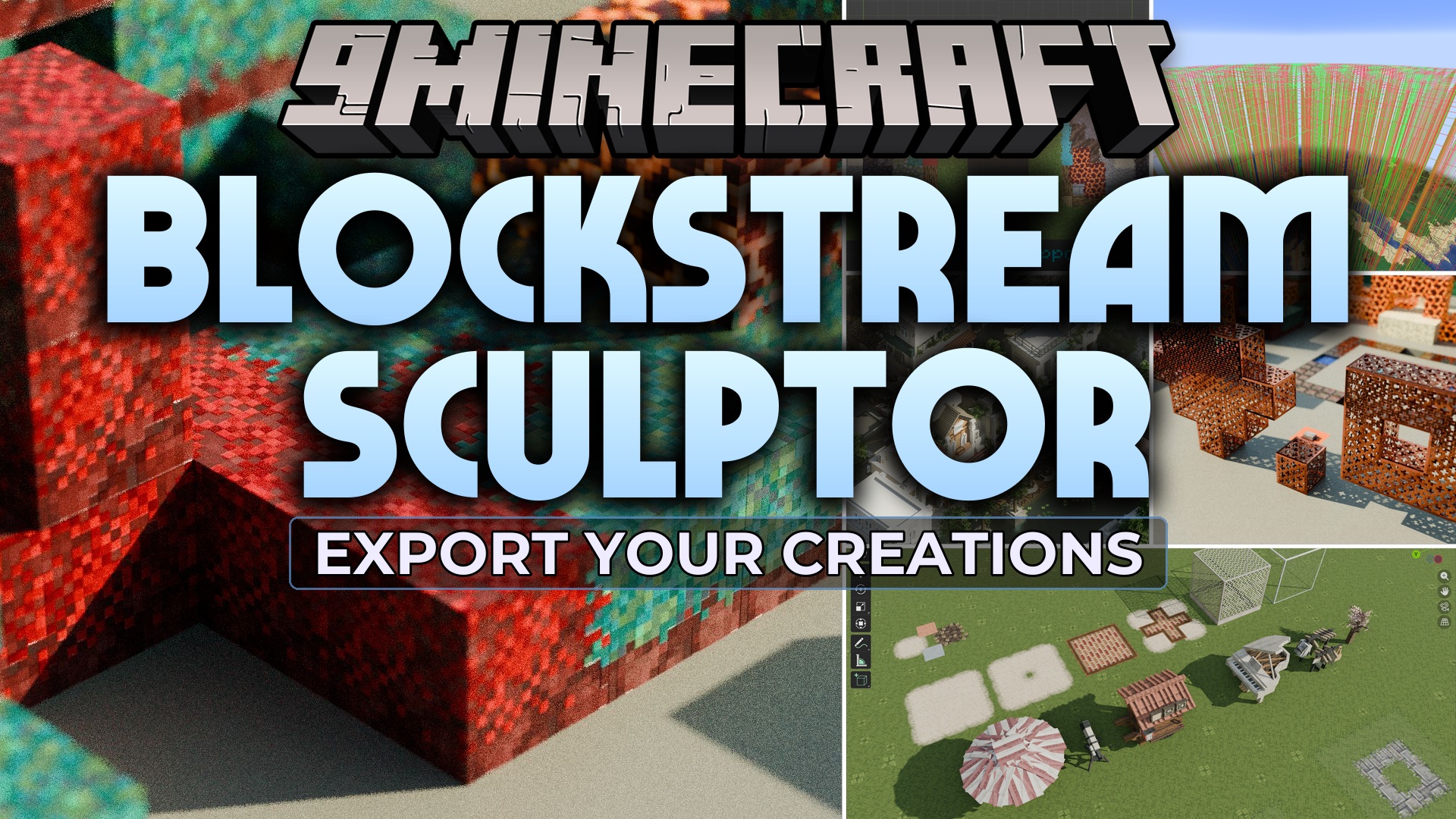
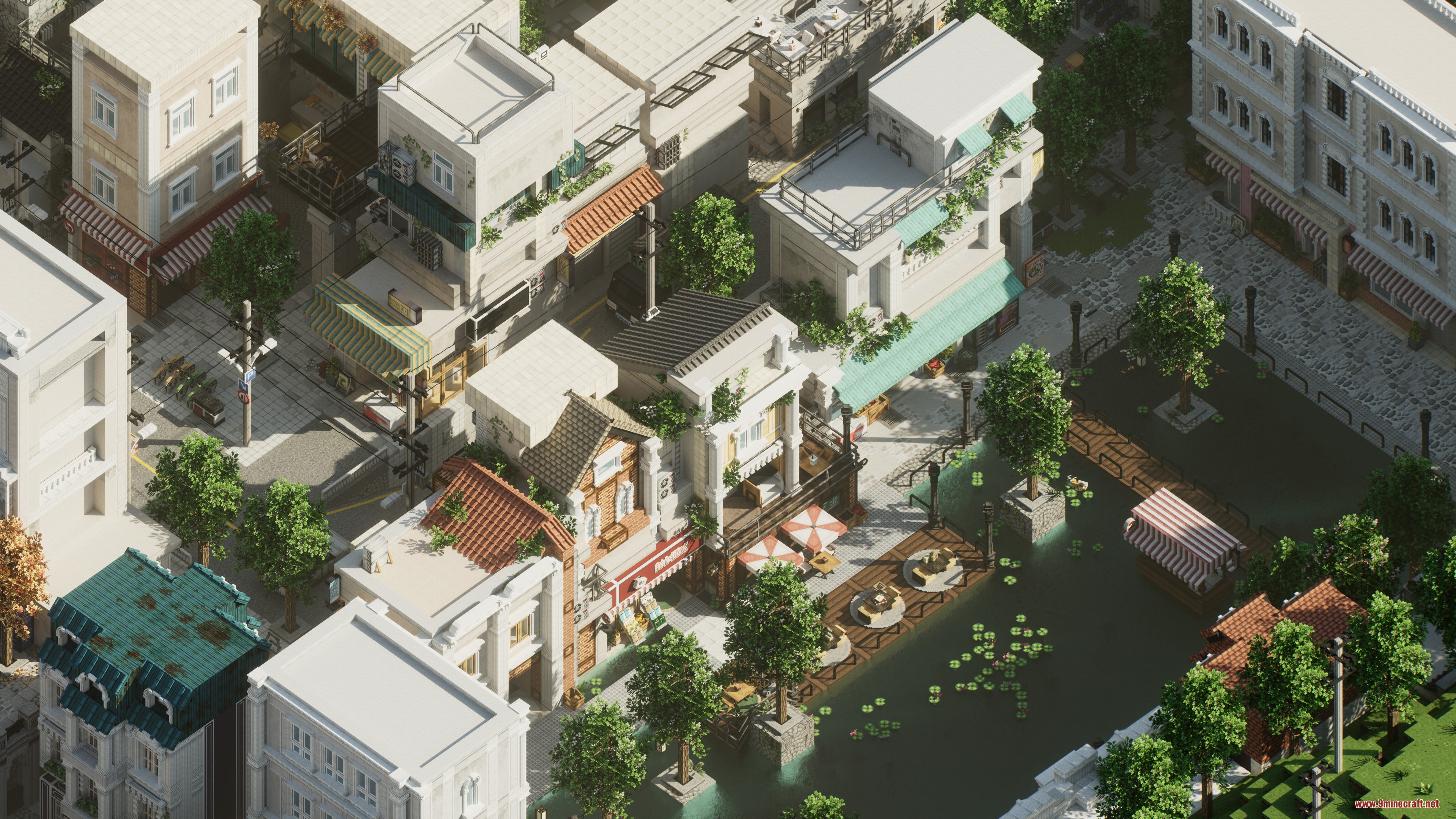
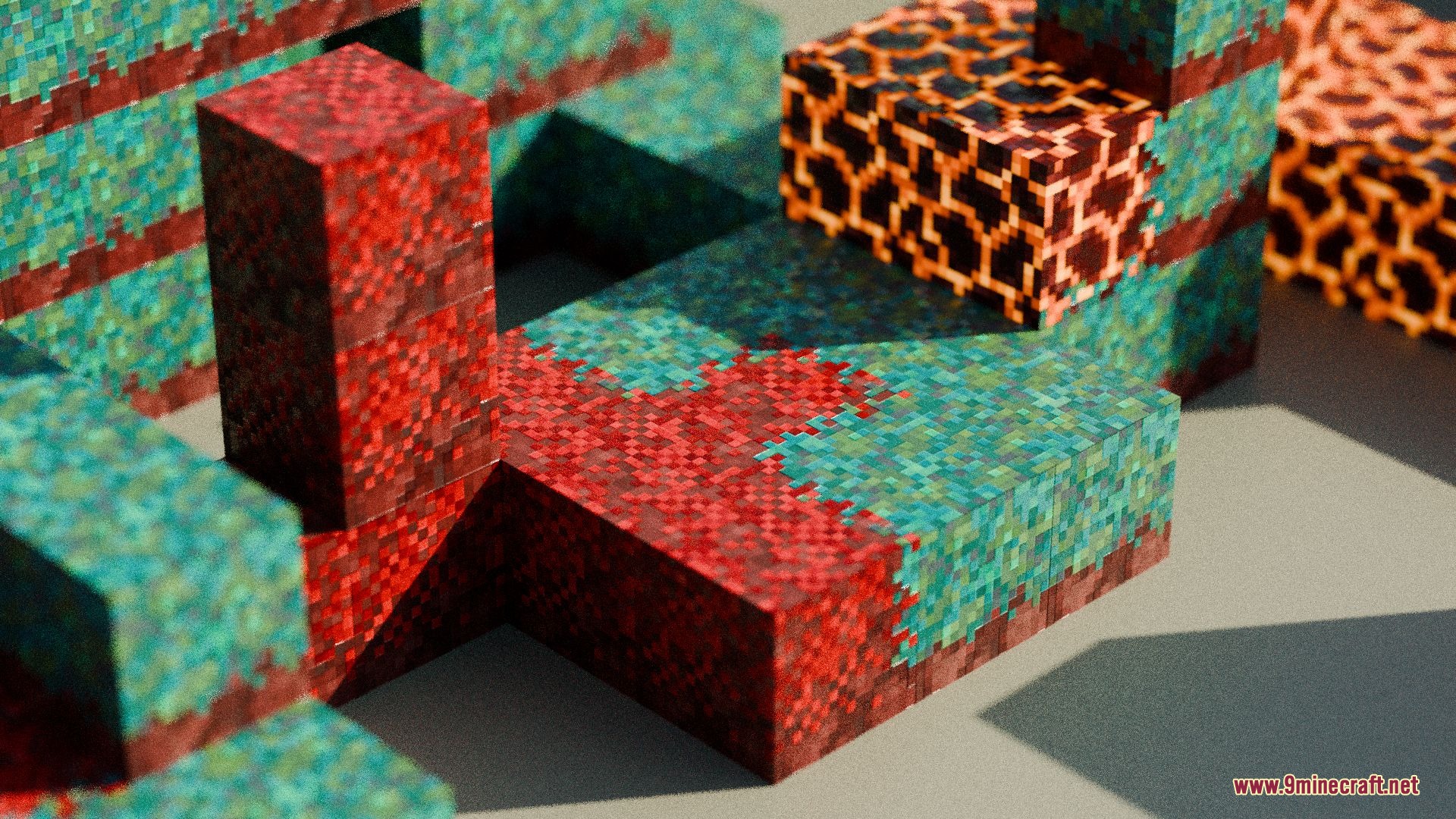
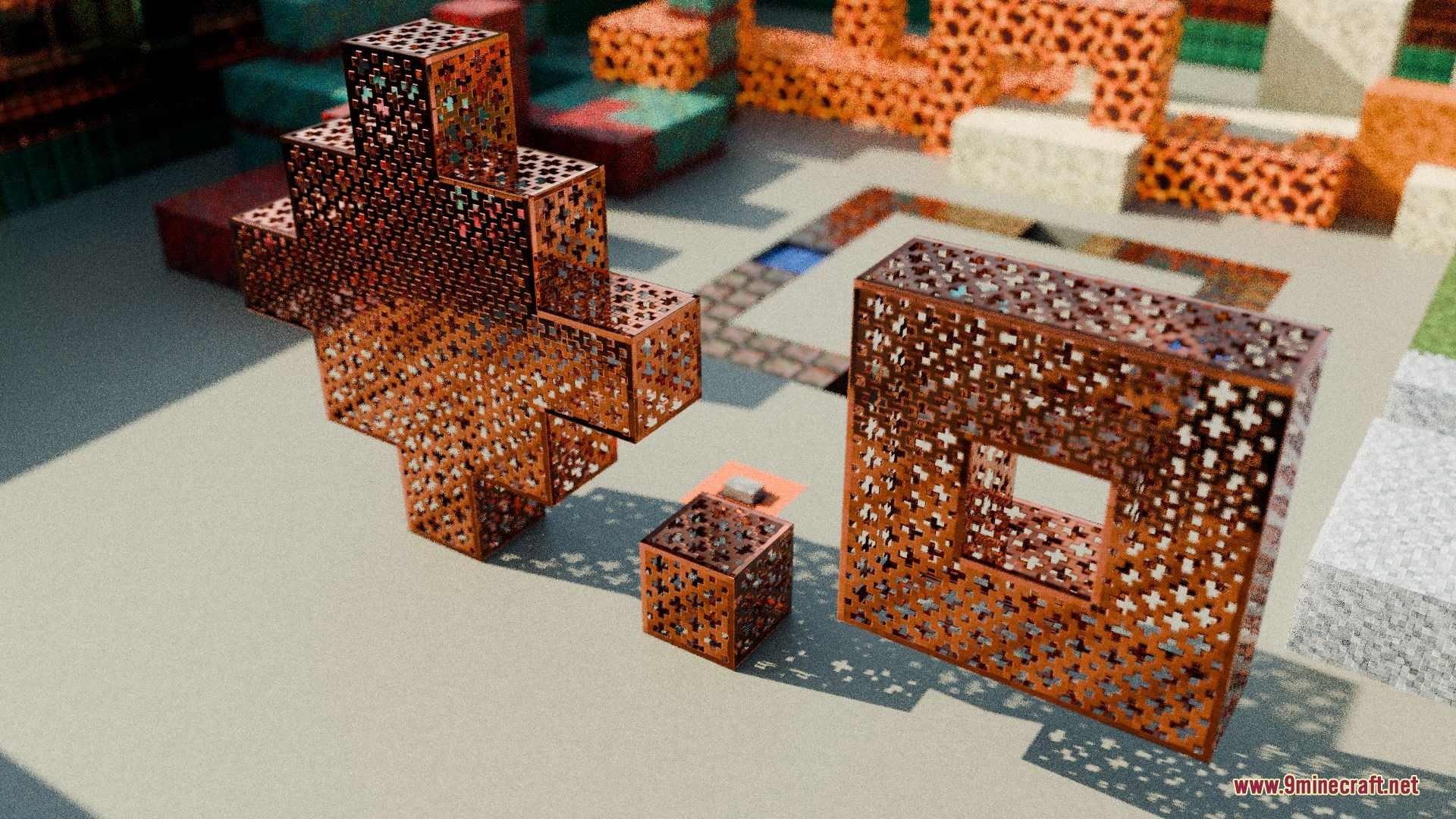
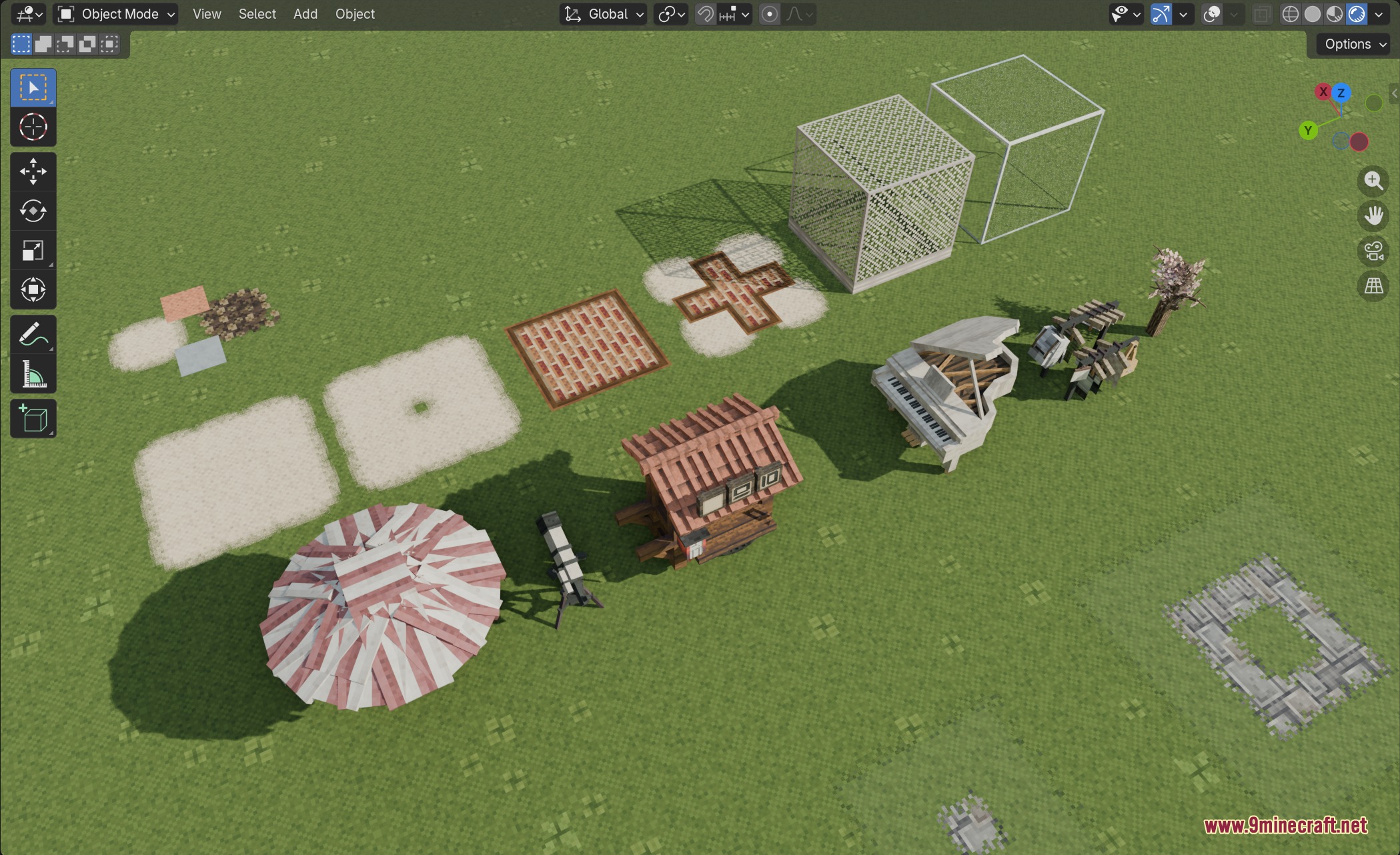
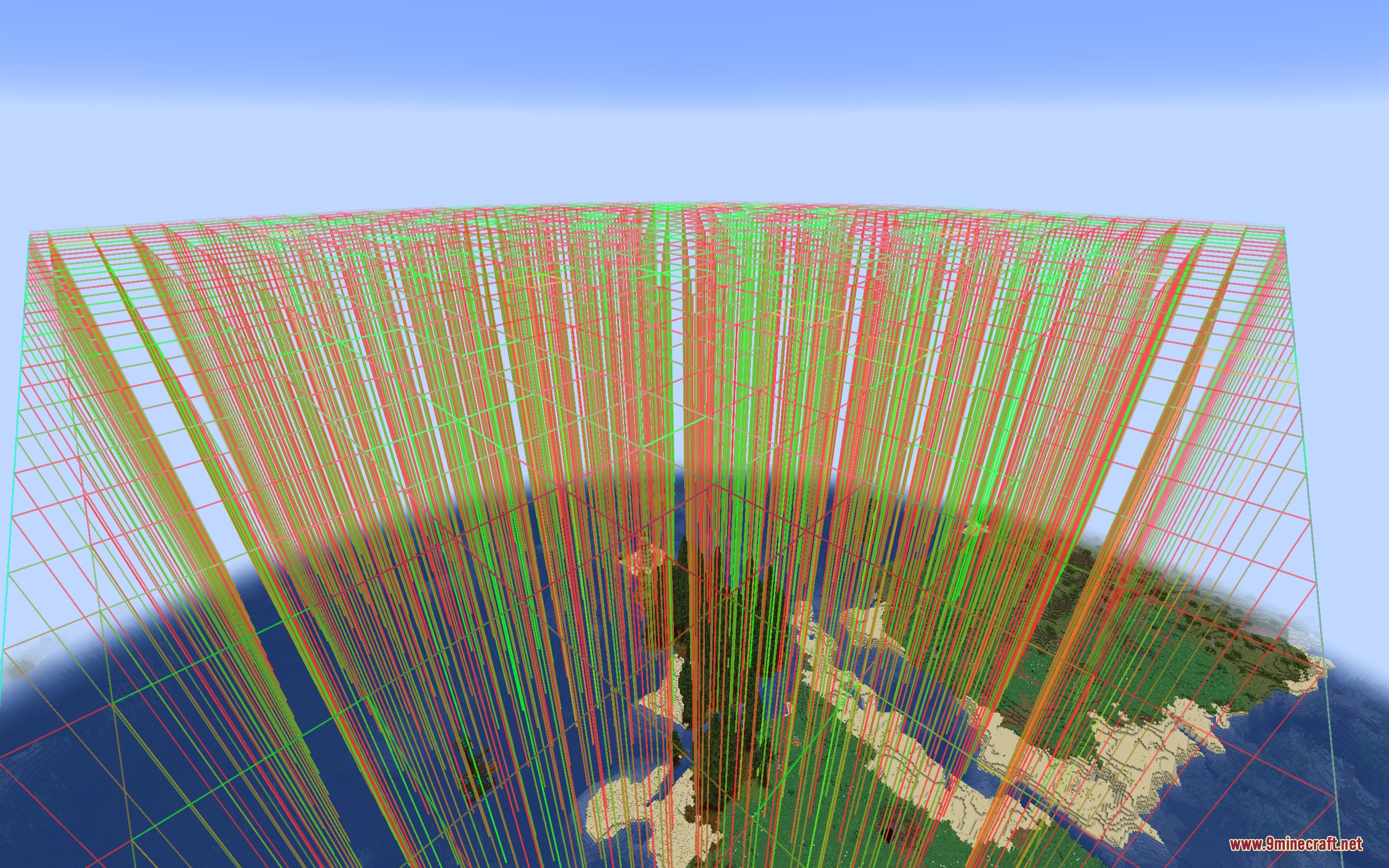
Blockstream Sculptor Mod exports in-game blocks, fluids, and entities to the glTF 2.0 format while keeping biome colors intact. You can open these exported 3D files directly inside programs like Blender to render scenes or create animations. The tool processes standard blocks as well as modded blocks, custom models, and resource packs without losing important visual details.
Features:
- Exports blocks, fluids, entities, and block entities into clean glTF files.
- Keeps biome tinting for grass, leaves, water, and other vegetation.
- Supports single texture files or packed UDIM texture atlases up to 8192×8192 pixels.
- Lets you adjust the atlas texture size and export thread count.
- Works with modded blocks, custom models, and resource packs.
- Preserves texture variants, random block offsets, and animated texture frames.
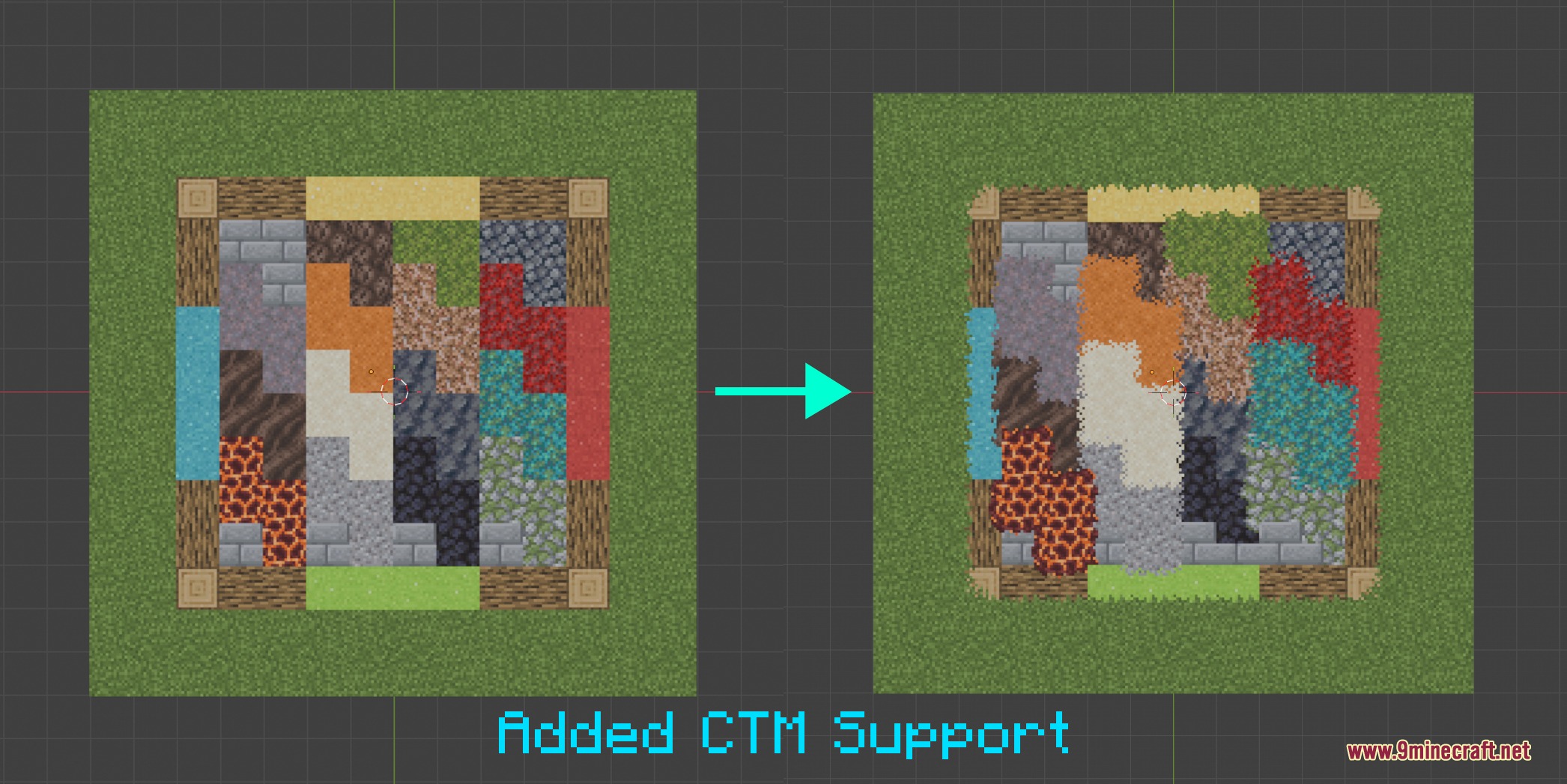
- Supports connected textures and PBR materials during the export process.
Screenshots:
Blockstream Sculptor Mod Download Links
Quick facts
- Edition: Minecraft Java
- File type: .jar
- Minecraft version listed: 1.20.1
- How to install: Install the matching mod loader (Forge, Fabric or NeoForge) for your Minecraft version. → Download the .jar. → Put it in the .minecraft/mods folder and launch that loader profile.
- Where to get it: Opens on the file's original source — not every file is mirrored on our own servers.
Install steps are the general flow for this file type — How to install Minecraft Java mods & modpacks walks through it step by step.
Blockstream Sculptor Mod (26.2, 1.20.1) – Export Minecraft Builds Directly is a free Minecraft Java mod. Compatible with Minecraft 1.20.1. Download it and open it directly in the game.