
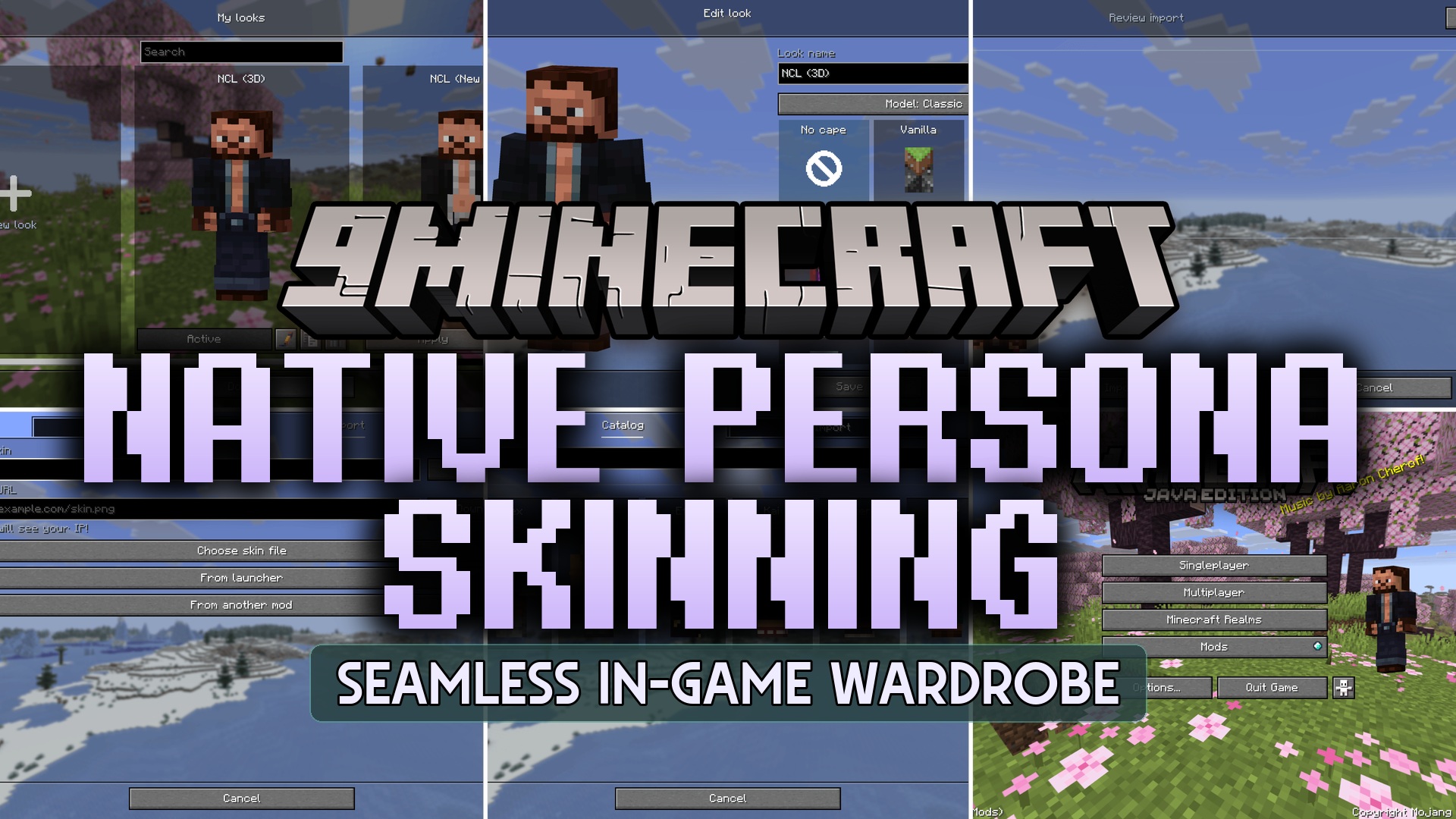
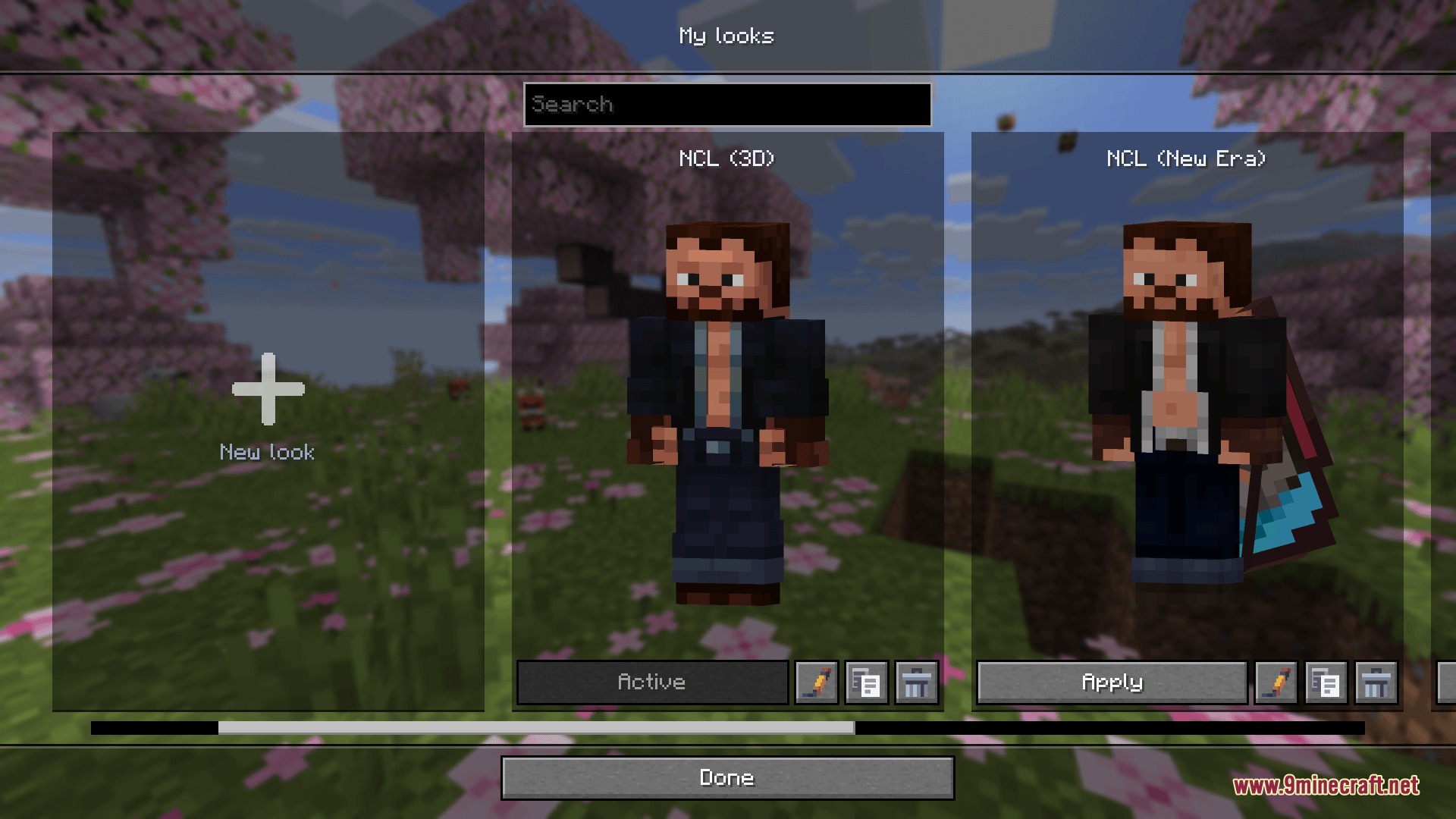
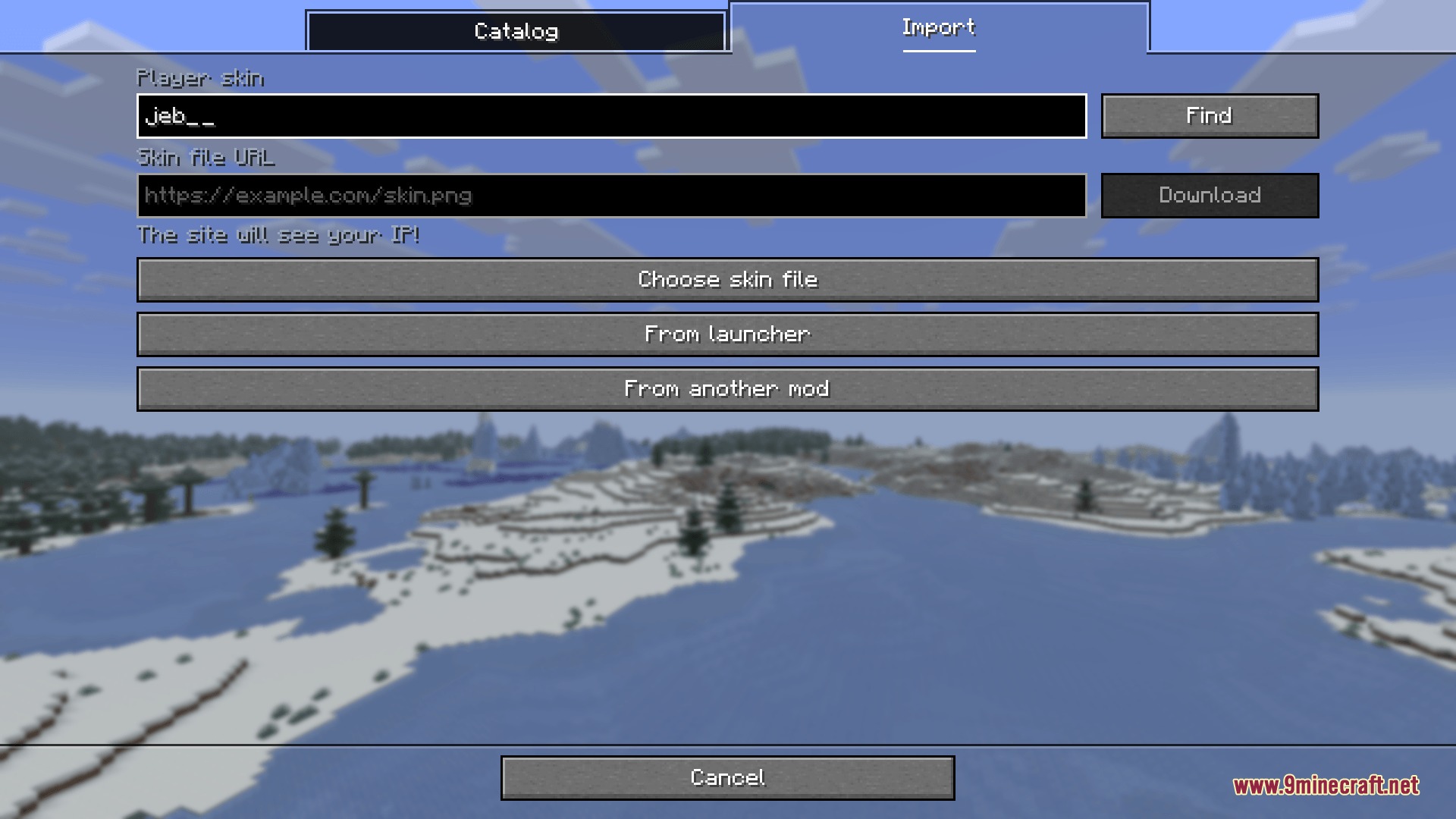
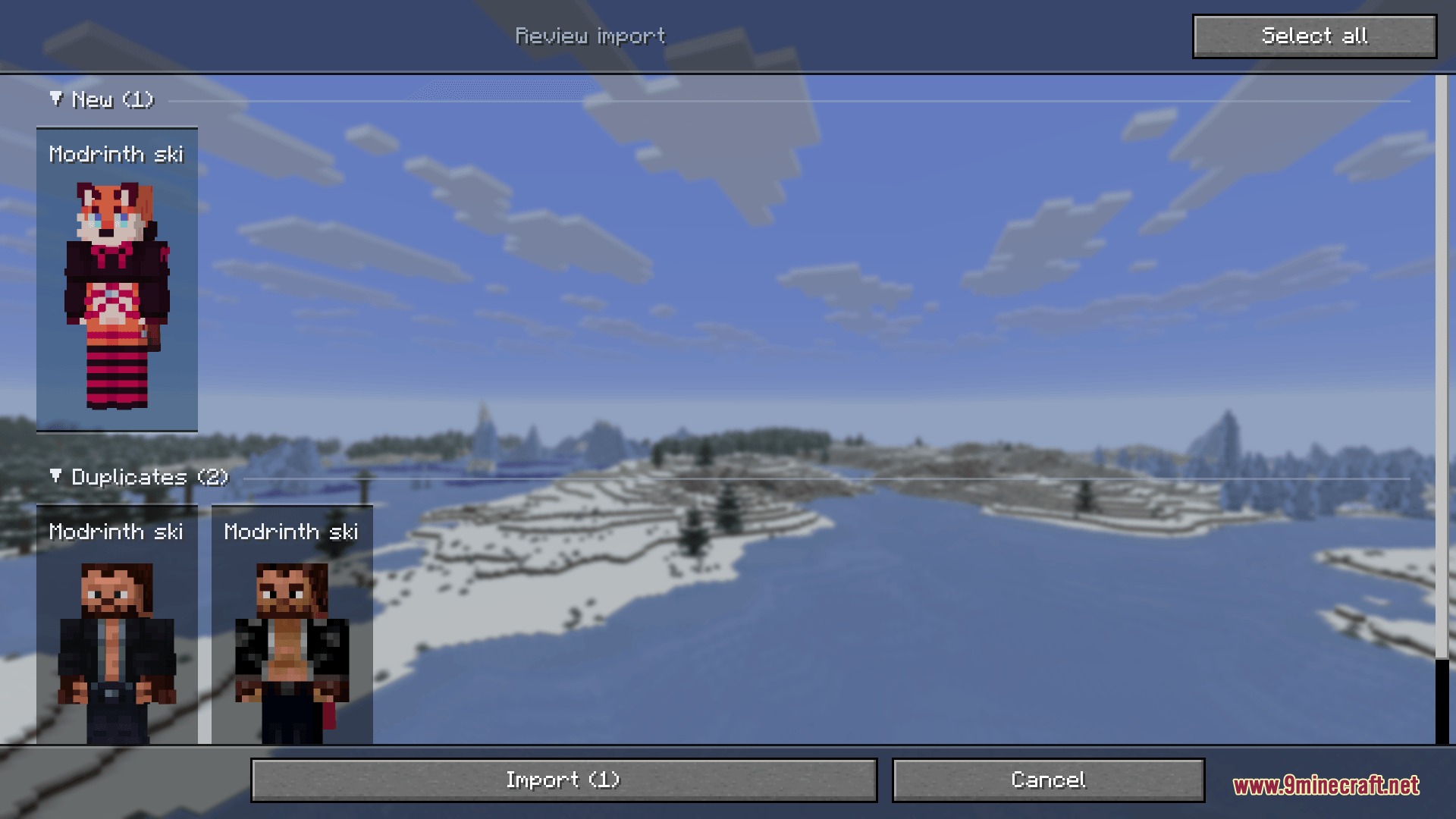
Native Persona Skinning Mod puts your skins, capes, outer layers, and player models into a built-in gallery inside the game. You can create saved looks and switch outfits with a single click without opening a website or external launcher. The mod keeps your custom collection ready across all game setups on your computer, even while playing offline.
Features:
- Switch between complete saved player outfits with one click.
- Rotate and zoom your player model while editing your look in real time.
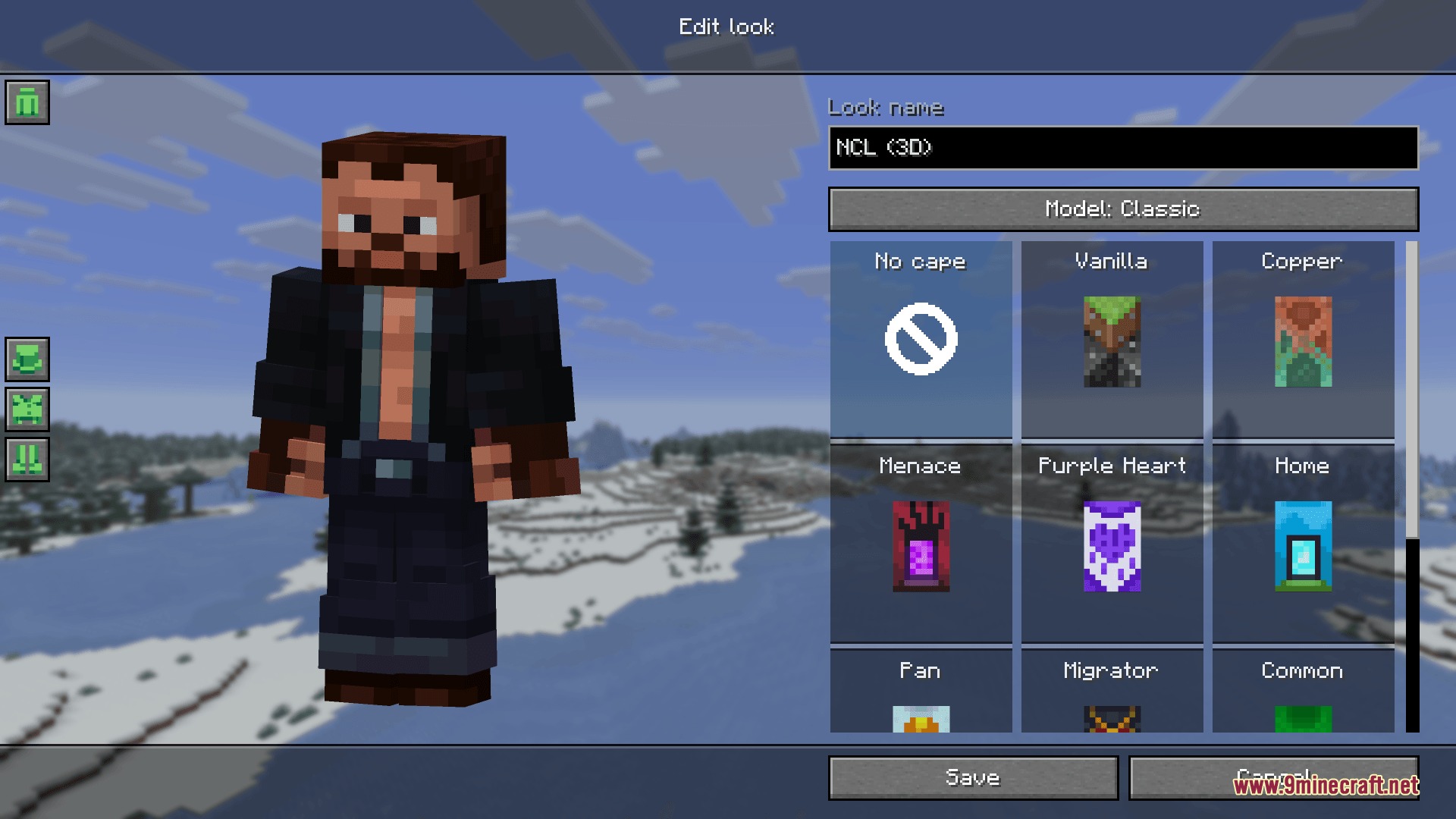
- Choose between Classic wide arms and Slim arm models for any skin.
- Toggle your owned capes, display them as Elytra wings, or hide them completely.
- Adjust individual second layer parts like hats, jackets, sleeves, and pants legs.
- Import skins directly from computer files, web links, or player usernames and UUIDs.
- Transfer saved looks from popular launchers and other skin tools.
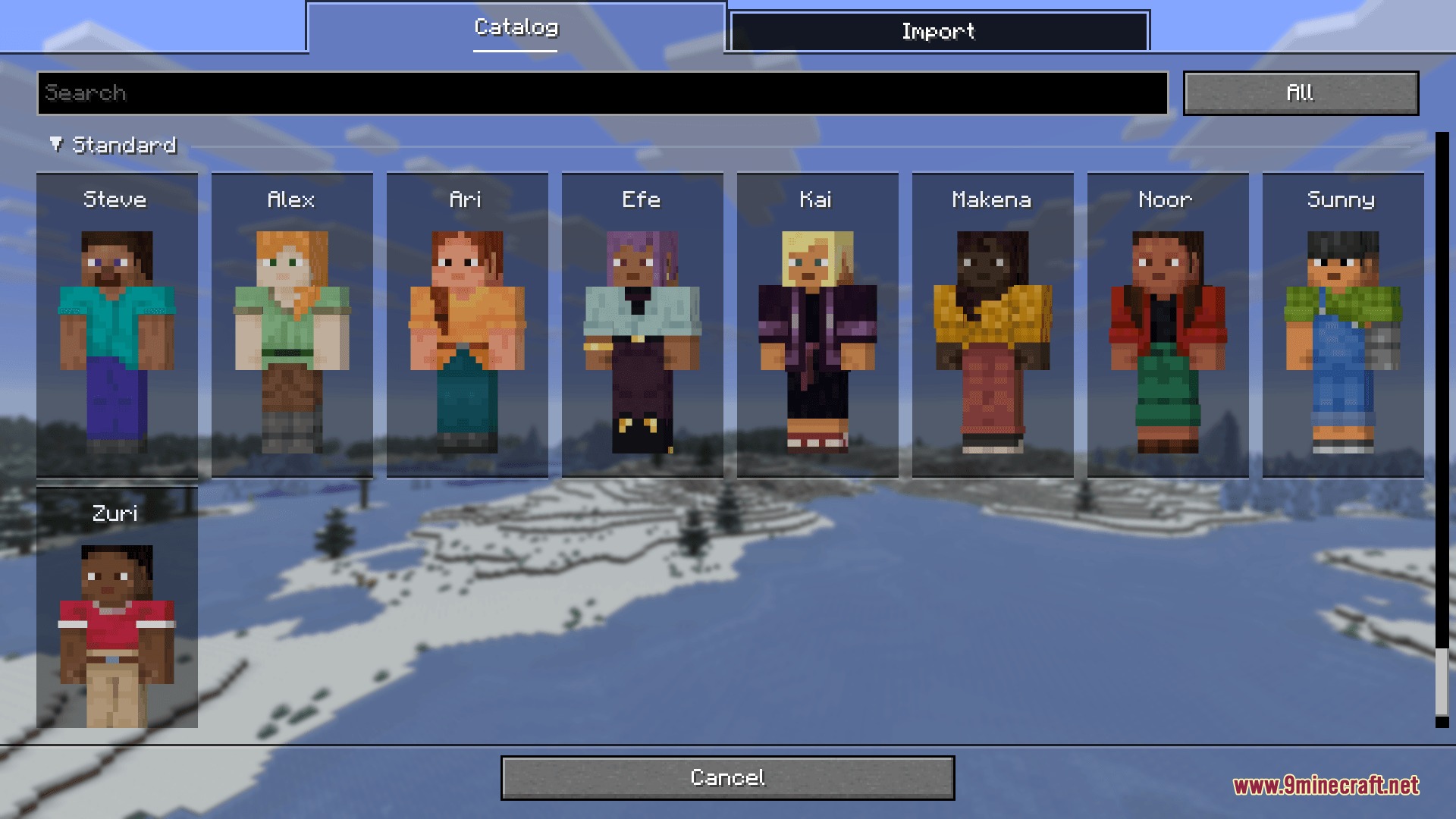
- Browse built-in skin catalogs featuring standard characters and official event outfits.
- Load custom skin collections made with ordinary resource packs.
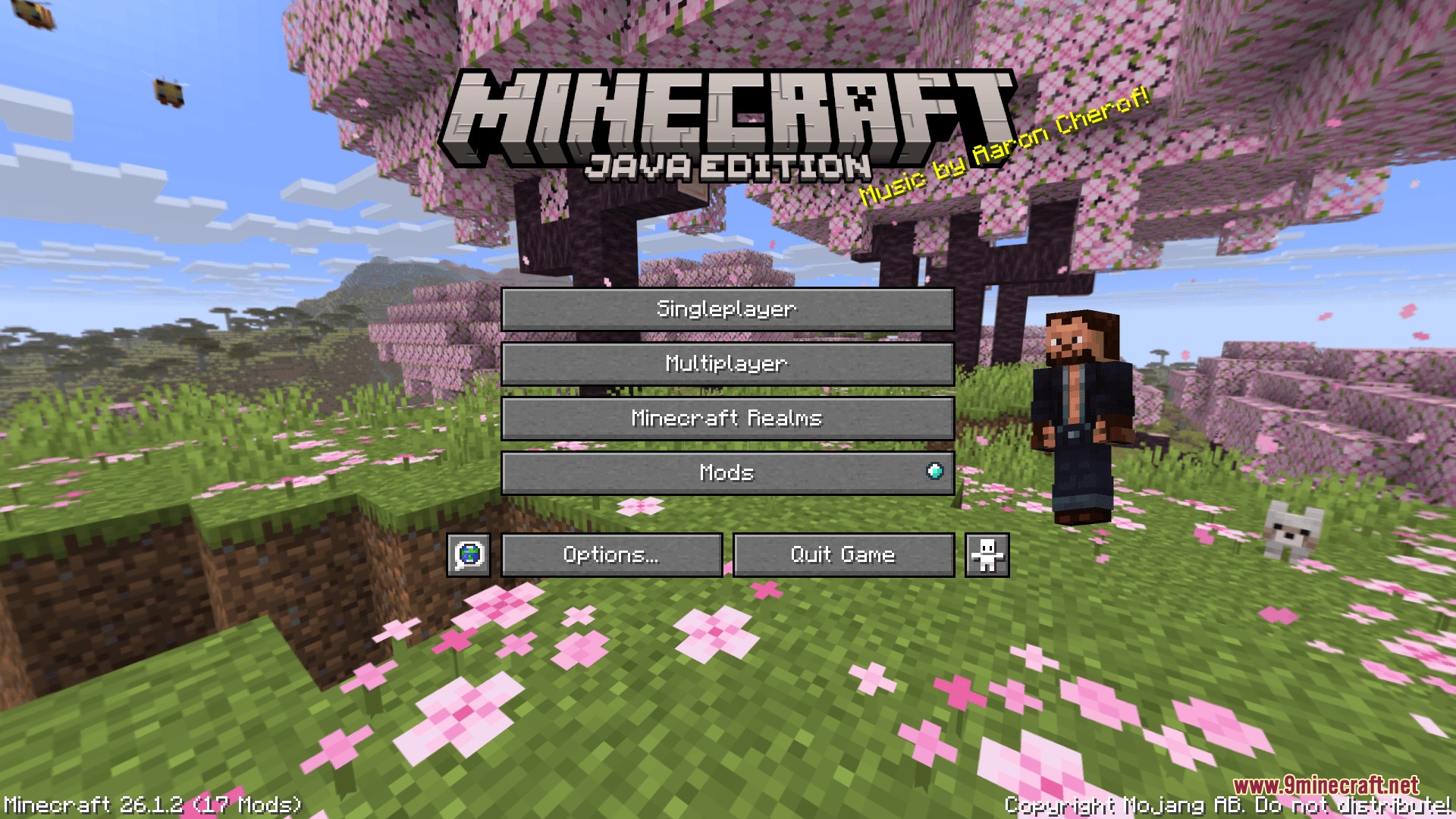
- Access your skin library directly through the Main Menu and Pause Menu.
- Works offline and applies official updates once network connections return.
- Refreshes your appearance instantly for other players when installed on a server.
How to Use:
- Click on your player character in the Main Menu or Pause Menu to open the gallery.
- Select an existing look from your collection or click to create a new one.
- Import a skin from your computer, paste a web link, or type a player username.
- Adjust your arm model thickness, select cape options, and toggle clothing layers.
- Save your look to apply it to your character right away.
Screenshots:
Native Persona Skinning Mod Download Links
Quick facts
- Edition: Minecraft Java
- File type: .jar
- Minecraft version listed: 1.20.1
- How to install: Install the matching mod loader (Forge, Fabric or NeoForge) for your Minecraft version. → Download the .jar. → Put it in the .minecraft/mods folder and launch that loader profile.
- Where to get it: In MC Java Mods, or directly above on this page.
Install steps are the general flow for this file type — How to install Minecraft Java mods & modpacks walks through it step by step.
Verified by MCModsHub
- Downloads as 500874.mcaddon
- Download size: 1.6 MB
- Download link checked 25 Sept 2026 — working
- Mirrored on our own servers — the download does not depend on the original host
These come from our own check of the pack file, not from the source page.