Vulkanic Light Engine Mod (26.2) – Run OptiFine Shader Packs on Native Vulkan
Minecraft Java mod. Downloads from the MC Java Mods app on Android.
⬇ Download
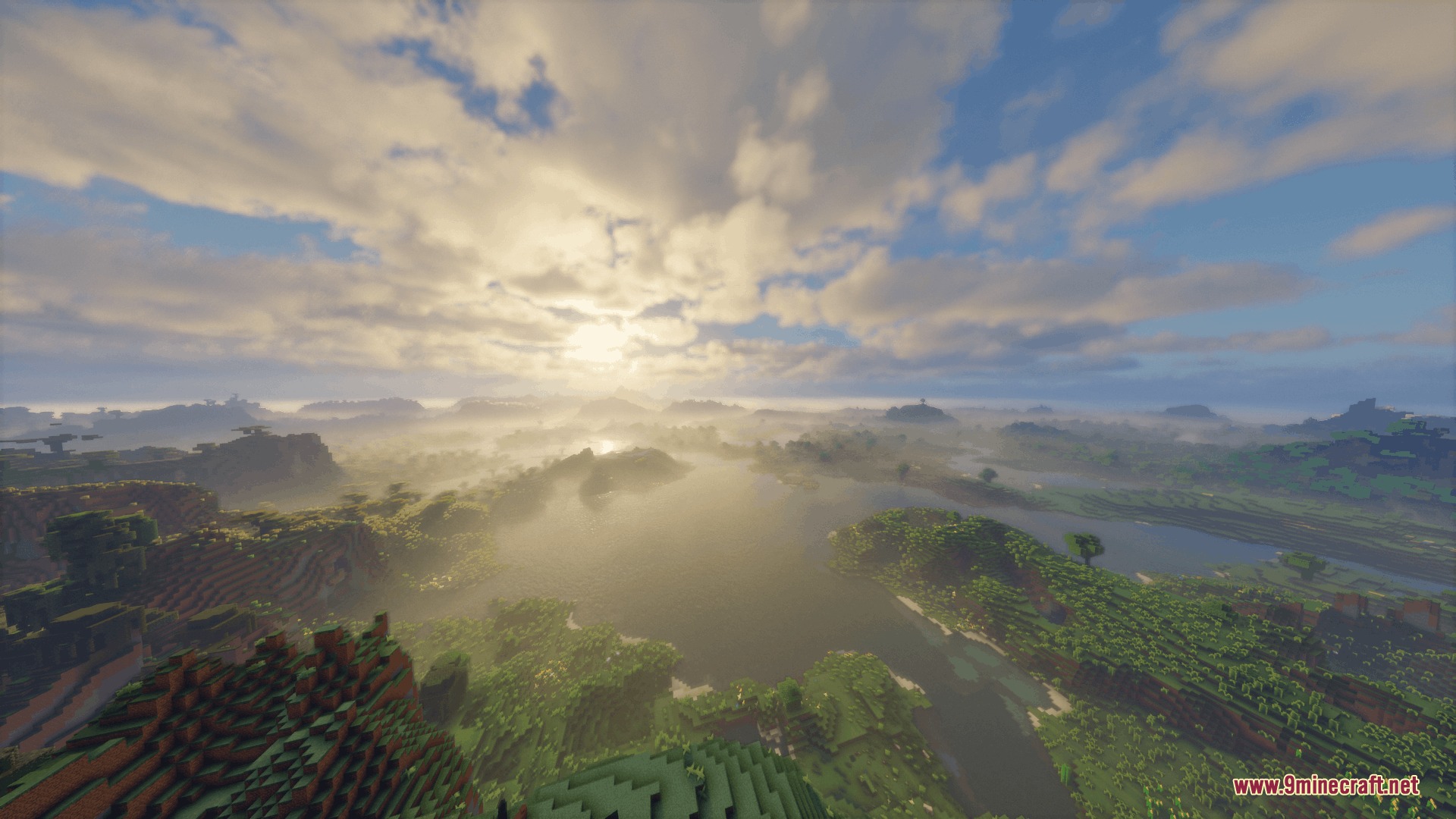
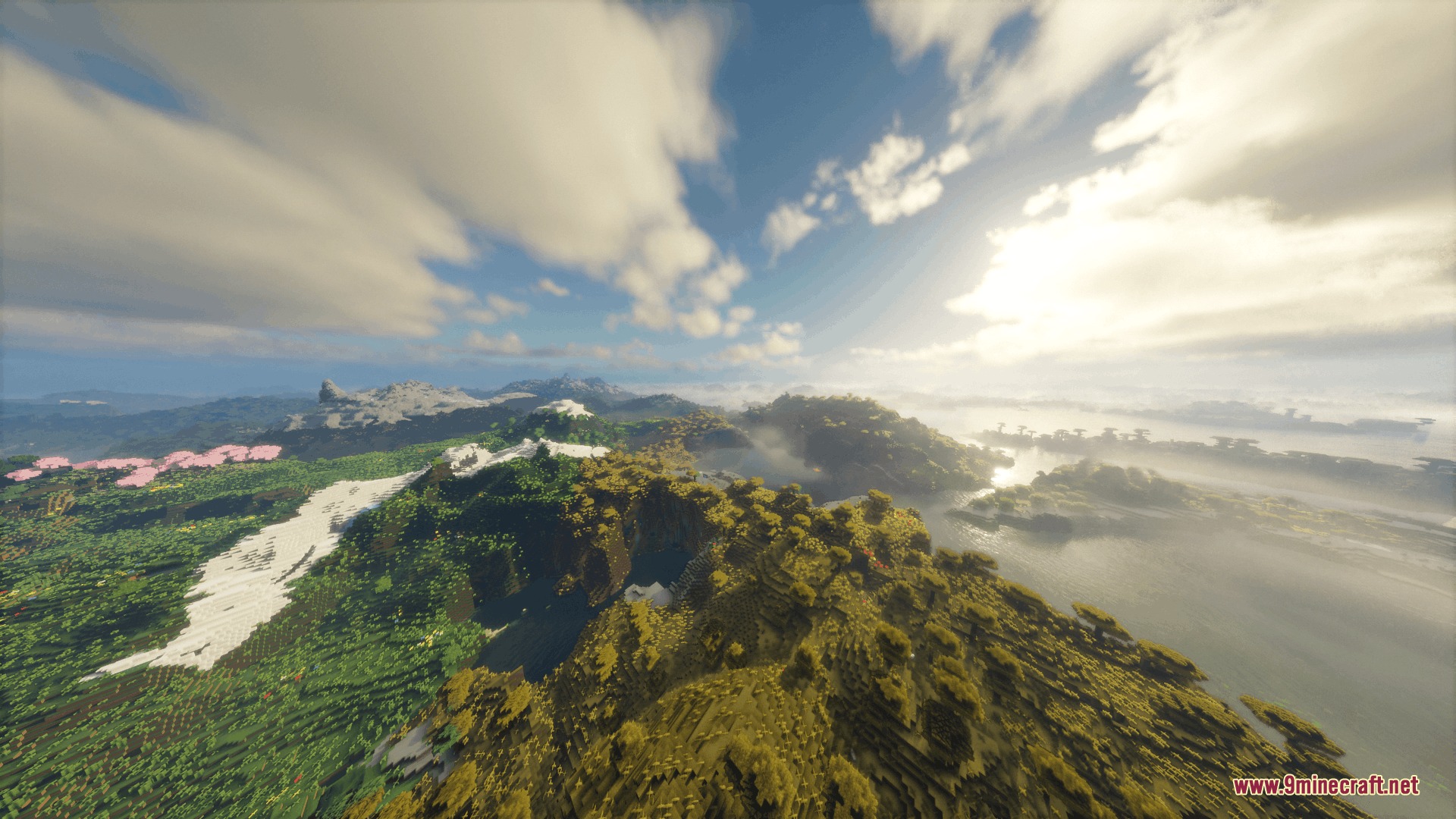
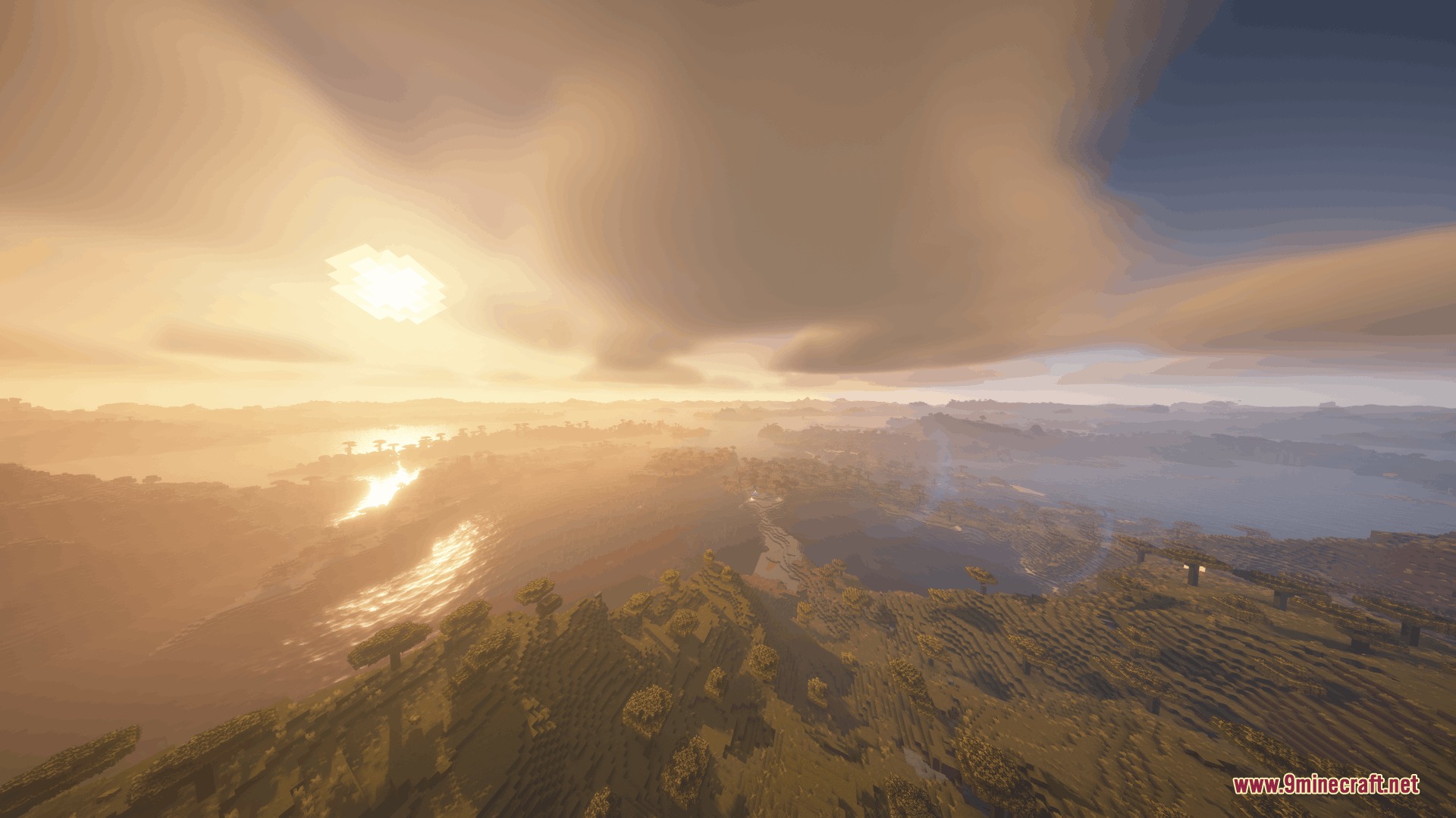
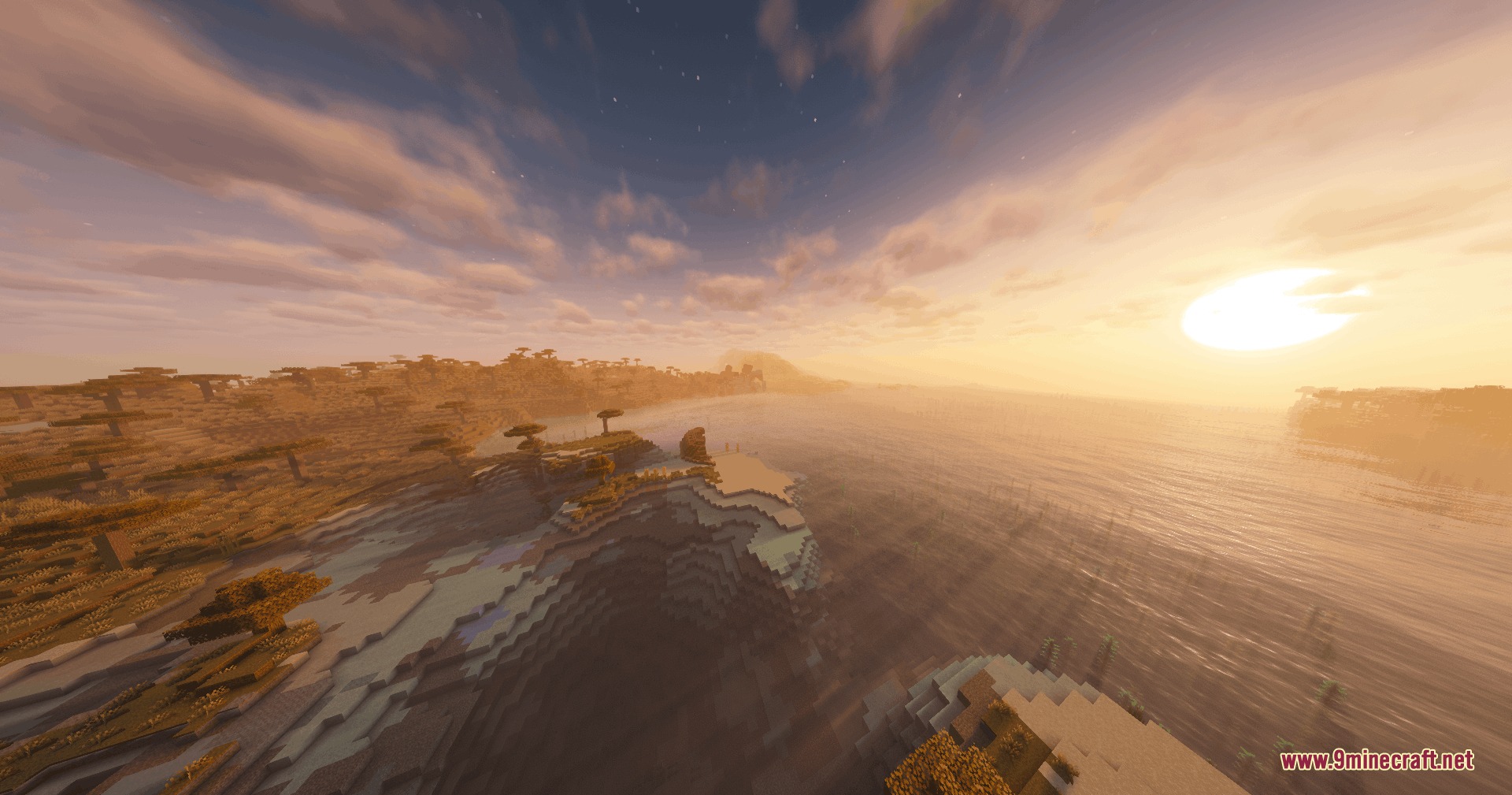

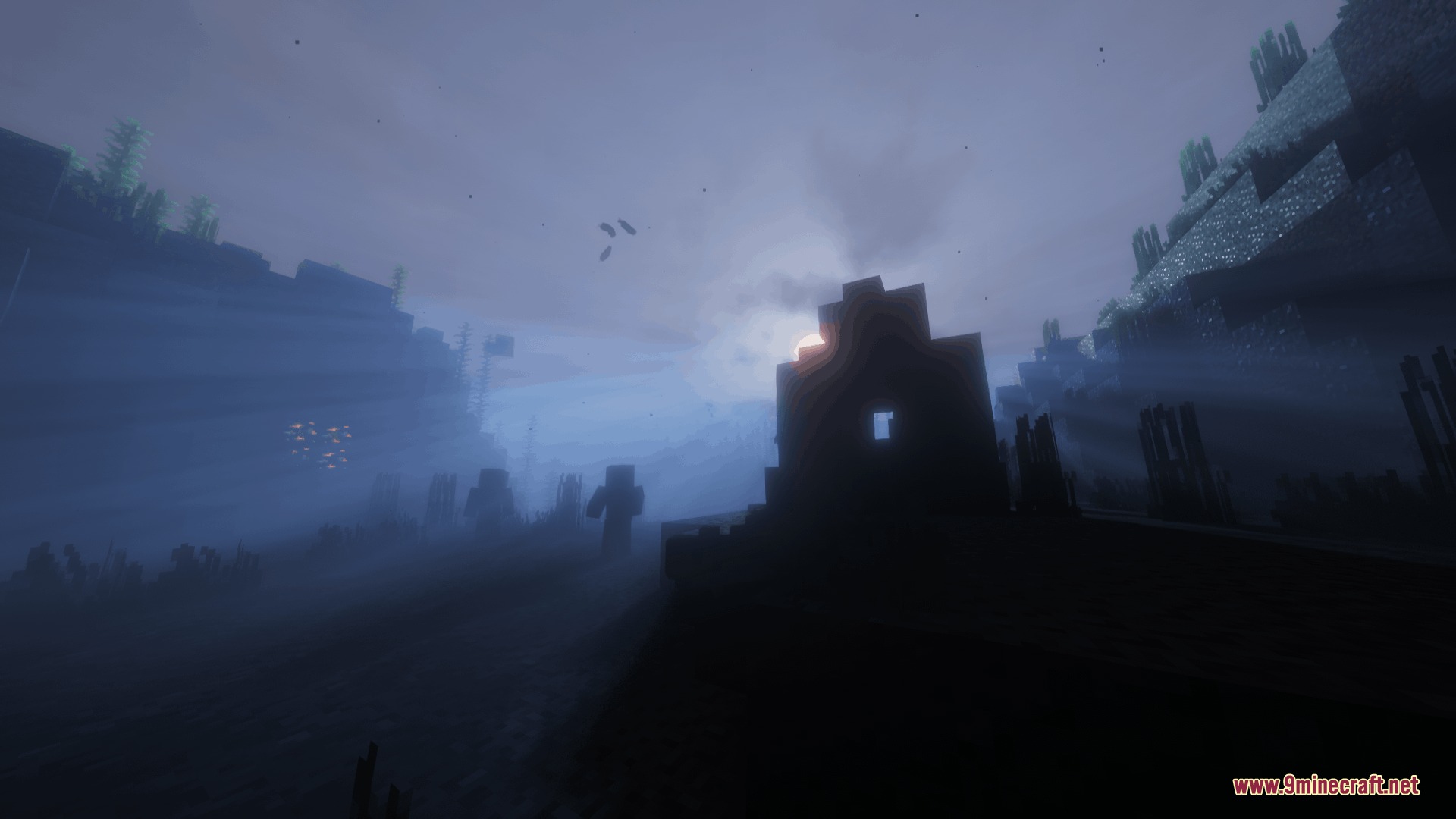
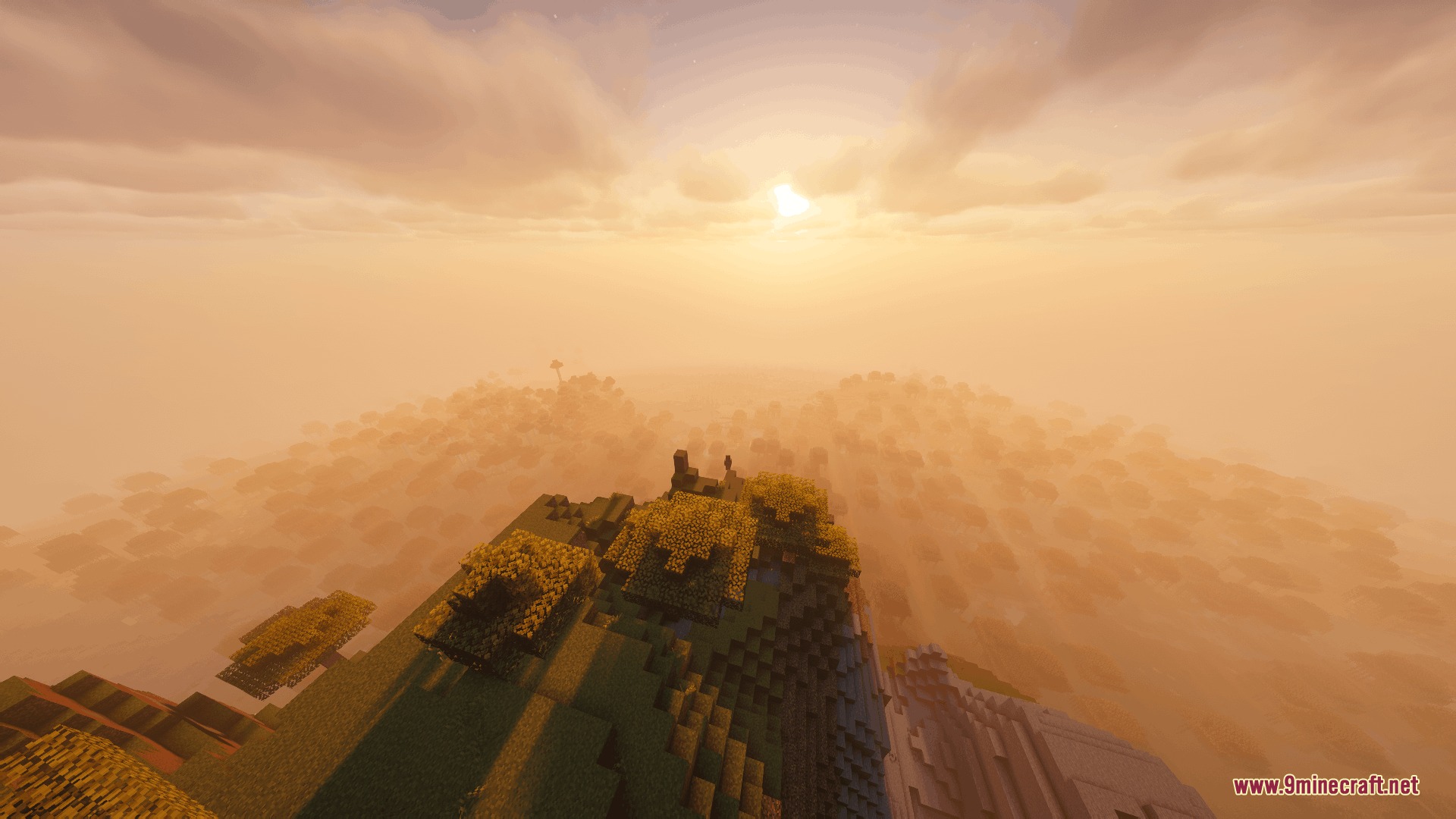
Vulkanic Light Engine Mod lets you run standard OptiFine-format shader packs on the native Vulkan renderer in Minecraft. It reads existing packs directly from your shader folder, translates the shader code during startup, and renders graphics through Vulkan. The mod includes an FSR upscaling slider to keep frame rates smooth while keeping the interface clear. It works alongside Distant Horizons to display distant terrain with custom shader lighting.
Features:
- Translates GLSL shader code at load time into SPIR-V for the Vulkan backend.
- Runs popular shader packs unmodified from your regular shaderpacks folder.
- Includes an AMD FidelityFX Super Resolution slider in Video Settings to boost frame rates between 25 and 100 percent scale.
- Keeps user interfaces, chat text, and debug screens sharp even when lower render scales are active.
- Supports Distant Horizons rendering to draw distant terrain using shader profiles.
Tested Shader Packs:
- Complementary Unbound and Reimagined with Euphoria Patches.
- BSL Shaders.
- Bliss Shaders.
- Mellow and Body Camera shaders.
How to Use:
- Open Video Settings from the game menu.
- Enable the Prefer Vulkan (Experimental) option.
- Restart the game so Minecraft boots using the Vulkan backend.
- Place your shader zip files into the
shaderpacksfolder. - Adjust the FSR Render Scale slider in the video options if you need extra frame rates.
Configuration:
If you run Chloride alongside this mod, turn off these options in Video Settings or inside config/chloride-client.toml to avoid missing blocks and mobs:
Fast Chests: Turn off in the Performance tab.Fast Beds: Turn off in the Performance tab.Max Entity Distance: Turn off in the Entities tab.Max Monster Distance: Turn off in the Entities tab.Max Block Entity Distance: Turn off in the Entities tab.
Screenshots:
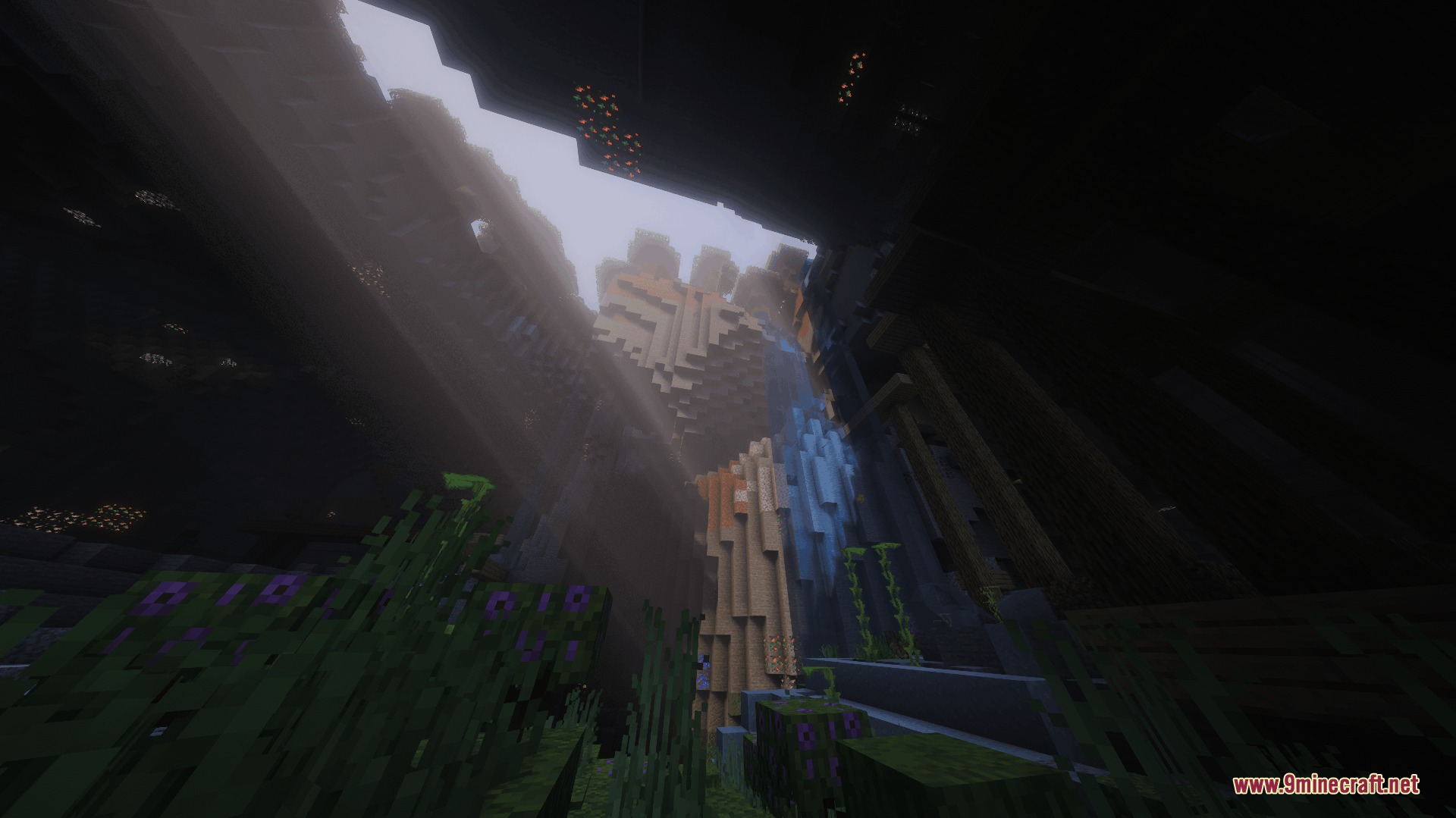
Vulkanic Light Engine Mod Download Links
- Edition: Minecraft Java
- File type: .jar
- How to install: Install the matching mod loader (Forge, Fabric or NeoForge) for your Minecraft version. → Download the .jar. → Put it in the .minecraft/mods folder and launch that loader profile.
- Where to get it: In MC Java Mods, or directly above on this page.
Install steps are the general flow for this file type — How to install Minecraft Java mods & modpacks walks through it step by step.
- Downloads as 500893.mcaddon
- Download size: 1.2 MB
- Download link checked 23 Sept 2026 — working
- Mirrored on our own servers — the download does not depend on the original host
These come from our own check of the pack file, not from the source page.