ModsJava
Spawnside Hearth Mod (26.2, 1.20.1) – Survive Your First Night in a Cozy
Java mod listed for Minecraft 1.20. Downloads from the MC Java Mods app on Android.
⬇ Download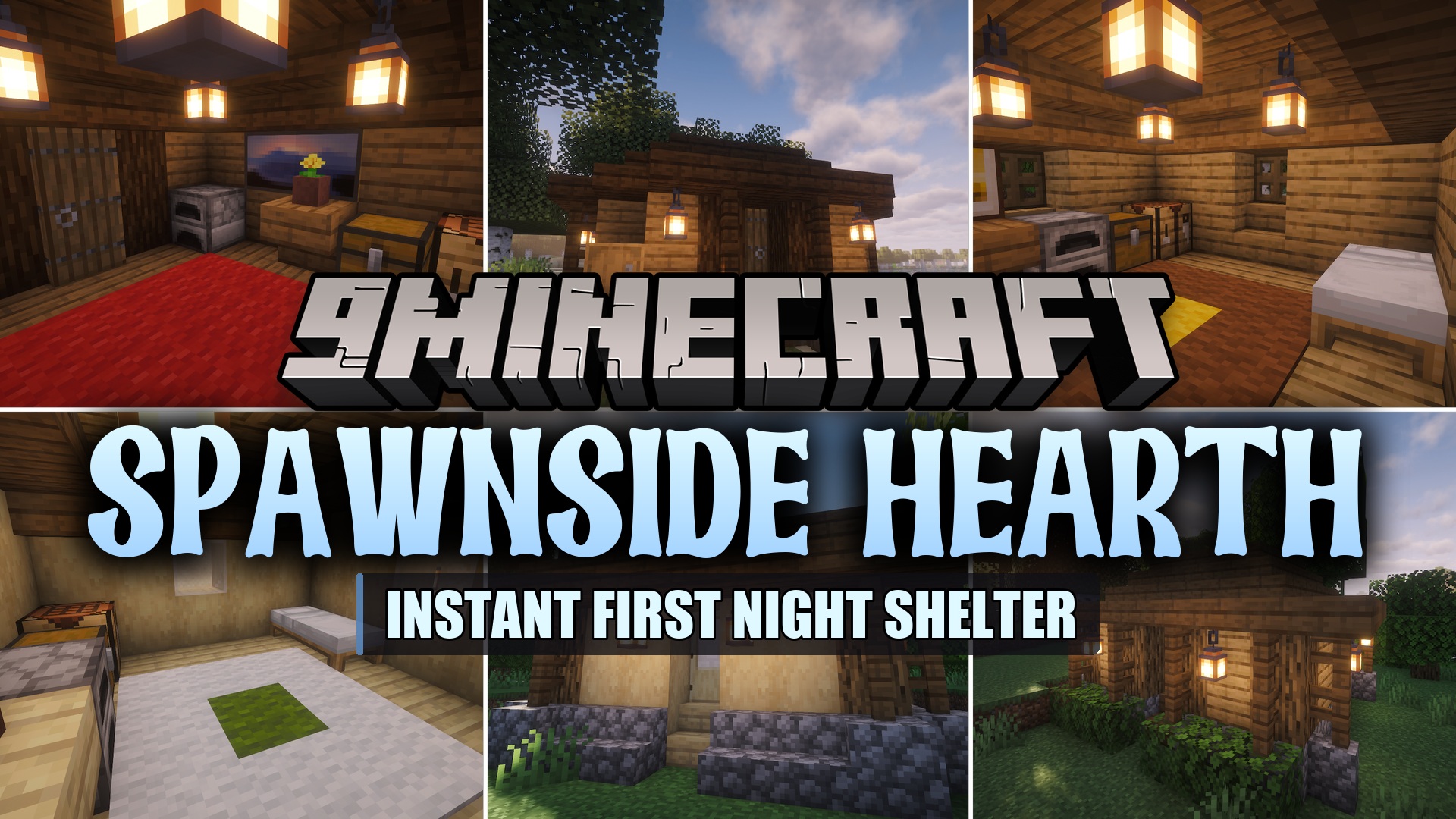
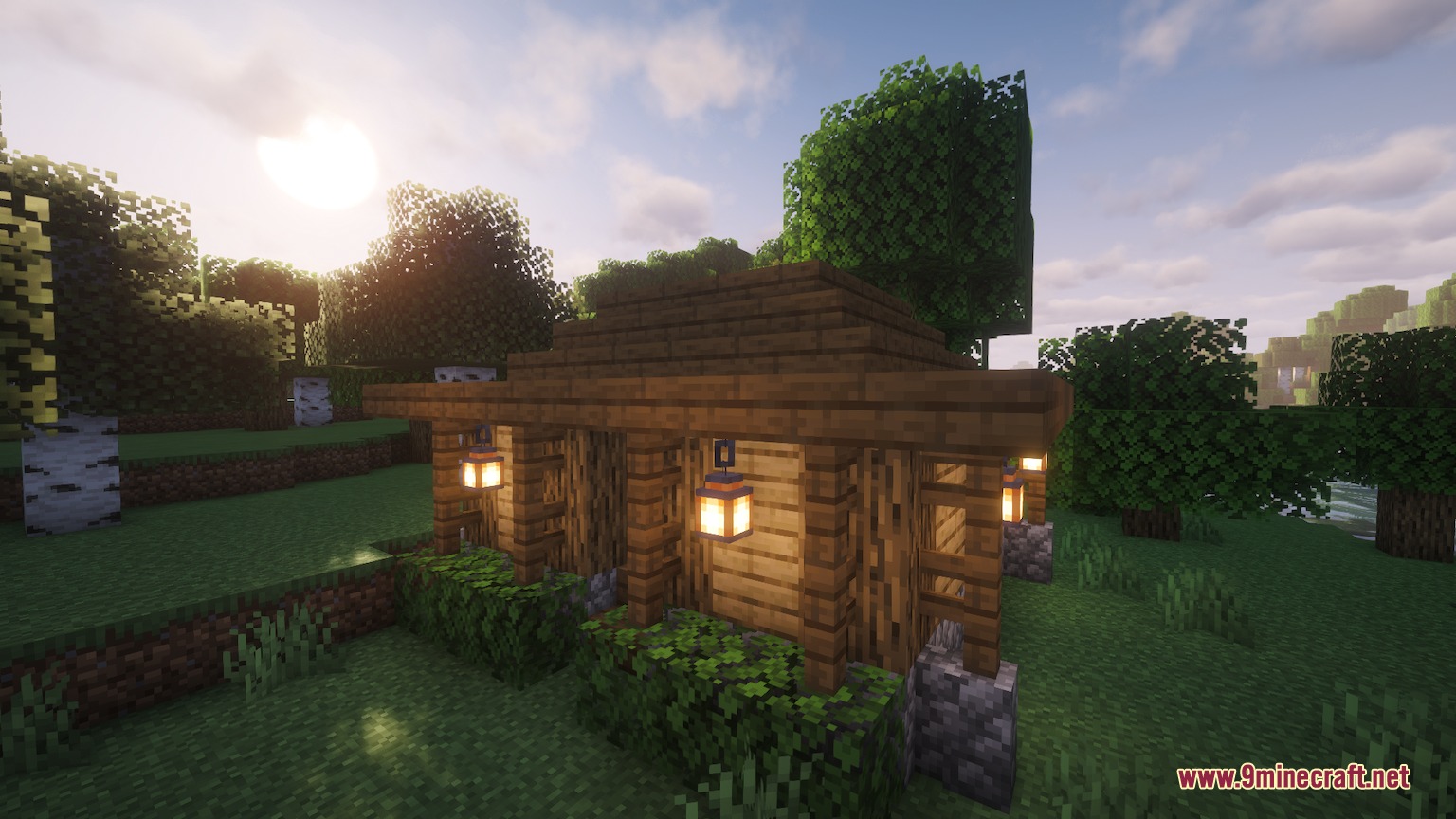
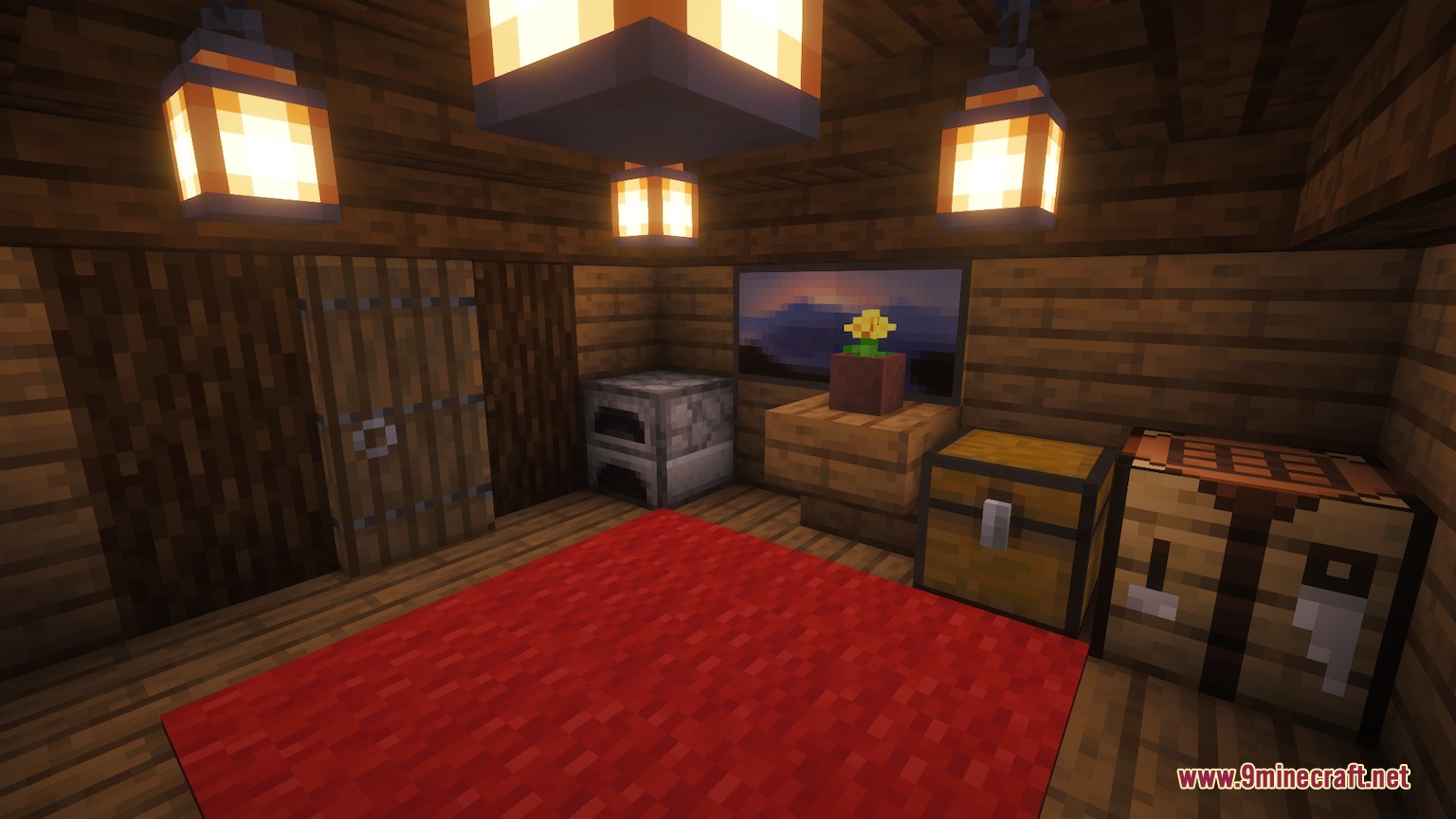
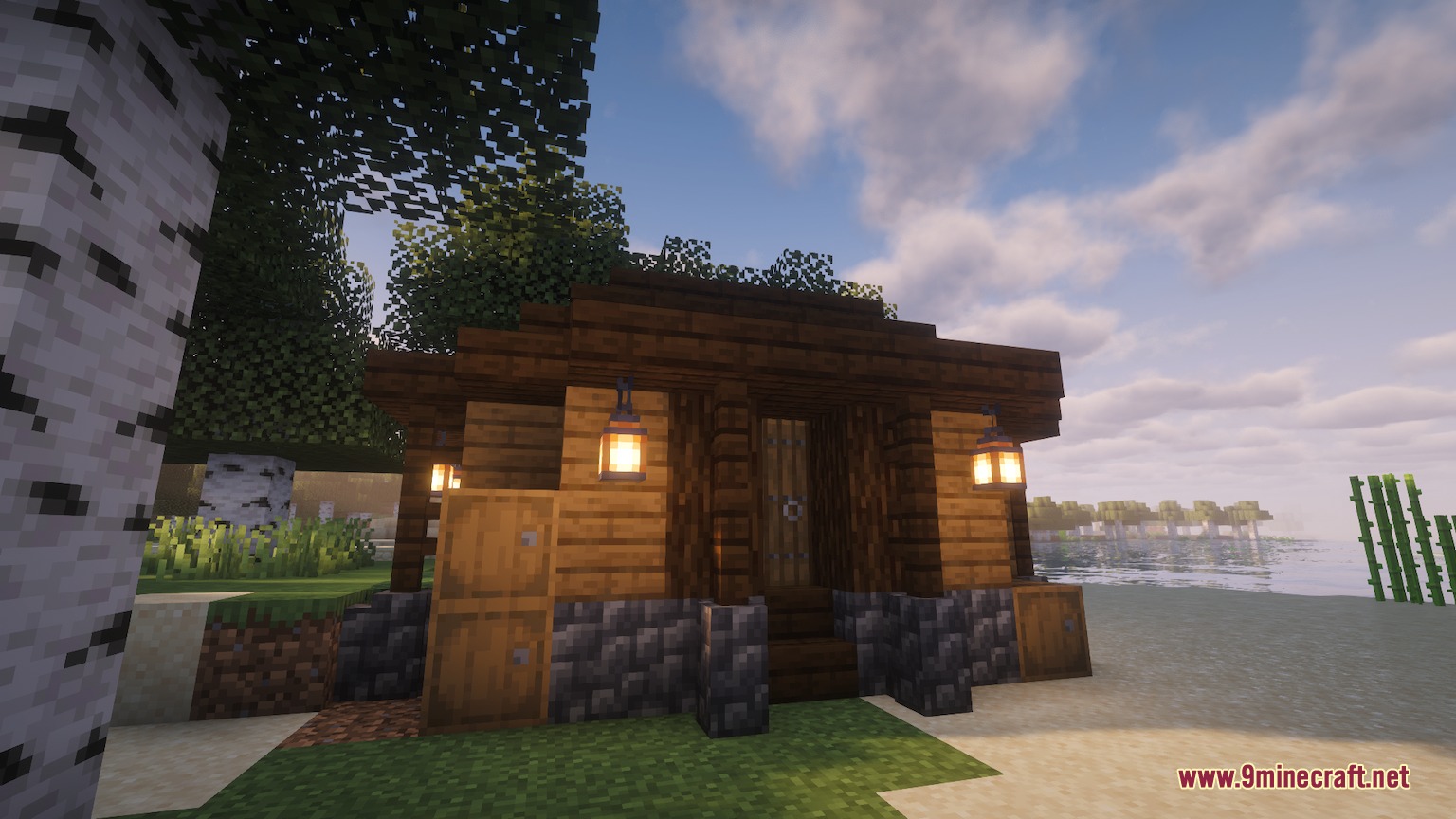
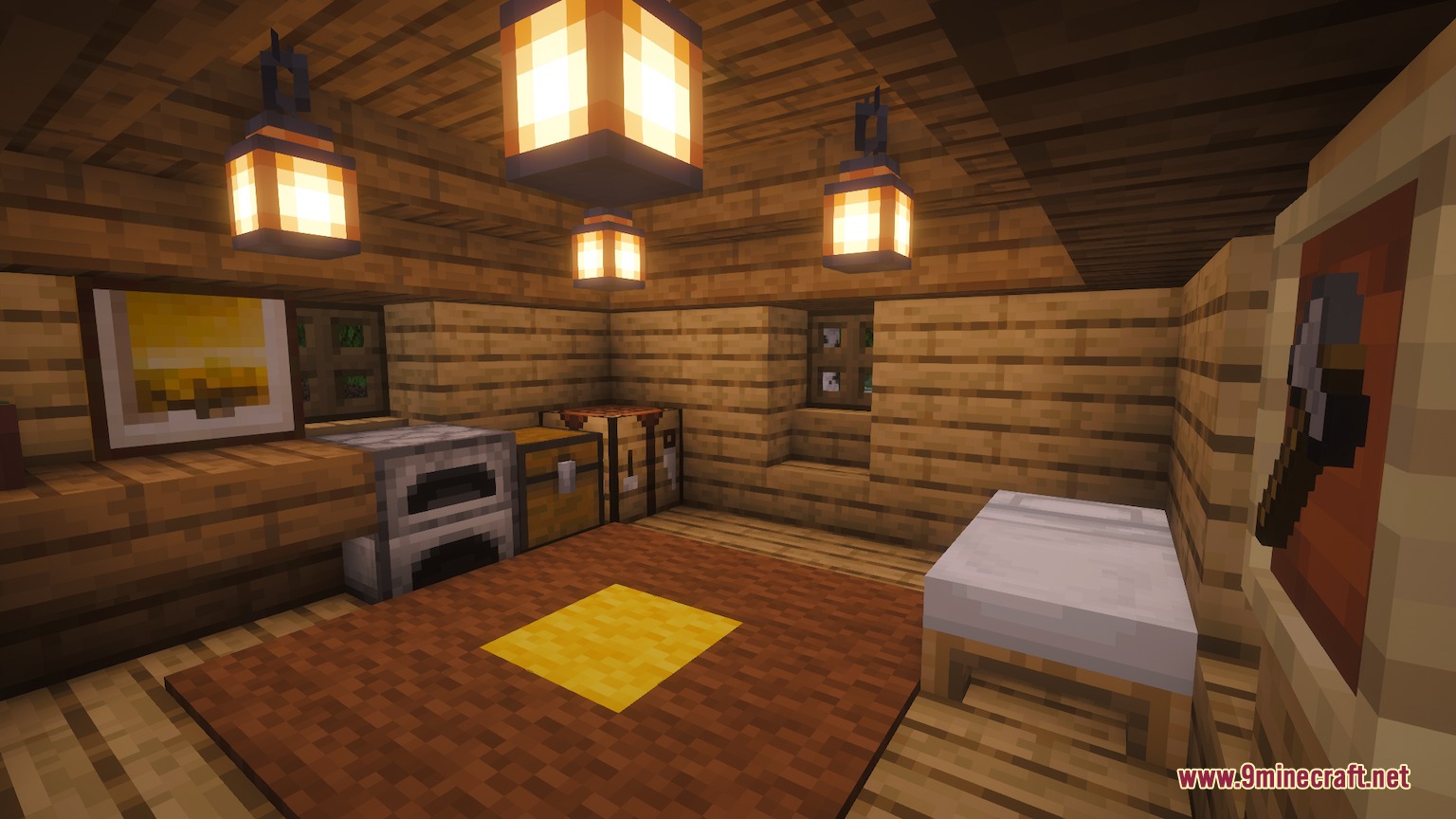
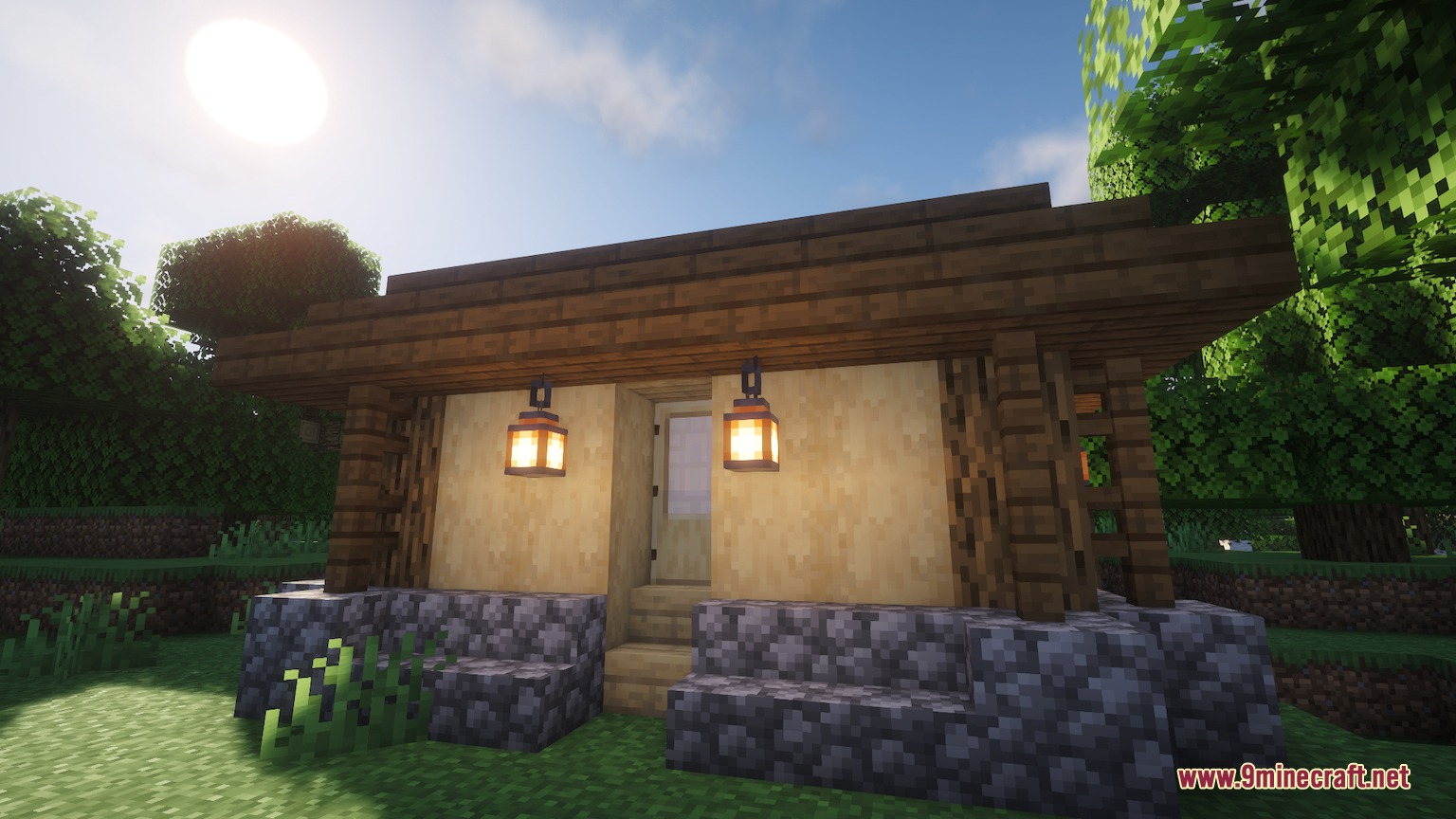
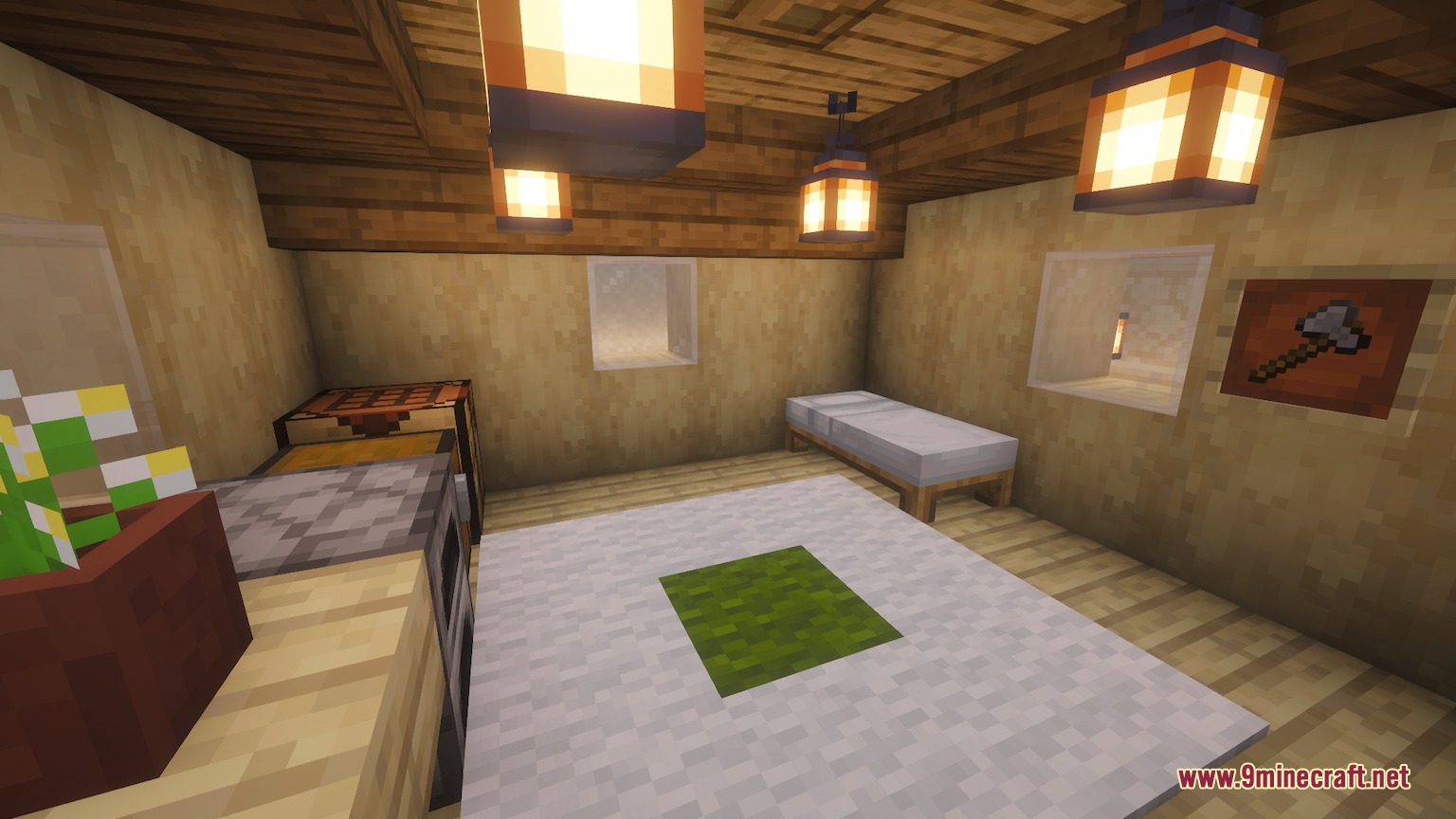
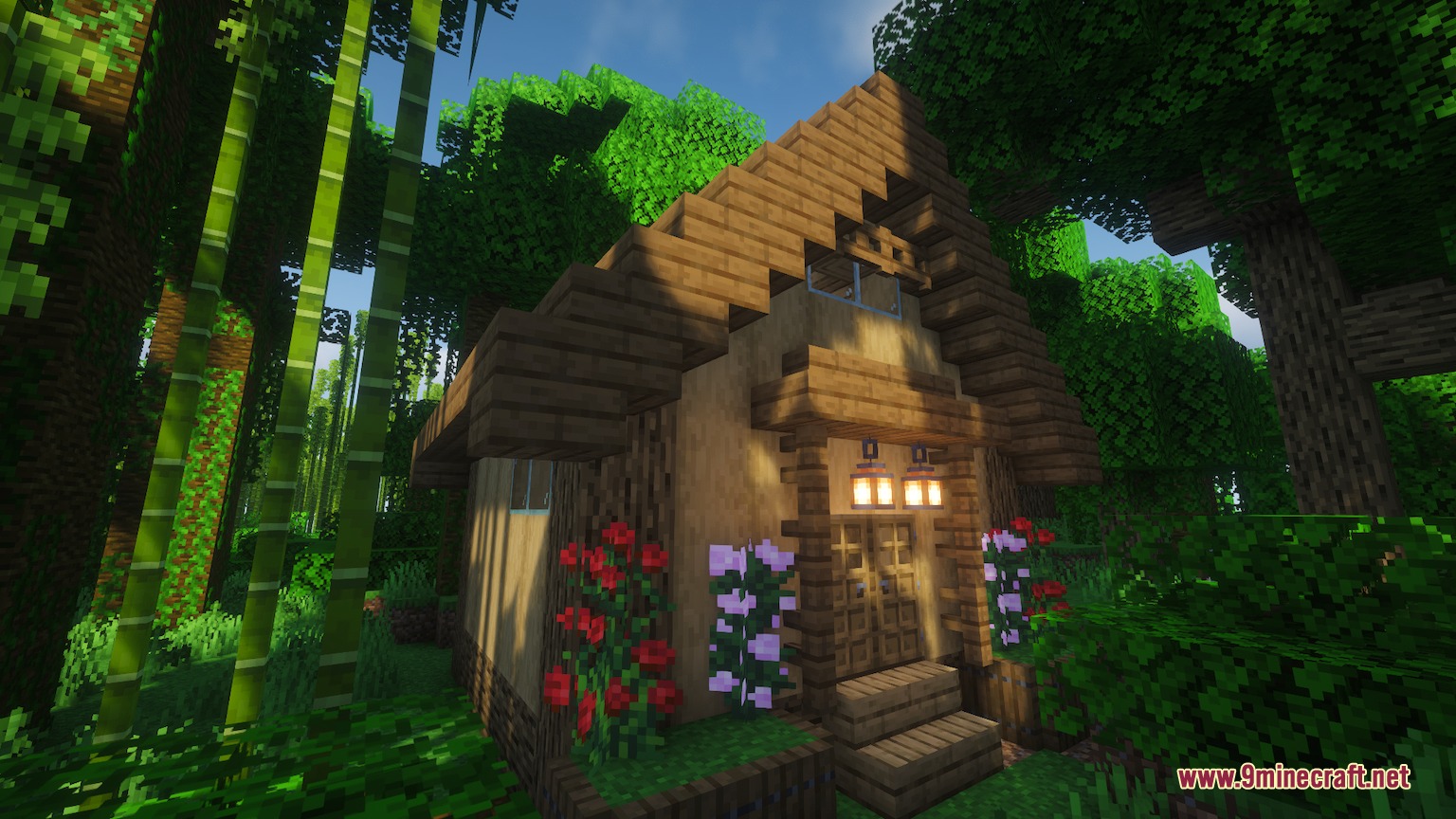
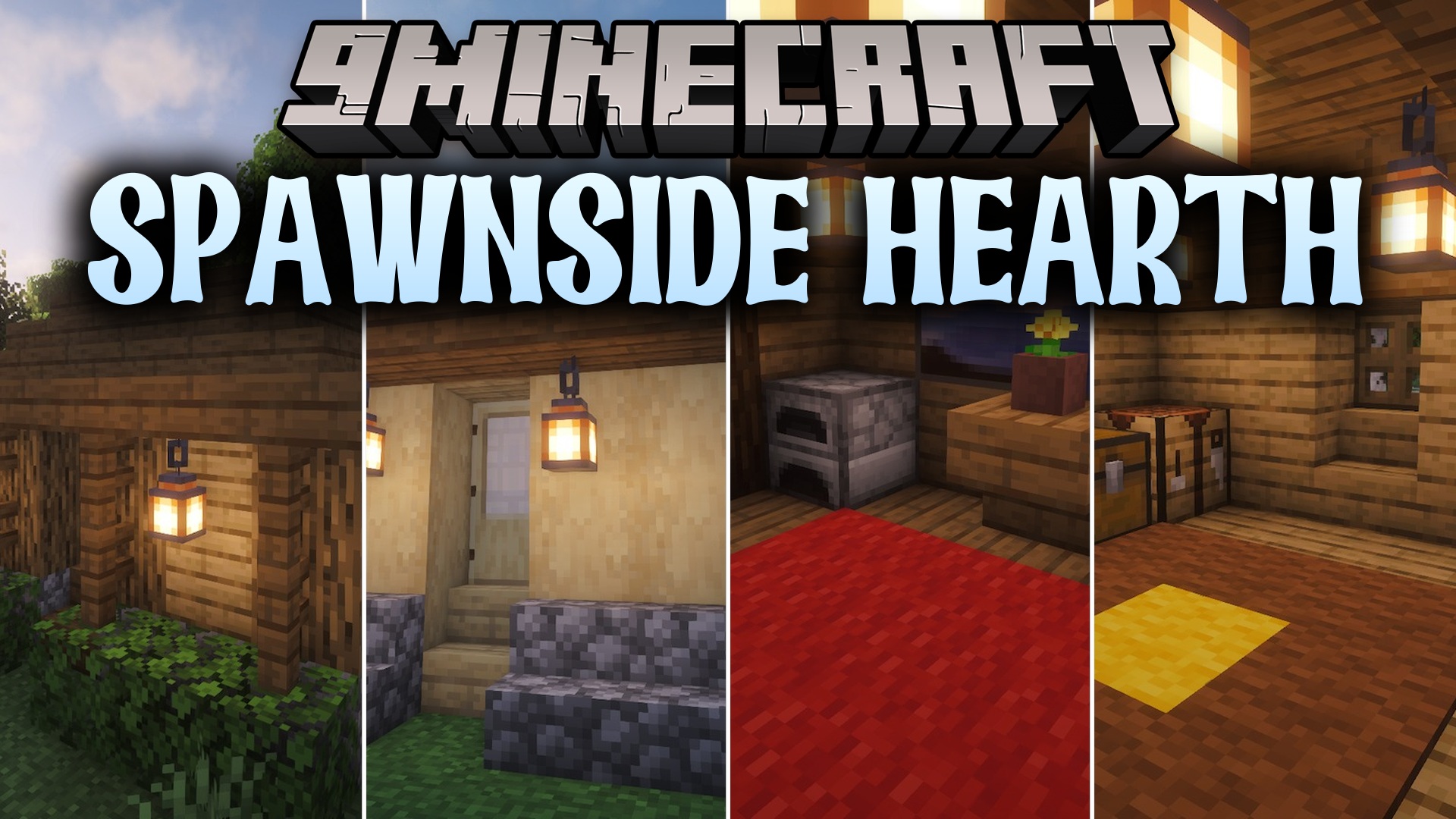
Spawnside Hearth Mod spawns a cozy starter house right at your world spawn point when you create a new world. This mod gives you a safe shelter with basic survival items so you can easily make it through your first night. It builds everything with vanilla blocks, meaning the structure stays in place even without extra block mods. You can also turn on an expanding village mode where every new player gets a personal home and connecting paths.
Features:
- Creates a small wooden shelter right at the world spawn location as soon as a new world generates.
- Adapts building placement to match the height and shape of the natural terrain.
- Selects randomly from several starter house designs for unique base layouts.
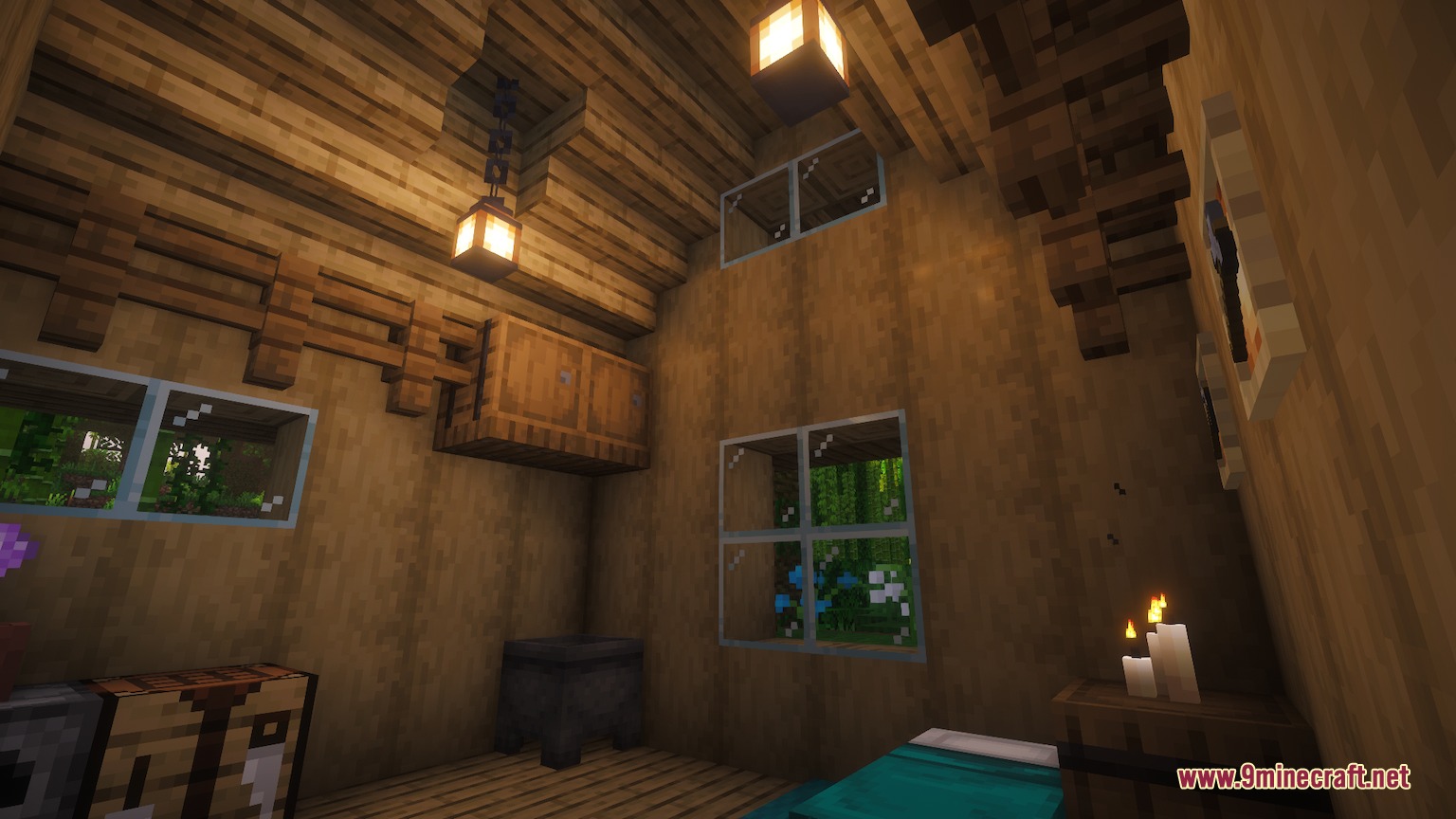
- Fills a starter chest with basic food, wooden tools, and torches for early survival.
- Places a bed and lighting inside the house so you can set your spawn point immediately.
- Uses vanilla blocks only, keeping the buildings intact even if the mod is removed later.
- Works smoothly in multiplayer where joining players can share the spawn base.
- Offers an optional village mode that adds new homes and pathways as more players join the server.
- Adds extra village decorations like wells, farm plots, storehouses, and sheds as the town grows.
Commands:
/beginnersdelight village enable: turns on village mode to build new homes for joining players./beginnersdelight config reload: reloads settings from the configuration file without restarting the world.
How to Use:
- Create and load into a new Minecraft world.
- Locate the generated wooden shelter right next to your spawn point.
- Open the chest inside to collect your starter food, tools, and torches.
- Right-click the bed inside to set your respawn point before night arrives.
Screenshots:
Spawnside Hearth Mod Download Links
Quick facts
- Edition: Minecraft Java
- File type: .jar
- Minecraft version listed: 1.20.1
- How to install: Install the matching mod loader (Forge, Fabric or NeoForge) for your Minecraft version. → Download the .jar. → Put it in the .minecraft/mods folder and launch that loader profile.
- Where to get it: In MC Java Mods, or directly above on this page.
Install steps are the general flow for this file type — How to install Minecraft Java mods & modpacks walks through it step by step.
File checked by MCModsHub
- Downloads as 500897.mcaddon
- Download size: 516 KB
- Download link checked 23 Sept 2026 — working
- Mirrored on our own servers — the download does not depend on the original host
These come from our own check of the pack file, not from the source page.