
ModsJava
Vibe Wire Audio Mod (1.21.1, 1.20.1) – Host Live Concerts with Custom Music
Java mod listed for Minecraft 1.20–1.21. File opened and checked on 16 Oct 2026; downloads from the MC Java Mods app on Android.
⬇ Download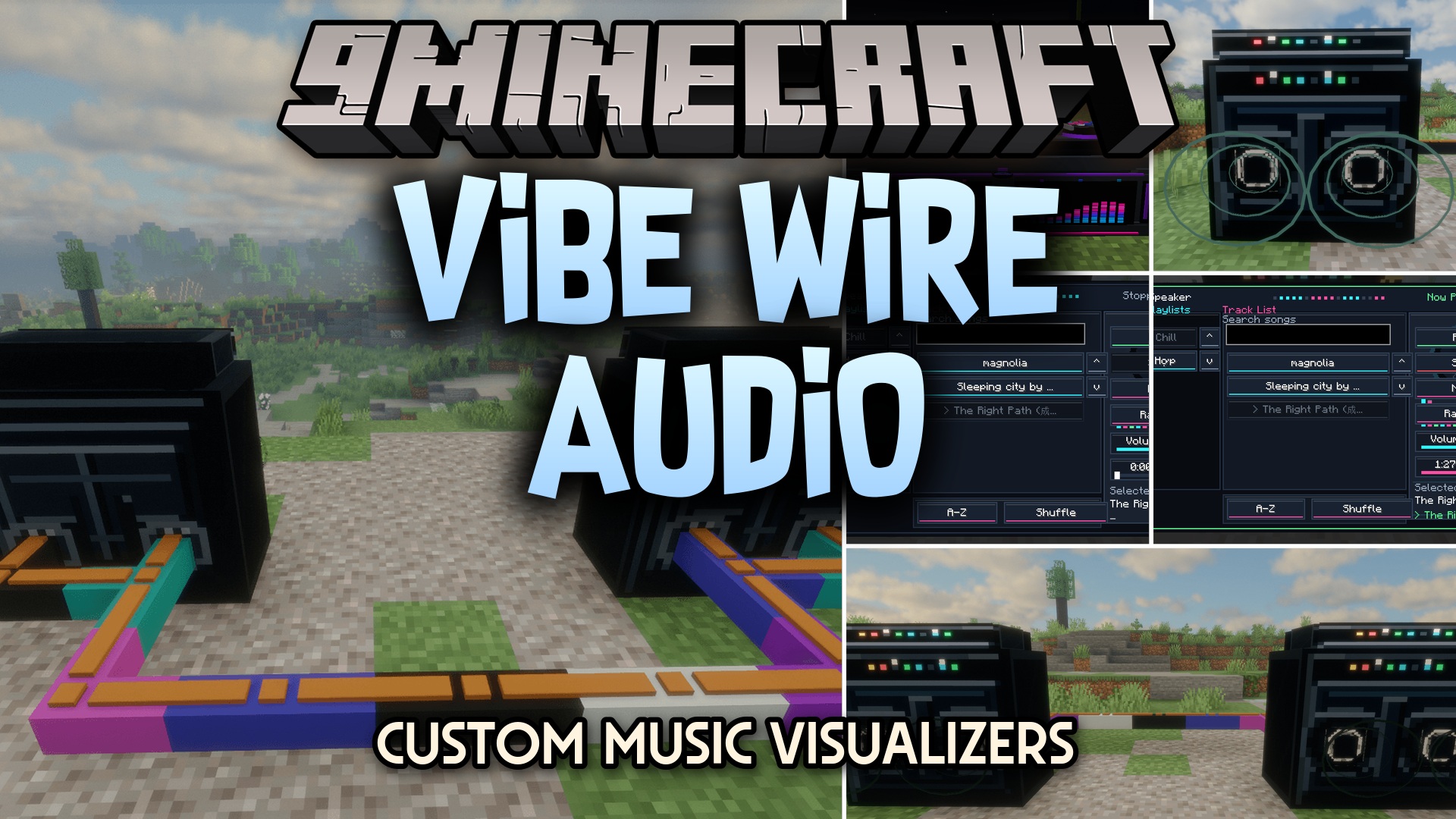
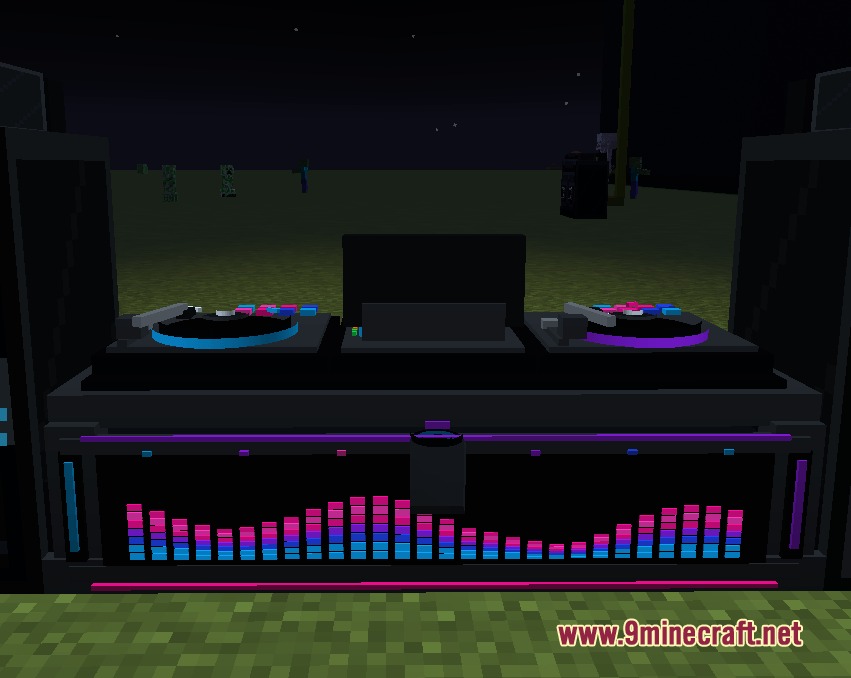
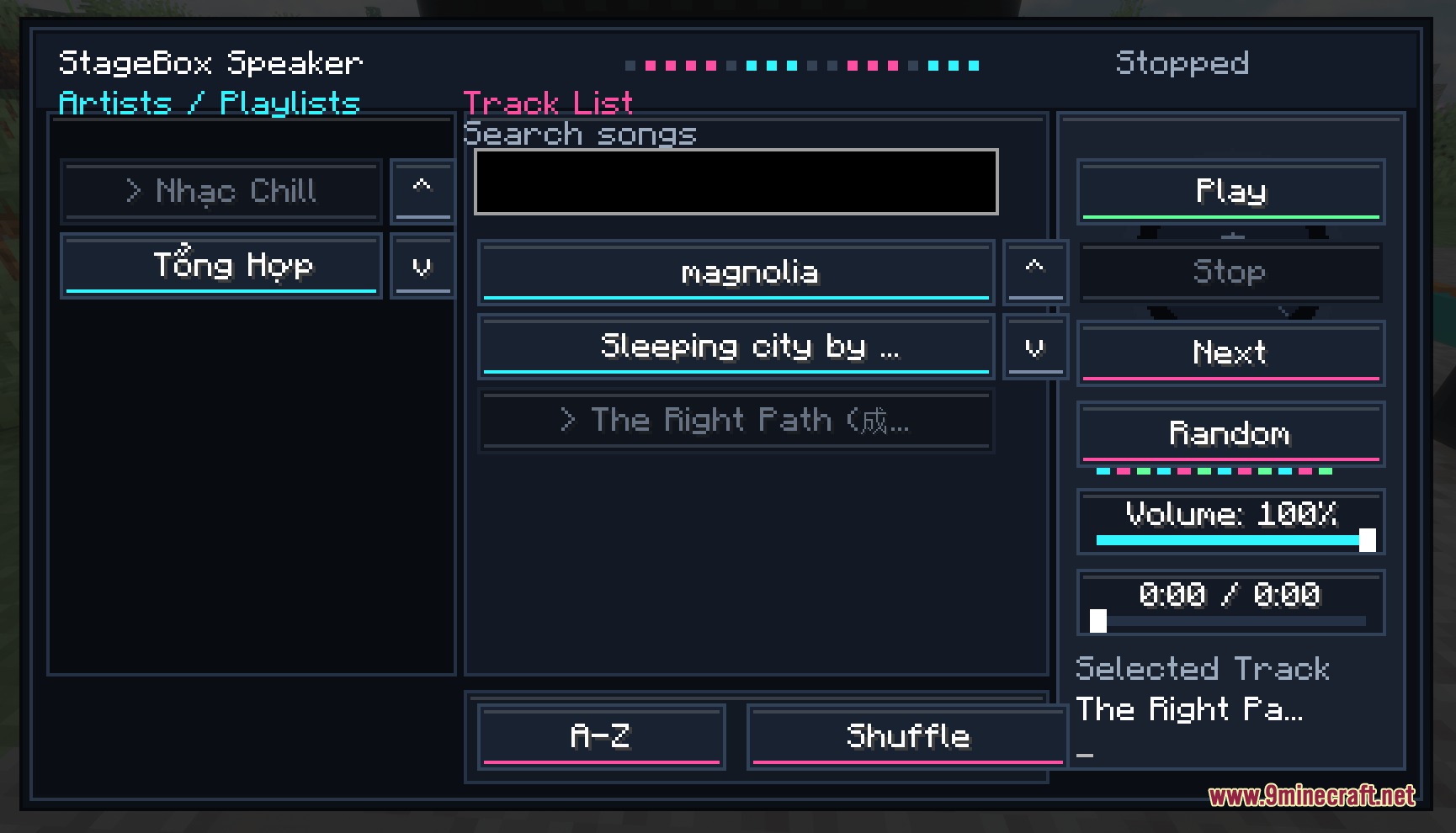
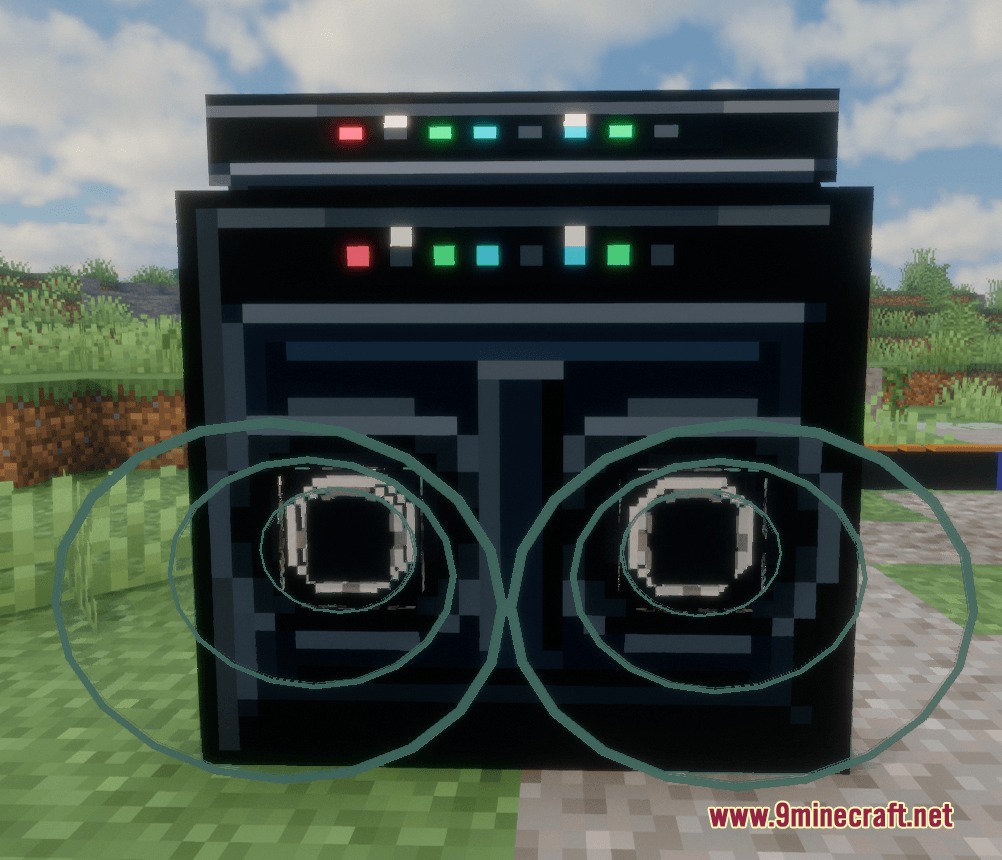
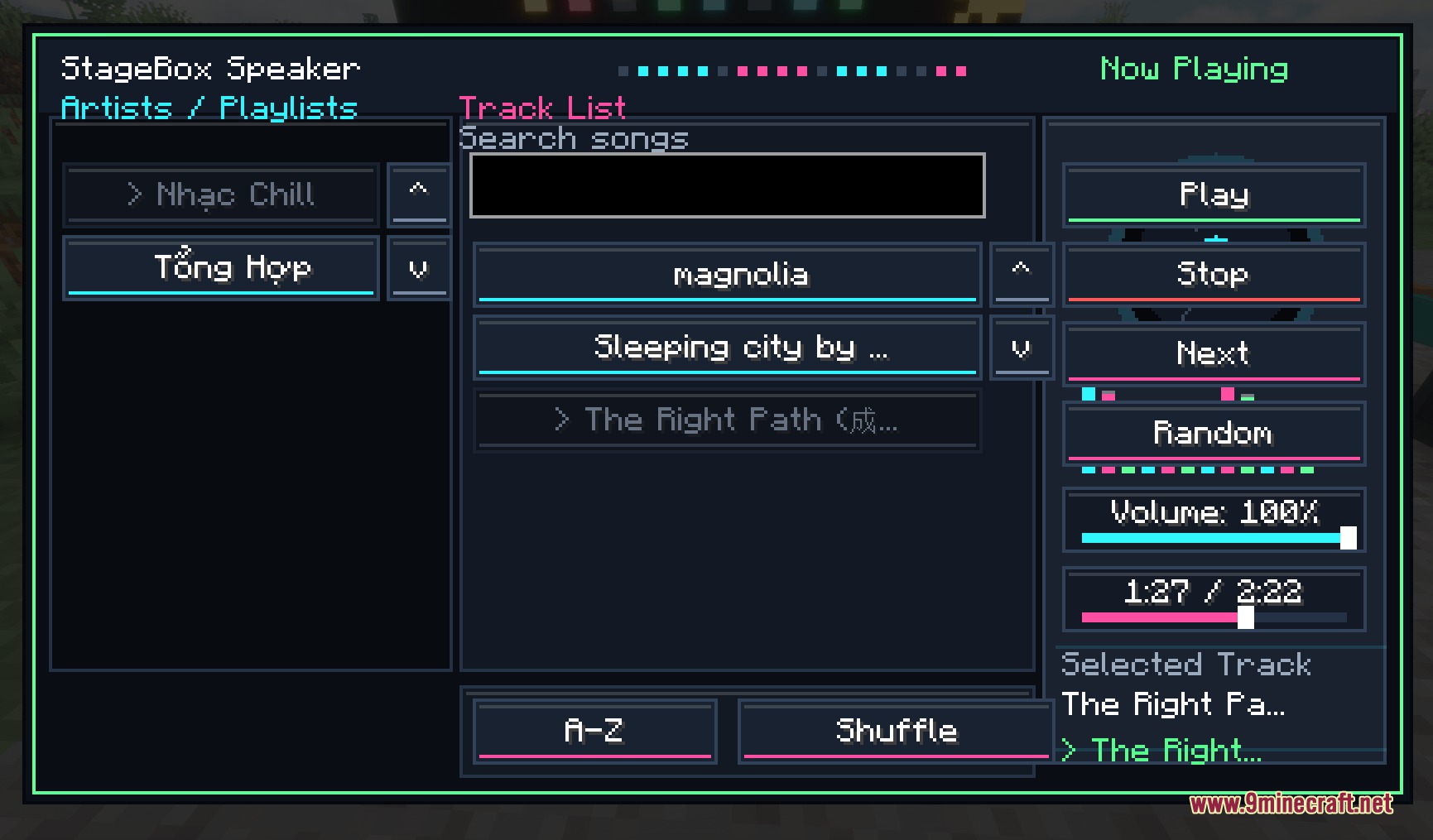
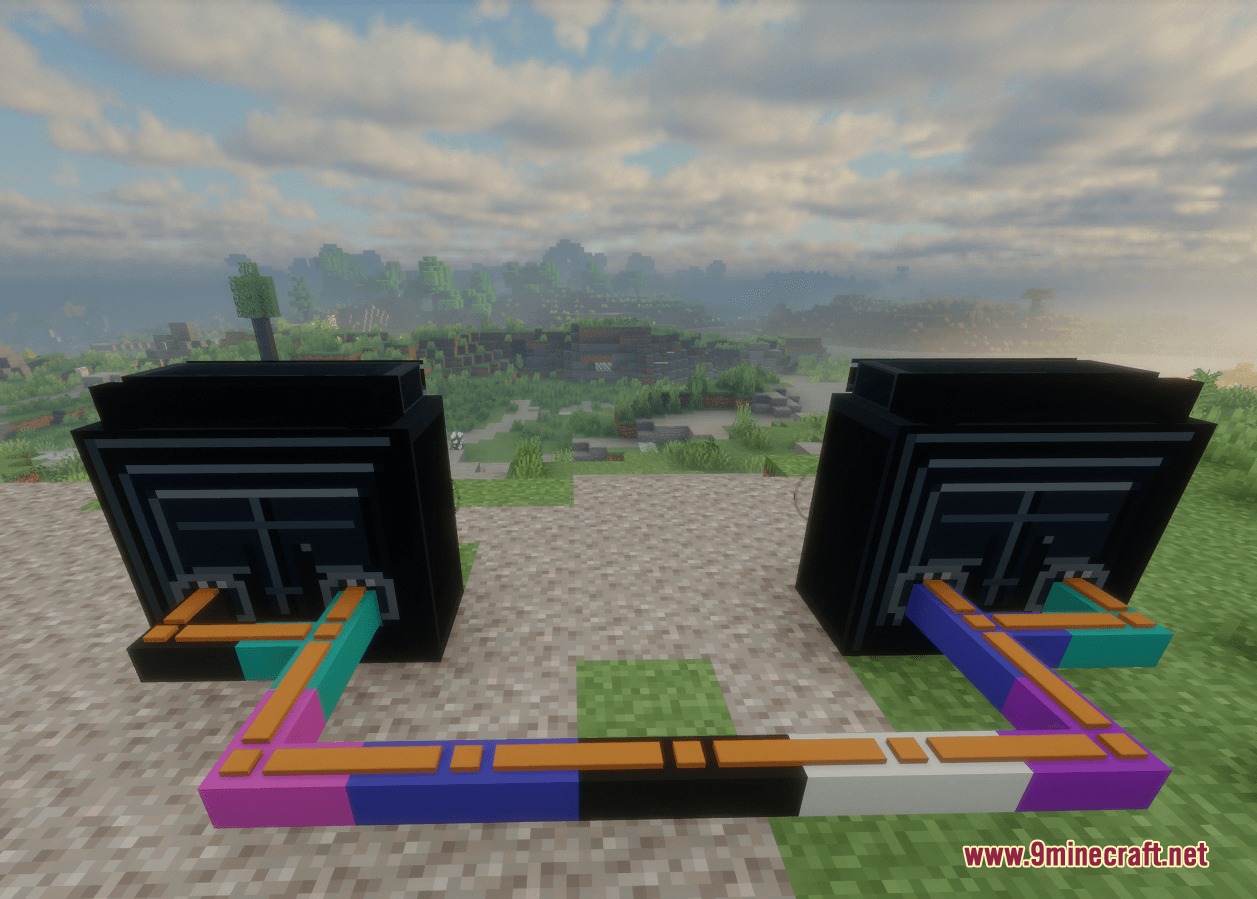
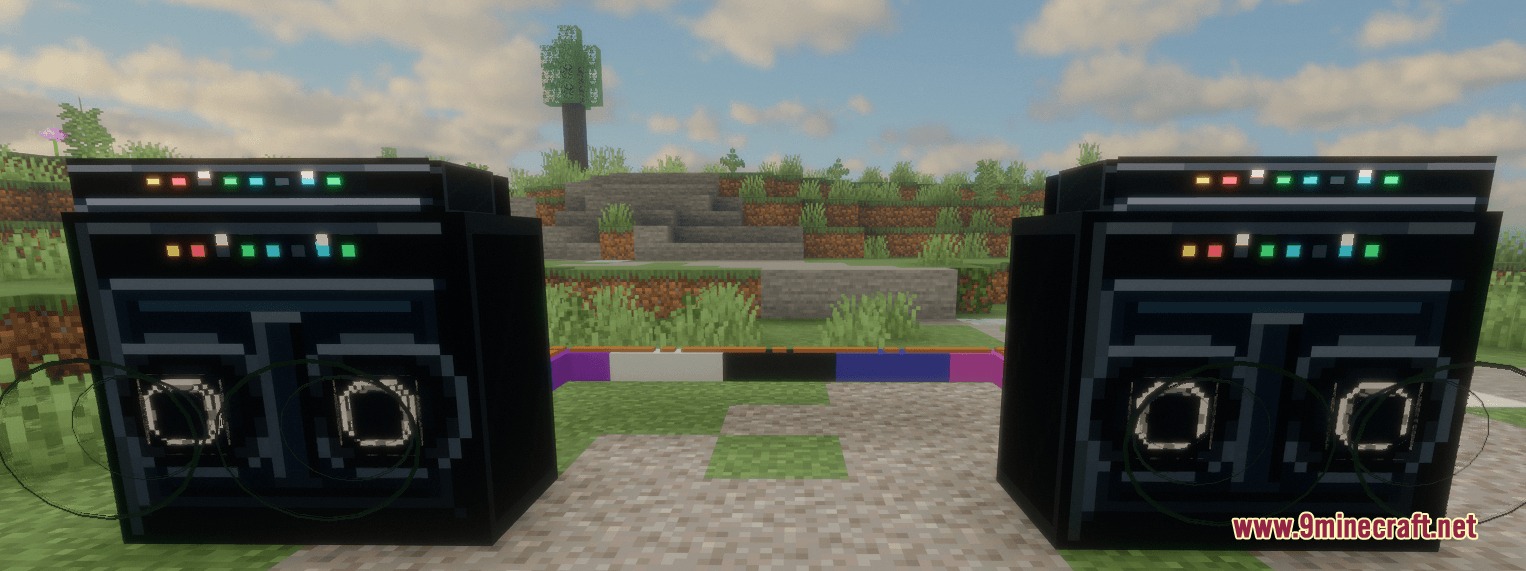
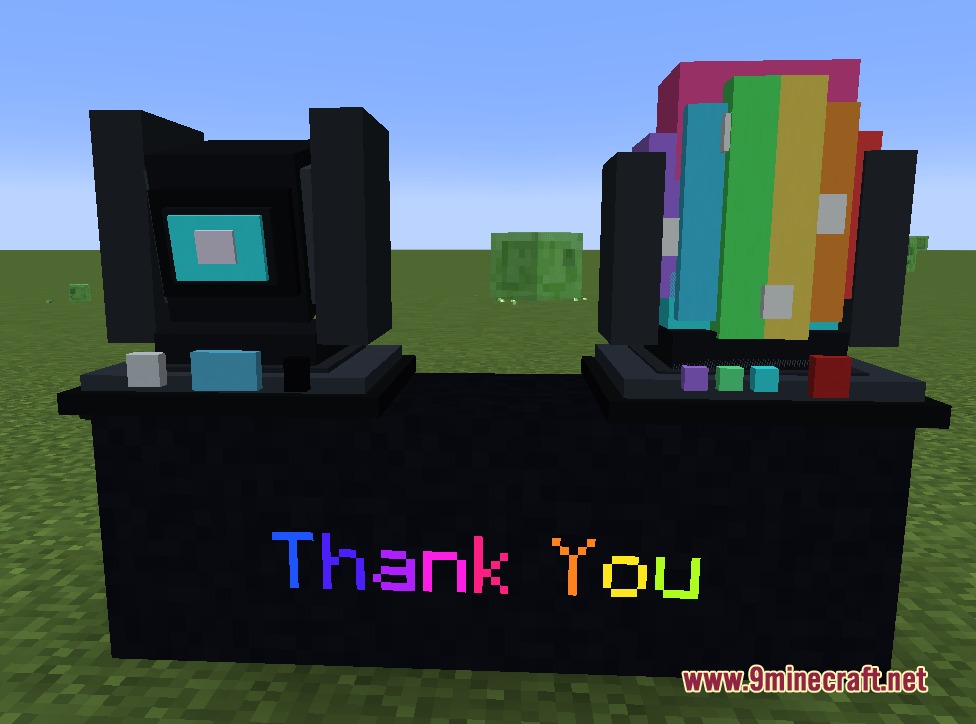
Vibe Wire Audio Mod transforms your world into a live concert arena with custom music playback, stage lights, and special effects. You can wire speakers together, control your tracklist from a colorful DJ booth, and set up light shows that react to the music. Vanilla parrots even dance along when placed near active speakers.
Features:
- Plays custom .ogg music files and lets you organize songs into folder-based playlists.
- Features animated speaker cones that pulse while music plays.
- Includes a full DJ Controller booth with animated turntables, EQ meters, and multiple color options.
- Synchronizes audio across multiple speakers connected through the in-game cable system.
- Adds moving stage lights with laser modes like sweep, pulse, and fan.
- Spawns rotating disco balls that scatter colorful beams across dance floors.
- Allows players to construct large LED screens that display scrolling custom text and animations.
- Provides Pixel Light strips with 16 distinct animation modes including rainbow, comet, and strobe.
- Includes automated tracking spotlights that follow the nearest or chosen player across the stage.
- Features smoke machines with adjustable output speed, spread, and atmospheric haze modes.
- Adds spark fountains that produce safe, fire-free visual sparks in various colors.
- Parrots dance automatically whenever they stand near an active speaker.
Special Effects and Lighting:
- Laser Modes: sweep, pulse, and fan beam patterns.
- Disco Lights: rotate, sparkle, and orbit movement styles.
- Smoke Modes: continuous, burst, pulse, rolling, haze, wave, ramp, swell, intermittent, and random.
- Spark Colors: gold, white, orange, red, green, blue, cyan, magenta, and rainbow.
How to Use:
- Place your custom .ogg audio files inside subfolders within the
config/stagebox/musicdirectory. - Place a speaker block down in your world and connect it to a DJ Controller using cables.
- Open the DJ Controller interface to select a playlist, adjust volume, and start playback.
- Link stage lights, smoke machines, and LED screens with cables to sync visual effects to your music.
Screenshots:
Vibe Wire Audio Mod Download Links
Quick facts
- Edition: Minecraft Java
- File type: .jar
- Minecraft versions listed: 1.21.1, 1.20.1
- How to install: Install the matching mod loader (Forge, Fabric or NeoForge) for your Minecraft version. → Download the .jar. → Put it in the .minecraft/mods folder and launch that loader profile.
- Where to get it: In MC Java Mods, or directly above on this page.
Install steps are the general flow for this file type — How to install Minecraft Java mods & modpacks walks through it step by step.
File checked by MCModsHub
- Downloads as 500900.mcaddon
- Download size: 1.0 MB
- Download link checked 24 Sept 2026 — working
- Mirrored on our own servers — the download does not depend on the original host
These come from our own check of the pack file, not from the source page.