ModsJava
Botanical Undead Warfare Mod (26.1.2) – Defend Your Base with Living Plant
Minecraft Java mod. Downloads from the MC Java Mods app on Android.
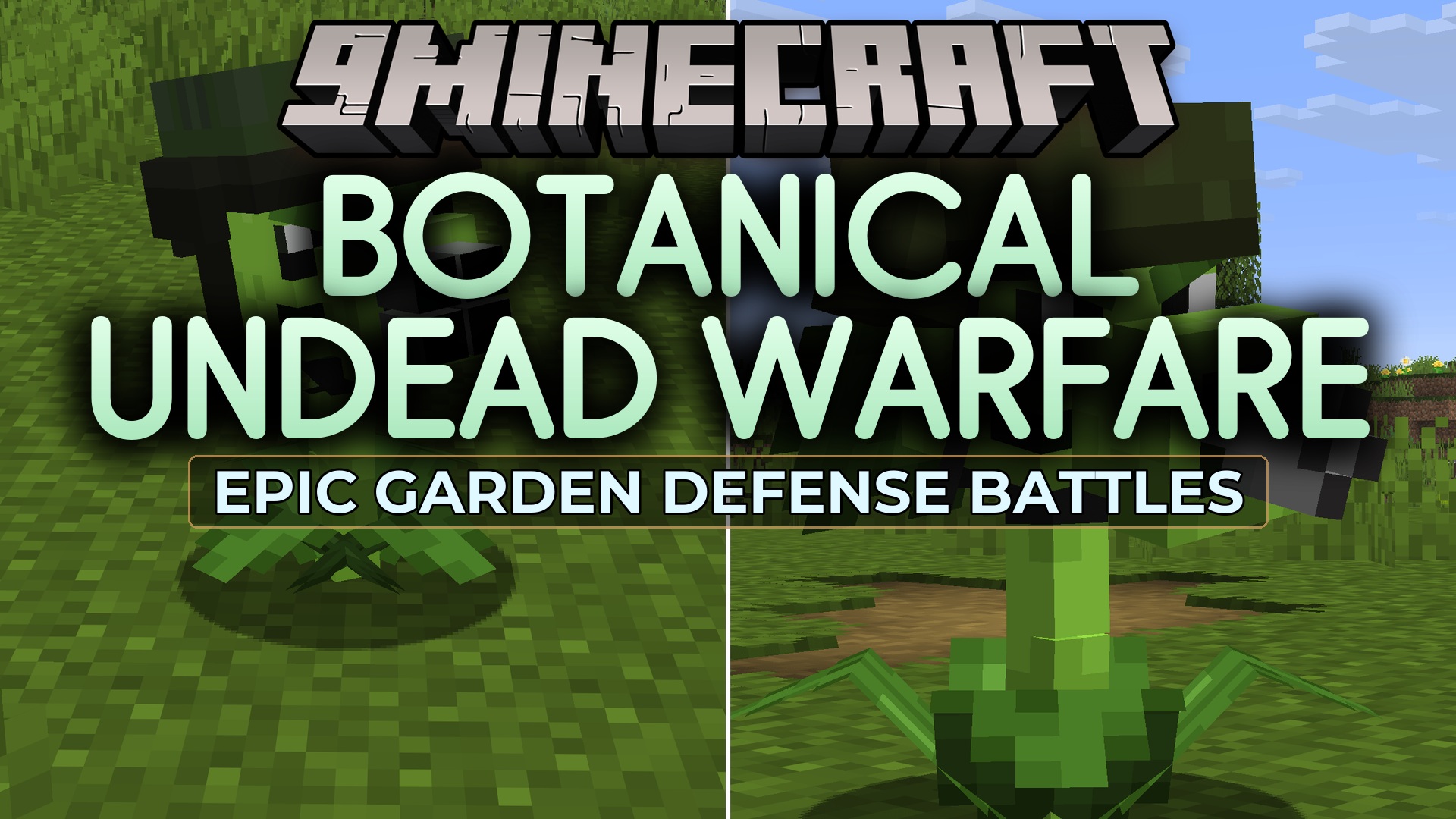
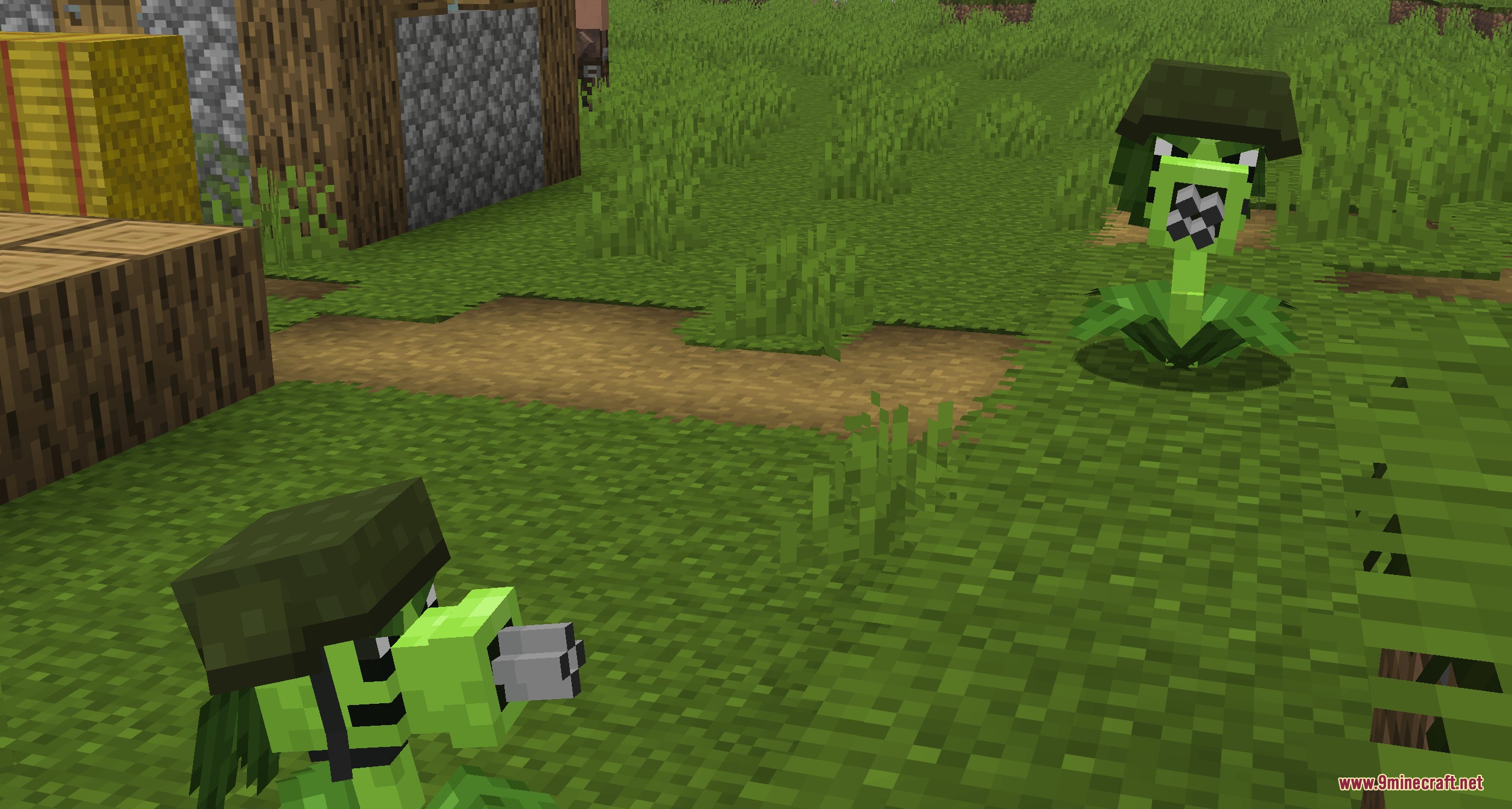
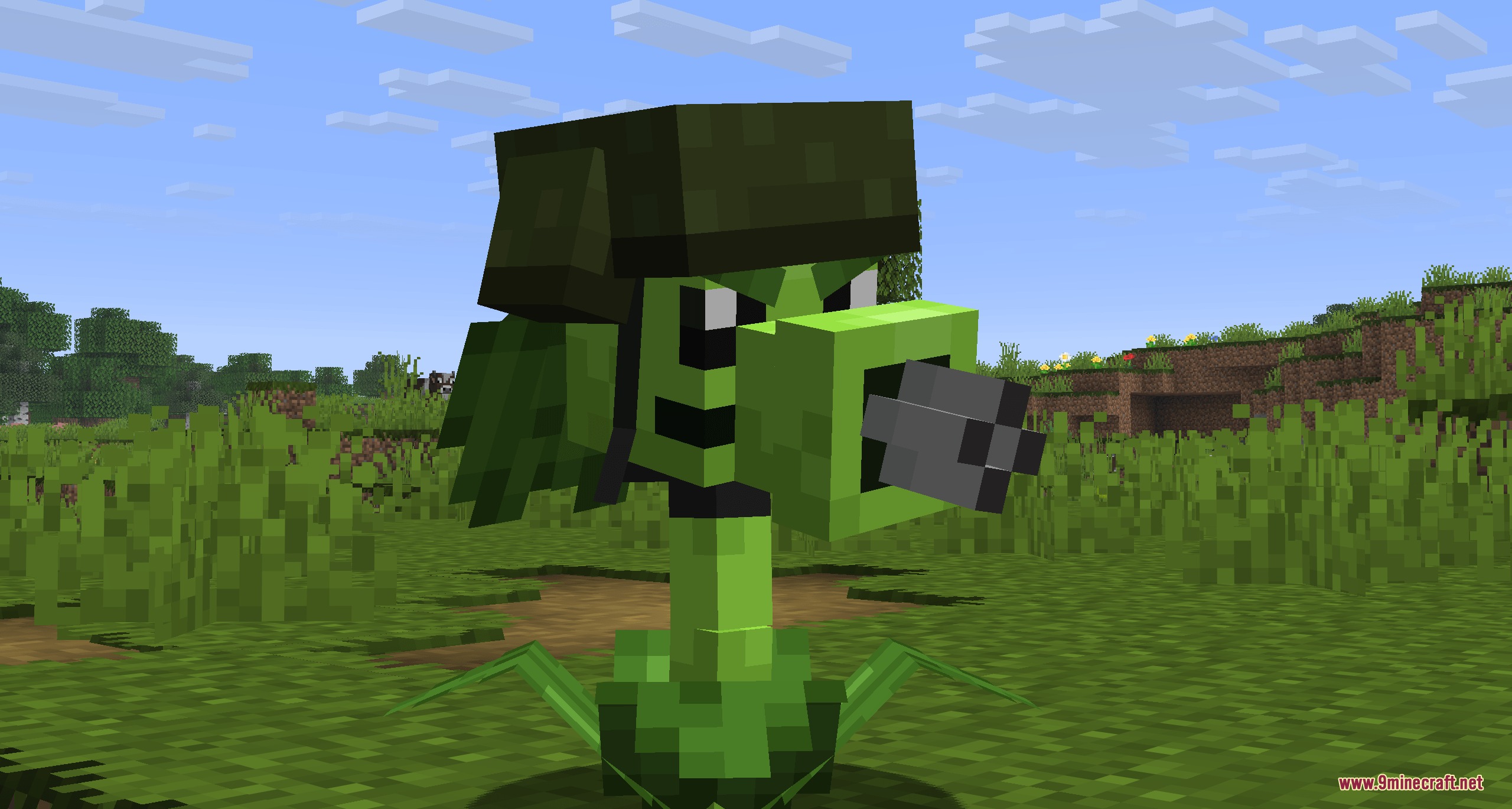
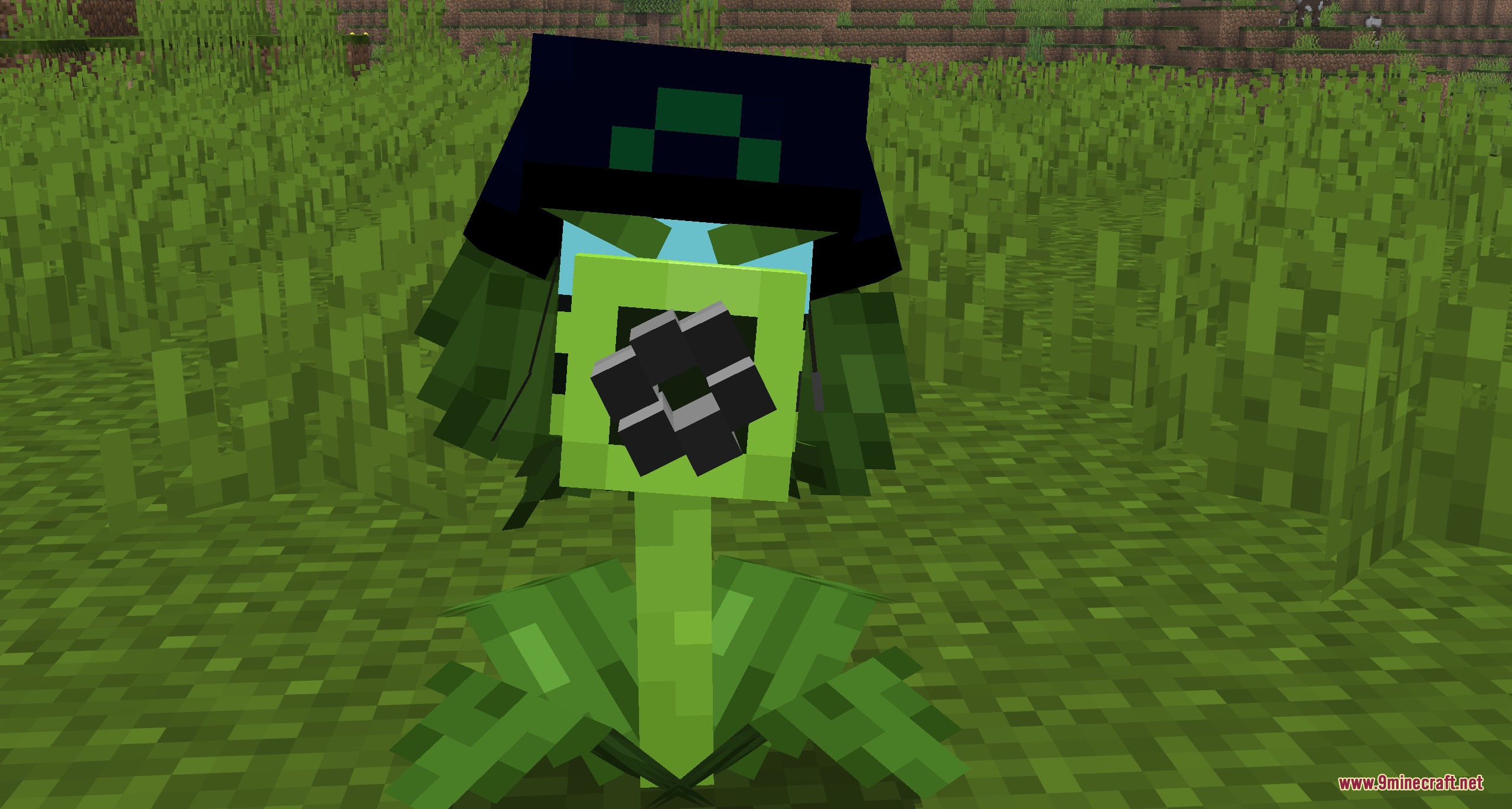
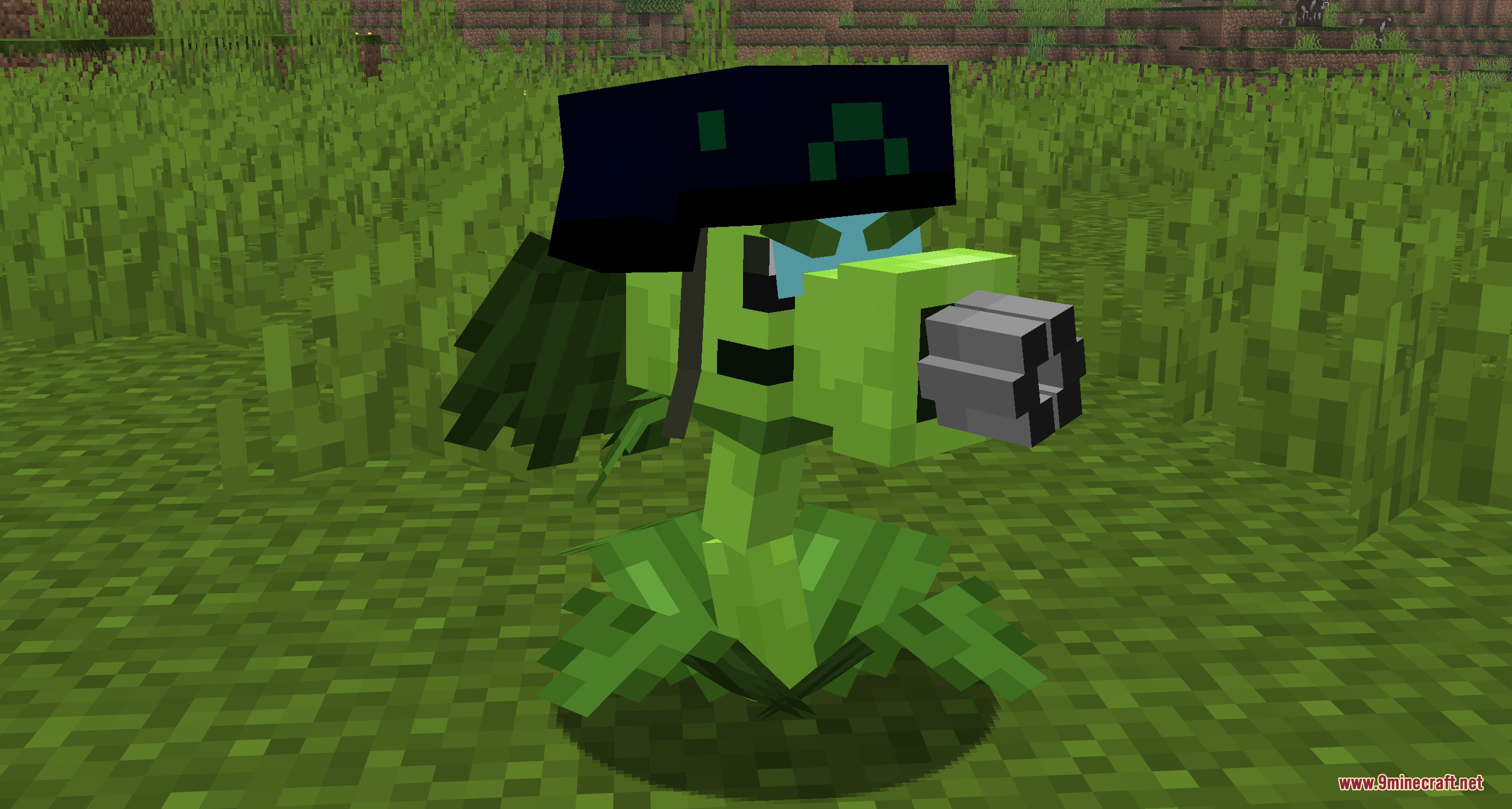
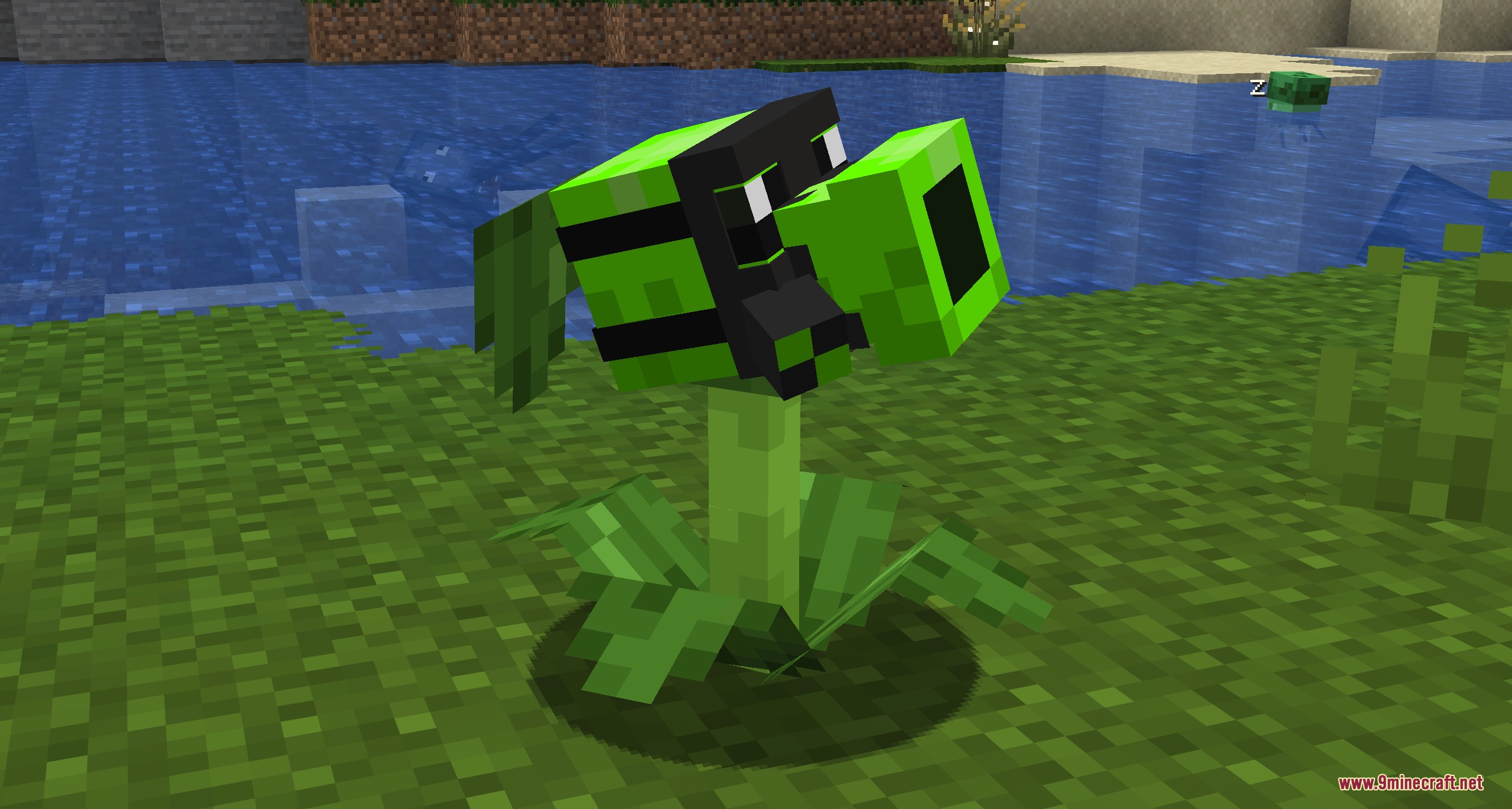
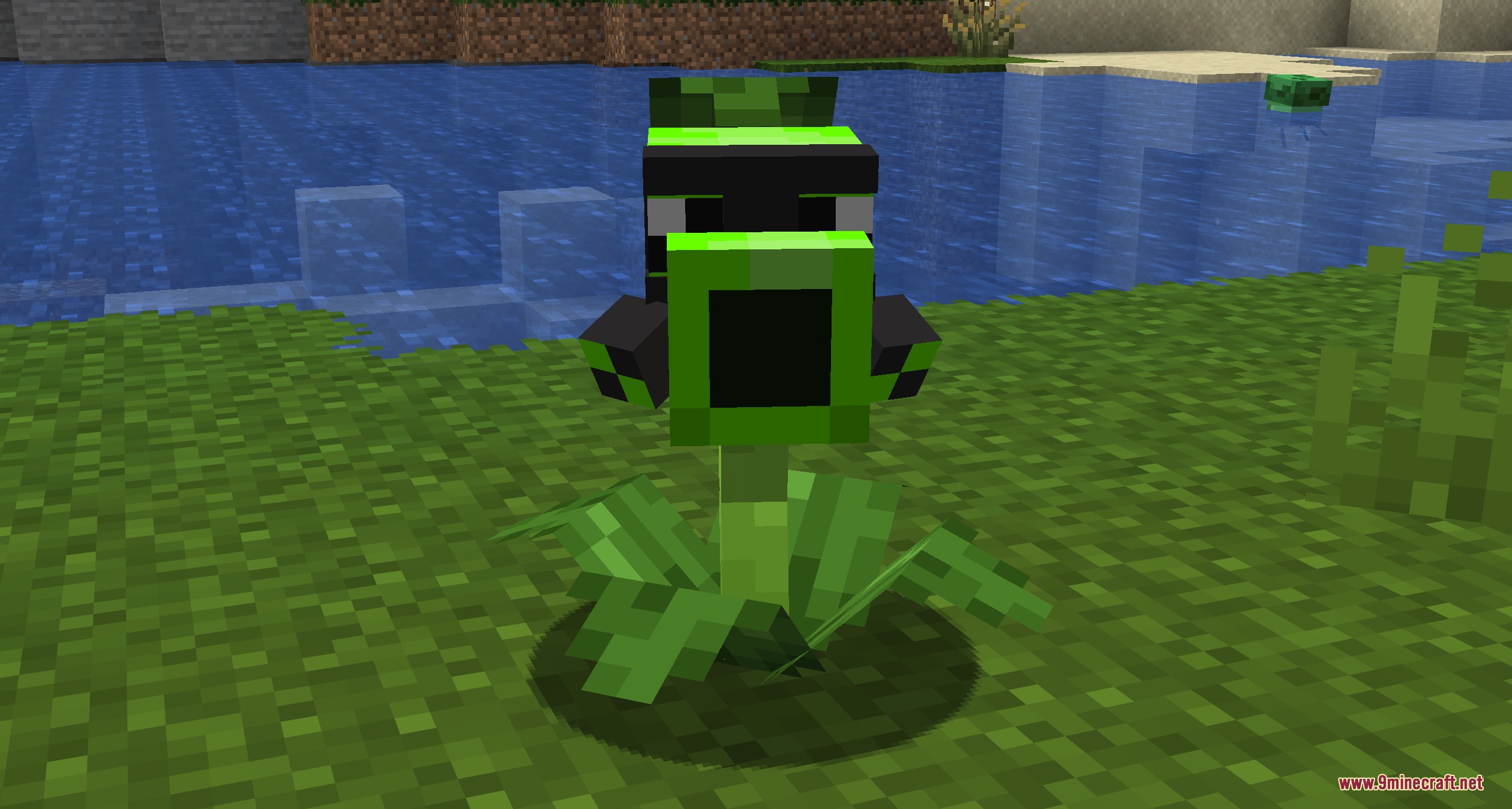
⬇ DownloadBotanical Undead Warfare Mod extends Plants and Zombies with new combat plants and friendly defenders. It introduces plant allies like Gatling Peas, elemental shooters, and Garden Warfare units to guard your base against hostile monsters. You can recruit these leafy soldiers using sun points to fight off zombies, skeletons, spiders, and illagers.
Features:
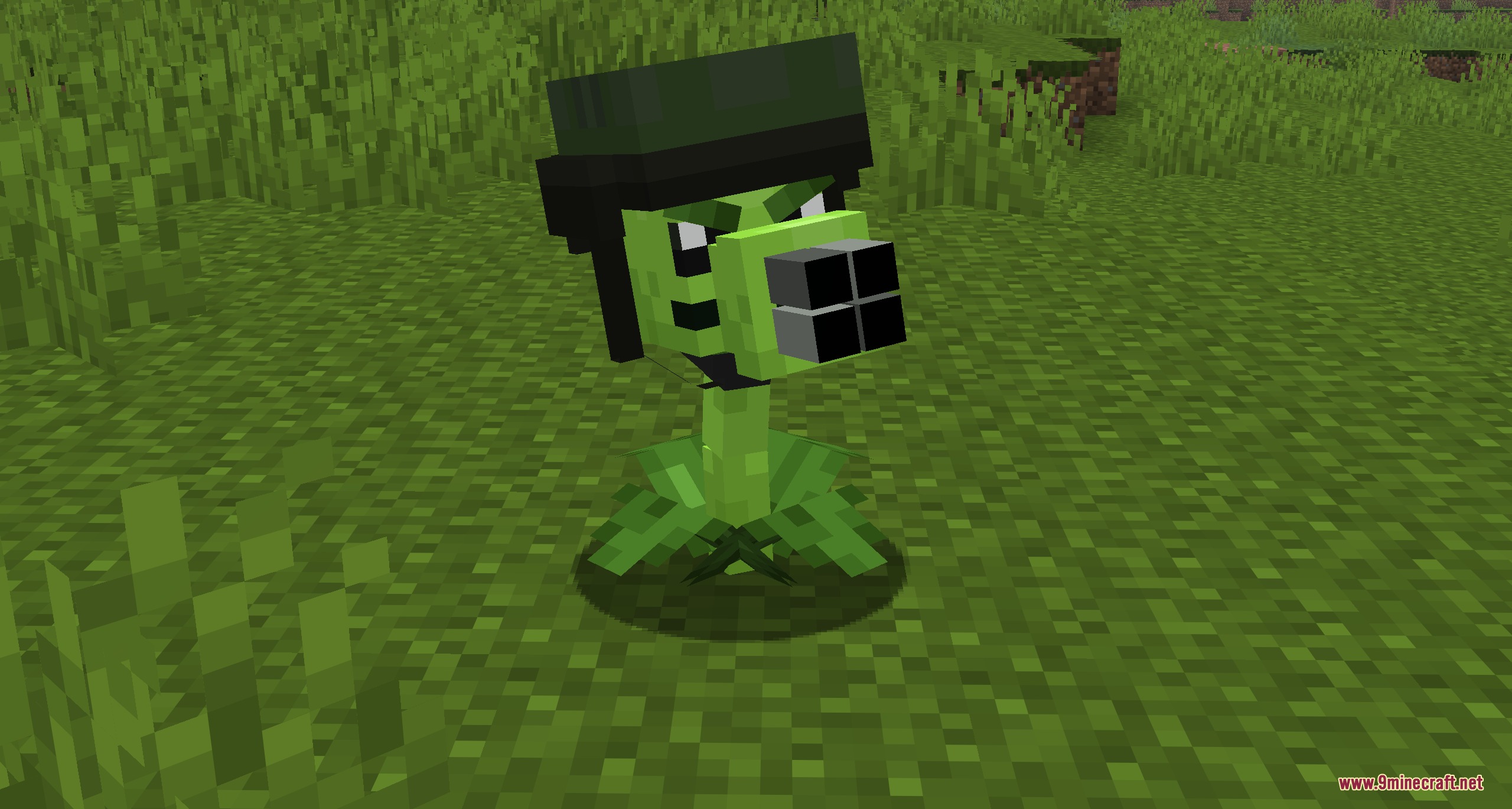
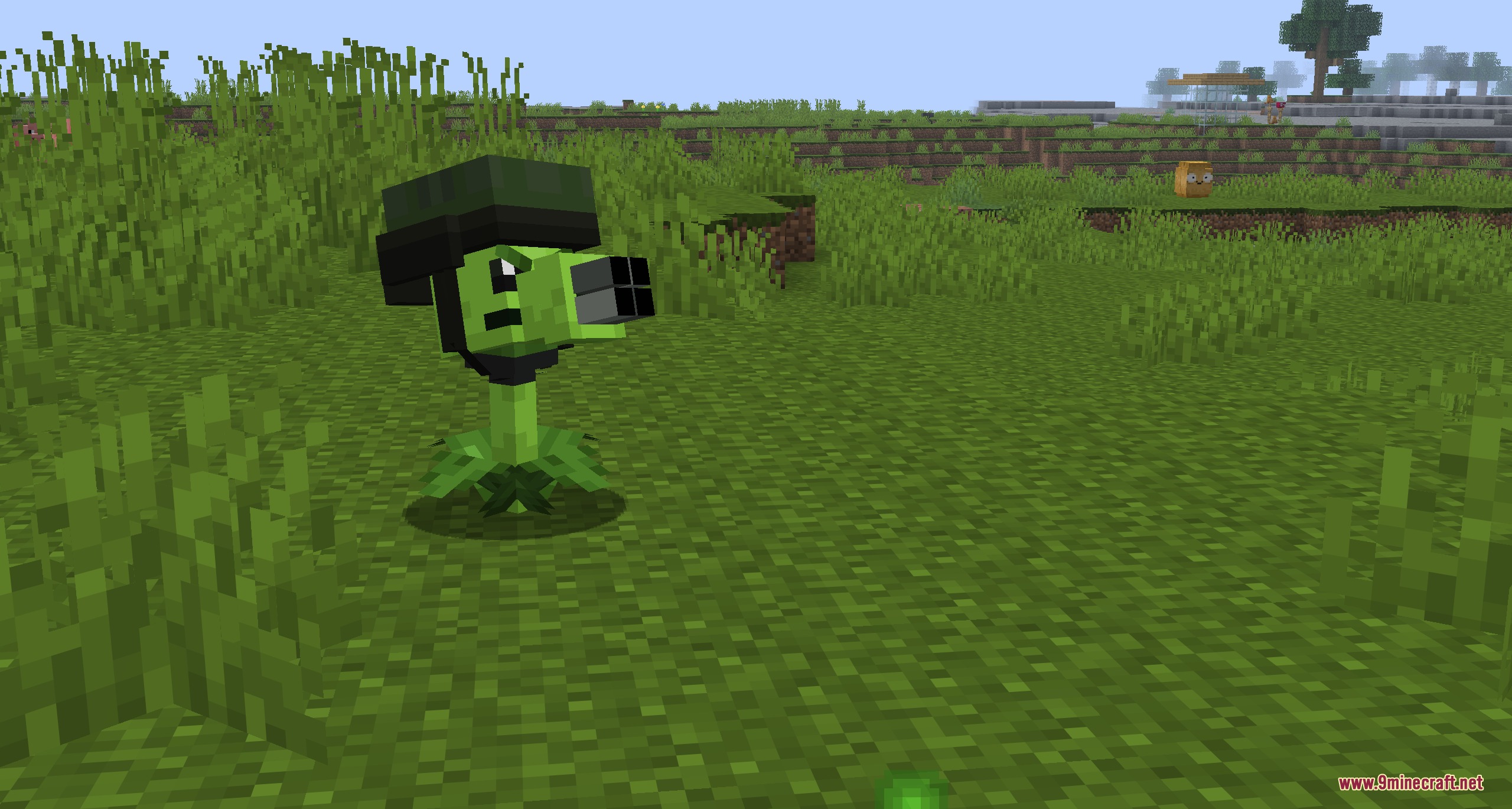
- Gatling Pea fires rapid bursts of four peas at hostile targets.
- Mega Gatling Pea unleashes heavy pea volleys with a chance to trigger a massive twenty-pea barrage.
- Toxic Pea fires poisoned shots that leave lingering damage on enemy zombies.
- Law Pea delivers high-damage attacks across long distances.
- Garden Warfare units feature interactive modes to follow, stay, wander, or act as fixed turrets.
- Garden Warfare Peashooters drop Chili Bean Bombs or Sombrero Bean Bombs when their health drops low.
- Seed packets spawn in chests inside dungeons, mineshafts, temples, shipwrecks, and villages.
- Farmer villagers and Wandering Traders offer plant seed packets for trade.
Sun Energy Costs:
- Solar Pea: 6 Sun
- Toxic Pea: 7 Sun
- Peanut and Chili Bean Bomb: 8 Sun
- Law Pea: 9 Sun
- Gatling Pea, Twin Sunflower, and Bamboo Shoot: 10 Sun
- Plasma Pea and Sombrero Bean Bomb: 12 Sun
- Garden Warfare variants: 15 Sun
- Cob Cannon: 50 Sun
How to Use:
- Find seed packets in structure loot chests, trade with farmers, or craft them at a crafting table.
- Collect enough sun points to meet the summoning cost of your chosen plant.
- Place the plant down to automatically target and shoot approaching hostile mobs.
- Right-click Garden Warfare units to switch between follow, stay, wander, and turret modes.
Screenshots:
Botanical Undead Warfare Mod Download Links
Quick facts
- Edition: Minecraft Java
- File type: .jar
- How to install: Install the matching mod loader (Forge, Fabric or NeoForge) for your Minecraft version. → Download the .jar. → Put it in the .minecraft/mods folder and launch that loader profile.
- Where to get it: In MC Java Mods, or directly above on this page.
Install steps are the general flow for this file type — How to install Minecraft Java mods & modpacks walks through it step by step.
File checked by MCModsHub
- Downloads as 500901.mcaddon
- Download size: 766 KB
- Download link checked 24 Sept 2026 — working
- Mirrored on our own servers — the download does not depend on the original host
These come from our own check of the pack file, not from the source page.