Anomalous Effect
Custom unique effects to help spice up the vanilla gameplay and for content. Free Minecraft Bedrock addon for 26.10.
⬇ Download on CurseForgeThe author built this one for Minecraft 26.10. On other versions it may install and then do nothing.
Introduction
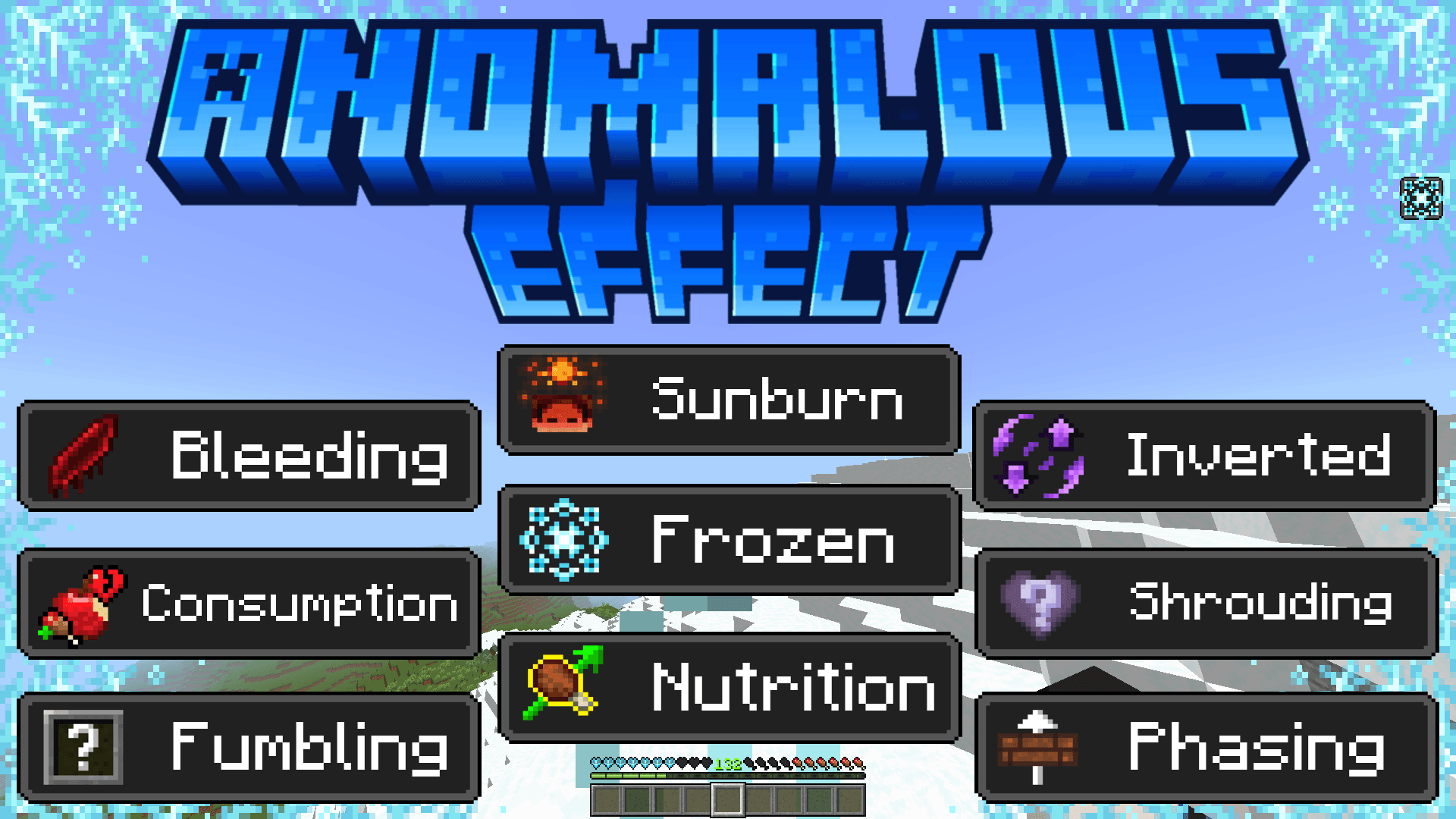
- Shrouding: Hides your health
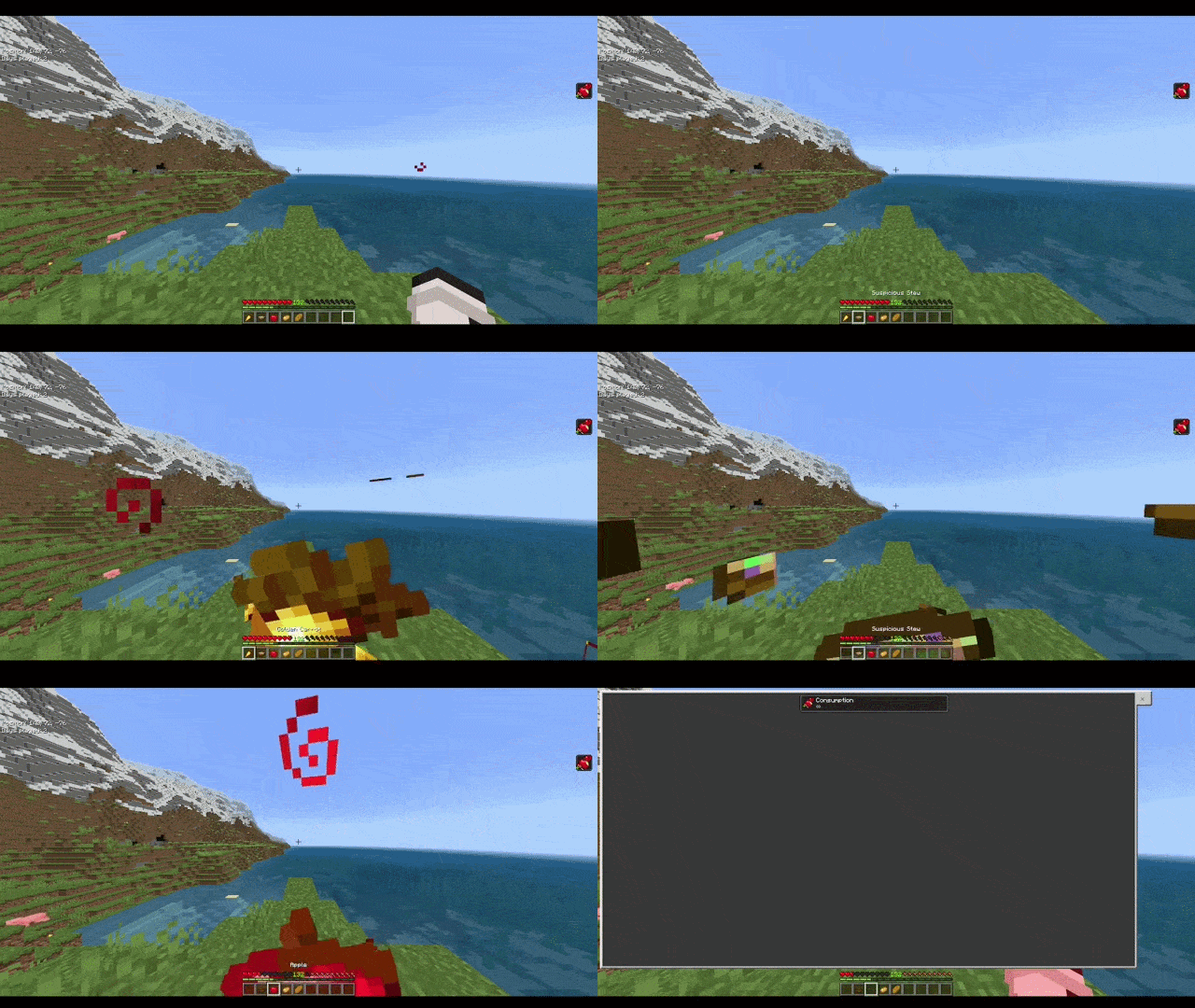
- Consumption: Eating results in health lost depending on the amount of hunger points you receive
- Frozen: Ice covers your screen and hearts as you take damage every 2 seconds
- Inverted: Sneaking will allow you to jump
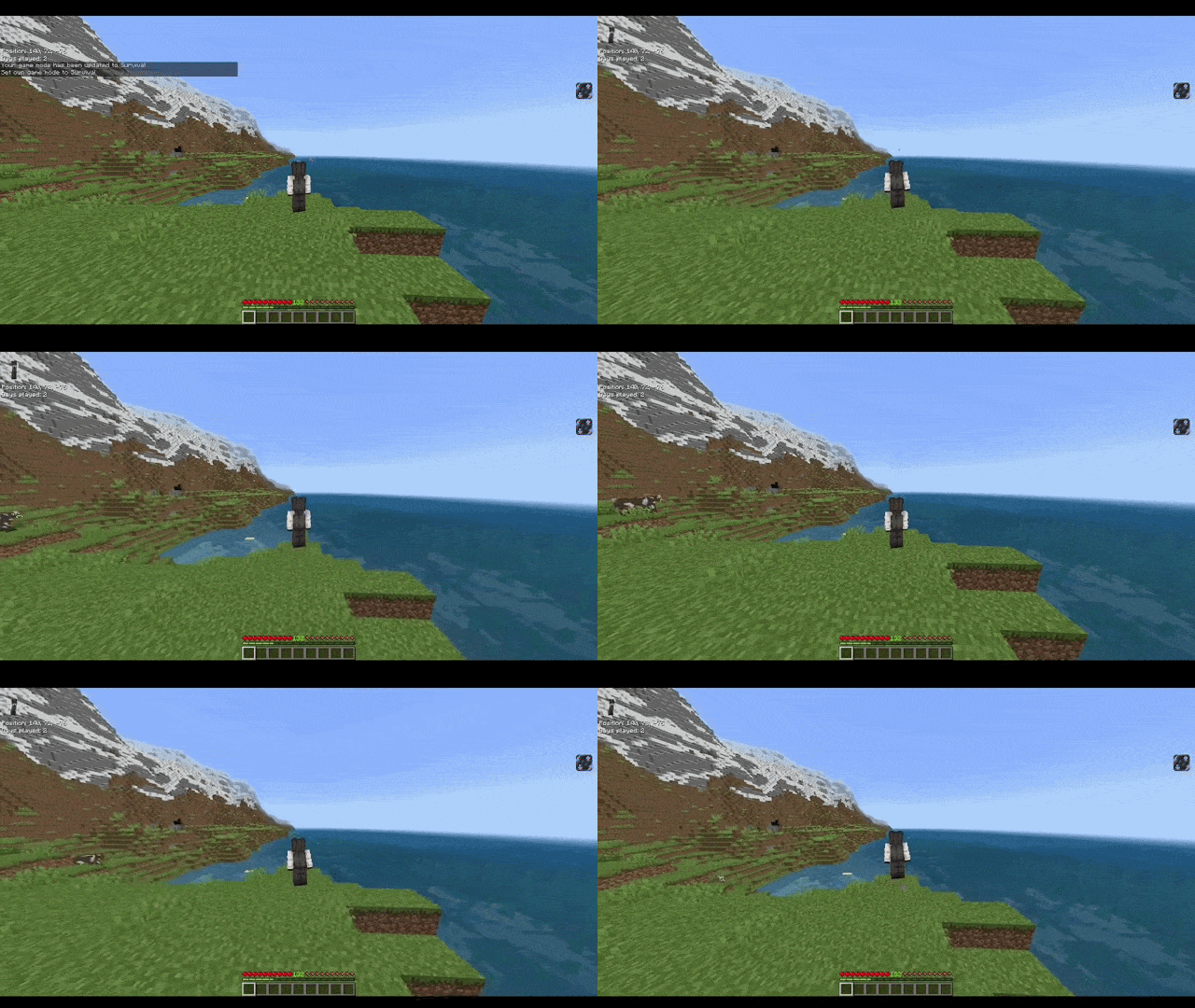
- Fumbling: Hides your hotbar
- Phasing: No clip through one layer walls
- Bleeding: Taking damage will take half a heart 3 times every 2 seconds
- Nutrition: Doubles your hunger bar(s) from the amount you receive
- Sunburn: Burn from the sun in daylight
Milk potions aren't an effect, they just remove them.

Shrouding, Consumption, Frozen, Inverted, Fumbling, and Phasing are the only potions obtainable in survival by brewing. The rest of the effects are can be done using the command /seteffect or /ae:seteffect.
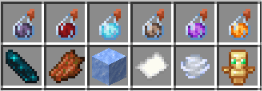
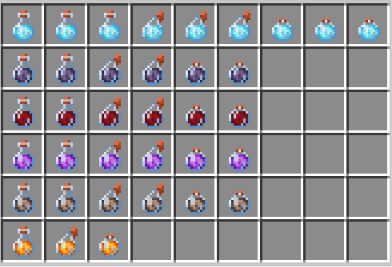
The effect has their own color which shows the particle color of the effect, making it easier to know which effect they have.
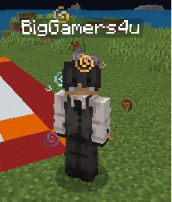
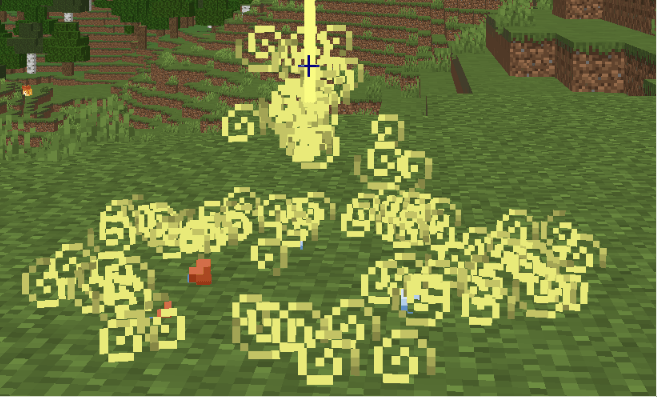
For command that you don't want to see the pop up message when the command is entered, use command /seteffect_no_message or /ae:seteffect_no_message.
For tags you can give them a tag instead of using the commands. Effect:Frozen-0_45s. Another method for the tag method. Tag options:
- Effect:Frozen-0_45s_p
- Effect:Frozen-0_45s_a
- Effect:Frozen-0_45s_p_a
- Effect:Frozen-0_45s_a_p
- Effect:Frozen-0_1m
- Effect:Frozen-1_45s
"_p" tells that this shouldn't show the particle on the player.
"_a" tells that it's an ambient effect.
"{number}m" tells the script is a minute instead of a second(s).
"-1" is the amplifier which will show Frozen II, so "-3" is Frozen IV.
The effects even have an ambient option.
/ae:seteffect @s bleeding -1 0 true true
the true at the very end is if it's an ambient. If true it shows the ambient one.
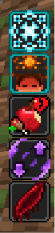
The effects work with the other vanilla effects.
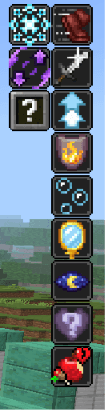
The mob effect screen can either be activated by pressing Tab key or on touch screen just click the effect showing on the right side of the screen.
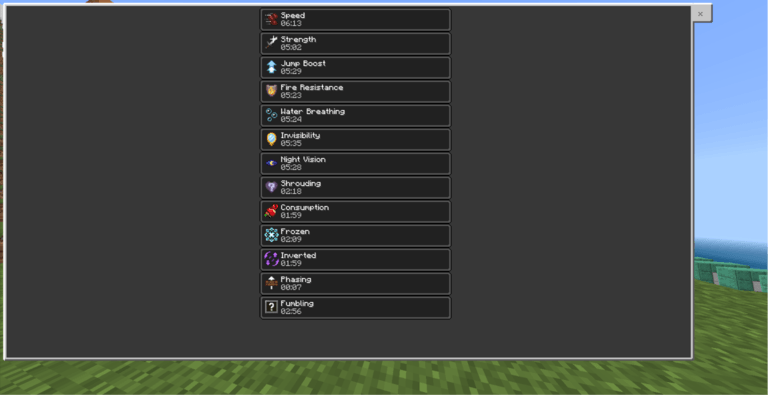
WARNING
If you have touch screen players then use this option instead since the other options don't allow them to close the mob screen.

Compatible Handling
Item Compatibility
For addons that want to be compatible with this addon, I added a few code which handles compatibility.
For your own custom potions, you will need to make your own system to throw the item and give out the item. For the item(s), in minecraft:tags add ae:bottle_1_30s. This tells the script that this item is a bottle with an amplifier of 1 and lasts 30 seconds.
Now after that, add another of what the effect is ae:frozen. This tells the script that the effect is a Frozen effect.
With these it gives us tag Effect:Frozen-1_30s which it gives effect Frozen II 00:30 If the item is a splash or lingering potion then here are theirs ae:splash_1_30s, ae:lingering_1_22s.
You will need to use Script Compatibility to make the Item Compatibility work!
Script Compatibility
For making your custom effect compatible, this part is easy, TagsEqualsEffects holds the tag which must follow the order Effect:{effect_name}. So it should look like this "Effect:Stress": "Stress" For ShowEffectIcons it must match the name of the effect after Effect:{effect_name} and then you include the path to your texture location of the icon for your effect so example "Stress": "textures/mob_effects/stress".
Final part is setting up the color of the effect to indicate which effect it is. EffectParticleColor needs to match the name of the effect after Effect:{effect_name} and then uses hex to determind it's color (the main addon handles it and turns it into r, g, b colors) "Stress": "#0d0d0d".
For your compatible system to work with this addon, copy the format of this script from the code viewer.
import { world, system } from "@minecraft/server";

const TagsEqualsEffects = {
    "Effect:Rabies": "Rabies"
};

const ShowEffectIcons = {
    "Rabies": "textures/mob_effects/rabies"
};

const EffectParticleColor = {
    "Rabies": "#13191b"
};


// DON'T TOUCH ANYTHING BELOW THIS POINT SINCE THIS HANDLES GETTING THE DATA!
const dataPayload = { TagsEqualsEffects, ShowEffectIcons, EffectParticleColor };
const payloadString = JSON.stringify(dataPayload);
let isLinked = false;

const broadcastId = system.runInterval(() => {
    if (isLinked) {
        world.getDimension("overworld").runCommand(`scriptevent anomalous_effects:link_compatibility DONE`);
        system.clearRun(broadcastId);
        return;
    }
    try {
        world.getDimension("overworld").runCommand(`scriptevent anomalous_effects:link_compatibility ${payloadString}`);
    } catch (e) {}
}, 5);

system.afterEvents.scriptEventReceive.subscribe((event) => {
    if (event.id === "anomalous_effects:link_received") {
        isLinked = true;
    }
});
In Game Footage
Frozen
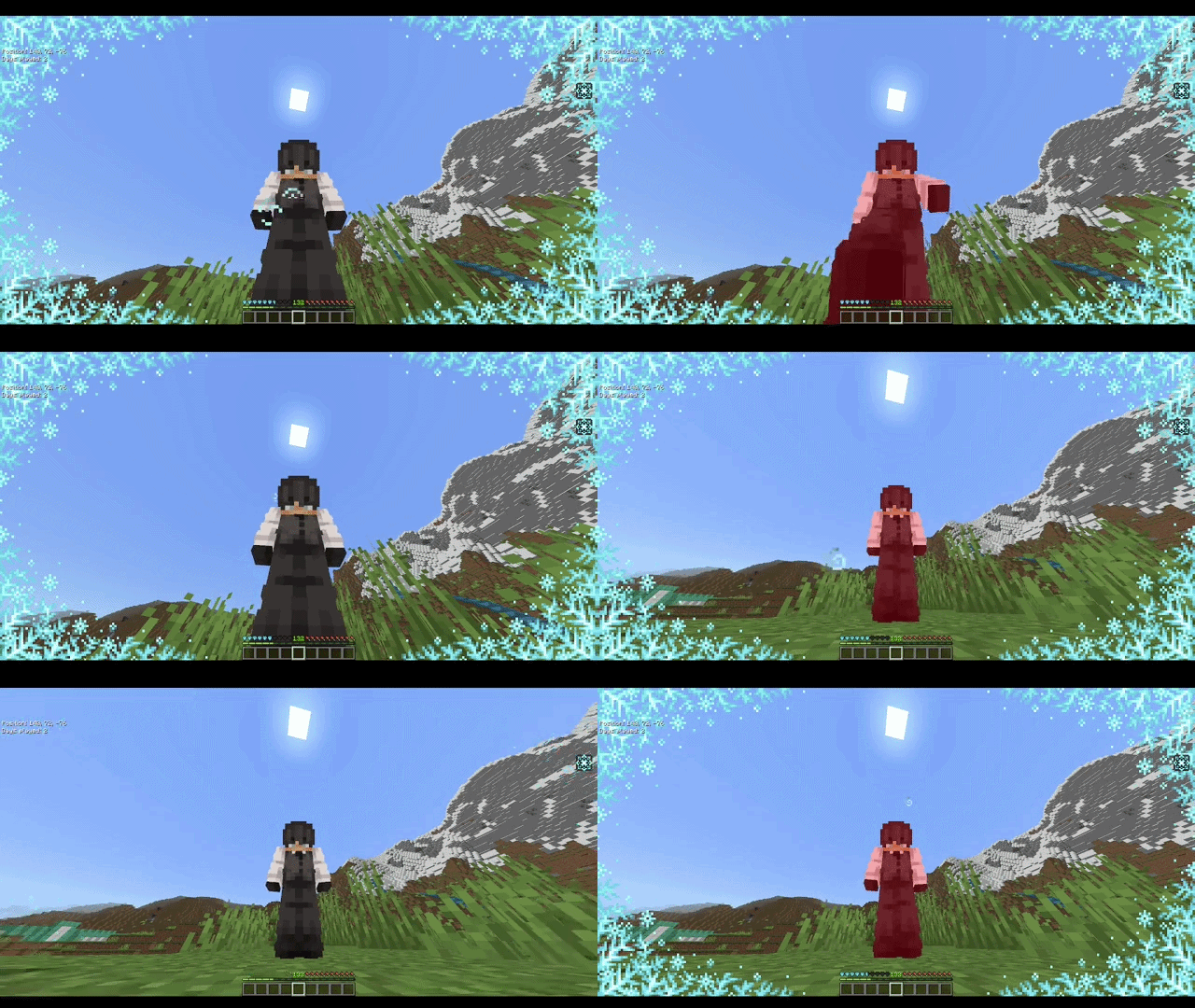
Inverted
Consumption
Fumbling
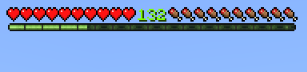
Shrouding
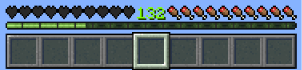
Nutrition
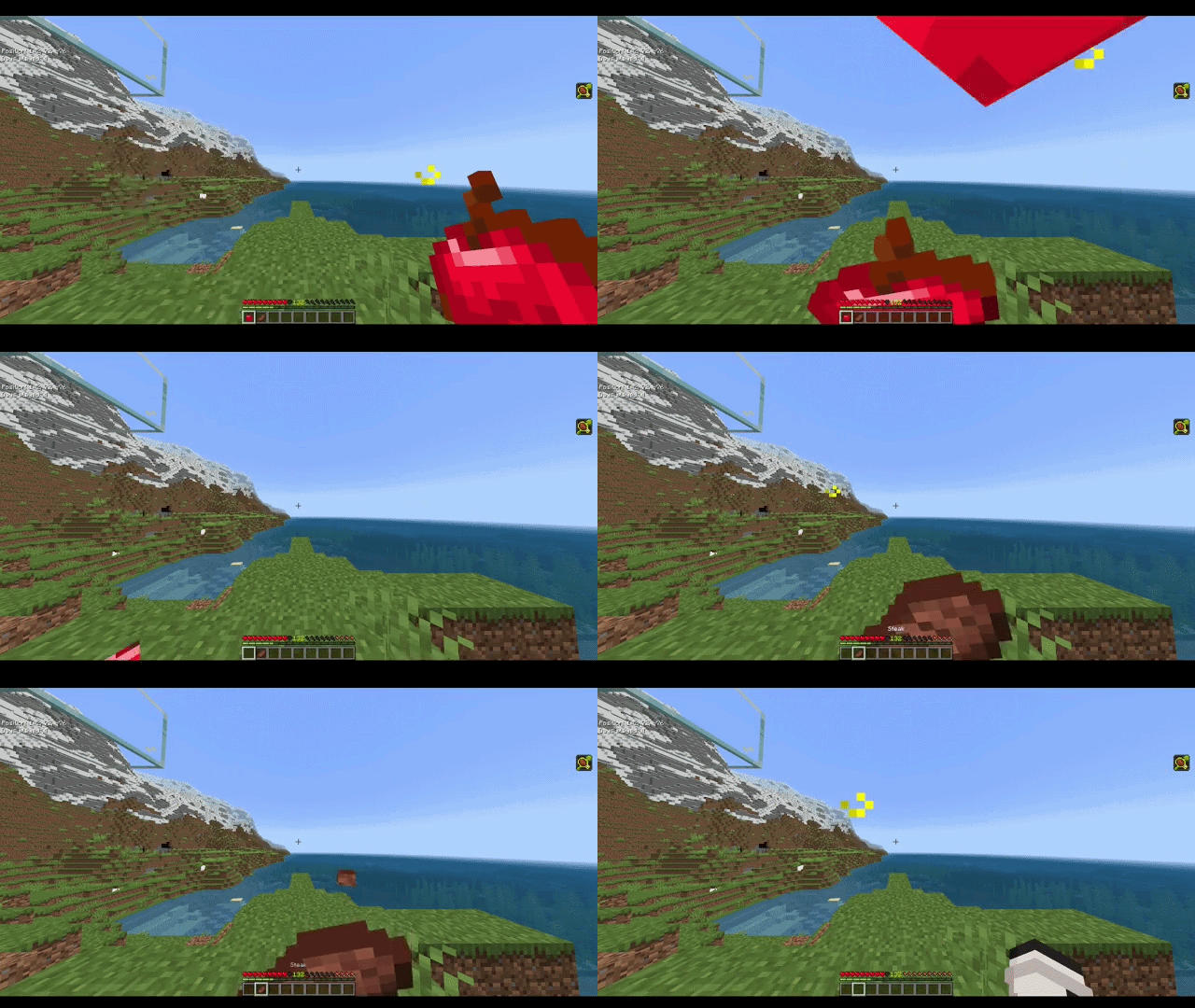
Milk Potion
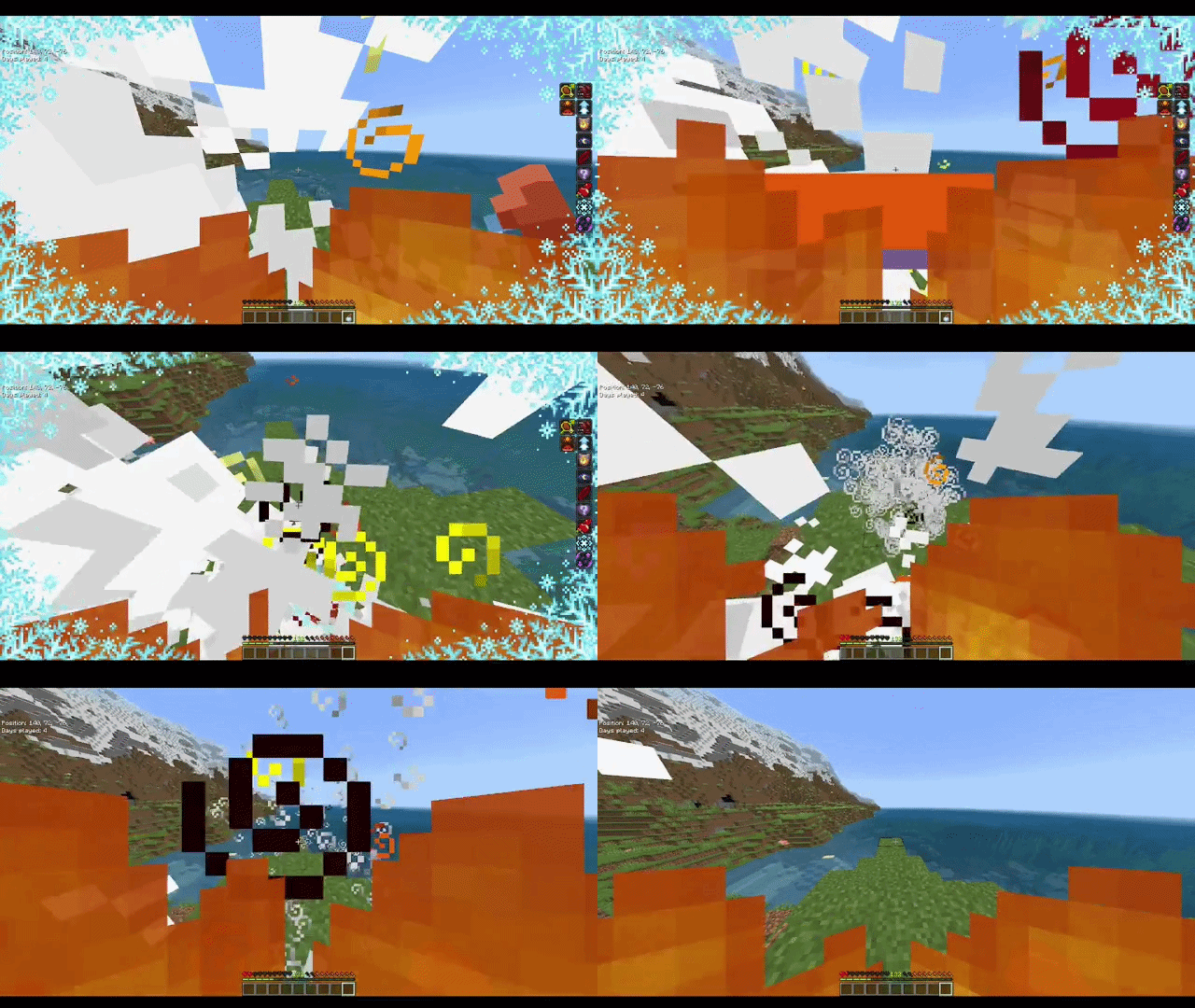
IMPORTANT REMINDER
When posting videos while using the pack, make sure to include the CurseForge/MCPEDL link to the pack. If you're going to edit anything in the pack and post it, please get my permission first; otherwise, I'll take action. I keep track of those who do have my permission, but those who do take assets without my permission will have a lower chance of me allowing them to use my assets, and I'll be keeping a very close eye on you.
License
When downloaded, you agree to follow this license and important reminder.
BIGGAMERS4U
ALL RIGHTS RESERVED LICENSE

Copyright (c) 2026 BigGamers4u

1. OWNERSHIP

All original files, code, scripts, textures, models, animations,
sounds, UI files, documentation, designs, and other original
materials included in this project ("the Assets") are the property
of BigGamers4u, unless otherwise stated.

2. NO PERMISSION BY DEFAULT

All rights are reserved.

No person or organization is granted permission to:

- Copy the Assets.
- Redistribute the Assets.
- Re-upload the Assets.
- Include the Assets in another Minecraft project.
- Modify and redistribute the Assets.
- Claim the Assets as their own work.
- Sell or otherwise commercially distribute the Assets.
- Extract individual Assets for use in another project.
- Use the Assets as part of another addon, resource pack,
  behavior pack, mod, plugin, or similar project.

without explicit written permission from BigGamers4u.

3. PERMISSION

Permission to use any Assets may be granted on a case-by-case basis.

Permission is valid only when it has been explicitly granted in
writing by BigGamers4u or an authorized representative.

The fact that the Assets are publicly accessible does not
constitute permission to use, copy, modify, or redistribute them.

4. REQUIRED LICENSE NOTICE

Anyone who has been granted permission to use the Assets must
include this license with their distributed project unless the
written permission explicitly states otherwise.

The copyright notice and license may not be removed, altered,
or misrepresented.

5. PROOF OF PERMISSION

A project using these Assets with permission must contain a valid
permission notice issued or approved by BigGamers4u.

A copied or modified version of this license does not constitute
proof of permission.

Permission may be verified through the permission information
provided by BigGamers4u.

6. ATTRIBUTION

When required by the permission granted, the recipient must credit:

BigGamers4u

Additional attribution requirements may be specified in the
written permission.

7. TERMINATION

Permission may be terminated if the recipient violates the terms
of the granted permission.

Upon termination, the recipient must stop using and distributing
the affected Assets, except where otherwise required by
applicable law.

8. THIRD-PARTY MATERIAL

This license applies only to Assets owned by BigGamers4u.

Minecraft, Minecraft: Bedrock Edition, and assets belonging to
Mojang Studios, Microsoft, or other third parties remain subject
to their respective rights, licenses, and terms.

9. NO WARRANTY

The Assets are provided "as is", without warranty of any kind,
to the maximum extent permitted by applicable law.

10. CONTACT

For permission requests, contact:
Discord - biggamers4u

BigGamers4u

Copyright (c) 2026 BigGamers4u
All Rights Reserved.
Discord Server
https://discord.com/invite/5s9JuQDASw
If you want the latest versions of my packs, including some I haven't uploaded, you can join my Discord! Plus, get access to other packs that I haven't yet published.
- Pack type: .mcaddon — behaviour and resource pack in one file
- Manifest requires Minecraft 1.26.10 or newer
- Complete pack — everything it depends on is inside the file
- Download size: 193 KB
- Download link checked 28 Aug 2026 — working
These come from our own check of the pack file, not from the source page.