NovaSoulbound - Gear Protection
Bedrock add-on listed for Minecraft 1.21–26.x (behavior pack only). File opened and checked on 28 Aug 2026; installs from the MC Bedrock Mods app on Android.
Prevent item loss on death! Bind your gear across three unique tiers to unlock passive buffs, legendary combat abilities, and a custom soul energy…
⬇ Download on CurseForge
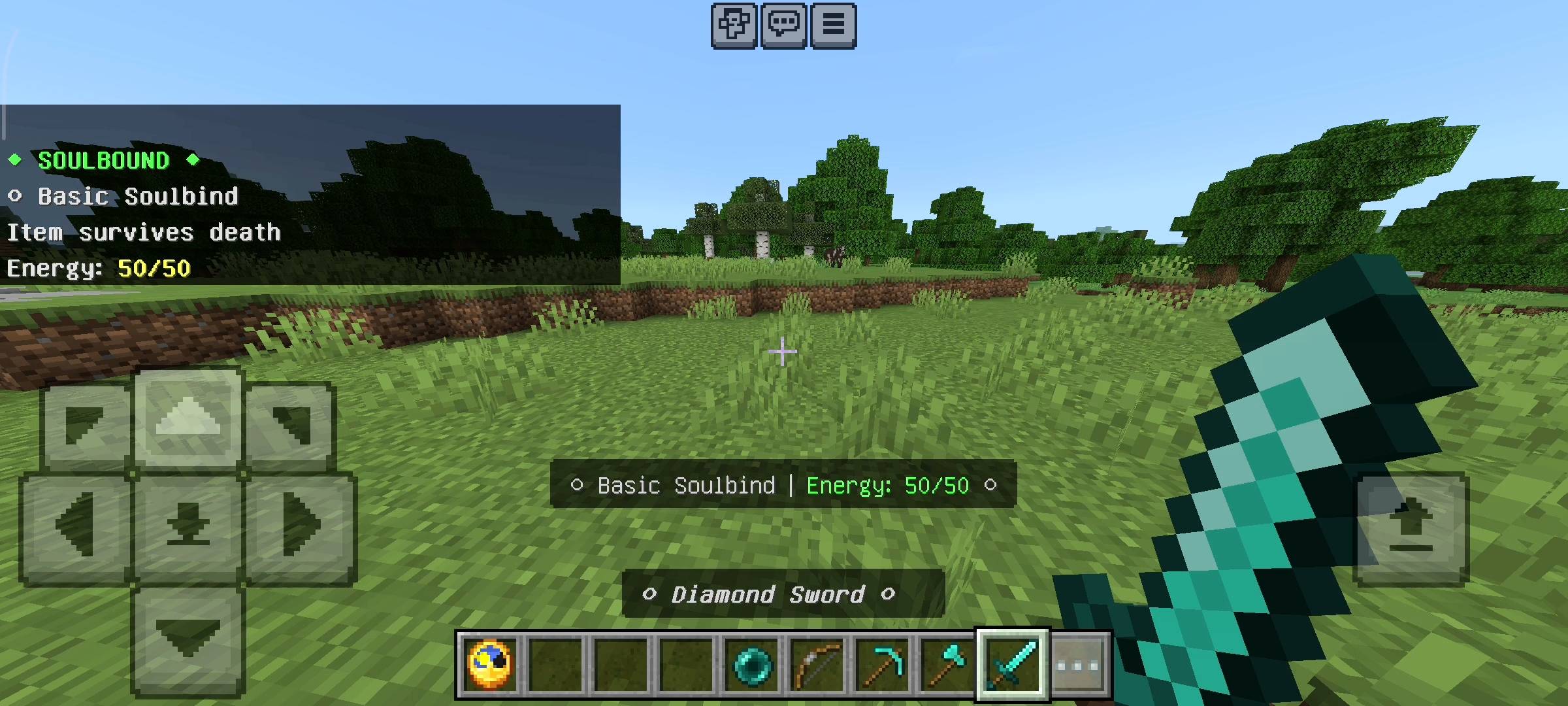
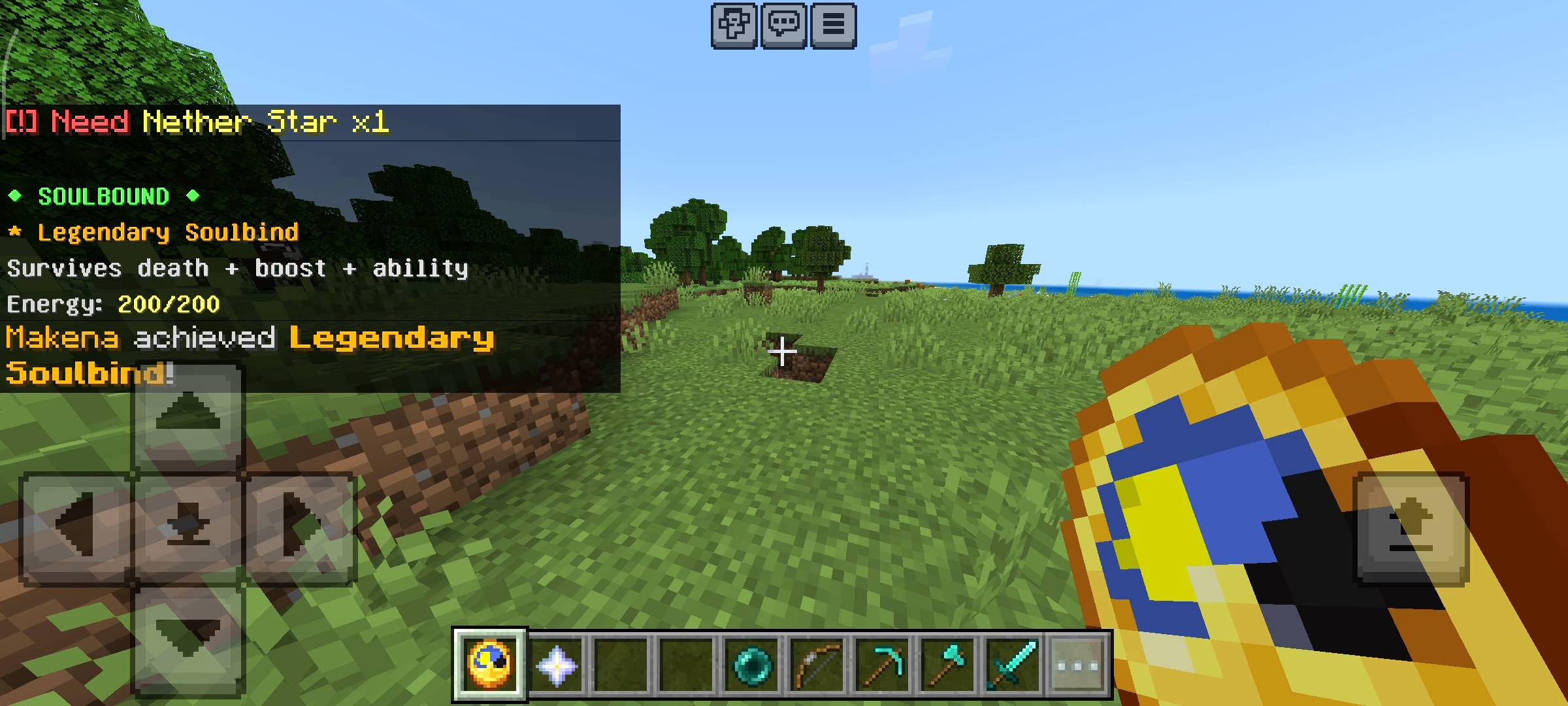
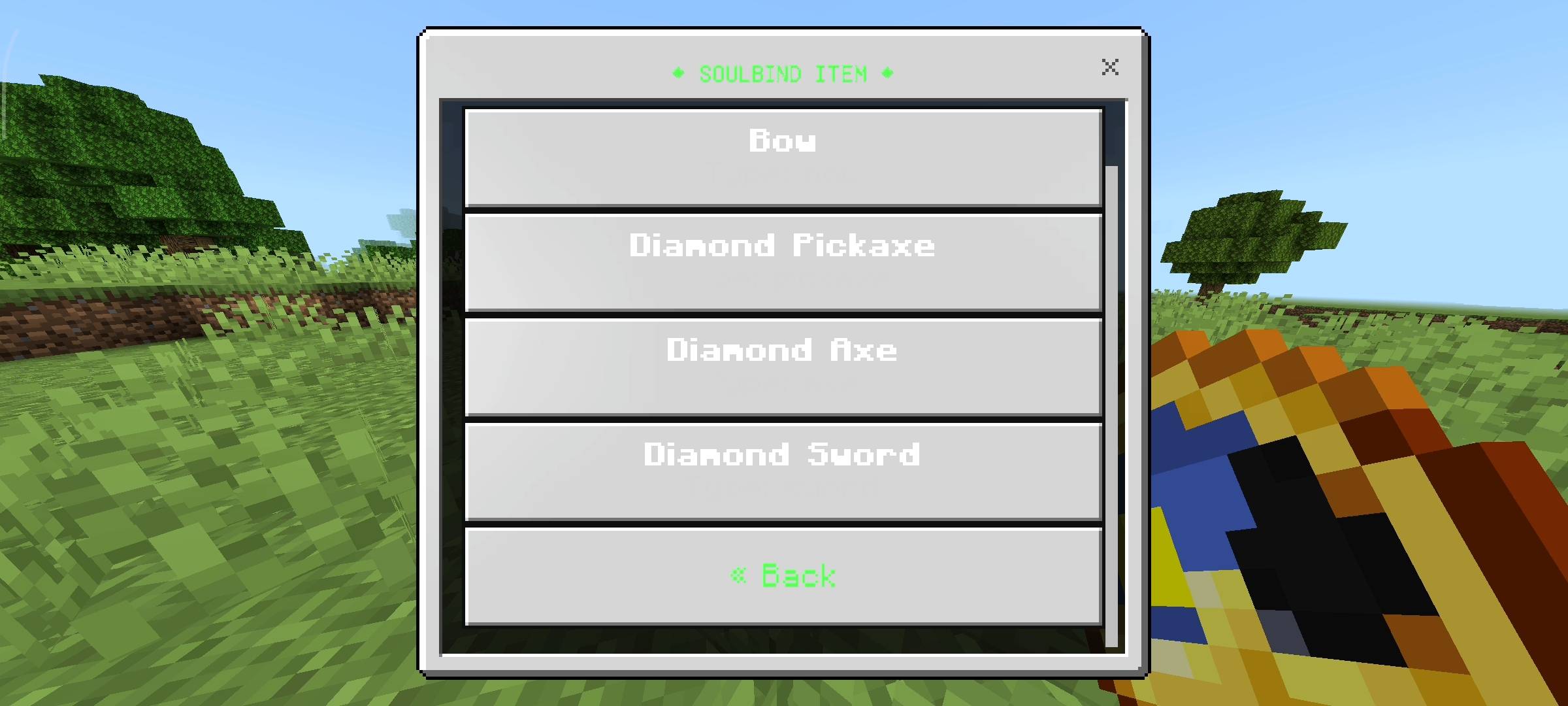
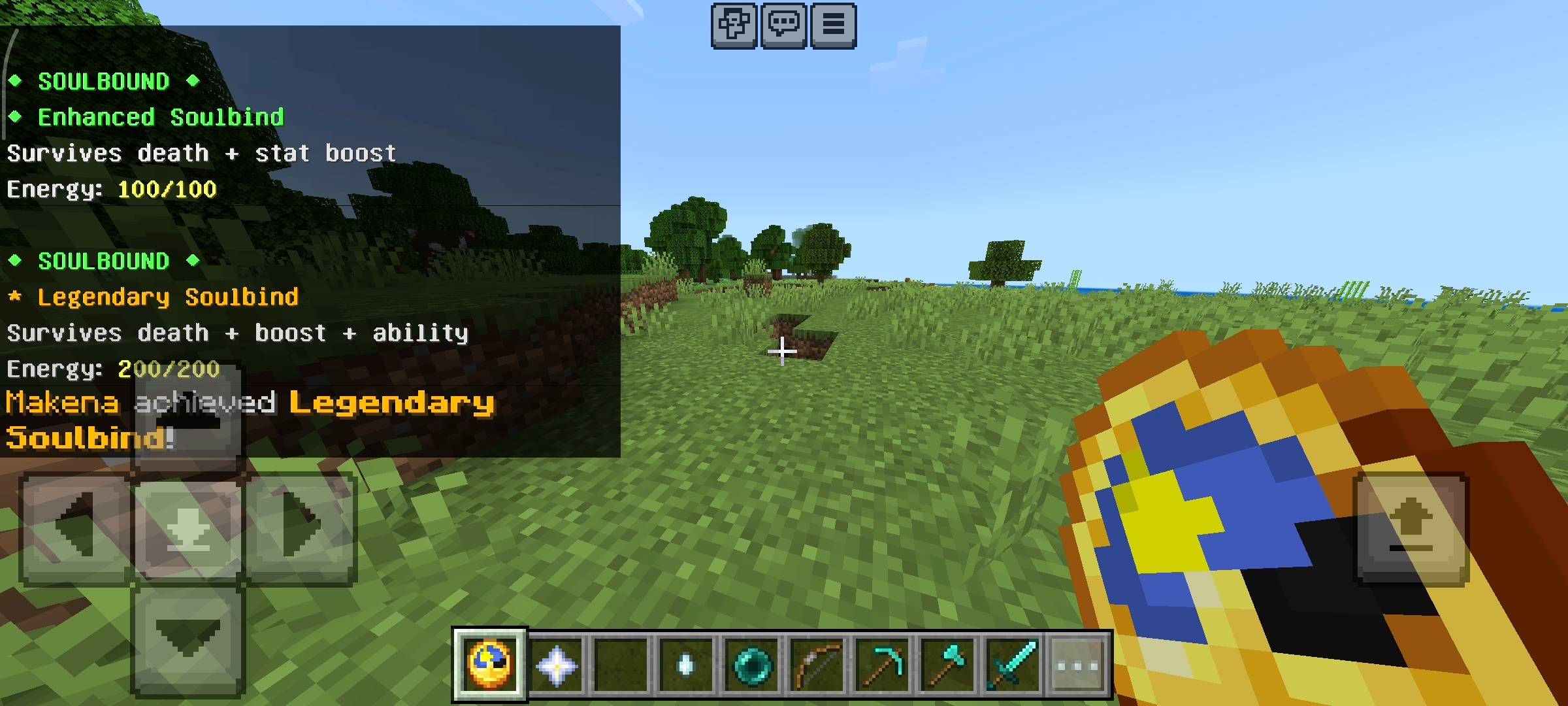
Let’s be totally real for a second, bros. We all know the ultimate pain of Minecraft survival. You spend weeks grinding on your realm, mining for ancient debris, dealing with horrible RNG at the enchanting table, and finally getting that god-tier, perfect Netherite sword or pickaxe. Then, you make one stupid mistake in the End or fall into a random lava pool in the Nether, and boom—hours of your life are just gone.
Now, a lot of people just turn on the 'Keep Inventory' game rule, but honestly? That feels way too easy. It completely kills the thrill of survival. You want a challenge, but you also want a fair way to protect your hardest-earned loot. That is exactly why I sat down at Novacraft studios and built the NovaSoulbound add-on.
I wanted to create a highly balanced, lore-friendly, and incredibly cool magic system that lets you permanently bind your best items to your literal soul. It gives you death protection, insane stat boosts, and crazy magical abilities, but it requires actual grinding and maintenance to keep it active. It is balanced, it is OP when you earn it, and it fits perfectly into vanilla survival.
THE CORE MECHANIC: YOUR SOUL PANEL
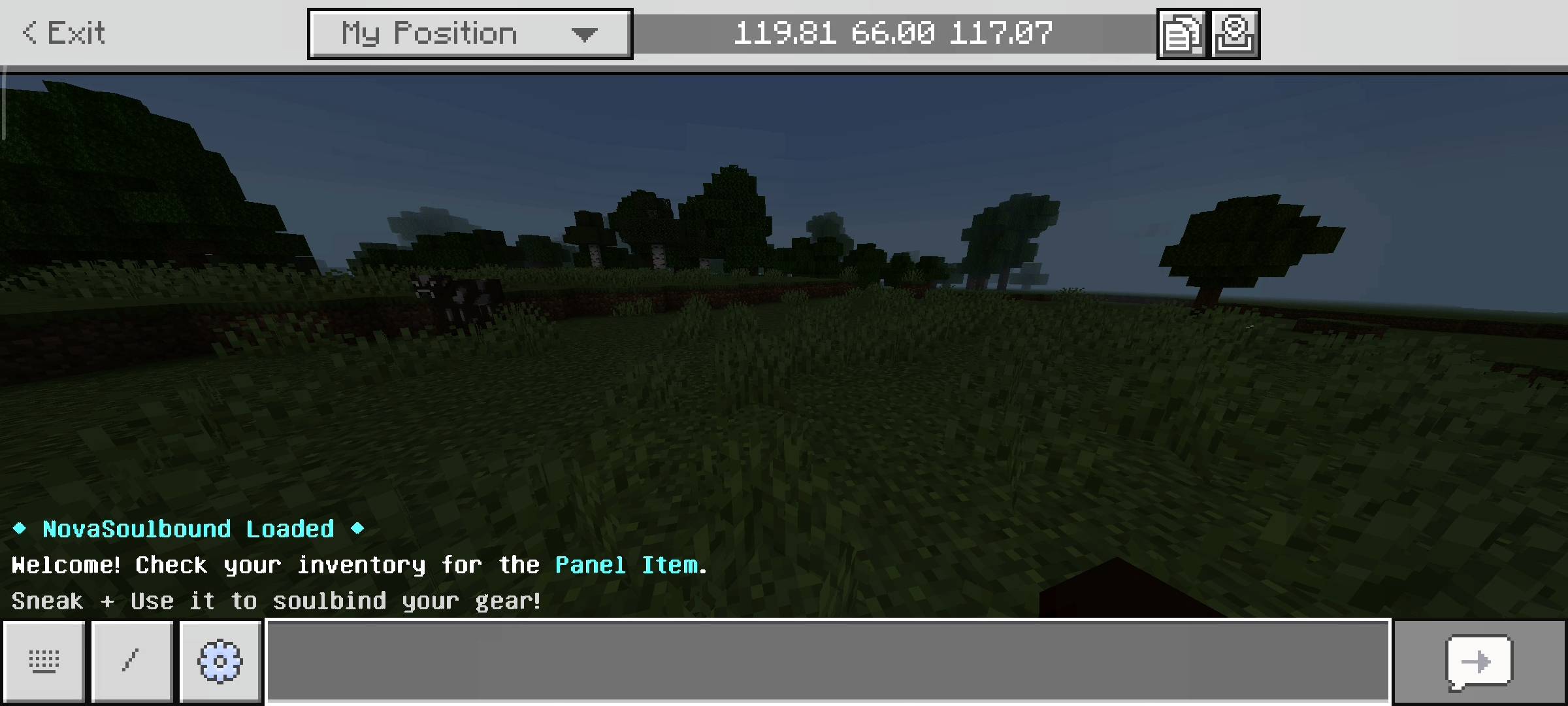
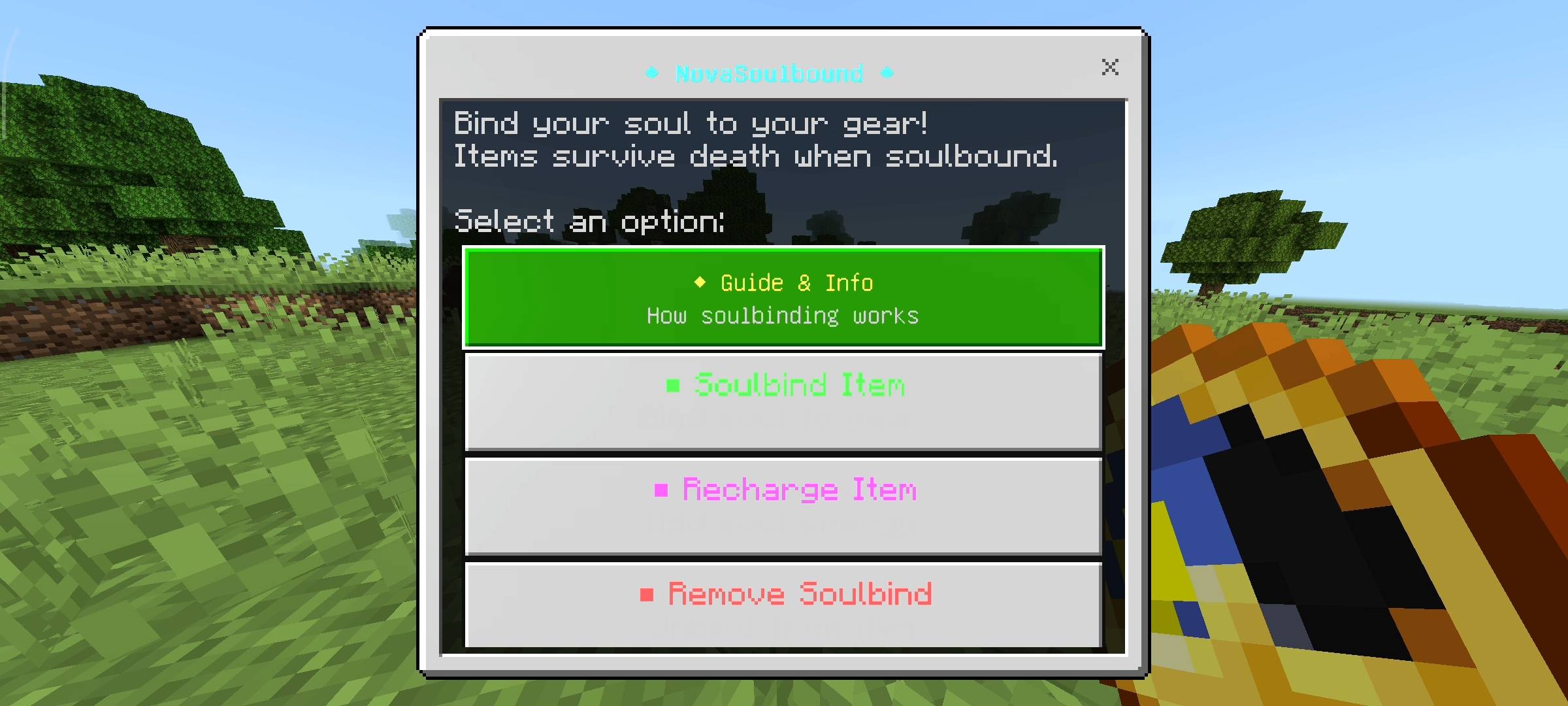
I absolutely hate add-ons that force you to type out long, annoying chat commands. So, I made the entire system run through a super clean User Interface. The very first time you spawn into the world, the game automatically gives you the NovaSoulbound Panel (which looks like a clock). If you ever lose it, don't panic, the add-on is smart enough to detect it is missing and will automatically return it to your inventory. All you have to do is sneak and use the item, and a sleek menu pops up right on your screen. From there, you can bind items, check your energy levels, recharge your gear, or remove a soulbind. It is incredibly intuitive and smooth, even on mobile devices.
THE THREE TIERS OF POWER
You cannot just protect your items for free. You have to pay a price using rare vanilla items. I divided the soulbinding system into three separate tiers:
-
Basic Soulbind: Costs 1 Ender Pearl. This is your entry-level protection. If you die, the item stays with you and does not drop. Perfect for your early-game diamond gear.
-
Enhanced Soulbind: Costs 2 Ghast Tears. Not only does it protect your item from dropping on death, but it physically empowers you. Holding an Enhanced weapon gives you permanent Strength or Speed, and wearing Enhanced armor gives you permanent Resistance or Night Vision.
-
Legendary Soulbind: Costs 1 Nether Star. This is the ultimate endgame flex. It protects your item, gives you the passive stat boosts, AND unlocks insane custom magical abilities that completely change how you play the game.
INSANE LEGENDARY ABILITIES
If you spend a Nether Star to get a Legendary bind, you deserve to feel like a literal god. Here is what your gear will actually do:
-
Soul Strike (Swords): Every 5th hit on an enemy unleashes a massive burst of bonus damage. You will hear an epic totem sound when it triggers.
-
Soul Cleave (Axes): Turns your axe into a crowd-control weapon. Hitting a mob deals splash damage to all other monsters in a 4-block radius.
-
Soul Mine (Pickaxes): My personal favorite. It instantly mines a 3x3 area around the block you break. Even better? It automatically smelts iron, gold, and copper ores straight into ingots for you.
-
Soul Arrow (Bows): Your arrows deal heavy bonus damage and inflict a strong Slowness effect on targets, locking them down completely.
-
Armor Abilities: A Legendary Helmet gives you 'Soul Sight' (making nearby mobs glow through walls). The Chestplate gives you a 'Soul Shield' (automatically granting Absorption and Regen when your health drops critically low). The Boots give you 'Soul Step' (Speed III and zero fall damage).
THE BALANCE: SOUL ENERGY & CRYSTALS
To stop this from being a brain-dead cheat mod, I coded a dedicated Soul Energy system. Every soulbound item has a max energy capacity. Every 30 seconds you spend in the world, the item drains 1 energy point. If you die, the item survives, but it takes a massive 10-point energy penalty hit.
If your item's energy hits zero, the soulbind completely shatters, and the item will drop normally the next time you die. You have to actively maintain your gear! To recharge your items, you use the UI panel to feed them Soul Crystals. You can use Prismarine Shards (+10 energy), Prismarine Crystals (+25 energy), Amethyst Shards (+50 energy), End Crystals (+100), or a Nether Star for a maximum instant recharge.
QUICK COMMUNITY NOTICE REGARDING AI
Just a quick note about the pictures on this Add-on. The main cover thumbnail and the screenshots in the gallery were enhanced using ai image tools.
- Edition: Minecraft Bedrock
- File type: .mcpack or .mcaddon
- Minecraft versions listed: 26.0.02, 26.0, 26.3
- How to install: Download the .mcpack or .mcaddon file. → Open it — Minecraft imports it. → In your world: Behavior Packs → Available → Activate, then the same under Resource Packs.
- Where to get it: Opens on CurseForge — not every file is mirrored on our own servers.
Install steps are the general flow for this file type — How to install Minecraft Bedrock addons & mods walks through it step by step.
- Pack type: .mcpack — a single pack
- Manifest requires Minecraft 1.21.0 or newer
- Download size: 709 KB
- Download link checked 8 Oct 2026 — working
These come from our own check of the pack file, not from the source page.