AddonsBedrock
The Nifty Mod
Bedrock add-on listed for Minecraft 26.x (behavior + resource pack). File opened and checked on 28 Aug 2026; installs from the MC Bedrock Mods app on Android.
⬇ Download on CurseForgeThe author built this one for Minecraft 26.20. On other versions it may install and then do nothing.
The Nifty Mod
Hey everyone, welcome to The Nifty Mod! This is a simple Bedrock add-on that adds cool new blocks, items, and food to your survival world. The best part? You don't have to turn on any annoying experimental settings to play it!
New Ores and Materials
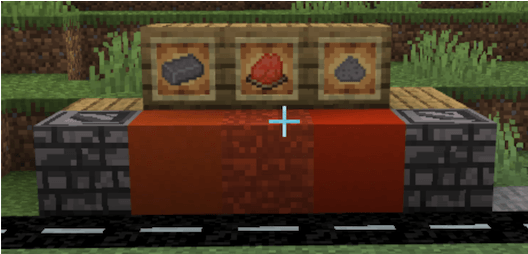
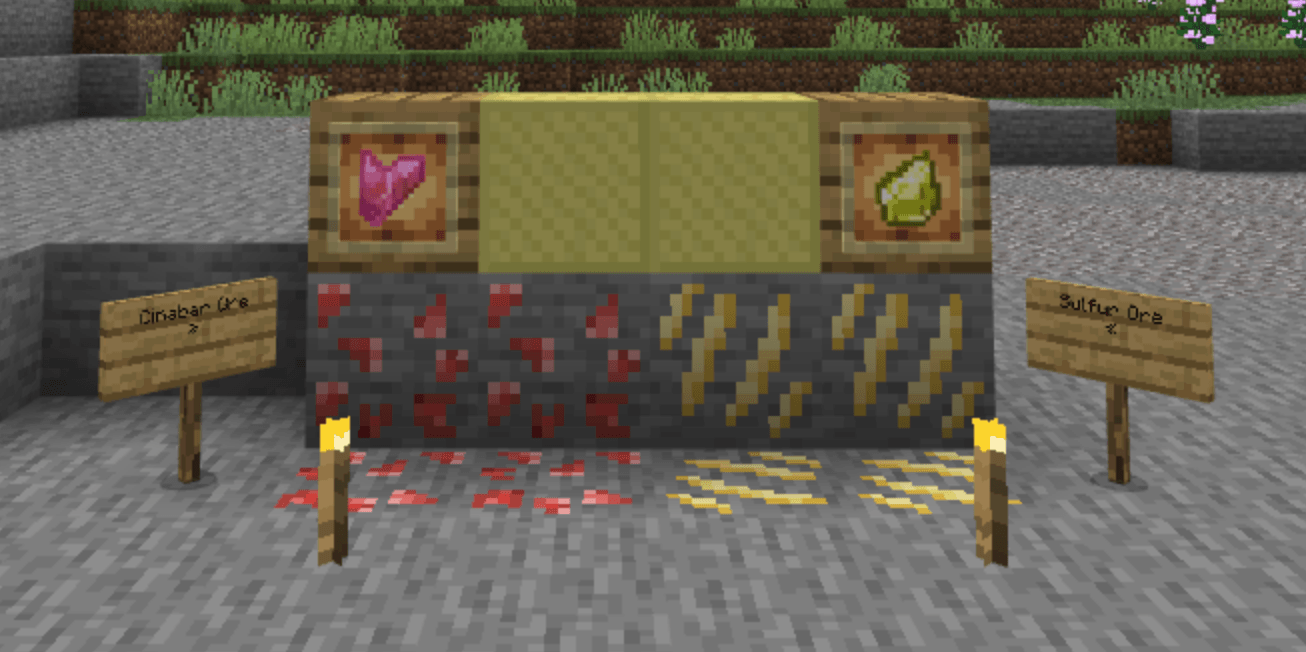
- Cinnabar Ore: A cool new red ore you can find underground and turn into paint pigment.
- Sulfur Ore and Deepslate Sulfur Ore: Dig these up to get sulfur shards for crafting.
- Sulfur Torch: A brand new type of torch made from your extra sulfur shards.
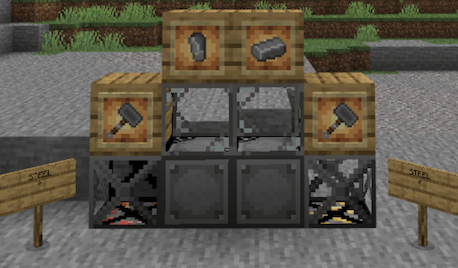
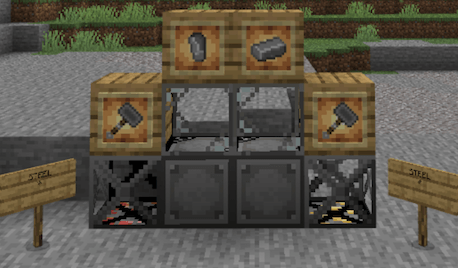
- Cruder Steel and Steel Ingot: Melt down your resources to get steel, which lets you upgrade your base gear.
Building Blocks
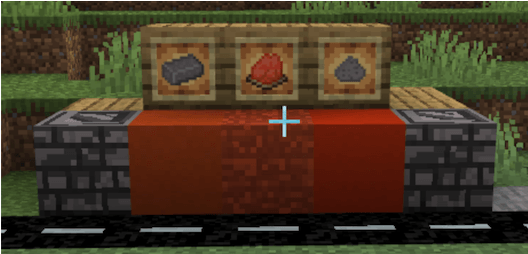
- Asphalt: This is a dark road block that gives you a speed boost when you run on it! It is perfect for making highways and racing tracks.
- Steel Decorative Blocks: This includes the Steel Block and the Steel Box, which are great for making your base look like a high-tech factory.
- Vermilion Color Set: Craft the new Vermilion Dye to make bright red-orange versions of Wool, Terracotta, and Concrete.
- Coarse Brick Blocks: A new type of brick that has a rough, ancient look to it.
Food and Farming
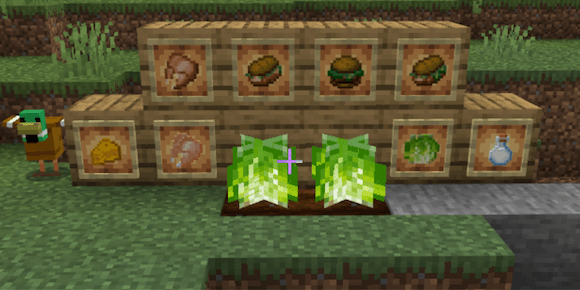
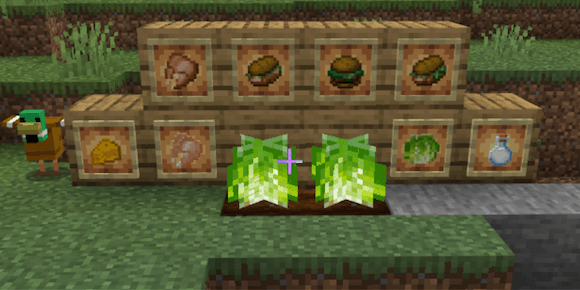
- Cabbage Crop: Plant these seeds and watch them grow through different stages until they are ready to harvest.
- Raw and Cooked Duck Meat: Go hunting for ducks to get a brand new type of poultry food.
- Milk Bottle: Now you can put your fresh milk into glass bottles to drink whenever you want.
- Sandwich Selection: Combine your food to make awesome Beef, Chicken, and Duck Sandwiches that fill up a ton of your hunger bar.
How to Install
Just load up your world settings and activate both the Resource Pack and the Behavior Pack. That’s it!
Quick facts
- Edition: Minecraft Bedrock
- File type: .mcpack or .mcaddon
- Minecraft version listed: 26.20
- How to install: Download the .mcpack or .mcaddon file. → Open it — Minecraft imports it. → In your world: Behavior Packs → Available → Activate, then the same under Resource Packs.
- Where to get it: Opens on CurseForge — not every file is mirrored on our own servers.
Install steps are the general flow for this file type — How to install Minecraft Bedrock addons & mods walks through it step by step.
File checked by MCModsHub
- Pack type: .mcaddon — behaviour and resource pack in one file
- Manifest requires Minecraft 1.26.10 or newer
- Complete pack — everything it depends on is inside the file
- Download size: 65 KB
- Download link checked 8 Oct 2026 — working
These come from our own check of the pack file, not from the source page.