ModsJava
WorldGameMode
Java mod listed for Minecraft 1.21. Downloads from the MC Java Mods app on Android.
⬇ Download on Modrinth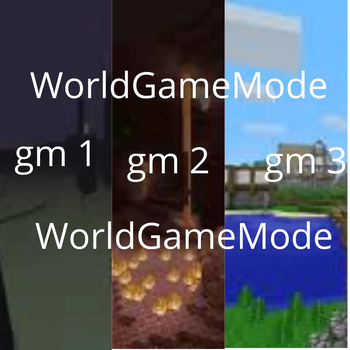
WorldGameMode is a lightweight and easy-to-use plugin designed to manage default game modes across different worlds on your Minecraft server (fully compatible with multi-world plugins like Multiverse-Core).
With a single command, you can bind a specific world to a specific game mode, and the plugin will automatically handle the rest! Features
🌍 World-Specific Game Modes: Assign a default game mode (SURVIVAL, CREATIVE, ADVENTURE, or SPECTATOR) to any world.

💾 Persistent Configuration: All settings are automatically saved to config.yml, meaning your configurations won't disappear after a server restart.

⚡ Automatic Updates: Players joining the server or switching between worlds (via portals, commands, or plugins) will automatically have their game mode updated based on the world's settings.

⌨️ Tab Completion: Built-in tab-completion for world names and game modes to make the command effortless to use.

🛠️ Lightweight: Optimized for modern Minecraft versions with zero lag.
Commands & Permissions
/gmw   — Changes and saves the default game mode for the specified world.

    Permission: worldgamemode.admin (Default: OP)
Supported Game Modes
SURVIVAL (or s, 0)

CREATIVE (or c, 1)

ADVENTURE (or a, 2)

SPECTATOR (or spec, 3)
Quick facts
- Edition: Minecraft Java
- File type: .jar
- Minecraft versions listed: 1.21, 1.21.1, 1.21.2
- How to install: Install the matching mod loader (Forge, Fabric or NeoForge) for your Minecraft version. → Download the .jar. → Put it in the .minecraft/mods folder and launch that loader profile.
- Where to get it: Opens on Modrinth — not every file is mirrored on our own servers.
Install steps are the general flow for this file type — How to install Minecraft Java mods & modpacks walks through it step by step.
File checked by MCModsHub
- Ships as WorldGameMode-1.0.0-BUKKIT.jar — drop this file into the mods folder
- Download size: 7 KB
- Download link checked 8 Oct 2026 — working
These come from our own check of the pack file, not from the source page.