
AddonsBedrock
Pikmin
Bedrock add-on listed for Minecraft 26.x. File opened and checked on 29 Sep 2026; installs from the MC Bedrock Mods app on Android.
⬇ Download on CurseForge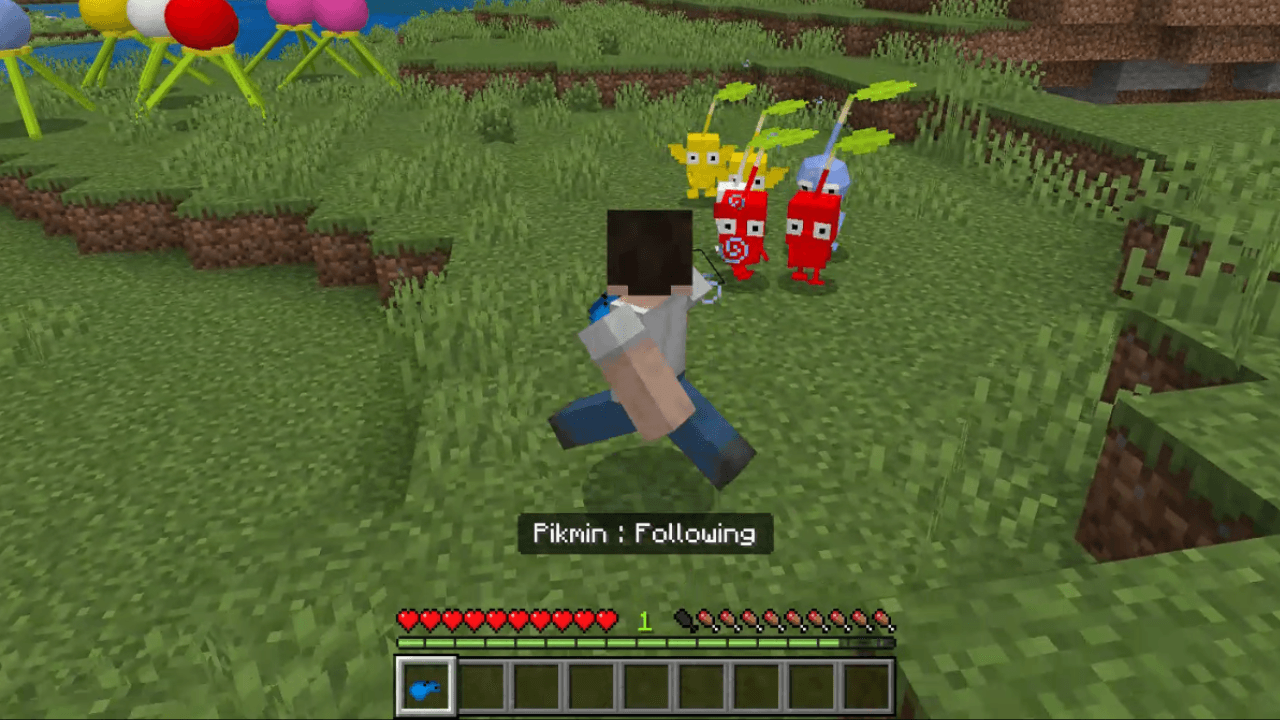
How to use this Add-On
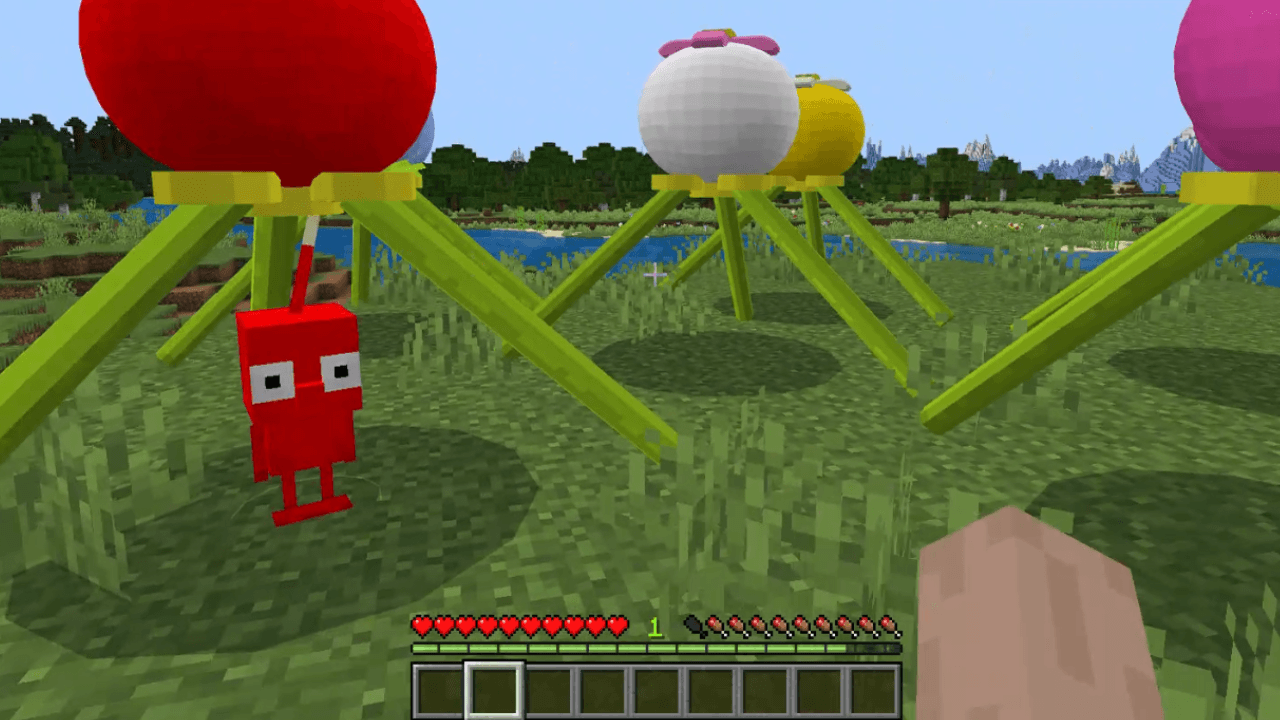
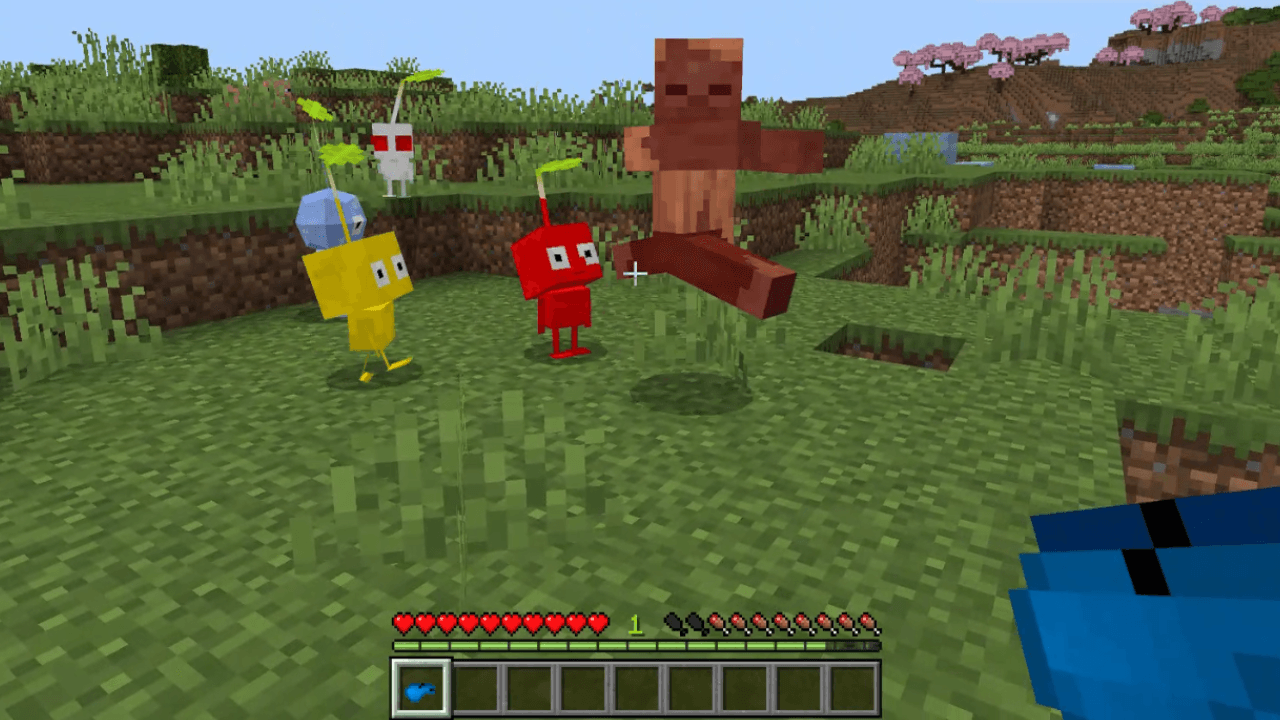
- Look in the recipe book to find what you need to craft Onion Seeds! They can be placed on the ground and, on spawn, it chooses a random color. Right-click the Onion to spawn a Pikmin of that specific color! Punch the Onion a few times and it will drop an Onion Seed again in order to spawn it.
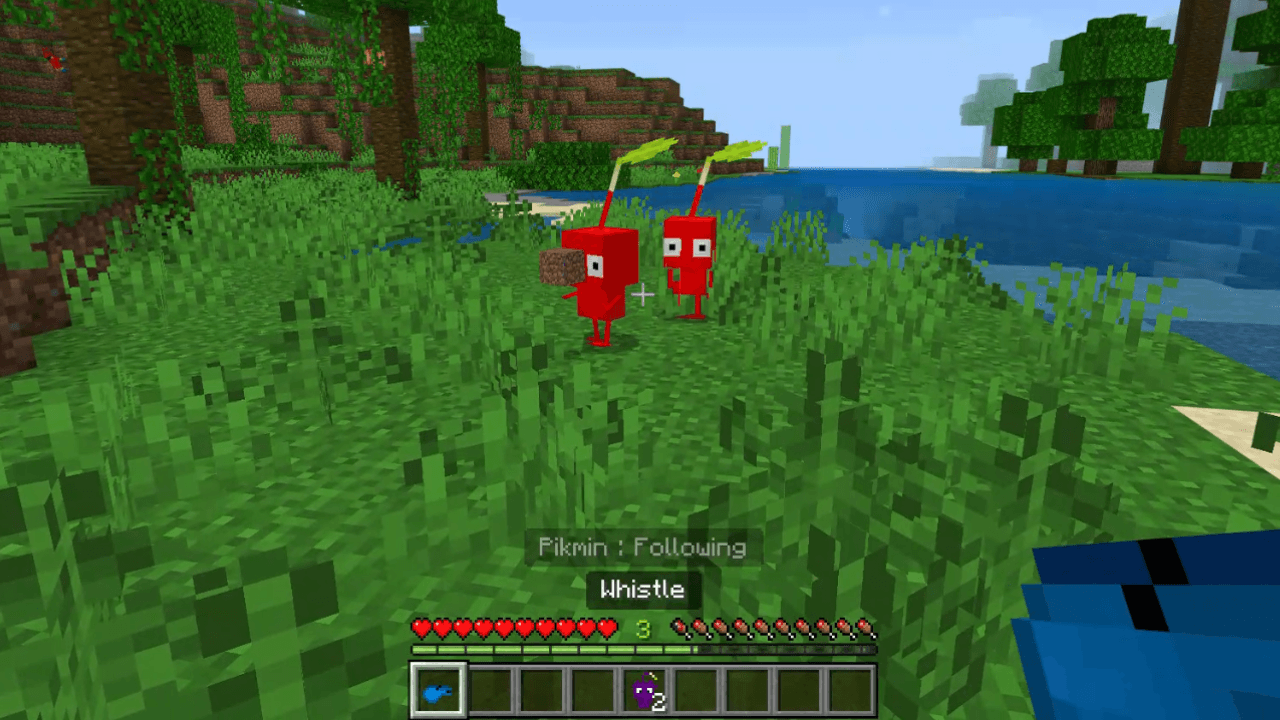
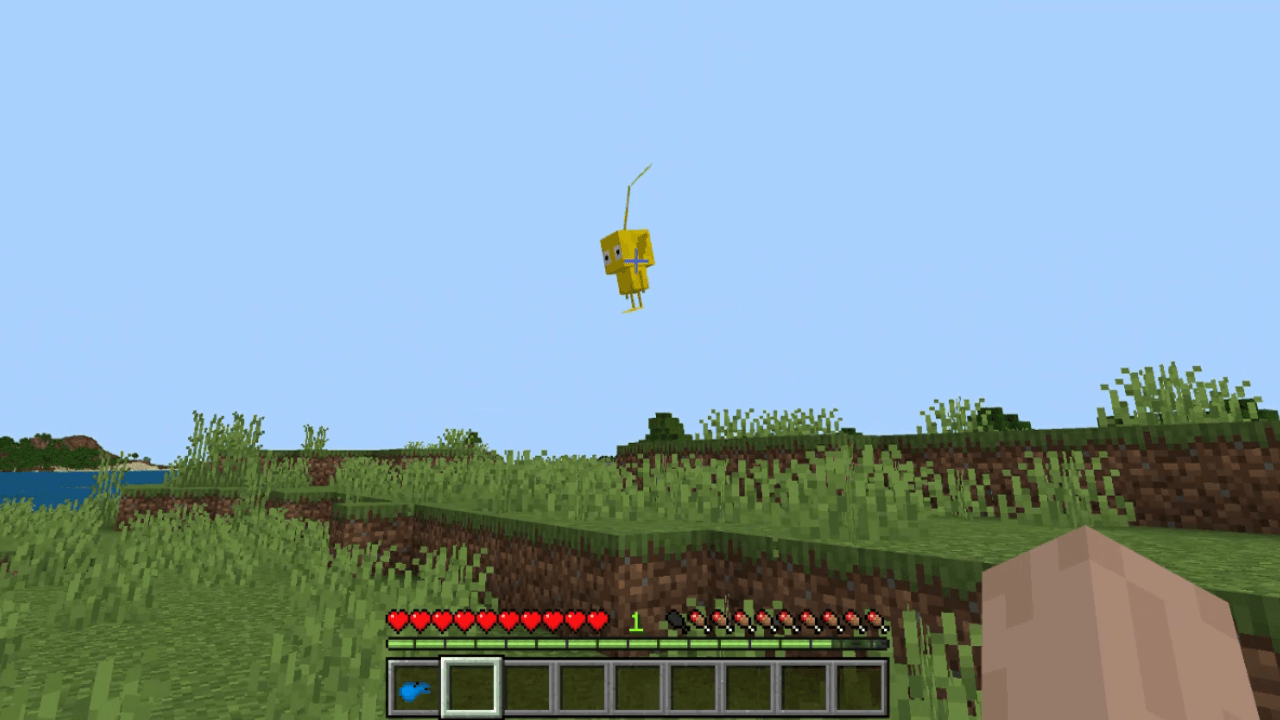
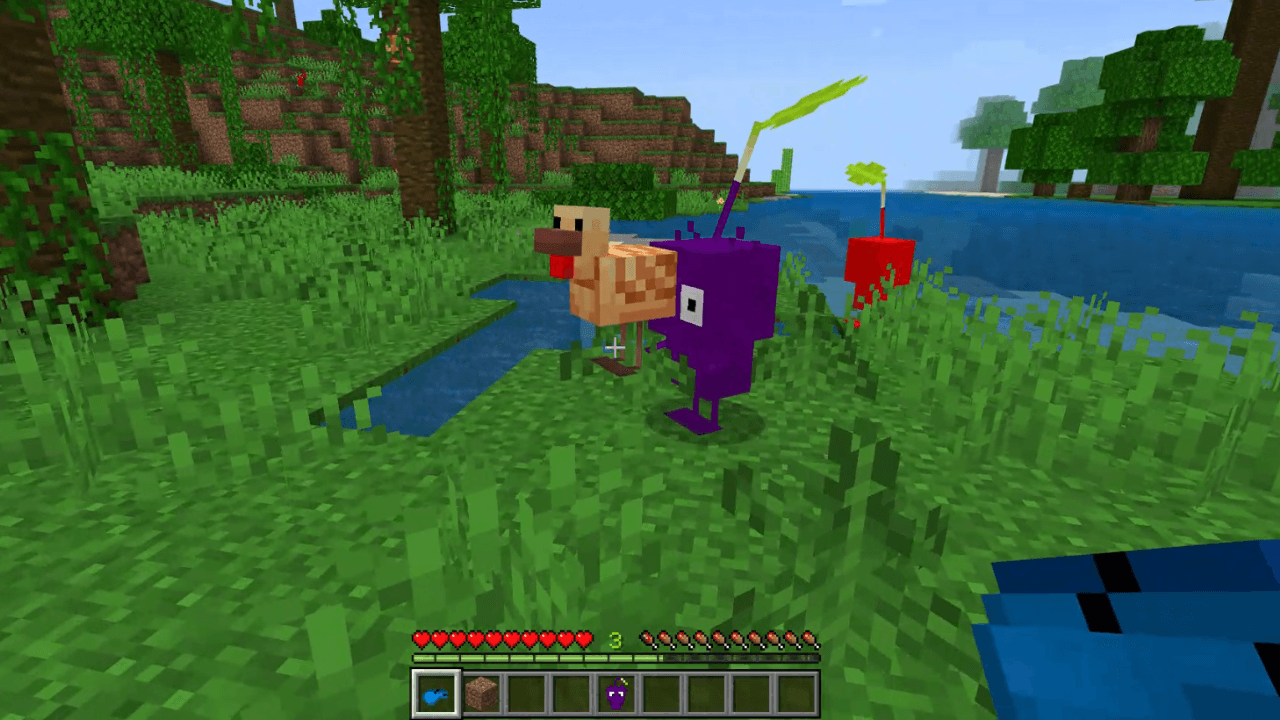
- Pikmin can be picked up by right-click and thrown! They can be thrown at mobs but they are a bit hard to aim. Pikmin can pick-up nearby items. A few have special abilities like the Rock Pikmin can break certain blocks and the Ice Pikmin turns blocks it hits into ice.
- Look in the recipe book to find what you need to craft for the Whistle! With the Whistle you can do a few things,
- Right-click to turn on / off Pikmin following. You might have to try this a few times to get it to work as of v1.1 (might be an error or a priority issue).
- Hit a mob with the Whistle to make them a target. Purple and Winged Pikmin will pick up small mobs you hit ie; Chickens, etc. Other mobs will be attacked by the Pikmin.
Quick facts
- Edition: Minecraft Bedrock
- File type: .mcpack or .mcaddon
- Minecraft versions listed: 26.40, 26.50
- How to install: Download the .mcpack or .mcaddon file. → Open it — Minecraft imports it. → In your world: Behavior Packs → Available → Activate, then the same under Resource Packs.
- Where to get it: Opens on CurseForge — not every file is mirrored on our own servers.
Install steps are the general flow for this file type — How to install Minecraft Bedrock addons & mods walks through it step by step.
File checked by MCModsHub
- Pack type: .mcaddon — behaviour and resource pack in one file
- Download size: 113 KB
- Download link checked 8 Oct 2026 — working
These come from our own check of the pack file, not from the source page.