Clickable Signs
Bedrock add-on listed for Minecraft 1.21–26.x (behavior pack only). File opened and checked on 28 Aug 2026; installs from the MC Bedrock Mods app on Android.
Clickable Signs lets players attach hidden commands to signs. It supports multiple commands, player-tag access, cooldowns, persistent data, and sign…
⬇ Download on CurseForge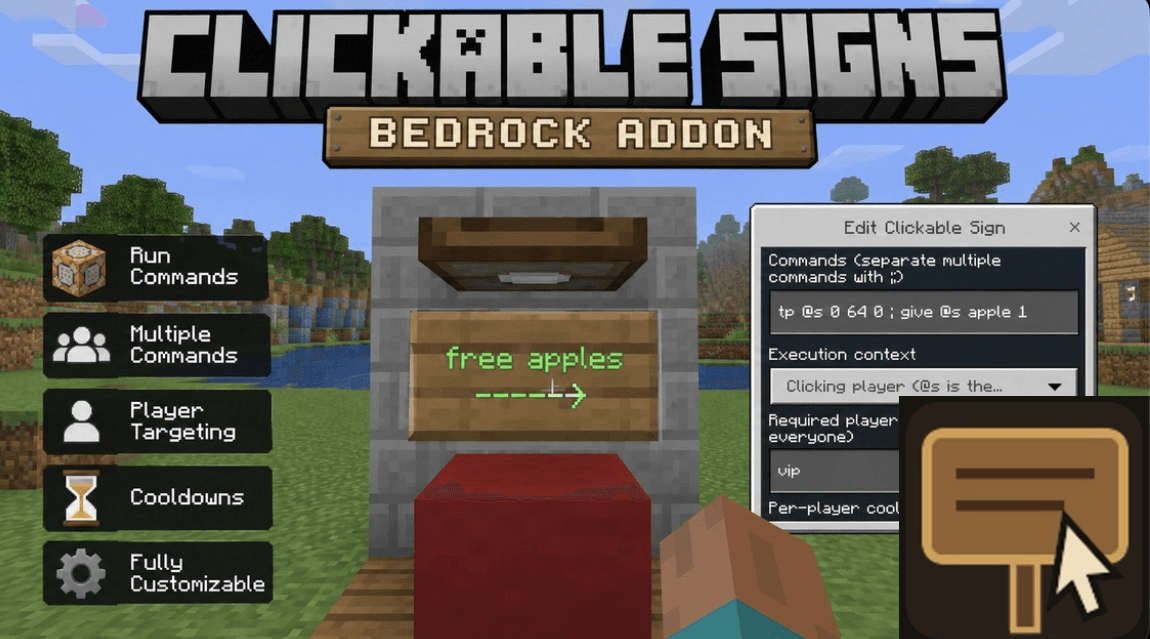
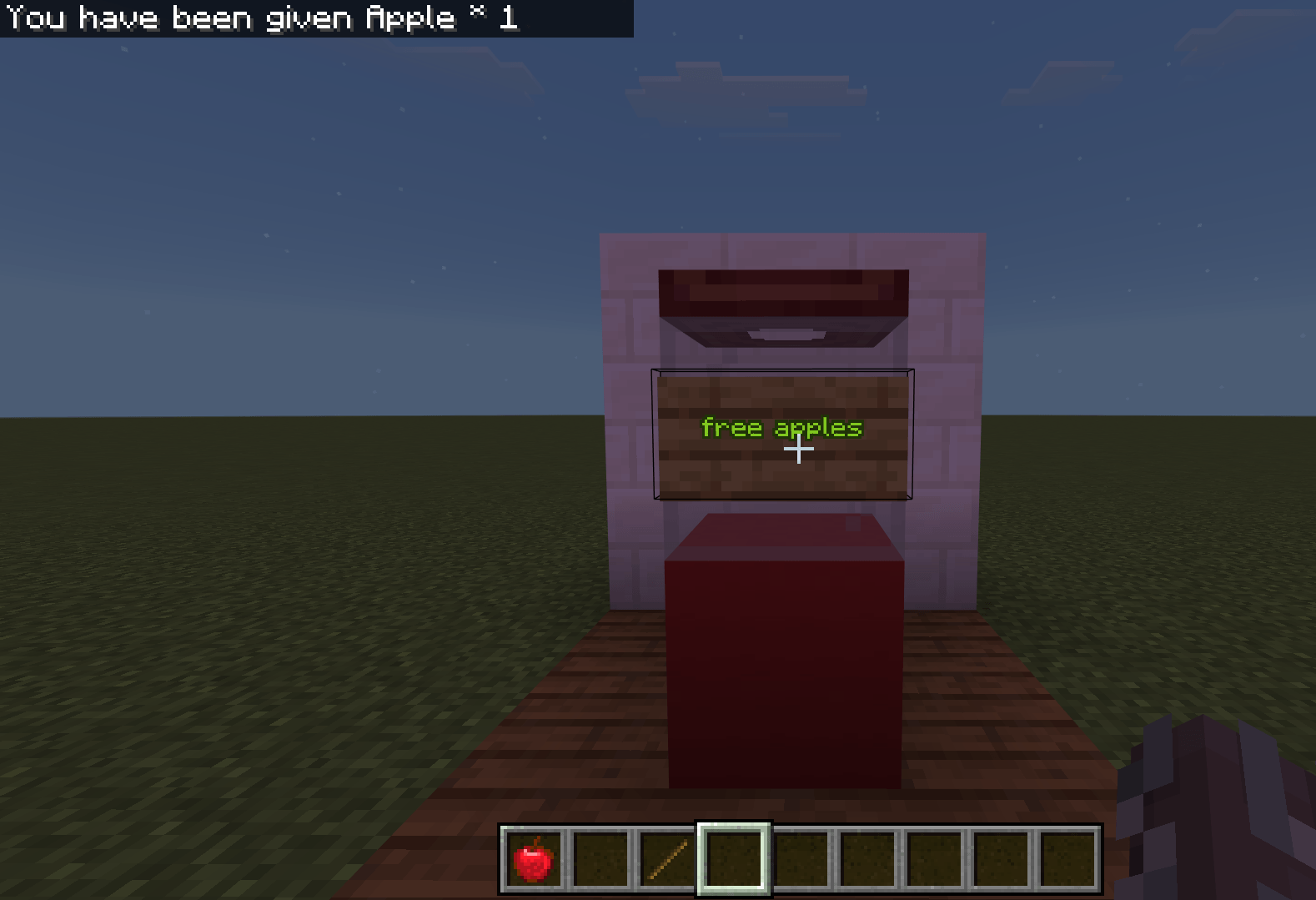
Clickable Signs is a Minecraft Bedrock behavior pack that turns normal standing, wall, and hanging signs into interactive command buttons. Commands are stored separately from the sign, so its visible text remains unchanged. Each sign can run up to 12 commands and supports player-tag permissions, per-player cooldowns, success and failure messages, sign protection, persistent storage, and player or server execution contexts.
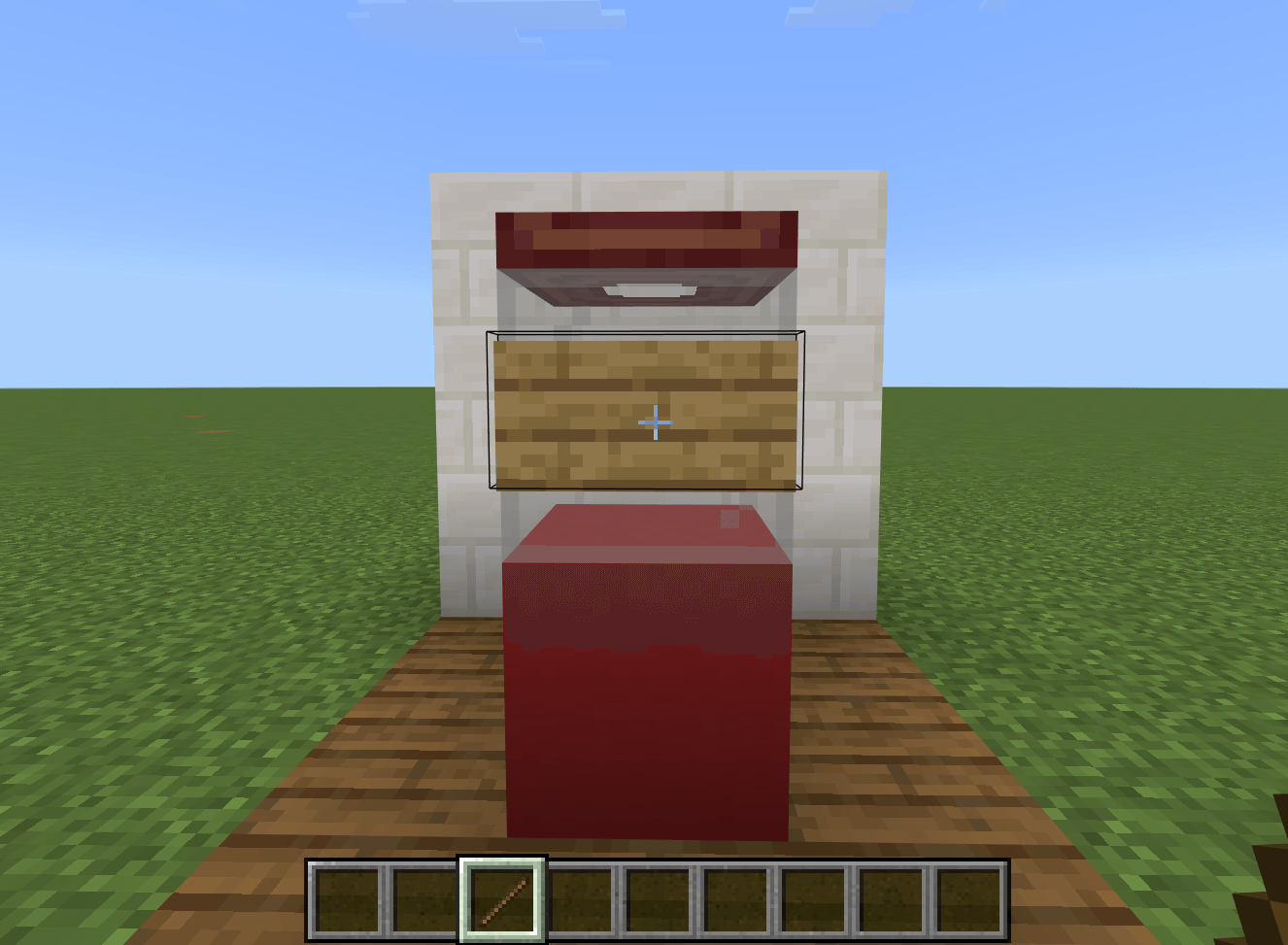
To use the addon, install and activate the behavior pack in your world. Become a world operator or grant yourself editing access with /tag @s add clickable_signs.admin. Place a sign and enter the text you want players to see. Next, hold a stick, crouch, and interact with the sign to open the configuration menu.
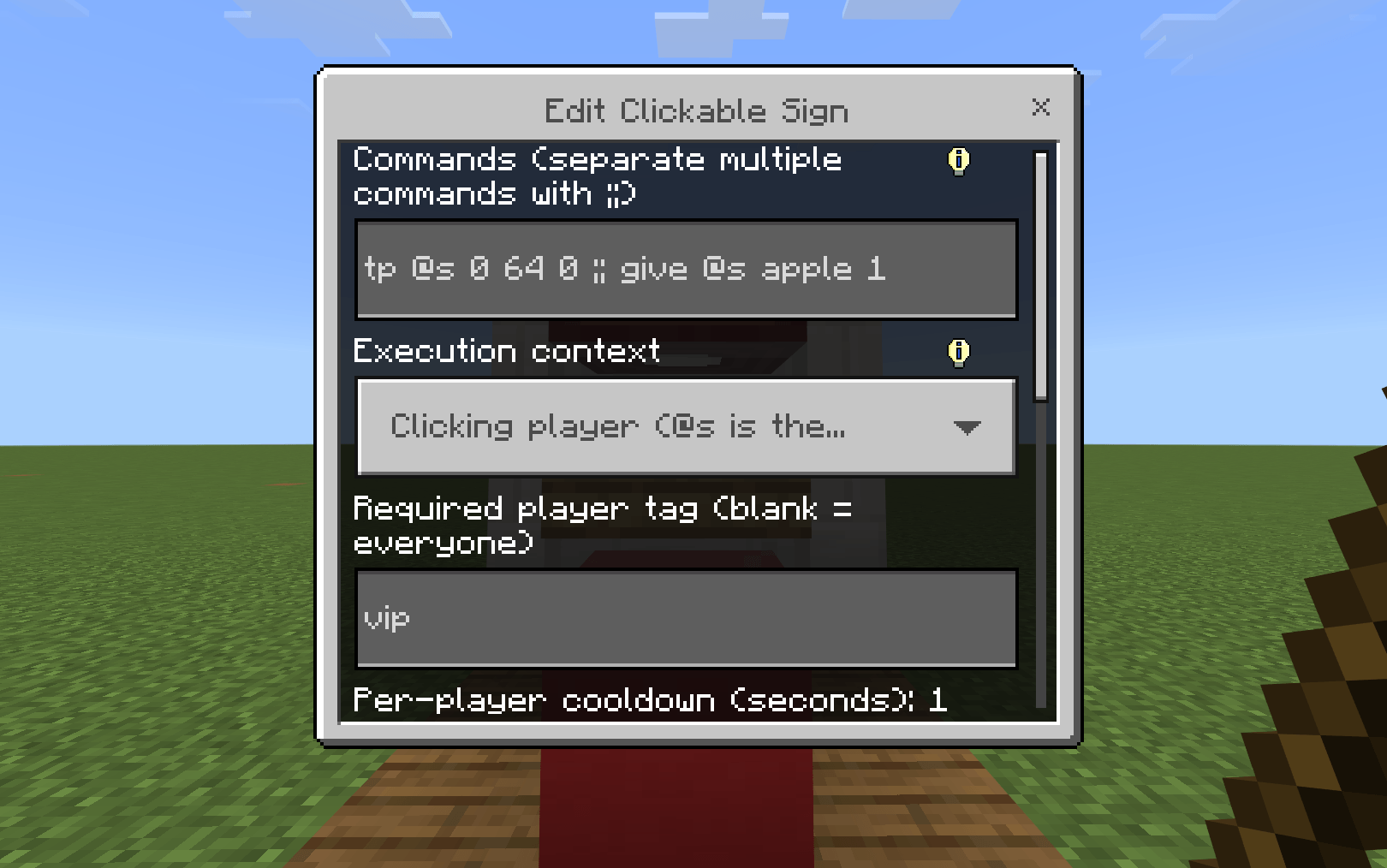
Enter a command without the leading /. To run multiple commands, separate them with ;;. Configure any permission tag, cooldown, messages, execution context, or protection settings, then select Save Binding. Players can now interact with the sign normally to run its hidden commands. When using the player execution context, @s refers to the player who clicked the sign.
Administrators can crouch and interact with a configured sign while holding a stick to edit, test, disable, protect, or remove its command binding.
- Edition: Minecraft Bedrock
- File type: .mcpack or .mcaddon
- Minecraft versions listed: 1.21.131, 1.21.132, 26.0.02
- How to install: Download the .mcpack or .mcaddon file. → Open it — Minecraft imports it. → In your world: Behavior Packs → Available → Activate, then the same under Resource Packs.
- Where to get it: Opens on CurseForge — not every file is mirrored on our own servers.
Install steps are the general flow for this file type — How to install Minecraft Bedrock addons & mods walks through it step by step.
- Save it as Clickable Signs.mcaddon before opening — it downloads as .mcpack, but it is a .mcaddon pack
- Manifest requires Minecraft 1.21.100 or newer
- Complete pack — everything it depends on is inside the file
- Download size: 10 KB
- Download link checked 8 Oct 2026 — working
These come from our own check of the pack file, not from the source page.