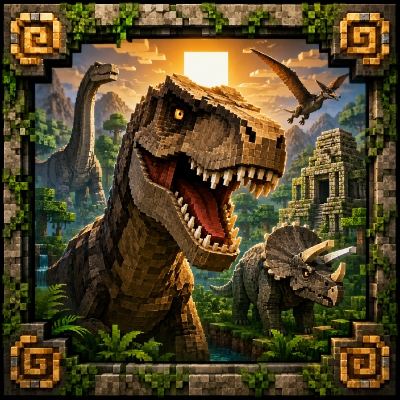
The lost age
Bedrock add-on listed for Minecraft 1.21–26.x (behavior + resource pack). File opened and checked on 28 Aug 2026; installs from the MC Bedrock Mods app on Android.
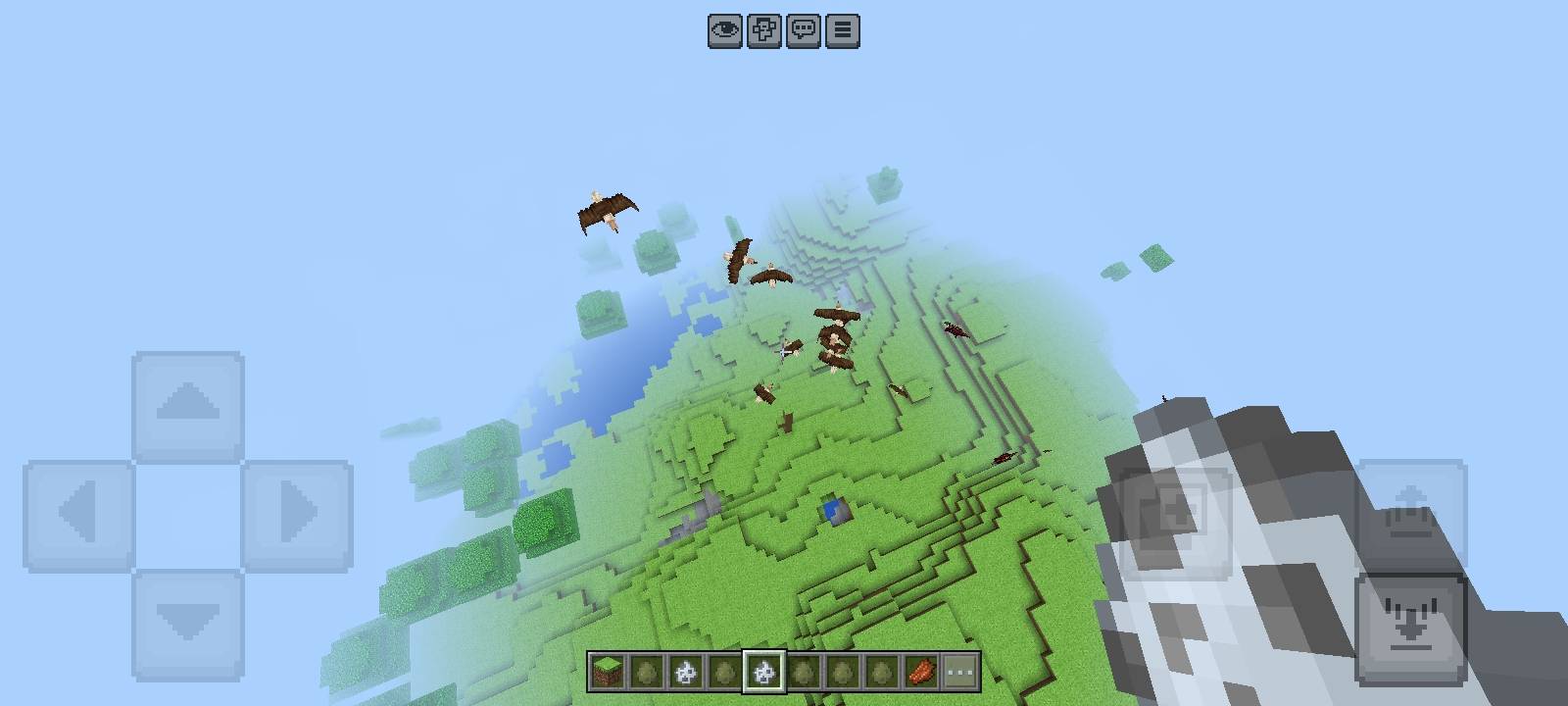
The Lost Age brings a world back to Minecraft Bedrock! 🦖 Discover 16 unique ancient creatures, including dinosaurs, birds, and other powerful animals…
⬇ Download on CurseForge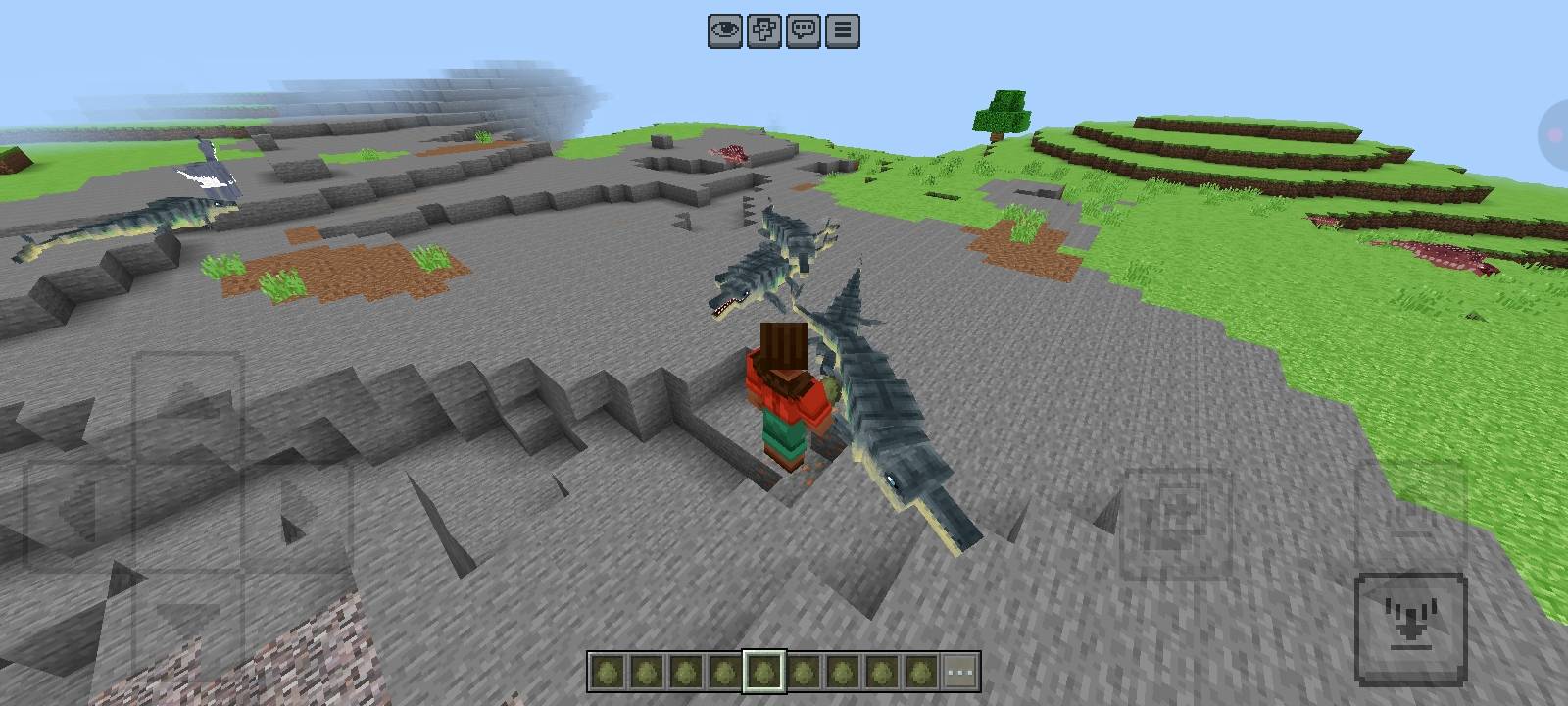
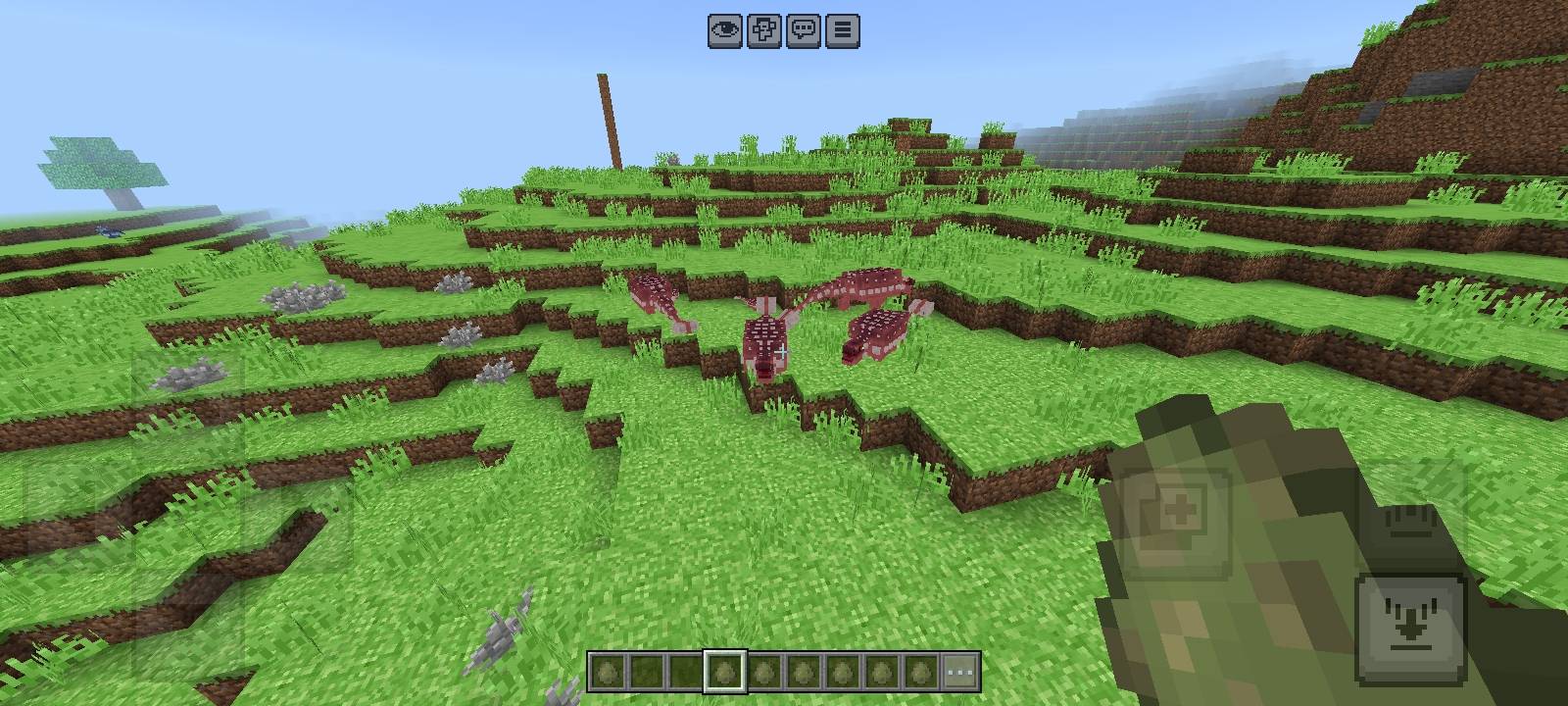
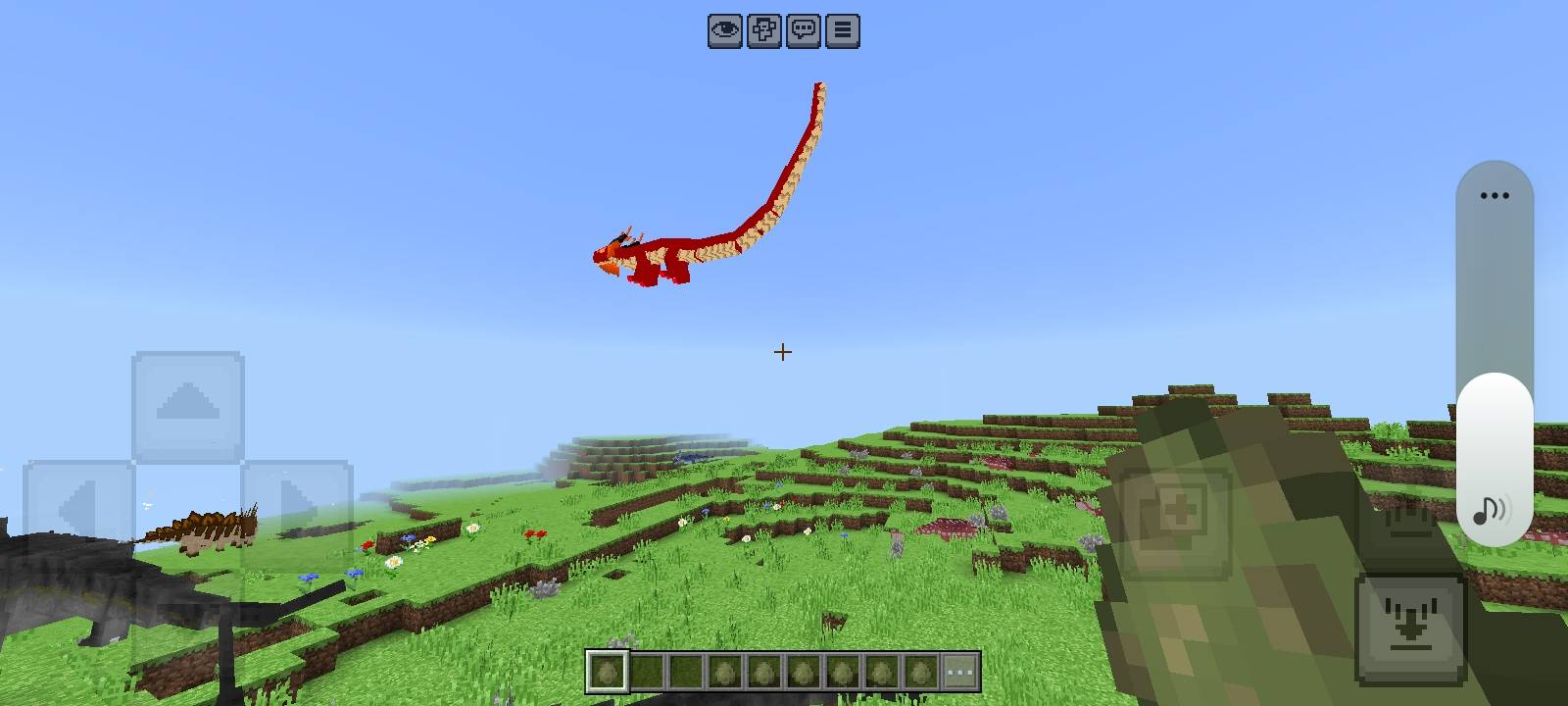
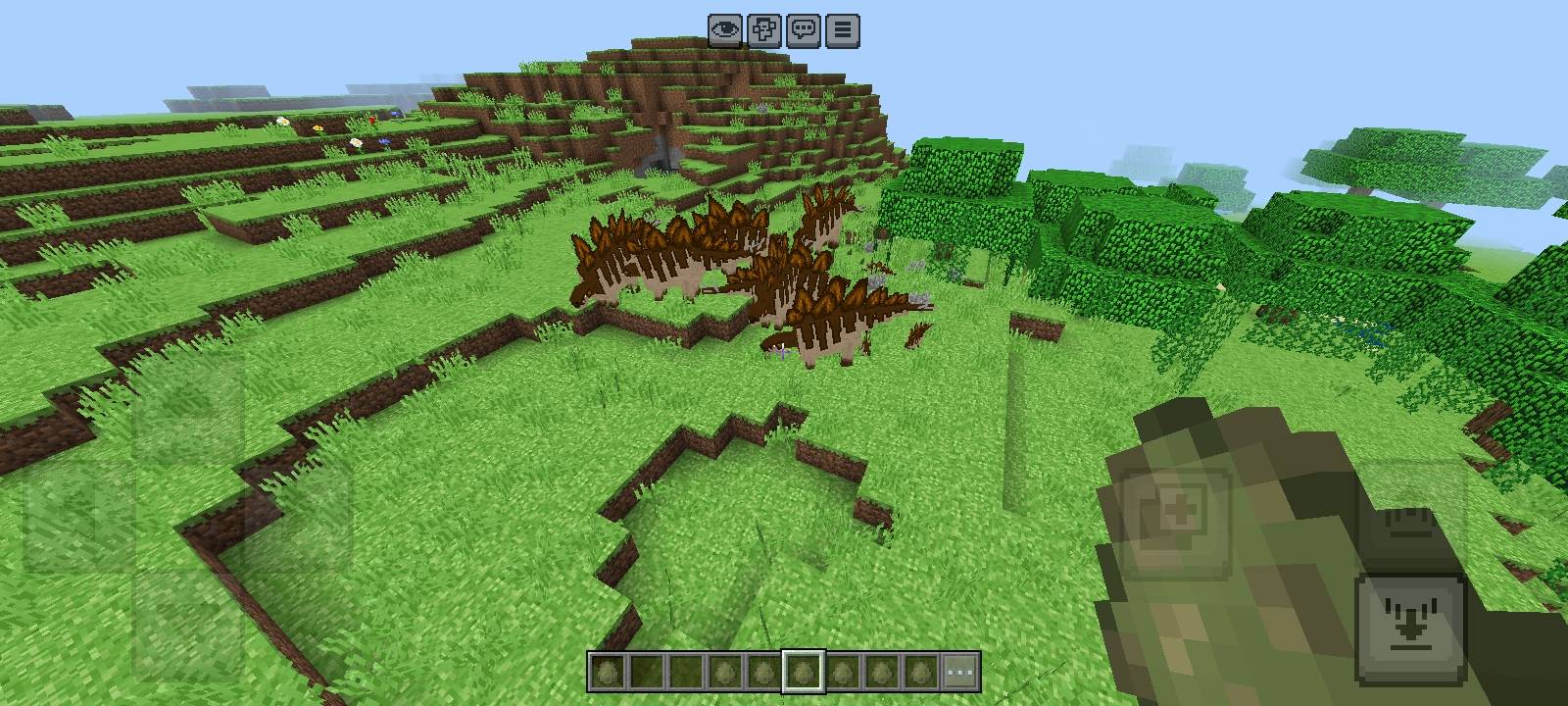
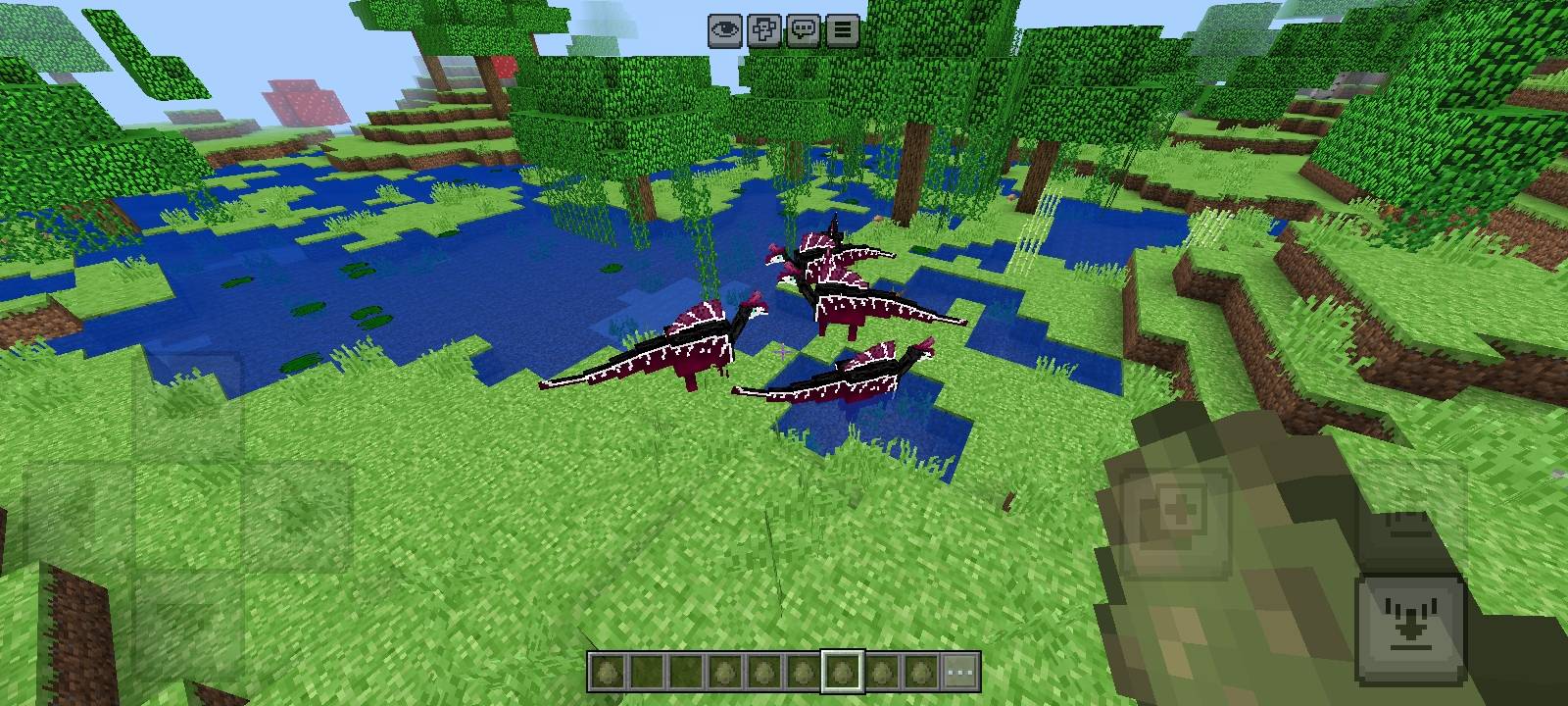
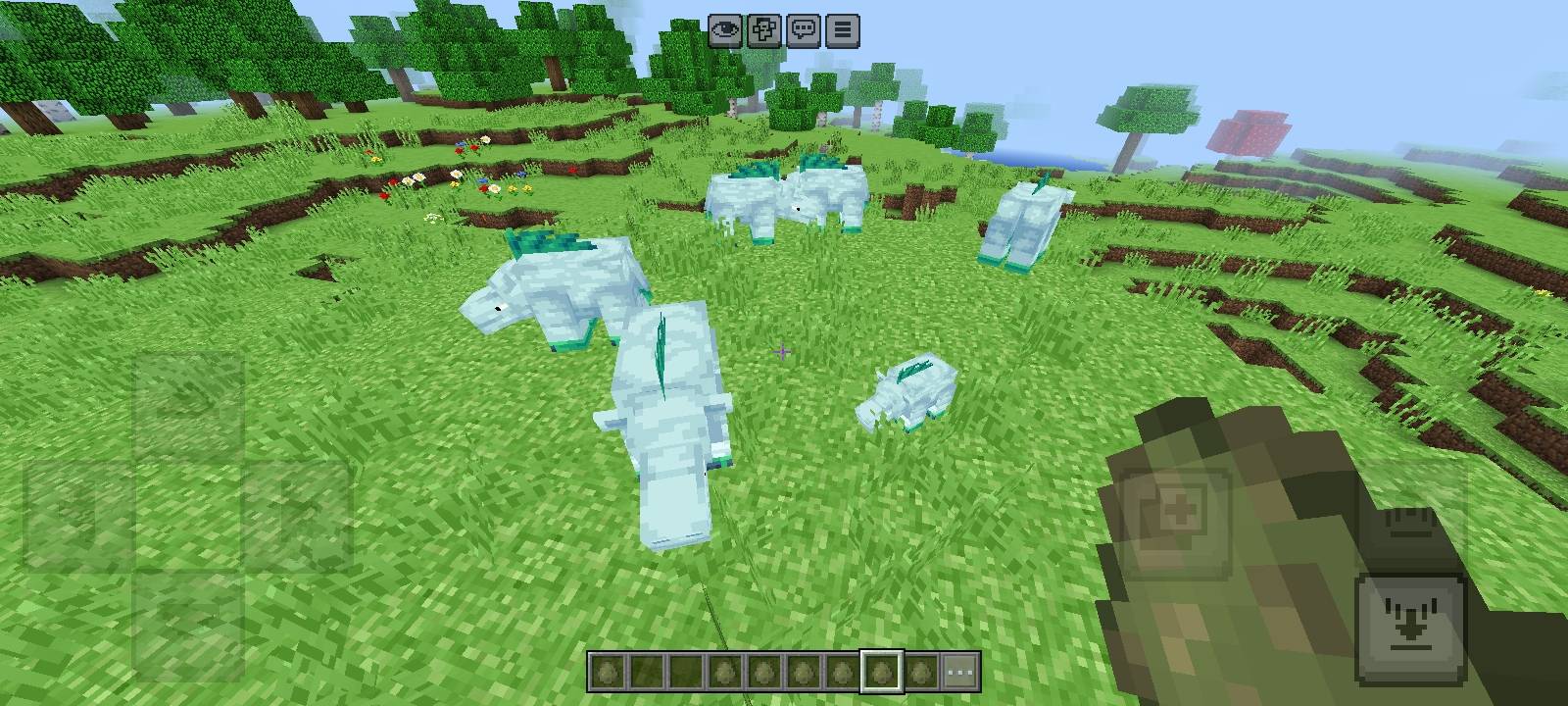
The Lost Age 🦖
The Lost Age brings a forgotten prehistoric world back to Minecraft Bedrock! Travel into a world where ancient creatures have returned and experience a nostalgic Minecraft atmosphere with classic old-style textures and old Minecraft-inspired sounds. Explore your world, encounter prehistoric creatures, and discover a lost era hidden within Minecraft. 🌍
✨ Features
• 🦖 16 unique ancient creatures
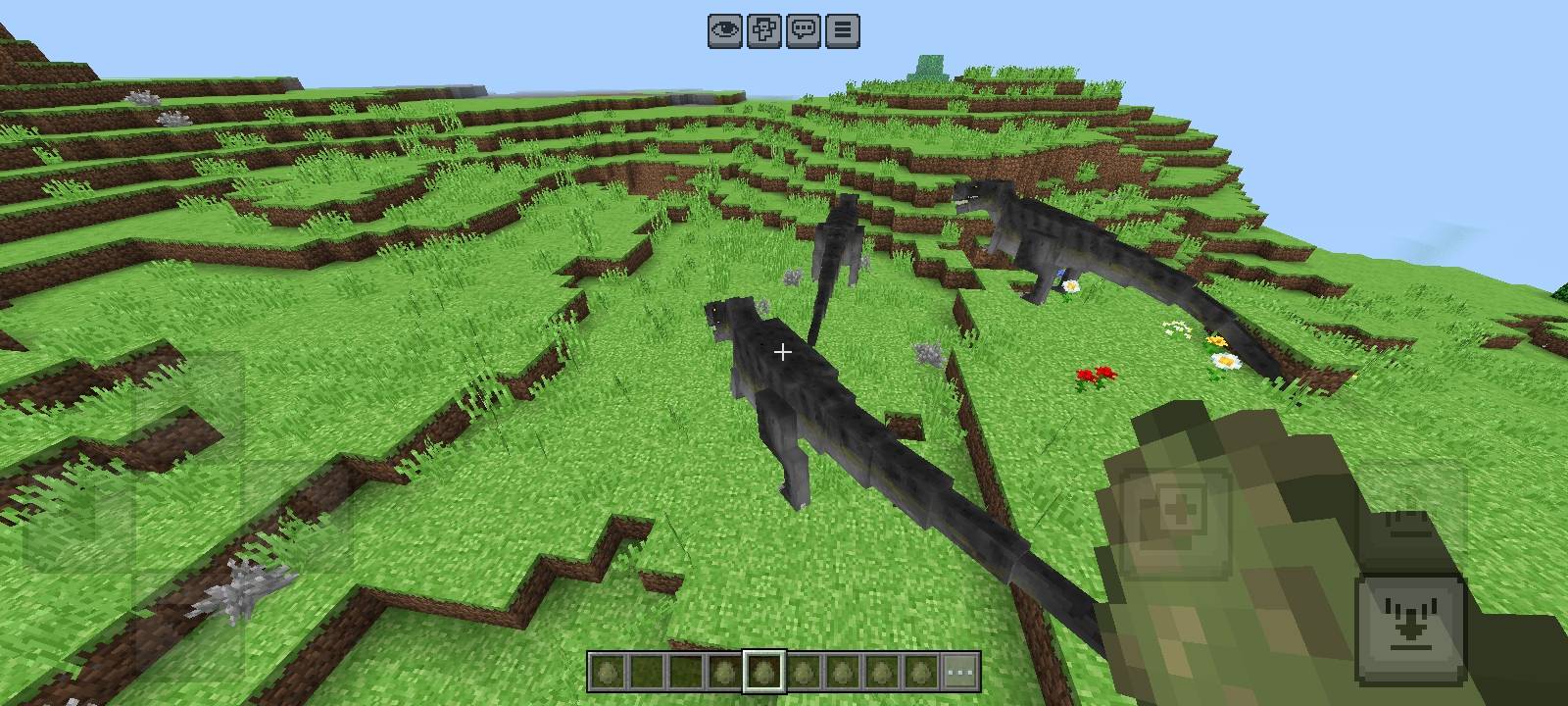
• 🌍 Creatures can naturally spawn throughout the world
• 🐎 Ride the creatures and control their movement
• 🥩 Feed creatures using Rotten Flesh
• ❤️ Feeding can restore their health
• 💕 Breed creatures to create babies
• 🥚 Unique spawn egg colors for different creatures
• 🏷️ Proper in-game names for all creatures
• Classic old-style Minecraft textures
• 🔊 Old Minecraft-inspired sounds
• 🕹️ A nostalgic atmosphere inspired by Minecraft's past
• 🎮 Designed for Minecraft Bedrock Edition
🦕 Creatures Included
• Stegosaurus
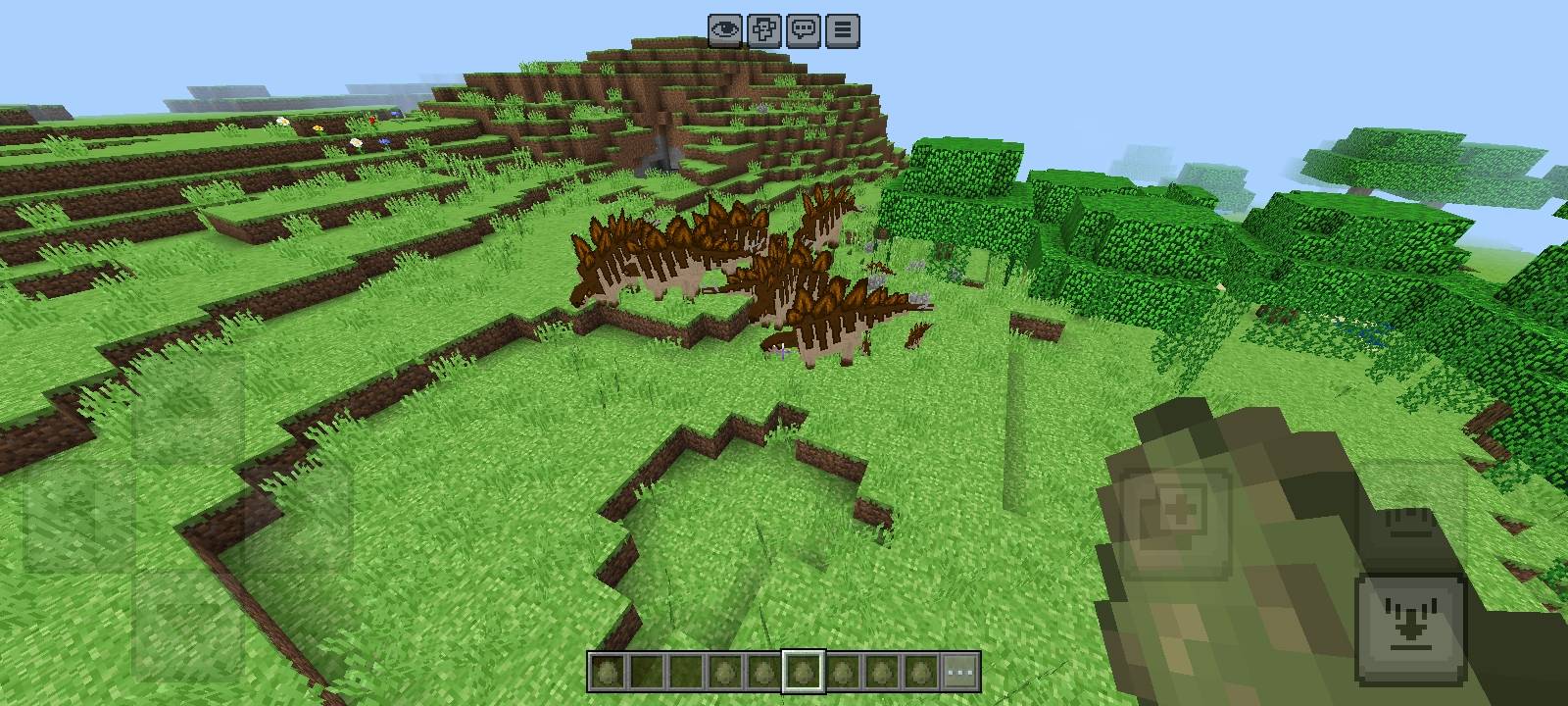
• Spinosaurus
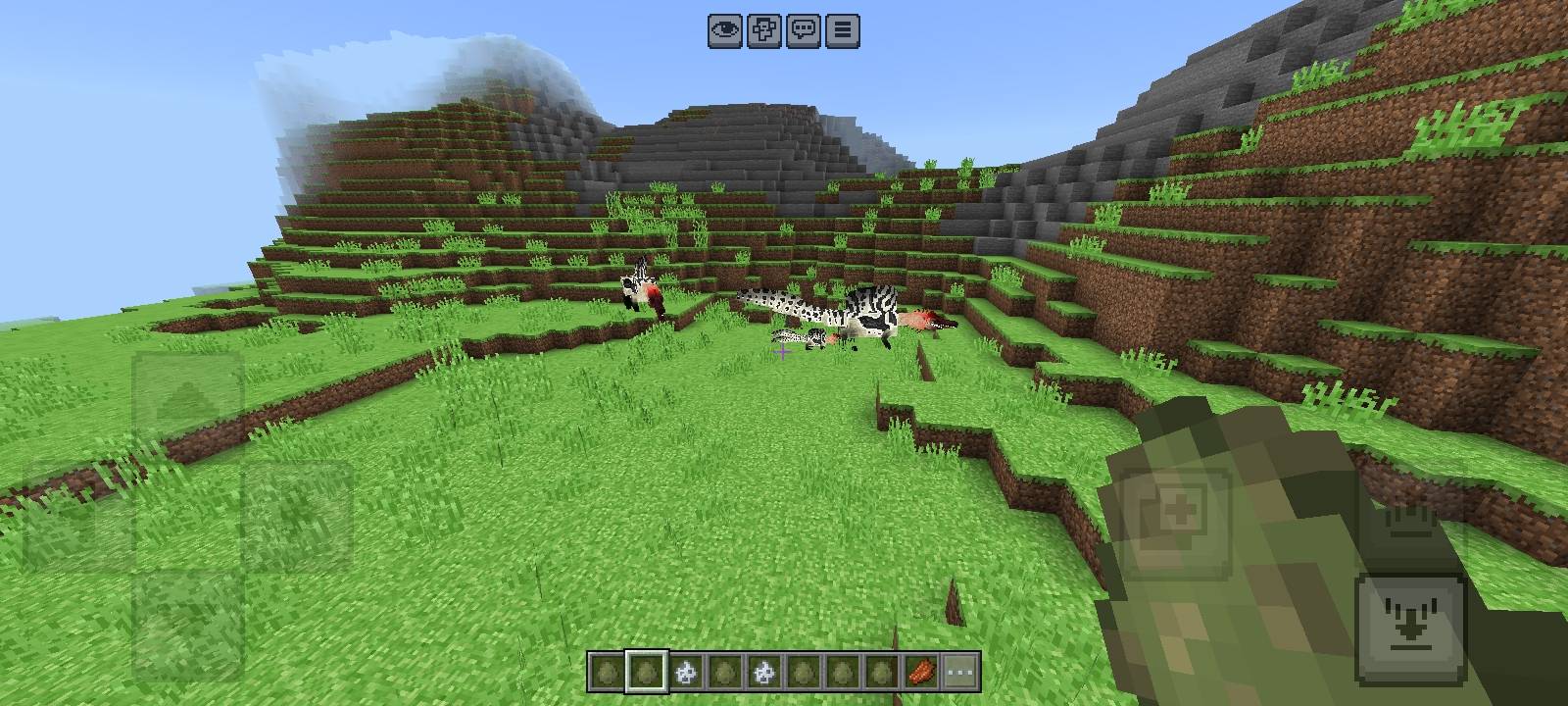
• Lampeosaurus
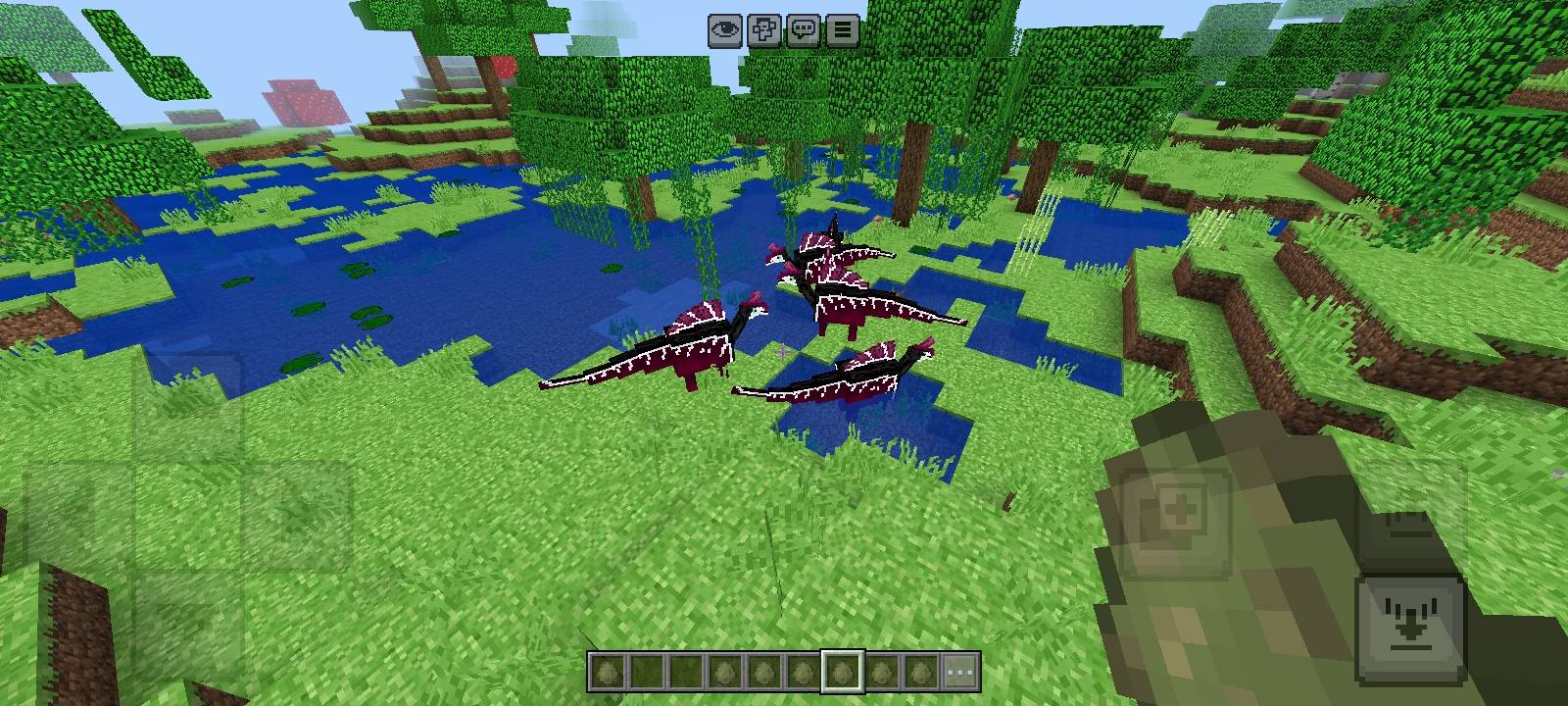
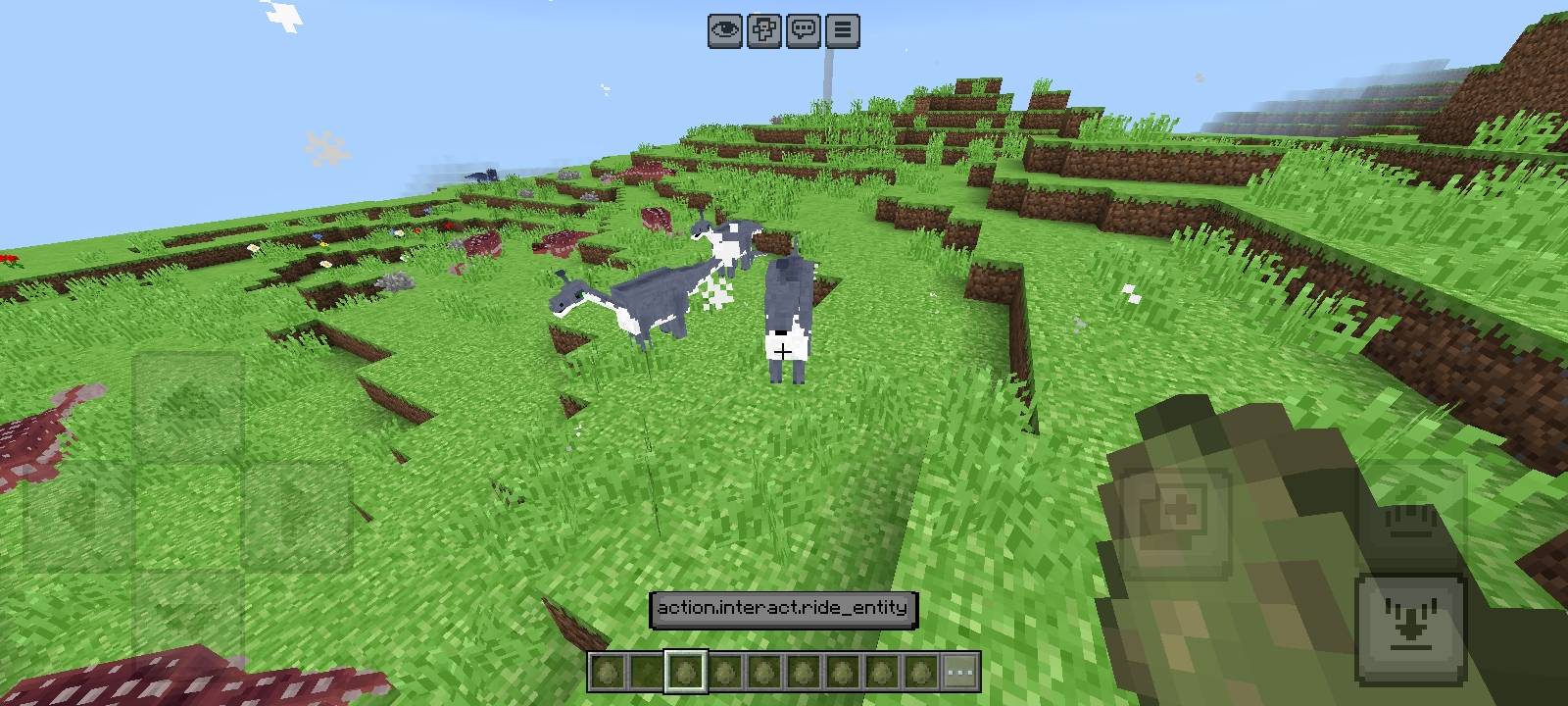
• Brachiosaurus
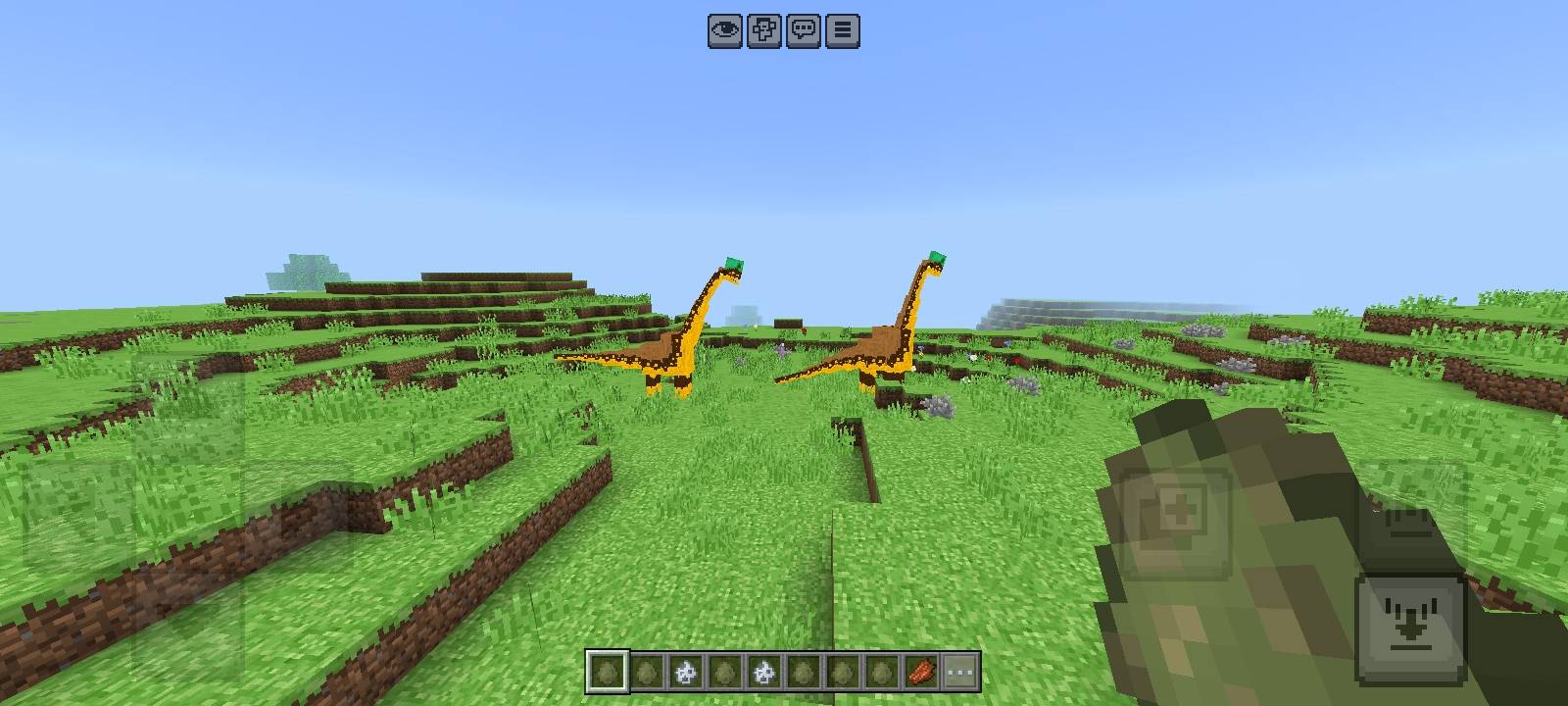
• Ankylosaurus
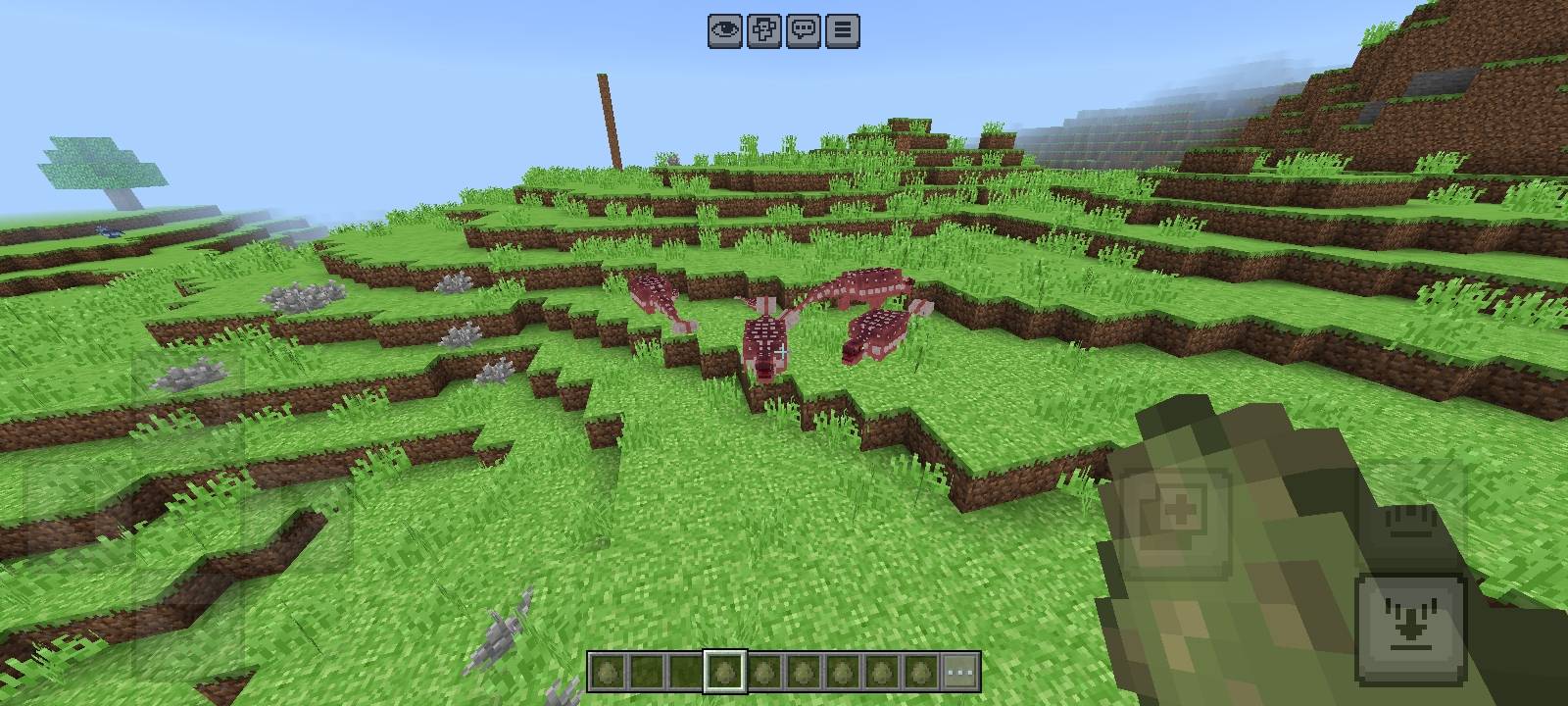
• Hadrosaur
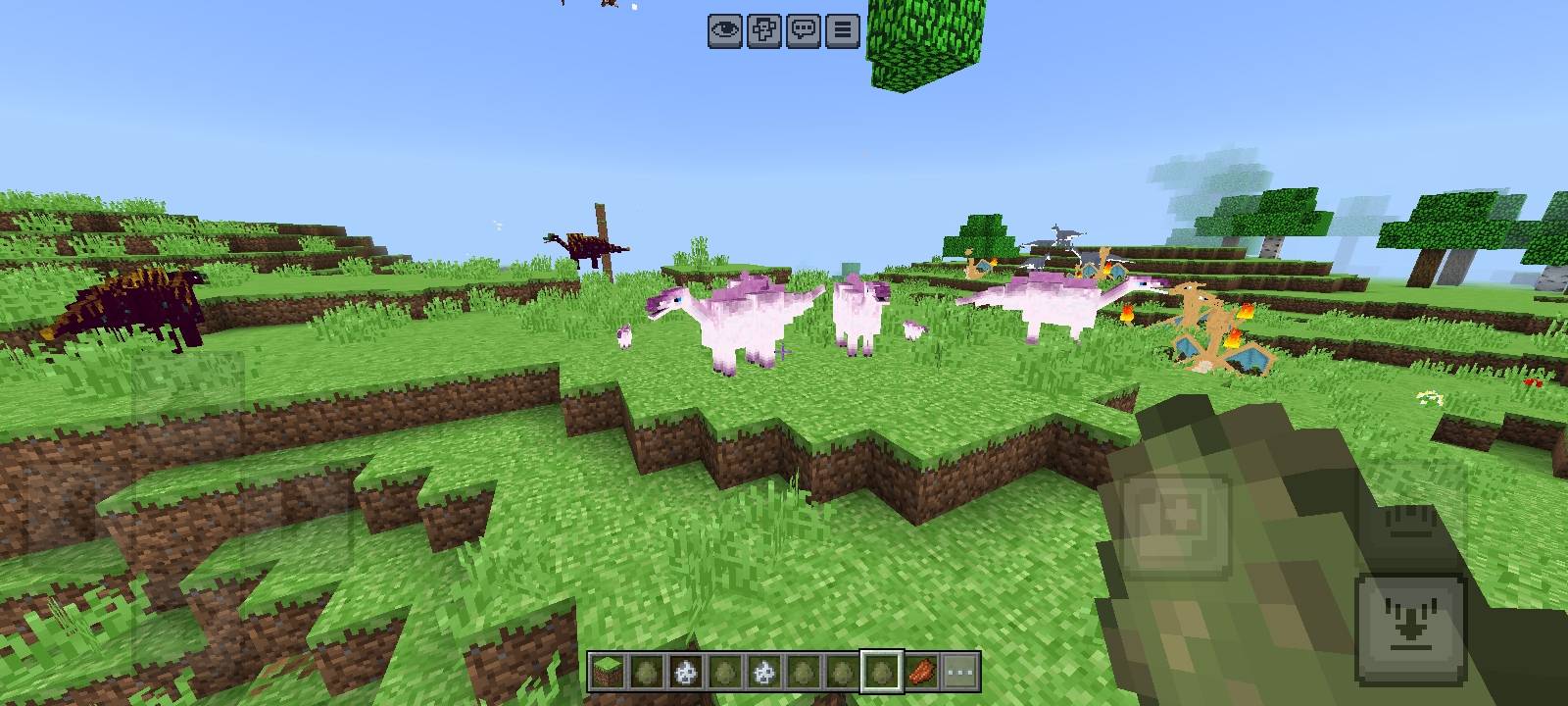
• Ouranosaurus
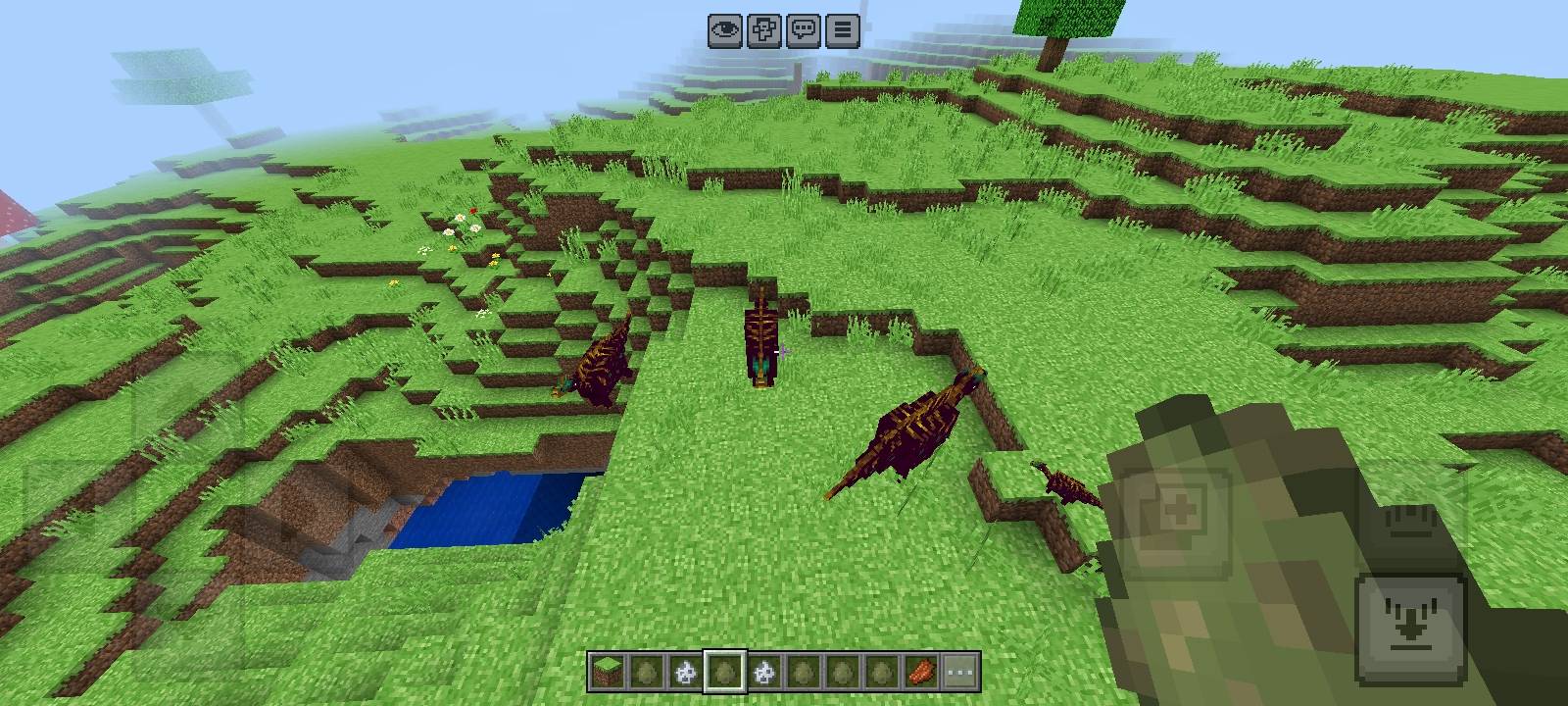
• Augustolophus
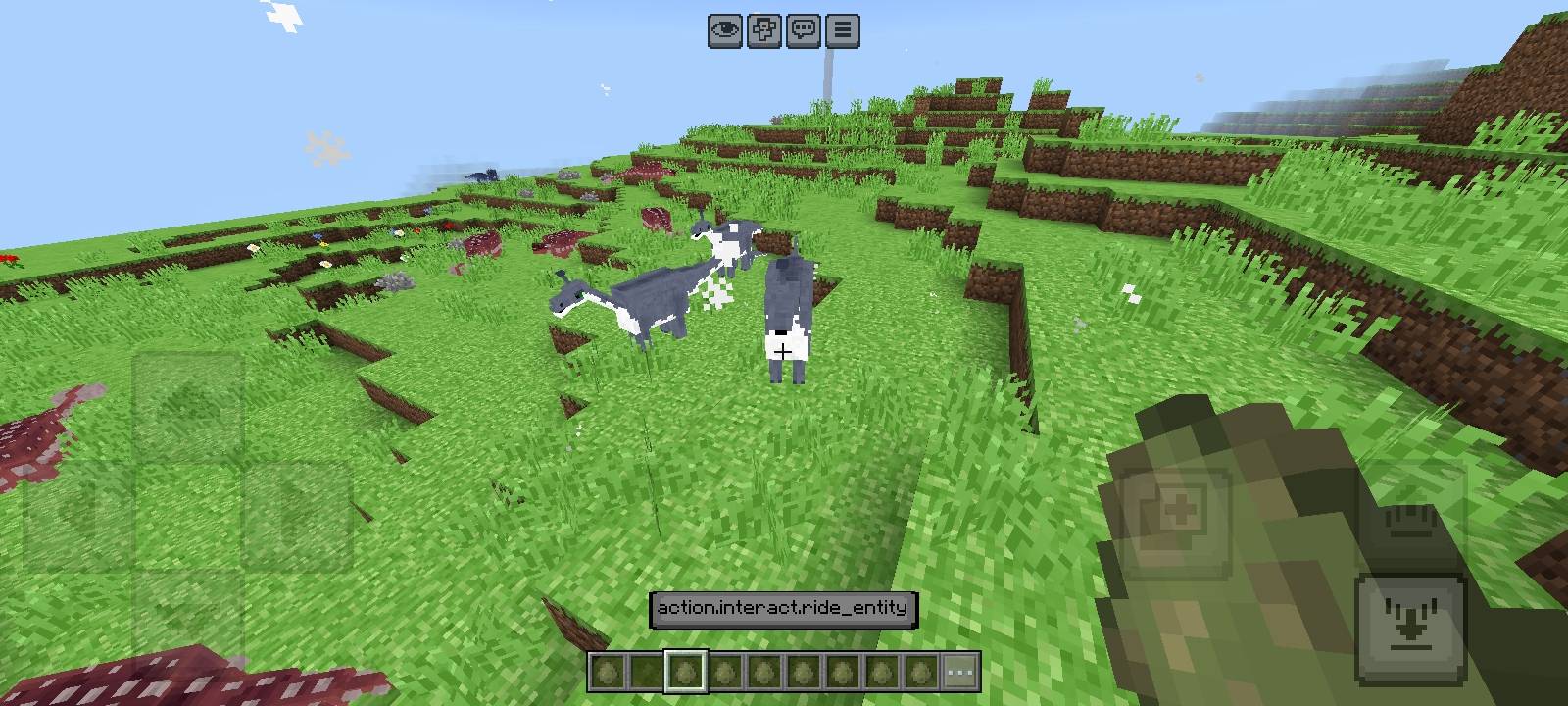
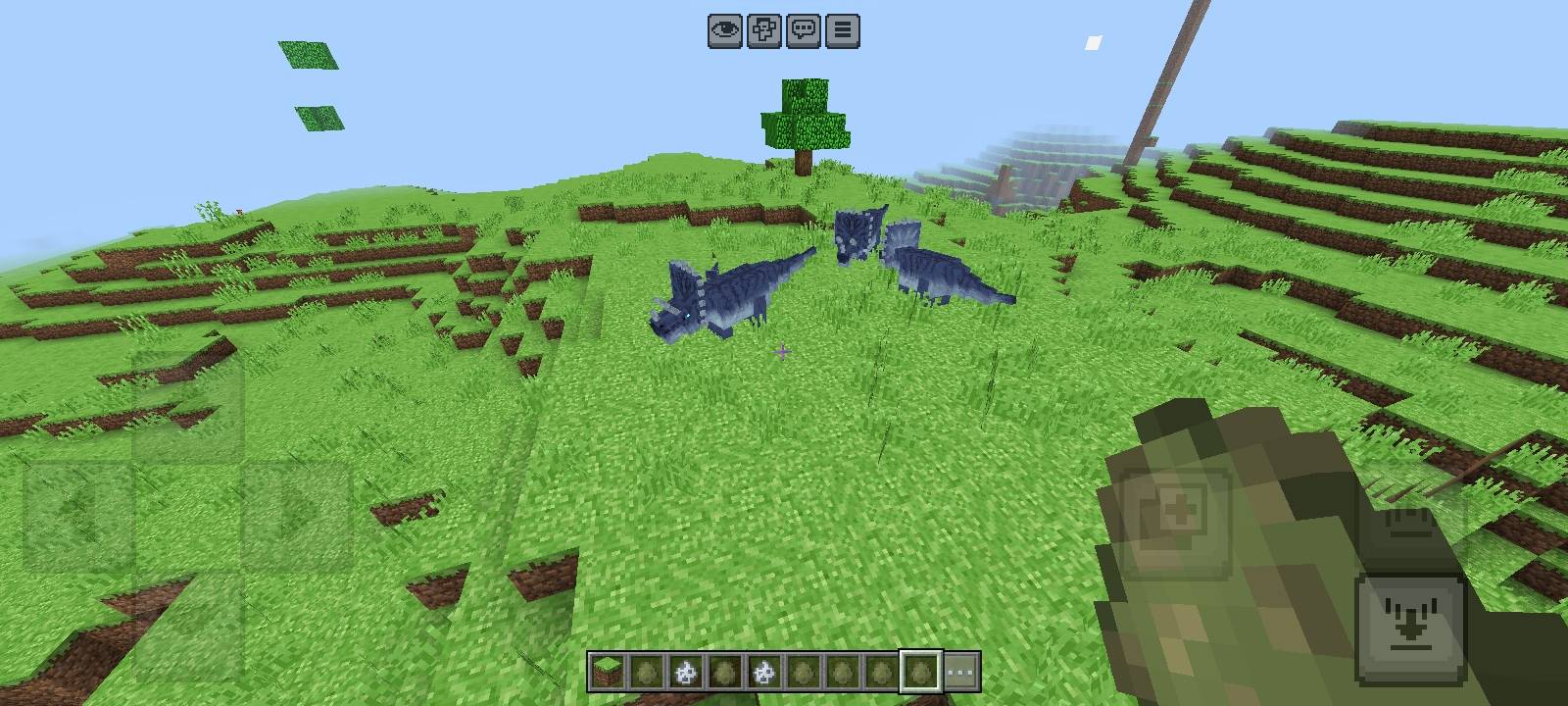
• Triceratops
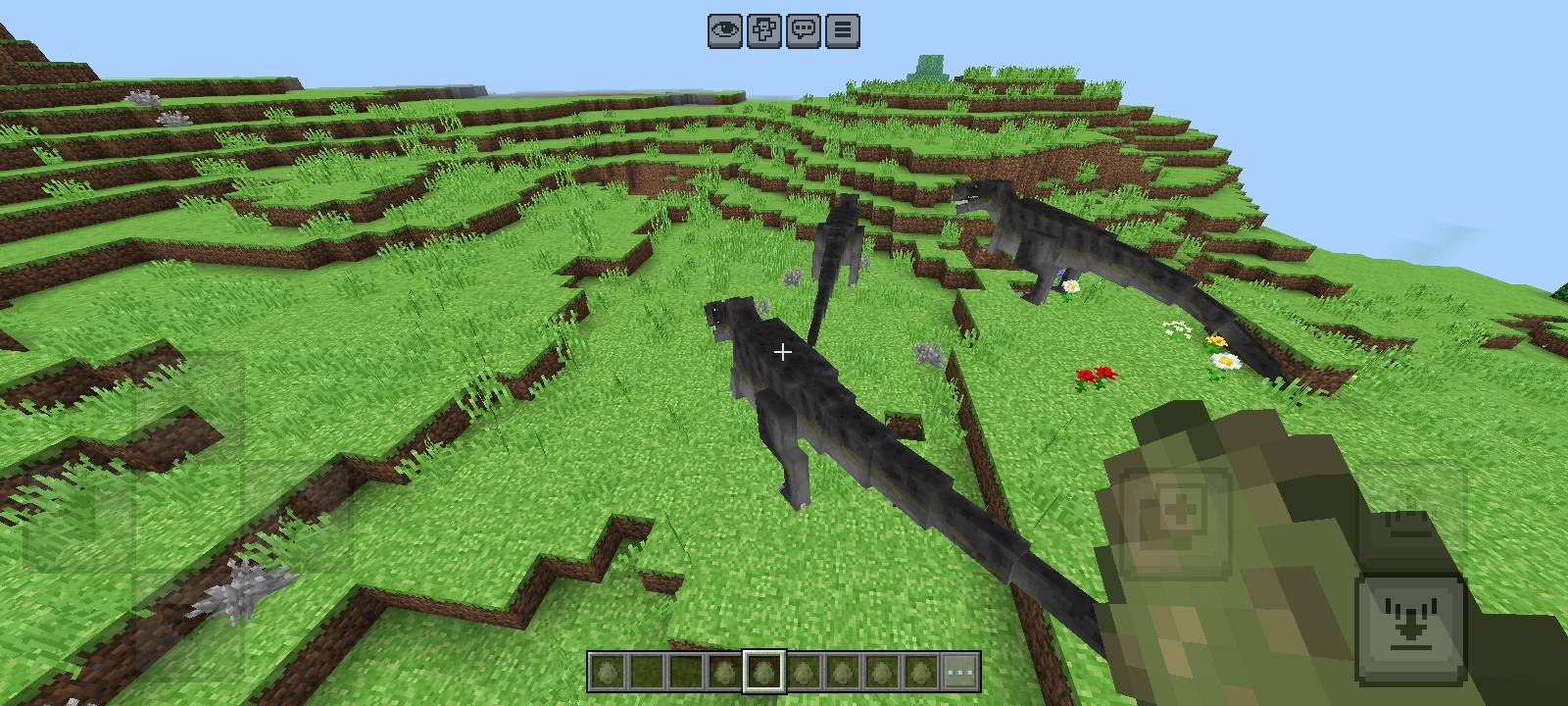
• T-Rex
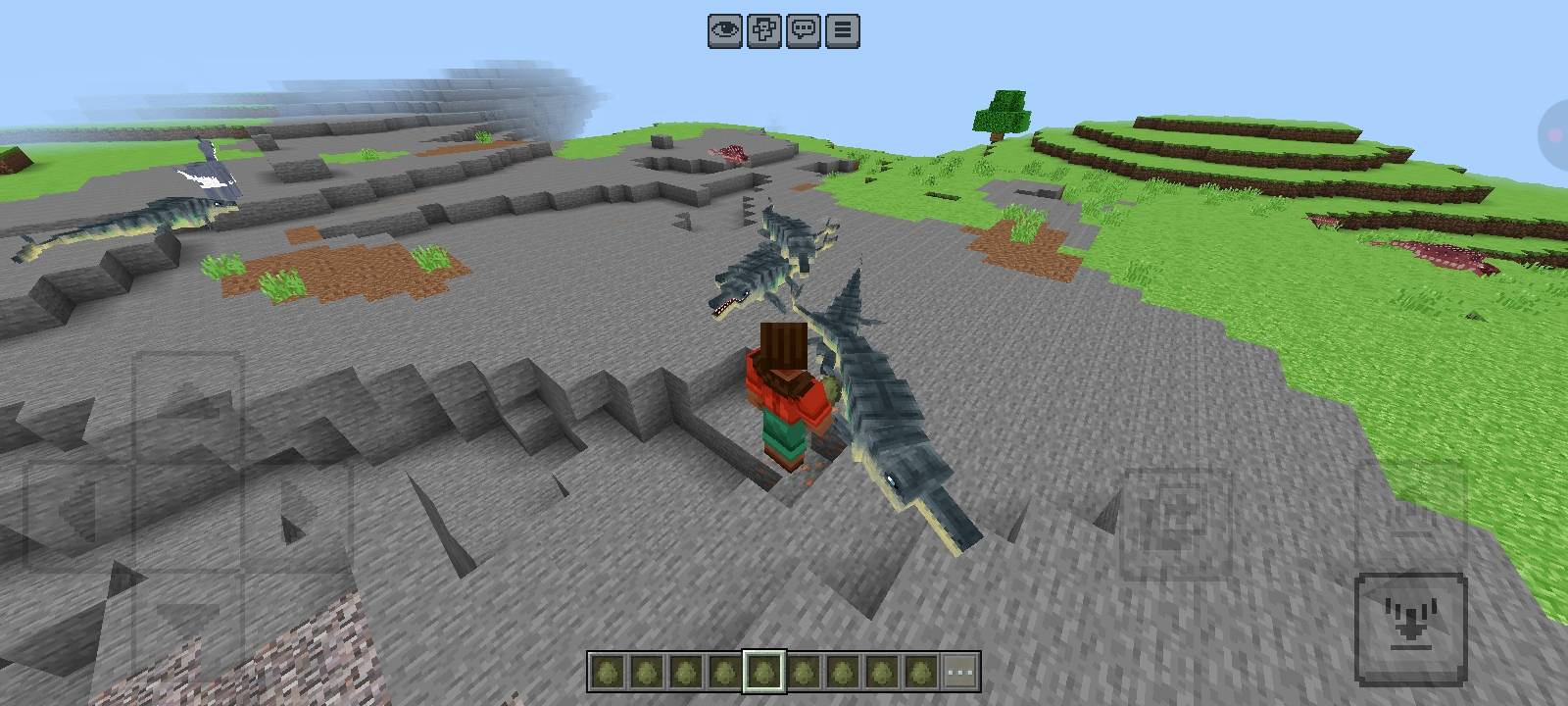
• Tylosaur
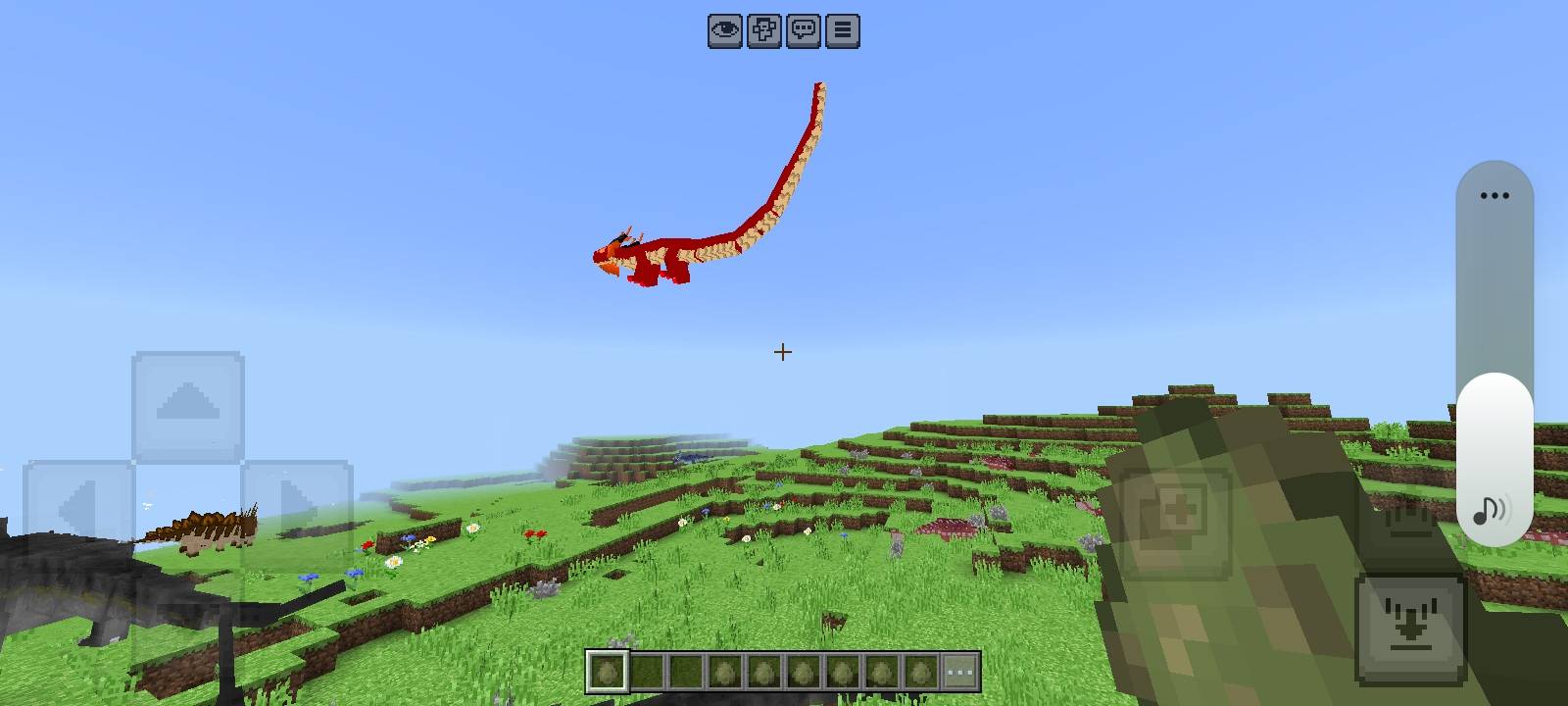
• Asian Dragon
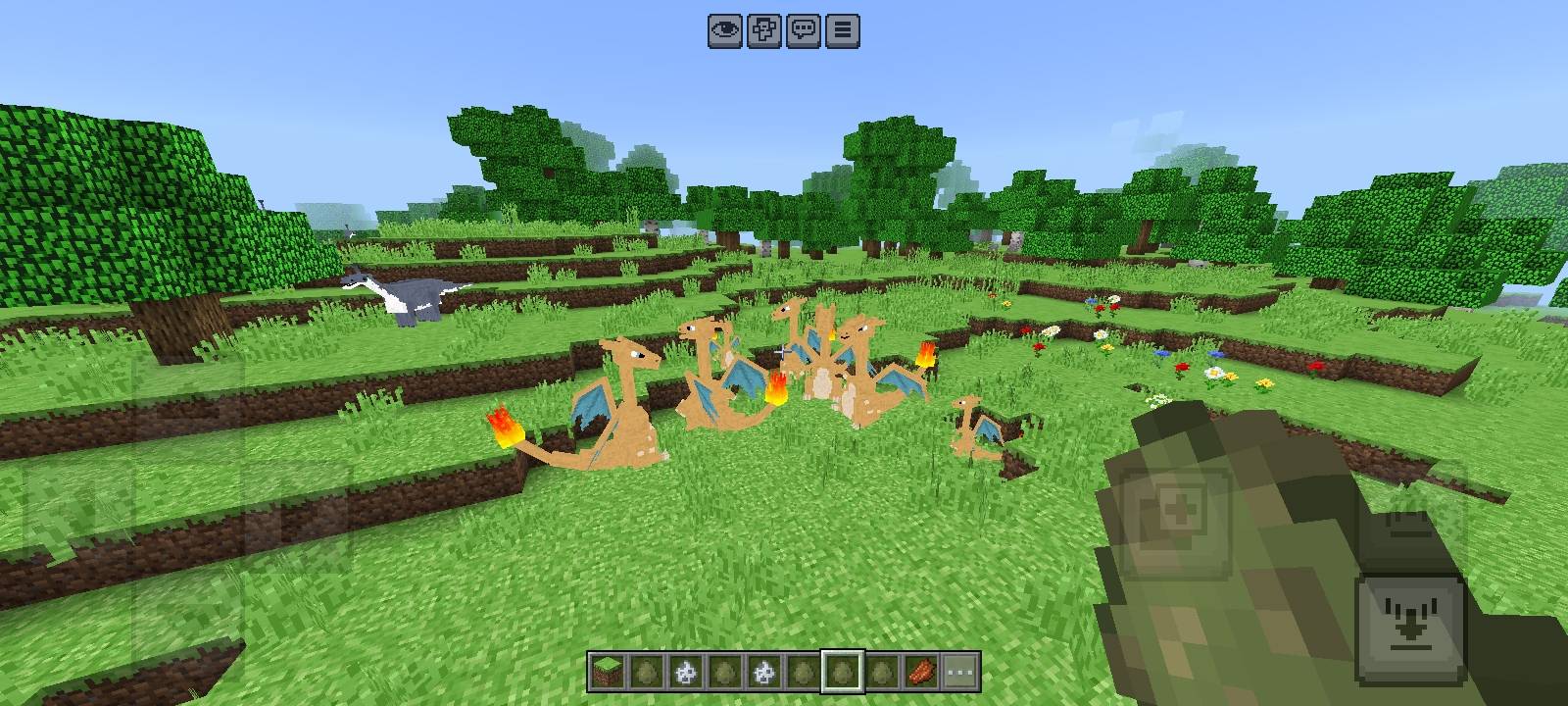
• Charizard
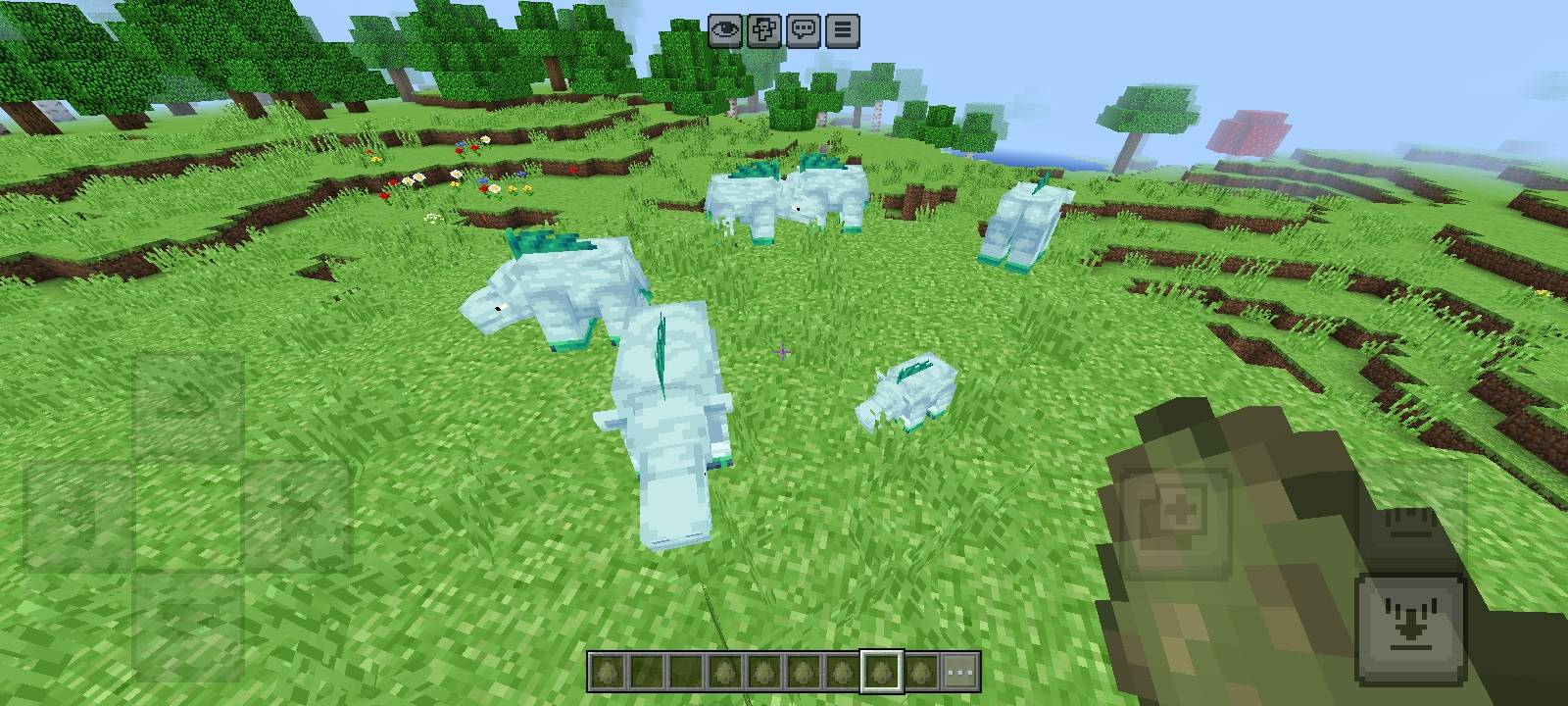
• Rhinoceros
• Eagle
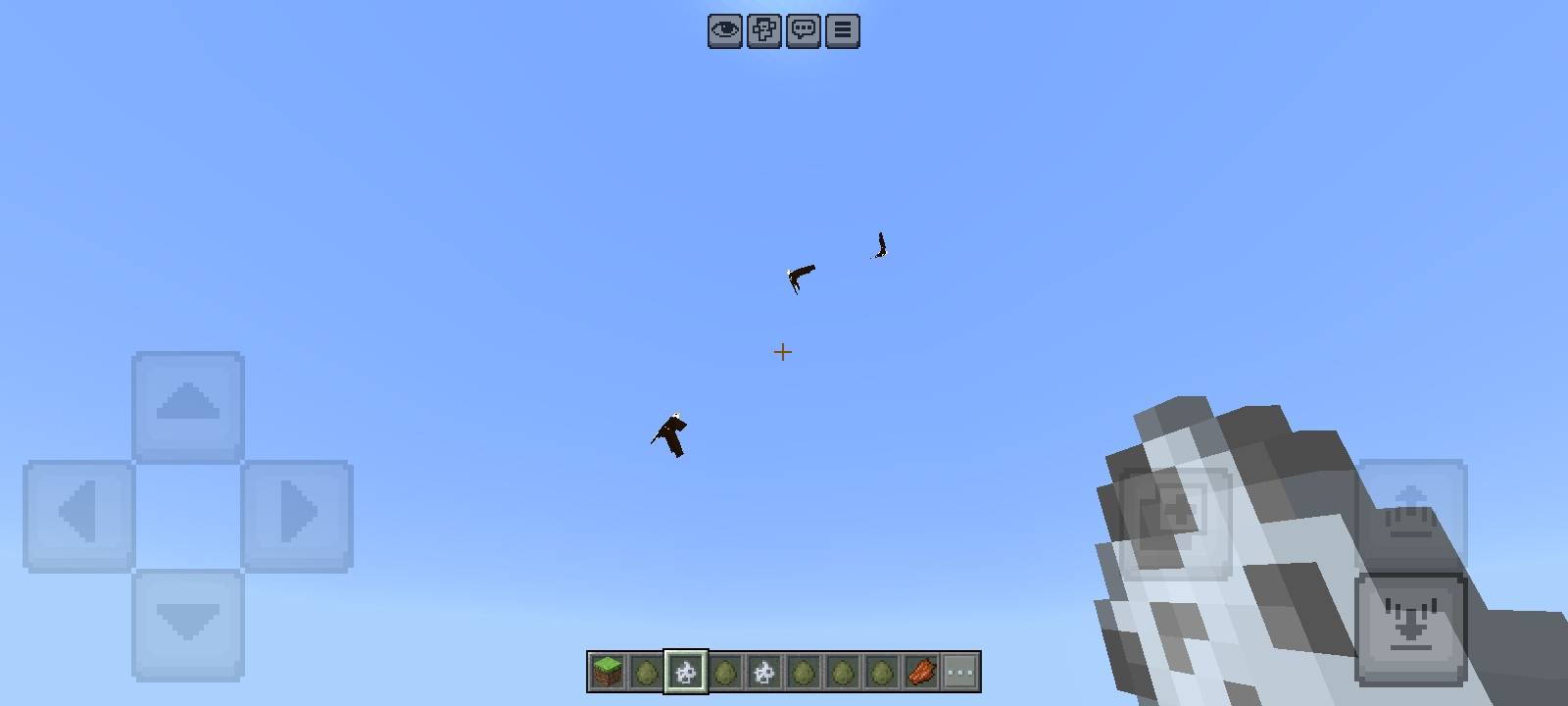
• Vulture
🎮 How to Ride
Simply interact with a creature to ride it. Once riding, you can control its movement and explore the world together!
📹
🥩 How to Feed & Breed
Hold Rotten Flesh in your hand and interact with a creature to feed it. Feeding your creatures can help restore their health. Feed compatible creatures to breed them and create baby creatures! 💕
📌 Compatibility
This addon is made for Minecraft Bedrock Edition. Make sure both the Behavior Pack and Resource Pack are enabled when creating or editing your world.
───
How to Use 🦖
- Install the Addon
Download The Lost Age and open the .mcaddon file using Minecraft Bedrock Edition.
- Activate the Packs
When creating or editing a world:
• Enable The Lost Age Behavior Pack
• Enable The Lost Age Resource Pack
Make sure both packs are active before entering the world.
- Find the Creatures 🌍
The 16 creatures can naturally spawn throughout the Minecraft world. Explore different areas and biomes to encounter them. You can also use their unique Spawn Eggs in Creative Mode to spawn them manually.
Creator’s
Author: Kareo Gamerz
📜 License
All Rights Reserved This addon was created by Kareo Gamerz.
You are not allowed to redistribute, modify, or reupload this addon on any other platform without the creator’s permission. You may, however, make videos or showcase this addon on YouTube or social media — please provide credit and a link to the original CurseForge or MCPEDL page.
© 2025-2026Kareo Gamerz – All Rights Reserved.
- Edition: Minecraft Bedrock
- File type: .mcpack or .mcaddon
- Minecraft versions listed: 1.21.131, 1.21.132, 26.0.02
- How to install: Download the .mcpack or .mcaddon file. → Open it — Minecraft imports it. → In your world: Behavior Packs → Available → Activate, then the same under Resource Packs.
- Where to get it: Opens on CurseForge — not every file is mirrored on our own servers.
Install steps are the general flow for this file type — How to install Minecraft Bedrock addons & mods walks through it step by step.
- Pack type: .mcaddon — behaviour and resource pack in one file
- Manifest requires Minecraft 1.26.0 or newer
- Complete pack — everything it depends on is inside the file
- Download size: 20.4 MB
- Download link checked 9 Oct 2026 — working
These come from our own check of the pack file, not from the source page.