HoloChest
Bedrock add-on listed for Minecraft 26.x. Download on the author's site.
⬇ Download on CurseForge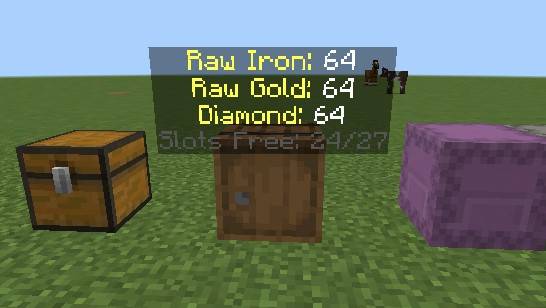
📦 WHAT THIS MOD DOES
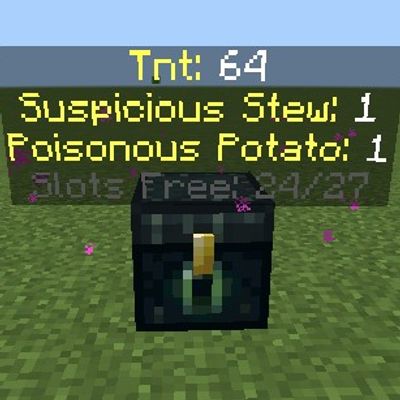
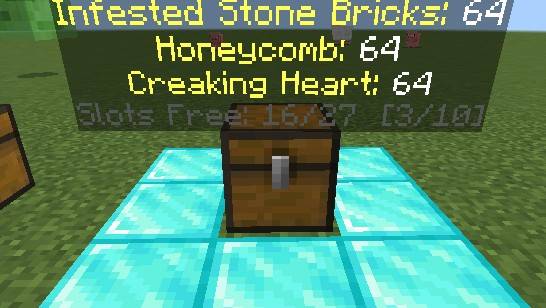
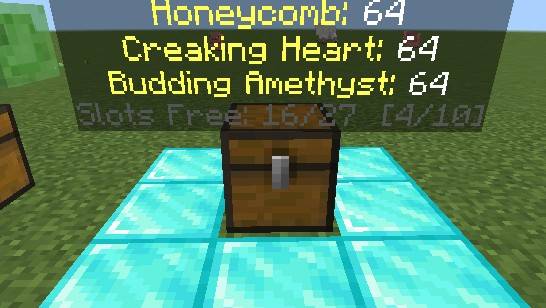
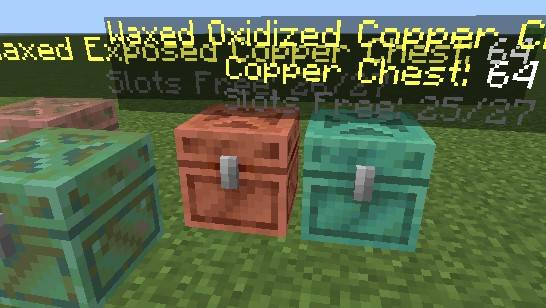
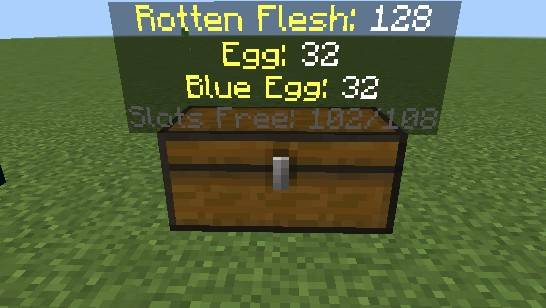
Stop opening every single chest to find your stuff! This addon shows what is inside your containers just by looking at them. Floating text pops up above the chest telling you what’s in it.
⚠️ IMPORTANT SETTING REQUIRED Make sure Beta APIs is toggled ON in World Settings → Experiments.
🔥 TL;DR FEATURES
-
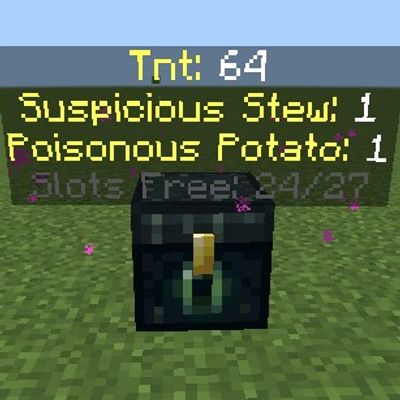
👁️ LOOK TO SEE: Point your camera at a chest, barrel, or furnace within 5 blocks. Floating text instantly appears.
-
📦 WORKS ON *ALMOST* EVERYTHING:
-
Single Chests & Double Chests (all wood & copper types)
-
Barrels
-
Furnaces, Smokers, & Blast Furnaces
-
Ender Chests
-
-
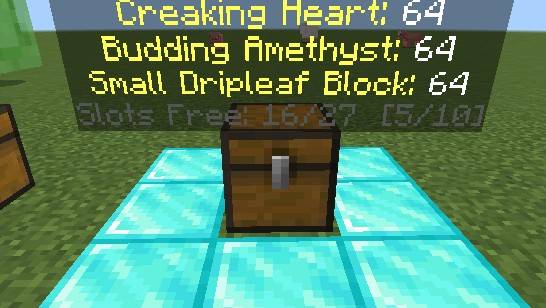
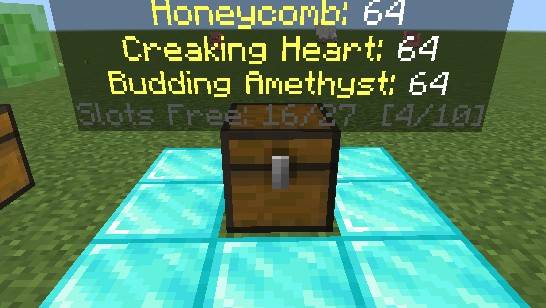
🔄 AUTO-SCROLLING: Displays up to 3 item types at a time. If a chest has tons of different loot, it scrolls through the items automatically every 1.5 seconds so you see everything.
-
📊 FREE SPACE COUNTER: Tells you how many empty inventory slots are left (e.g.,
Slots Free: 12/27). -
🍳 FURNACE TRACKING: For furnaces and smokers, it specifically breaks down what is Smelting, what is Fuel, and what is Output.
-
⚡ NO LAG & NO RESOURCETEC PACK NEEDED: Uses native Minecraft floating text. Text vanishes 1.5 seconds after you look away so your screen stays clean.
🎮 HOW IT LOOKS IN-GAME
Cobblestone: 128
Iron Ingot: 45
Diamonds: 12
Slots Free: 5/27 [1/6]
- Edition: Minecraft Bedrock
- File type: .mcpack or .mcaddon
- Minecraft version listed: 26.40
- How to install: Download the .mcpack or .mcaddon file. → Open it — Minecraft imports it. → In your world: Behavior Packs → Available → Activate, then the same under Resource Packs.
- Where to get it: Opens on CurseForge — not every file is mirrored on our own servers.
Install steps are the general flow for this file type — How to install Minecraft Bedrock addons & mods walks through it step by step.
HoloChest is a free Minecraft Bedrock addon. Compatible with Minecraft 26.40. Downloaded 50 times (via CurseForge). Download it and open it directly in the game.