ModsJava
Velvet Rail Flow Mod (26.2, 1.21.11) – Build Smooth Roller Coaster Tracks
Java mod listed for Minecraft 1.21. Downloads from the MC Java Mods app on Android.
⬇ Download
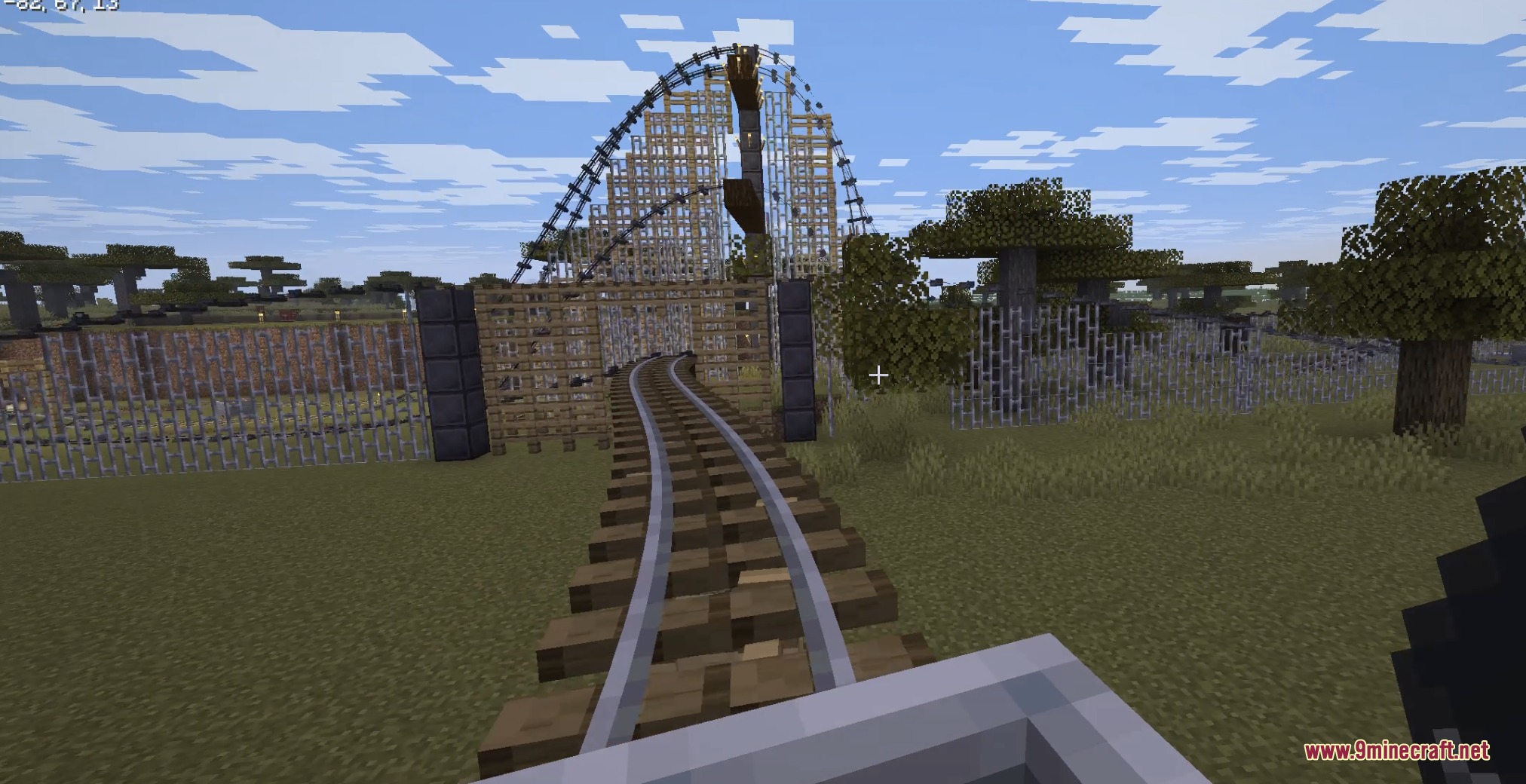
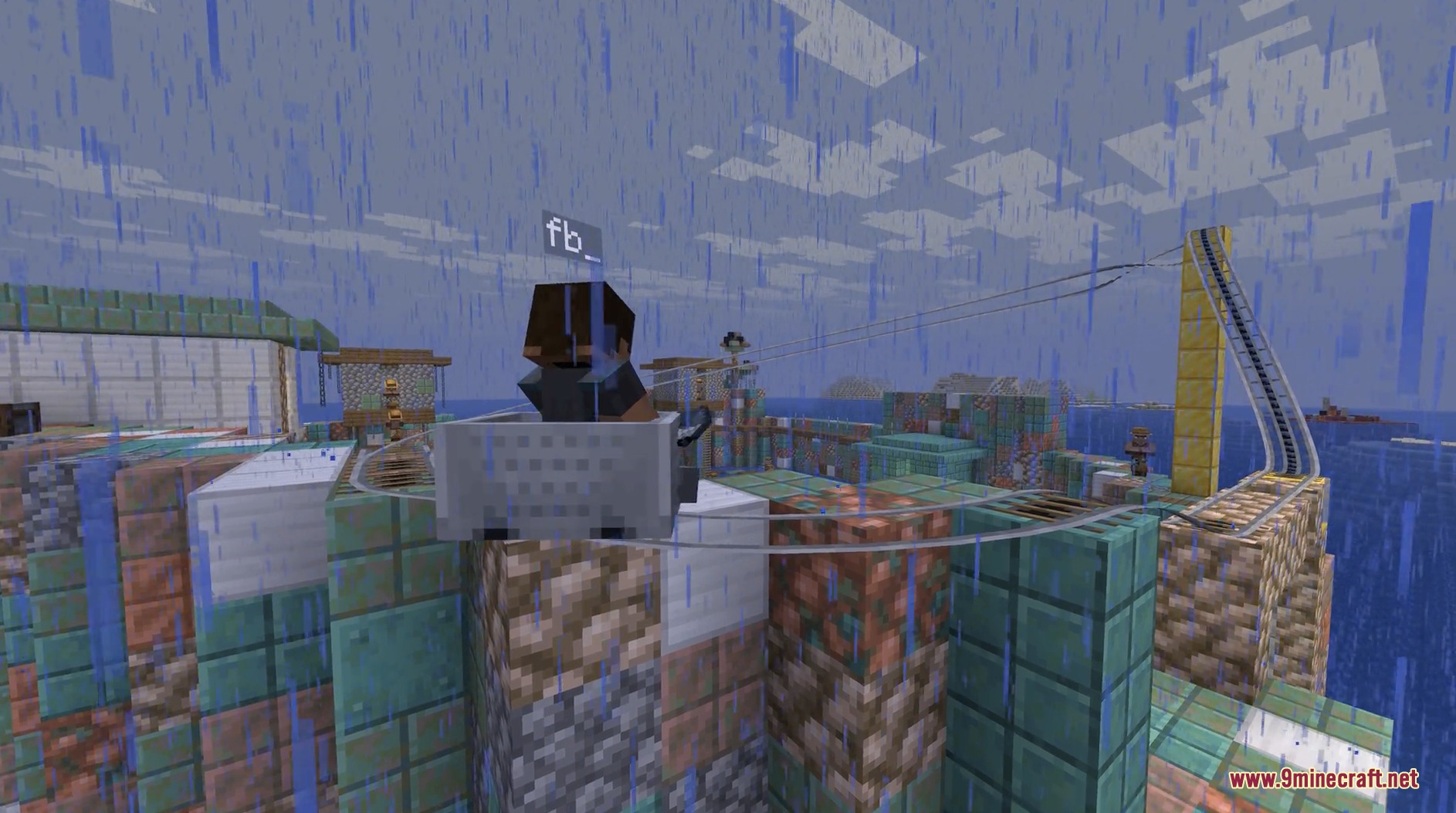
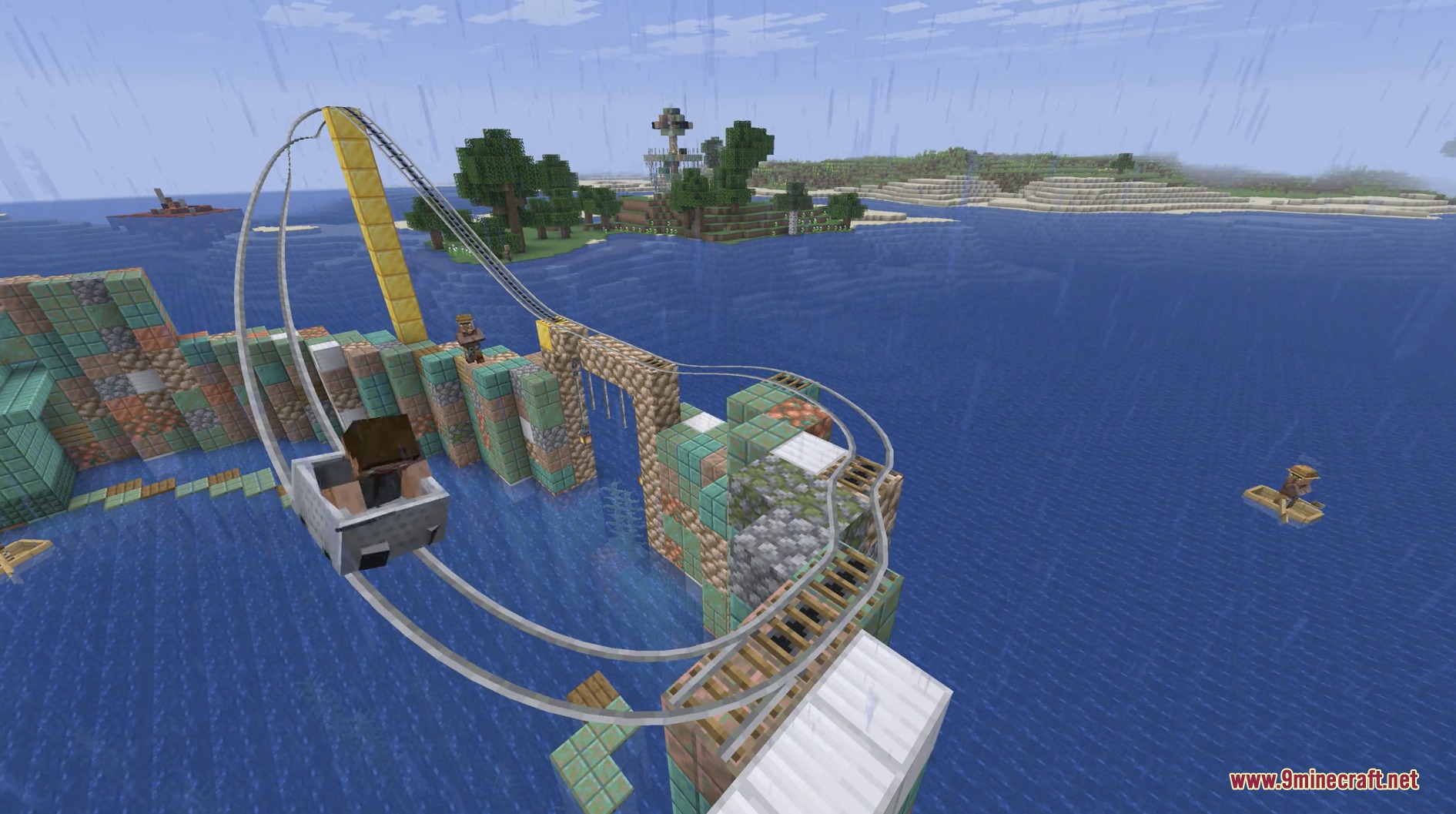
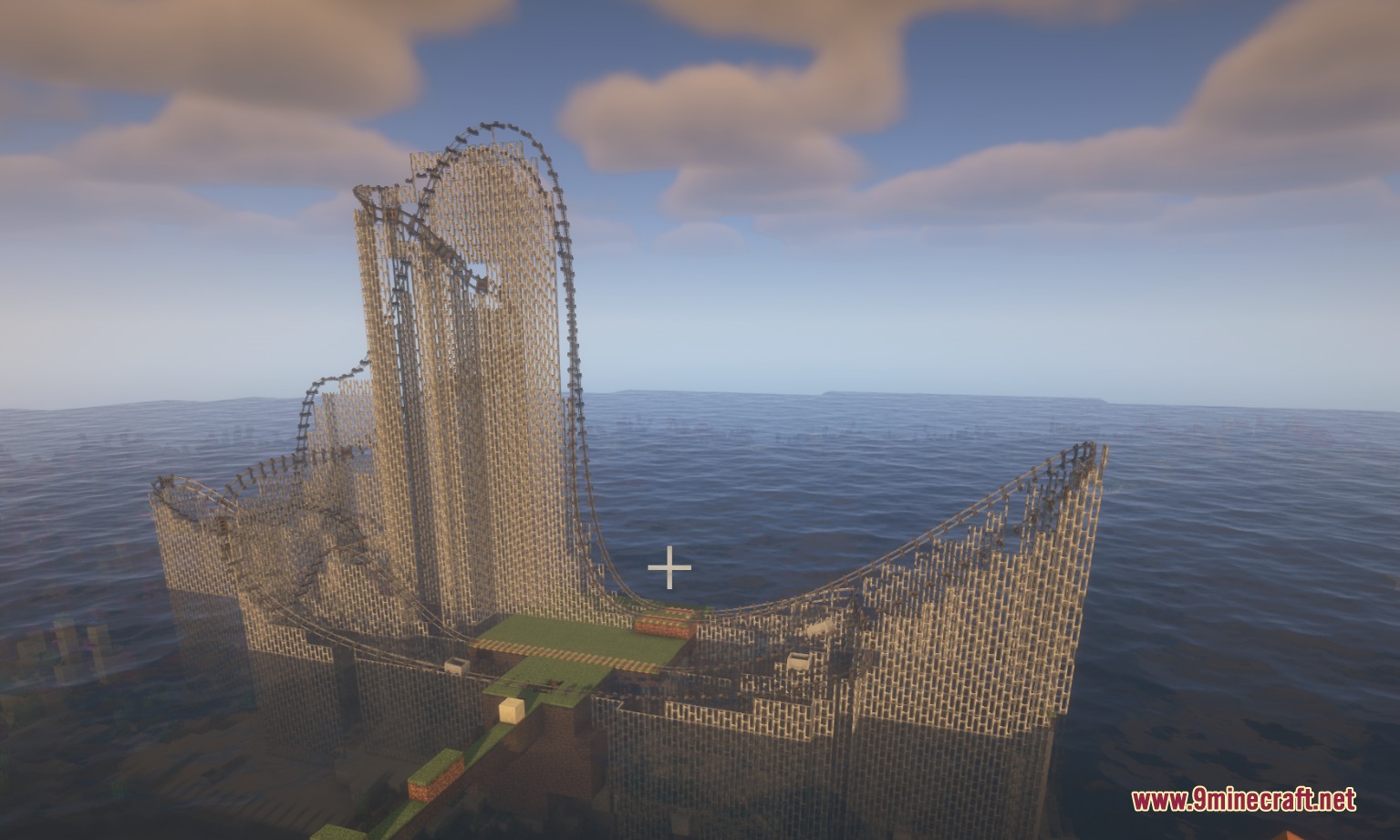
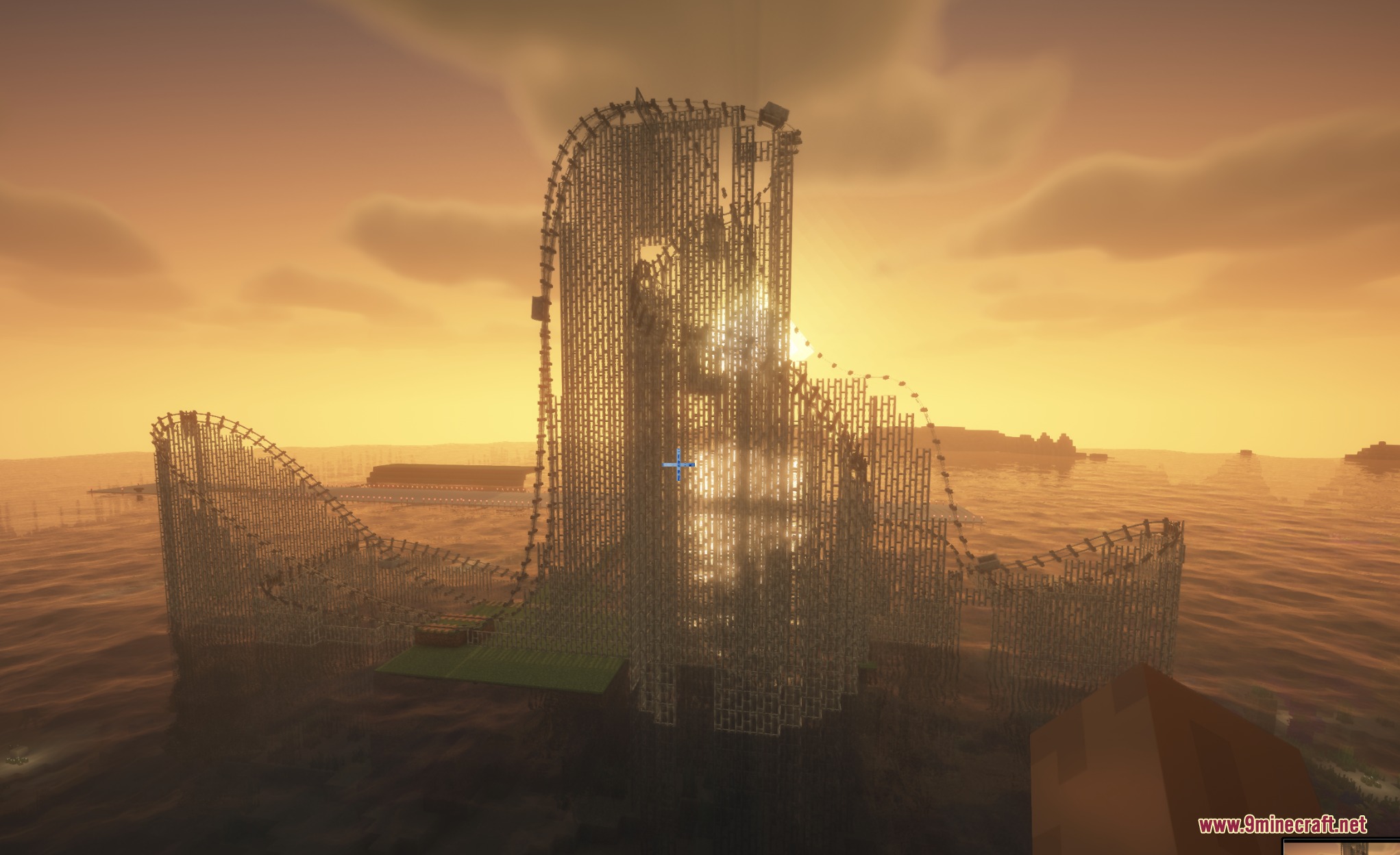
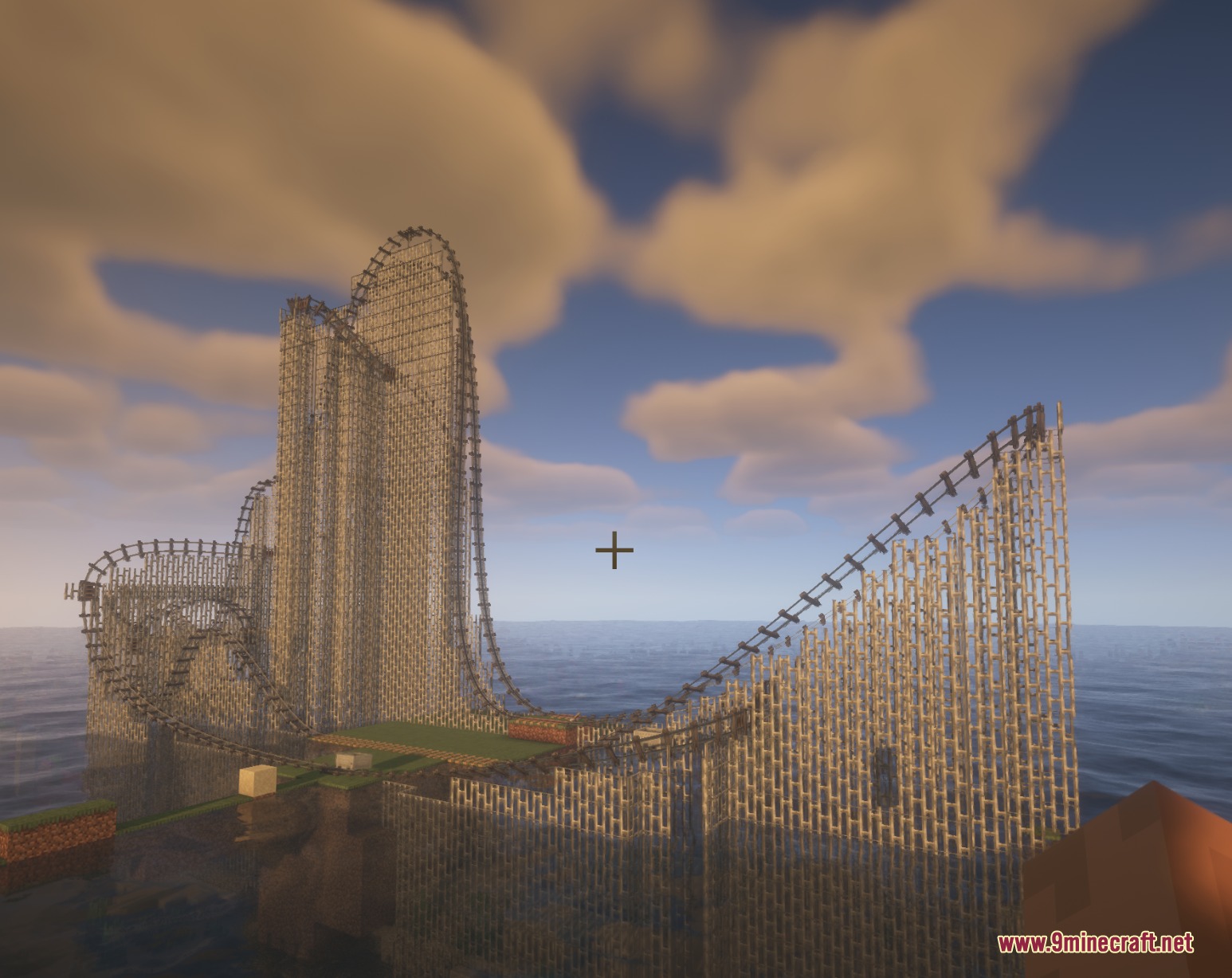
Velvet Rail Flow Mod brings smooth curved rail tracks and custom roller coaster mechanics to Minecraft. The mod lets you lay down flowing minecart tracks between anchor points and places structural support pillars automatically beneath elevated segments. You can craft all parts in survival mode, link curved paths directly to vanilla tracks, and manage ride speeds with redstone signals.
Features:
- Places structural supports made of wooden fences or iron bars automatically under elevated tracks.
- Connects directly to vanilla minecart rails so carts move onto curved sections without stopping.
- Includes complete survival crafting recipes for every tie and track item in the Redstone creative tab.
- Provides in-game options to disable camera tilting to prevent motion sickness during fast rides.
Track Types and Blocks:
- Track Ties: directional anchor blocks that attach to any block face and set rail angles.
- Track: standard connecting rails that carry minecarts along custom curves.
- Chain Drive Track: powered track segments that pull minecarts upward along steep inclines.
- Magnetic Track: speed control rails that boost or brake carts based on redstone power levels.
Commands:
/splinecart build line: builds a straight spline track between selected points./splinecart build path: creates a continuous path of spline tracks./splinecart connect: links two track tie blocks together./splinecart supports <mode>: changes track support mode between none, wood, metal, and auto./splinecartc config rotate_camera: turns camera rotation on or off while riding.
How to Use:
- Craft Track Ties and place the first tie block on any solid surface.
- Right-click the tie block to rotate it so the dark arrows point in your forward travel direction.
- Place a second Track Ties block at your target endpoint.
- Hold a Track item, click the first tie block, and then click the second tie block to connect them.
- Send a vanilla minecart along normal rails into the first tie block to start the ride.
Screenshots:
Velvet Rail Flow Mod Download Links
Quick facts
- Edition: Minecraft Java
- File type: .jar
- Minecraft version listed: 1.21.11
- How to install: Install the matching mod loader (Forge, Fabric or NeoForge) for your Minecraft version. → Download the .jar. → Put it in the .minecraft/mods folder and launch that loader profile.
- Where to get it: In MC Java Mods, or directly above on this page.
Install steps are the general flow for this file type — How to install Minecraft Java mods & modpacks walks through it step by step.
File checked by MCModsHub
- Downloads as 501513.mcaddon
- Download size: 197 KB
- Download link checked 22 Sept 2026 — working
- Mirrored on our own servers — the download does not depend on the original host
These come from our own check of the pack file, not from the source page.