
ModsJava
Vanguard Stat Zenith Mod (1.21.1, 1.20.1) – Max Out Every Cobblemon Stat
Java mod listed for Minecraft 1.20–1.21. Downloads from the MC Java Mods app on Android.
⬇ Download


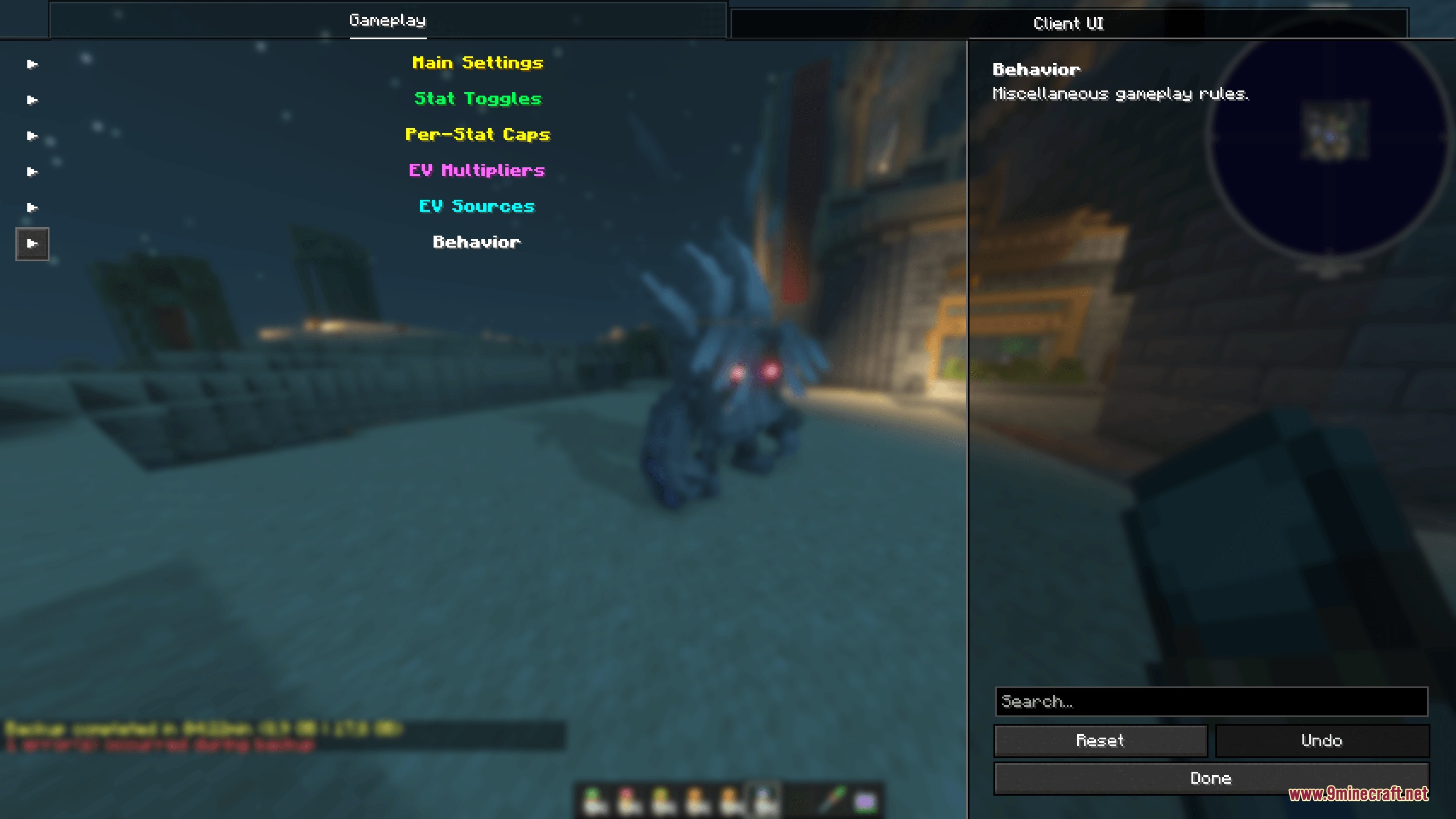
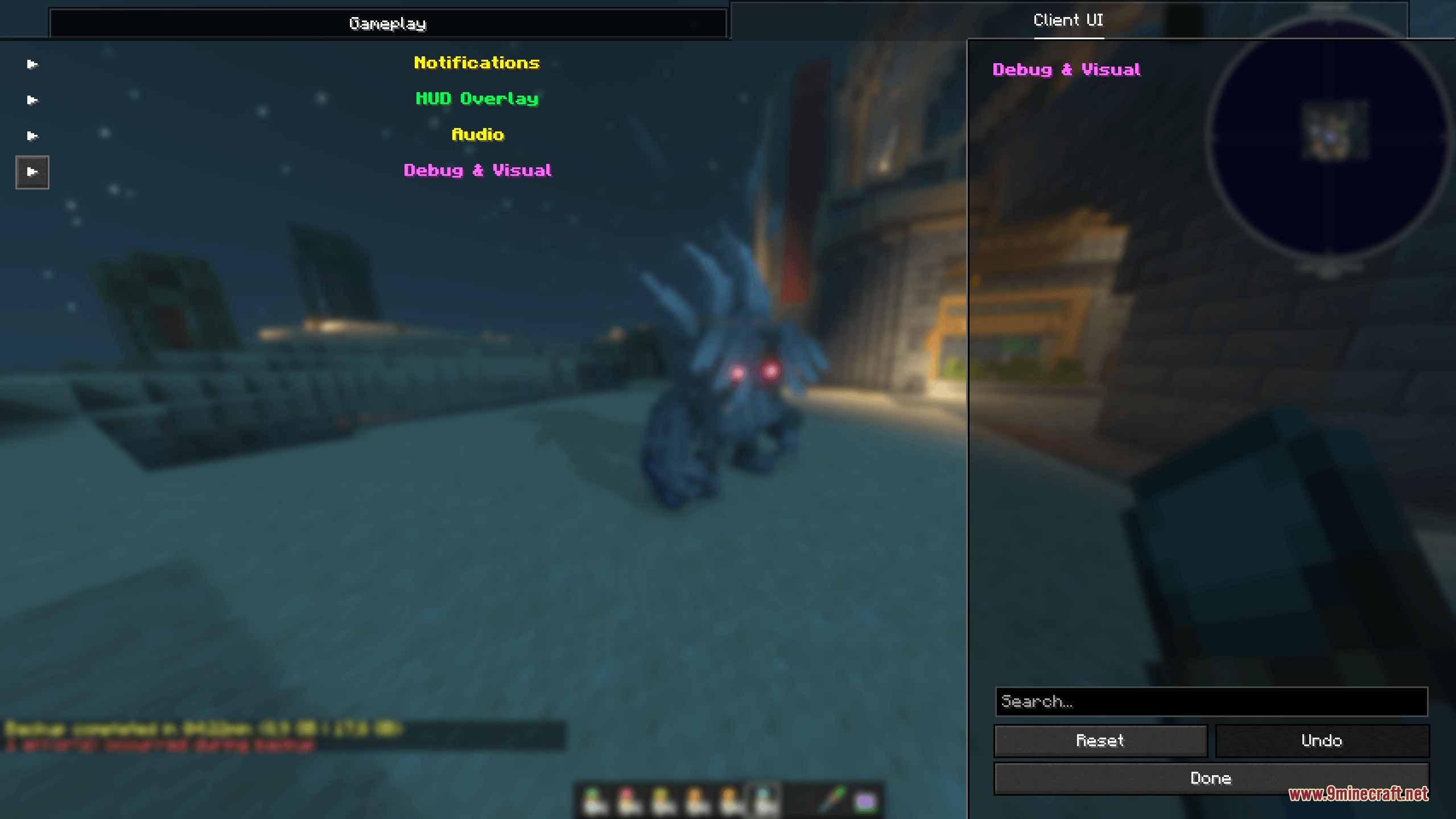
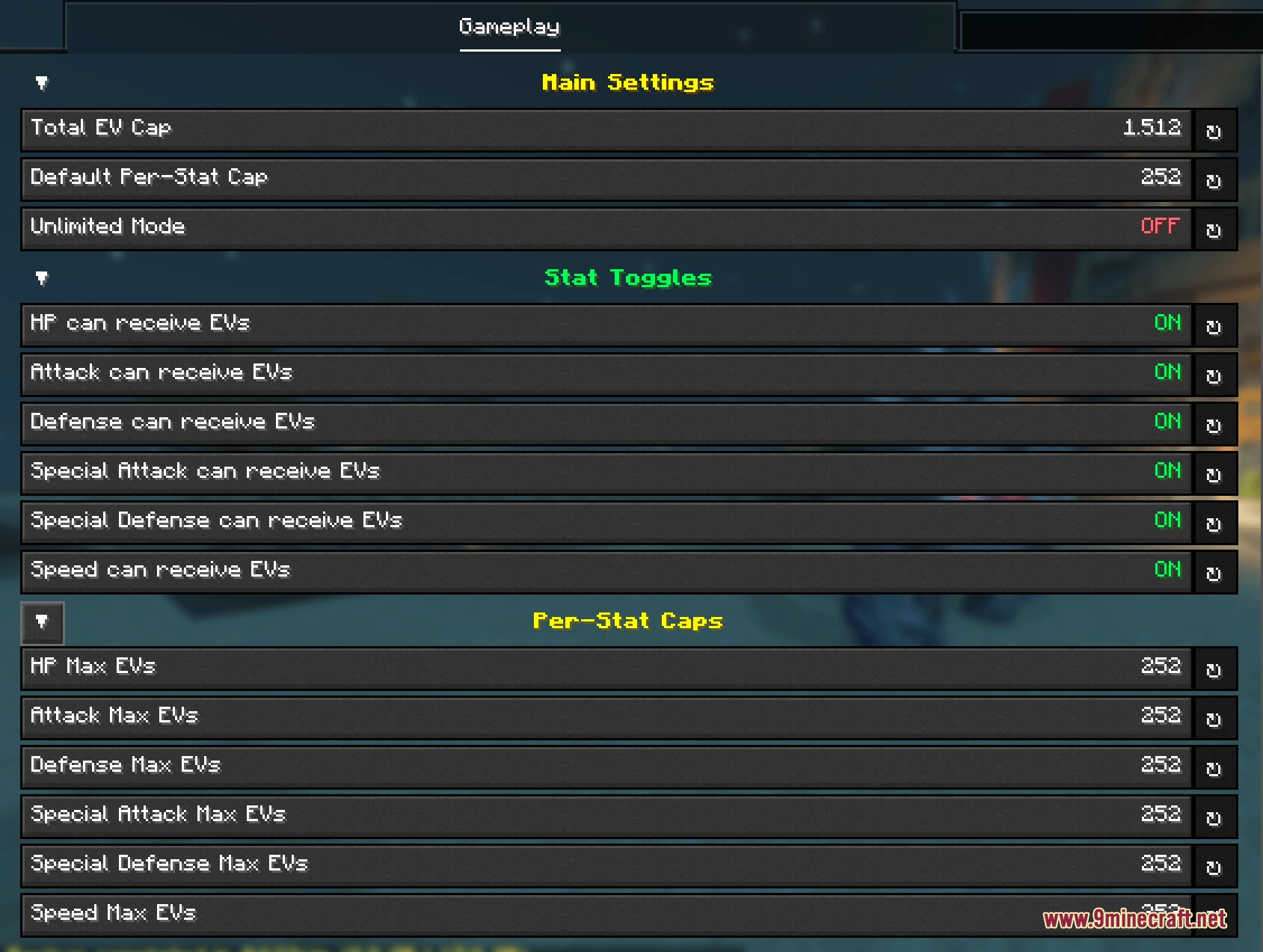
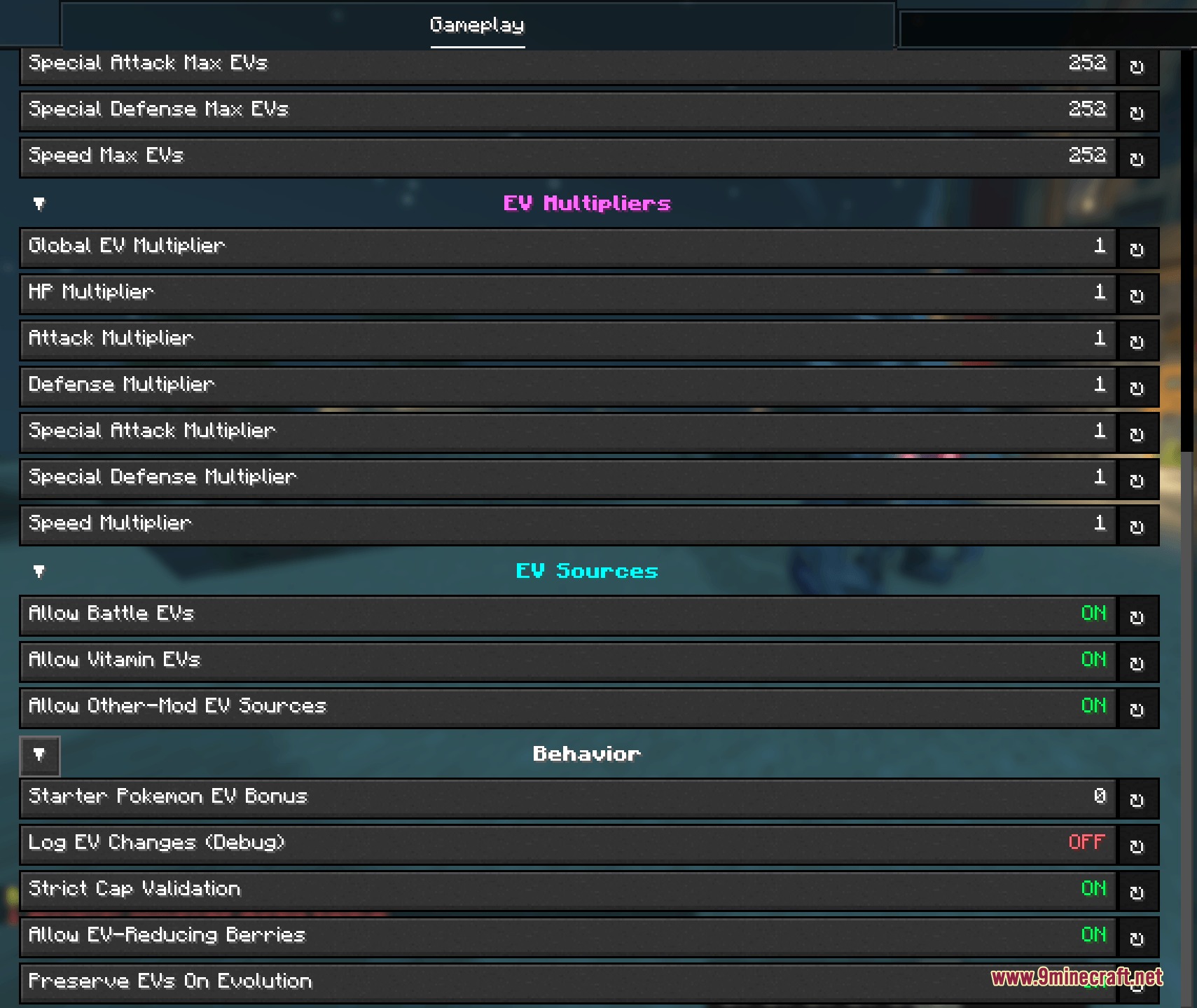
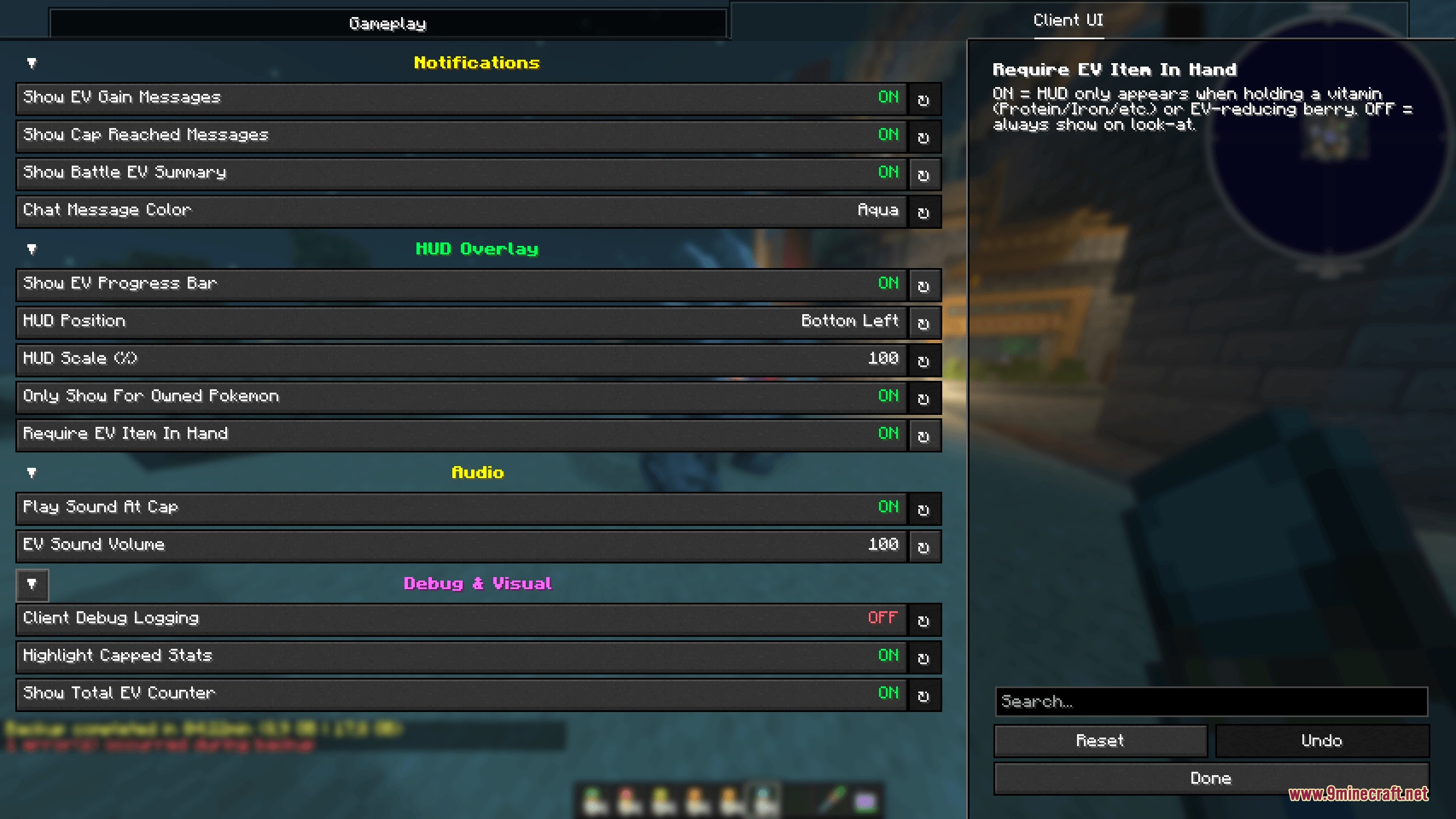
Vanguard Stat Zenith Mod extends Cobblemon with customizable Effort Value caps and training tools. By default, the mod removes the total 510 limit so you can reach the full 252 points in every stat for a total of 1512. It adds real-time HUD overlays, action-bar messages, and detailed settings screens to help you build powerful teams.
Features:
- Uncapped Total Stats: Lets you raise every stat to 252 for a combined total of 1512 Effort Values without breaking per-stat limits.
- Includes an optional Unlimited Mode that lifts all restrictions for freeform training.
- Adds custom stat multipliers from 1x up to 100x to speed up training grinds.
- Displays a live look-at HUD when holding vitamins, feathers, or berries aimed at your team.
- Shows tier-colored progress bars and gold stars for fully maxed stats directly on the HUD.
- Sends instant action-bar notifications and custom sounds whenever stats increase or reach their cap.
- Adds a total stat counter and maxed stat indicators directly into the Cobblemon summary screen.
- Provides source filters to toggle points gained from wild battles, items, or third-party mods.
- Offers in-game settings menus with separate tabs for server rules and client visuals.
- Locks core gameplay mechanics to operators while letting regular players adjust their visual preferences.
- Preserves existing save data safely and works with all standard training items and berries.
How to Use:
- Hold a vitamin, feather, or stat-reducing berry in your main hand.
- Aim your crosshair at your Cobblemon to view the live stats overlay.
- Use training items or battle wild mobs to raise individual stats toward the new 1512 total cap.
- Open the Mods menu and select the settings screen to adjust multipliers, caps, and HUD positions.
Screenshots:
Vanguard Stat Zenith Mod Download Links
Quick facts
- Edition: Minecraft Java
- File type: .jar
- Minecraft versions listed: 1.21.1, 1.20.1
- How to install: Install the matching mod loader (Forge, Fabric or NeoForge) for your Minecraft version. → Download the .jar. → Put it in the .minecraft/mods folder and launch that loader profile.
- Where to get it: In MC Java Mods, or directly above on this page.
Install steps are the general flow for this file type — How to install Minecraft Java mods & modpacks walks through it step by step.
File checked by MCModsHub
- Downloads as 501518.mcaddon
- Download size: 100 KB
- Download link checked 22 Sept 2026 — working
- Mirrored on our own servers — the download does not depend on the original host
These come from our own check of the pack file, not from the source page.