
ModsJava
Vivid Panel Canvas Mod (26.2, 1.20.1) – Track Nearby Mobs with a Sleek Radial
Java mod listed for Minecraft 1.20. Downloads from the MC Java Mods app on Android.
⬇ Download
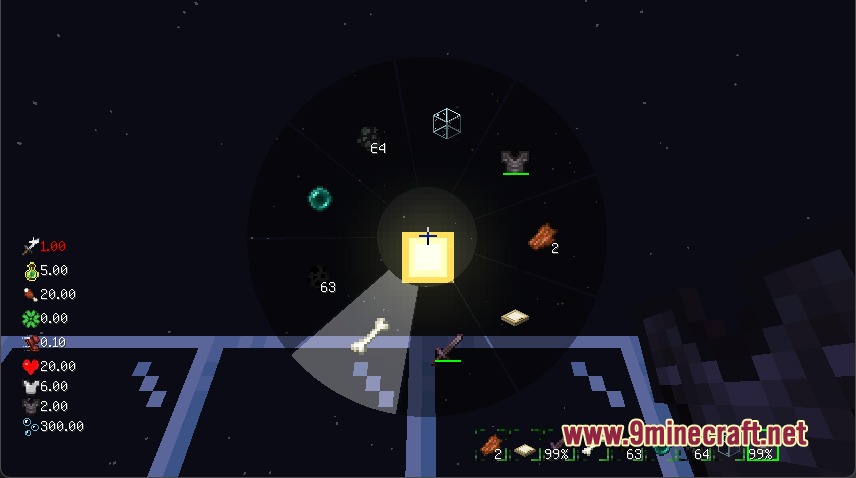
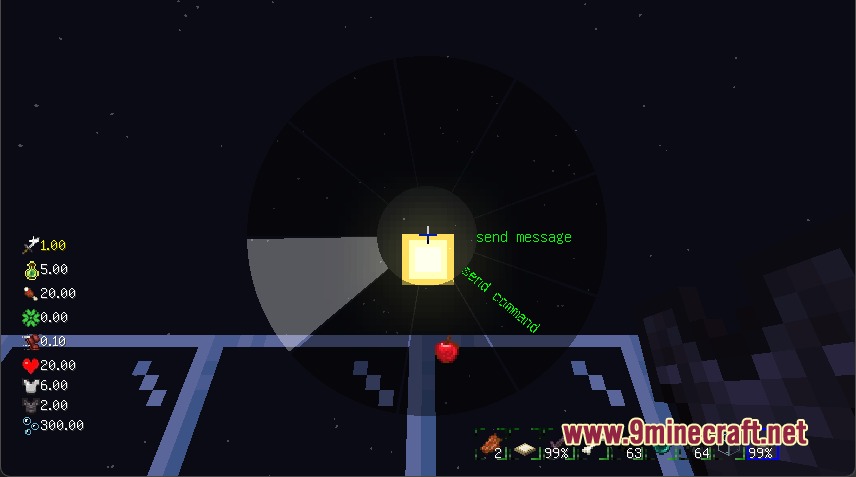
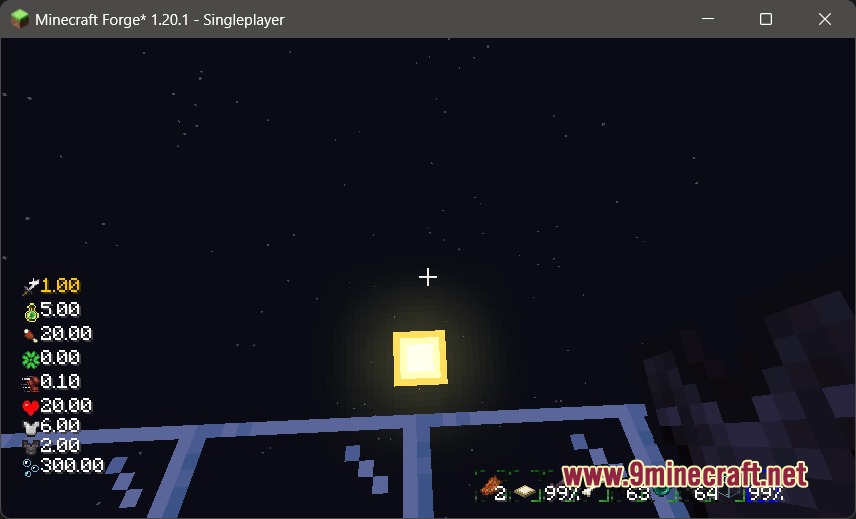
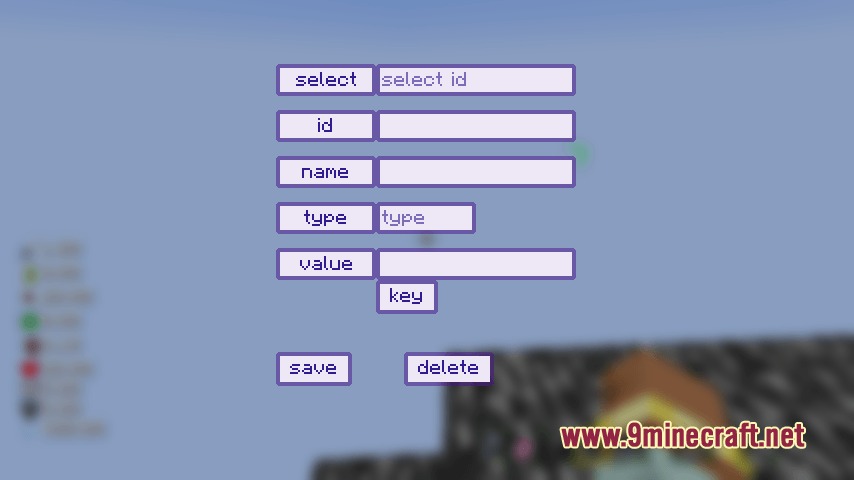
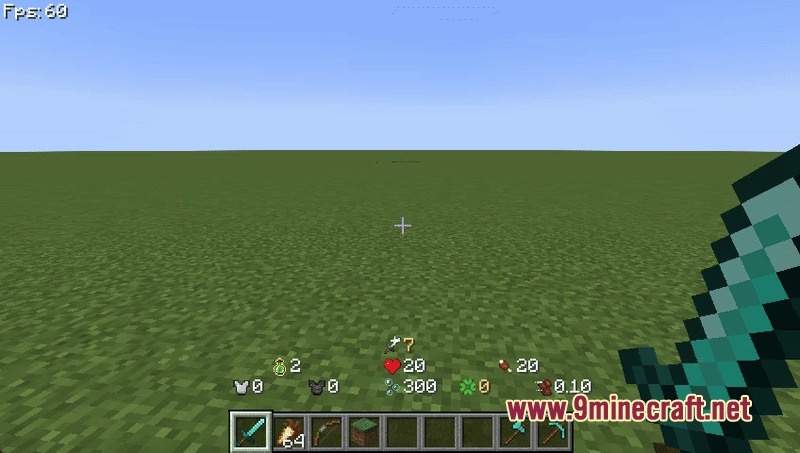
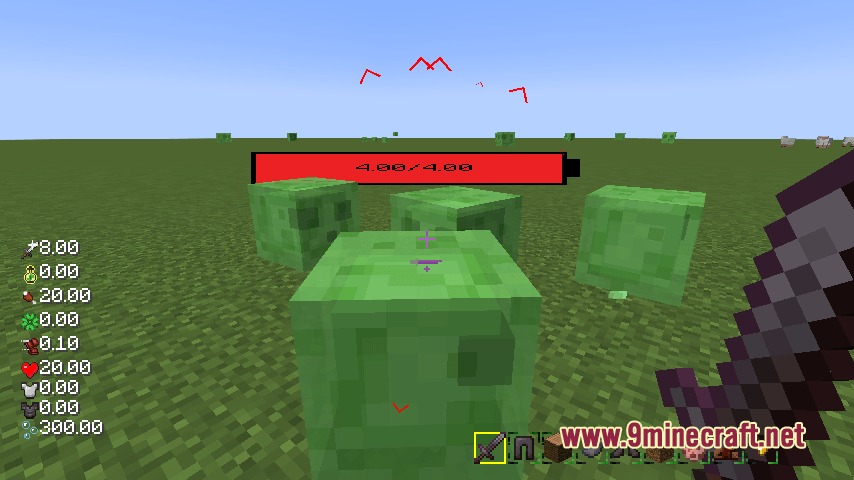
Vivid Panel Canvas Mod redesigns the default Minecraft interface with modern display panels and quick navigation tools. It replaces standard health, hunger, and hotbar graphics with clean visual meters that you can toggle individually. The mod also introduces an on-screen mob radar and a radial selection wheel to speed up daily gameplay actions.
Features:
- Clean Interface Elements: Health bars, food levels, experience gauges, and hotbars receive fresh layouts that fit modern screen setups.
- Mob Position Tracker: Visual indicators show nearby mobs around you with icons that change size based on distance.
- Quick Action Menu: A radial wheel menu lets you jump between screens and trigger actions with minimal button presses.
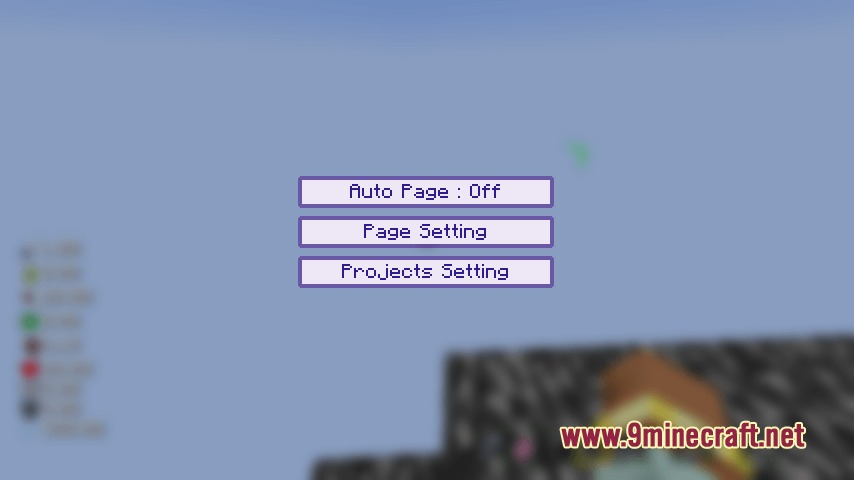
- Each HUD component can be turned on or off separately to match your personal preference.
- Configuration files allow direct adjustments to the layout and placement of all on-screen elements.
- JavaScript script support lets you draw custom interface designs and unique health bar styles on screen.
How to Use:
- Hold down the TAB key on your keyboard to open the quick selection menu.
- Click the left and right mouse buttons to switch between different tool interfaces.
- Hover the mouse cursor over your desired option.
- Release the TAB key to select and trigger the chosen action.
- Edit the mod configuration file in your game folder to turn specific HUD parts on or off.
Screenshots:
Vivid Panel Canvas Mod Download Links
Quick facts
- Edition: Minecraft Java
- File type: .jar
- Minecraft version listed: 1.20.1
- How to install: Install the matching mod loader (Forge, Fabric or NeoForge) for your Minecraft version. → Download the .jar. → Put it in the .minecraft/mods folder and launch that loader profile.
- Where to get it: In MC Java Mods, or directly above on this page.
Install steps are the general flow for this file type — How to install Minecraft Java mods & modpacks walks through it step by step.
File checked by MCModsHub
- Downloads as 501520.mcaddon
- Download size: 371 KB
- Download link checked 24 Sept 2026 — working
- Mirrored on our own servers — the download does not depend on the original host
These come from our own check of the pack file, not from the source page.