ModsJava
Anthracite Arsenal Mod (26.2, 1.20.1) – Smelt Ores and Cook Food Instantly
Java mod listed for Minecraft 1.20. Downloads from the MC Java Mods app on Android.
⬇ Download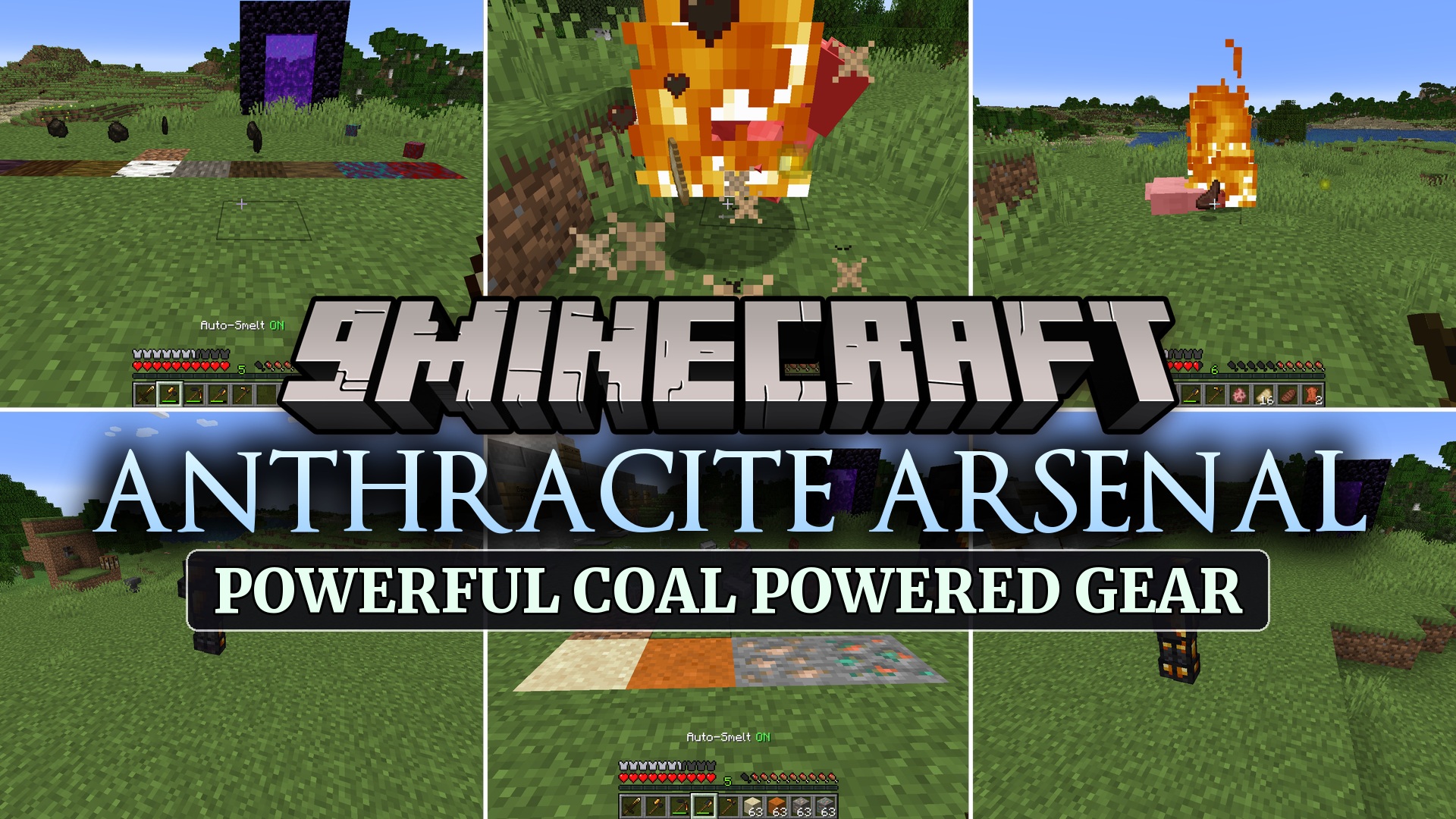
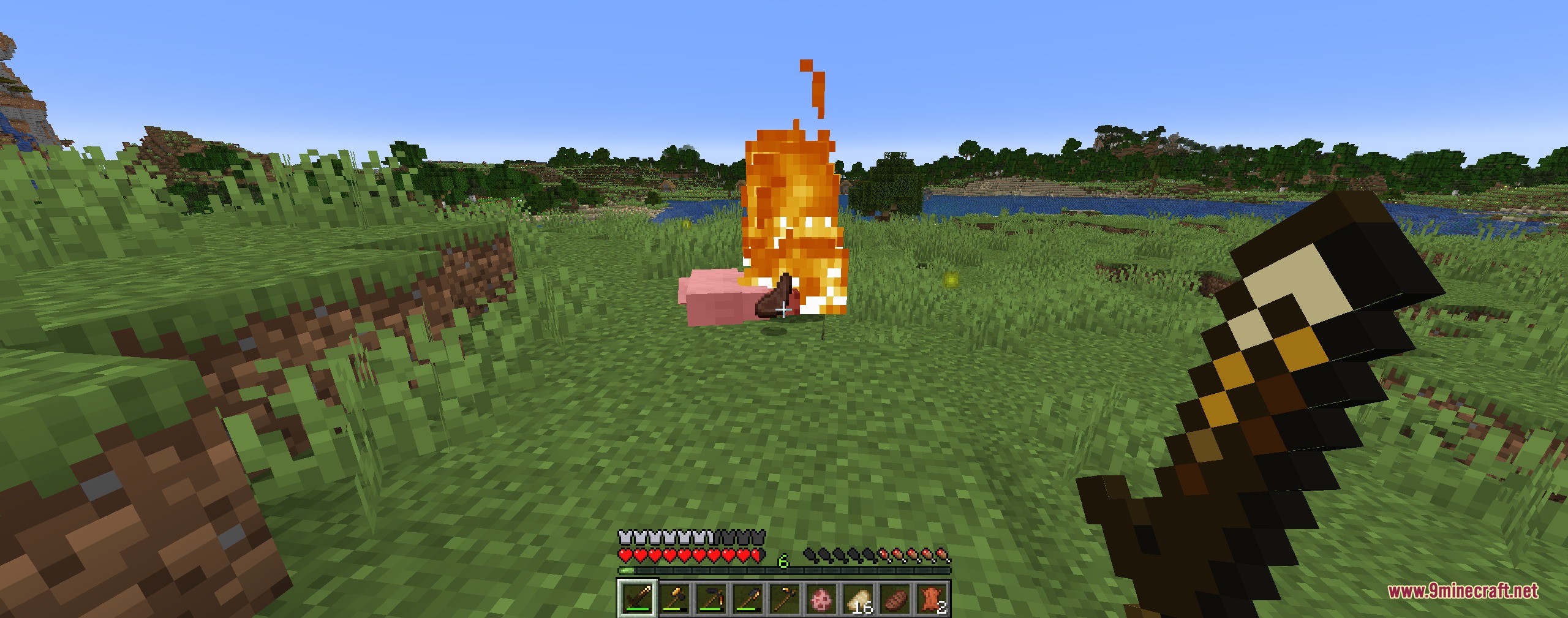
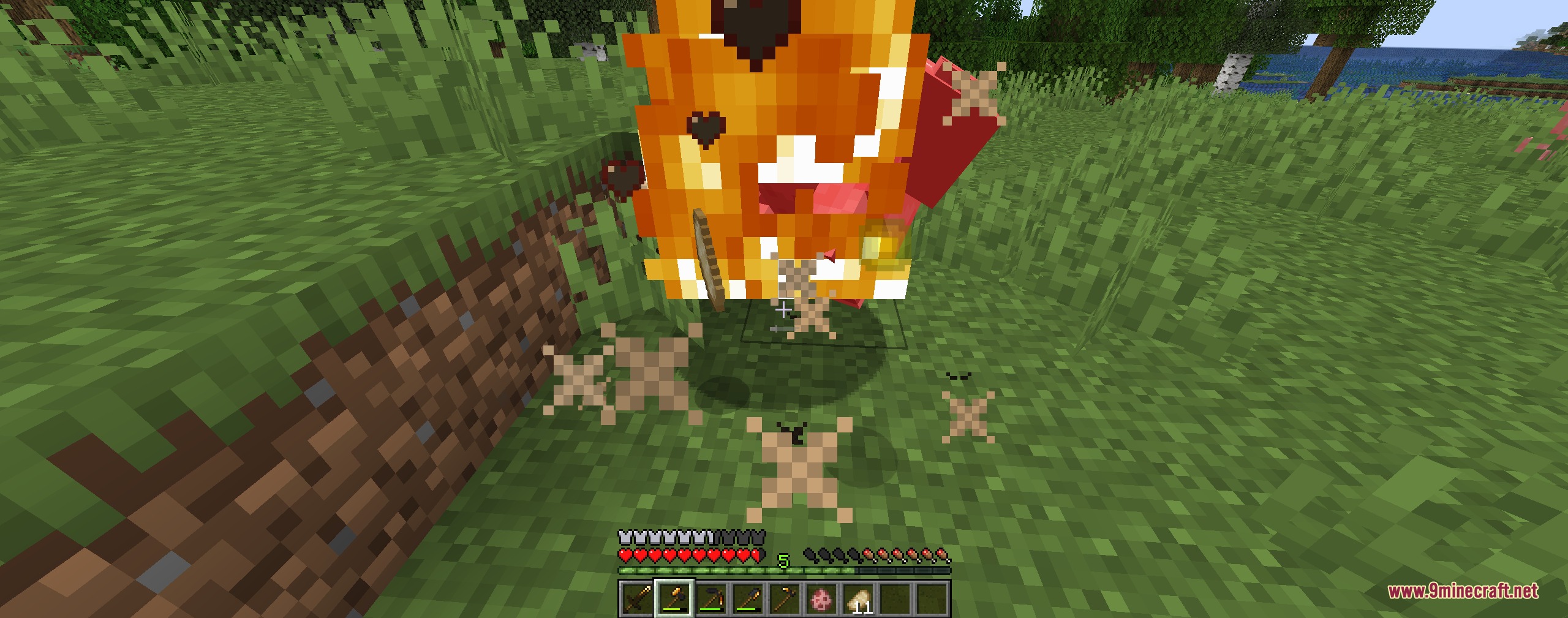
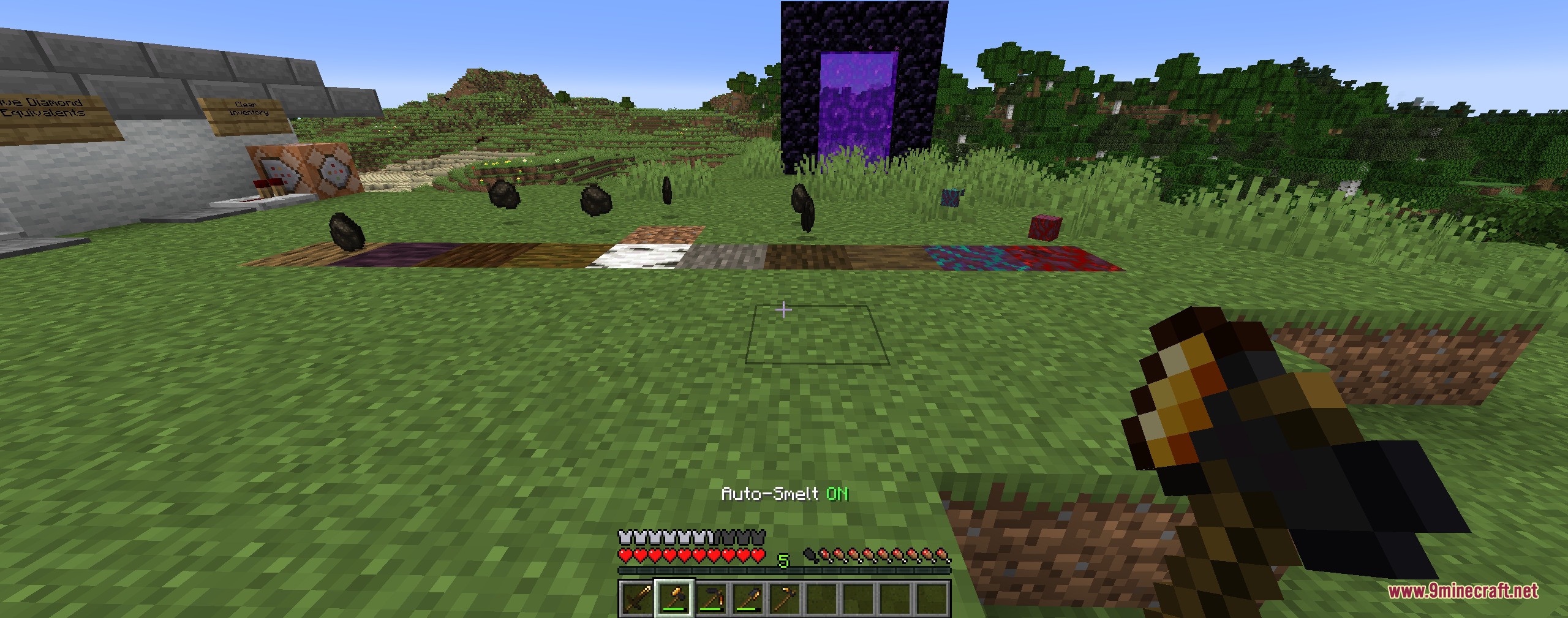
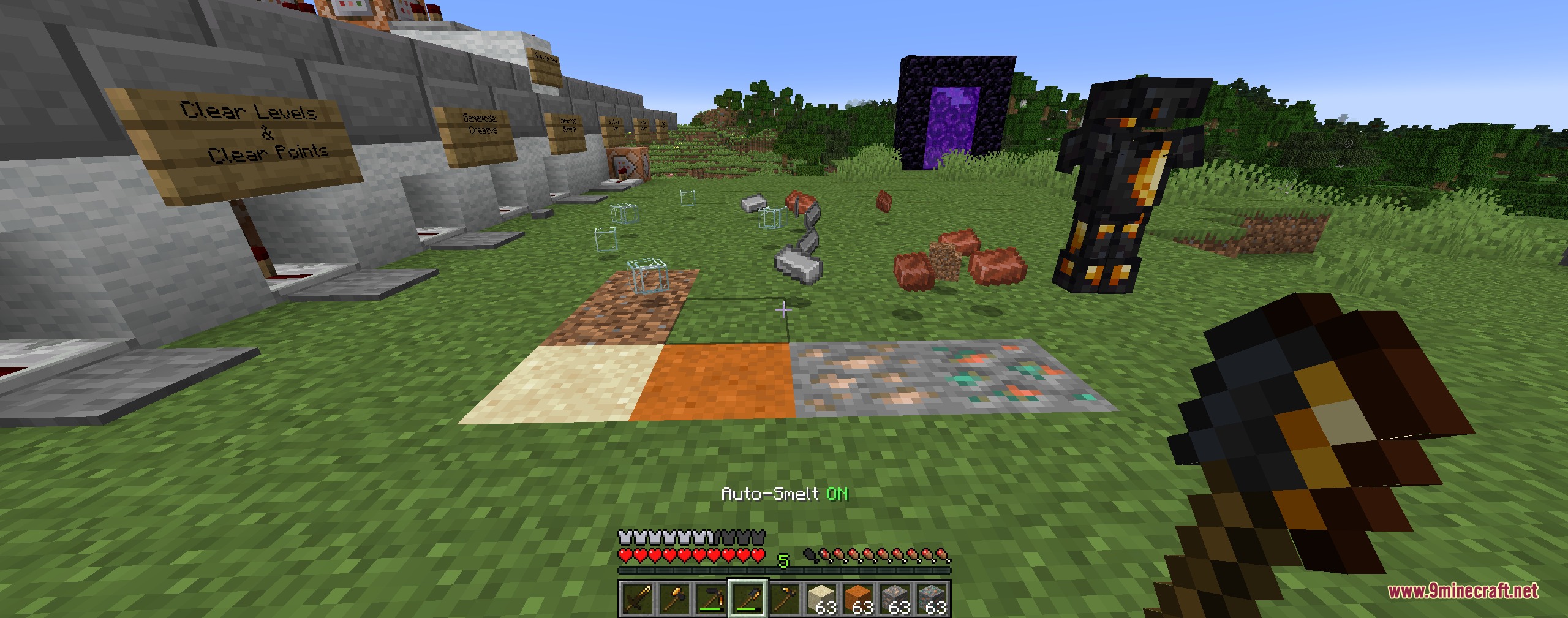
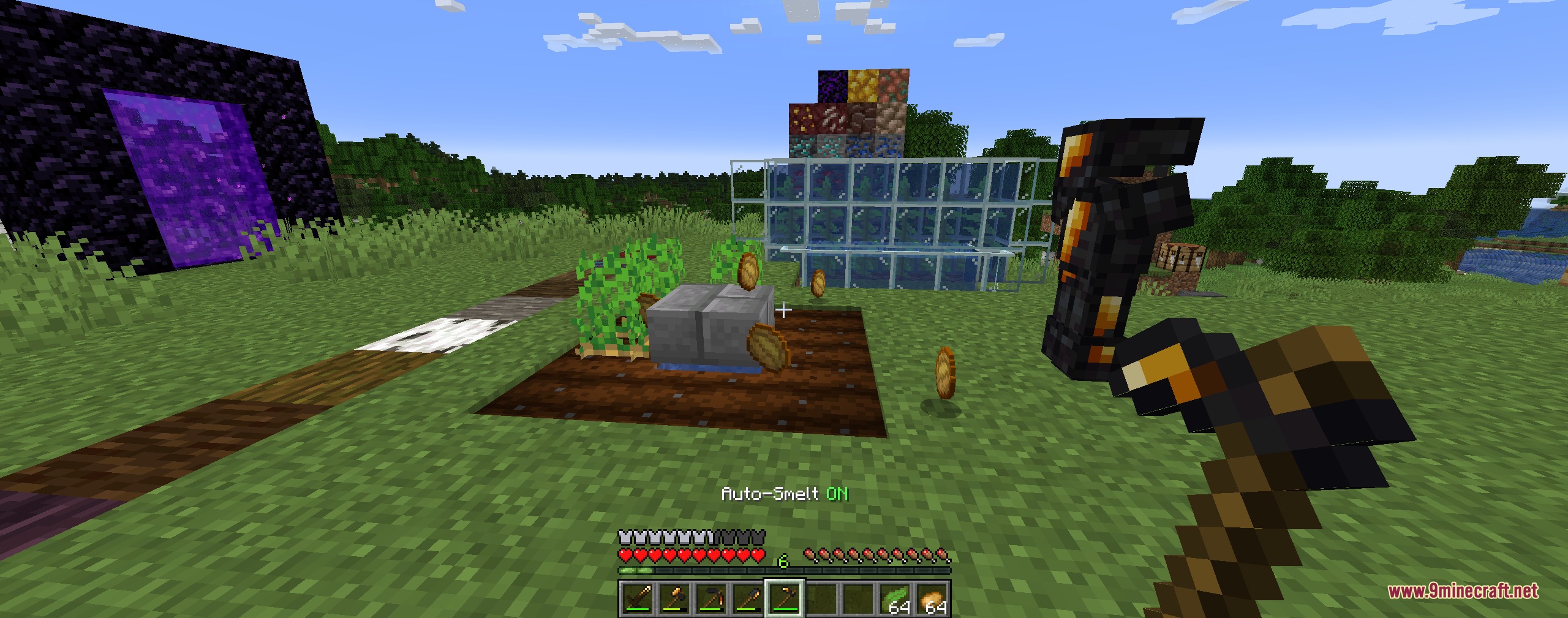
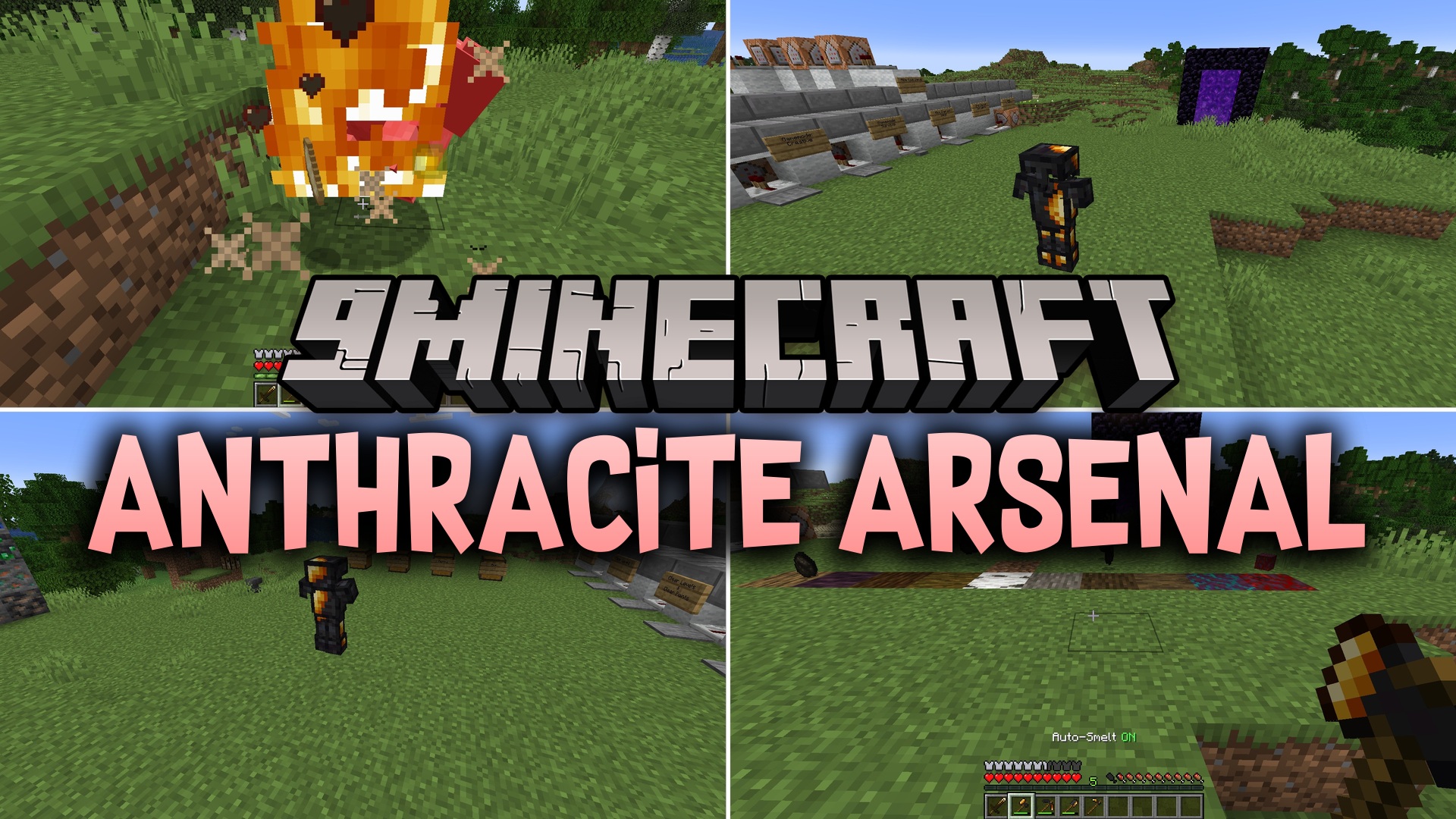
Anthracite Arsenal Mod brings craftable coal gear and useful heat mechanics to standard survival gameplay. You can create full equipment sets out of coal and charcoal to obtain special smelting and fire protection benefits. These items fit right into normal worlds, giving you quick ways to process blocks and cook food during daily mining trips.
Features:
- Equips players with complete armor sets and tools made from regular coal and charcoal.
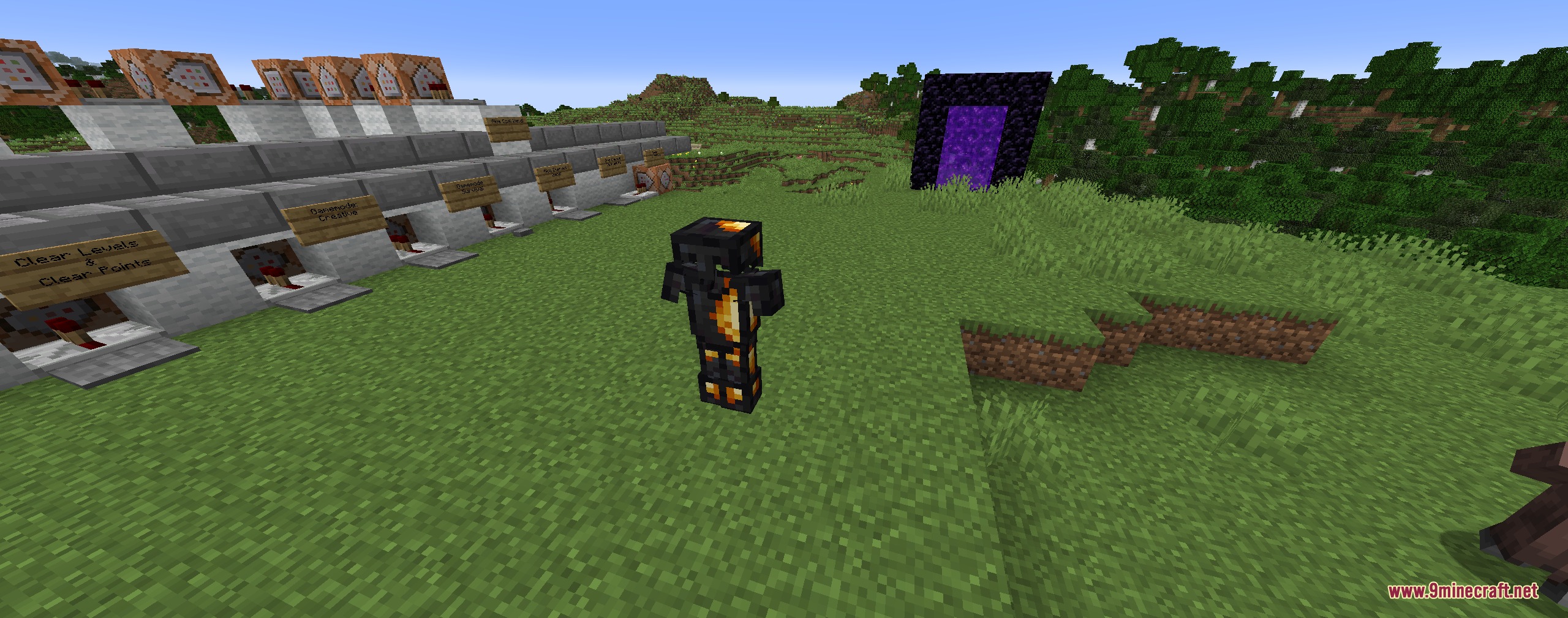
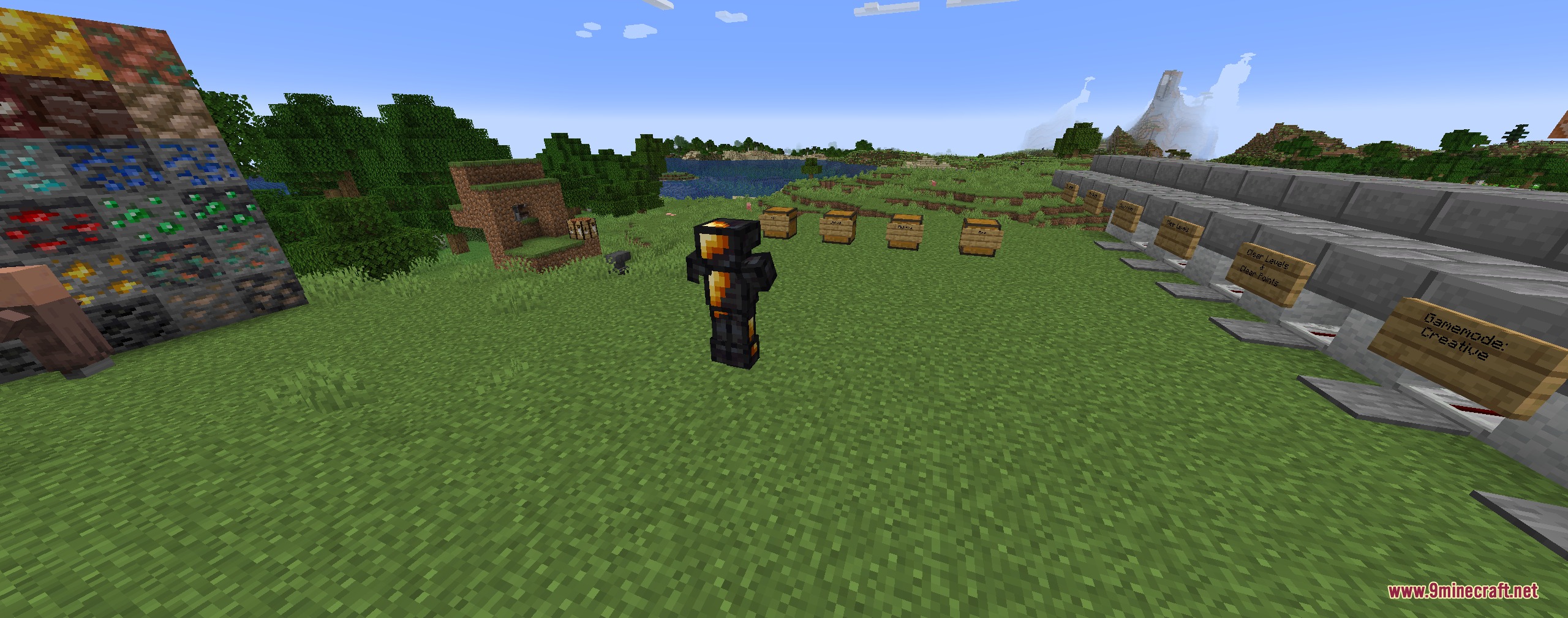
- Coal armor provides the protection values of iron armor with 400 points of durability.
- Wearing a full armor set grants total immunity to fire and lava at the cost of rapid durability loss.
- Coal armor cannot be repaired in anvils or combined with the Mending enchantment.
- Coal weapons set targets on fire on hit and drop cooked food from animals.
- Mining tools come with toggleable auto-smelt modes that turn raw blocks into finished goods.
Tool Abilities:
- Coal Sword ignites targets on hit and cooks all dropped animal meats.
- Coal Axe cooks meat drops and can turn chopped logs directly into charcoal.
- Coal Pickaxe smelts mined metal ores into refined ingots on the spot.
- Coal Shovel turns regular sand and red sand directly into glass blocks.
- Coal Hoe harvests crops and kelp in their cooked or dried forms.
How to Use:
- Combine coal and charcoal at a crafting table to build your desired armor or tools.
- Equip all four coal armor pieces to gain instant lava and fire protection when you fall into hazards.
- Press Shift (Crouch) while holding a coal tool to toggle its built-in auto-smelt ability on or off.
- Mine ores, dig sand, or chop trees while auto-smelt is active to collect processed items instantly.
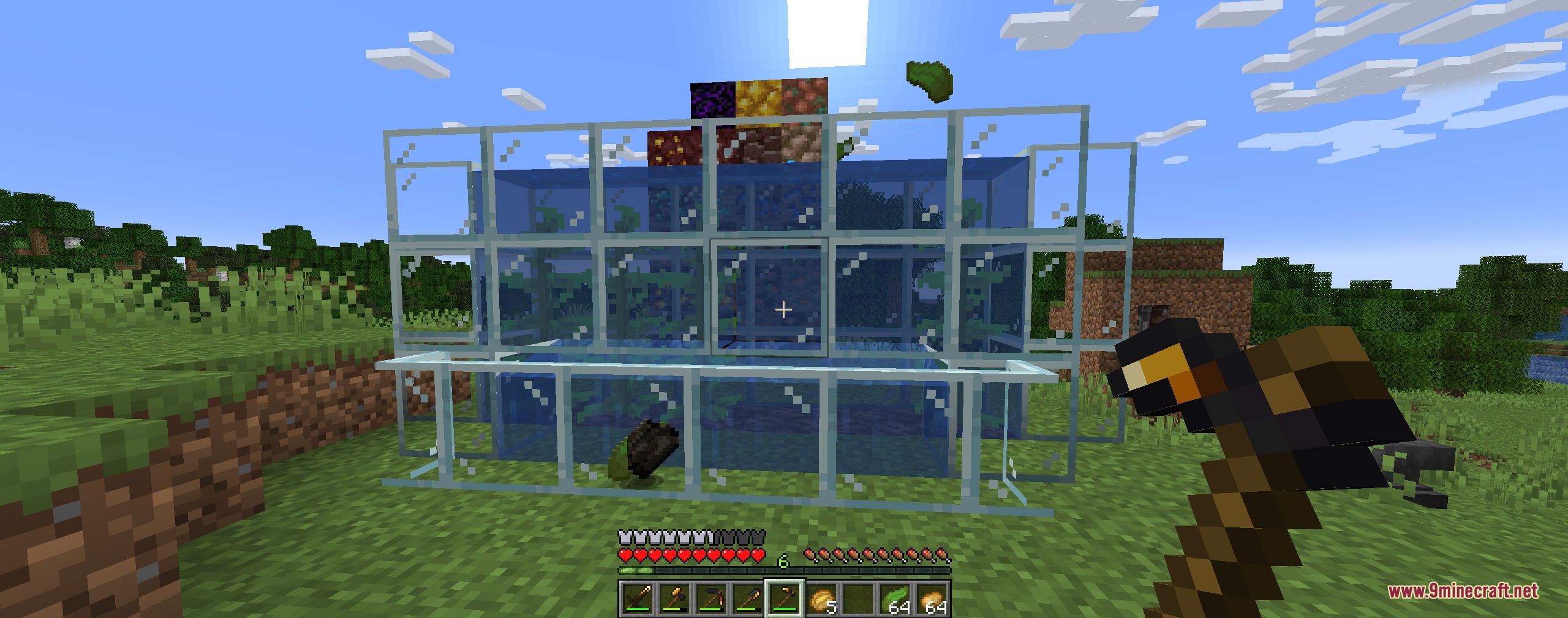
Screenshots:
Anthracite Arsenal Mod Download Links
Quick facts
- Edition: Minecraft Java
- File type: .jar
- Minecraft version listed: 1.20.1
- How to install: Install the matching mod loader (Forge, Fabric or NeoForge) for your Minecraft version. → Download the .jar. → Put it in the .minecraft/mods folder and launch that loader profile.
- Where to get it: In MC Java Mods, or directly above on this page.
Install steps are the general flow for this file type — How to install Minecraft Java mods & modpacks walks through it step by step.
File checked by MCModsHub
- Downloads as 501532.mcaddon
- Download size: 48 KB
- Download link checked 26 Sept 2026 — working
- Mirrored on our own servers — the download does not depend on the original host
These come from our own check of the pack file, not from the source page.