No Effect Indicator
Bedrock add-on listed for Minecraft 1.21–26.x (behavior pack only). Needs Beta APIs. File opened and checked on 29 Aug 2026; installs from the MC Bedrock Mods app on Android.
Hides the potion-effect HUD icon and effect particles within a configurable area — great for build showcases and clean screenshots.
⬇ Download on CurseForge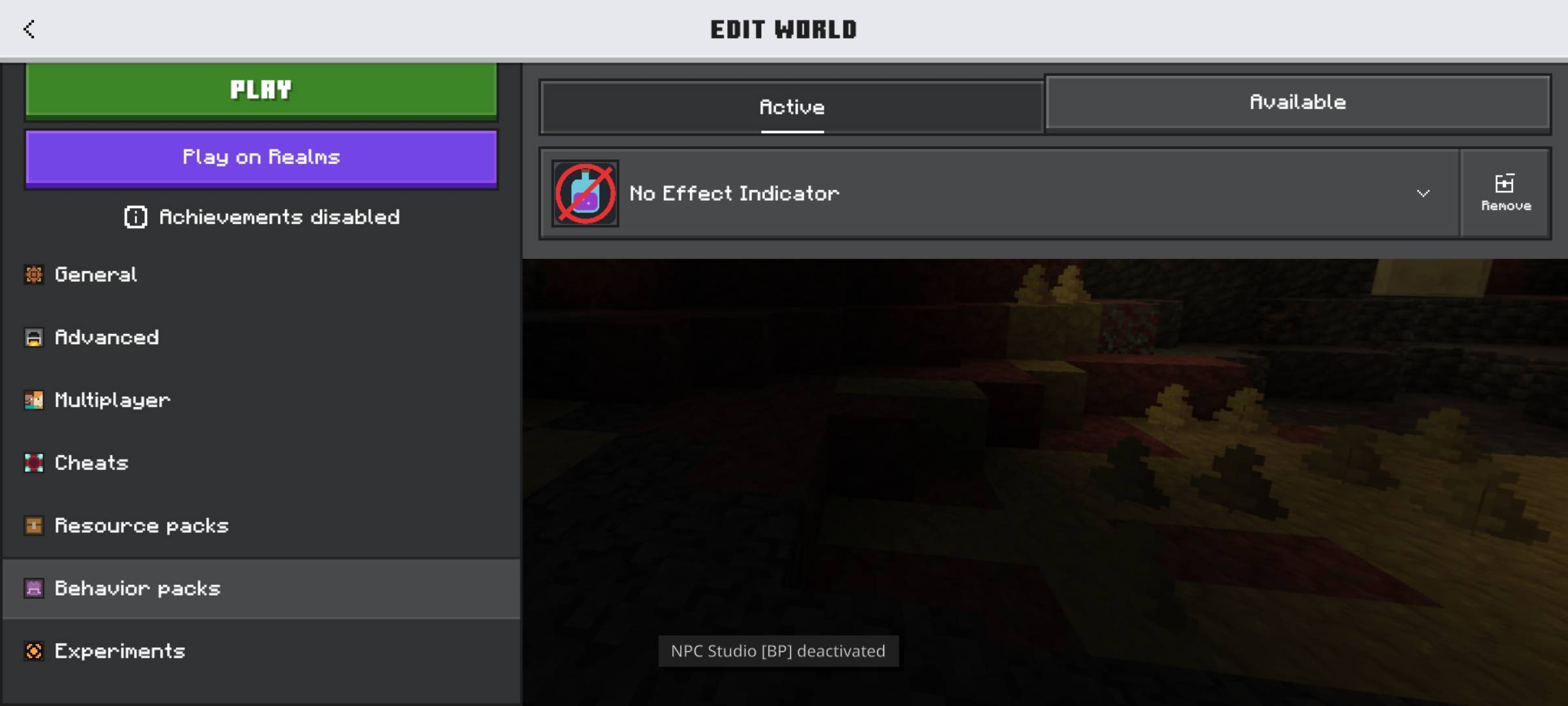
No Effect Indicator
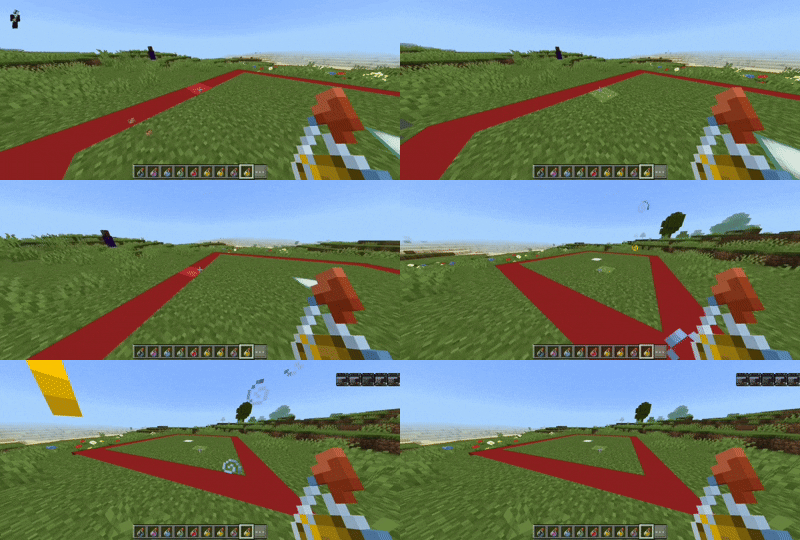
Hides the status-effect icons (top-right HUD) and the swirling effect
particles — either everywhere, or only inside a square zone around a
block you choose. Great for spawn builds, lobbies, and clean
screenshots/videos where potion or beacon effects would otherwise
clutter the shot.
⚠ REQUIREMENTS
Enable the "Beta APIs" experiment before creating/editing your world:
Create/Edit World → Experiments → turn on "Beta APIs"
The addon will not load without this.
HOW TO SET IT UP
1. Import the pack, then enable it under Behavior Packs in your
world settings (with Beta APIs on, as above).
2. Decide how you want it to work:
Option A — Hide everywhere (simplest)
Type in chat:
/ned:all
That's it — icons and particles are hidden for every player,
everywhere.
Option B — Hide only in a specific area
a) Stand on the block you want as the center of the zone, then type:
/ned:center
(or set exact coordinates instead: /ned:center 100 64 -200)
b) Then set how far the hidden zone should reach:
/ned:radius 50
This hides effects within 50 blocks of the center in every
direction (a 100x100 area), at any height. Outside that zone,
effects show normally again.
3. To turn it off any time:
/ned:off
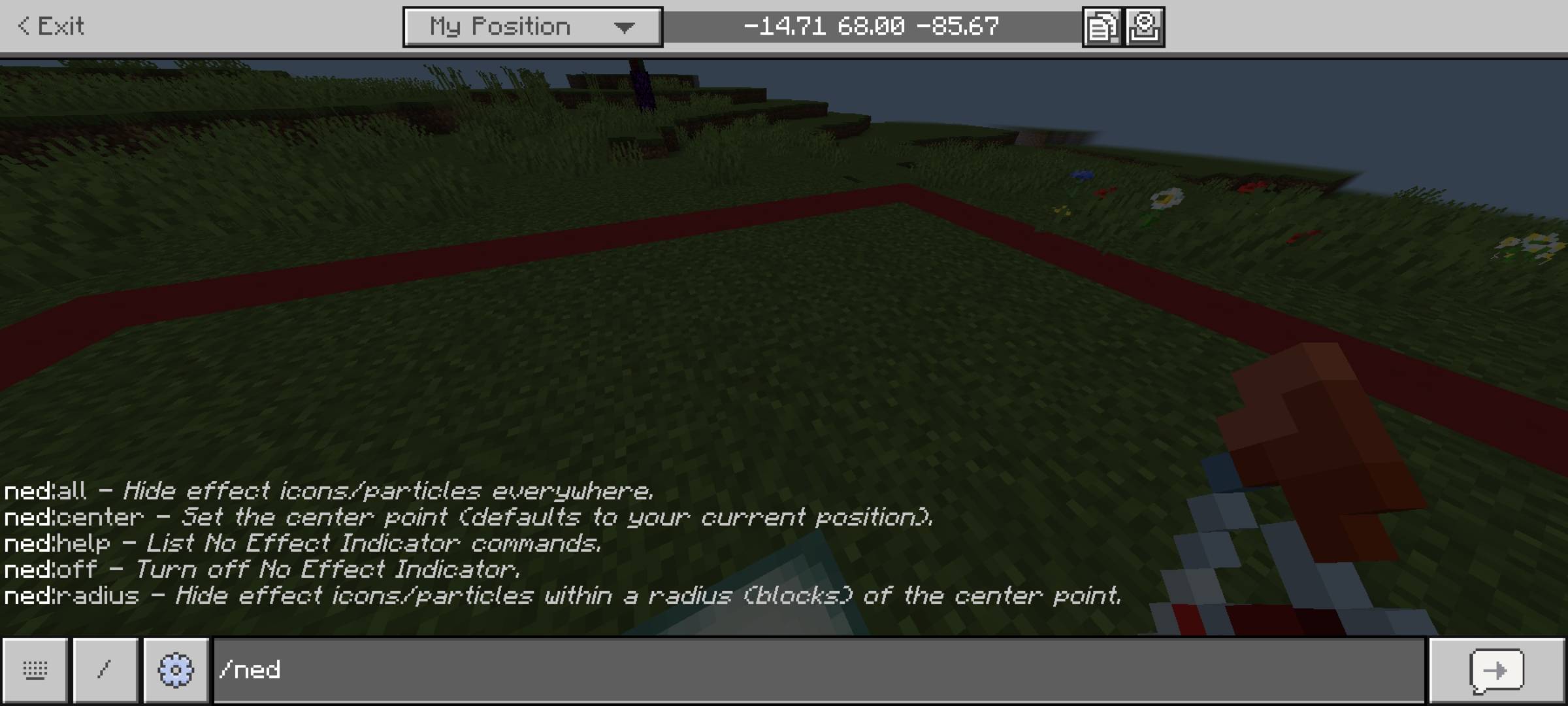
COMMANDS
/ned:center [x y z] — set the zone's center (your position if left blank)
/ned:radius <blocks> — hide within <blocks> of the center (square area)
/ned:all — hide everywhere
/ned:off — turn the addon off
/ned:help — list all commands in chat
Made by NoxeelMC — YouTube: @noxeelmc
License: All rights reserved. Redistribution (re-uploading or
re-hosting this pack anywhere else) is not permitted — see
LICENSE.txt in the download.
- Edition: Minecraft Bedrock
- File type: .mcpack or .mcaddon
- Minecraft versions listed: 26.12, 26.20, 26.13
- How to install: Download the .mcpack or .mcaddon file. → Open it — Minecraft imports it. → In your world: Behavior Packs → Available → Activate, then the same under Resource Packs.
- Where to get it: Opens on CurseForge — not every file is mirrored on our own servers.
Install steps are the general flow for this file type — How to install Minecraft Bedrock addons & mods walks through it step by step.
- Pack type: .mcpack — a single pack
- Manifest requires Minecraft 1.21.80 or newer
- Needs Beta APIs switched on in the world settings
- Complete pack — everything it depends on is inside the file
- Download size: 7 KB
- Download link checked 9 Oct 2026 — working
These come from our own check of the pack file, not from the source page.