
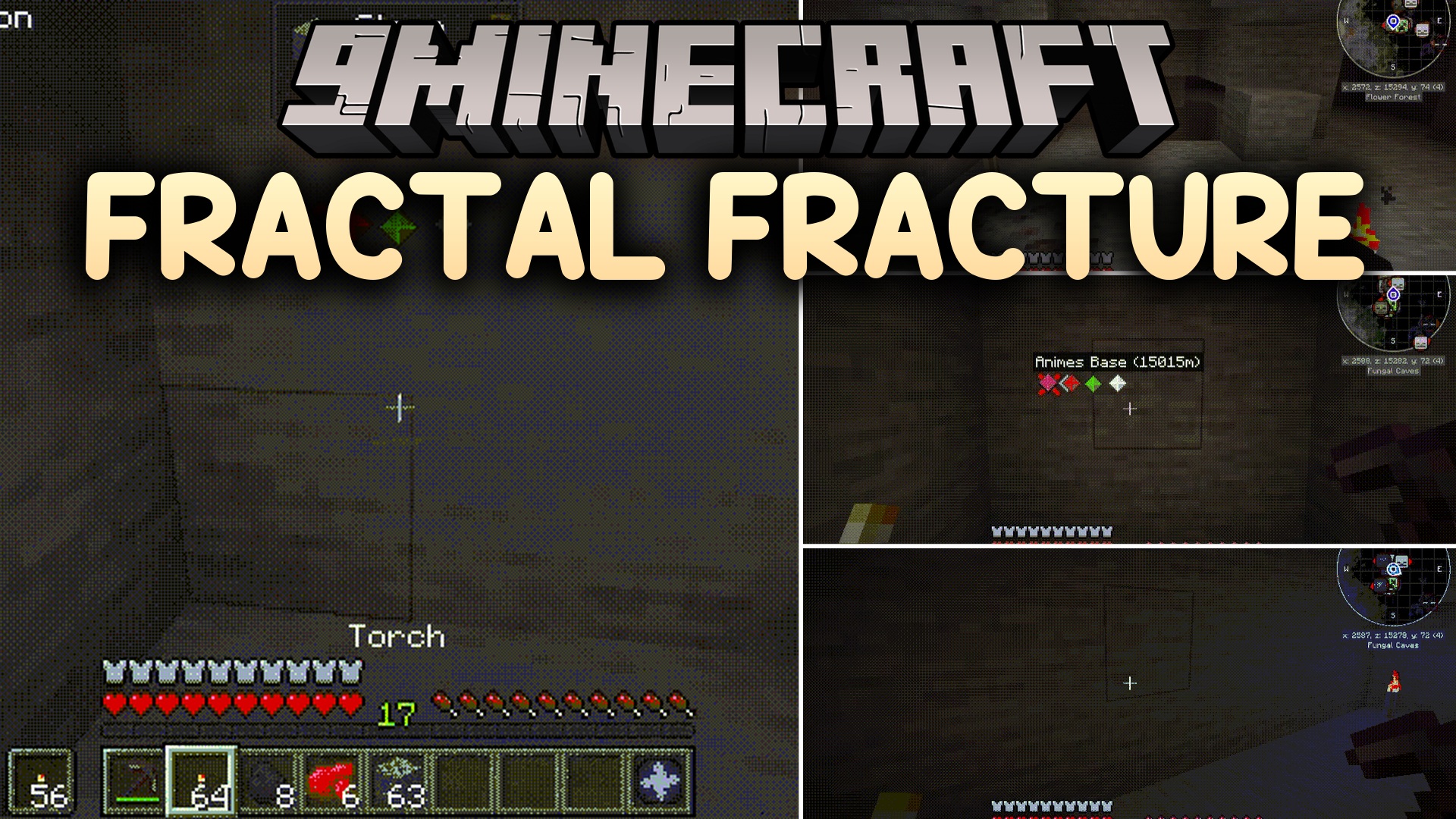
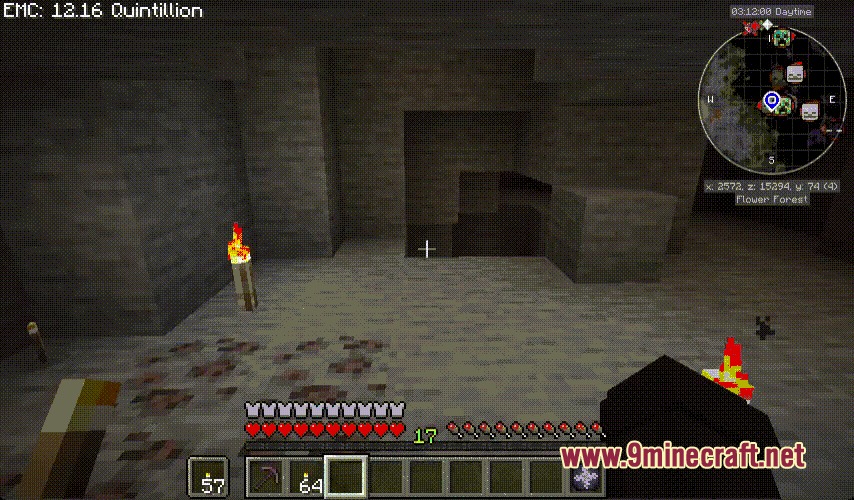
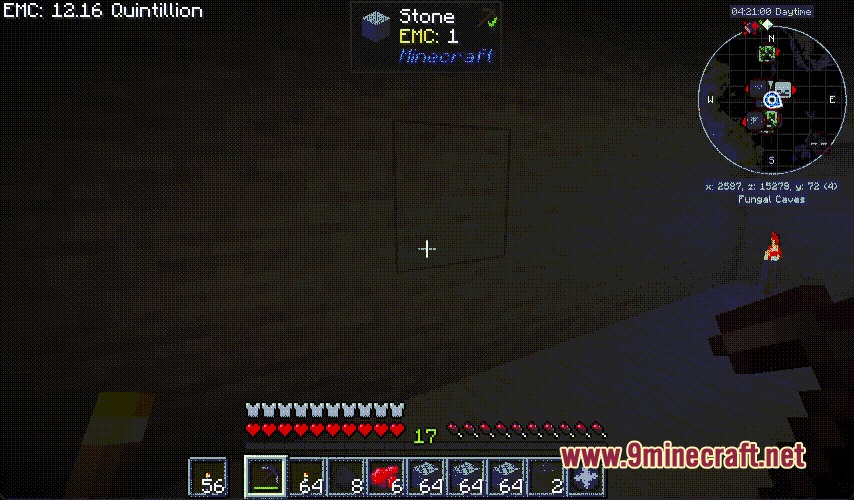
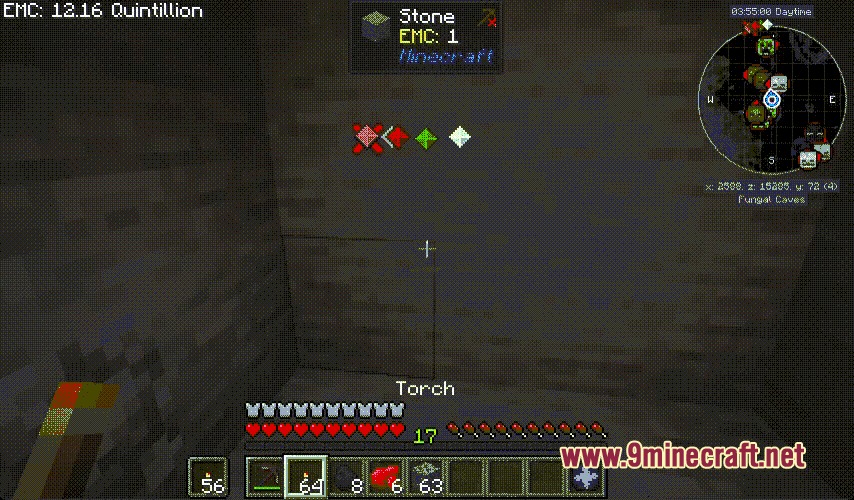
Fractal Fracture Mod speeds up gathering by letting you break multiple connected blocks at once. It helps you clear entire ore veins, chop down full trees, and dig long tunnels in a single action. You can see block previews before breaking them, send gathered items straight to your inventory, and switch mining shapes on the fly.
Features:
- Multiple Mining Patterns: Choose from vein, column, strip, small tunnel, large tunnel, and square shapes.
- Direct Item Delivery: Broken blocks drop directly into your inventory along with gathered experience.
- Live Block Previews: Shows an outline around all targeted blocks before you swing your tool.
- Chops whole trees down while keeping different wood types separate.
- Protects against accidental tool breakage by calculating durability before finishing the full break.
- Supports claim systems on multiplayer servers by checking block permissions individually.
- Lets server owners adjust block limits and break speeds in configuration files.
Mining Patterns:
- Vein: Clears connected blocks of the exact same type, perfect for ores and tree trunks.
- Column: Digs a straight vertical line upward or downward for shafts and pillars.
- Strip: Carves a straight horizontal line to build quick walkways or branch mines.
- Small Tunnel: Clears a compact passageway for quick underground exploration.
- Large Tunnel: Digs a wide 3×3 pathway to prepare roads and huge underground builds.
- Square: Clears flat square sections across walls, floors, or ceilings.
How to Use:
- Hold your configured mining key while looking at a target block.
- Press Alt and use your mouse scroll wheel to switch between mining shapes.
- Check the visual block outline on your screen to confirm the mining area.
- Break the primary block with the correct tool to gather everything at once.
Screenshots:
Fractal Fracture Mod Download Links
Quick facts
- Edition: Minecraft Java
- File type: .jar
- Minecraft versions listed: 1.21.1, 1.20.1
- How to install: Install the matching mod loader (Forge, Fabric or NeoForge) for your Minecraft version. → Download the .jar. → Put it in the .minecraft/mods folder and launch that loader profile.
- Where to get it: In MC Java Mods, or directly above on this page.
Install steps are the general flow for this file type — How to install Minecraft Java mods & modpacks walks through it step by step.
Verified by MCModsHub
- Downloads as 502020.mcaddon
- Download size: 315 KB
- Download link checked 24 Sept 2026 — working
- Mirrored on our own servers — the download does not depend on the original host
These come from our own check of the pack file, not from the source page.